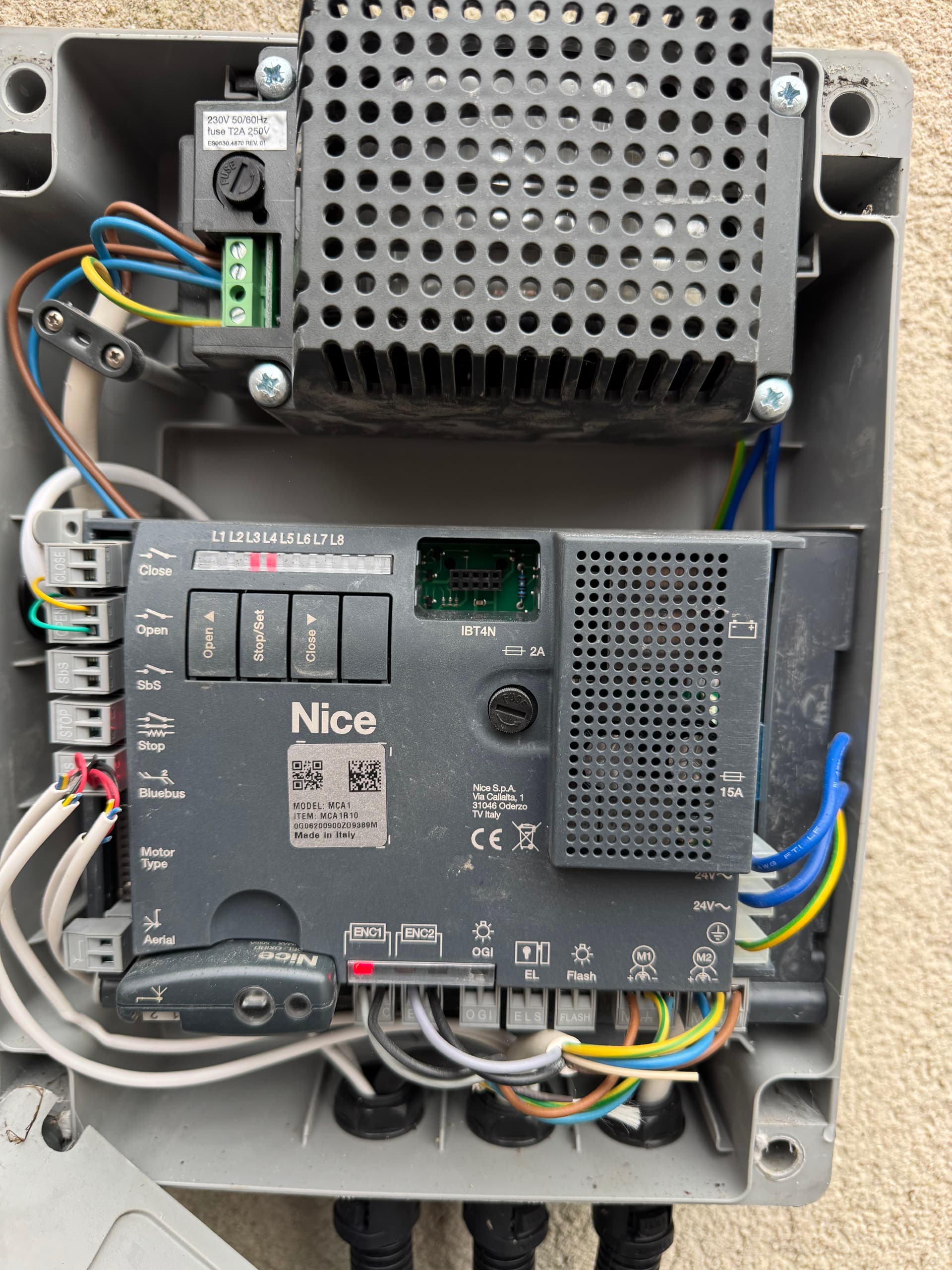
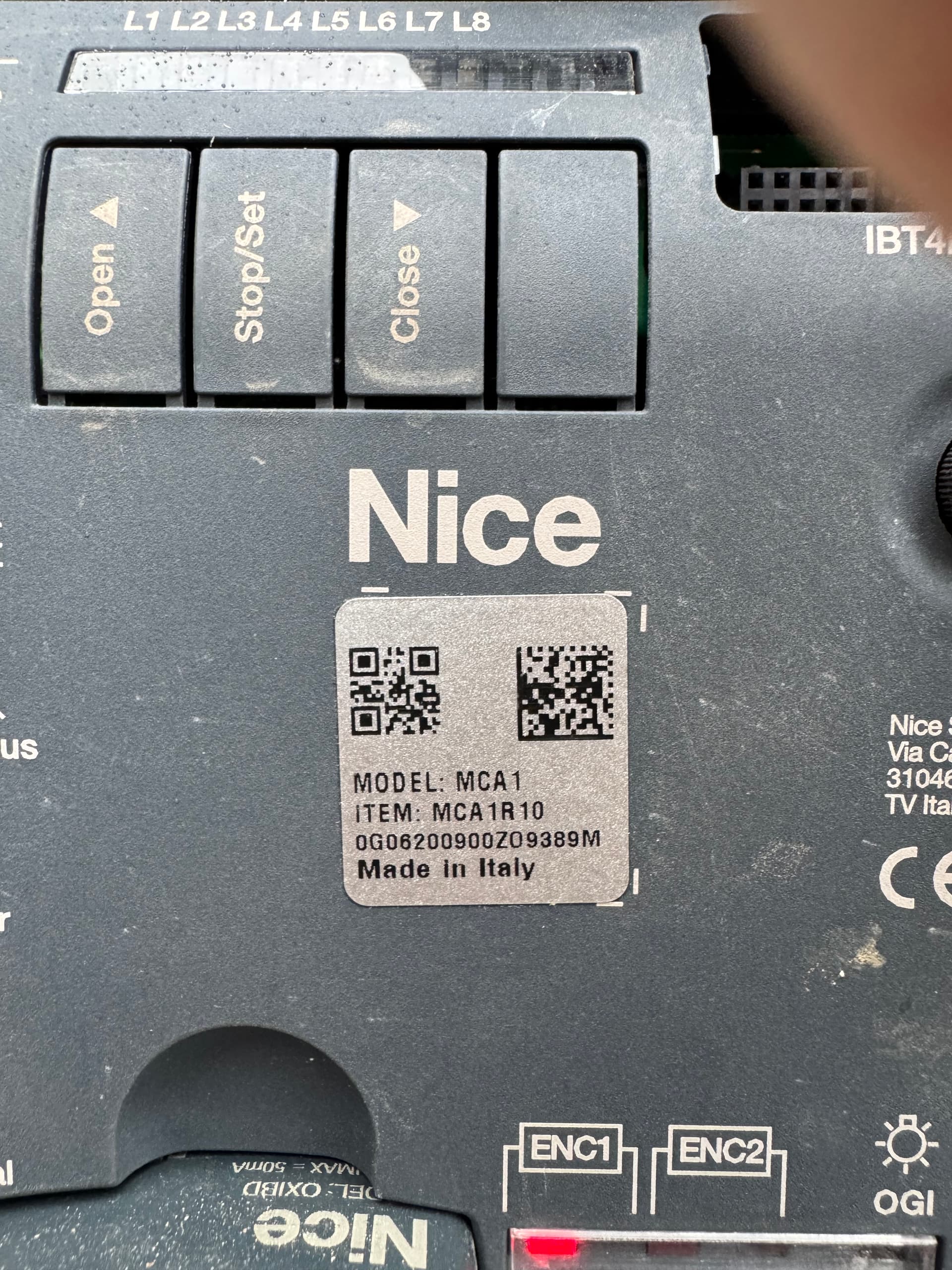
Ur gate controller does it connect to switch or button for you to open and close the gate from inside the house?
I saw wiring at the open input… so does the function just purely open? Or it is like u press once it open press another time it stop and 1 more time it close? U got 2 motors to open ur gates?
Mine is a dual swing arm and my controller can open stop close individually. So i just wire the left and right gate to t2 relay.
Look like u need 2 relay
2 x T2 Relay
So need 3 input 1 as spare
If you want to use all the function.
So u need to wire up the OPEN, CLOSE and STOP. else you can just use 1 x T2 Relay for OPEN and CLOSE.
You can run a test at ur controller ,u use a jumper to short the OPEN or CLOSE and see does it to react to open or close if it does that , you can as per below…
T2 relay as per usual the wire to L and N input. No need to use the jumper cable from L to L1 as you want the T2 to act as dry contact.
So u wire up the OPEN to L1 and CLOSE to L2 or u want L1 as Close or Open as L2 also can.
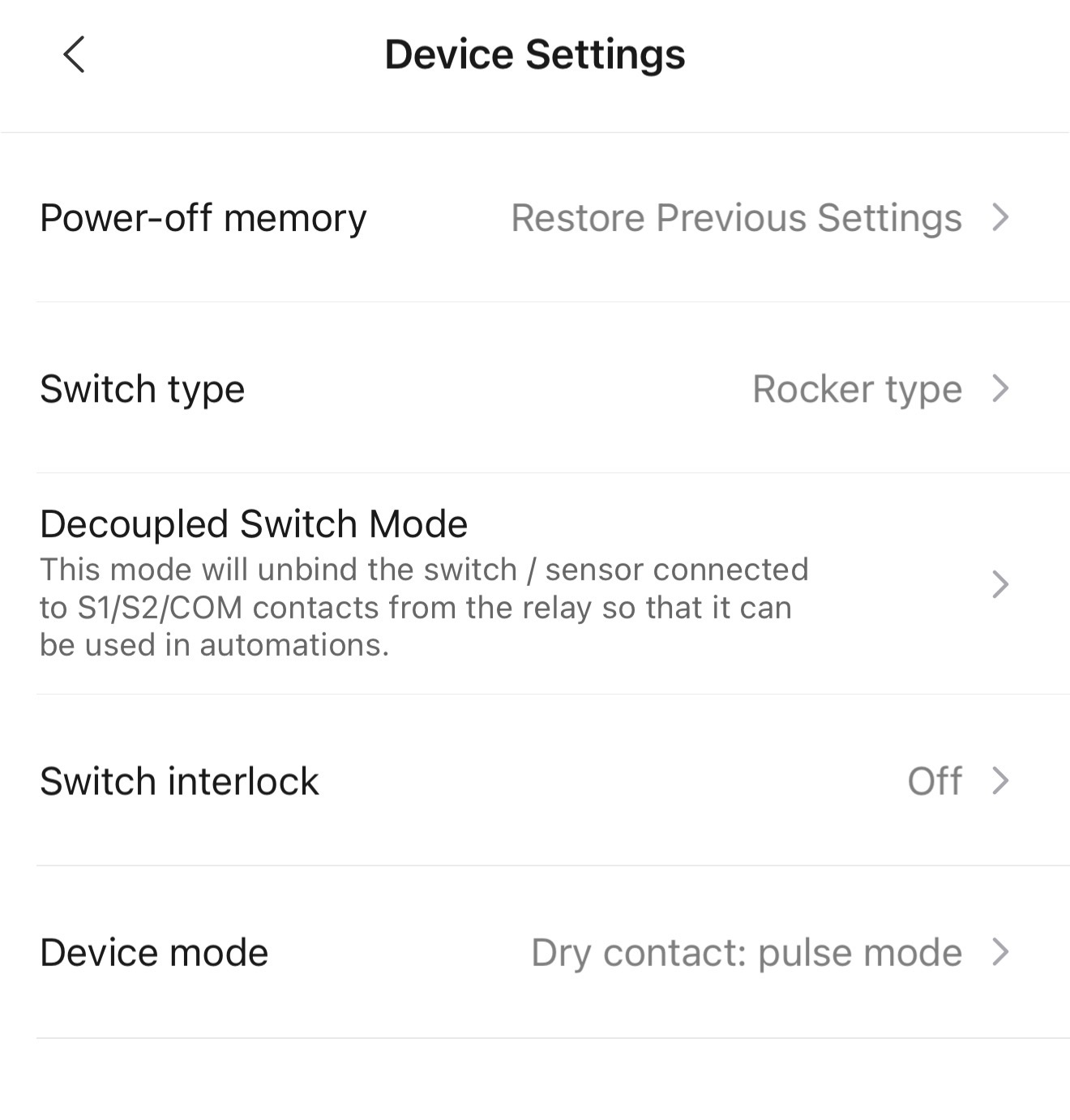
From there u go to ur aqara apps and change the setting
So, I have a dual swing arm gate. Two motors (one for each side)… and no internal switch. There’s a wireless keypad and also a wired keypad. Finally, there’s an antenna for a phone SIM that’s connected so we normally control the gate by calling it on the phone or press the button when local.
You are also correct, it reacts as ONCE to open, call AGAIN and it stops, and AGAIN as it CLOSES. It has a timer on it that closes automatically after 30 seconds of no activity on the line sensor.
Do I need to do anything differently based on this? I am going to give it a go later hopefully.
Also, if I wanted it to get it to have separate OPEN. STOP. CLOSE, what work would be needed to sort this?
Appreciate all the time and help! Amazing support!
If im not wrong the 2 wired goes to your keypad. If this keypad inside your home, you should be able to tap it from there but u still need to pull a power cable to the relay. If not u can install the relay inside the controller but u have to make sure the zigbee getting good signal from ur controller to your hub if not u might have intermittent connection.
So basically u just need 1 relay for this to work.
But if u want the open close and stop to work i think can be done u just 2 relay. But ur open will not stay open as the gate controller will run its own automation and i think this setting can be adjust accordingly.
So u have to test like if you press stop does the swing gate still close after 30s if it didnt then is more worth ur timing to do the open close and stop.
U have to play around with it…
If u got aqara camera or doorbell it will be more fun…
I park my car outside my house, in the past i have a remote or my hp to open my gate. Now i just show my face in front Aqara G410 doorbell and the gate open and close after x seconds and after x seconds my main door unlock.
That is soooo good! Love that idea. My house Auto unlocks too. What lock you got?
So, I got it all working and it opens via keypad both wired and wireless. It also opens when pressed in the Aqara app.
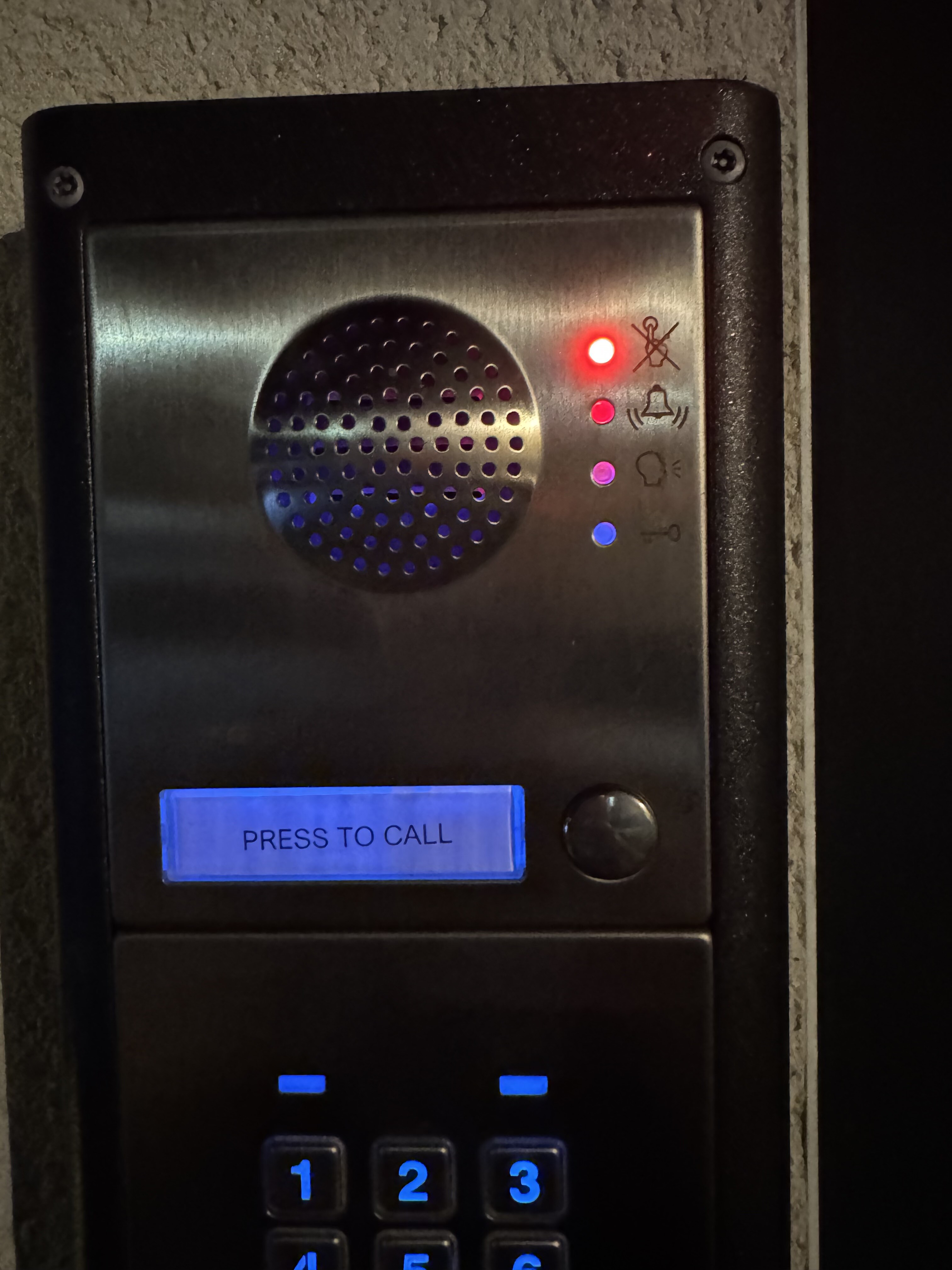
However, when I call it (it has a SIM card in it) it shows as busy and this red light (see image) is constantly flashing now.
Do you have any experience / idea what went wrong?
I took the live and neutral from the main electric feed in so that eliminates that issue. I’ve changed the settings to match yours above, pulse selected. I then have the cables entering the SBS, and the original ones are in the OPEN as it was previously.
By right adding a relay is like NO switch or button and it should not affect anything…
It seek like the sim module think sensing the its sending signal hence the busy tone… but that is my guess…:
So what u can is try disconnect the cable from the relay. Turn off the nice controller power, wait for 10-20sec turn on and see ur sim module work normally, try to call in and test all the available function. If it work, turn off the power reconnect the relay and try again. This is just to re check to confirm whether is the t2 relay giving the issues.
Hey! Got it working, it was because the original keypad was wired into OPEN and the T2 Relay into SBS. It didn’t like both options, I had to put them all to SBS. All wires.
It’s working great now! Thanks once more. You’ve been great!