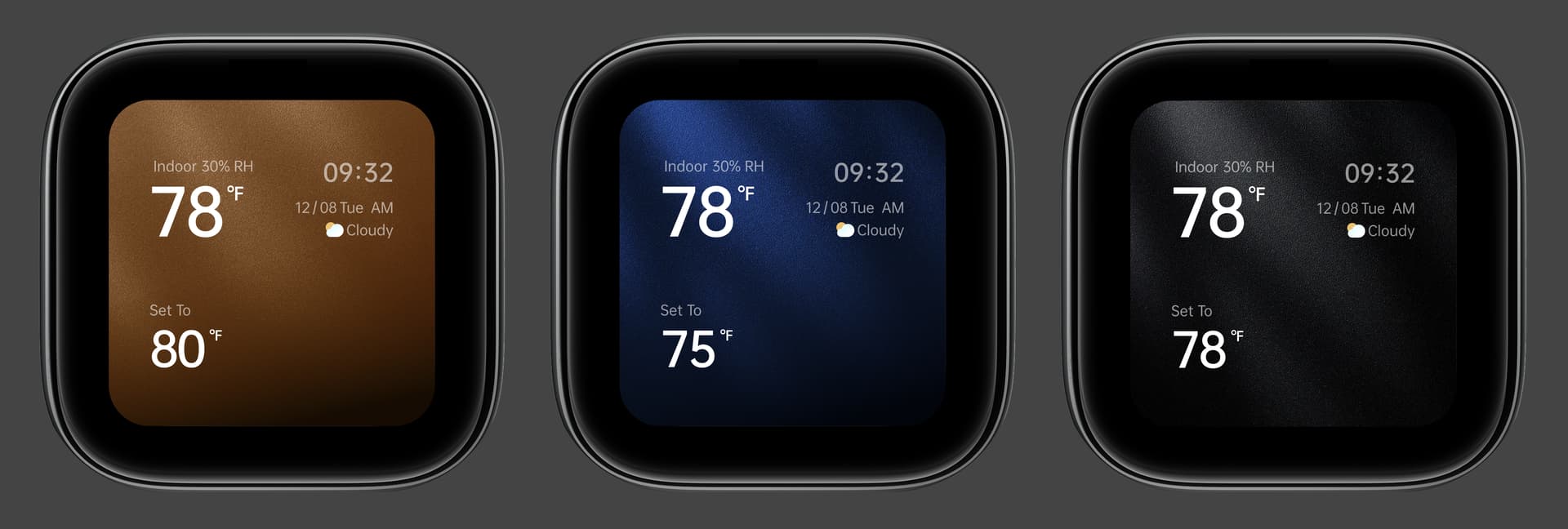
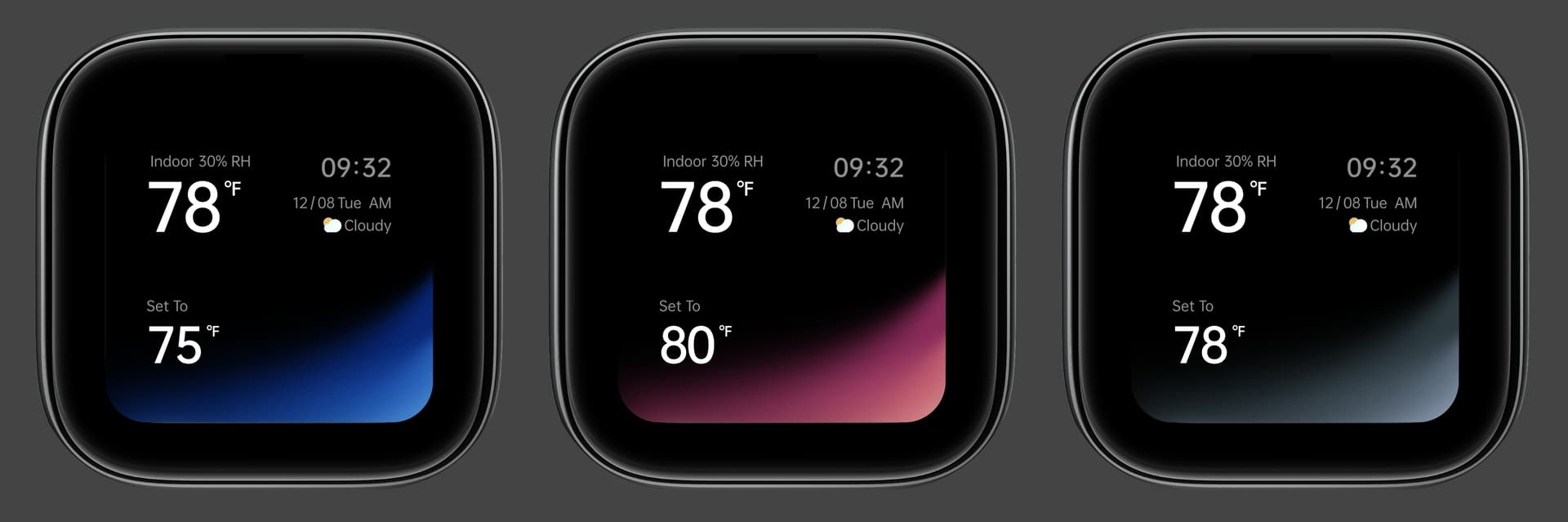
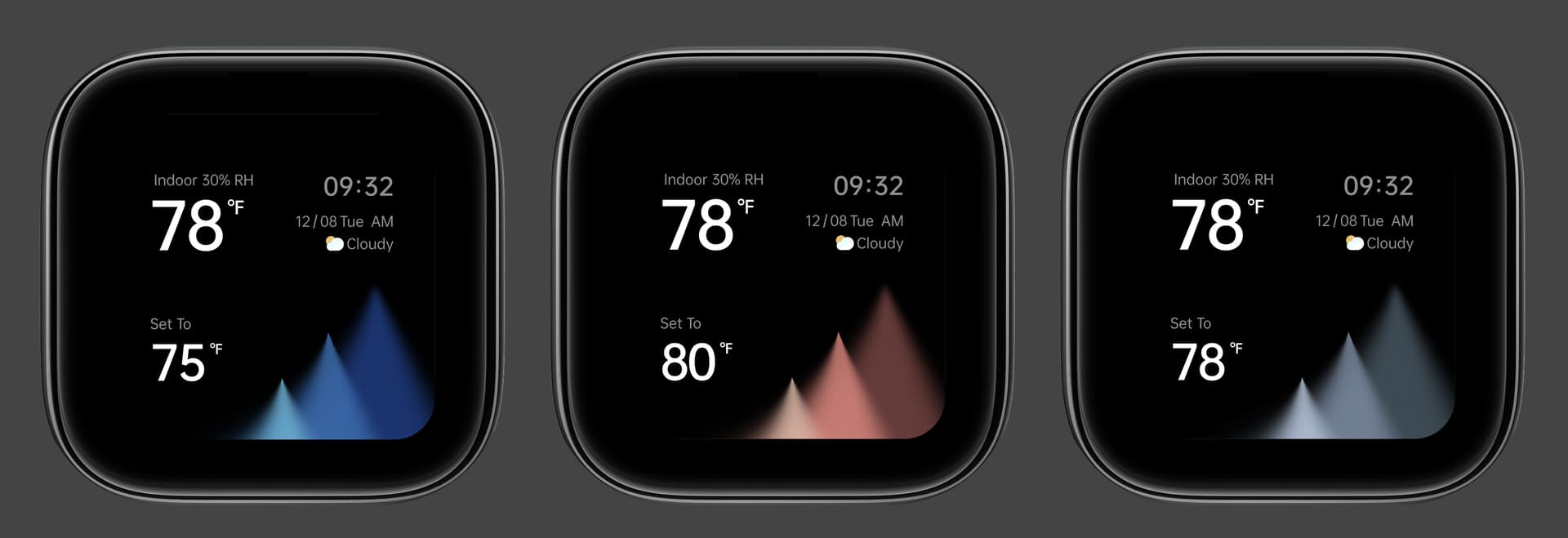
Since the launch of Aqara Thermostat W200, we’ve received lots of user requests to display more information on the screensaver. We have designed 3 different styles for your selection.
I like number 2 best. Agree with above poster a slightly larger font on the time. 3 is nice but the peaks look like they are trying to portray information like graphs of data.
The set to temp could be blue or red to tell you if the HVAC was heating or cooling to achieve that temperature.
Alternately, I have automations (door open = no heat, forecast warm today = no heat in the morning) so it would be very helpful to see also if the HVAC is set to off.
So the suggestion is to have status, Heating, Cooling, Fan, Off in the bottom right corner.