Connection Protocol
Aqara camera supports connecting to NAS via SMB or RTSP, which must be a protocol of SMB 2.0 or higher to use, while RTSP is only supported by some special NAS.
How to connect NAS
Except for the G5 Pro, other Aqara cameras that support NAS require an SD card to be inserted before connecting to the NAS, as audio and video data needs to be cached and converted through the SD card. The G5 Pro, with its built-in eMMC, does not require an SD card to achieve NAS storage. In the future, some lithium battery powered cameras launched by Aqara will require a new indoor base station to achieve NAS storage, which also requires inserting an SD card into the base station first.
How to Network Camera and NAS
We recommend connecting the Camera and NAS to the same switch or router. Through this simple network connection, Aqara Camera has a higher success rate in scanning NAS and better reliability in data transmission. However, when the Camera and NAS are distributed in different levels of LAN, this reliability may deteriorate
Common problems and solutions
The app cannot find the NAS: usually the NAS has not enabled the SMB service or is using the SMB 1.0 protocol. Other situations include the Camera and NAS not being on the same LAN.
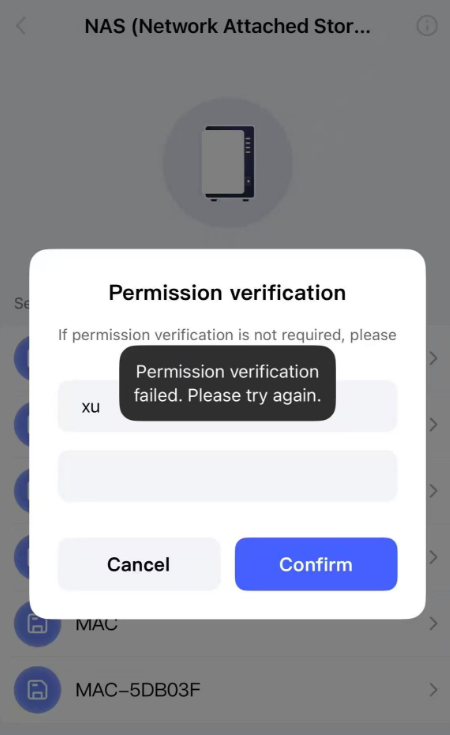
App found NAS but unable to pass account and password verification: This situation is usually caused by the camera being unbound from a server in a different country or region and then rebound to a server in a new country or region. Removing the device from the app or long pressing the reset button for 10 seconds cannot clear some NAS binding marks. The correct approach is to completely reset the device by pressing the reset button 10 times before it can pass NAS username and password verification normally.
In fact, this is for the purpose of saving the camera’s battery energy. when the battery camera detects the target and record a video, it can directly transmit the video to the base station for subsequent NAS transfer processing. then It will quickly sleep again. If it is directly connected to the NAS, it needs to store the recorded video in the SD card first, and then wait for the SD card to transfer successfully to the NAS before entering sleep mode. This way, every time it is awakened by an event, it will have a longer working time and consume more power, which can be completely handled by the indoor base station that is always powered by the adapter.
@Aqara_PM_Donie Thank you for a treasure NAS feature and the tips.
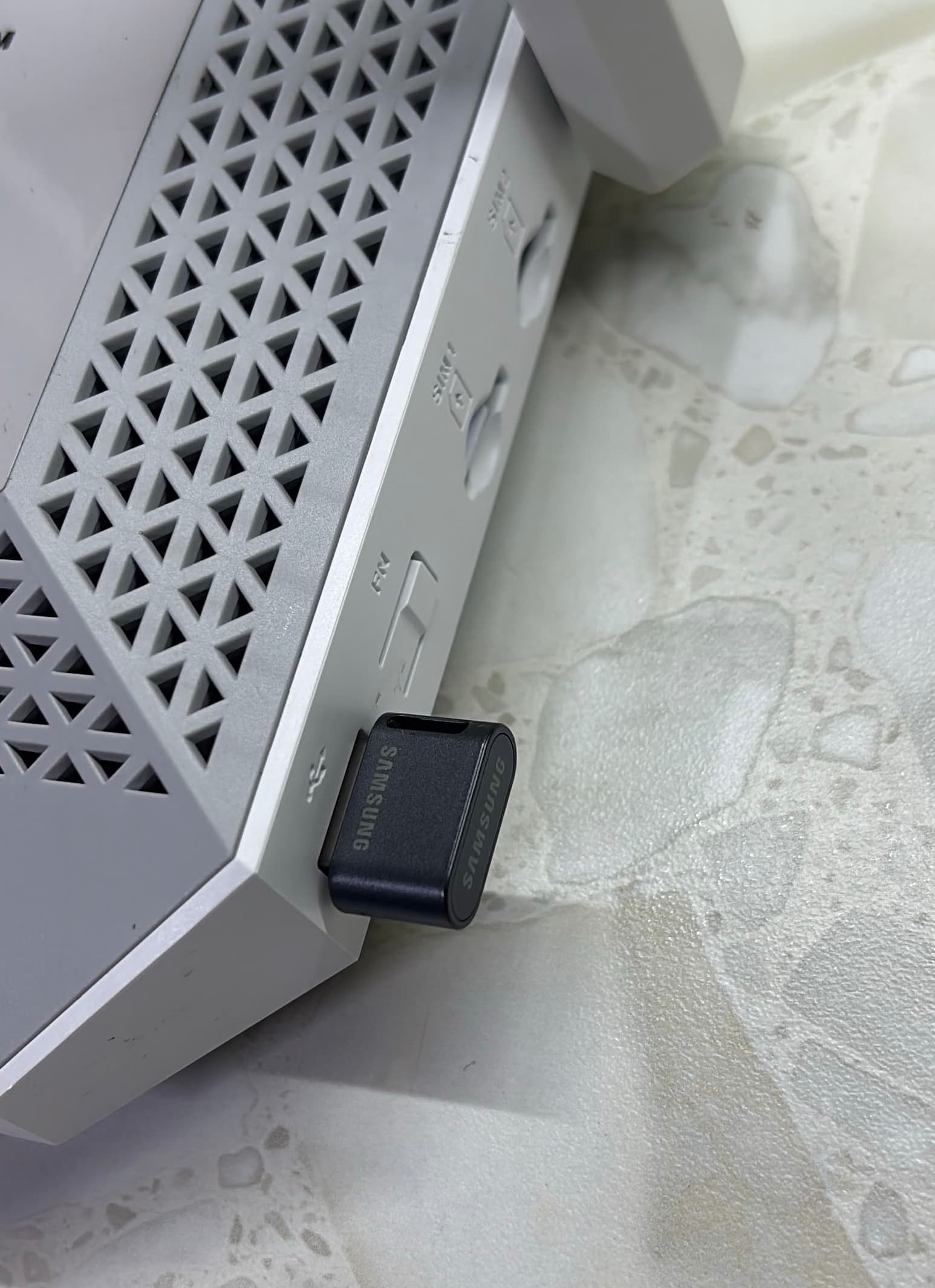
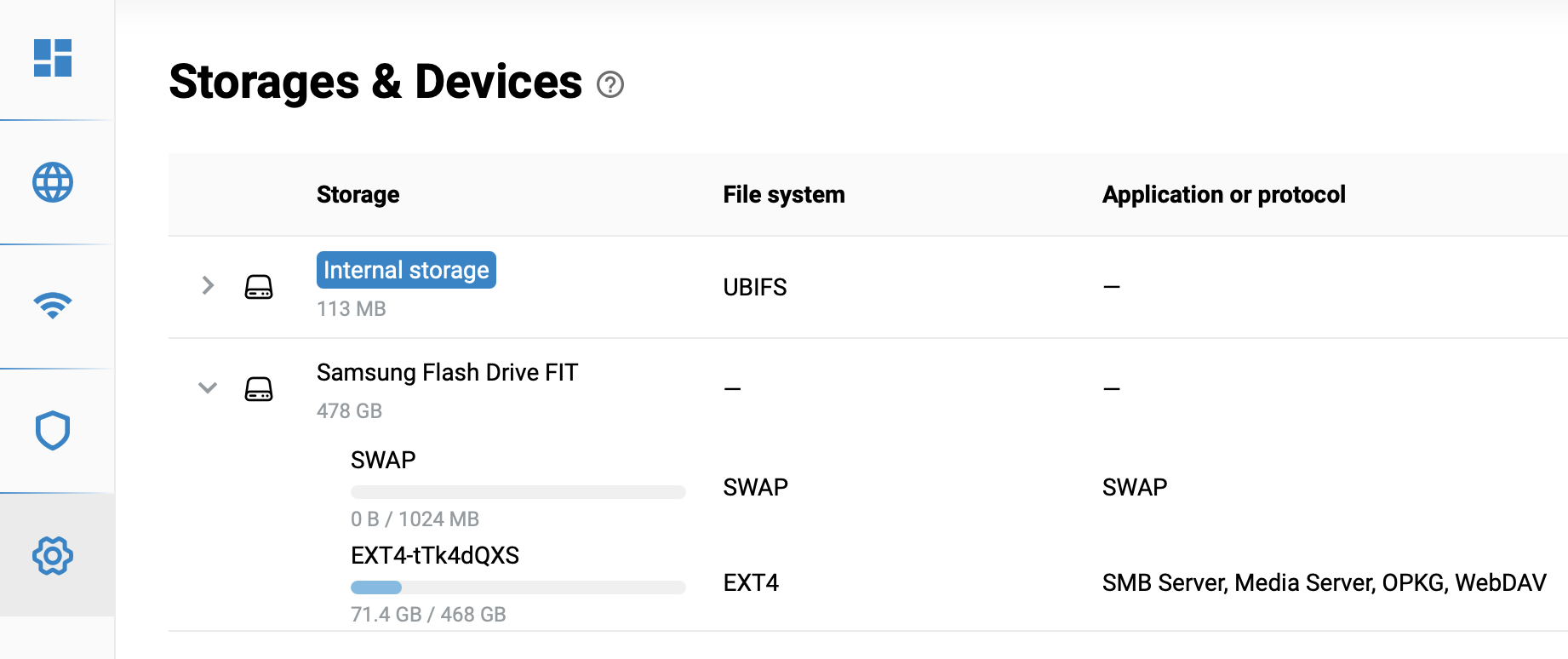
My low-key setup is two Aqara G5 Pro & G410 transfer recordings every hour over SMB to a 512GB Samsung Flash Drive FIT plugged into a Keenetic Hopper 4G+ router.
I intentionally chose the “Storage Card Transfer” mode instead of 7x24 Direct Storage. A standard flash drive isn’t a good fit for 24/7 logging, plus I felt no need for that level of video storage. To keep the router’s CPU load low, the drive is formatted to EXT4. So far so good, it has been running well for about a year.
I wonder whether the M410 would make a practical difference for me…