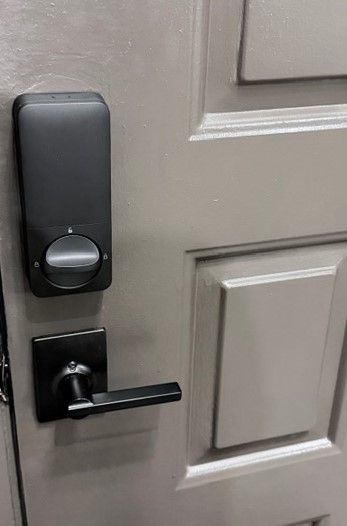
So i installed the new U400 door lock and got everything set up and working.
1- lock is set in and bound with Aqara App.
2- Set up inside Matter with Apple Home kit.
3- Set up in Matter with Alexa.
Lock is set to Auto lock immediately on close. Finger print set up,
Pass code all set up. Nothing jams and all is working even Key.
I have the Apple Homekey set up Approach from left and Center.
Problem i am having is the " UWB " not very peppy some time stand there for several seconds before the UWB light comes on and door unlocks. Yes it does just not fast as i hoped it would.
Any help or advice on why and whats up would be nice.
Thanks.
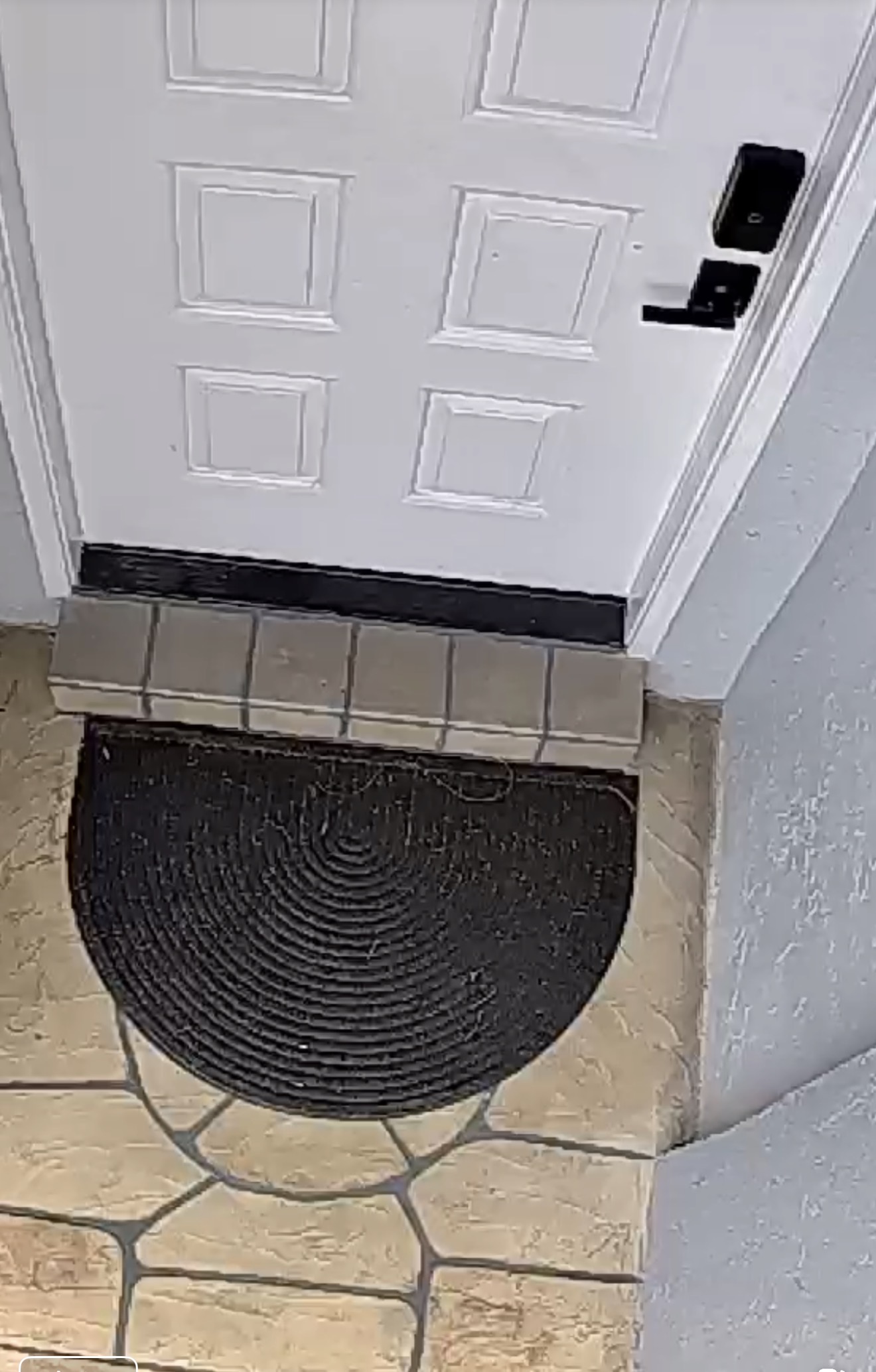
Do you have a step/steps up to get to the door? There is also a testing going on with a firmware to add more settings that @KinseyCreateGoods can get you into if you PM.
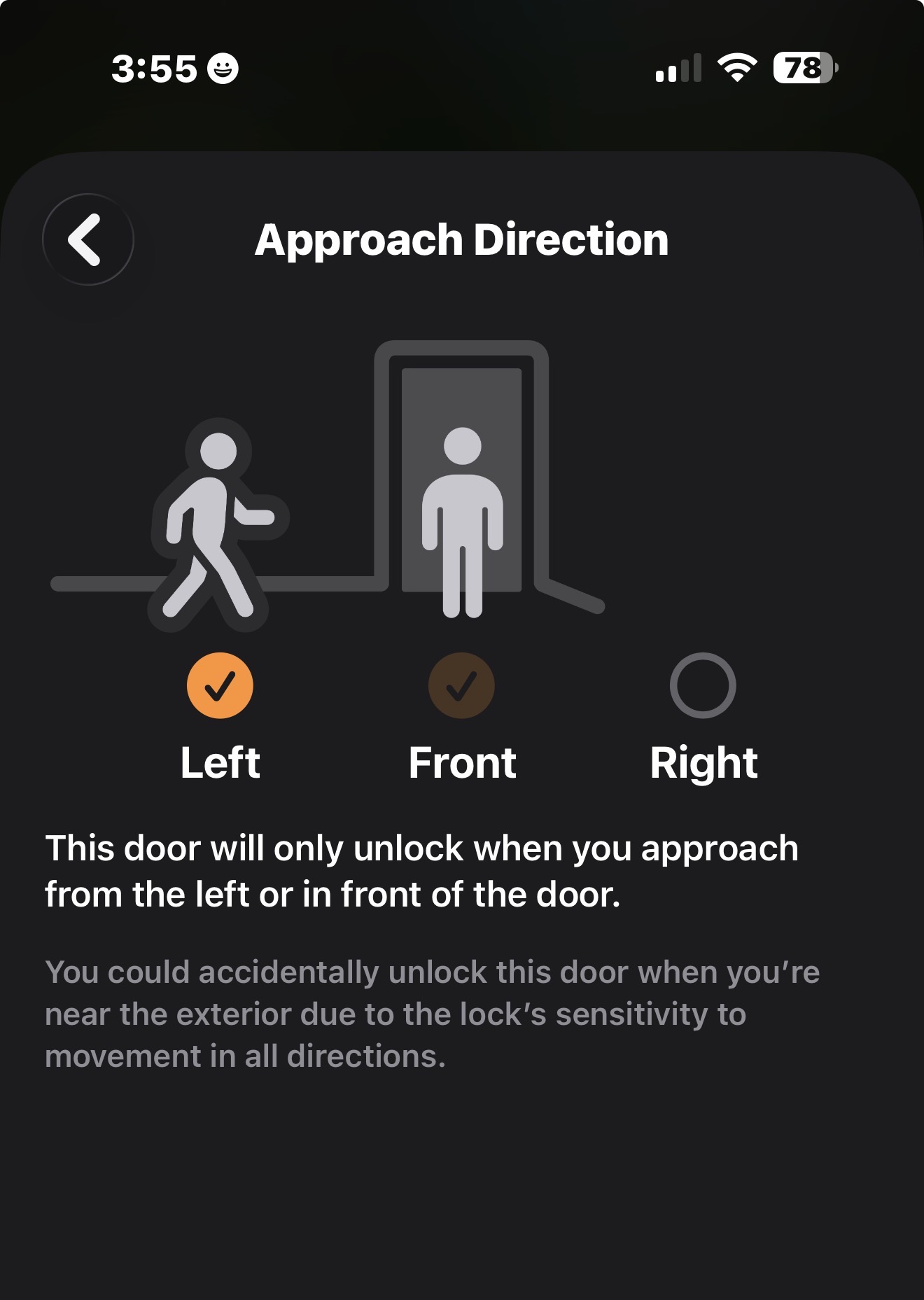
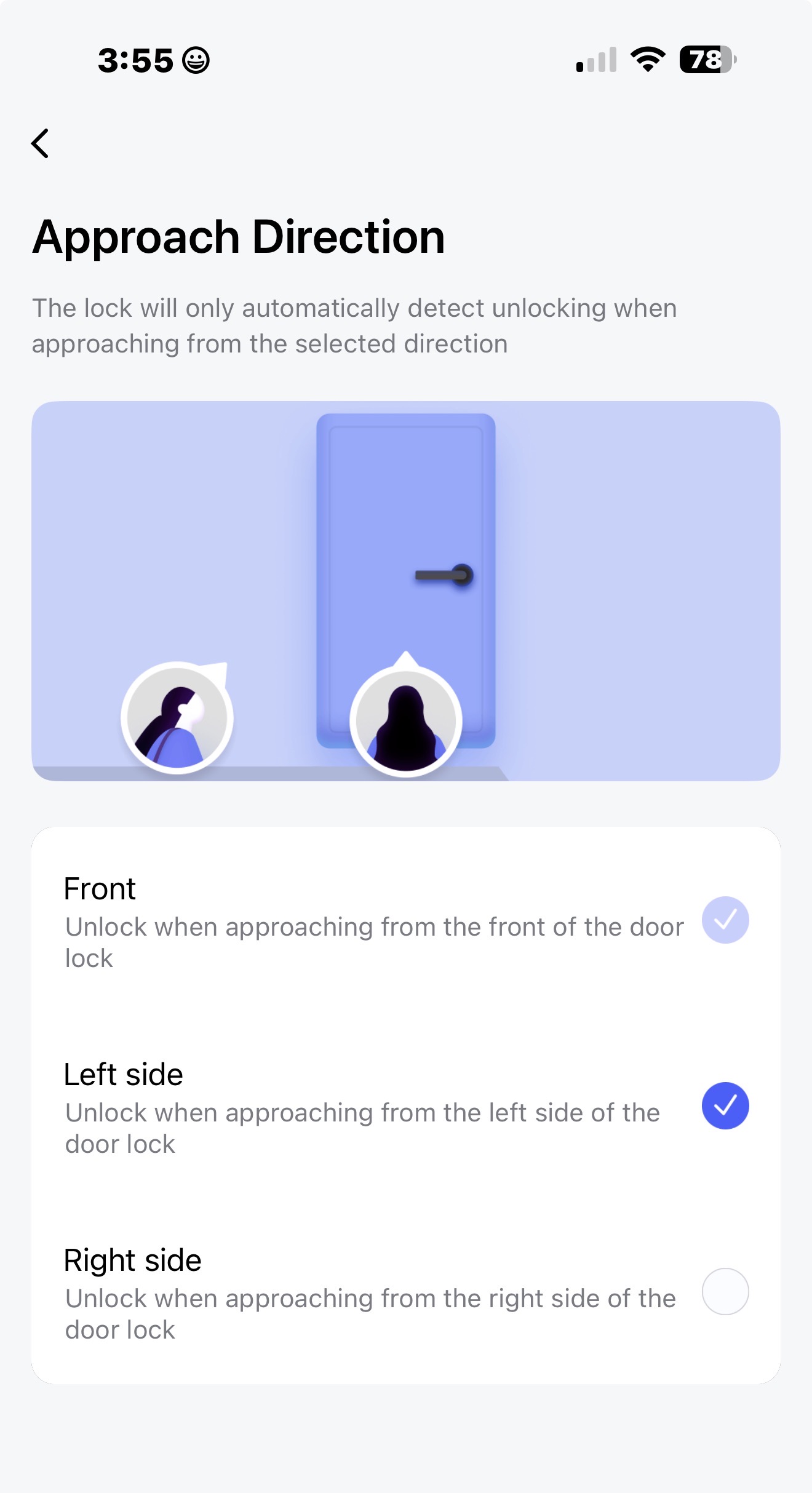
Take a look in the UWB settings in Apple Home and Aqara to see that they match. I was just playing with the settings to see if I found something that could help and noticed the following:
If I enable/disable left/right it shows up the same in Aqara UWB section however if I disable it is not reflected. Take a look in both apps to make sure that the right side is disabled in both.
I went and check both as you can see from pics both are same from left. and nothing selected from right.
UWB does work just slower then i expected. I was hoping by the time i even got to door was unlocked and that’s not the case almost feel like it is using my watch home key.
That’s definitely strange. I would expect it to read quickly as in my case I have a 3 foot step/slab up to my door in the garage with a thick metal shelving unit to the right but it always triggers when I come around the turn toward center. (Phone in pocket)
I guess you could, when you have a moment, try and shut your watch off to see how it reacts with just the iPhone on you.
It is funny you mentioned that so i powered off watch and tried it seamed to be a bit more responsive. How can my watch on my Wrist that also has apple Key make the UWB less responsive. i will do a bit more testing.
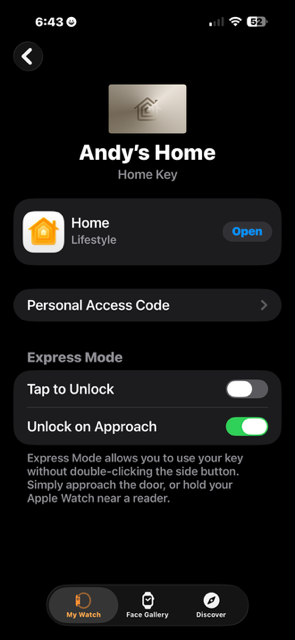
So i went to Ultra watch 2 settings and on Home key tried three ways.
1- I turned off the Tap to unlock… Still had sluggish issue
2- I turned off the unlock on Approach left on Tap to unlock… Still had sluggish issue
3- Turned off both only left Home key active on Iphone 17 pro max and in my pocket seams to be me responsive. I wonder if that is software bug or normal. i will never pull phone out of pocket if i get no UWB pop up will just use finger print.
Same here, no prompt = fingerprint so I’m glad that’s there as a backup. If it’s a bug then it can be patched thankfully. I’m on iOS 26.2.1, can you post which version you’re on so that the Aqara team can see if that is a thing to look into.
Dear user,
Sorry for any inconvenience may have caused. Please contact our after-sales support team at support@aqara.com and briefly describe your installation environment and unlocking experience . We’ll have our developer team review your case as soon as possible and provide detailed guidance on how to optimize UWB performance based on your specific installation environment.
I am Finding that is i Set both the Iphone 17Pro max and Apple watch Ultra 2 with these settings Turning off Tap to unlock The UWB works smother , faster and more consistent. Hopefully this will help some else with same issue.
I think most of us have the same problems with the U400. UWB just doesn’t work consistently. When it works (1/2 the time maybe) it’s magical, but then it doesn’t work and ruins the entire experience.
I hope my settings to the Apple home key that I made that seems to be working continues to hold. I don’t really need tap to unlock when I bought this lock to open on approach.
I already had a door lock that unlocked with the Apple key and moved it to another door on the garage.