I’m trying to get a U400 to work with my iPhone. NFC is always fine, but UWB is disappointing so far.
I have reset the lock around 10 times now, and 3 times UWB worked. But only for an hour or so.
Then, the UWB light doesn’t come on when the iPhone is close.
How can I debug this? Should I restart both devices? Once, that seemed to help. Should I switch Bluetooth off and on again on the iPhone, to trigger detection of the lock? That doesn’t seem to help.
Should I do something in the Aqara app or in the Apple Home app? So far, I think UWB only works via Apple Home, correct? And the Aqara app and Apple Home / Matter can NOT be coupled, entering the Matter pairing code will only result in a “not supported” error message at the end of the process, is that correct?
I have an Apple HomePod mini and no Aqara Hub.
And I have also updated the firmware to V3110, but it didn’t improve this behavior.
Hi @mh-mh - can you share some screenshots of the lock settings from both Apple Home and Aqara? Particularly interested in the approach direction as it relates to your door’s location.
What is your door’s location like? Is it elevated on any stairs? Anything unique about your door?
UWB settings can managed in either app, but Apple Home is going to be your main source.
This is not correct generally speaking, but because you have no Aqara Hub you cannot Matter pair to Aqara, but the Aqara pairing code might still work.
Thanks for your reply!
The lock is mounted about 1m from the floor, so my phone is often slightly below; but there are no stairs involved.
I did not restrict approach direction.
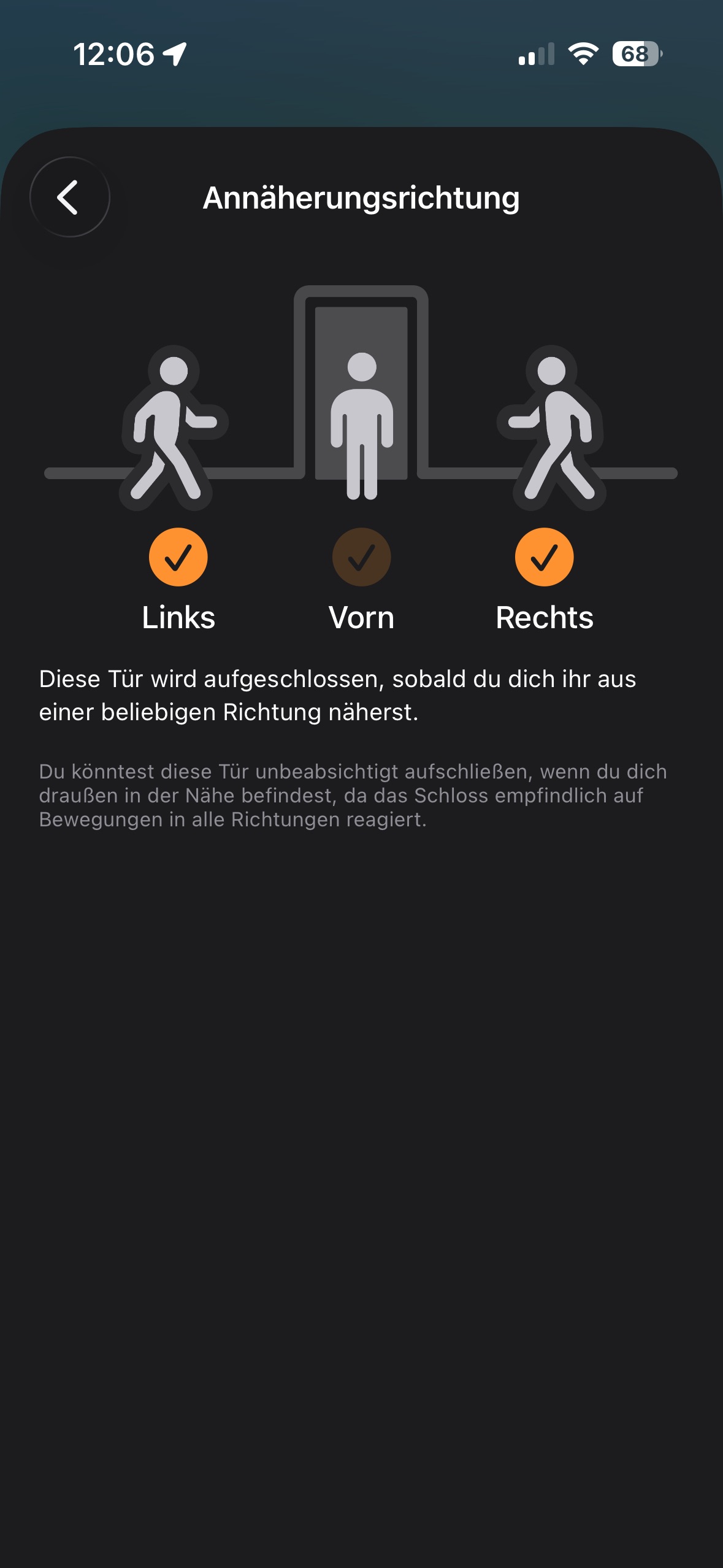
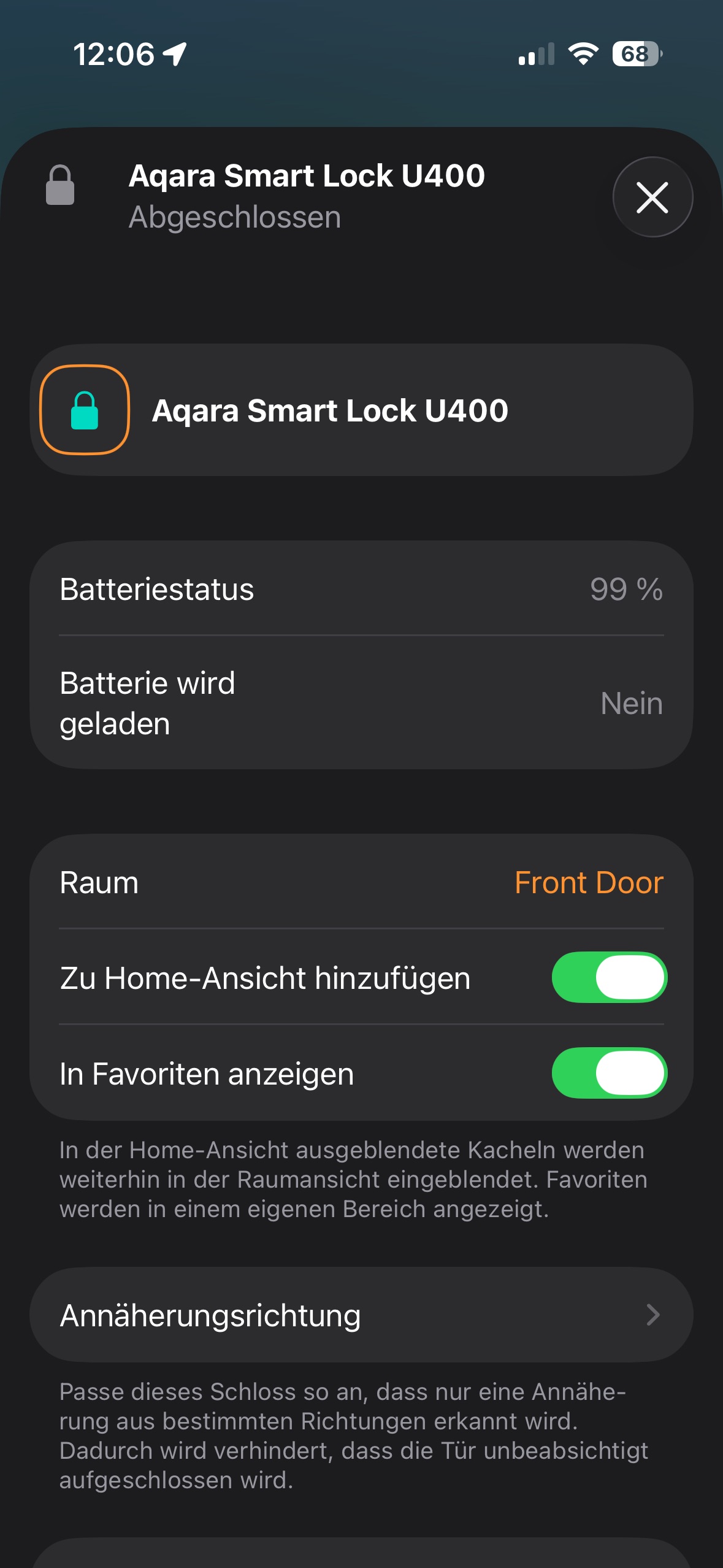

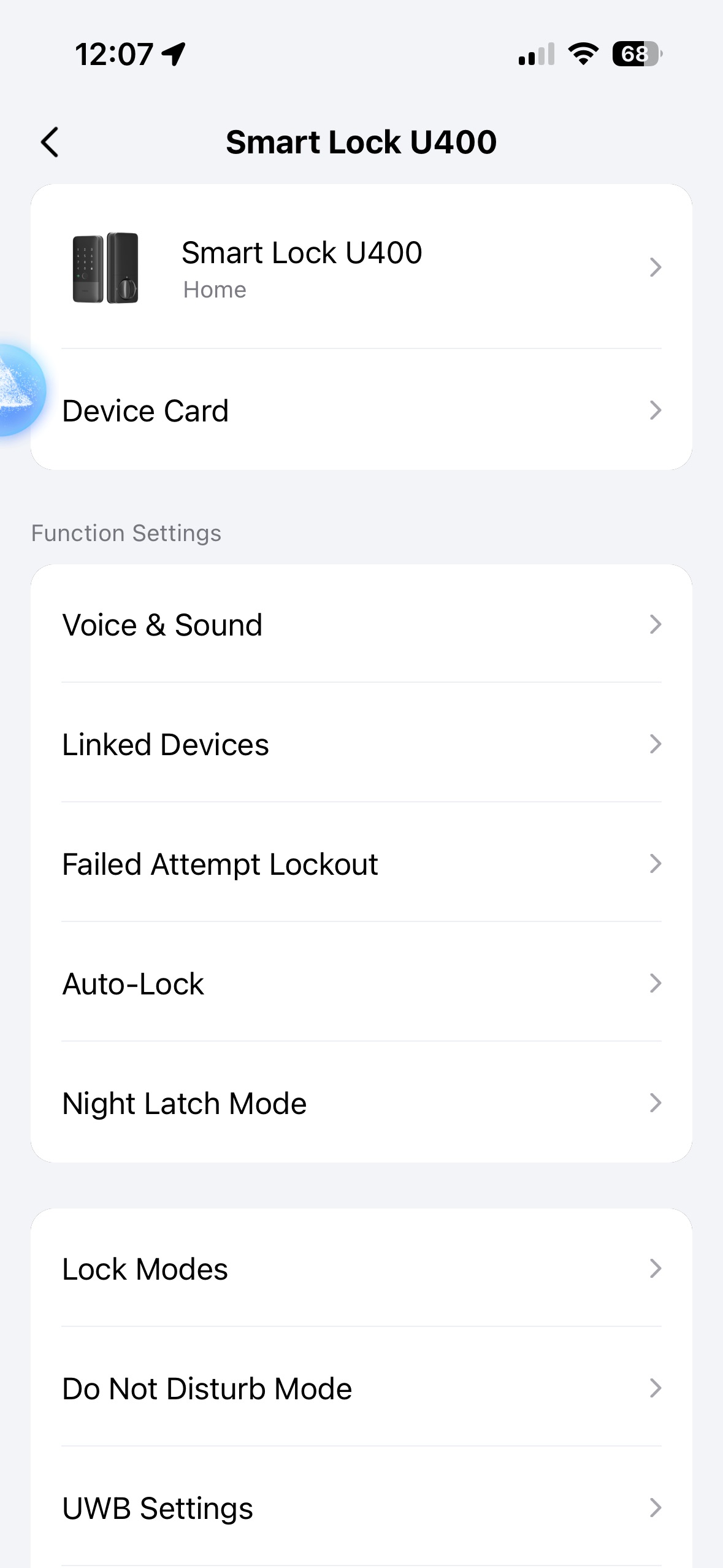
But I also don’t fully understand how UWB works on the iPhone:
I thought it’s a feature of the Apple Wallet, so that it can work on the iPhone in the background. Configured through the Apple Home app.
Does it need Bluetooth to notice a “beacon” from the lock? If that’s the case, maybe switching Bluetooth off and on again might make the iPhone work with the lock’s UWB again?
But then, what’s the Aqara app’s role in UWB? Does the Aqara app have a separate UWB key (different from the one in the Apple Wallet), and does it also communicate with the lock when I’m walking towards the lock?
I think this is fairly typical height for a door lock. Can you share a picture of the door? That might help with understanding the approach path. It’s always worthwhile to troubleshoot systematically. You can try disabling Left and Right approach one at a time, testing each setting individually to see the impact.
You are correct in your understanding for UWB for Apple Home. UWB relies on the hardware of the device. Aqara’s app exposes the approach settings, which may be more useful for the Samsung wallet/Aliro use-cases. You wouldn’t be able to provision it on iPhone in the Aqara app alone.
This also happens to me but my door has alittle 6 inch rise so the lock sits higher than typical. If it doesn’t work when i bring my phone up a few inches from my pocket it unlocks.
I also get where it doesn’t work at all every so often but i imagine that is more a problem with my homepod mini than with the lock.
This is happening to me too! I’m using Iphone 15 Pro, will work when i restart my phone but once i enter the home and exit, it will no longer work again until i restart my phone.
I’m using with Apple Homepod Mini and Apple TV 4k, the technician had even replace the entire U400 for me but it is still not working. Don’t think it’s device issue since I have also tried with my apple watch series 11, it has the same behavior.
The technician told me this is a common problem and have to wait for software updates from apple / aqara themselves.
Should have just gone with U200 since the U400 UWB doesn’t work properly…
There are some new Advanced Settings for UWB in the Aqara app. Have you tried playing with these?
I Haven’t, having them in registered in the aqara app and homekit led to the uwb never working for me so i only use them in homekit.
In your case adjusting the unlock distance might be helpful. Worth a try.
Interesting i’ll give it a try. I also have an aqara w200 thermostat but the admins keep deleting my question do you know how many times I have to post before i don’t need approval lol.
No, even forum team member posts require approval. Not sure why they would be deleted though.
So I actually downloaded the app and updated the unlocking distance on one of my locks and now neither works with uwb. They both only unlock when i hold the phone right up to the system :(.
Alright I fixed it by restarting my phone, it was the classic did you turn it off and back on. The extra range doesn’t seem to unlock it any better with my slight 4 inch step increase but thats alright it gets it enough to not be a bother.
I have noticed sometimes the UWB lights up green but doesn’t unlock it just sits on green until i start entering my code and then it will proc but overall it’s a solid device.