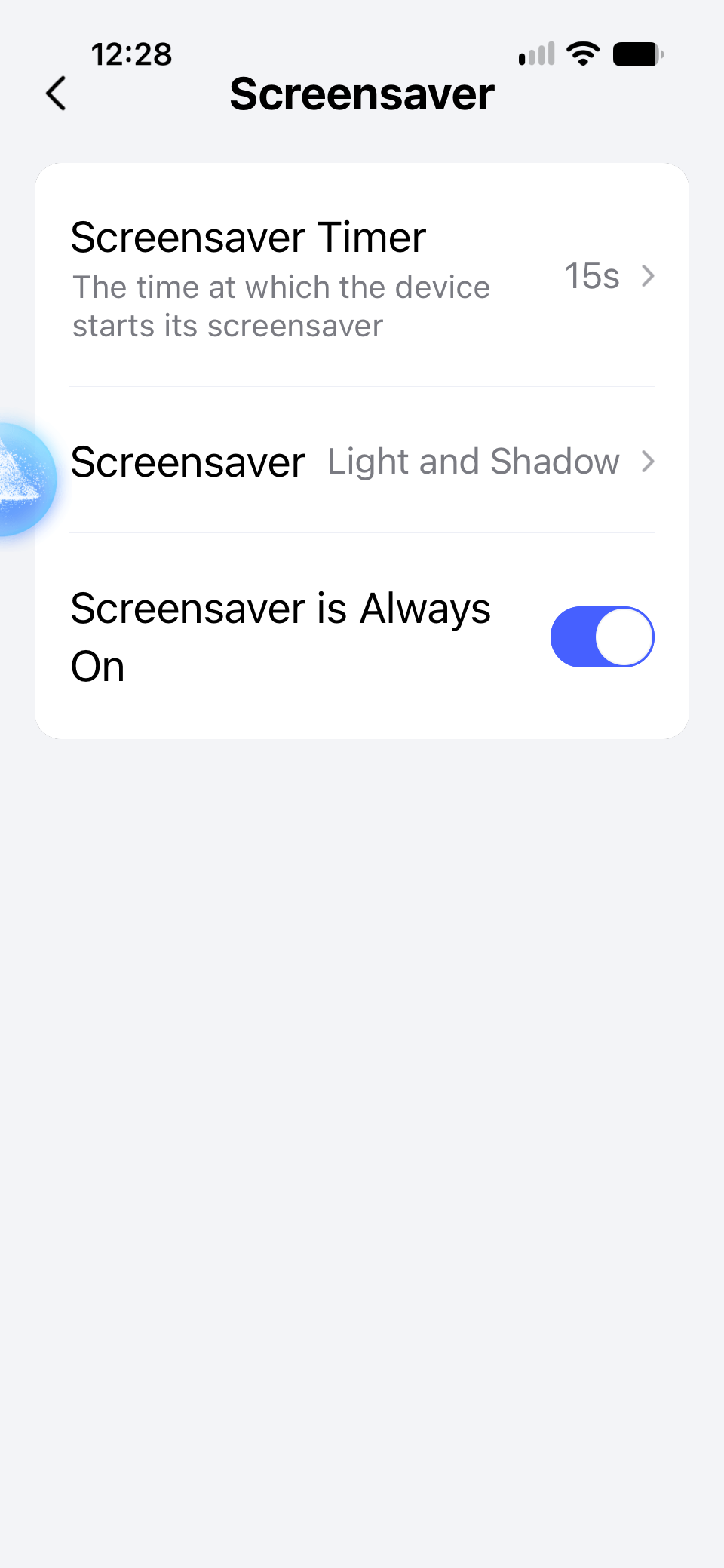
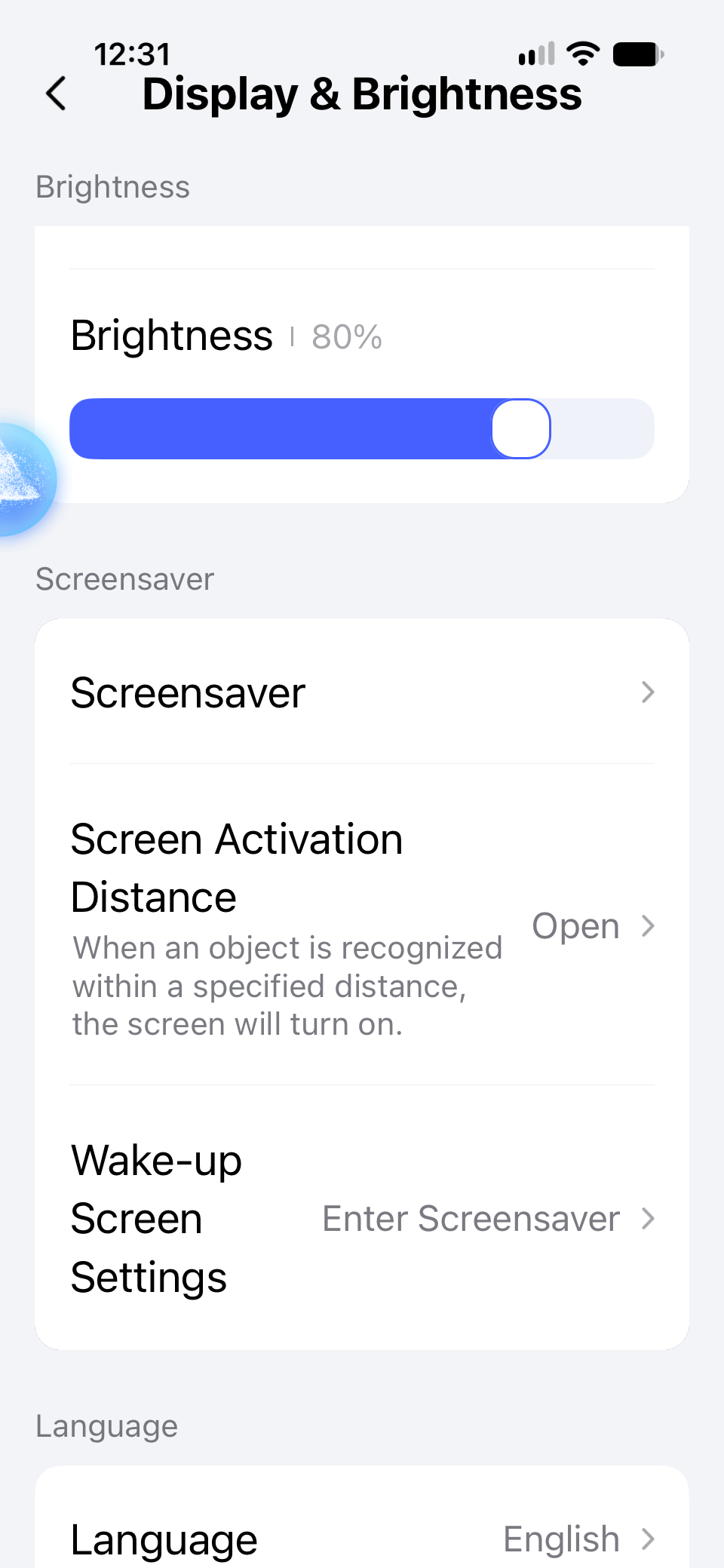
I just installed a W200, which replaced my base ECOBEE. I have the screensaver set to “Always on” and the screensaver timer set to 15s. Screen Activation Distance is set to the middle. Firmware is updated. Once the 15s passes the screen just goes to black.
I have tried restarting through the device, through the app, and even pulled the faceplate to let it reset. The screensaver was finally working yesterday but this morning when I woke up it was no longer coming up. I also noticed yesterday once instead of displaying the screensaver I chose there was a screen showing what looked like stars moving across the screen.
What am I missing or is this a buggy device?
1 Like
Hi there, it looks like you’re experiencing a support-related issue. We’ve automatically created a support ticket for you and will reach out via the forum email within the next two business days.
If other members have any suggestions or insights on this topic, feel free to share!
@davemarzilli welcome to the forum! I have the same settings.
I also have Wake-up screen settings to Enter Screensaver
I will occasionally see the shooting stars that you mentioned but it doesn’t happen often.
Intersting. I am assuming yours goes to the screensaver reliably?
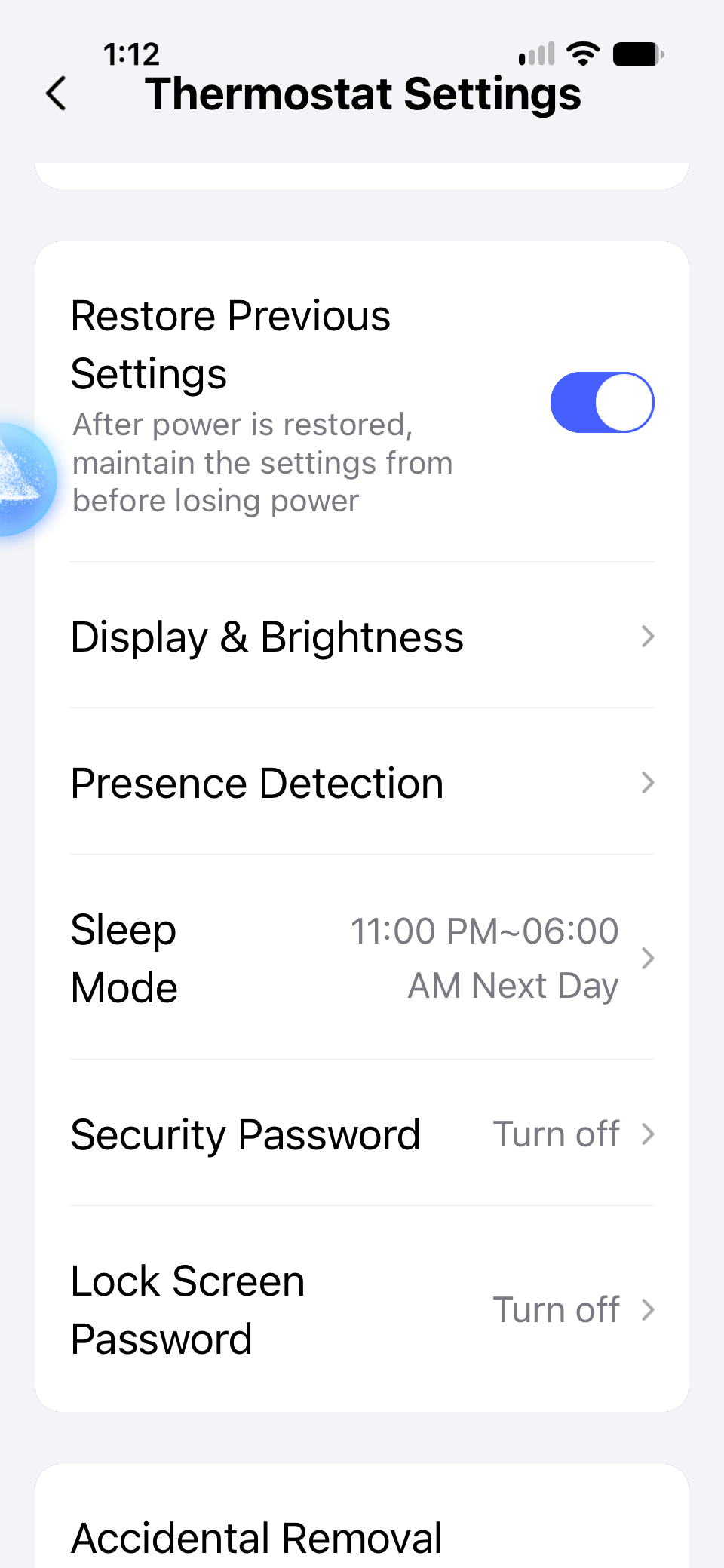
It does, except during the Sleep Mode window (I assume).
Well, looks like mines is displaying correct after being at work all day. I will keep an eye on it and see if it acts up again like it did this morning.
3 Likes