W200 Thermostat: Overview of Scheduling Modes and Personal Choice

I was one of the lucky ones selected to participate in the early trial of the W200.

I want to start off by saying I’m really impressed with the W200, and it has replaced the Ecobee Premium that I had been using since Google bricked the older Nest thermostats.

One of the most notable features for Apple users is that you can choose from two scheduling modes: Apple Home and Aqara. In the settings in the Aqara app:
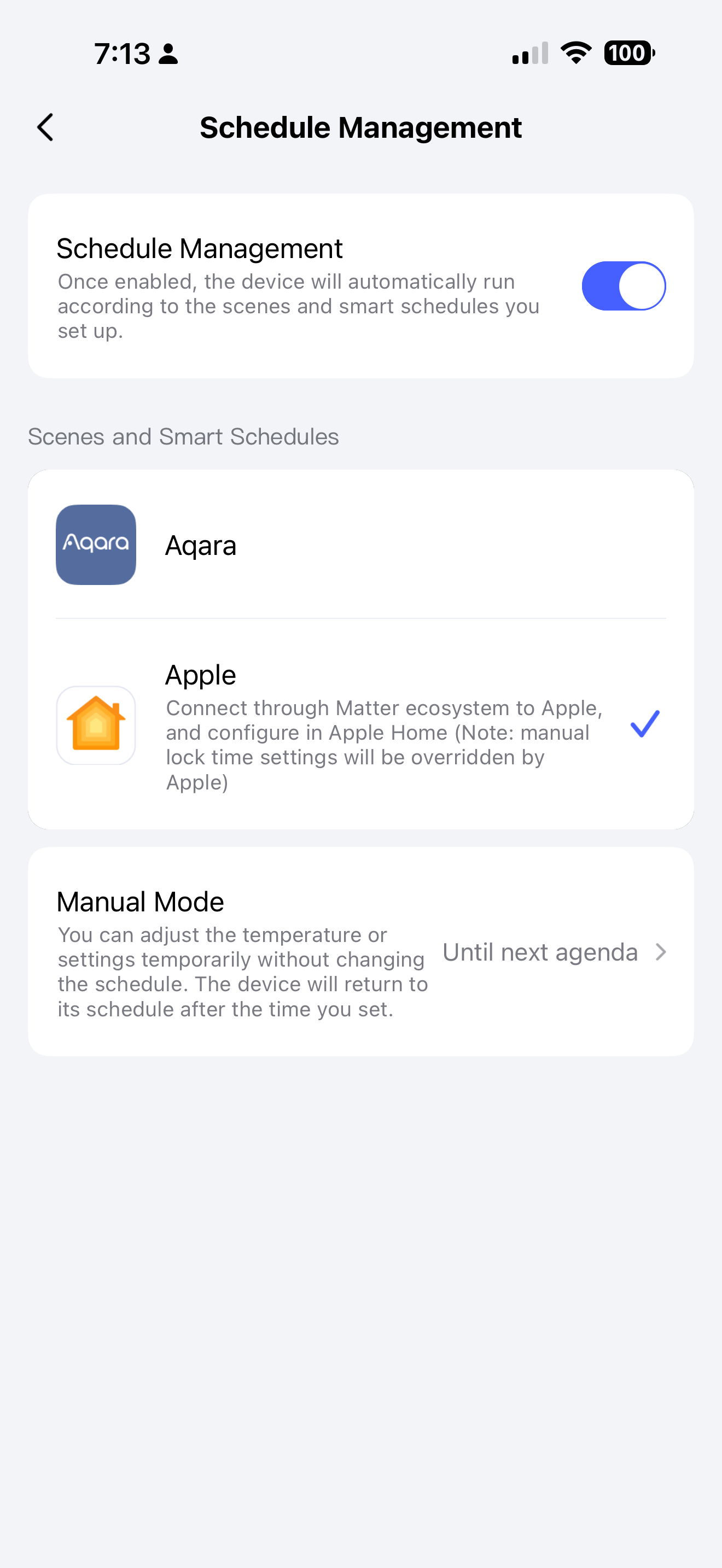
Aqara mode is your standard smart home 7-day schedule to set your daily routines using built-in and custom presets. It is fully featured and works great with the exception of some functionality that should be available by release or shortly afterwards.

Apple mode hands the scheduling over to Apple Home functionality. Apple calls it “Adaptive Temperature”, and it flips things around by being built to focus primarily on home presence instead of a 7-day schedule. This might be exactly what you were looking for if you don’t have a relatively fixed 7-day schedule. Video overview of the Apple Home UI:

It basically lets you set heat/cool settings based on the four combinations of home/away + day/night. Home/away is based on your family’s detected phone or watch locations like in other Apple Home features where “home” means any one or more people at home. Day/night is what you specify as the start/end times of what “night” means to you.

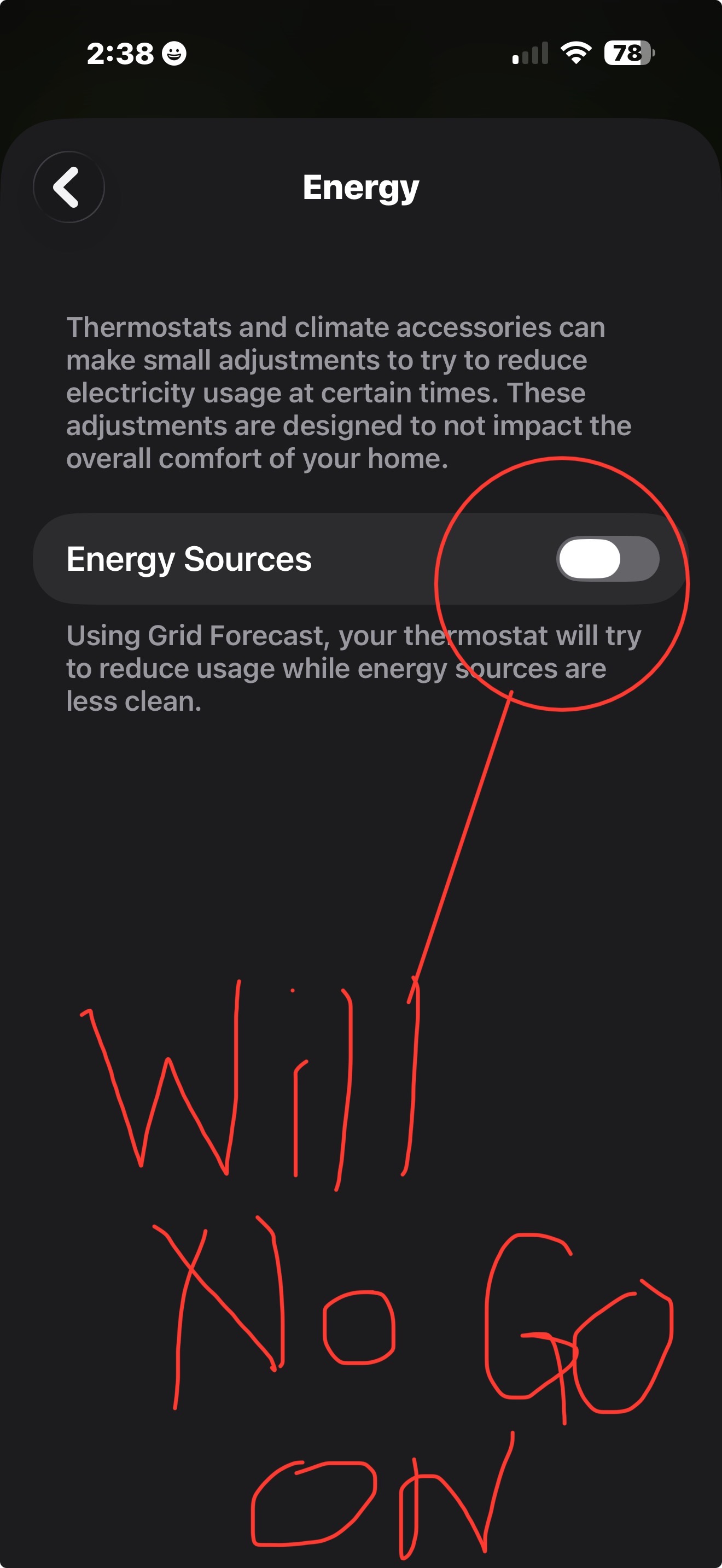
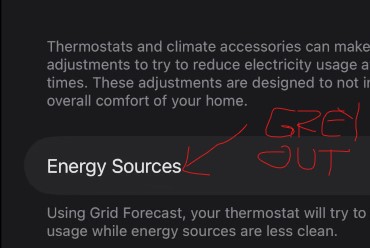
In Apple mode, you can optionally enable settings to reduce energy usage during peak pricing (currently only available from Apple to PG&E customers along the US West Coast) or during times when clean energy generation is not available (currently USA and Canada only). Interesting concepts, especially if you have dynamic pricing. During peak pricing or less clean energy, it will automatically set the temperatures slightly higher (AC) or lower (heat) to reduce usage. In my experience, it has been a 1°F adjustment up or down.

I spent weeks using Apple scheduling mode, and it works well so long as you don’t want different set points at different times of day while you’re at home.

Both modes have their strengths and weaknesses depending on the individual’s needs. I’ve personally decided to go with Aqara’s scheduling mode only because my schedule is pretty well defined and my peak pricing is easy to implement as a set of predefined hours Mon-Fri.

The Aqara app has geofencing options in automations for home arrival, etc, or you can use Apple Home automations to trigger some settings in the Aqara app via a feature called “Scene Sync”.

Scene Sync allows you to pass certain Aqara app actions on to another Matter platform as switches to be triggered there. So, you could create an Apple Home automation to do something like, “when the first person arrives home, turn on this switch” - which in turn sets the W200 to the “Home” preset.

This is ultimately what I have settled on for now: a standard 7-day schedule that uses automations in Apple Home to change the preset to “Away” if/when we leave for parts of the day, and changes back to “Home” when we return.

If I had dynamic peak pricing or a very dynamic schedule, I probably would have picked the Apple mode.

4 Likes

@US_SteveM Thanks so much for sharing your detailed experience with the W200 thermostat! It’s incredibly valuable to get such an in-depth look at the Aqara and Apple Home scheduling modes, especially from an early trial user. Your breakdown of how each mode caters to different needs—like Aqara’s 7-day preset schedules for fixed routines versus Apple’s presence-focused Adaptive Temperature for dynamic lifestyles—really helps other Apple users weigh their options.

The tip about using Scene Sync to bridge Apple Home automations with Aqara presets is a clever workaround, too! It’s great to see how you tailored the setup to fit your well-defined schedule. If you ever discover more hidden features or have updates on the functionality you mentioned might roll out post-release, don’t hesitate to share—this community would love to hear it! :blush:

1 Like

Does the W200 require Wi-Fi connectivity for Apple Home? I’ve been hoping for a Matter + Thread only thermostat, but I haven’t been able to tell if thread in this device is only as a border router, or if it can be used as the connection medium for the device itself.

My understanding is that these Apple features don’t need a direct internet connection as the info comes from an Apple Home hub, so this seems like the perfect pairing for a Thread only thermostat.

1 Like

The thermostat actually connects via Matter over WiFi.

The hub part does have a thread border router, Zigbee controller, and Matter controller, but the thermostat functionality doesn’t connect via thread or Zigbee.

Hello. Thank you for the review. If the schedule management is linked to Apple as in the picture how can I use the Aqara app to control the schedule? I noticed that Home takes over with adaptive and that when I wake in the morning the adaptive does not allow for individualized settings as you described. And it did not respond to my sleep focus. Do I need to move this back to the Aqara item under scenes and smart schedules in your screen shot? Or is this an override while it is still connected to Apple Home?

Certain automations and scenes will still work when set to Apple scheduling mode, like switching to a different temp/humidity sensor, etc.

But Aqara scheduling mode isn’t active when set to Apple scheduling mode, so changing presets doesn’t make sense.

In Apple mode, setting sleep focus doesn’t trigger settings changes on the thermostat. That makes sense to do as a first/last person at home to go into sleep focus setting, but sleep mode isn’t tied into Apple Home, and Apple doesn’t provide an automation/shortcut action to do this.

So, sleep settings in Apple mode are strictly a function of the night start/end times, temp settings, and whether someone is at home or not.

If you see yourself needing to frequently override these settings for sleeping, it sounds like Apple mode may not be flexible enough for you and that Aqara mode might be a better solution for you. Then, you could create a scene to set the preset mode in Aqara mode to “sleep”, add the scene to Apple Home, and then you can do “when changing to sleep focus, run this scene to change the preset to “sleep”.