Go to the hub settings. There you should find the menu items “Home Kit” and “Third-Party Matter Ecosystems”:
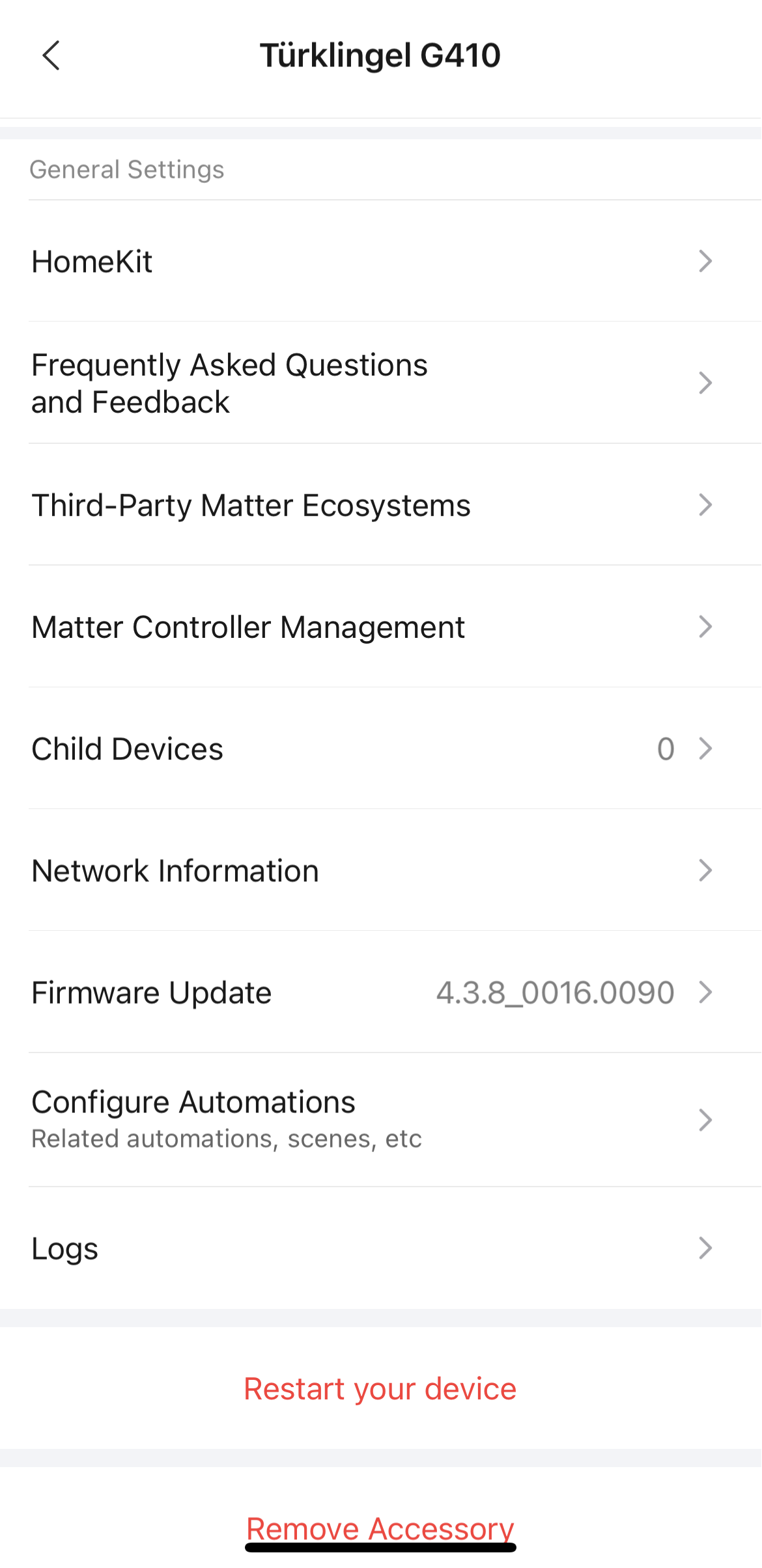
Select “HomeKit”. If you now see the “Remove” button, the hub is connected to Apple Home via HomeKit. Keep the connection intact!

Then go back and select “Third-Party Matter Ecosystems.” If you see the “Remove” button here as well, the hub is also connected to Apple Home via Matter. Click on the „Remove“ Button and afterwards it should look like this:
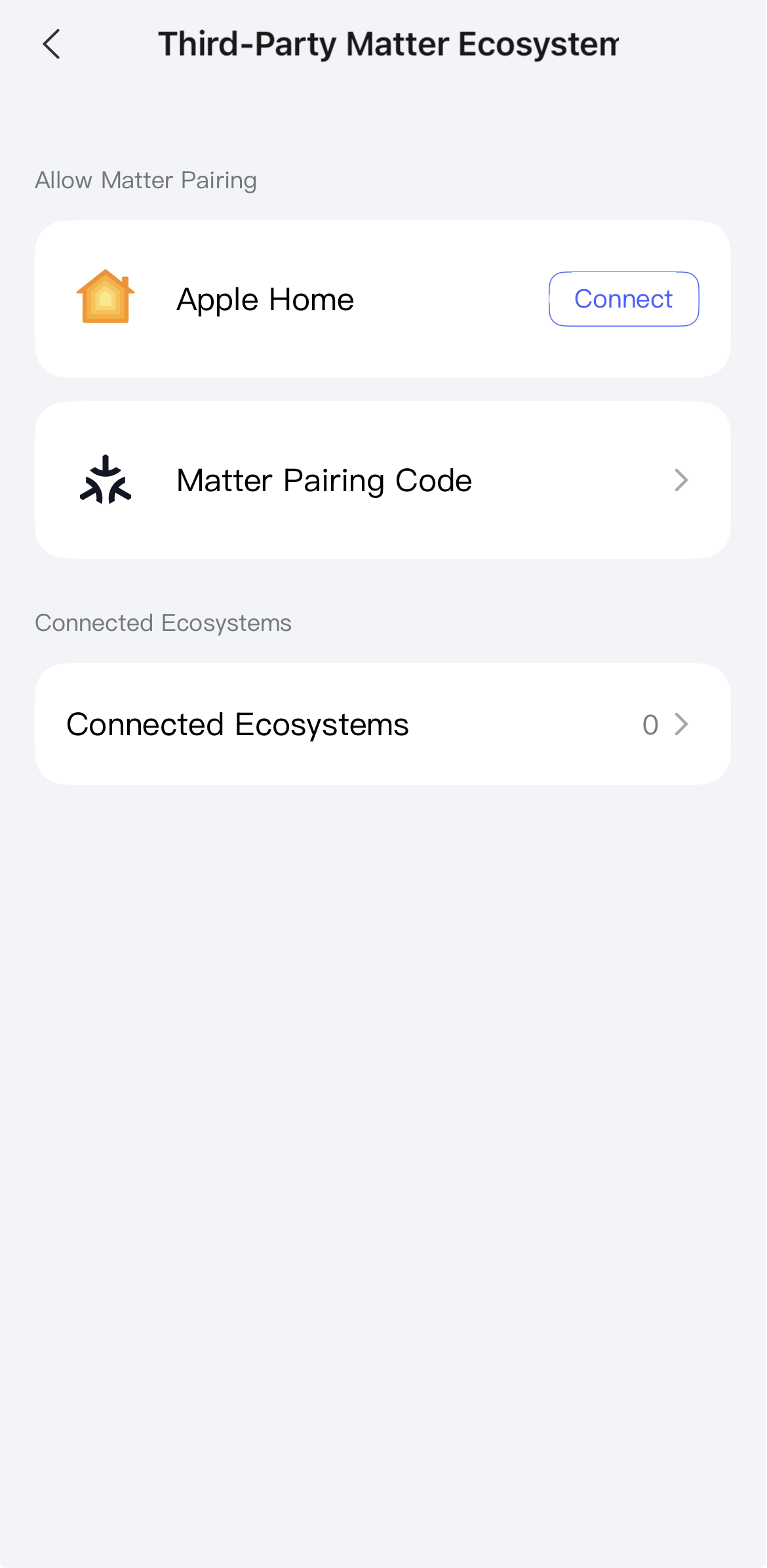
Under “Connected Ecosystems”, you could also see which ecosystems are connected to the hub via Matter.
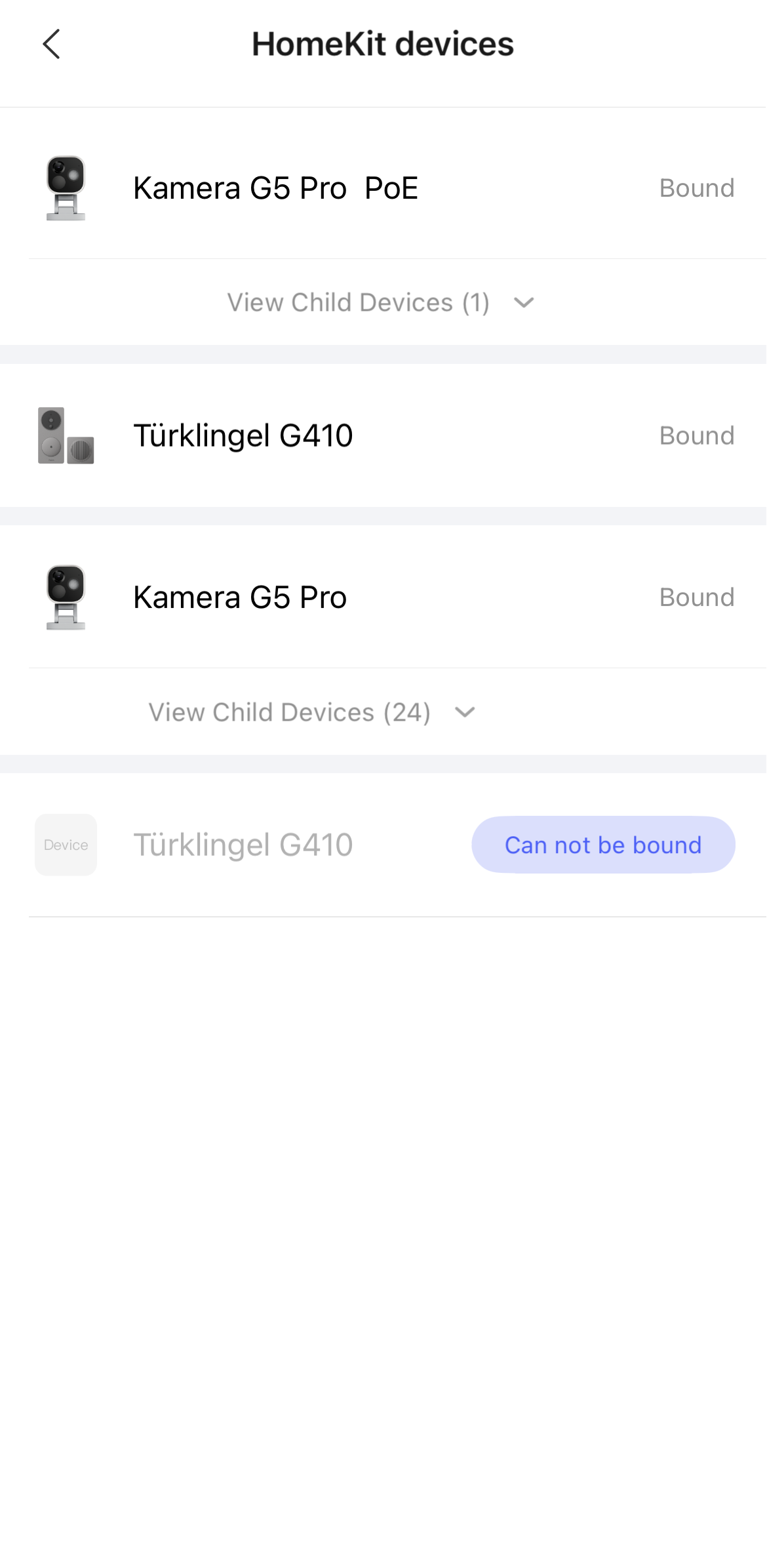
You can also find an overview under
Profiles → Connect to Ecosystems → Apple Home → HomeKit Devices
of all hubs and child devices connected to Apple Home via HomeKit.
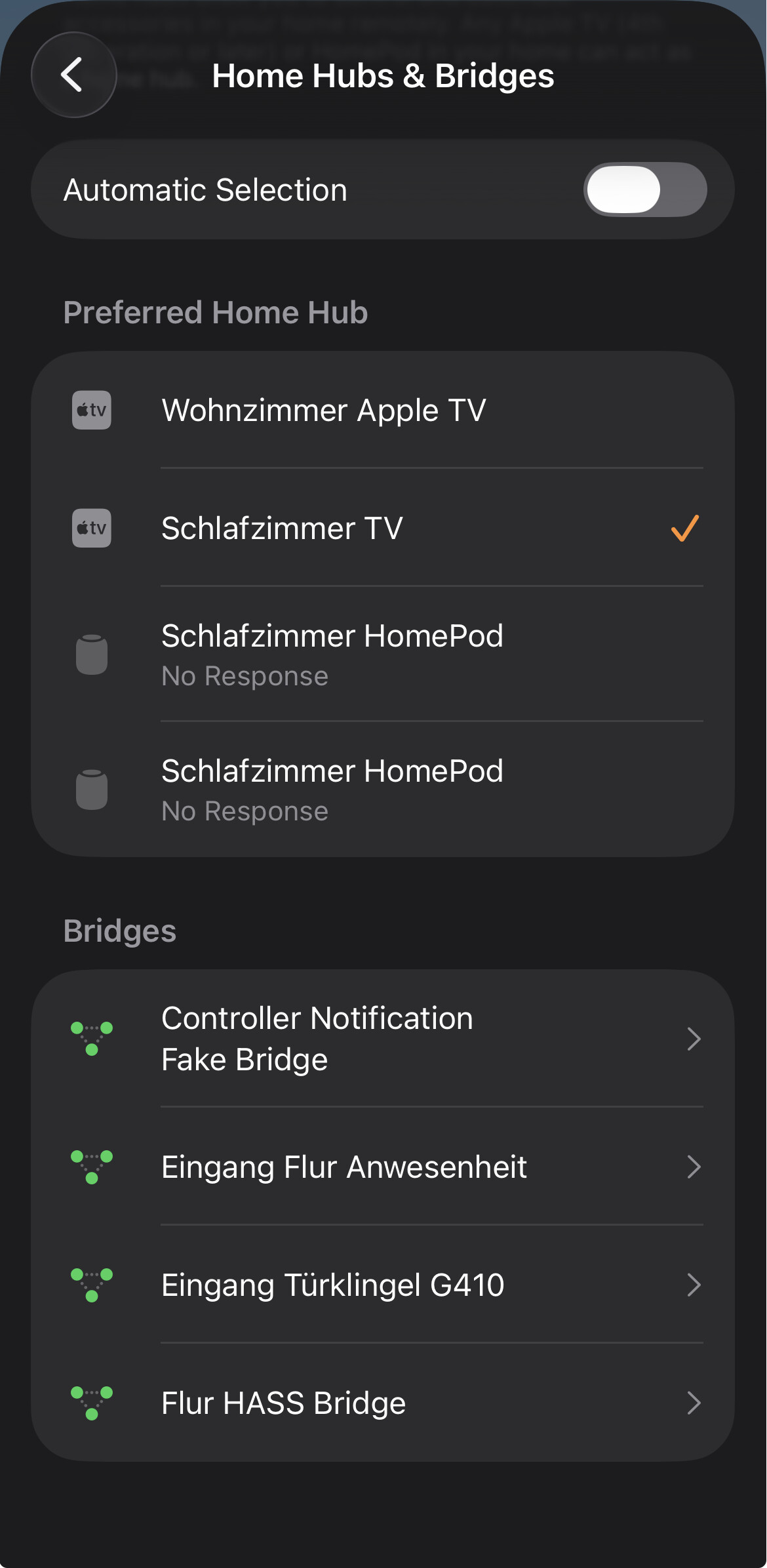
In the Apple Home app, you can also check this under:
Home Settings → Home Hubs & Bridges → Bridges
But I don’t think you can tell very clearly which connection protocol is being used here.