I have several W600. If i install the thermostat and use Zigbee i get some more options in the app but i get the message that i have to calibrate the device, which doesnt work at all. If i Use matter…less options in the spp but in 3 of 5 cases the thermostat does what it should do. in the other 2 cases i am stuck at F1. The manual doesnt cover the adapters. I selected one and treid my best to add the adapter and one of those added stamps to press the button on the ventil. The manual misses all the adapter configurations so i am stuck with trial and error…with 3/5 working (at least showing no error message). No idea how to fix the other two
1 Like
Hello, Merry Christmas to you.
Can you give an extended question with a screenshot. I can’t understand the essence of the question. Thank you
1 Like
You need to find the type of valve on the Internet. W600 adapters are available for the following types - M28×1.5mm, Caleffi, RA, RAV, RAVL, Giacomini
1 Like
I think i used the m28x1.5 with one of the short “stamps” basically it should work, sind i got 3 of 5 to work. I tried the “stamp” in both directions. Nothing about the way it should be installed in the manual.
1 Like
Give a photo of the crane
1 Like
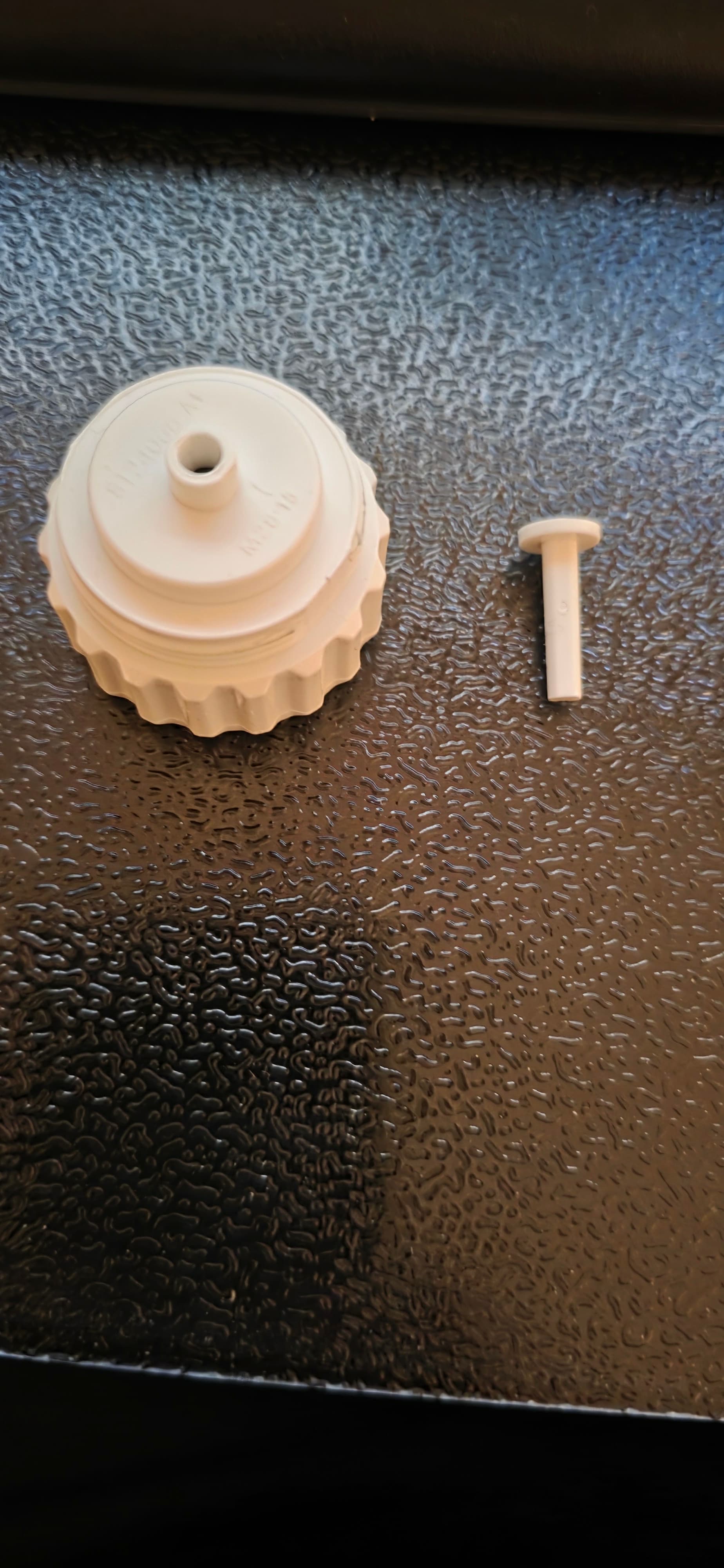
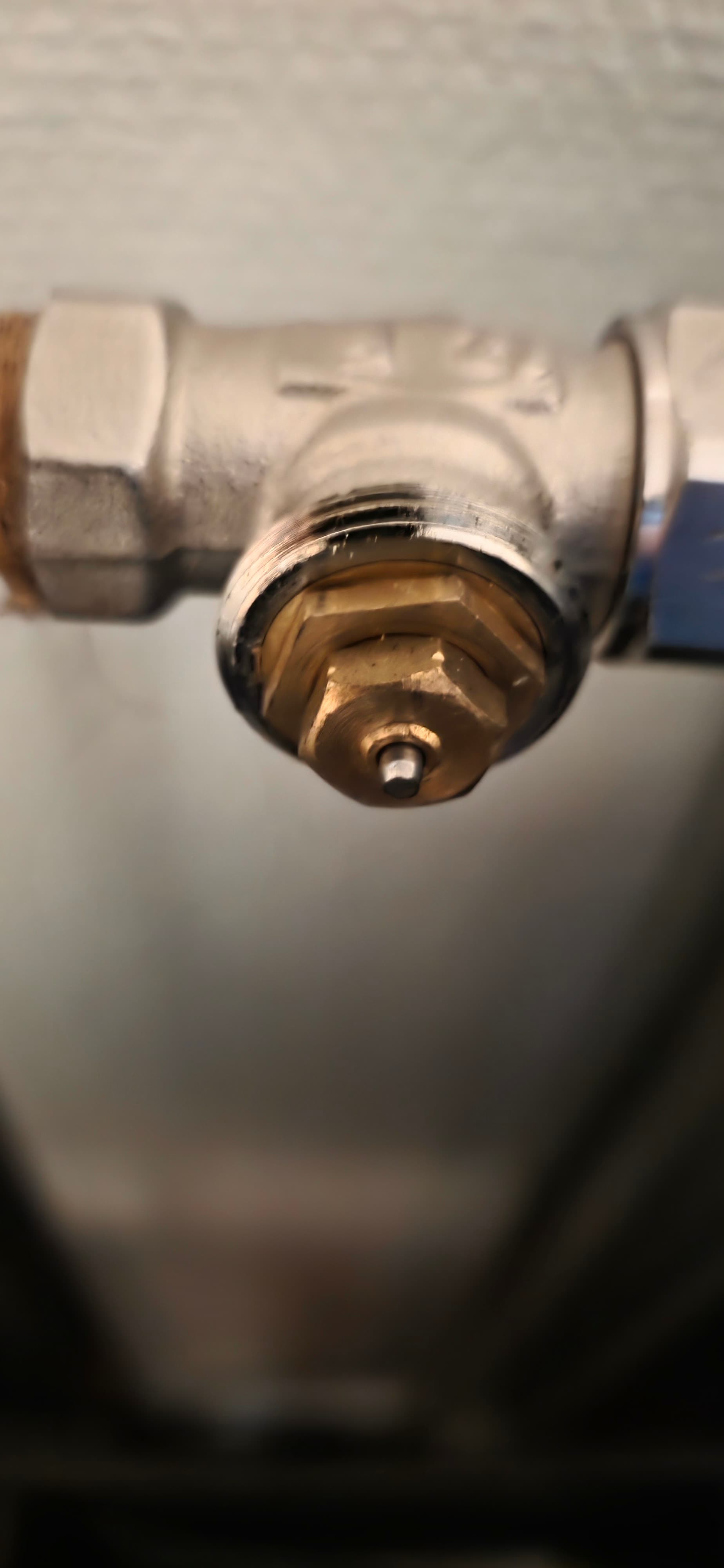
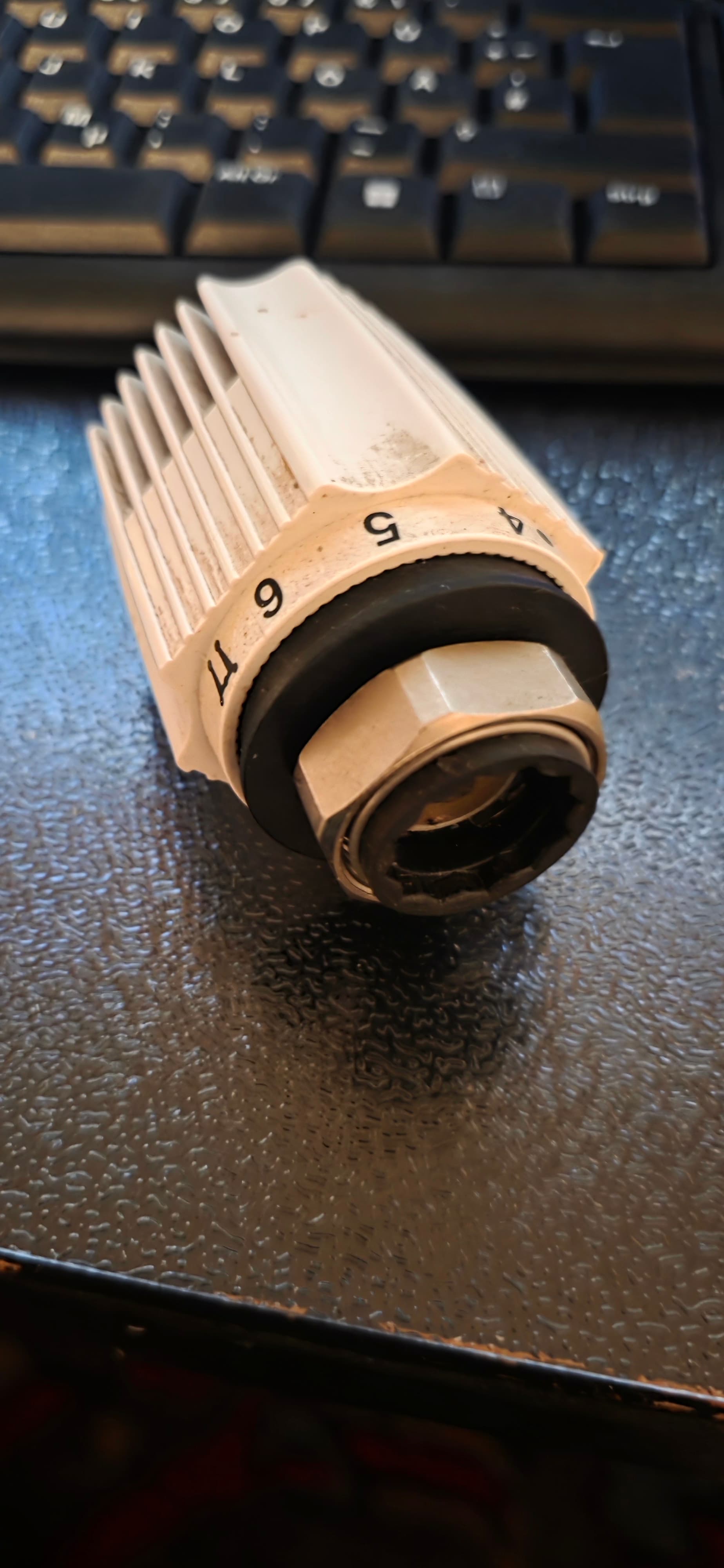
Yes, judging by the photo you have a 28 thread, only a 28x15 adapter will be suitable for your connection. Be careful, take the pin that comes with it, do not confuse it with the one from another kit (this is very important). The word pin means the pin that presses the valve.
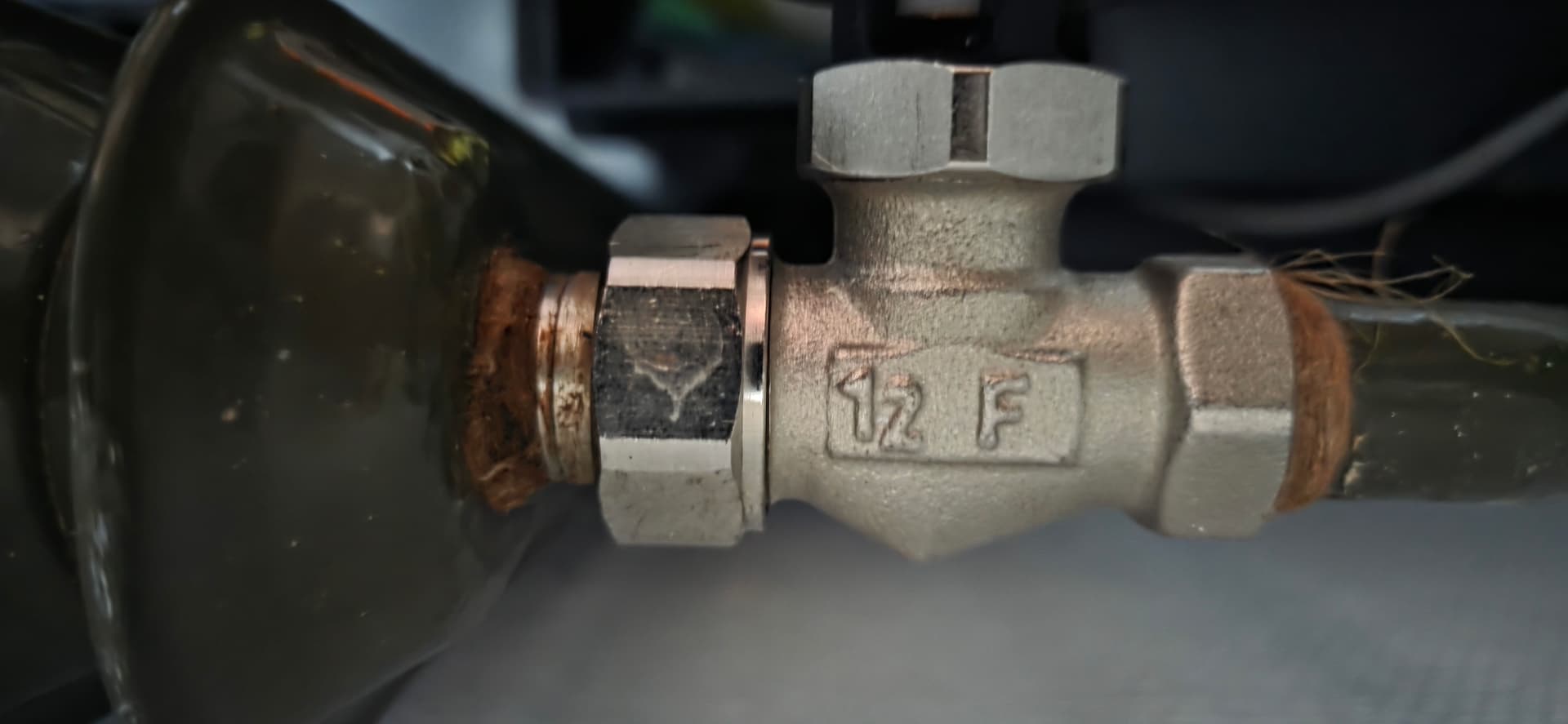
There were 4 pins in the package. One longer then the others. I used the shorter ones and i tried all directions. Thats what i meant when i wrote that a description in the manual would help. I am thinking about takeing one of the working ones to the radiator were it doesnt work to check what soe causes the problem.
I have 2/5 working both on small radiators. After reading the other post of the W600 i Think i give up and stay a manual regulation. It may be that the W600 cant handle the bigger vebntils and i had to swith and reset a lot. Zigbee display is different then matter and it seems that therer are some more difficulties with the device as i read the other posts. Thanks to all the betatesting people out there to get the things better, but i have to agree to the poster saying that i would have been better to test more before release. I will not send the devices back since its more work then its worth. Thank you for your quick support here on the board wich is great but it cant fix a “not-ready-for-release” product
1 Like
After the last firmwareupdate i tried to reinstall the remaining 3 w600 and as far as i can tell, at least 2 are working now, which is nice. I would have saved some time (and the person who answers the questions here…pretty coolperson btw) if the products (the software) are released a bit later and better tested. I am looking foward to the new products but now i will wait till i read the reports from the eary adopters aka beta tester.
1 Like