I recently got the Aqara G410 battery doorbell and set it all up no problem, I put in power saving mode as I have no need for the advanced features, so I only need it to work when the button is pressed.
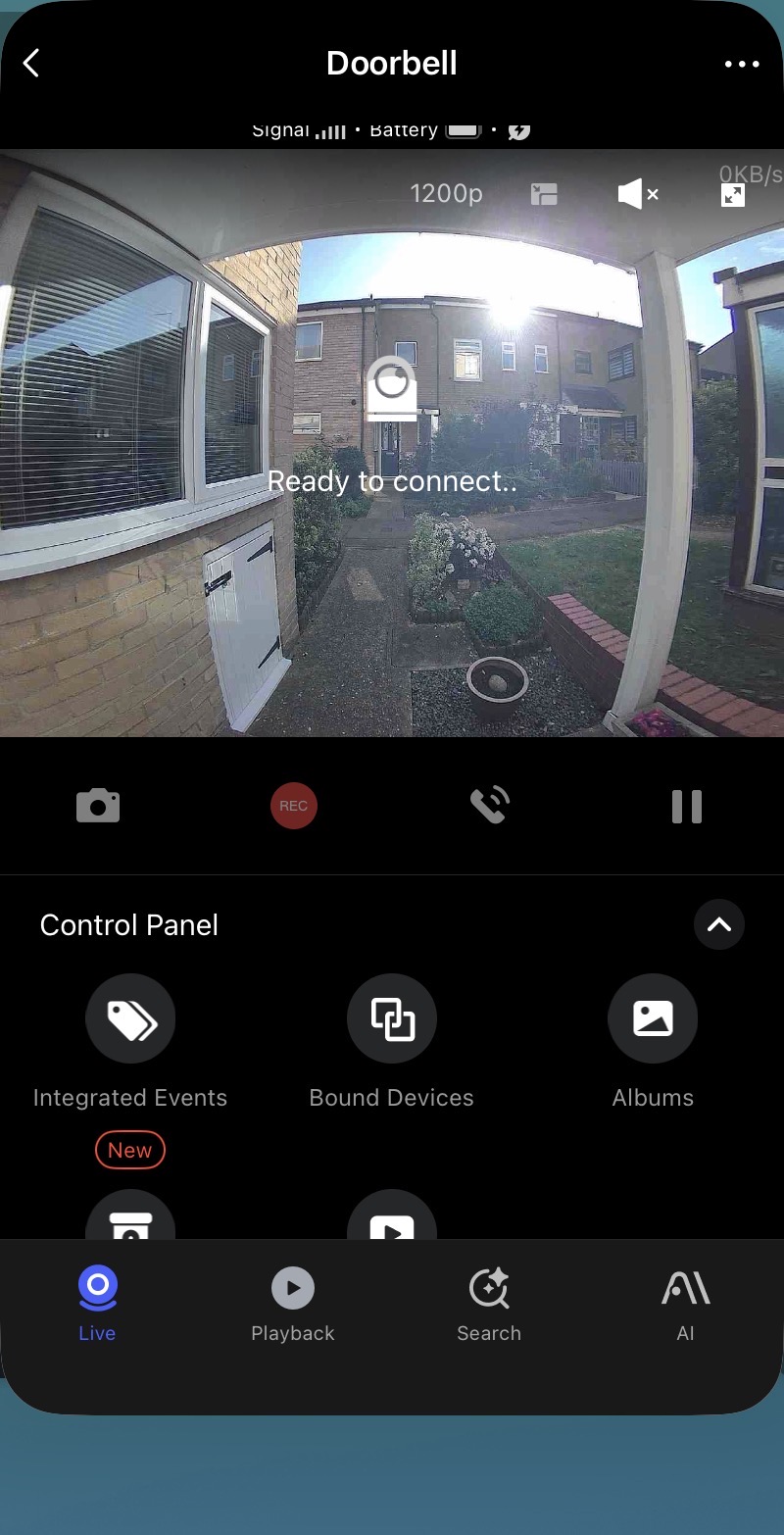
While in power saving mode you should be able to see the live feed within the app but I’m finding at least once a day I cannot load up the live feed at all, it keeps trying saying ready to connect but never works, see screenshot. Eventually after trying multiple times it will work again.
I suspected the same thing regarding it having trouble waking up. I’m going to test this on my G410 with power-saving mode enabled, and I’ll get back to you later.
I’ve been checking it from time to time. So far, I haven’t had any problems using the Aqara app via Home Live View, directly in the accessory view, or via Apple Home.
I’ll keep an eye on it, but I have a few questions in the meantime:
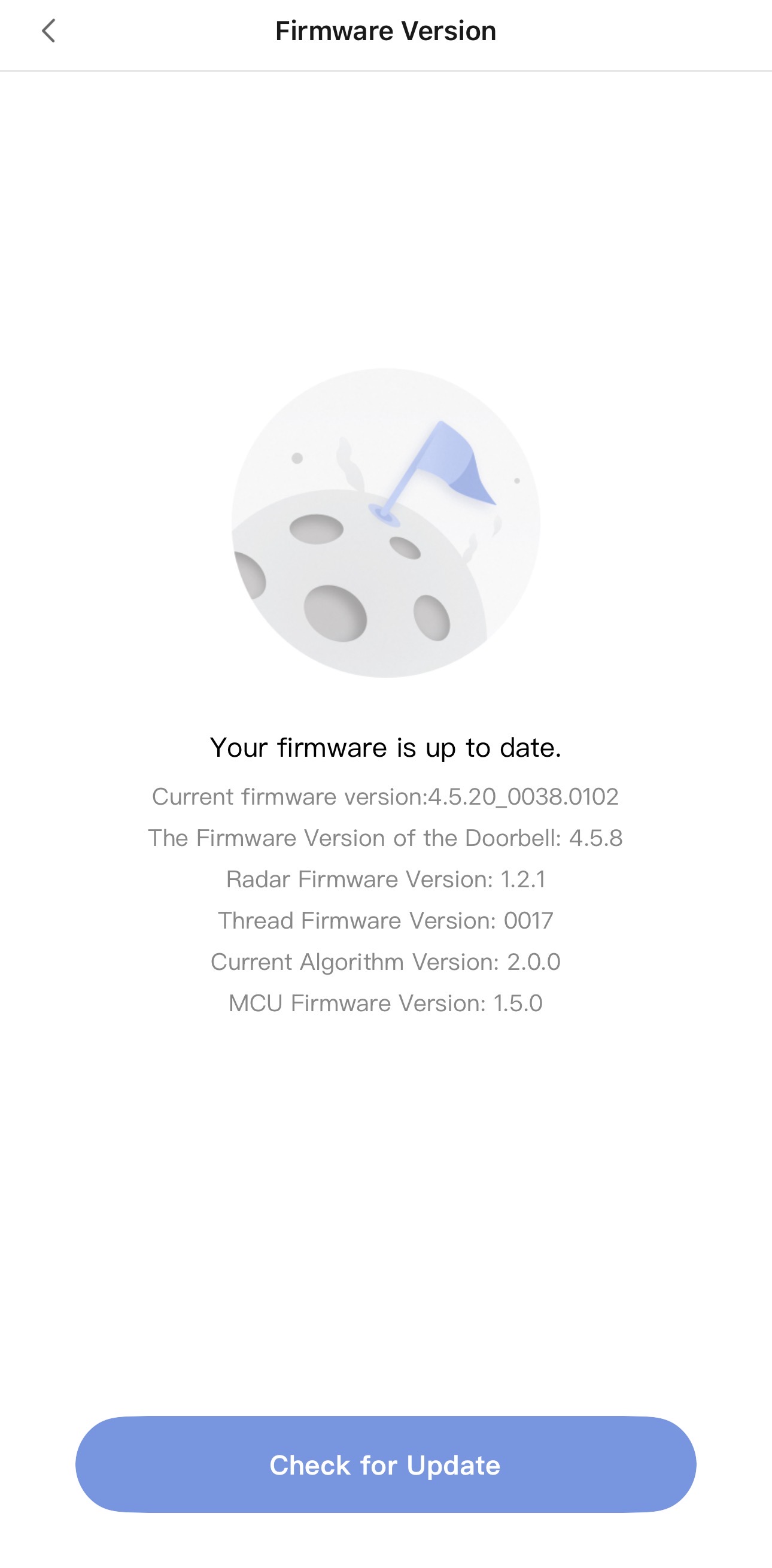
What firmware is your G410 running?
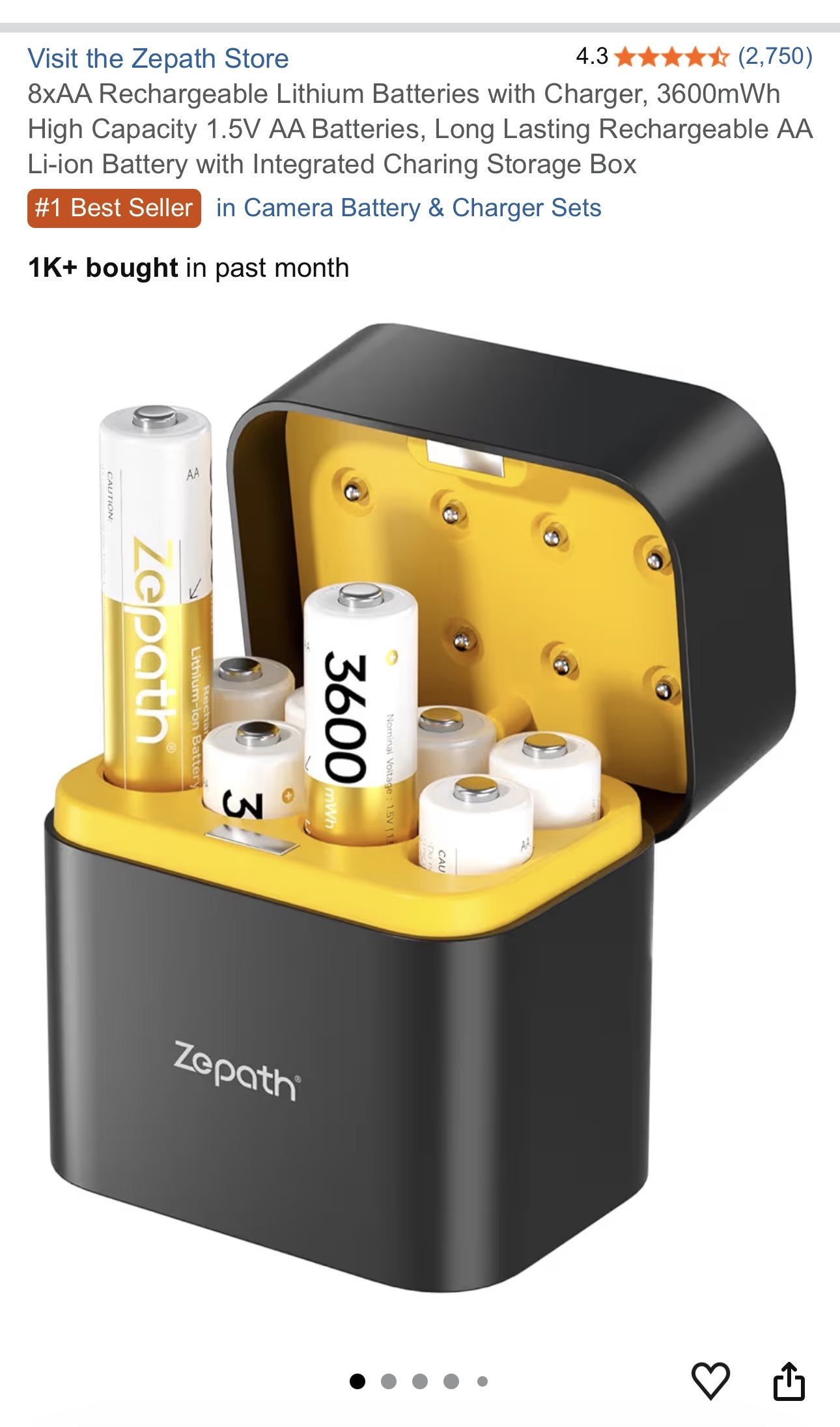
What type of battery do you use? Alkaline, NiMH, Lithium Primary, Li-Ion?
Ok thanks for testing this out, mine is on the latest firmware, I’m using rechargeable batteries NiMH and they seem fine, still fully charged more or less, so not depleting quick at all.
I even moved my chime hub so it’s only 5 feet to the doorbell and 5 feet to my router.
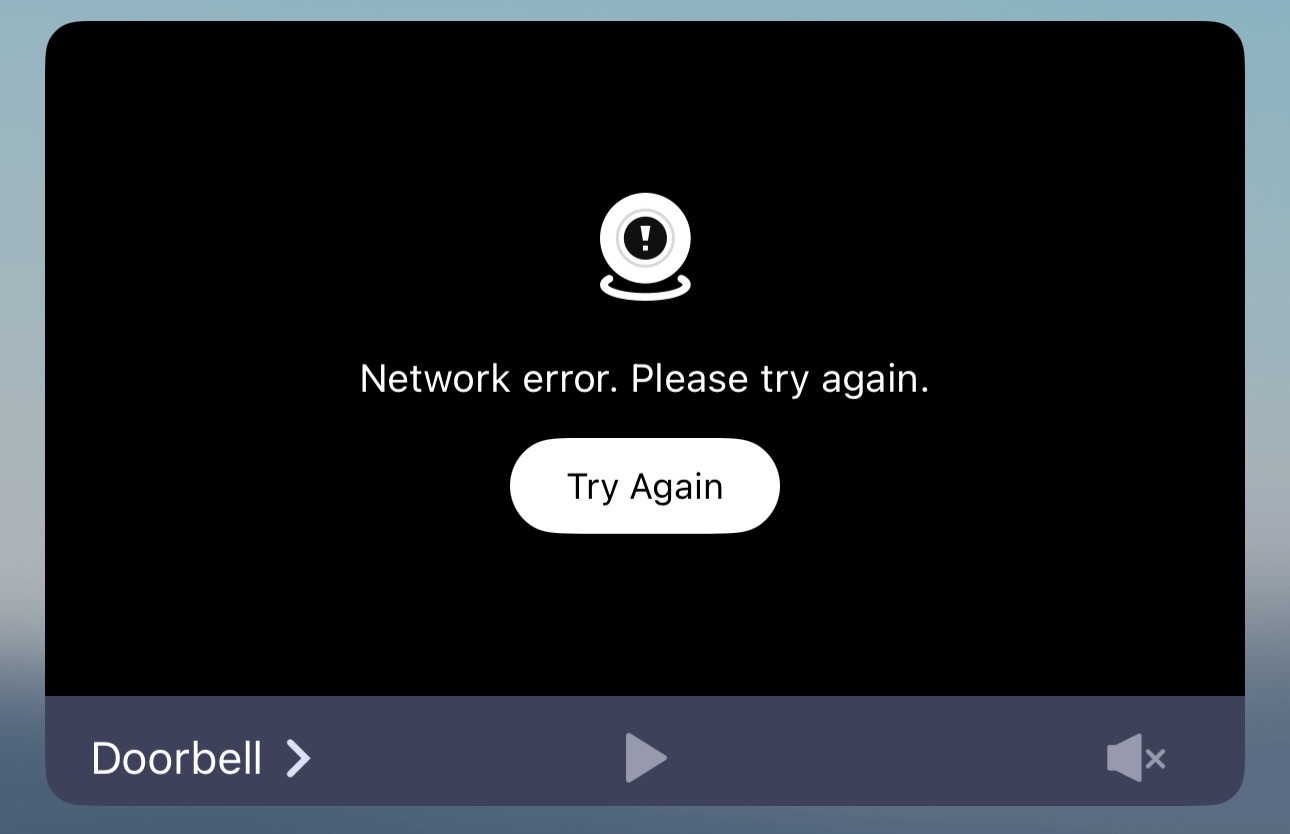
Still get the error every day and I leave it trying to connect I get this error as well.
These are problematic due to their low starting voltage. 6 cells provide only 7.2 V instead of the 9.0 V provided by Alkaline, Lithium Primary or Li-Ion. Try using some new or fresh alkaline batteries to see how they work.
Which version exactly? Updates are rolled out in waves, so “latest” might be a relative term here.
Unfortunately, that doesn’t tell us much. A good friend of mine has a metal plate in his wall, and even when the distance is only one foot, the Wi-Fi signal can’t get through it.
No I made a point of not getting 1.2v batteries, these are 1.5v
The chime can see the router, so it’s line of site, and similar from the chime to the door, but obviously just outside the upvc door. Very close and very strong signal.
But these aren’t NiMH batteries, they’re lithium-ion. However, we’ve ruled this out as the cause.
The firmware version we’re using is the same. So that’s probably not the cause of the problem either.
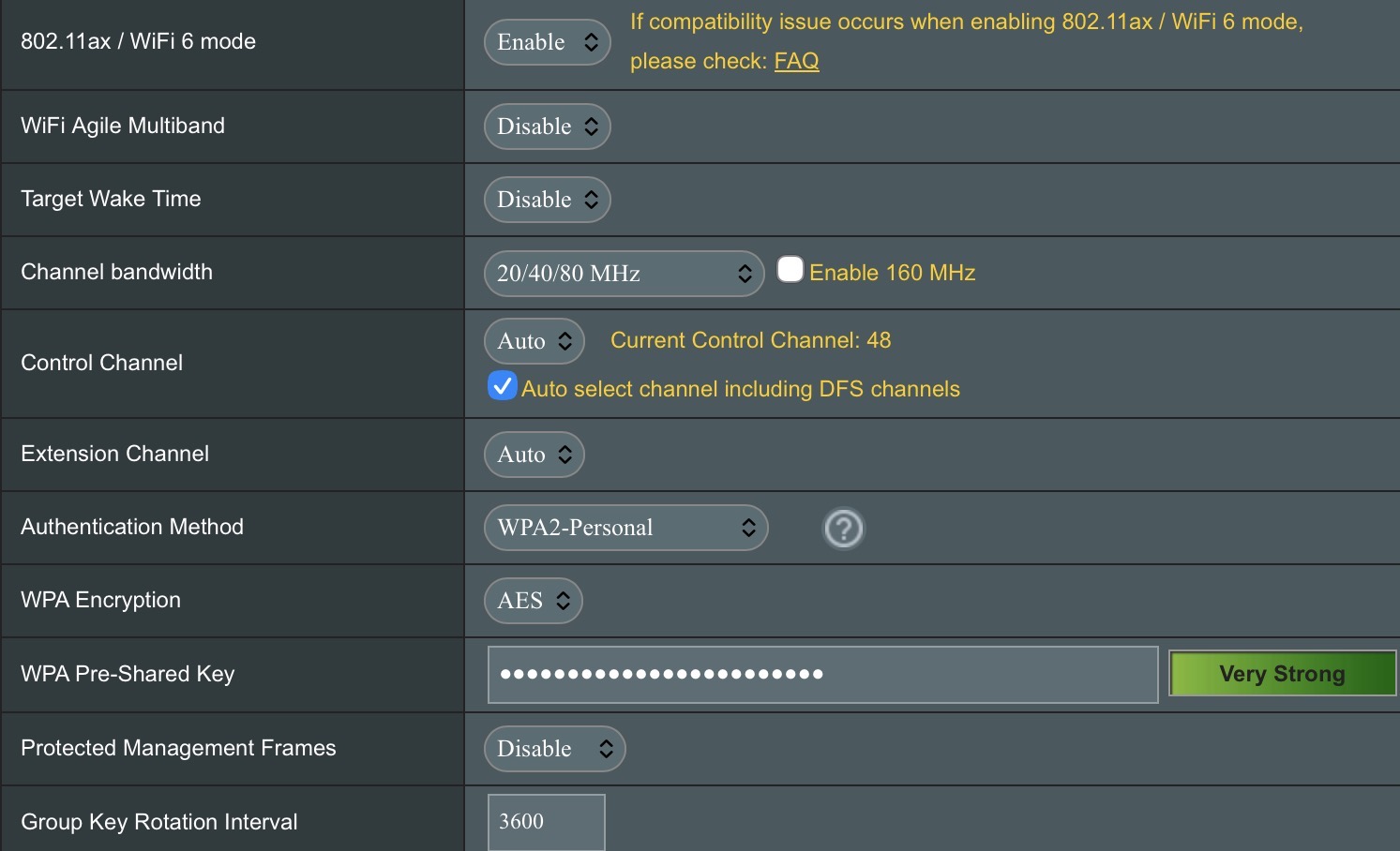
Is the Chime-Hub connected to your 5 GHz network? If so, which channel is it on? Has your Wi-Fi router indicated that a channel change has taken place due to interference?
116:06:12 wlceventd: wlceventd_proc_event(645): eth7: Deauth_ind MAC ID, status: 0, reason: Deauthenticated because sending station is leaving (or has left) IBSS or ESS (3), rssi:-57
Apr 116:06:13 wlceventd: wlceventd_proc_event(662): eth7: Disassoc MAC ID, status: 0, reason: Disassociated because sending station is leaving (or has left) BSS (8), rssi:0
Yes, you can find the MAC Address and the current Wi-Fi channel in the Aqara Home app under Network Information in the settings of the device. If you want to be sure which device is logging these events, you can compare that MAC address with your router logs.
When the log showed “Successful” at 16:10:07, did the live stream actually work in the app, or did it still fail to load?
Also, since your streaming issue is intermittent, have you checked if your router is frequently changing Wi-Fi channels? If your router is set to Auto Channel (especially with DFS enabled), it might be jumping frequencies to avoid interference, which can cause the doorbell to lose its connection temporarily. Do you see any “Channel switch” or “DFS” events in your logs?
Does your router have a Site Survey or a Wi-Fi environment map that shows neighboring networks? Since a 40 MHz block (channel 46) occupies more spectrum, it’s more likely to overlap with neighbors. It would be interesting to see if other networks are crowding that same space.
As an alternative, make a note of the time when it didn’t work and compare the logs. But so far, the logs don’t look out of the ordinary – just normal disconnections and reconnections, I’d say.