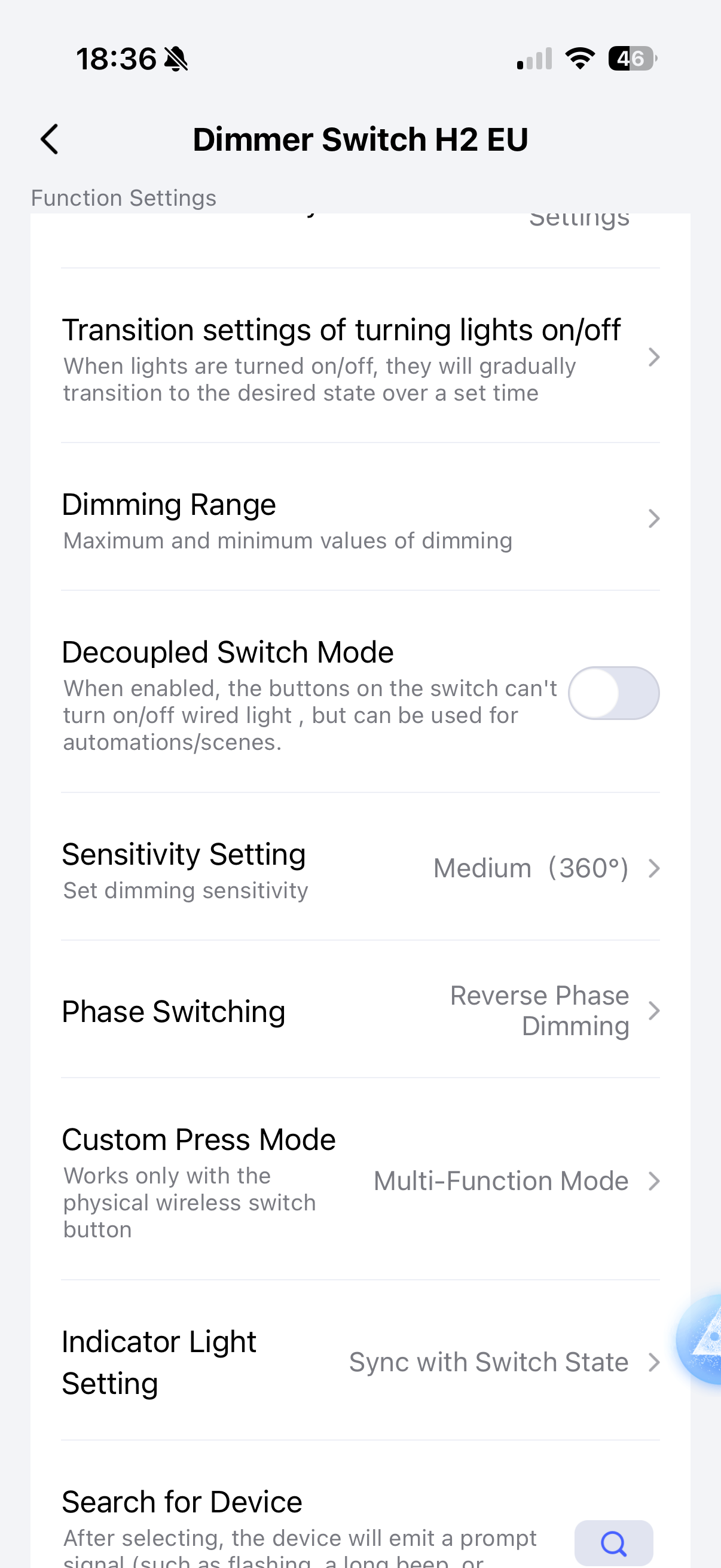
Hey! I picked up some Light Switch H2s with wireless buttons, and have been exploring getting these fully functional in Home Assistant via ZigBee.
I’ve found the option to set “Custom Press Mode” for the wireless button on devices that have one, but I haven’t been able to find such an option for the relay-backed switches. This makes sense to me - when the switches are in relay mode, but when they are decoupled I believe they should be acting the same as wireless buttons!
Is “Multi-Function Mode” an option for decoupled switches? If no, who can I reach out to about looking into a firmware update to support this?
Edit: Using Aqara app terminology
4 Likes
Hi @Cifer_Aqara may you can have a look at this topic 

2 Likes
Do you have “Custom Press Mode”? In my case it’s H2 Dimmer Switch, but changing this enabled multi click and long press actions (even if it’s not decoupled)
I don’t have an Aqara hub to find out, but the description “works only with the physical wireless switch button” matches the behaviour I’m seeing - I’d like for an option to have single/double/hold/release on all physical buttons that are decoupled from their relay, not just the button that doesn’t have one
1 Like
Hello, your requirement is most likely met when you enable this function in Zigbee mode (app Aqara home) and then switch HA.
1 Like
So setting “Custom Press Mode” to “Multi-Function Mode” is possible for all buttons, not just the wireless button?
If that is the case, I will dive back into the devices Zigbee attributes and have another look.
To be clear, I have this option today in Home Assistant for the wireless button. I do not have this option for any other buttons.
1 Like
Just want to bump this, seems to be related to Switch H2 EU - Double Press not available in Home Assistant
Assuming it’s not supported, who do I reach out to about a potential firmware update?
1 Like