Aqara M3 - IR and Ghost

Hello my friends,

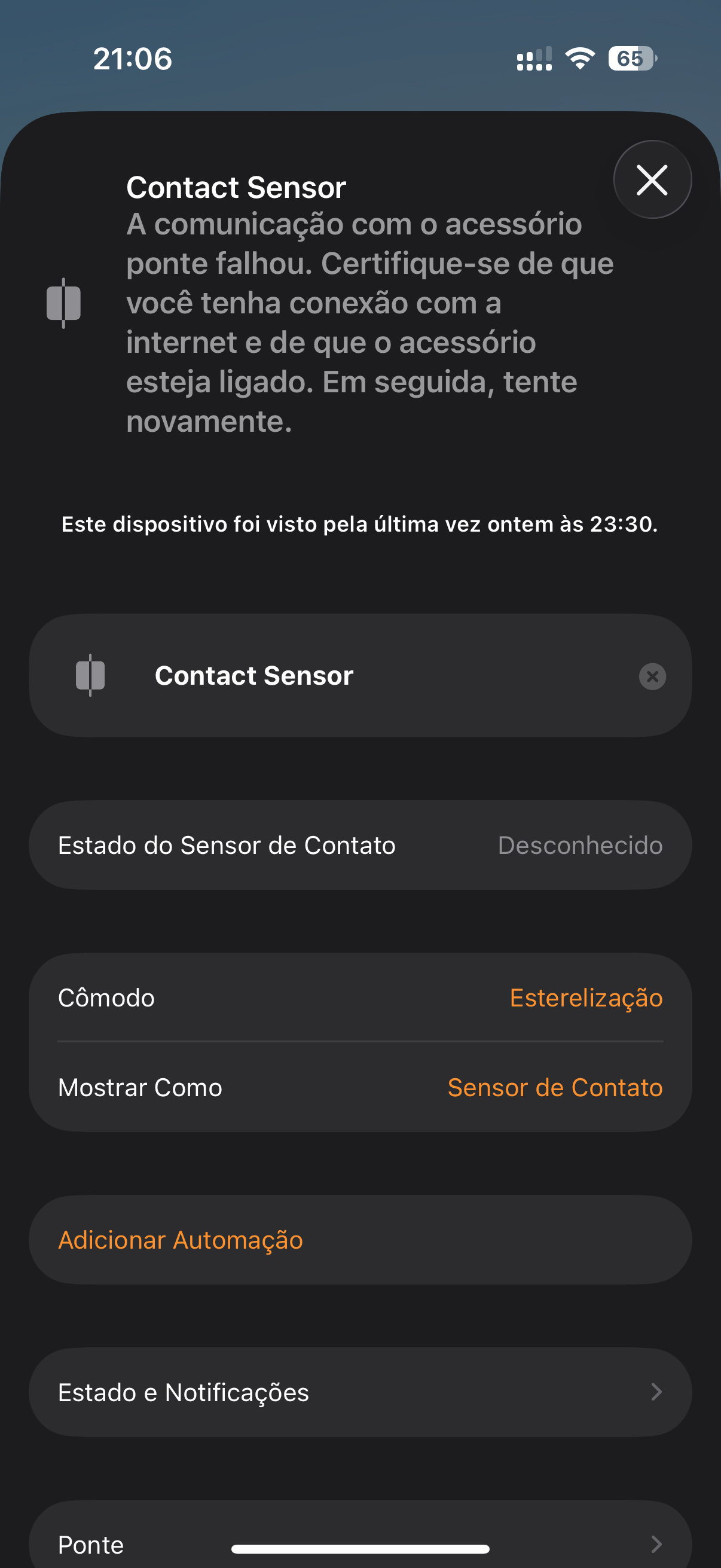
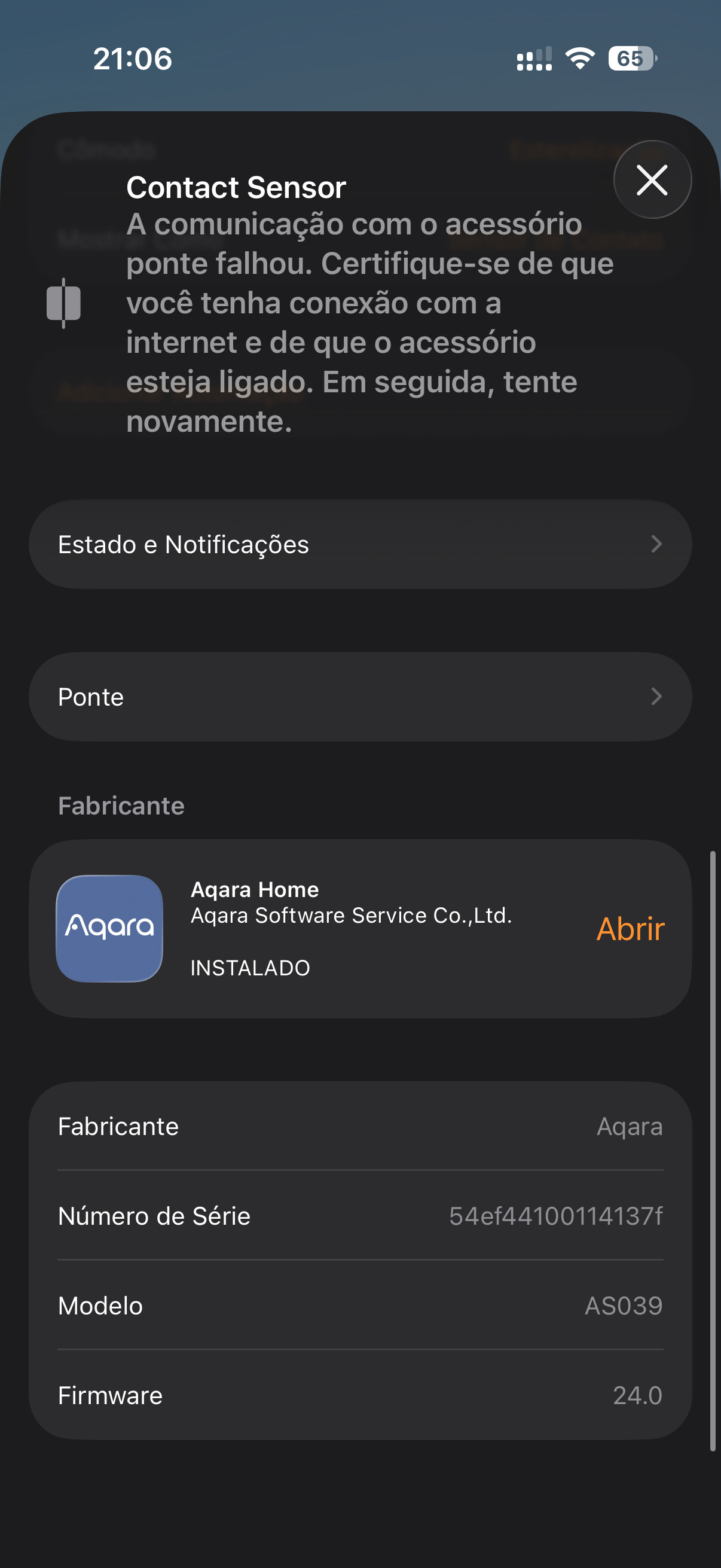
I recently purchased a used Aqara Hub M3 (China model). When I pair it with HomeKit, it automatically adds a non-existent contact sensor, probably from the previous owner. I have already reset the hub twice, but the same sensor still appears during pairing.

Another issue is that I activated the IR control for my air conditioner, but it does not pair with HomeKit. I’m not sure why.


2 Likes

Totally reset the device by pressing the button 10 times in sucsession

3 Likes

Hello, welcome to the forum. First, test IR in the Aqara home app.

In my lesson 18 I created automation for an air conditioner. You can read it for general development. Automation 2.0, lesson 18, creating temperature control automation using air conditioning

2 Likes

Hello @mgpzf5gzvs . Welcome Aqara Forum .
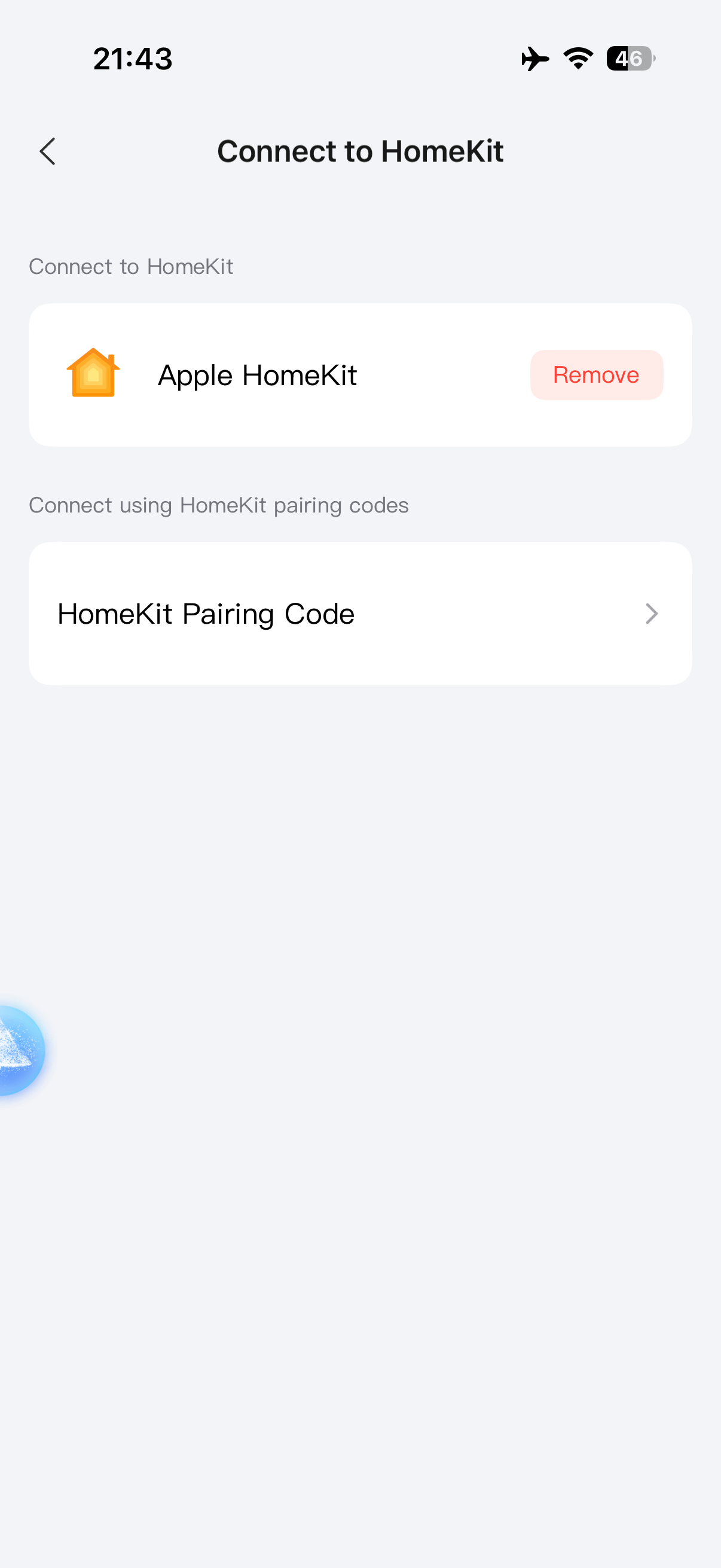
If your m3 is connected via a Homekit code, the air conditioner should be added to Homekit if you use the m3 air conditioning mode in the app. If you added it as an IR remote, it won’t be added.
If you’re connecting your m3 to Homekit via Matter and the Matter code, the air conditioner won’t be added either. Use the Homekit code to connect.

1 Like

Hello everyone,

I tried all the options.

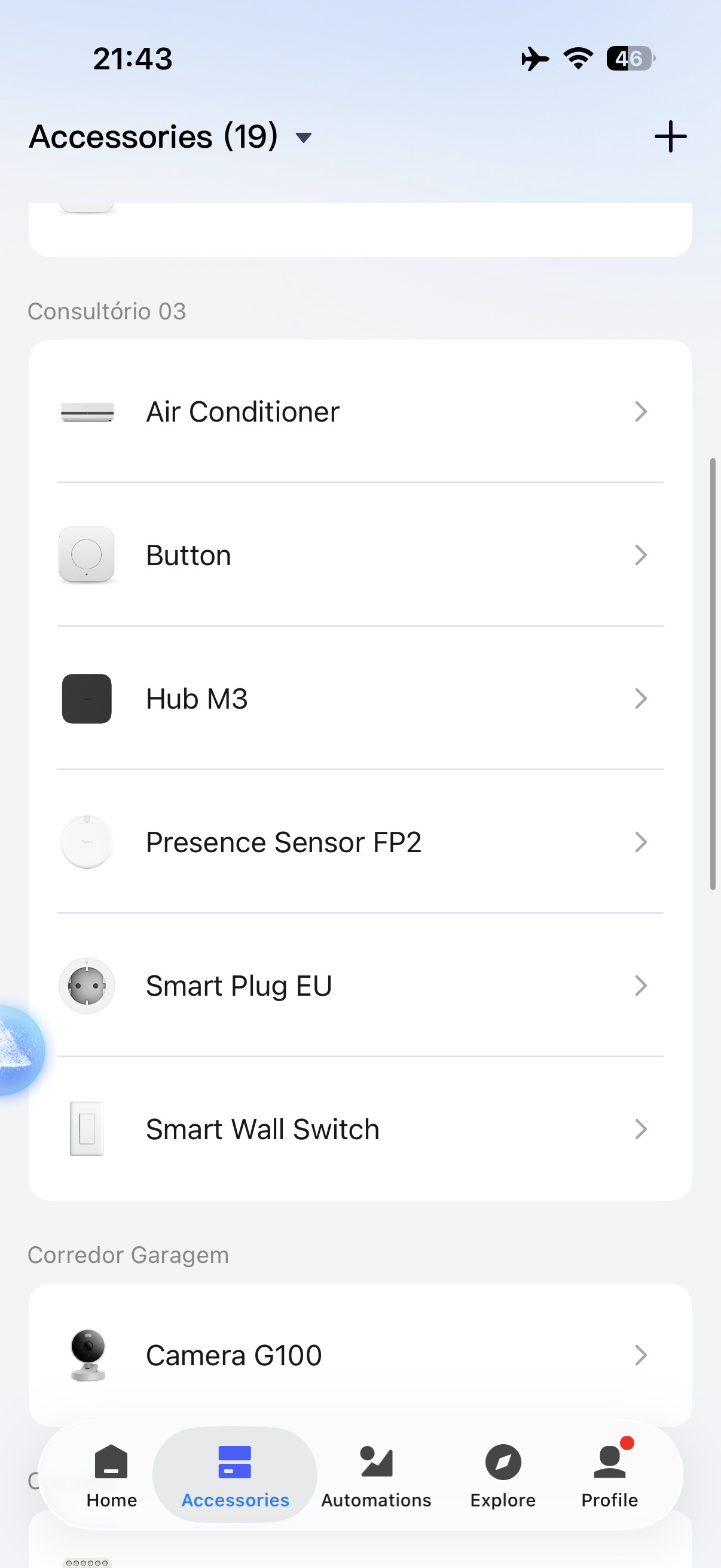
I installed it via IR remote.
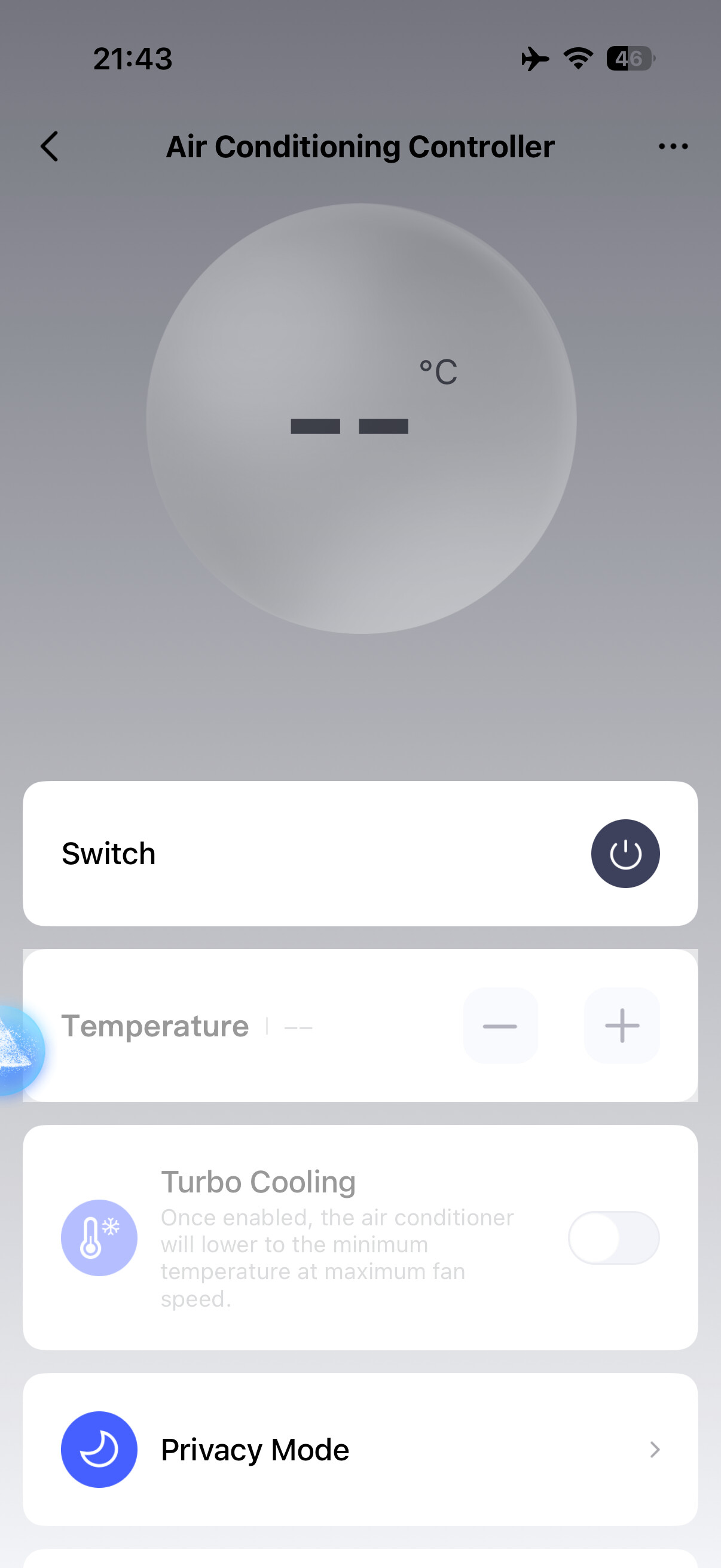
I also installed it using the Aqara M3 air conditioner mode, but without success.

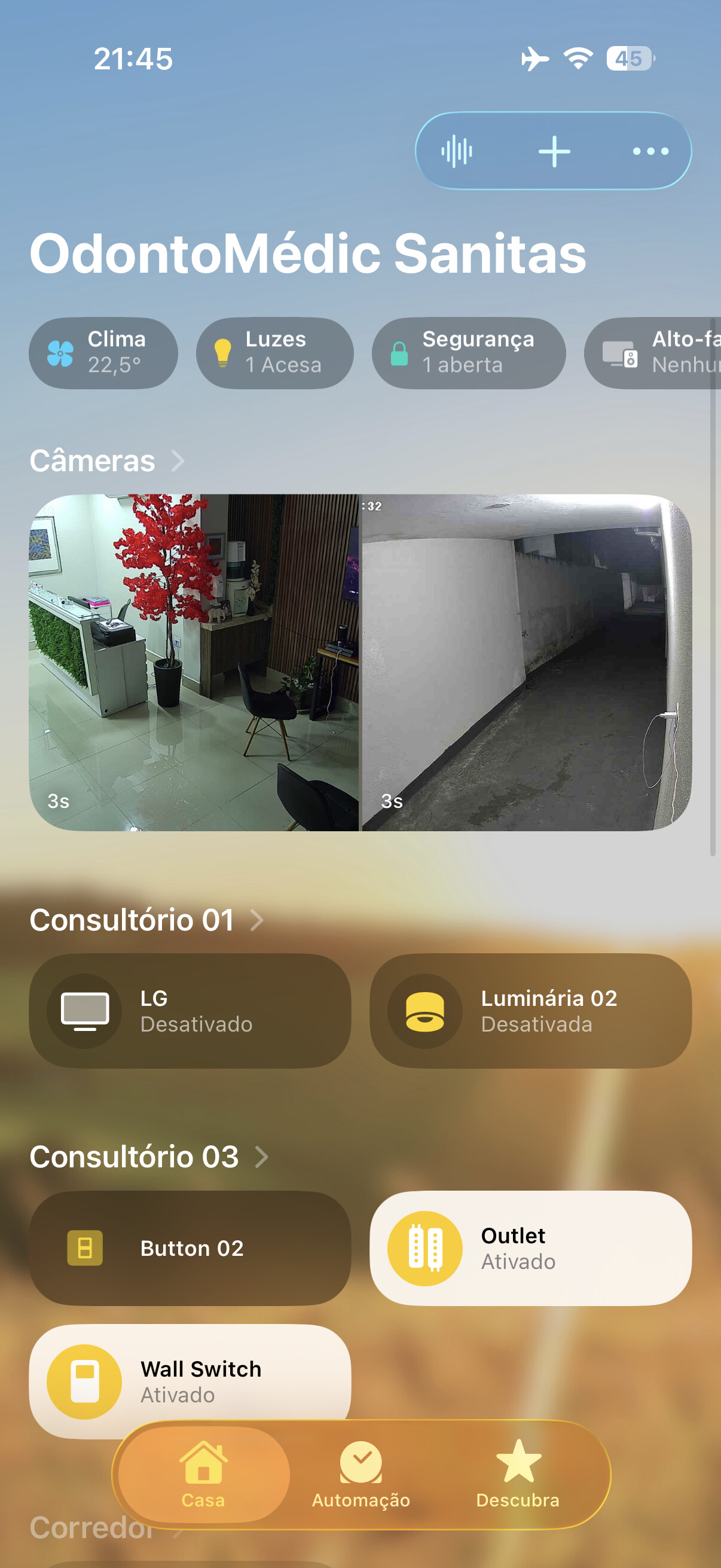
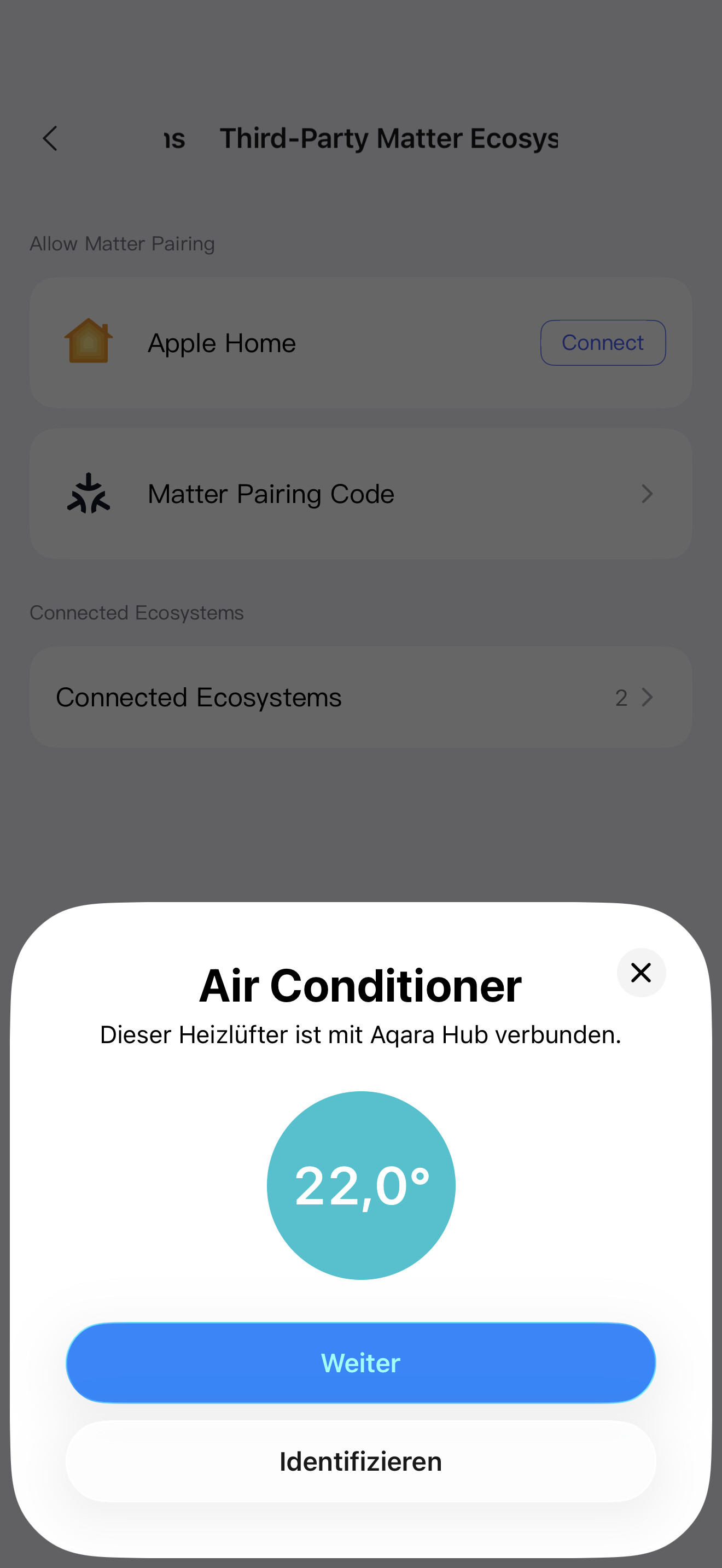
Here are the photos.

1 Like

Hello, IR does not work with Aqara home. Did I understand correctly?

Did you reset to factory settings (10 quick clicks)?

Yes, I just did it and it worked. The ghost device is gone now.

One less problem, thank you!

However, the air conditioner still does not appear successfully.

1 Like

The IR air conditioner works.
The M3 air conditioner mode also works.

The only issue is that I cannot export the air conditioner to HomeKit.

1 Like

Hi, I’m glad there is a result. Regarding the HomeKit export, I’m asking for help from @expert, please help me with this.

1 Like

I’m not 100 percent sure but the air conditioner is only exported through matter ?

3 Likes

As @david already mentioned I have in mind the M3 has to be paired to Apple Home via Matter

4 Likes

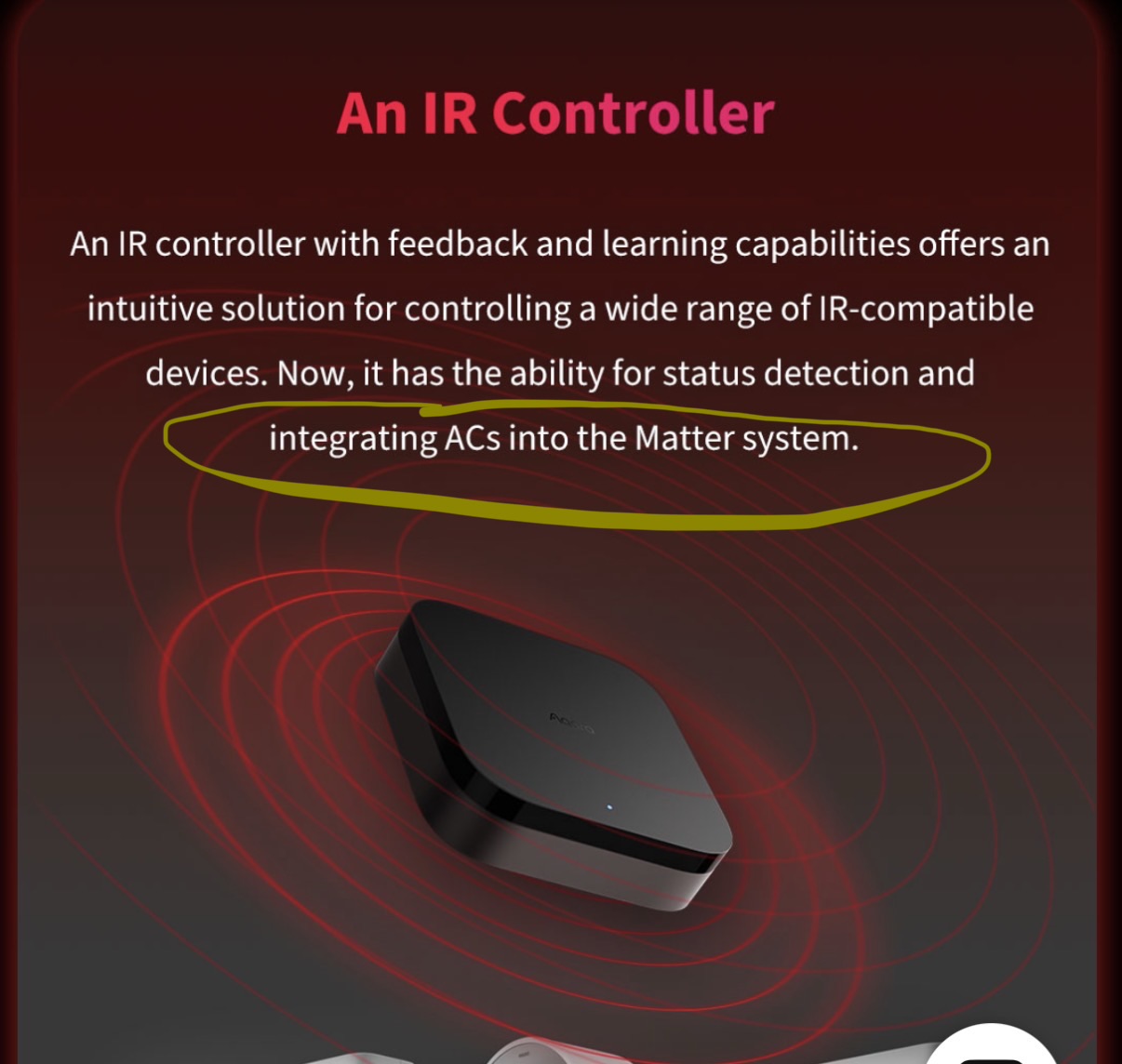
Yes, the Aqara page states that it’s a Matter feature

@andre_yoshihara you can also use the Matter pairing code (Accessories → Hub M3 → Matter, and then Apple Home → Add accessory) instead of HomeKit integration.

But use either Matter integration or HomeKit integration or it’ll duplicate your devices. So before pairing it via Matter, remove Hub M3 from Apple Home by tapping three dots → Home Settings → Hub and bridges.
4 Likes

Yes, gave it a try again as it’s been a while for me and it’s exporting AC via Matter

4 Likes

Hi @david, @denis.w, @cezary806. Thanks for the teamwork!

2 Likes

Sure thing!

1 Like