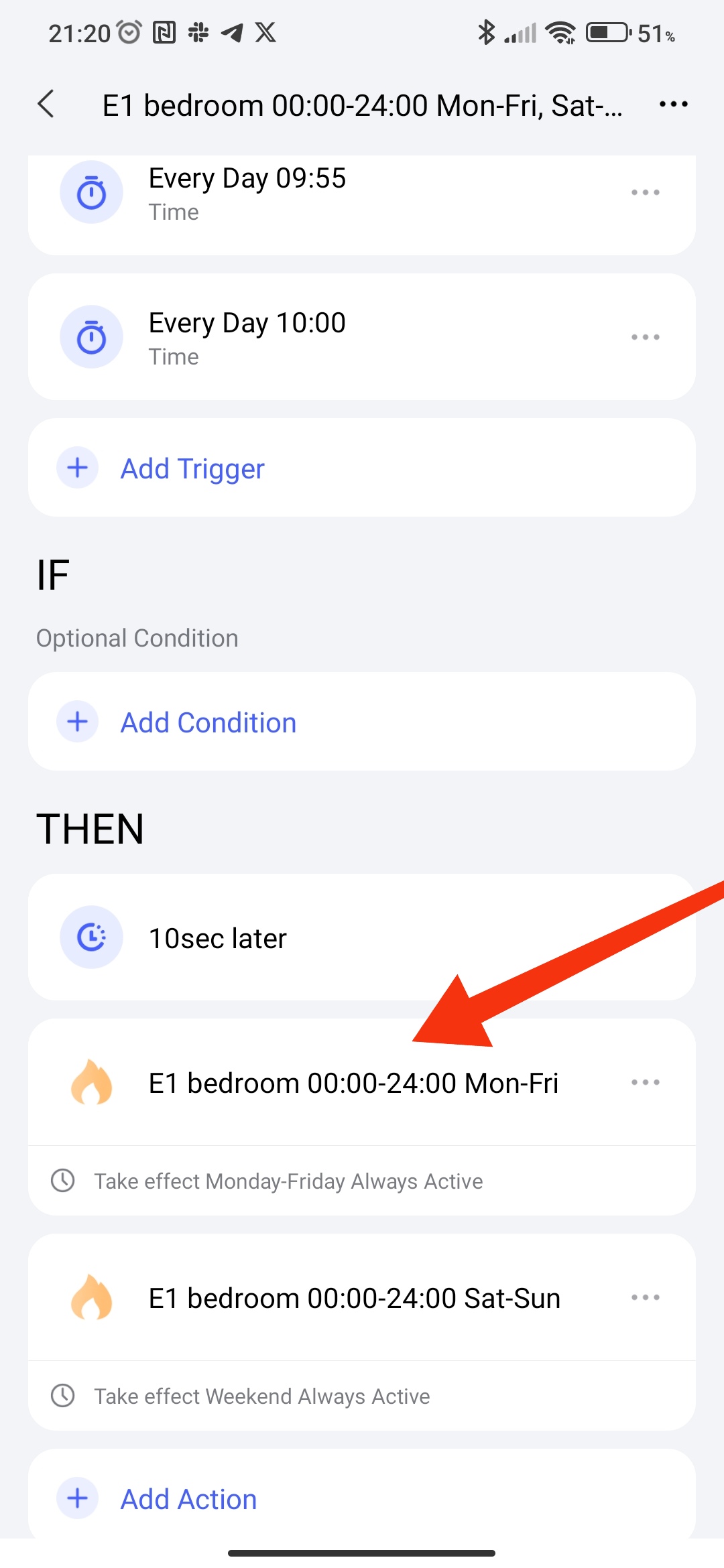
After creating and publishing lesson 10 ( Automation 2.0, lesson 10, room climate control. Creating a smart heating schedule for radiator thermostats (E1, W500, W600) ) I discovered that my automations created based on TVR E1 do not show in the “items tied to automation” section a link to the created automation in which there is a scene with a device.
Fig.1,2,3
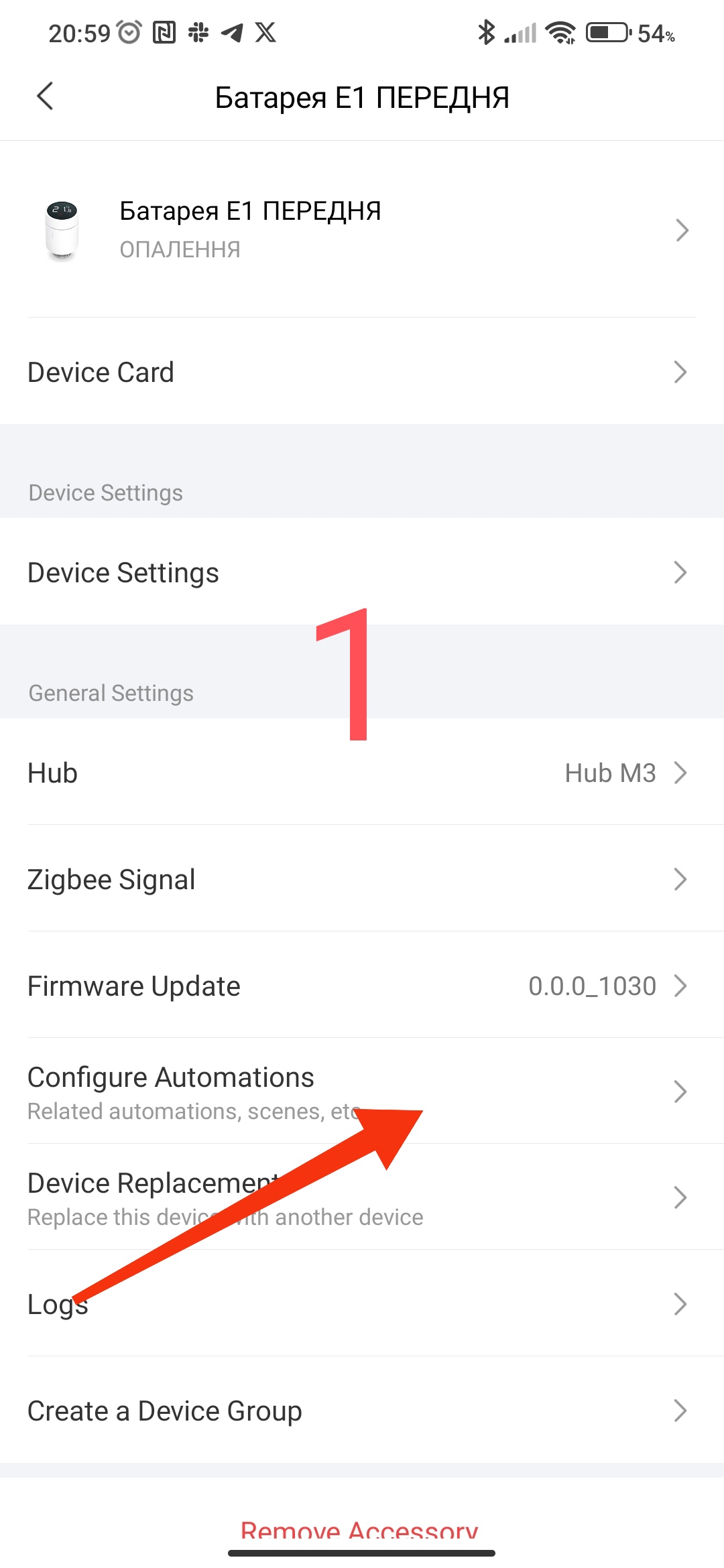
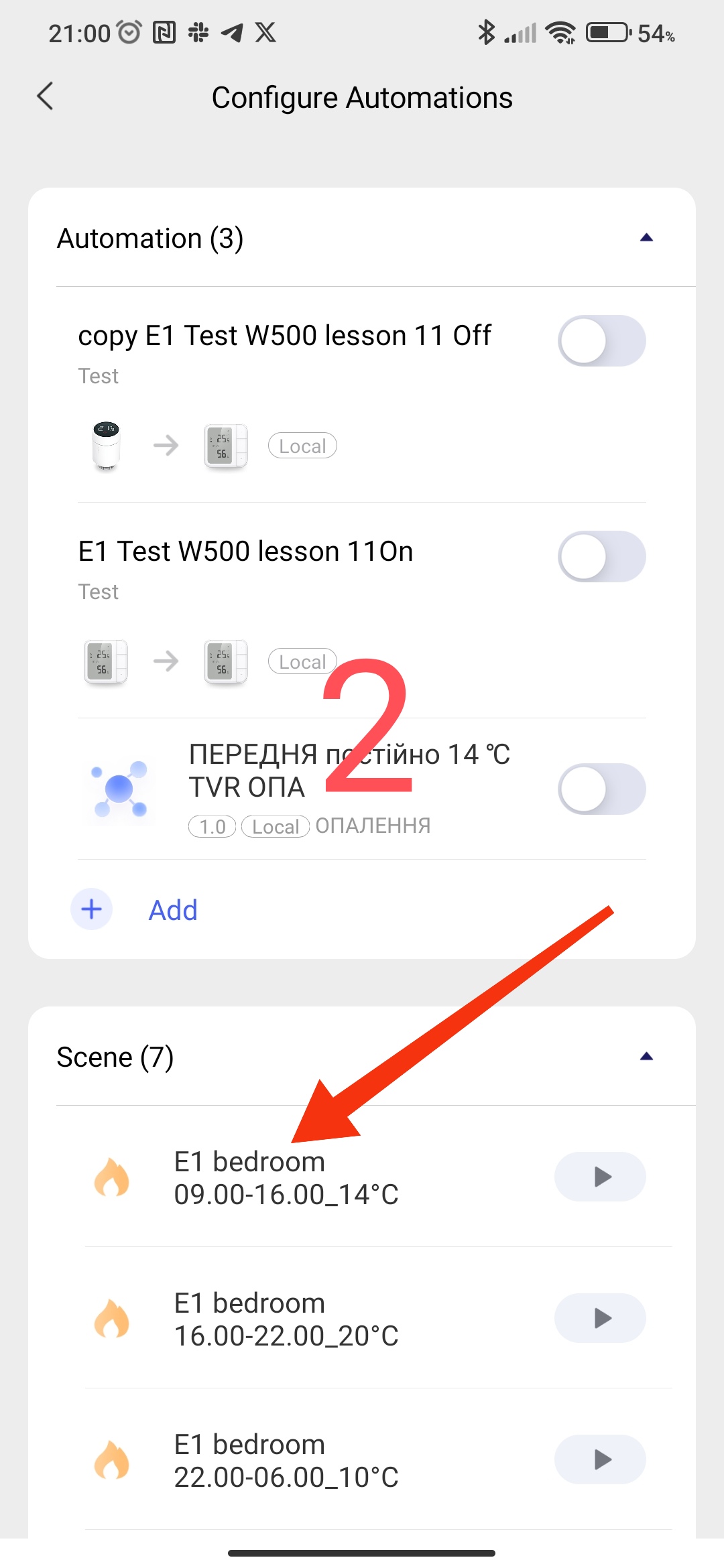
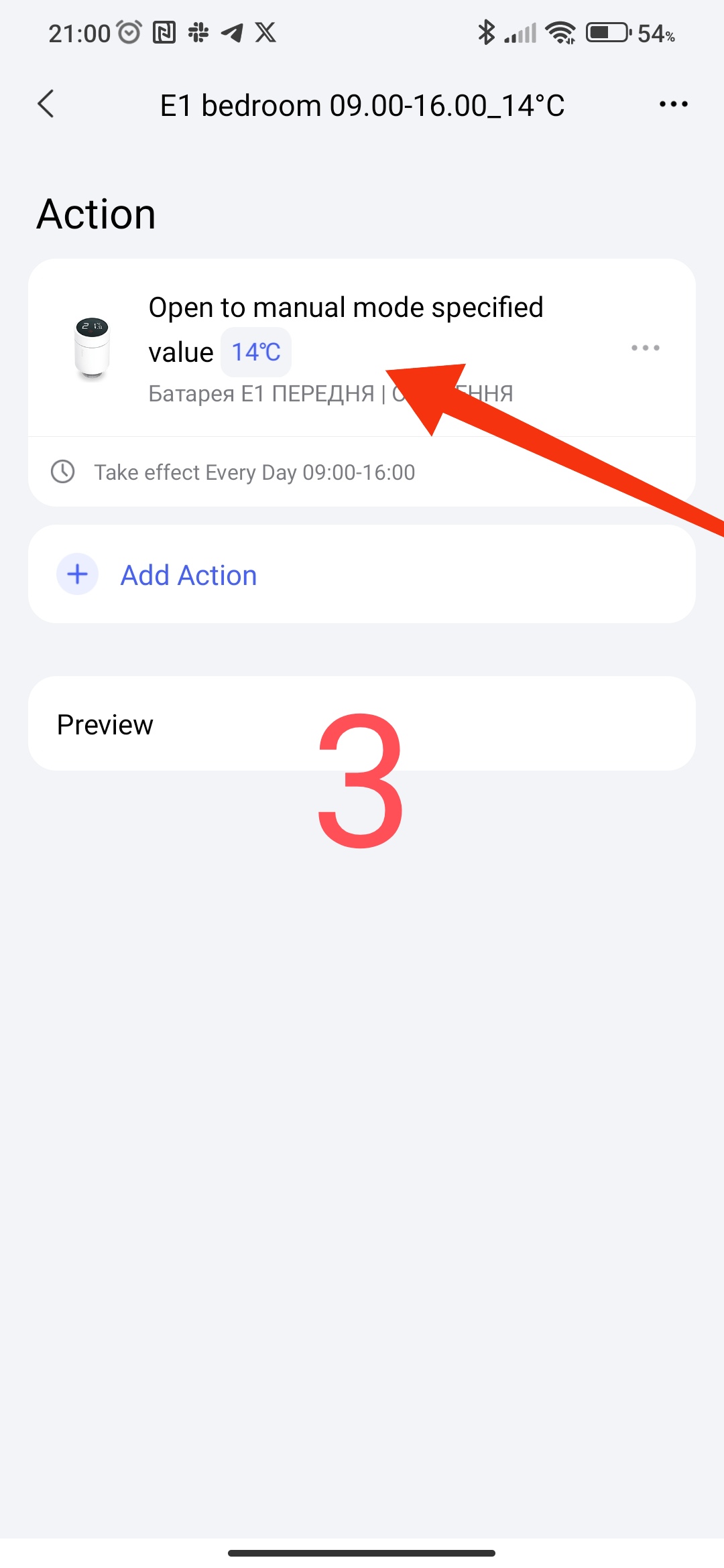
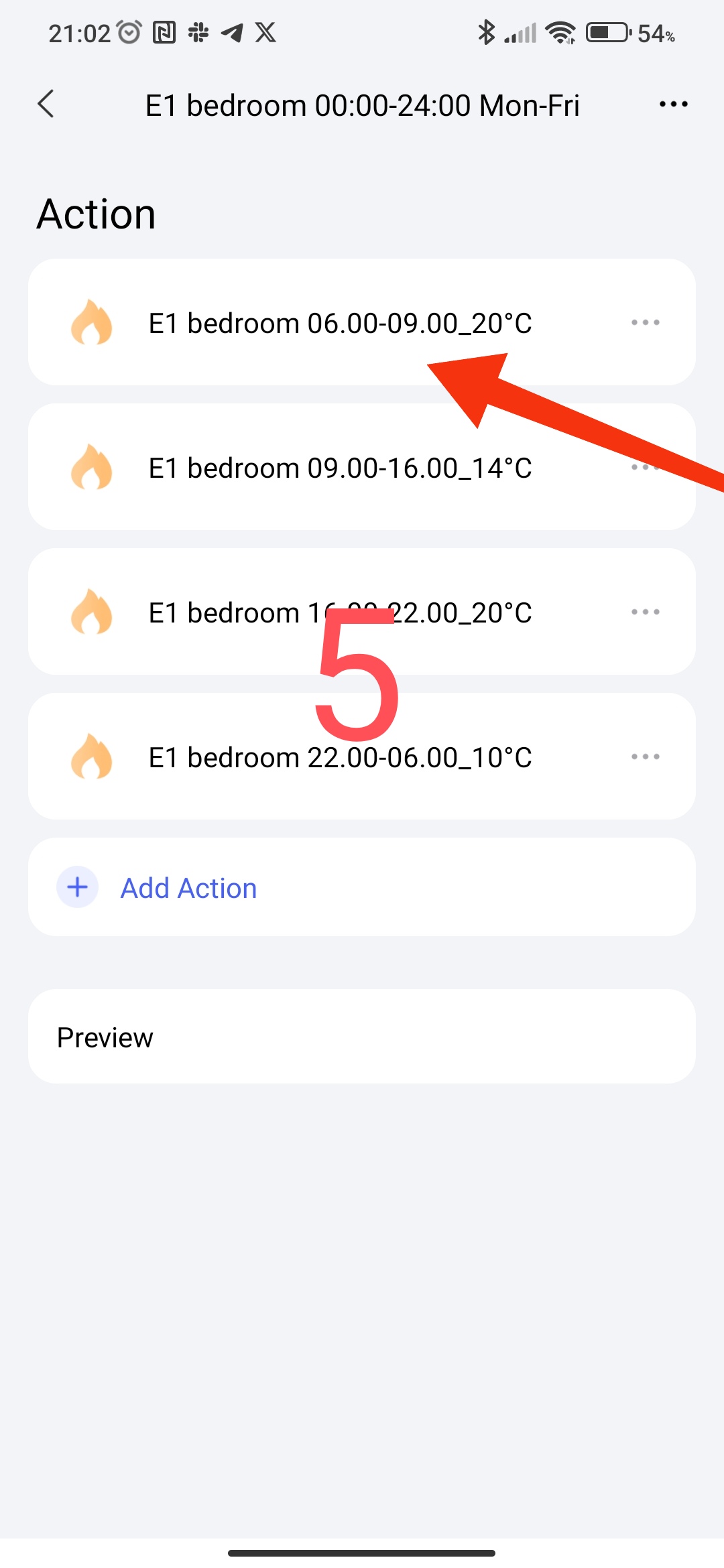
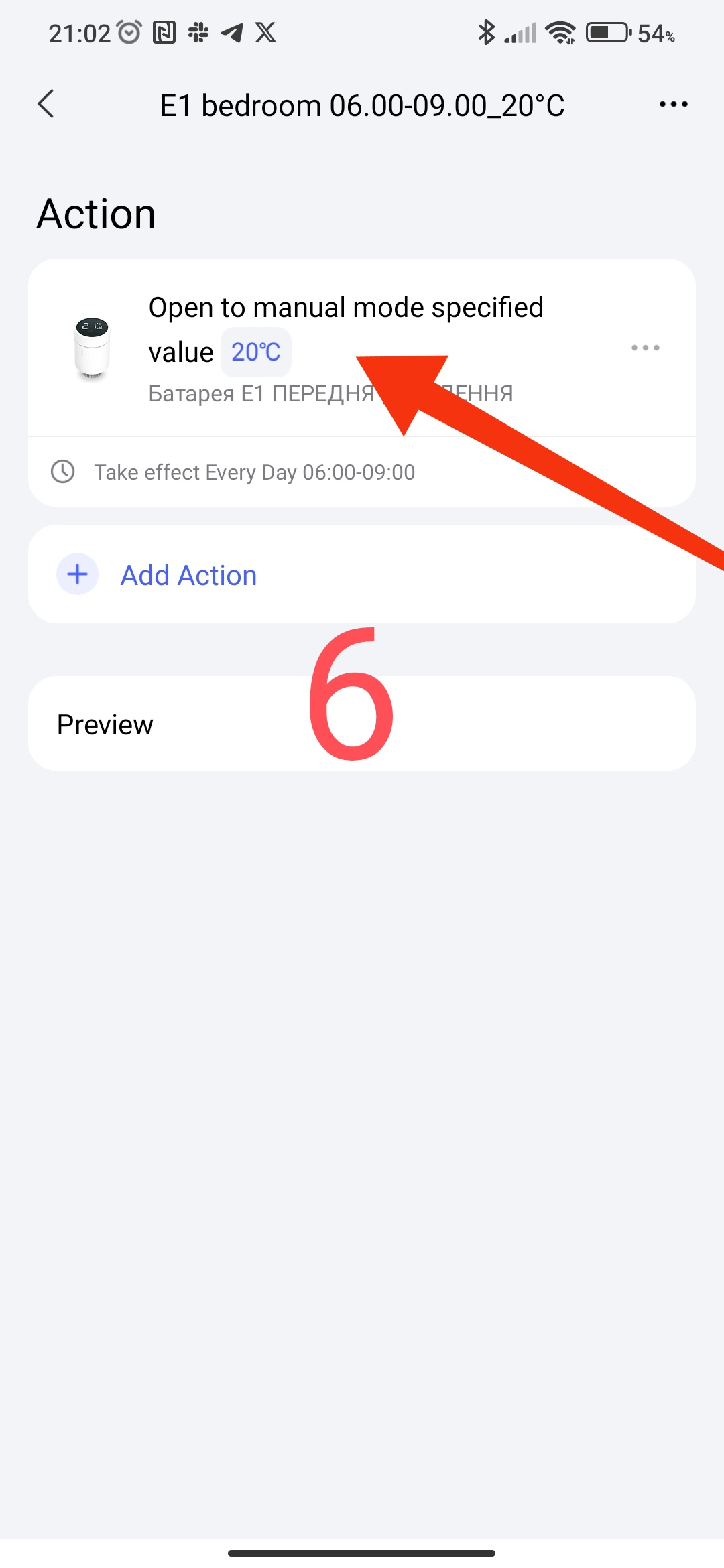
To see (find) the automation in which E1 is involved, I have to separately search for it in the automation list.
Fig3,4,5
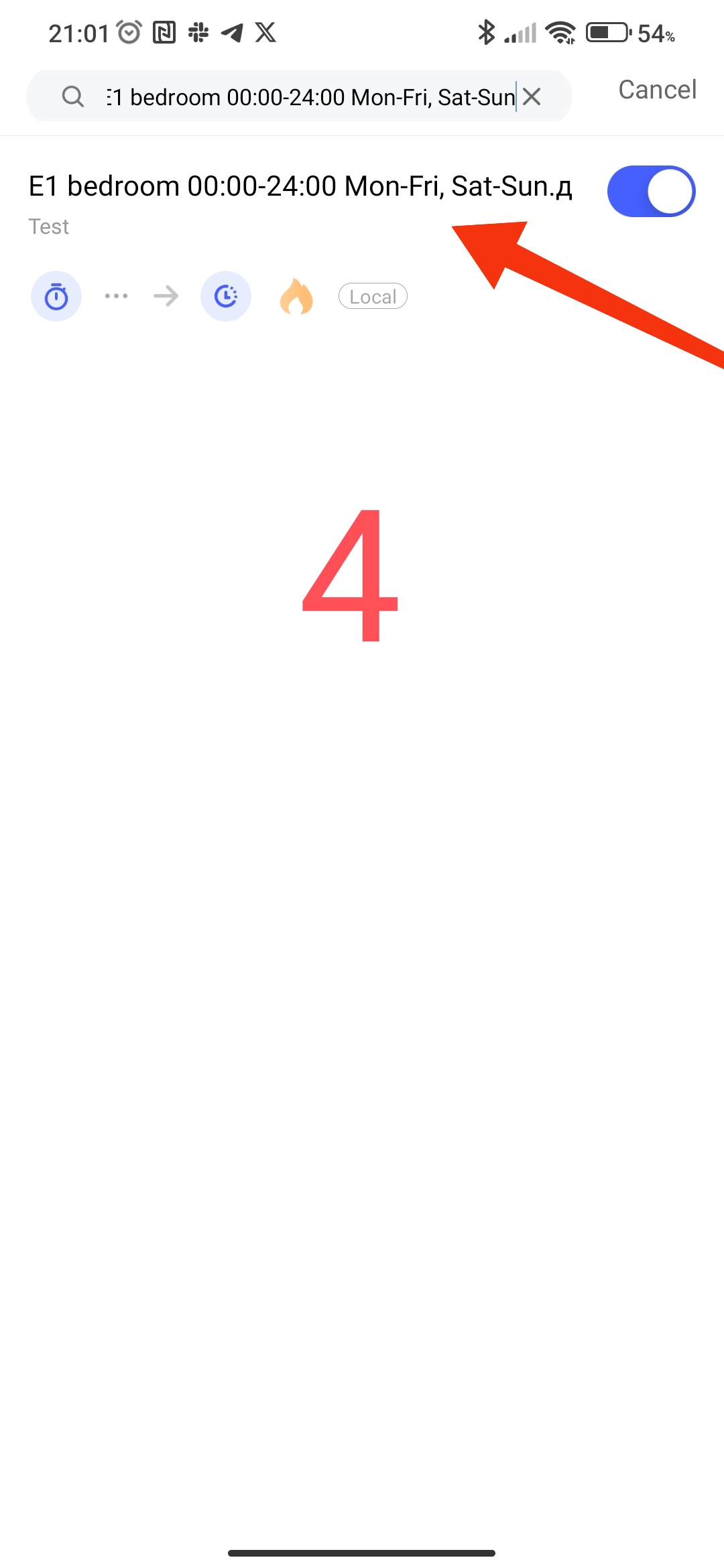
Suggestion, @AqaraOfficial make changes to the app, if there is a device, all its automations (scenes) should be displayed in the automation splash screen for this device.