This issue is likely caused by the iOS “Location Summary” (or Location Alerts) feature. Even if you set the permission to “Always,” iOS periodically asks for re-confirmation if an app uses your location frequently in the background.
If you don’t actively confirm this recurring system prompt on your iPhone, iOS may temporarily restrict the background access, which causes your automation to fail.
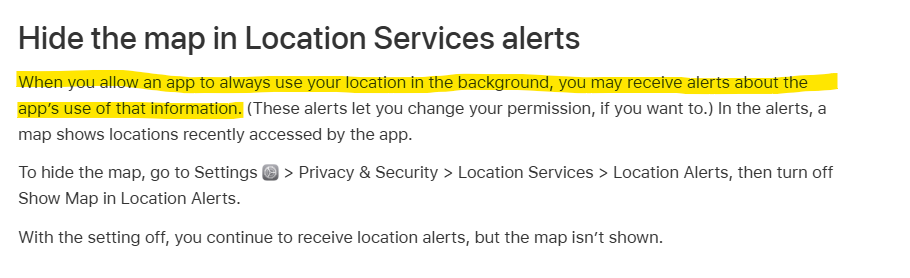
You can find the official documentation regarding these alerts here:
Control the location information you share on iPhone - Apple Support.
Here is some more information about which iOS and Android settings still influence the geofence function: