The geofence function is still in the laboratory stage.
 The location is always obtained by the app from the smartphone’s operating system (Android or iOS).
Increase the Defined Radius
Since location tracking accuracy isn’t always reliable, you should set a larger radius for your home. I have often experienced instances where my location was just slightly outside the designated home area, causing me to be marked as “Away.” Although I was at home, but that was due to the location accuracy of the smartphone.
Open the Aqara Home App
You should open the Aqara Home App occasionally. This causes the system to prioritize the app and send location data in a timely manner. If you haven’t opened an app for a long time, Android can also automatically revoke location and other sensitive permissions.
Request with confirmation button
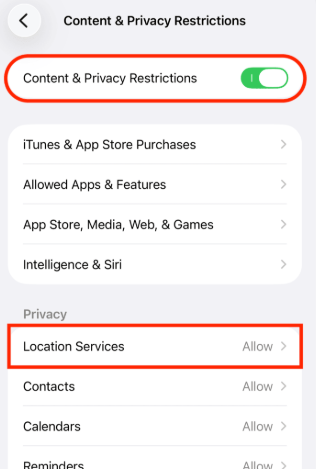
From time to time, iOS (and possibly Android) displays a message showing how often an app has used location services and asks if you want to continue allowing this. It is important to ensure that you continue to allow the queries. If you accidentally press the wrong button, the app will no longer be able to access your location.
Enable Mobile Data
Enabling mobile data improves location positioning and increases its accuracy. Additionally, you need mobile data to access your Aqara devices remotely.
Enable Wi-Fi
With Wi-Fi enabled, your smartphone can determine your location more accurately. It uses nearby Wi-Fi networks to do this—even if your smartphone isn’t currently connected to a specific network. Your smartphone detects the locations of surrounding Wi-Fi networks. This allows the app to quickly receive information about changes in your location.
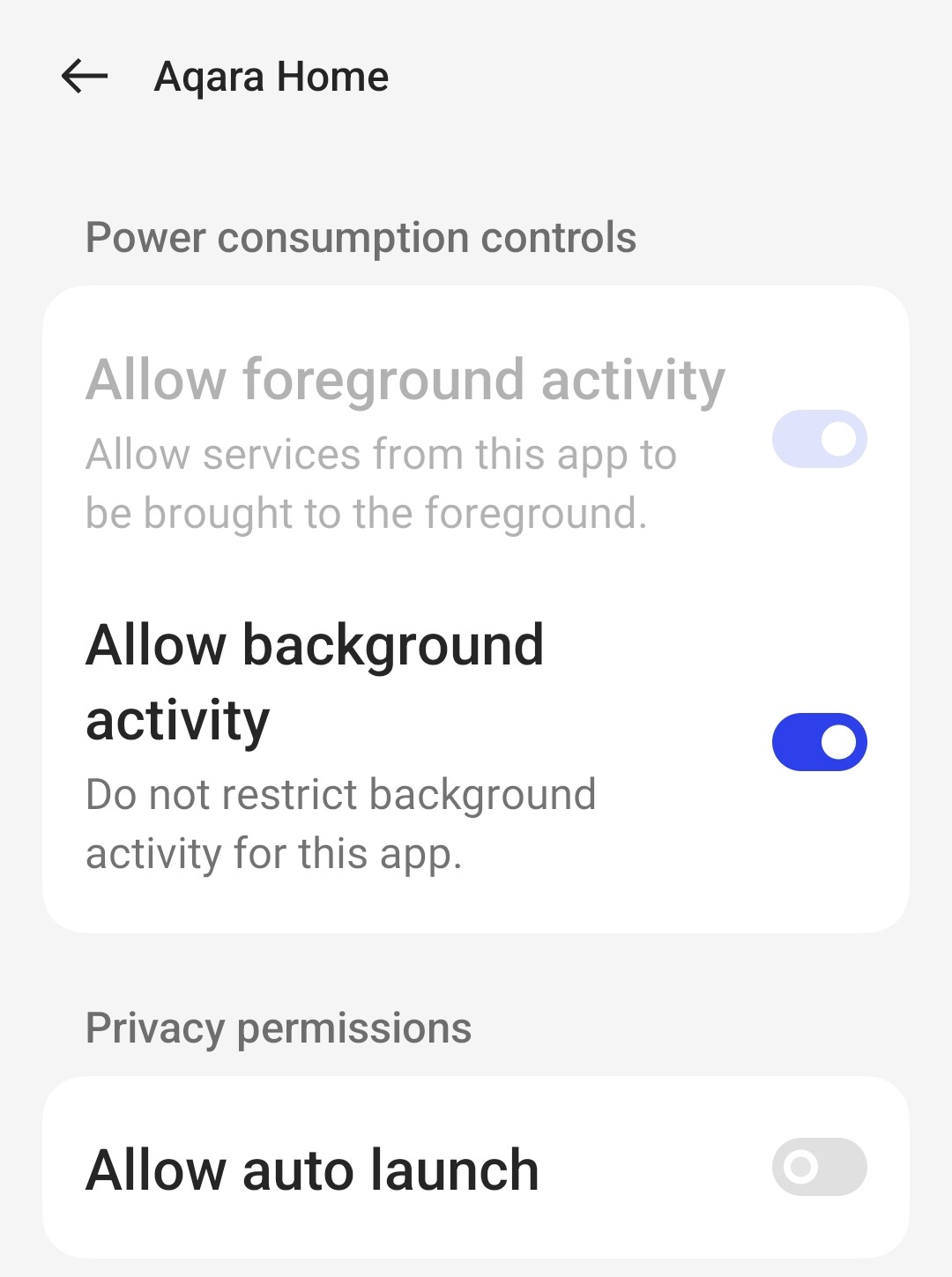
Disable Battery Optimization
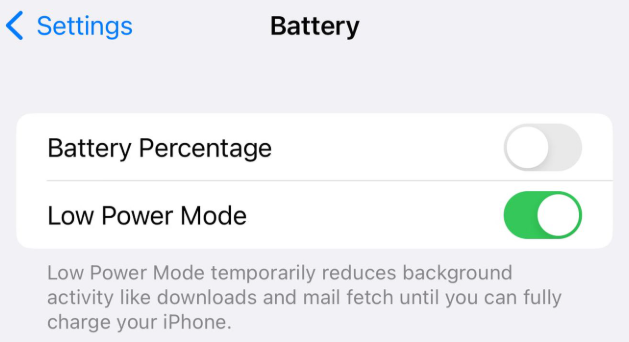
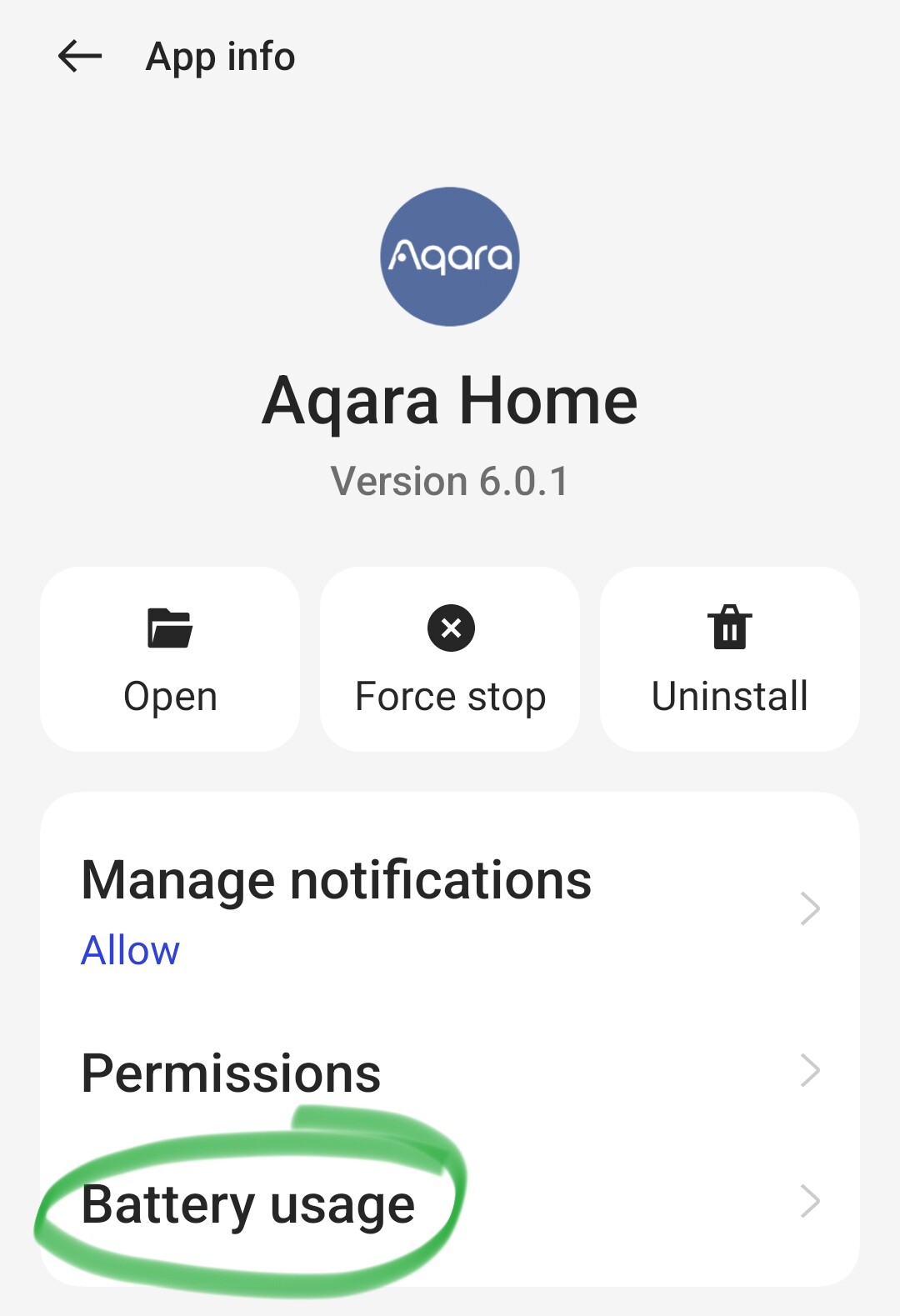
Ensure that battery optimizations for the Aqara Home App are disabled. These optimizations are designed to minimize your smartphone’s overall power consumption. However, this leads to the Aqara Home App being terminated in the background, preventing location checks from being performed.
Disable Battery Performance Optimization
On Android devices, you should disable battery performance optimization for the Aqara Home App. This ensures the Aqara Home App receives location data from the operating system without delay. Depending on the specific smartphone or operating system version, certain power-saving settings may become active again after a system update. This can happen even if you had previously disabled them for the Aqara Home App. Therefore, it is worth checking the settings periodically.
Increase Location Accuracy
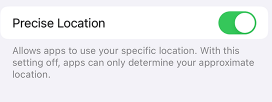
This mode provides the most precise determination of your current location. It keeps the Aqara Home App permanently active in the background, significantly improving location checks.
Allow Physical Activity
Android also detects whether you are currently in motion. This motion detection (Physical Activity permission) helps the system better recognize whether you are entering or leaving the geofence.