Is this possible in Thread mode or in Zigbee mode only? I do not see the Matter binding cluster on Endpoint 1, look here:
I can pair my EVE Thermo (thermostat) to an EVE ThermoControl (Multi-Sensor) via Matter binding.
Is this possible in Thread mode or in Zigbee mode only? I do not see the Matter binding cluster on Endpoint 1, look here:
I can pair my EVE Thermo (thermostat) to an EVE ThermoControl (Multi-Sensor) via Matter binding.
Only zigbee mode, and can be paired with any aqara zigbee temperature sensor
Does the error message indicate any reason for this?
Hi Gonzolex, regarding the W600, this approach is supported in Zigbee mode; however, it is currently not supported in Thread mode.
Hi hoppel118, thanks for your interest in the W600.
Regarding the Binding functionality in Matter, it looks like you want to use the controller (EVE ThermoControl) to control the thermostat device (EVE/Aqara thermostat). In this scenario, only the Binding cluster in the client role needs to be implemented on the controller side. The thermostat device is passively controlled by others, so in theory, the W600 should work properly when controlled by the EVE ThermoControl, just like it works with the EVE Thermo.
However, the W600 currently does not implement the Binding cluster. This is a different case from the previous scenario. Because the W600 lacks the Binding cluster in the server role, it cannot use an external temperature sensor as its input source. That said, this usage is supported when operating in Zigbee mode.
BR
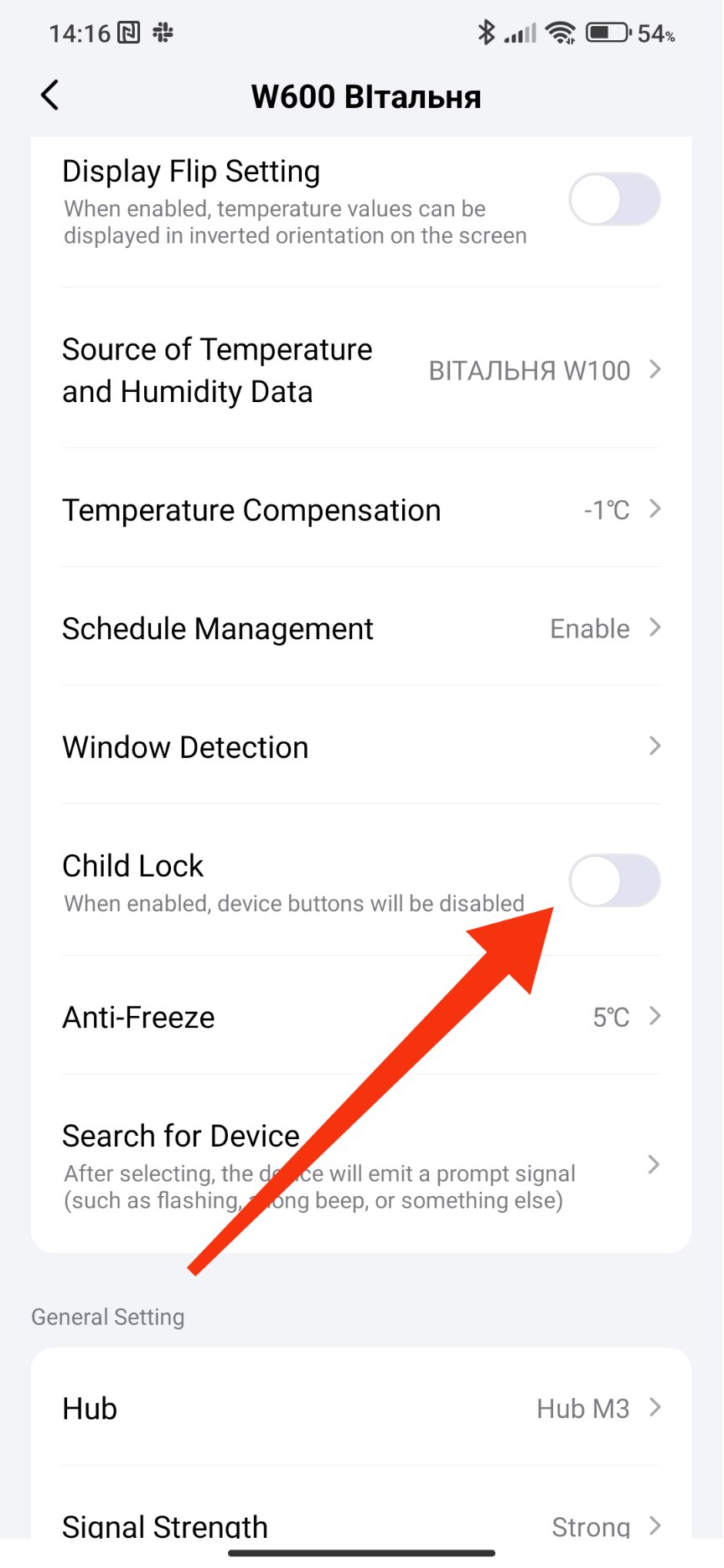
I connected the W600 via Zigbee to HA and I don’t see the option to set the temperature to be taken from an external thermometer. The E1 thermostat has this option.
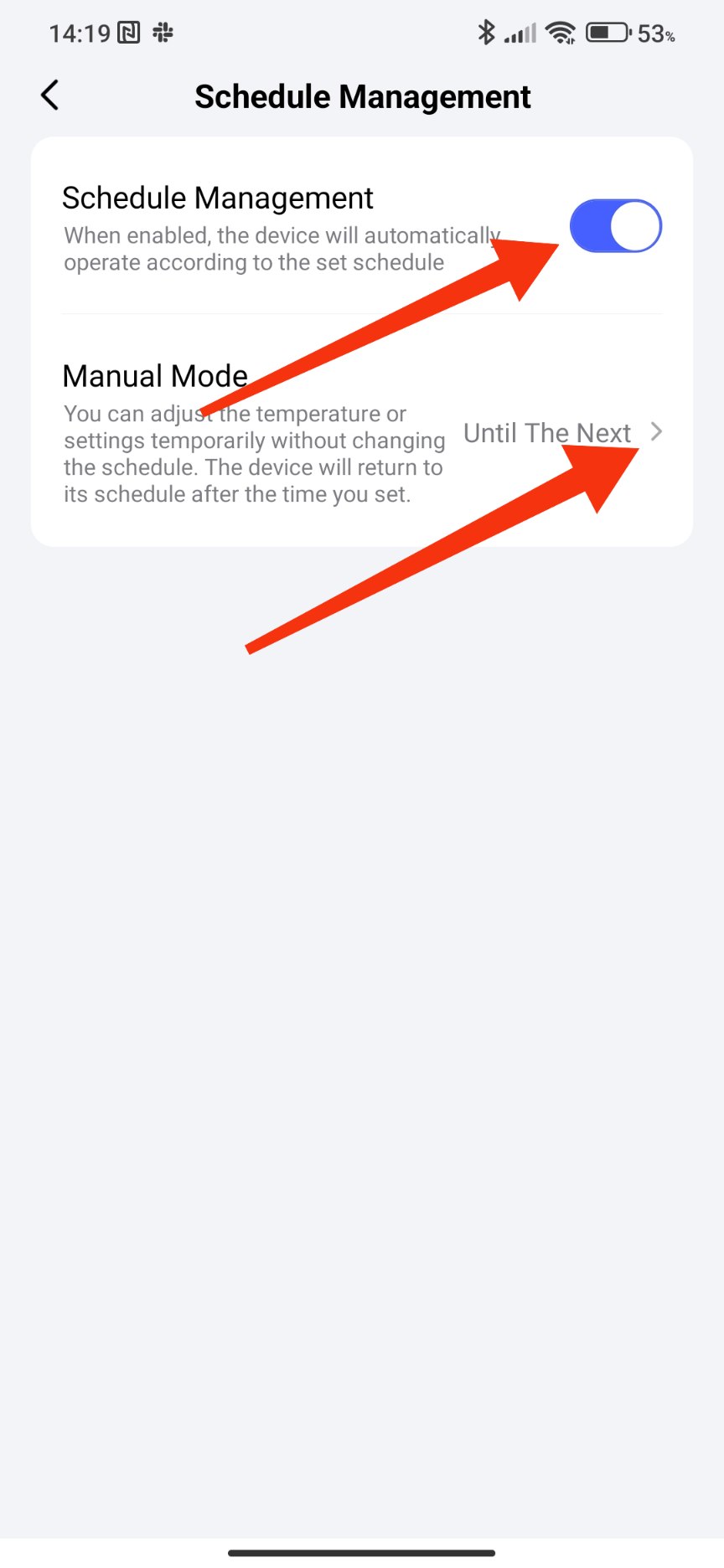
I have a huge issues hat Is happening After the latest upgrade. Schedules are Always overridden and temperature of the valve Always Fall back to 15°c.
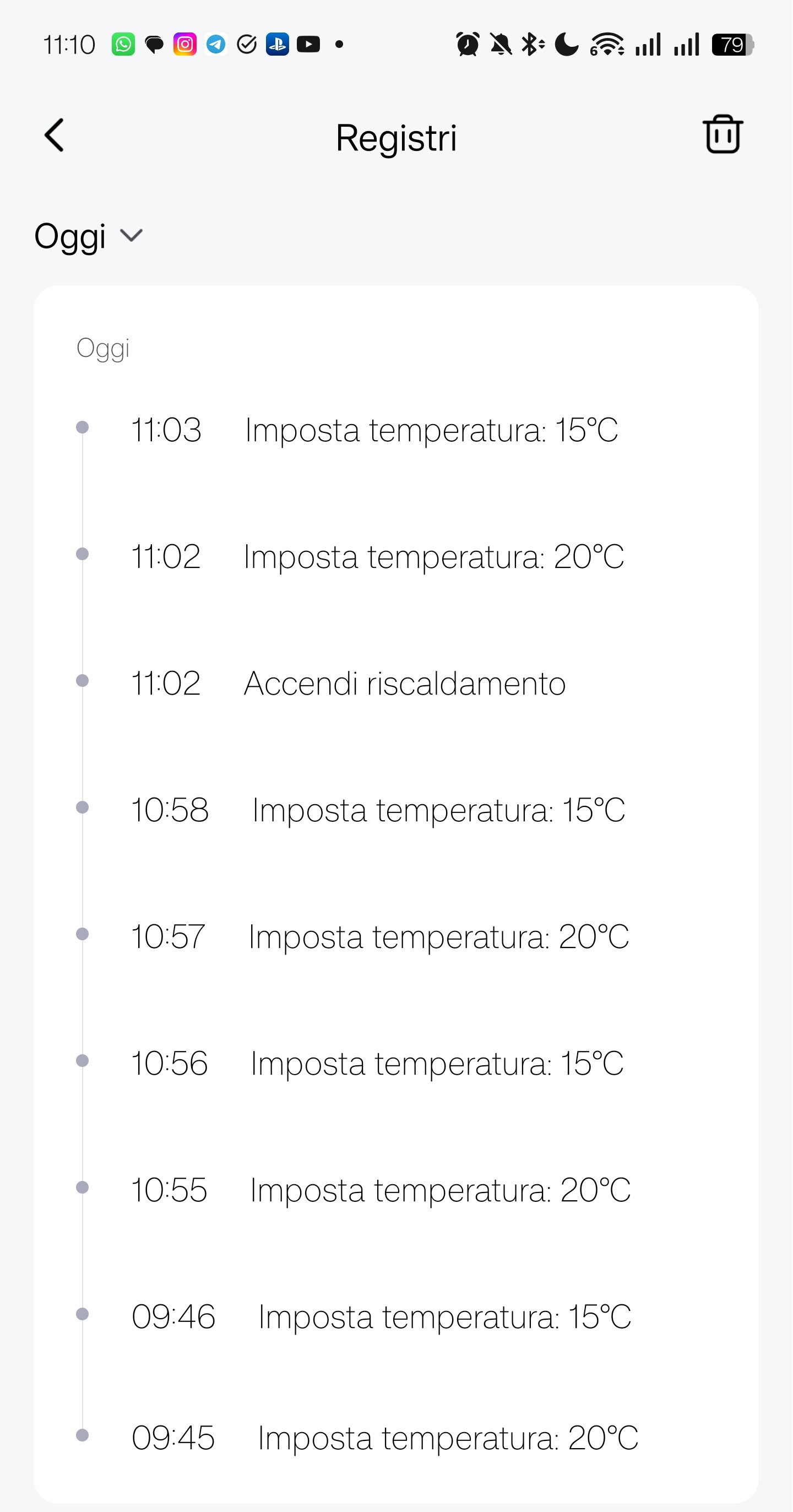
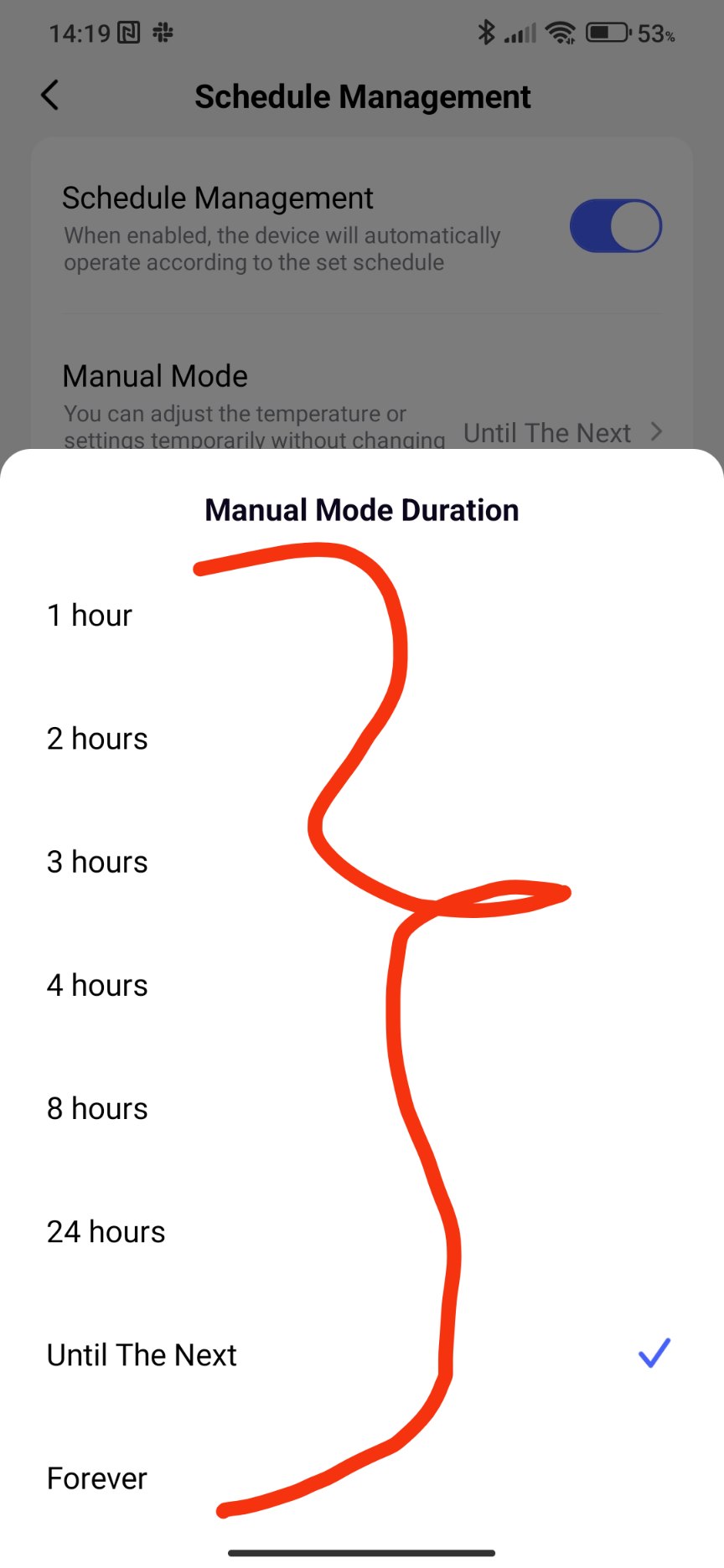
I tried to set It manually, change It with smart schedule and remove the valve from all the groups. A minute After the set It revert back:
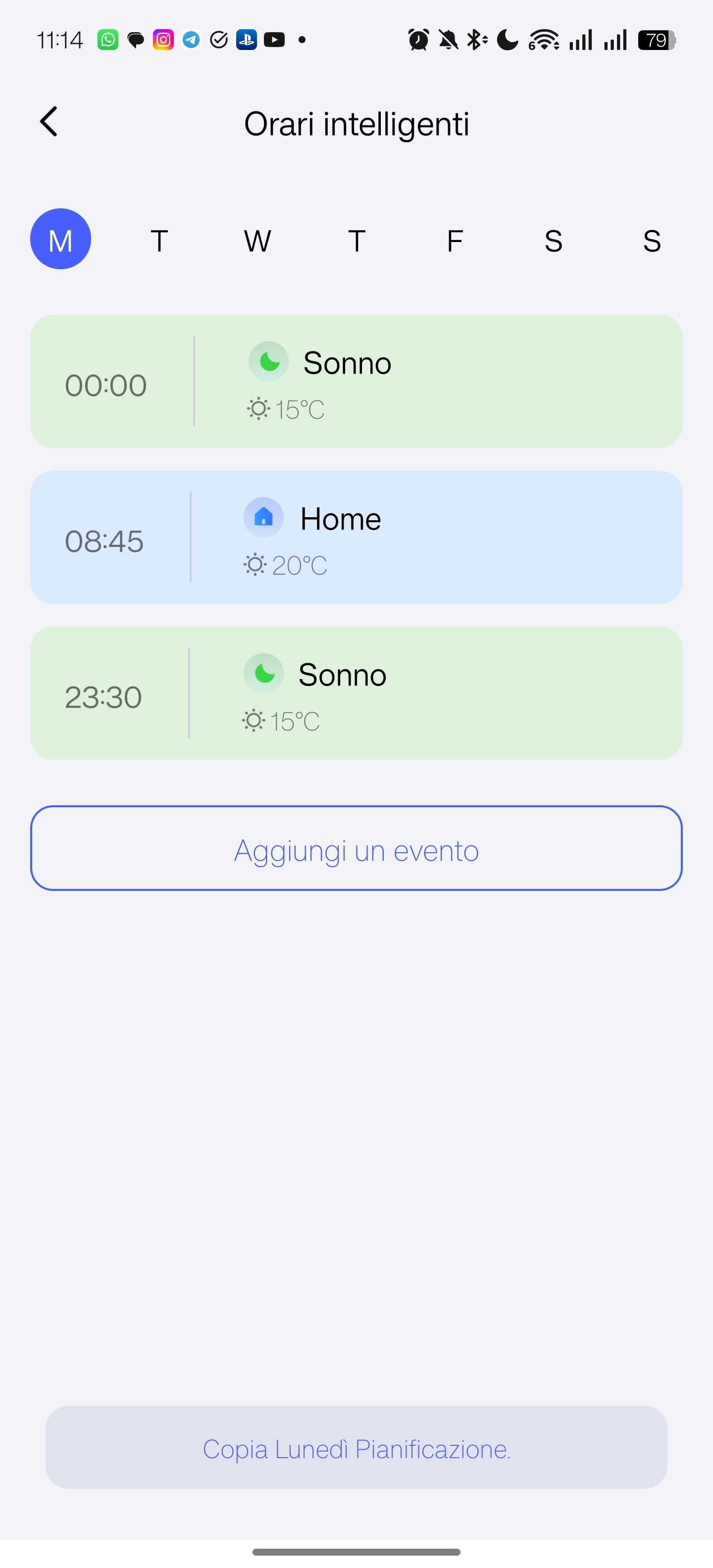
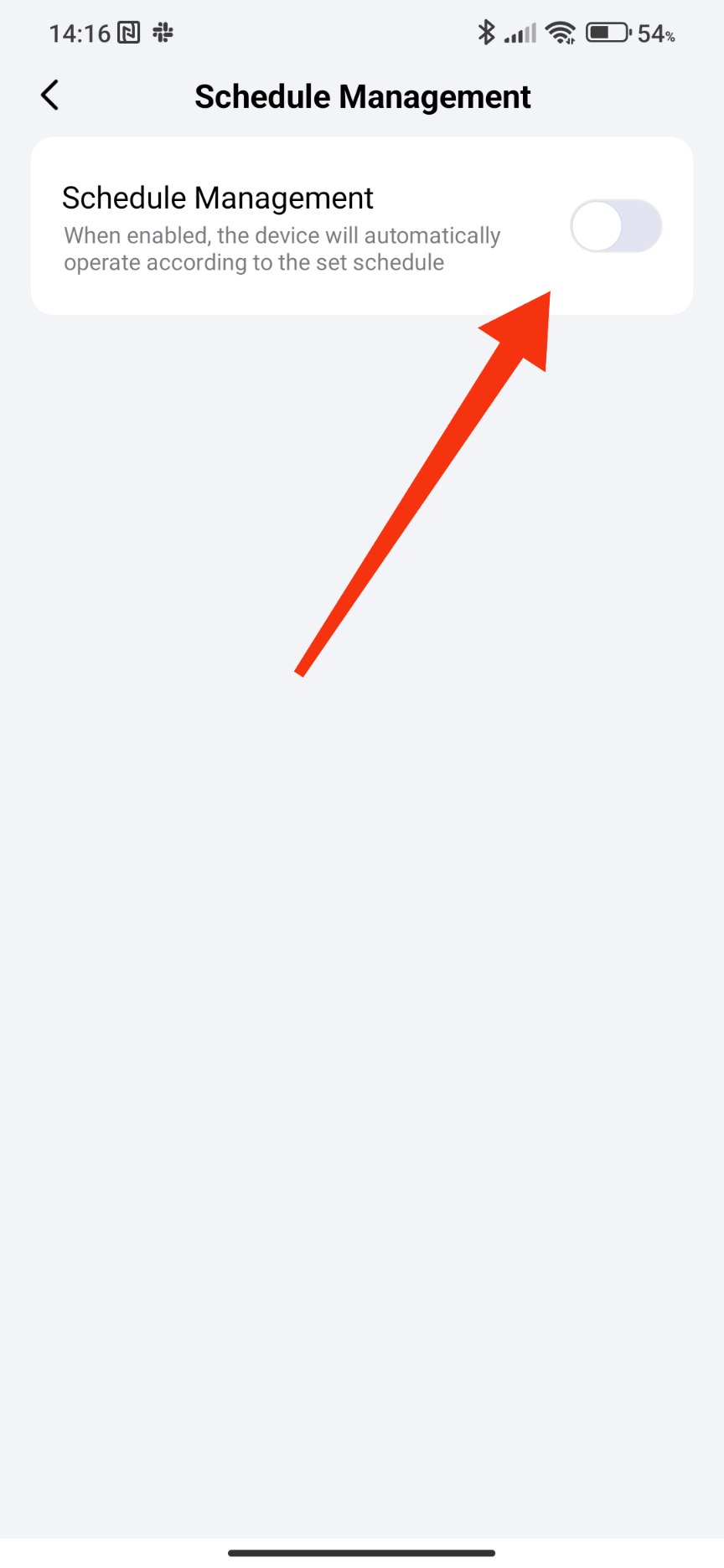
The smart scheduling IS enabled. The 9:45 Is the smart scheduling setting 20° but It was automagically overridden 1 minute later… also manually set it for 2 hours doesn’t matter. It Always returns to 15°. I tried a reset without luck
Have you turned off (disabled) smart scheduling?
It was enabled
Check the automation log, maybe you have made an automation that occurs on a reasonable schedule?
All my automations are manual or date based (I’ll return home at xx next week).
Anyway I tried to set different temperatures in all automation (14.5, 16, 15.5) instead of 15 but it’s always stuck at 15…
I contacted support for this issue and in case someone else has the same problem they found that the issue was apparently that for some bug I had a schedule at 24:00 on saturday and 0:00 on sunday. That caused that schedule to apply ALWAYS continuously. It’s actually impossible to add a 24:00 schedule right now…
The installation and configuration was pretty simple. I didn’t have any problem with that.
It works good. The thermostat immediately detects that the temperature has been changed in the app, and the app quickly detects that its been changed on the thermostat.
Temperature history problem
The temperature recorded by the thermostat is delayed. The last recorded temperature on the graph can be from 9 hours ago. The logs contain exactly the same information, so I assume that the temperature hasnt changed during that time, but it looks a little strange.
Problem with heating beyond the limit
It happens that when the current temperature exceeds the set temperature (mine was set to 23 degrees), the thermostat continues to heat the room, even though the temperature reading is 25 degrees. I have to manually reduce the temperature to f.e. 21 degrees, because above this value the radiator continues to heat.
Usage with automations
I have set the temperature to change at specific times and everything works fine.
I’d like to test this as well 
 sounds cool to try
Hey @AqaraOfficial you should have more thermostats in order to be well tested for more people like us, and you guys get a better feedback…