Hi, maybe I am a bit late to the party.
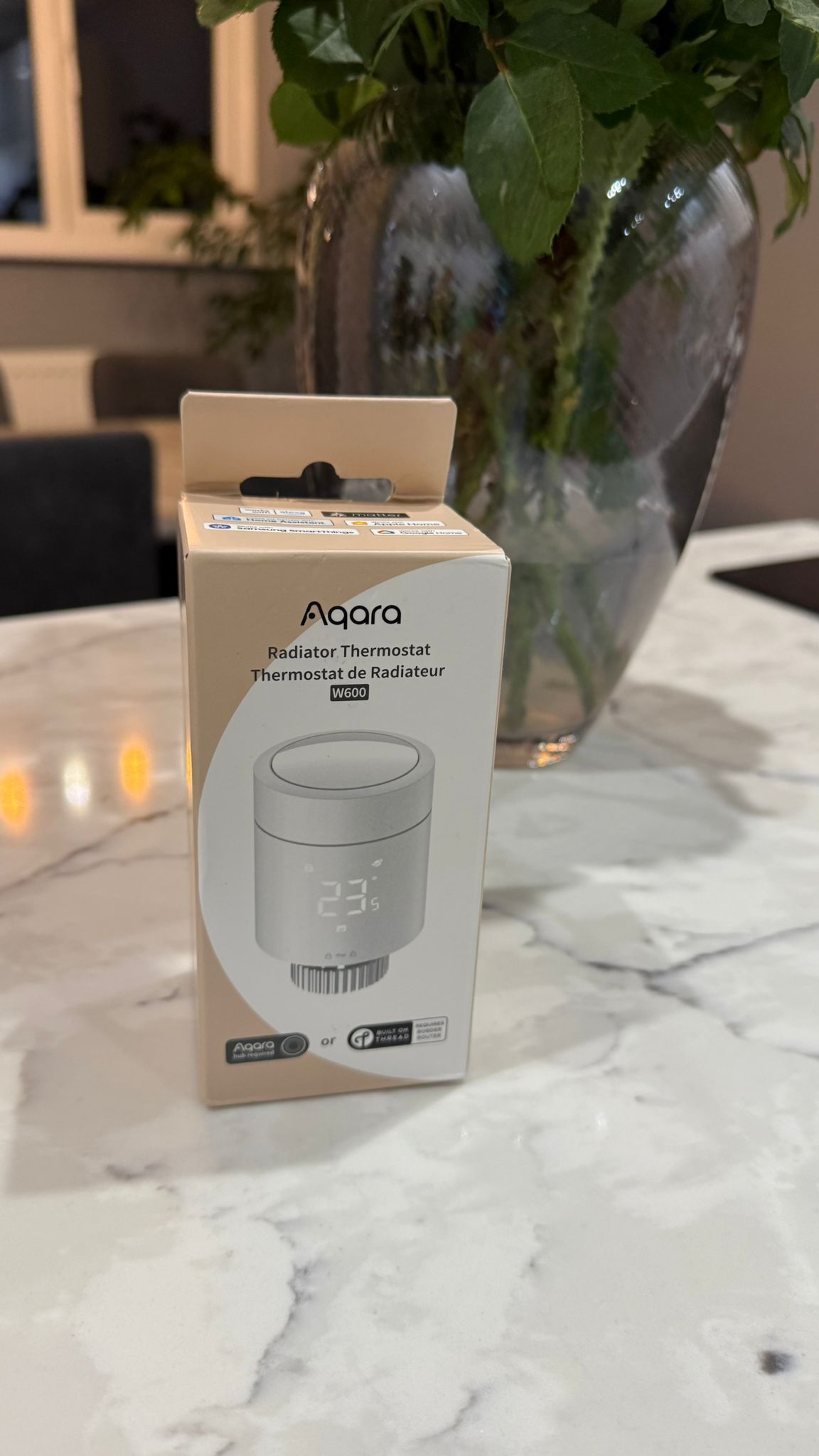
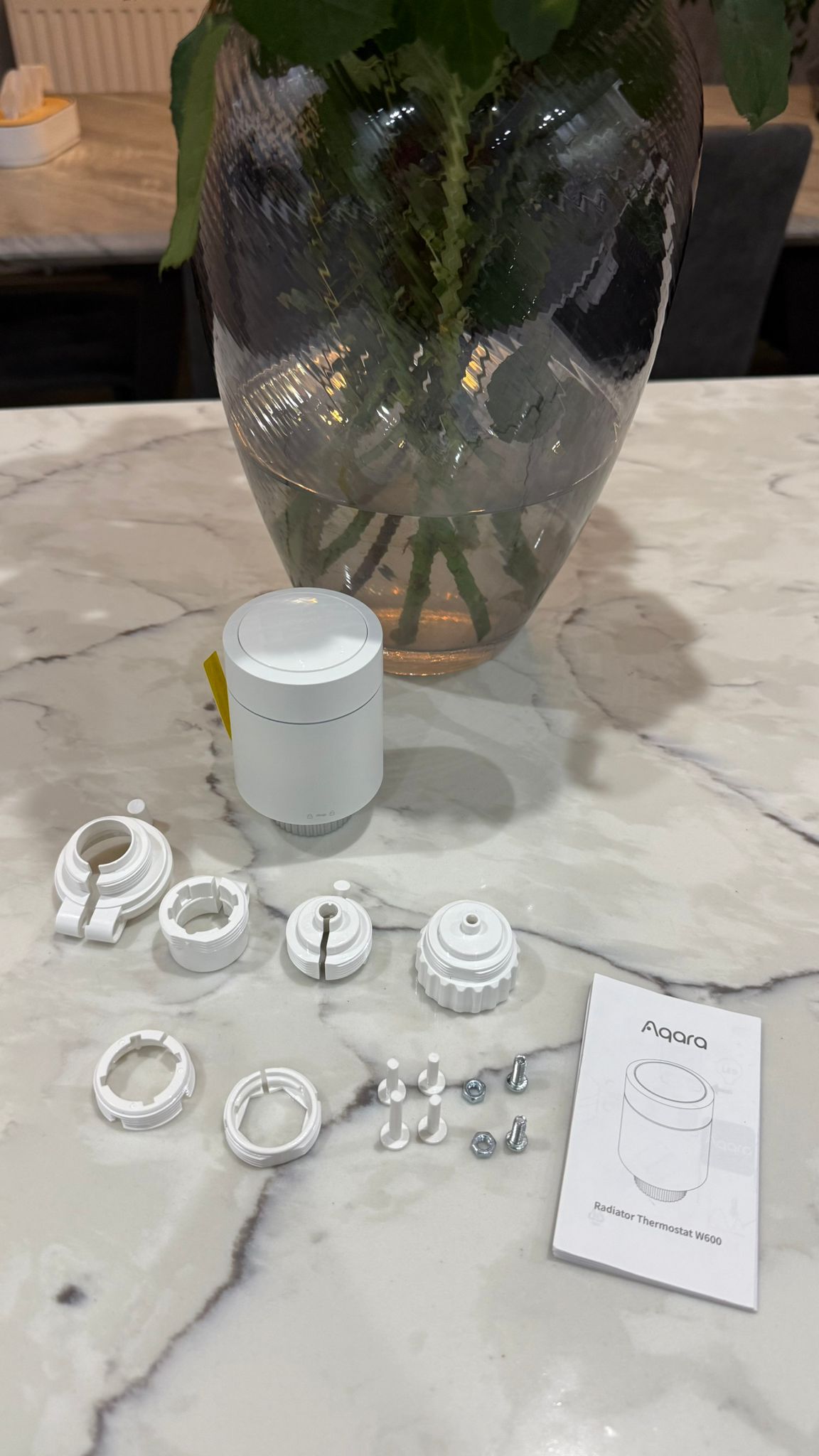
I installed my Aqara W600 two weeks ago and had a lot of issues with the temperature in the room. The device heated the room, even though it shouldn’t. So I deinstalled it again, because I didn’t have the time for deep dive testing. I didn’t remove the batteries in this two weeks. the W600 stayed to connected to my Thread network without any issue.
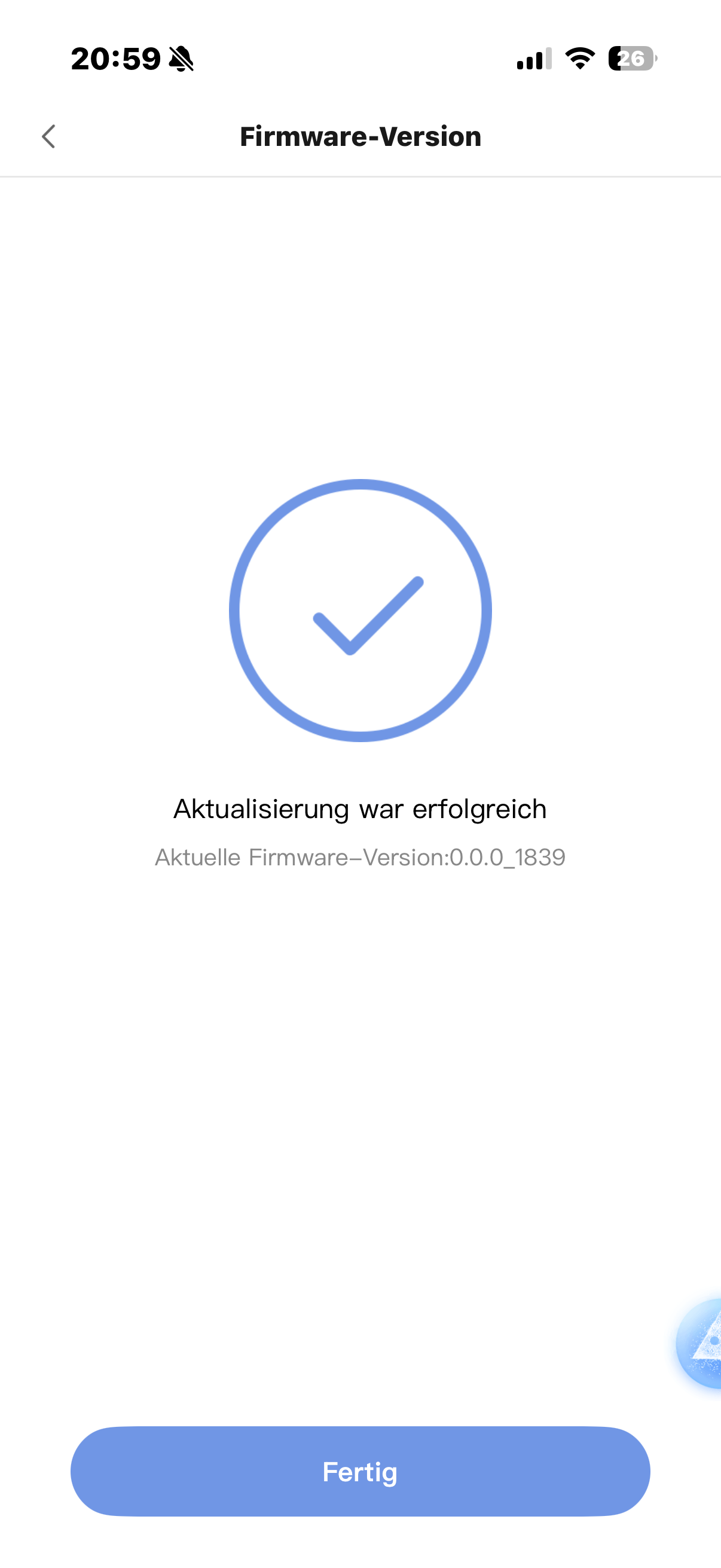
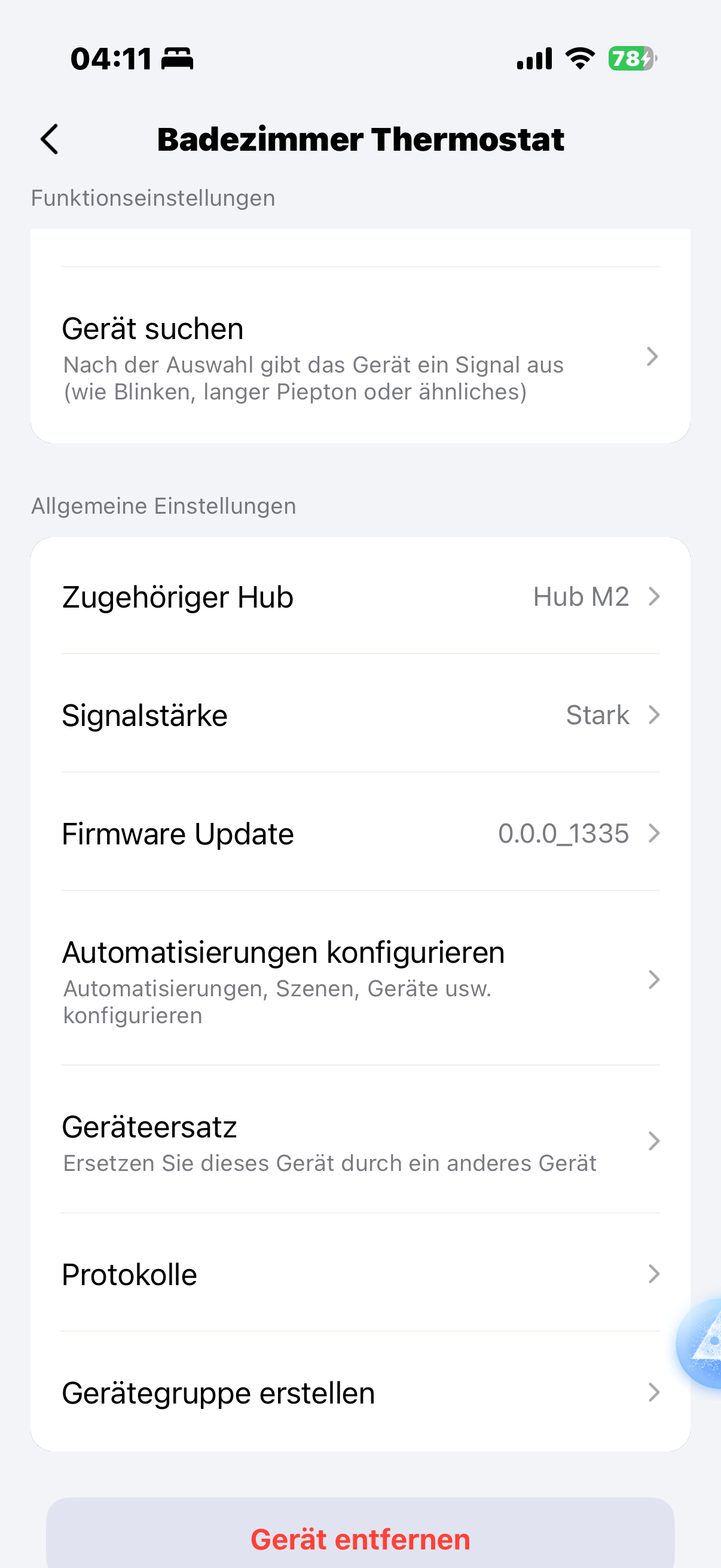
In the meantime I read this forum thread and found other guys with the same problem, which was solved by resetting the device, switching the firmware to zigbee and back to thread again. That way it was possible to update the device firmware from 0.1.1.0 to 1.0.0.0
I did that too and now the W600 does what it should. My house is full of EVE Thermos, but I really wanted to test and compare the W600 with the EVE Thermo.
So, I use the Aqara W600 and the EVE Thermo in Matter over Thread mode. Both devices are paired to Home Assistant and Apple Home. All my automations are in Home Assistant, while I use Apple Home as my Frontend.
I have 7 Apple Thread Border Routers and 73 Matter over Thread devices.
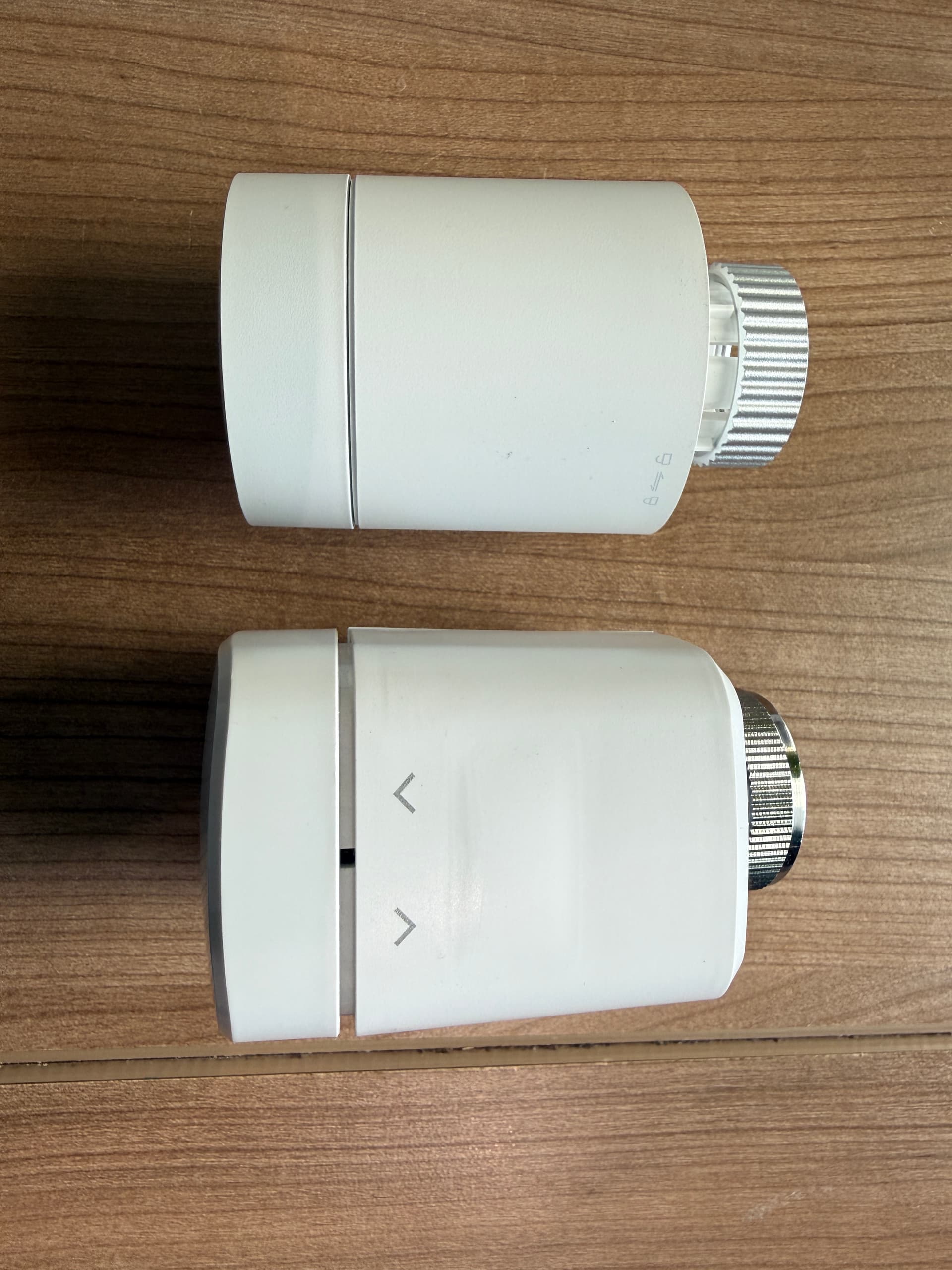
- Aqara W600 and EVE Thermo have nearly the same size, overall the W600 is a bit smaller
- Aqara W600 and EVE Thermo both use AA batteries
- Aqara W600 seems to be a bit slower than the EVE Thermo in processing the commands from my Matter fabrics, but it doesn’t seem to eat the batteries as fast, as my EVE Thermo does
- EVE Thermo is significantly louder than Aqara W600, when adjusting the temperature
- Aqara W600 has a much more informative display
- EVE Thermo can be used with the EVE app without having a hub
- Via the EVE app we can control some Matter custom cluster features (calibration, screen rotation, temperature offset, valve protection, temperature unit, child lock and transmit power)
- EVE Thermo can be bound to an EVE Thermo Control (temperature sensor) via a Matter binding, Aqara W600 doesn’t have this capability
- EVE Thermo uses Matter DCL to give us new updates. I really hope Aqara is working on this Matter OTA update feature. I also have a this thread running here in the forum.
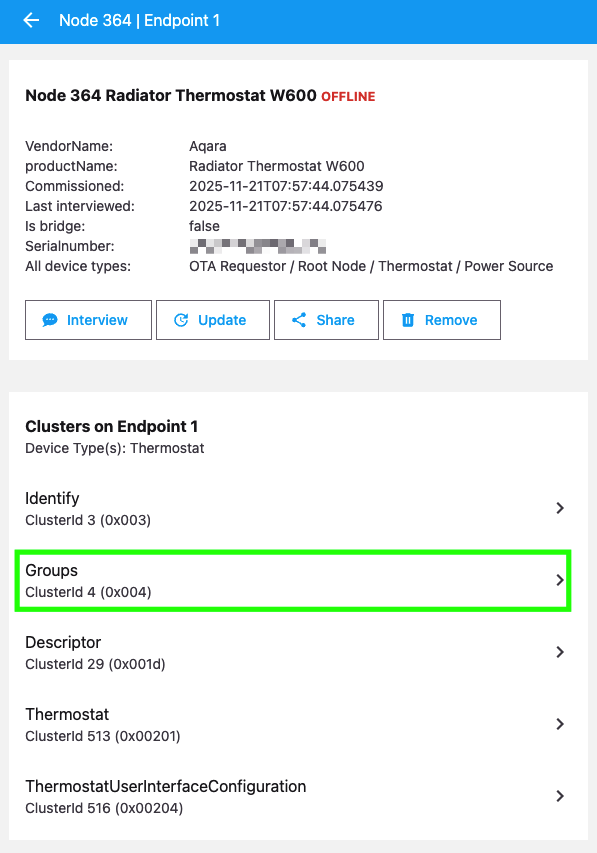
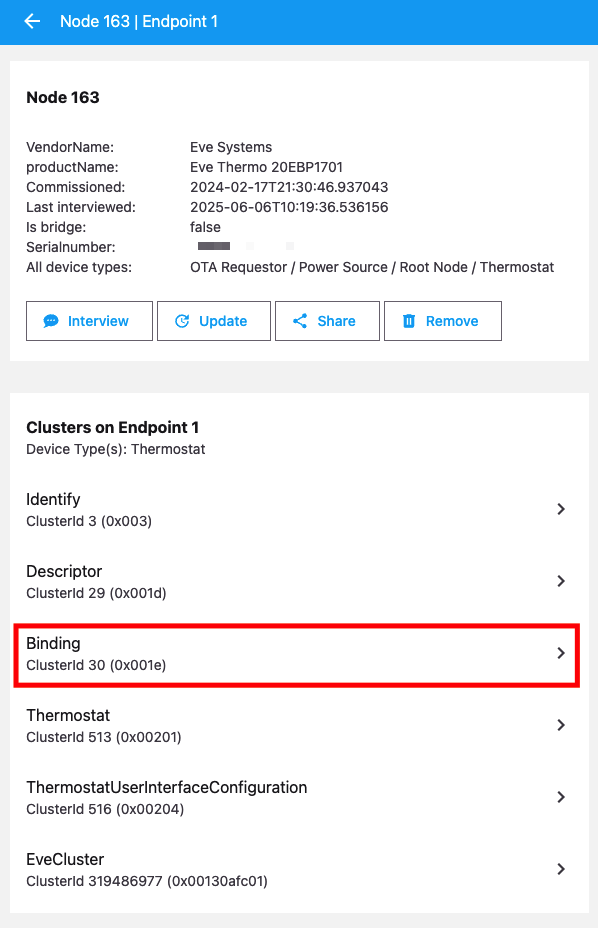
Her you see two screenshots from the clusters on Endpoint 1 of both devices:
The EVE Thermo has (as already said) the Binding cluster, that I really miss on the Aqara W600. Therefore the Aqara W600 has a Groups cluster. What can we do with this and how can we make use of it?
The pairing procedure to Home Assistant and sharing from HA to Apple Home was smooth. But 5 hours after the initial pairing the device lost its connection to my Thread network.
This what I see in my Home Assistant log:
2025-11-21 13:25:53.460 (Dummy-2) CHIP_ERROR [chip.native.DMG] Subscription Liveness timeout with SubscriptionID = 0xed01847b, Peer = 01:000000000000016C
2025-11-21 13:25:53.469 (MainThread) INFO [matter_server.server.device_controller] <Node:364> Subscription failed with CHIP Error 0x00000032: Timeout, resubscription attempt 0
2025-11-21 13:26:24.472 (Dummy-2) CHIP_ERROR [chip.native.DIS] Timeout waiting for mDNS resolution.
2025-11-21 13:26:38.463 (Dummy-2) CHIP_ERROR [chip.native.DIS] OperationalSessionSetup[1:000000000000016C]: operational discovery failed: src/lib/address_resolve/AddressResolve_DefaultImpl.cpp:124: CHIP Error 0x00000032: Timeout
2025-11-21 13:26:38.464 (Dummy-2) CHIP_ERROR [chip.native.DMG] Failed to establish CASE for re-subscription with error 'src/lib/address_resolve/AddressResolve_DefaultImpl.cpp:124: CHIP Error 0x00000032: Timeout'
2025-11-21 13:26:38.467 (MainThread) INFO [matter_server.server.device_controller] <Node:364> Subscription failed with CHIP Error 0x00000032: Timeout, resubscription attempt 1
2025-11-21 13:27:15.197 (Dummy-2) CHIP_ERROR [chip.native.DIS] Timeout waiting for mDNS resolution.
2025-11-21 13:27:29.192 (Dummy-2) CHIP_ERROR [chip.native.DIS] OperationalSessionSetup[1:000000000000016C]: operational discovery failed: src/lib/address_resolve/AddressResolve_DefaultImpl.cpp:124: CHIP Error 0x00000032: Timeout
2025-11-21 13:27:29.193 (Dummy-2) CHIP_ERROR [chip.native.DMG] Failed to establish CASE for re-subscription with error 'src/lib/address_resolve/AddressResolve_DefaultImpl.cpp:124: CHIP Error 0x00000032: Timeout'
2025-11-21 13:27:29.196 (MainThread) INFO [matter_server.server.device_controller] <Node:364> Subscription failed with CHIP Error 0x00000032: Timeout, resubscription attempt 2
2025-11-21 13:27:29.196 (MainThread) INFO [matter_server.server.device_controller] <Node:364> Marked node as unavailable
I already removed the batteries from the W600, waited 5 minutes and reinserted the batteries one hour ago. But the device doesn’t come back on its own. What can I do now (except resetting to factory defaults)?
Maybe this is related to firmware 1.0.0.0. What do you think?
Didn’t have such an issue for a very long time.
Thanks Hoppel