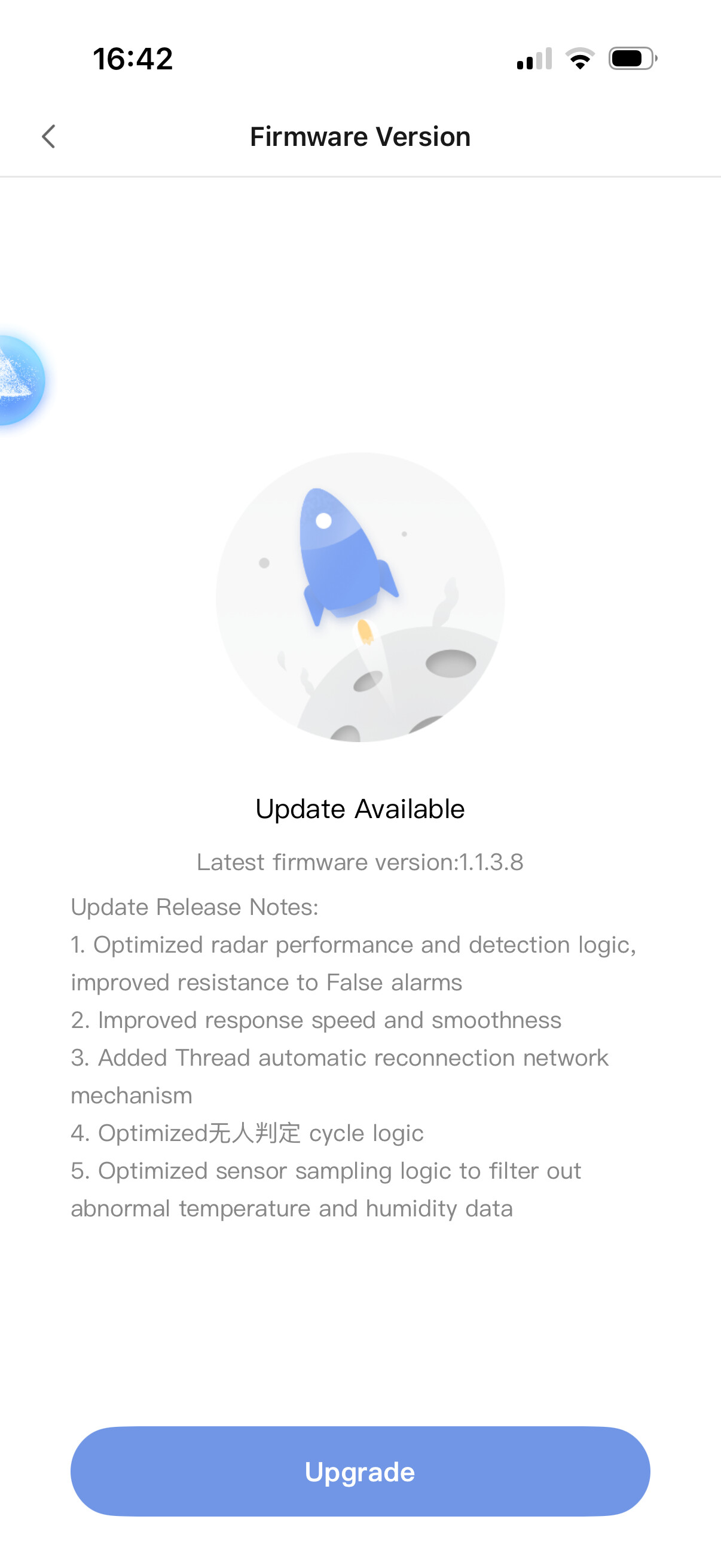
Just seen there is an update. Absence confirmation period form just 1 second now.
27 Likes
How to go about doing the update if connected via zigbee? Will it be pushed as an OTA? Or do we have to switch them back and forth?
9 Likes
Do you have the Aqara hub? If not you need to do it one by one by flashing it to thread mode, and back to Zigbee mode again.
9 Likes
I received 2 fp300 a week ago. i switched directly to zigbee mode with aqara app and 6542 was installed.
on both devices i have the same problem. the PIR sensor is stuck. i hope its a software problem.
shortly after the mmwave movement changes from detected to undetected, the PIR switches to off and directly to on again.
at the moment, the two fp300s are useless for me. disabling pir is no option becuase mmwave is to slow.
i already tried to fix the problem for some hours.
-downgrading the firmware to 0.0.0_5841 did not help
-reseting the device with 10x button press did not help
-repairing
-unplug battery
-open fp300 housing to check if pir sensor is loose, nope
-trying different positions of fp300
-messing with settings
-spatial learning options
-trigger spatial learning manually (100 times)
10 Likes
(1) Do you mean that after the mmWave radar detects someone, the PIR detection fails?
Default dual-mode principle: When PIR triggers presence, it immediately reports motion (PIR) and wakes up the mmWave radar. If mmWave also detects presence, during the mmWave occupancy period, neither PIR motion nor PIR no-motion will be reported. Only after mmWave detects no presence will the PIR no-motion be finally reported.
(2) What is your specific issue – slow return to no-presence or slow trigger to presence?
- If slow to trigger presence: The above mode is not the cause. You can choose to use only PIR motion to trigger automation.
- If slow to return to no-presence: What is your expected delay? What is the actual delay? For this scenario, lowering sensitivity and setting the absence judgment period to 1 second can alleviate the issue.
9 Likes
pir always show presence. it never switches back to no presence.
I have 3 other presence sensors from other companies and never had problems with the PIR sensors. they only had problems with mmwave.
(everything presence, athom tech, fp2, xiaomi pir, hue pir)
11 Likes
When the PIR sensor is always showing presence status, will the mmWave radar switch back to no-presence status normally?
It seems your device might be stuck in a radar-only working mode. You can try reconfiguring the working mode or restarting the radar module to see if it resolves the issue.
9 Likes
correct, the mmwave radar switches back to no-presence status normally. but pir stays in presence. so the next time i enter the room, the light is turned on very slow/delayed.
8 Likes
So, have you tried switching the working mode yet? Have you set it back to dual-mode (both radar and PIR) and checked if the issue still persists?
6 Likes
yes, i already tried switching all modes several times. both to mmwave, mmwave back to both, both to pir, back to both. no success
4 Likes
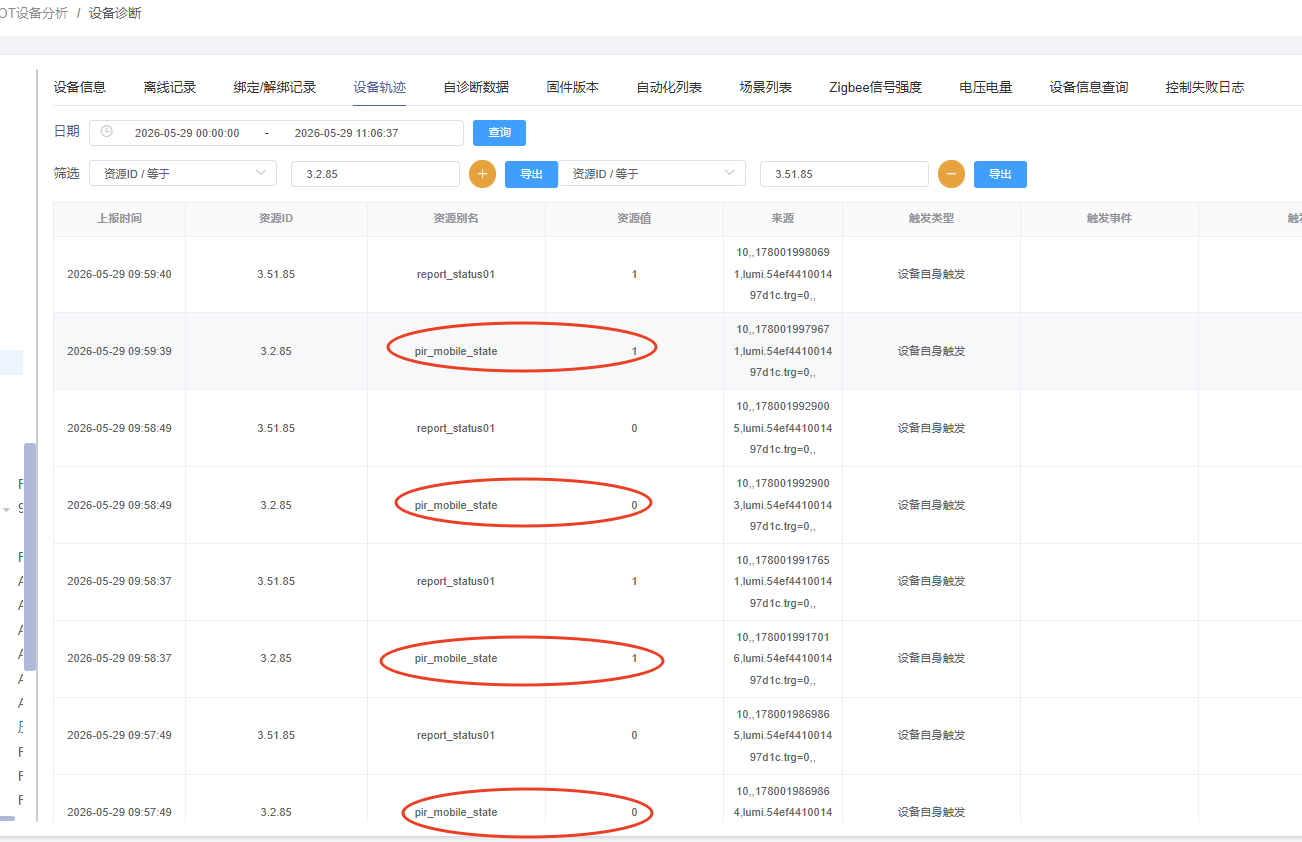
The firmware version of my device is 6542… The PIR human detection reports occupied and unoccupied status normally. By the way, when the millimeter-wave radar detects human presence, the device will not report either PIR motion or PIR no-motion signals throughout the radar occupancy period. Please refer to the attached logs.
To further diagnose the issue you reported, kindly provide a screenshot of your device logs. If convenient, you may send your account details and region (Europe, Americas, etc.) via private message, and I will apply for backend access permission.
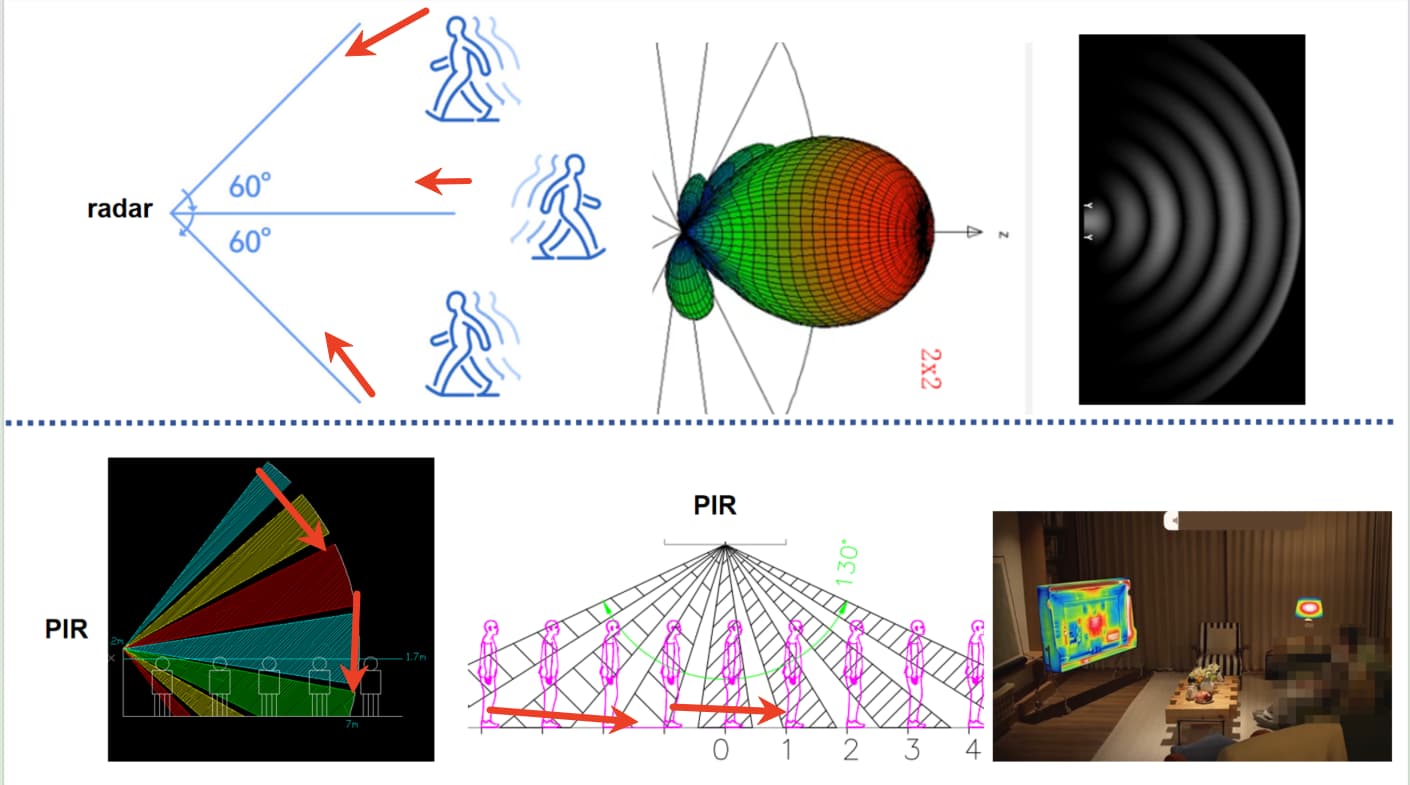
Regarding the slow trigger response you mentioned, here is the functional difference between millimeter-wave radar and PIR infrared sensors for your installation reference: Millimeter-wave radar detects human targets by emitting millimeter waves and is more sensitive to radial movement. The PIR pyroelectric sensor works via infrared heat induction and excels at detecting tangential movement. Additionally, please avoid installing PIR devices near air vents to prevent interference with detection performance.
Hope the above information is helpful to you.
7 Likes
I have as well a problem after the sensor got updated to 6542.
Since that update, the sensor doesn’t report absence anymore, making it unusable. It was perfect just before.
Is Aqara aware of the issue?
2 Likes
I had this problem with 1 of 6 FP300 sensors. I tested it by covering the sensor with aluminum foil and it sill would not change the PIR status back to inactive for longer than a millisecond. I sent it back and got a new one that works. I believe it was a hardware issue.
6 Likes
i sent it back too and will receive the new one today. if i dont report back, the new one works as expected.
FW notes for latest release 0.0.0_6542
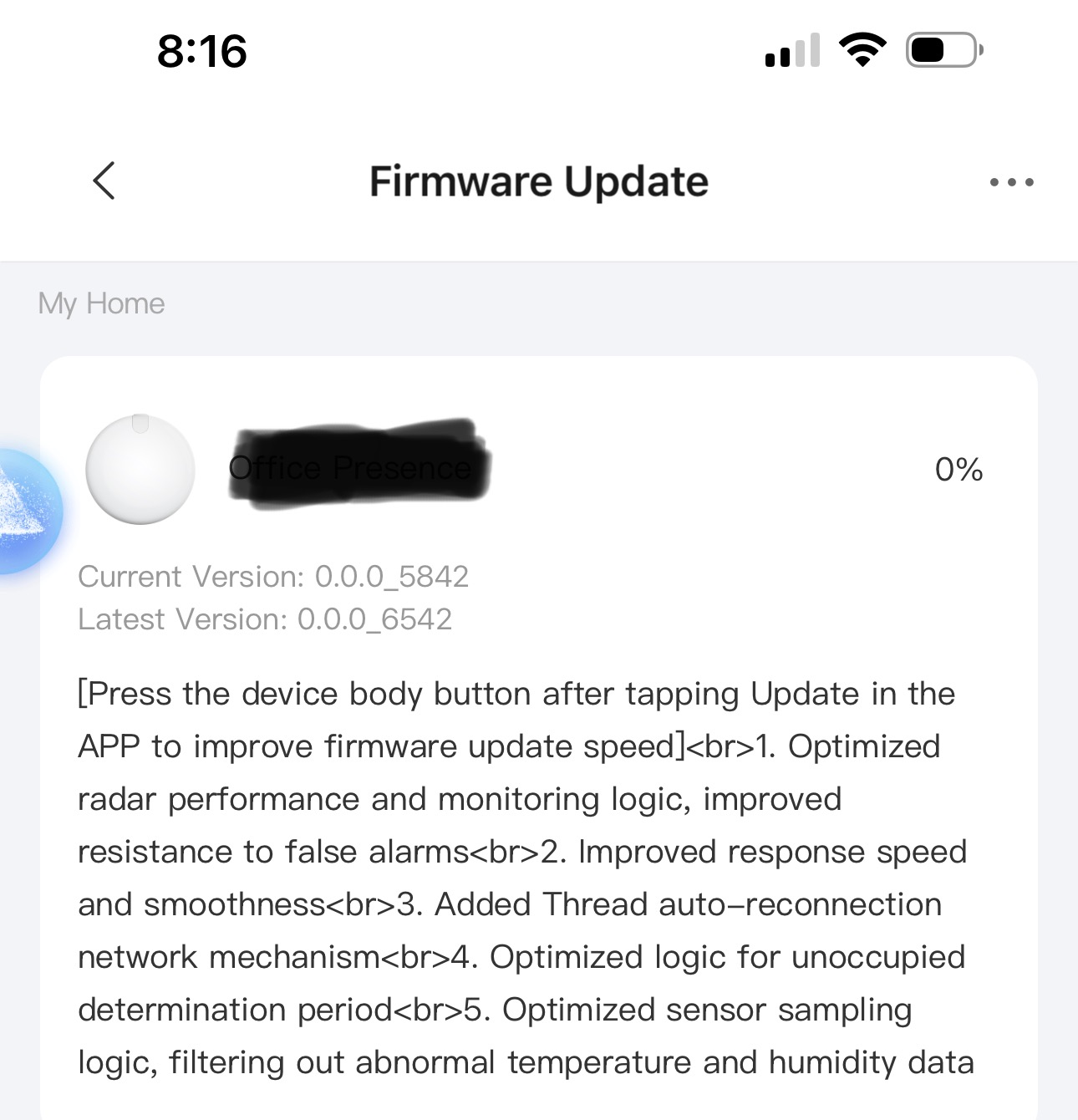
I’ve updated my 8 FP300’s and all are showing accurate presence detection currently. Verified presence via HA and activity log for each device.
3 Likes
Is it possible to update without an aqara hub? I connected fp300 to Home assistant via thread and still did not receive the update
4 Likes
We have also received reports of bridge connection issues in the Home Assistant environment. Users confirmed that devices work properly after upgrading Zigbee2MQTT from version 2.10.1 to 2.11.0. Hope this helps.
1 Like
We have also received reports of bridge connection issues in the Home Assistant environment. Users confirmed that devices work properly after upgrading Zigbee2MQTT from version 2.10.1 to 2.11.0. Hope this helps.
3 Likes
I’ve had the 2.11.0-1 since it came out, no difference really. The sensors get stuck (no detections) while zigbee works just fine, the FP300s periodically report their states.
The 5841 firmware has worked without any fault since January, I wish there was a way to downgrade.
I have updated it via HA