Fixed, not fixed! But thanks for the advice @AqaraOfficial !!
2 Likes
I had no choice but to re-install my G410 and switch it to zigbee. It’s completely useless for me in thread still. I managed to get it working “ok” for maybe 24 hours and it stuck on presence.
I tested the FP300 I can’t believe they released it with Thread being this poor on the sensor. I planned to buy 2 more but I may find another device.
I have not heard anything from anyone at Aqara since I did some troubleshooting with Aqara support.
When is there a fix for FP300 to work in thread mode with M100?
My support ticket is #652292.
@AqaraOfficial @MakerMing @dacheng_zhu @Aqara_PM_Donie @Tech-savvy
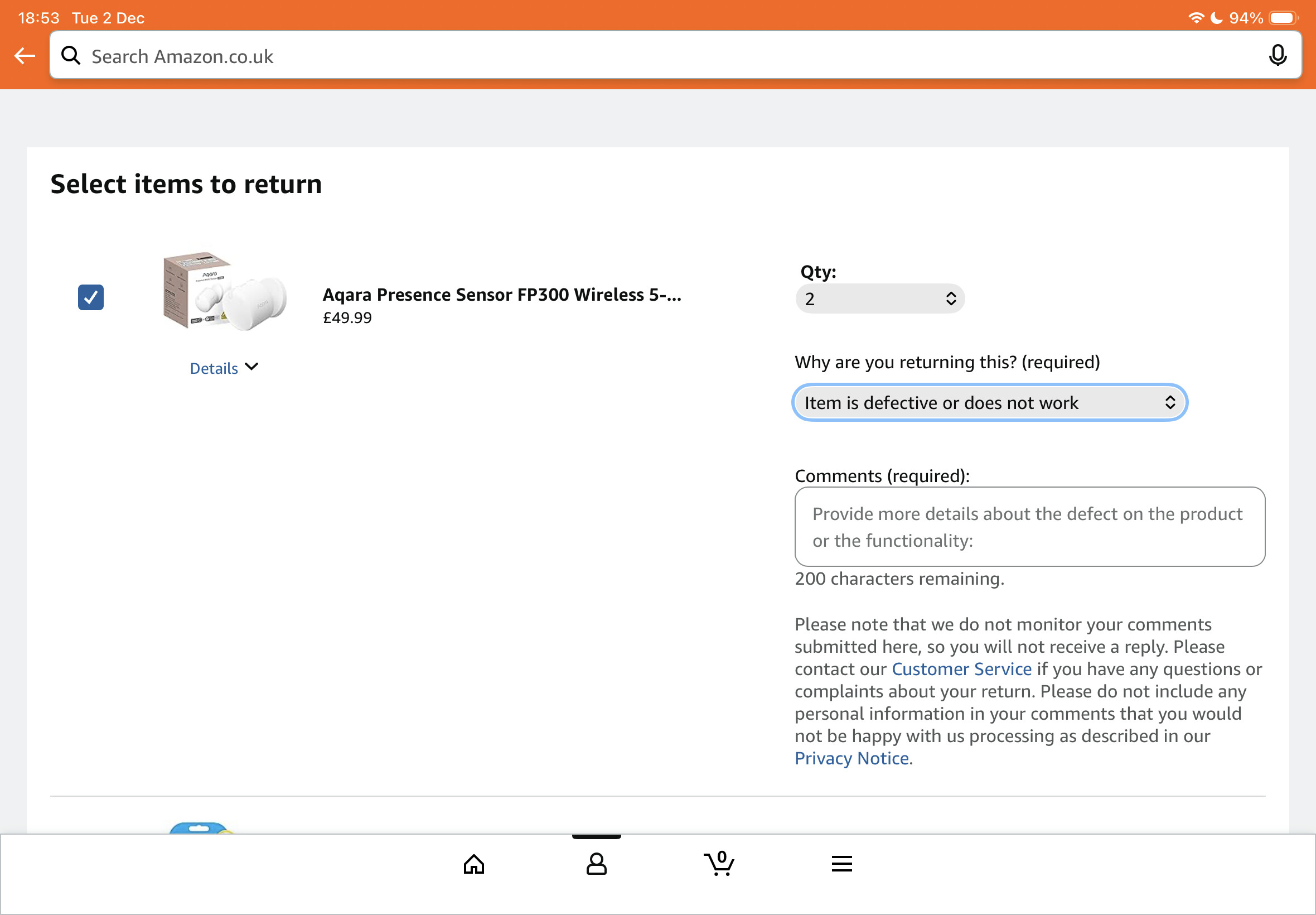
Maybe it’s better to return them
Hello, can you help me confirm whether it is M100 hub compatibility issue or a problem with the device itself?
The device itself. For example temperature is working at the same time presence is always on.
You can try waiting for the new firmware, which is expected to be released next week. We can update you as soon as possible to see if it resolves the issue.
3 Likes
Yes please push the new firmware to me, my account is the same as my login. Thanks
If you want to synchronize testing with us, this is the fastest way, and you also need to tell me the device ID and the server where it is located.
1 Like
DM’d you.
Hello, PIR motion may be accidentally triggered by environmental heat source. Please ensure that the “presence” automation condition is used for light on automation triggering, not the “motion detected” of PIR if you are encounting the false trigger issue.
There is no heat source, no heating, nothing in this room. It’s a hallway with a small closet, nothing else, empty. The presence condition caused the light to turn on after about 5 seconds, as with many other users. With “movement,” everything went as it should. In all cases, the sensor started to malfunction, triggering every minute for about an hour, and then the light stayed on. The automatic light-off function did not work at all. I have now set up my old P1 motion detectors, which at least work. I returned the FP300, I won’t pay for junk.
How’s it going?
Heard nothing
1 Like
I’m urging the testing team to finish verifying the basic functions before pushing the update to you.
3 Likes
Same issue, it is always stuck on showing “presence” it never goes to absence, small room - no windows. Tried different positions for the sensor, resets, setting changes, etc…no luck, it just does not work at all…very frustrating.
3 Likes
In order to test whether there is a hardware failure, it is suggested that you can try to completely cover the sensor with a metal cover to see if you can return to absence
If it really doesn’t work, it proves that the equipment is faulty, and you can choose to contact the after-sales exchange.
2 Likes
I would make some sort of plan to switch the sensor to zigbee if you really want to keep it. My FP300 in home assistant via ZHA and a custom quirk vs Thread is like a completely different device.
It’s suddenly the best sensor in my home again. If you are stuck with thread, I’d look elsewhere.
1 Like
Both of my FP300 work in zigbee mode and do not work in thread mode so how can it be a hardware fault, it must be a software fault.
1 Like
I will keep this short and sweet. Here is my current issue with the FP300 on Matter & Home Assistant with my own Open Thread Border Router.
Bug Identification: Occupancy timeout setting above 10 seconds causes presence to never clear
Test Procedure: After finding my FP300 on firmware 1.0.7.3 would clear occupancy after 10 seconds when used as a Matter device, I tried through Home Assistant’s interface to change the timeout to 60 seconds, which it claimed it did. Upon doing that, my device would no longer clear occupancy at all. So I went through the following:
- Reset FP300 (Thread mode) and confirmed it would work again, but with a 10 second timeout.
- Changed occupancy timeout to 60 seconds via Home Assistant
- Result: Presence detection stuck “occupied” and never cleared despite waiting 5+ minutes
- Changed occupancy timeout back to 10 seconds via Home Assistant
- Result: Presence cleared correctly after 10 seconds
- Tried other timeouts, but only 10 seconds works.
Conclusion: The issue is specifically triggered by setting the occupancy timeout above 10 seconds. At the default 10-second timeout, the device functions correctly.
Additional Issue - Firmware Updates: The firmware update process for Thread devices is problematic:
- Requires either purchasing an Aqara hub OR resetting device → flashing to Zigbee → flashing back to Thread
- This process changes the device ID, breaking all existing automations and integrations
- After completing this reset/reflash process, firmware version remained unchanged
- No clear documentation on what the current firmware version available is, making it unclear when the update process is even necessary
Engineering team indicated a fix is in progress (per Nov 19 update), but there’s currently no practical way to obtain updated firmware for Thread-only setups without an Aqara hub, and the process without an Aqara hub is painful with an unknown outcome if you don’t know whether new firmware is available (Because you cant connect your device into the Aqara App without resetting it OR having an Aqara Hub… to my knowledge)
3 Likes
Interesting find. I agree that the Thread update procedure is really painful at the moment and hope that it will be fixed soon so that the device could be directly updated over Thread from within Home Assistant.
Similarly, editing all the available settings or exposing the PIR and mmWave sensor separately over Thread too would be great.