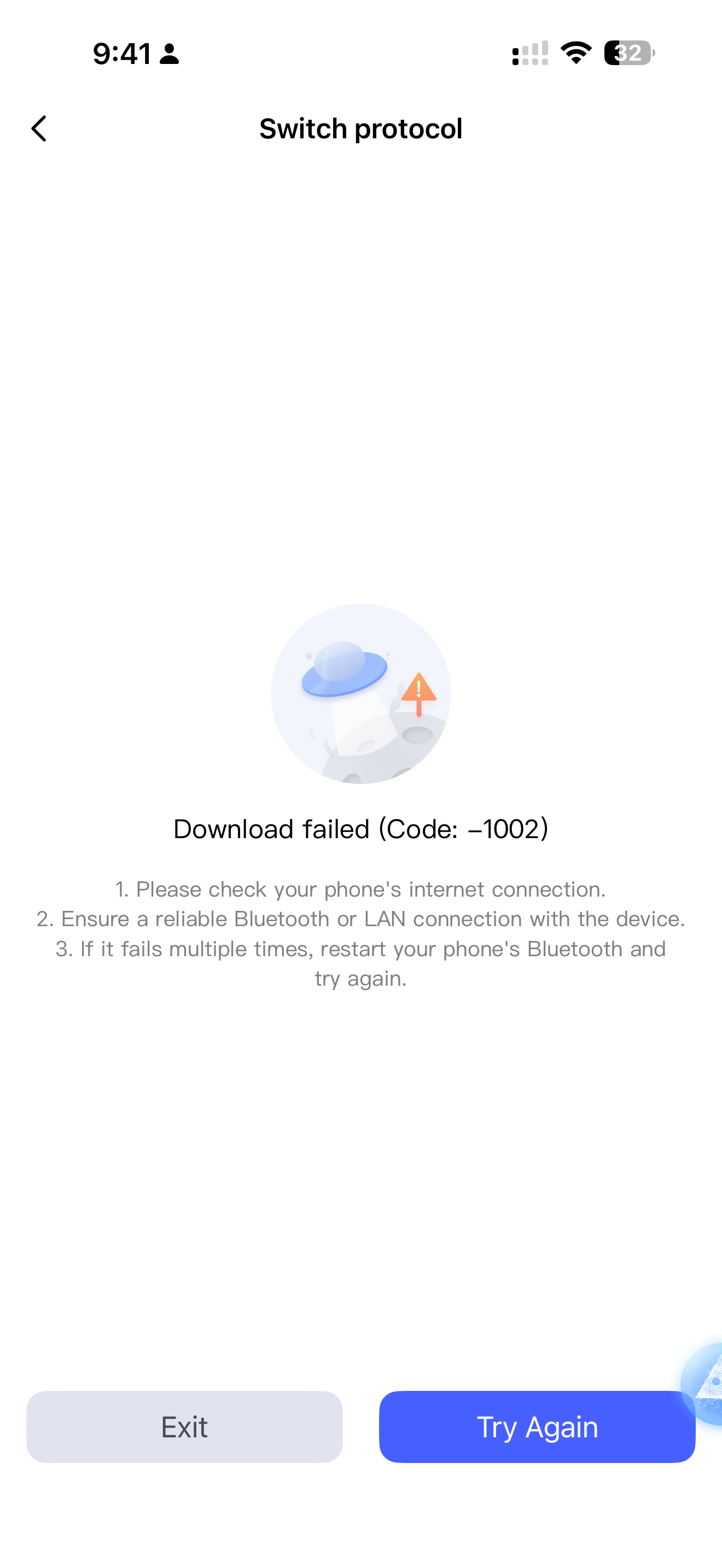
I have updated the FP300 to the latest software. I have solid wifi and bluetooth connection.
1 Like
Please try to re-enter the interface for switching protocols and stay on this interface until the firmware transfer and protocol switching are completed.
Same happens on mine but with the error code 30204. The Thread firmware update downloaded fine though.
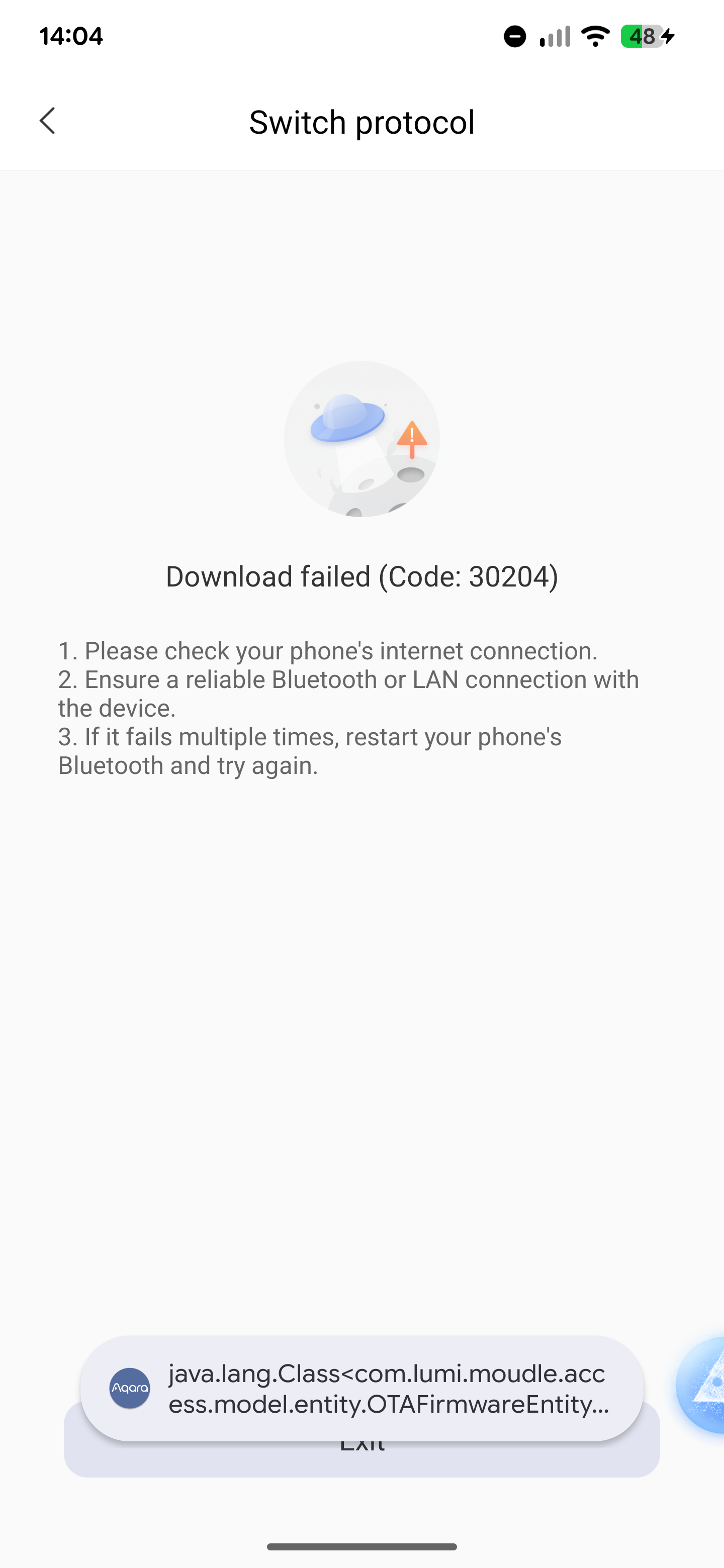
Edit: Aqara have replied to the ticket I submitted on Saturday, asking for more details.
1 Like
I have the same error, I’m not able to switch to Zigbee.
2 Likes
Me too
1 Like
Me too with error 30204. Without zigbee I cant’t use the device
2 Likes
Just to be clear… are you saying install using Thread update the firmware/software and then go back and switch over to Zigbee?
Initiall switch from thread to zigbee fails at error 30204
Please try to make a full reset and see if the FP300 appears in the accessories list as a magic pair device- When you see it in the magic pair , it should be easy to change the protocol to zigbee
2 Likes
Agreed. First reset the FP300 with 10 presses of the button and then try again.
1 Like
Tried both 10 presses and a long press (which results in quick flashes then slow pulse of the light) and it’s the same result, error 30204 as soon as it tries to download the Zigbee firmware. Also switched to the beta version of the Play Store Android app, same result. Re-adding it in Thread mode work fine though.
Edit: I initially tried to install the Zigbee firmware when I first received the device and only set it up as Matter once it repeatedly failed to switch to Zigbee.
Same issue, reset does not work and results in the same error.
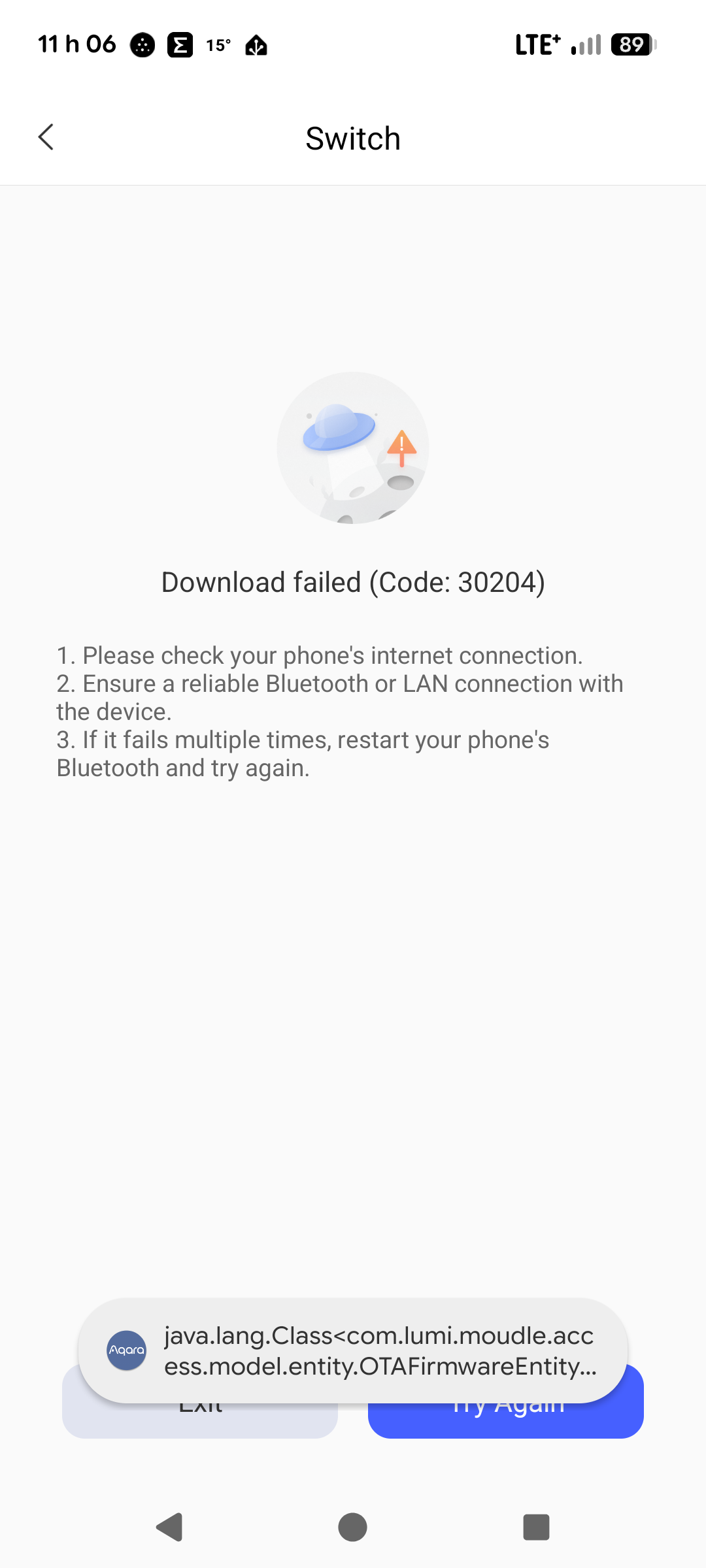
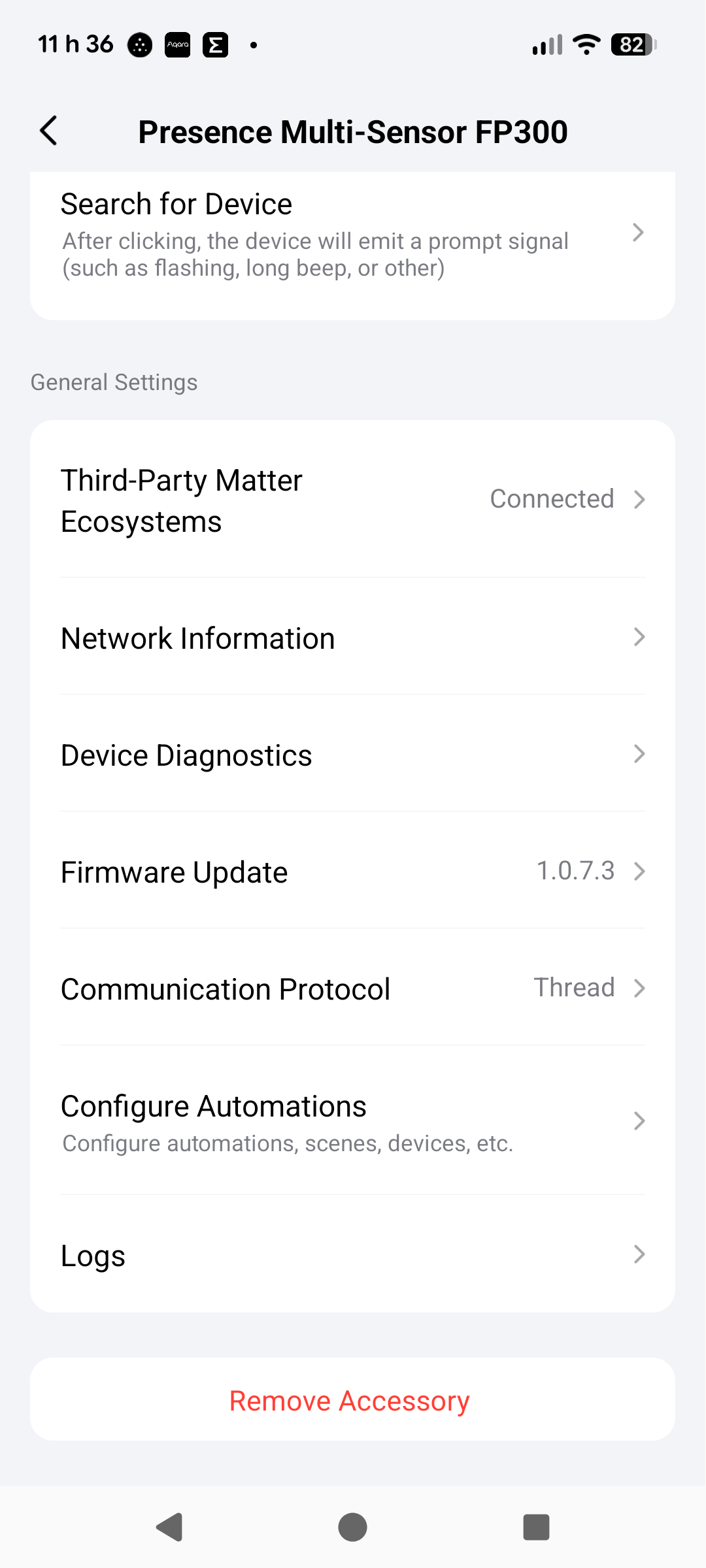
This must be a server side issue. It looks like the app can’t find the firmware on the server.
1 Like
That’s what I was thinking seeing as it fails instantly on 0% downloaded, doesn’t get anywhere near trying to push the firmware to the device.
Ok so I went to my other home and I was able to switch over to zigbee.
One big question for me is , which hub are you using ? I tried a little and played around and also was not able to bind it by zigged to my S1 panel plus… Maybe that’s the reason
- M3
- M100
- E1
- S1 Panel Plus MagicPad
- M1S gen 2
- M1S gen 1
- G2H Pro
- G3
- M2
- M200
0
voters
My order: Home 1: I connected the FP300 to the G5 Outdoor Camera through matter qr code then did firmware update. Unpaired device then holding the button on top of the FP300 to enter pairing mode. After many unsuccessful attempts to switch it over to zigbee I went to Home 2: I pressed the button 10 times quickly (didn’t try at home 1) and when the FP300 popped up in the device adding page I was able to switch it over to zigbee. Then I added it to my E1 usb hub.
1 Like
Response I got from Aqara support ticket:
This issue was caused by the Zigbee firmware not being fully released. The firmware has now been fully rolled out, and it should be working normally.
Mine’s switched over now.
2 Likes