Hello, today I want to review the sensational W600 radiator thermostat, which burst into our lives with a stormy discussion on the forums.
I planned to do this review back in the fall of 2025, but I was held back by the big bugs of this product.
With the W600 update to version 0.0.2644, I came to the conclusion that the period of troubles with this Aqara product is behind me, I understand that there will be some more small problems, but this is already a “fine polishing” of the product.
Let’s get started.
Note, as always, I will give many screenshots for users who have not decided on a purchase to convince them of the cool W600 product.
The main window of the W600 plugin looks like this
Fig1.
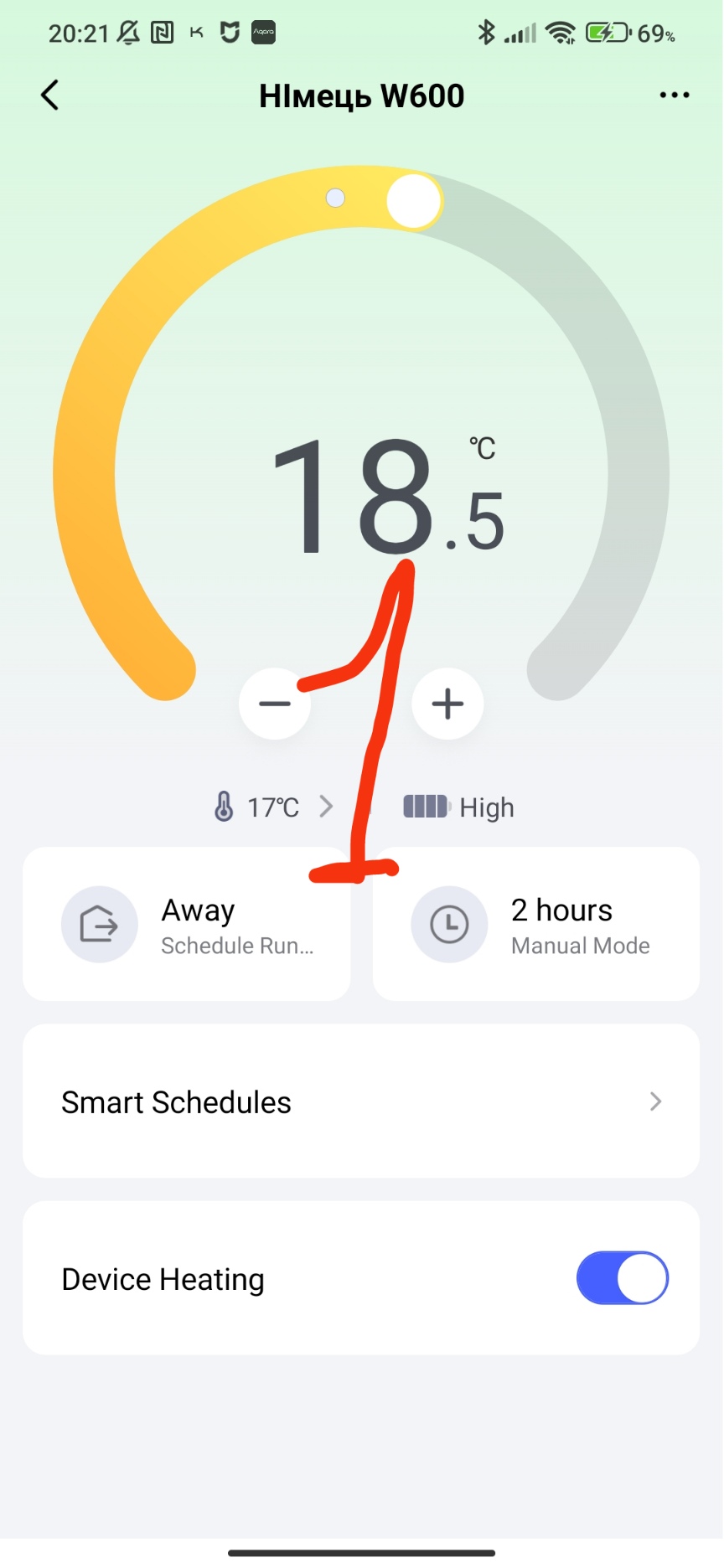
In this window, you can quickly perform the following actions.
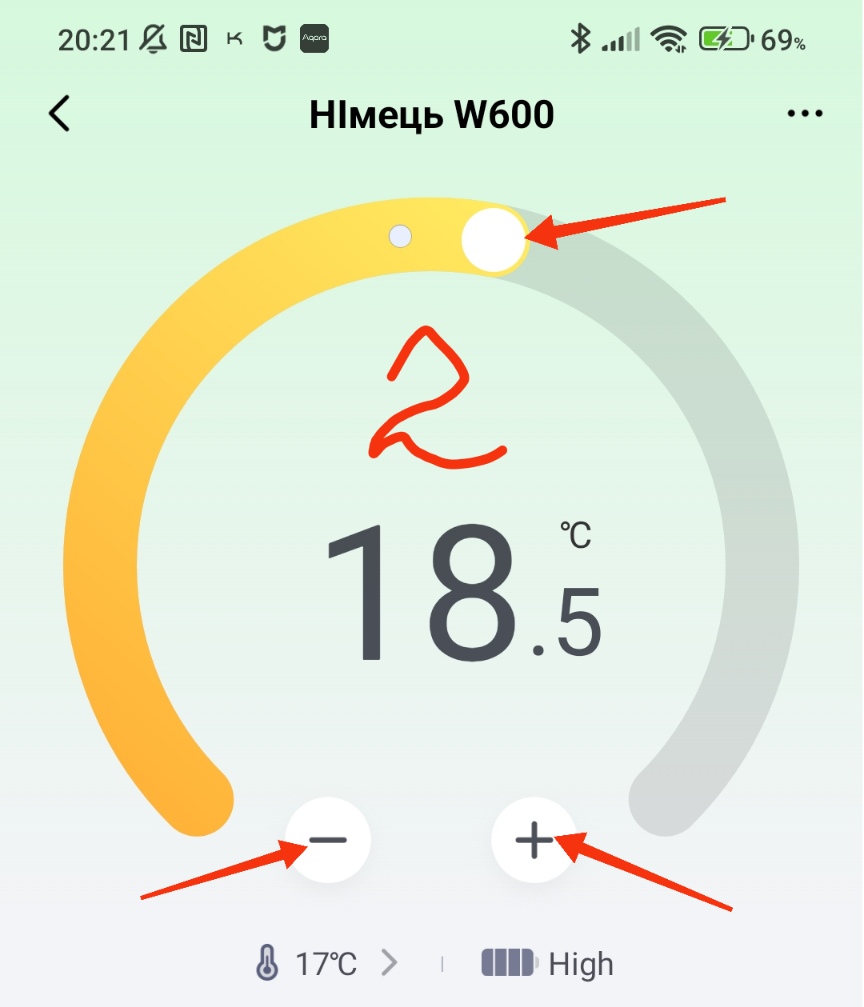
Using the slider (in a semicircle) or “+_ -” you can quickly change the target temperature.
Fig.2.
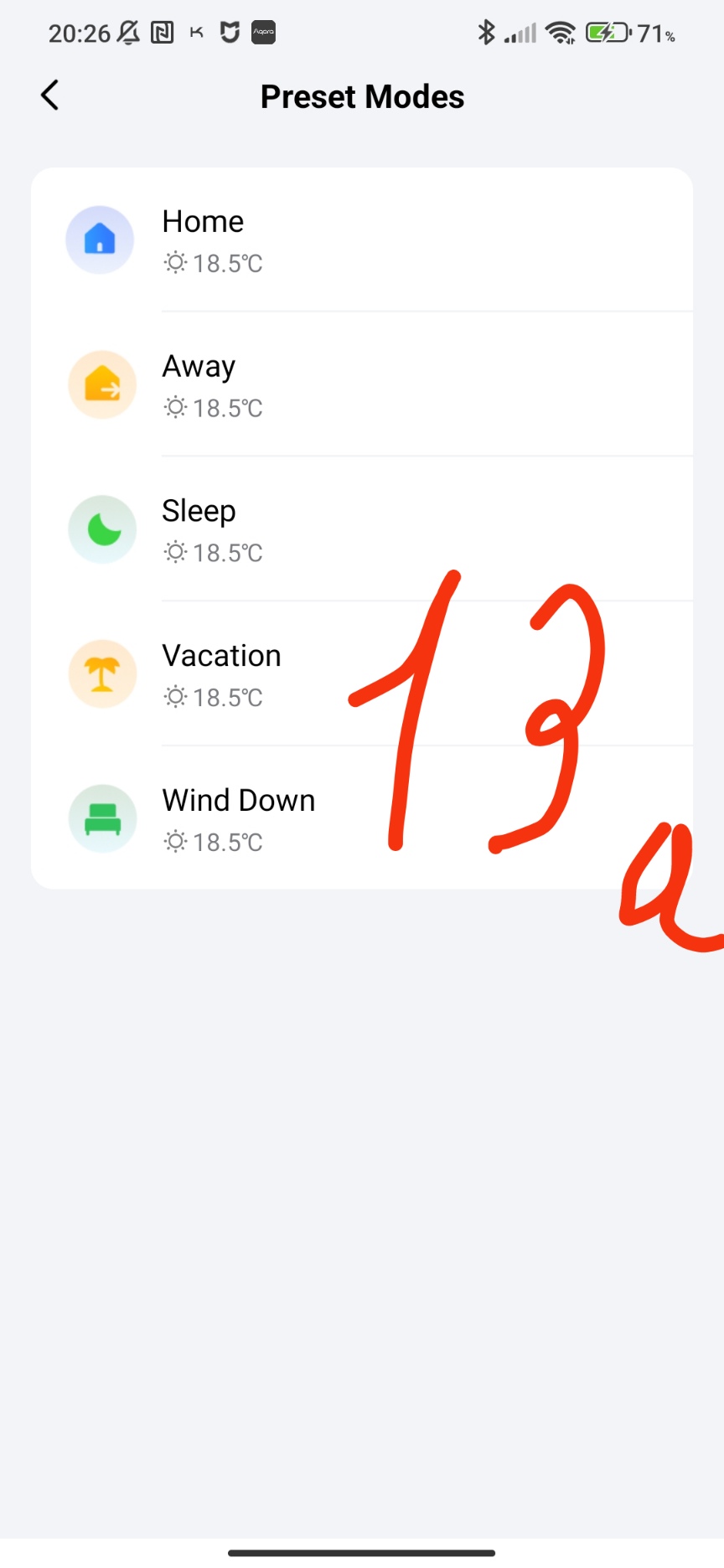
Quickly select the room heating mode in manual mode. There are five presets: home, away from home, sleep, before bedtime, vacation.
Fig.3.
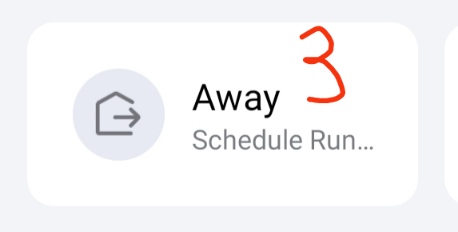
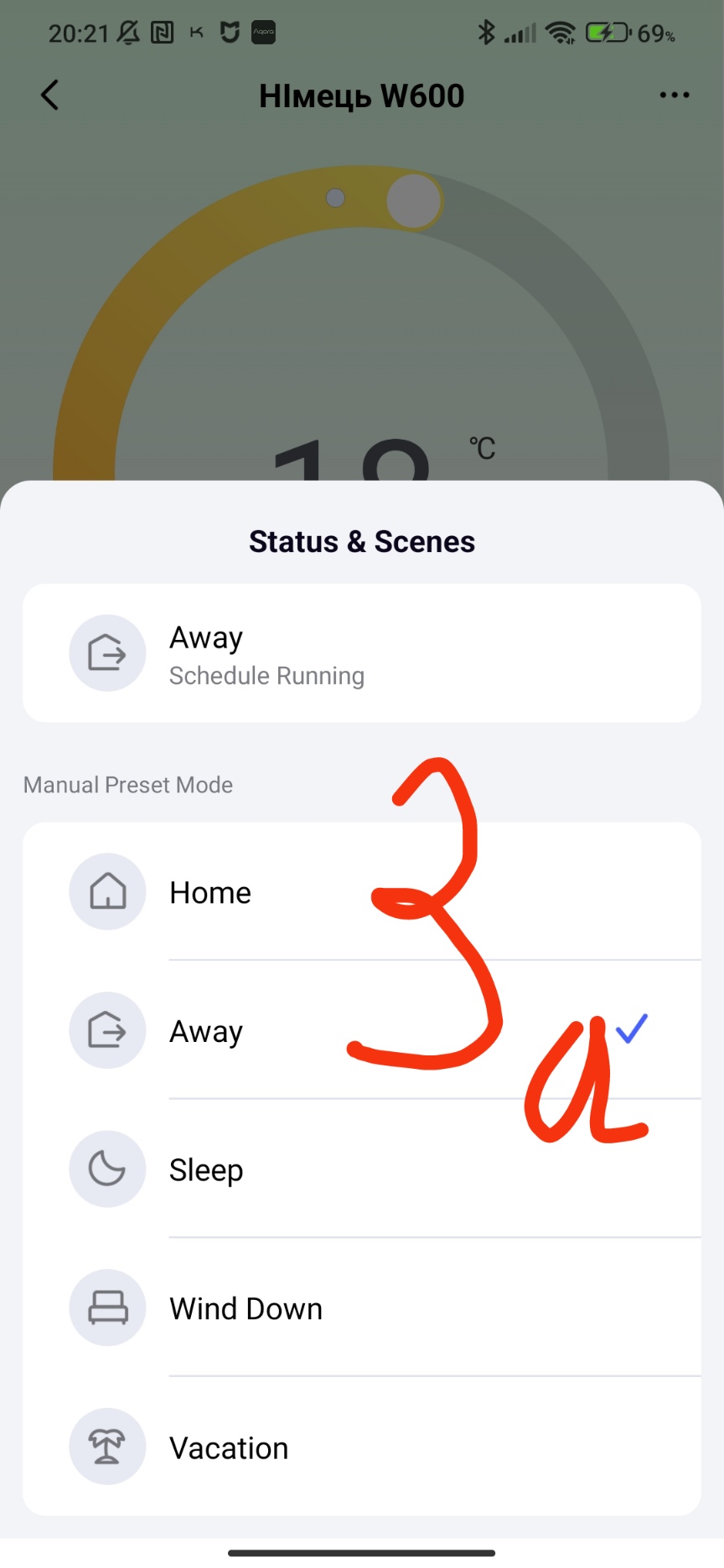
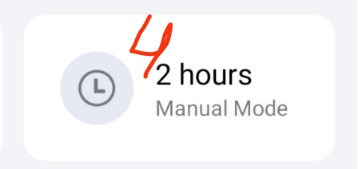
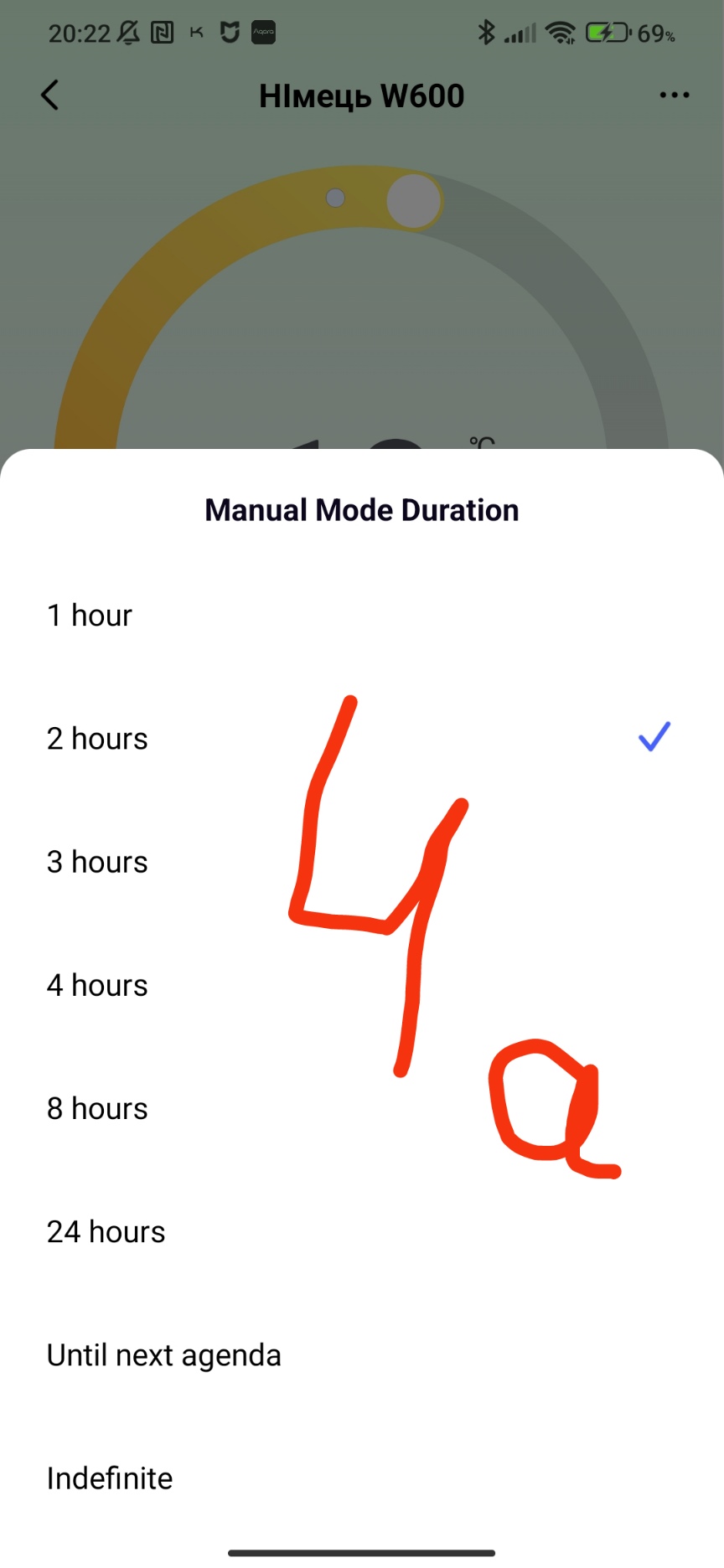
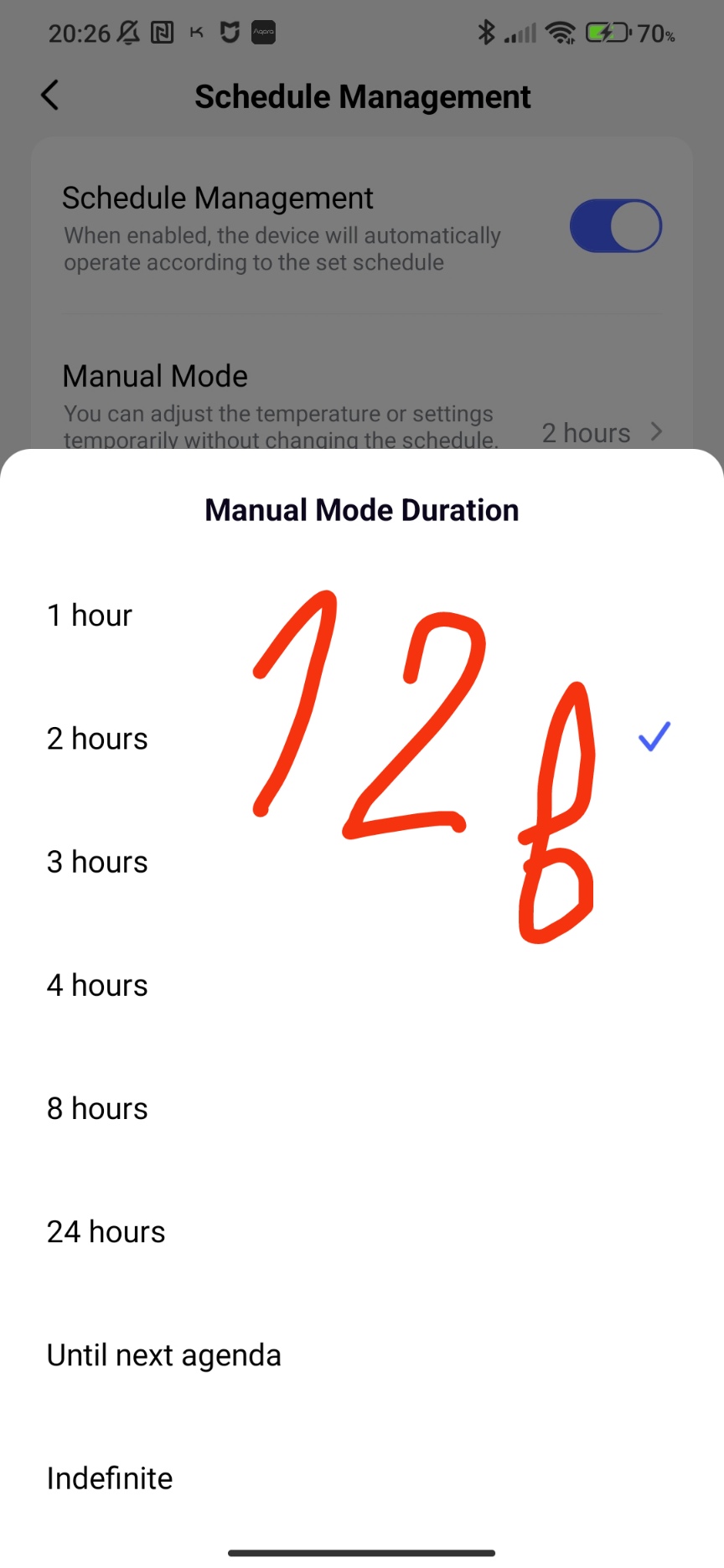
Set the manual mode operating period, this means that the manual mode will stop working and switch to the smart schedule after the time period you select according to Figure 3.
Fig.4.
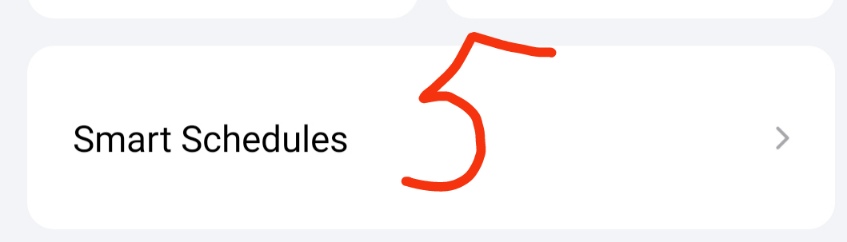
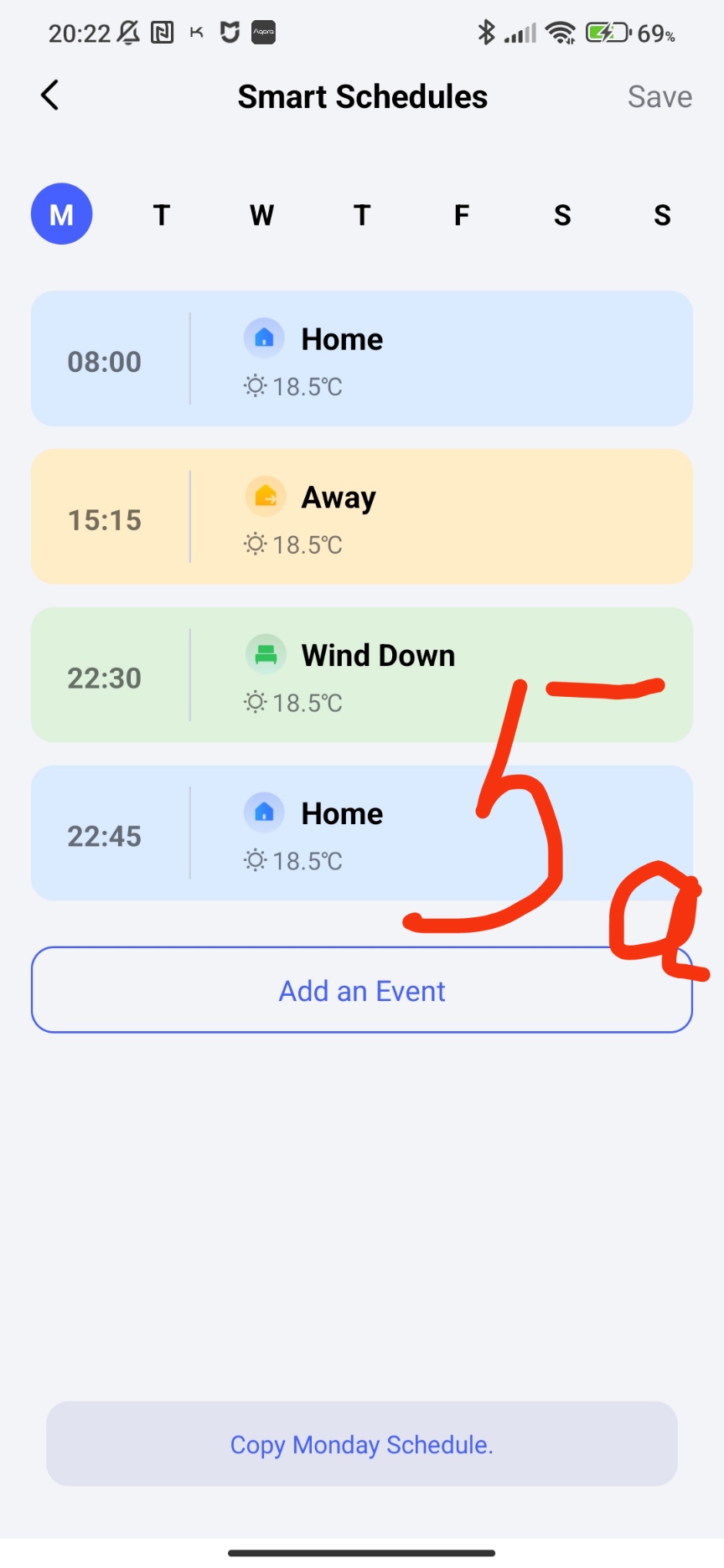
Get into the smart schedule settings. The smart schedule is created by the user according to their needs. From this window, your smart schedule is programmed.
Fig.5.
Let’s consider the main settings of the W600.
Fig.6
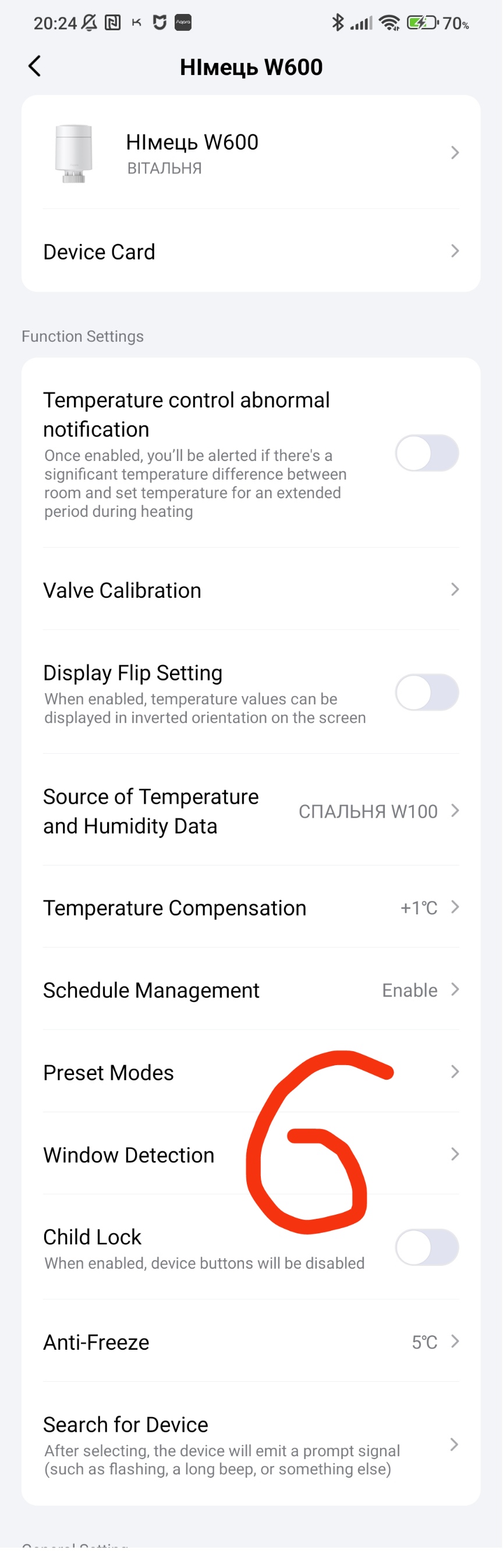
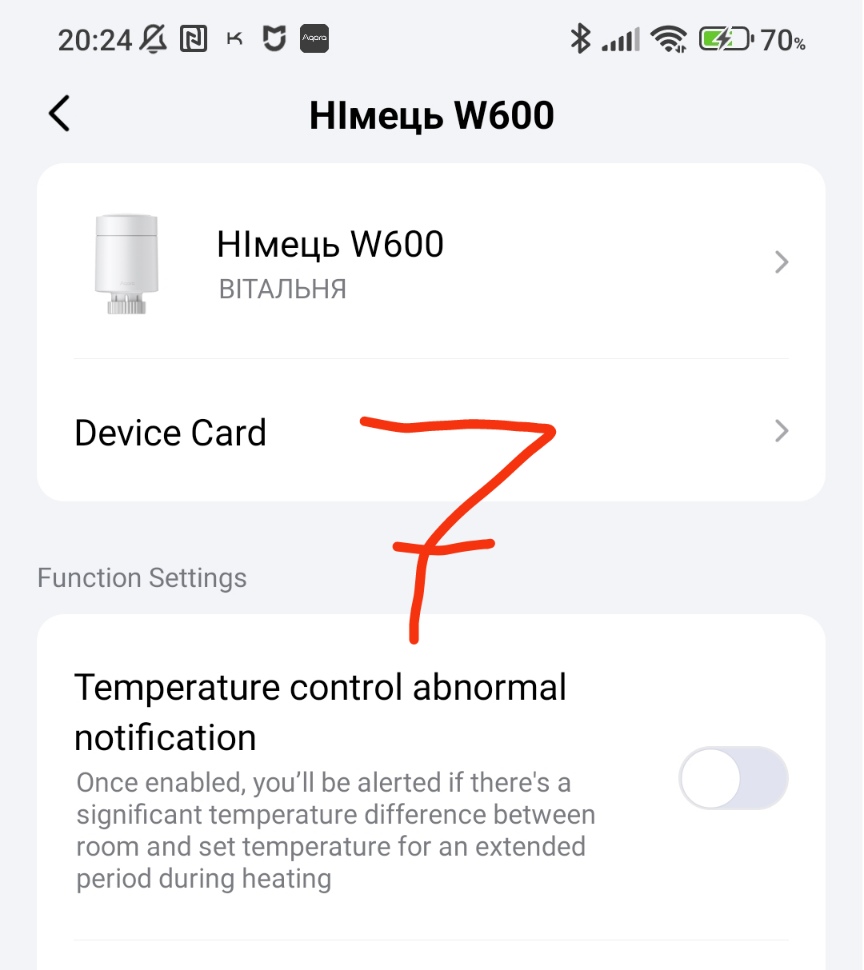
The first setting is to enable a notification about a violation of temperature control. This is a push message from the W600 that the set temperature is very different from the current temperature.
Fig.7
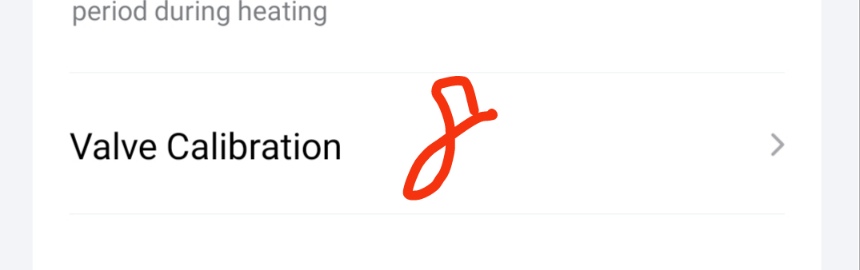
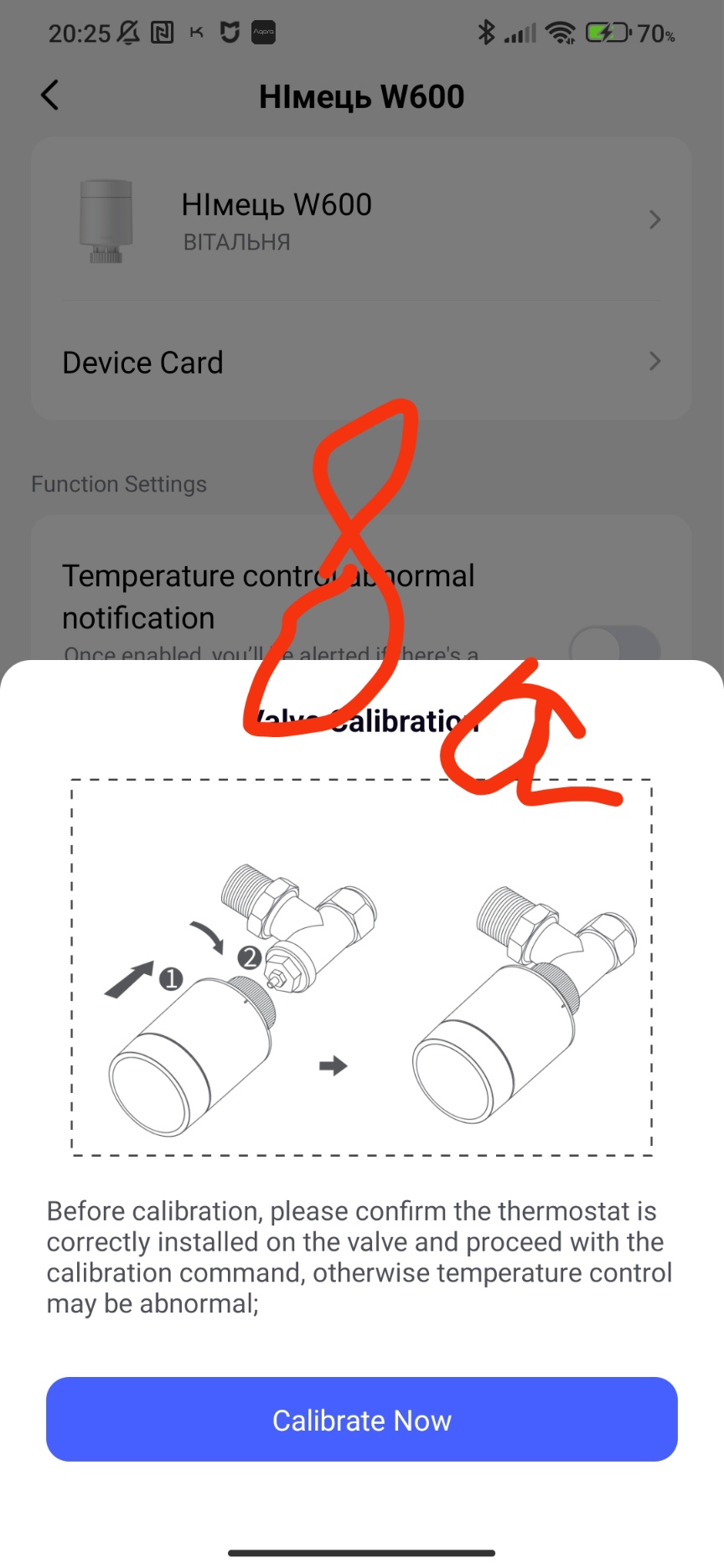
The next function is valve calibration. As a rule, this function is started when the W600 is first installed. There are cases when the valve does not regulate the temperature correctly during use, then it is recommended to re-calibrate it.
ATTENTION! Please note that when installing the W600, use the correct finger (pin) that presses the valve. An incorrect finger + adapter set leads to physical damage to the W600!!!
Fig.8
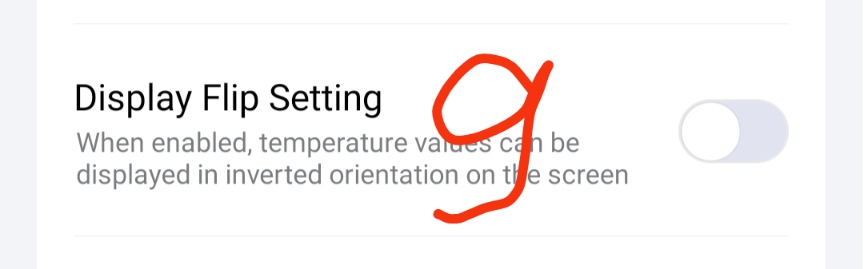
Display rotation settings on the W600 monitor.
Fig.9
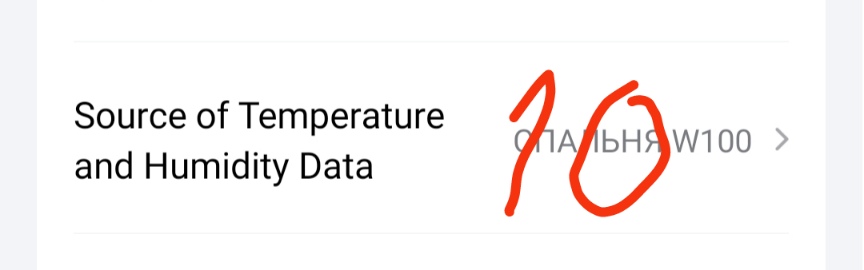
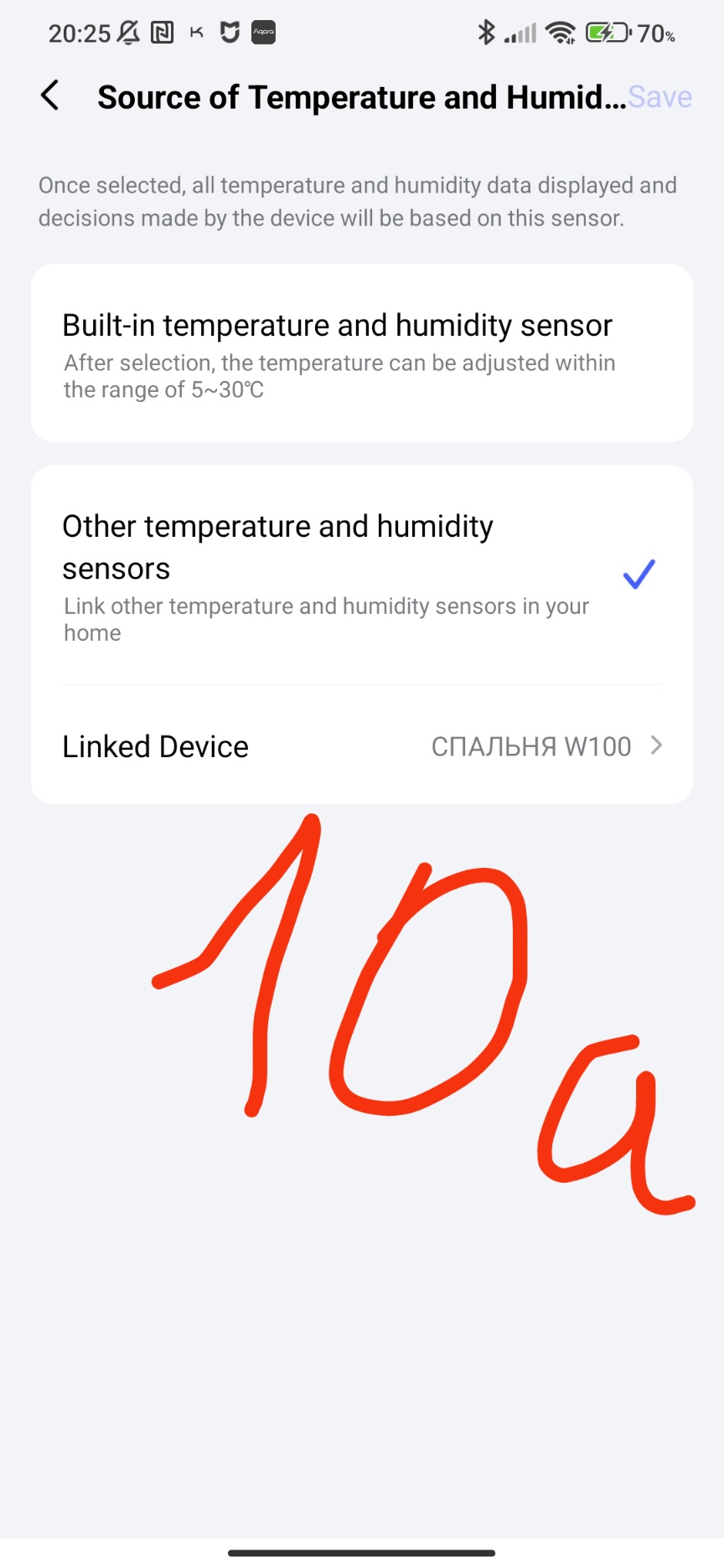
One of the important settings is the selection of the temperature sensor from which control will be carried out. There are two options. The first is the built-in W600 sensor.
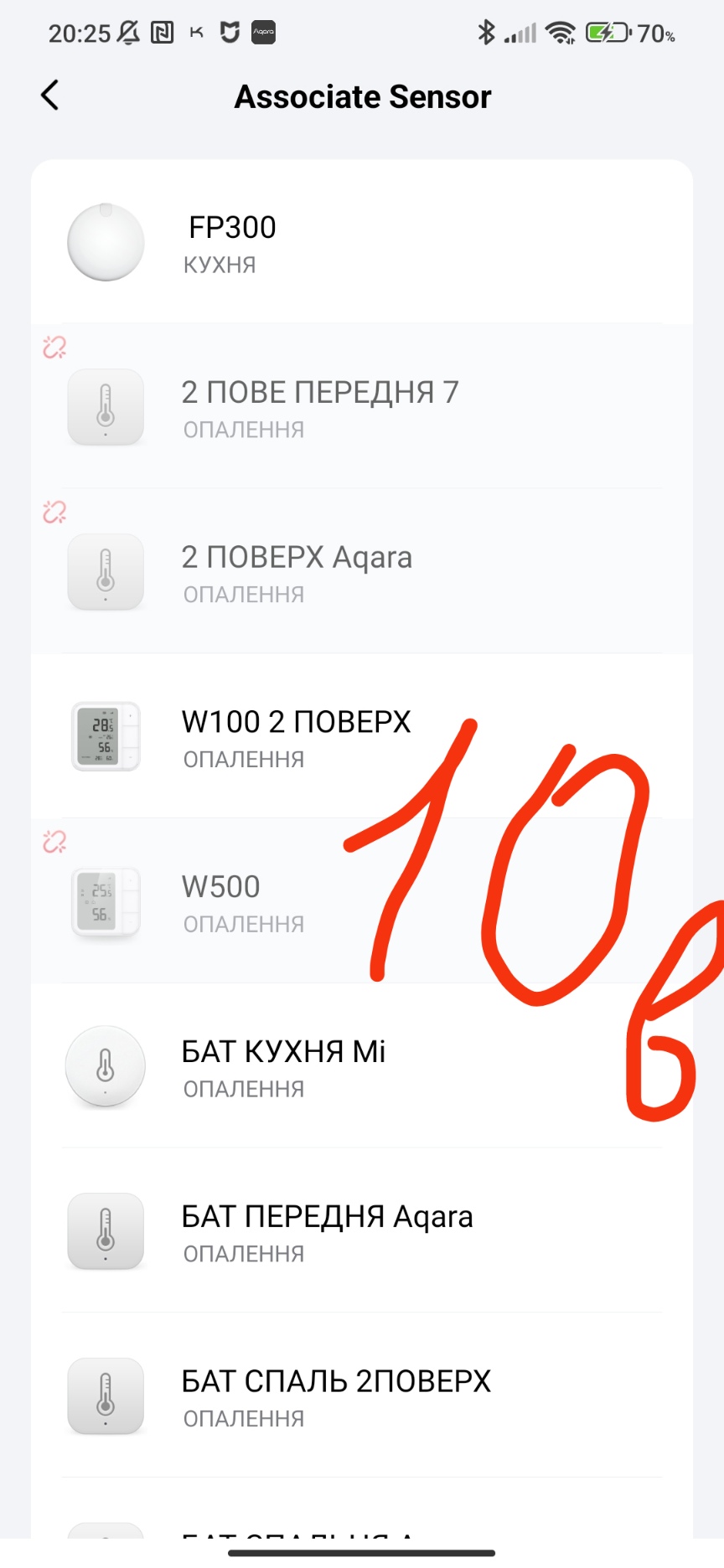
The second is the selection of a temperature sensor that is tied to the gateway that is common to the W600 and the sensor. If the temperature sensor is tied to another gateway (even if it is in the house), it cannot be selected! Note, after selecting, do not forget to click the “save” button!
Fig.10
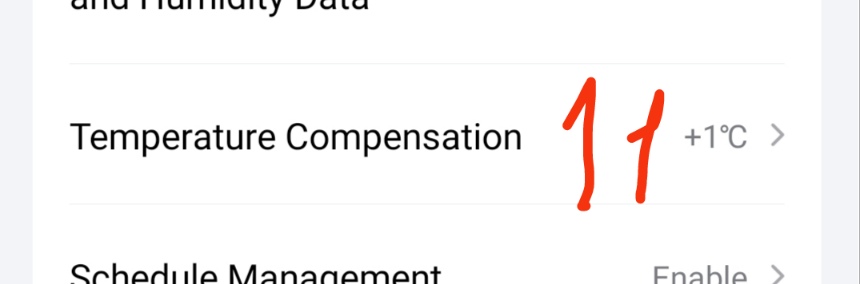
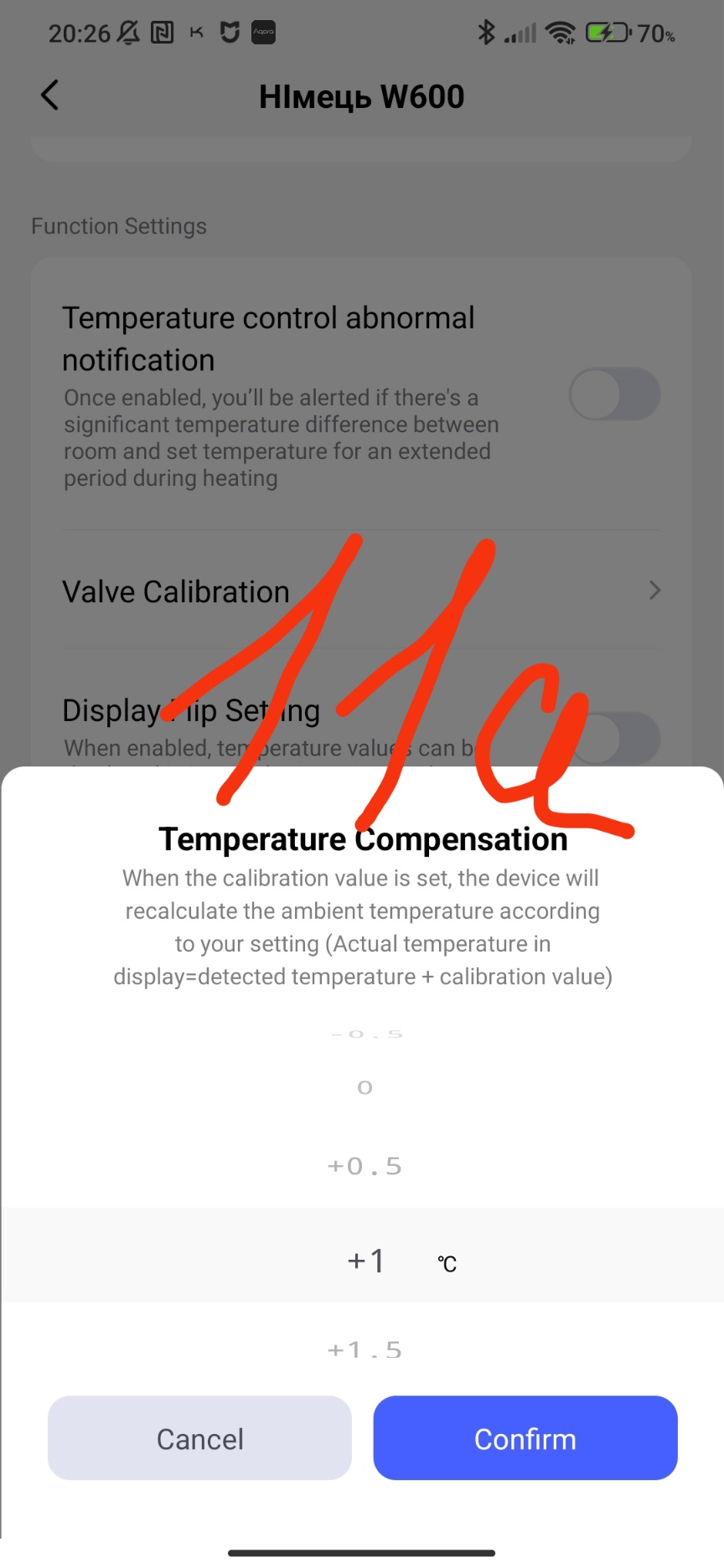
Another important parameter is temperature compensation, with the help of this parameter we correct the heating of the radiator in the case of a remote location of a remote thermometer. I recommend using it during the first control launches of the W600, in the future this parameter “freeze”.
Fig.11
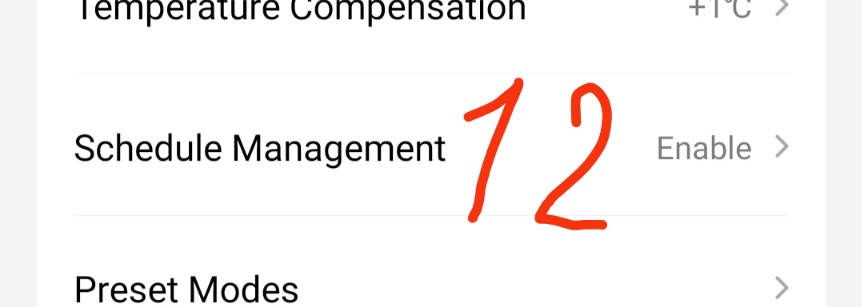
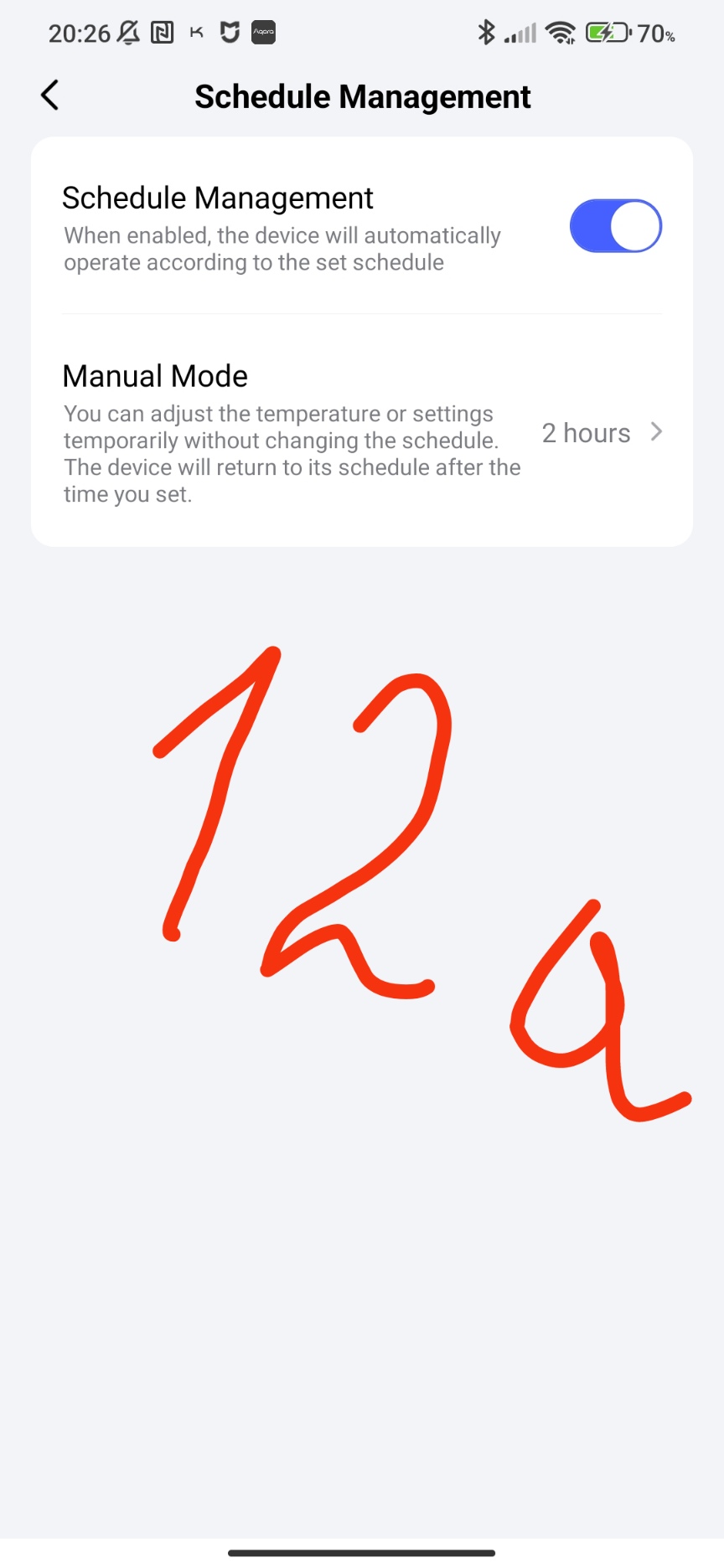
Configuring the activation of the smart schedule. This parameter allows you to enable (disable) the smart schedule. Also in this section is duplicated the delay period of the manual mode that is in the main window of the W600 (Figure 4).
Fig.12.
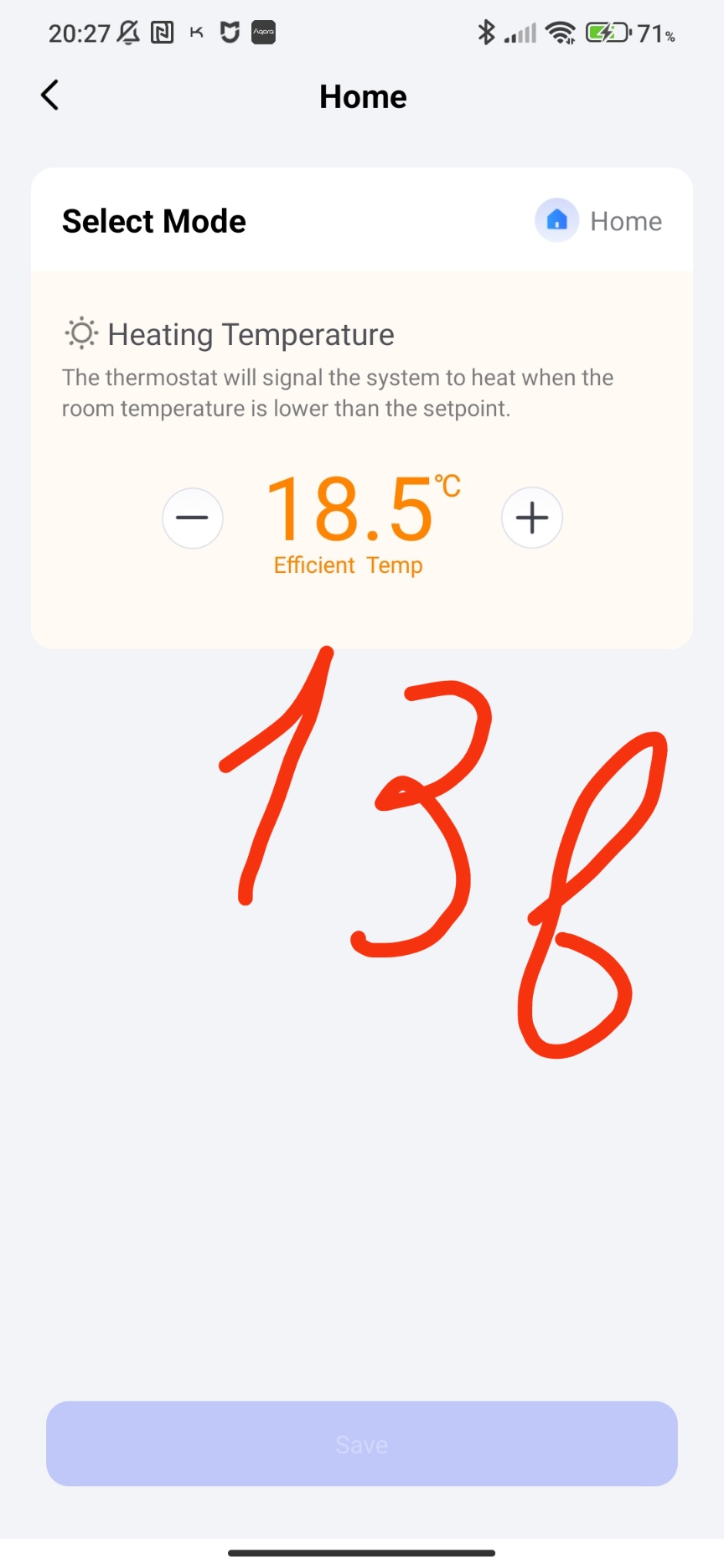
This parameter allows you to configure the temperature presets that are in the main window (Figure 3).
Fig.13.
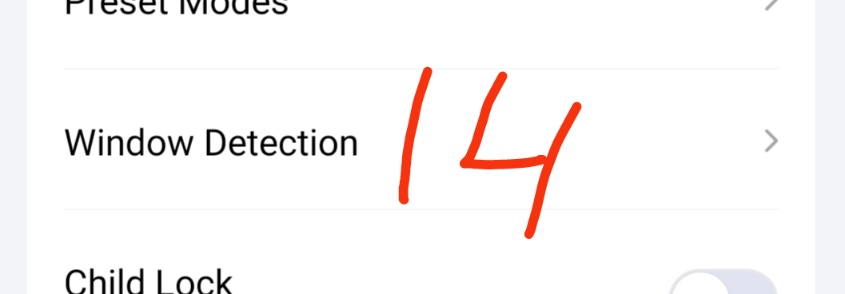
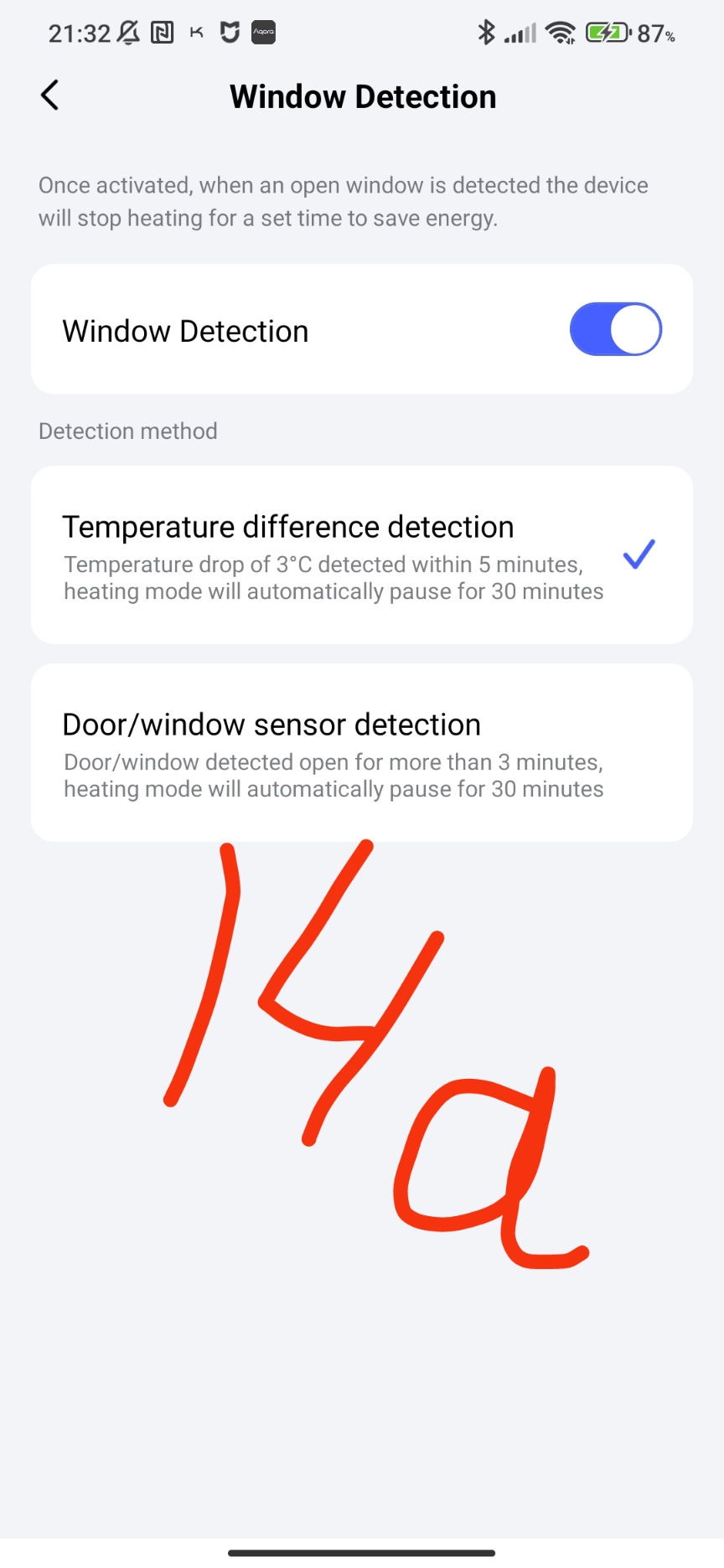
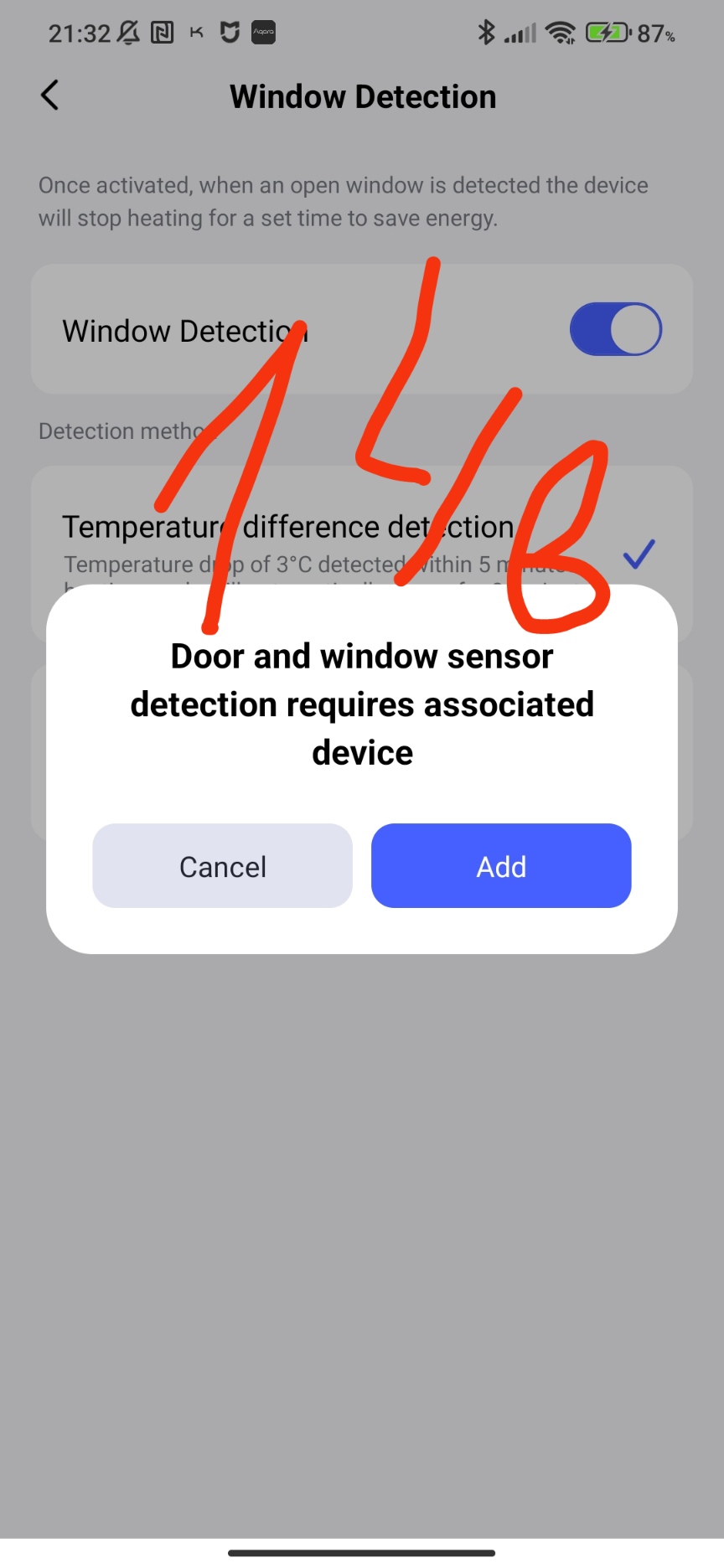
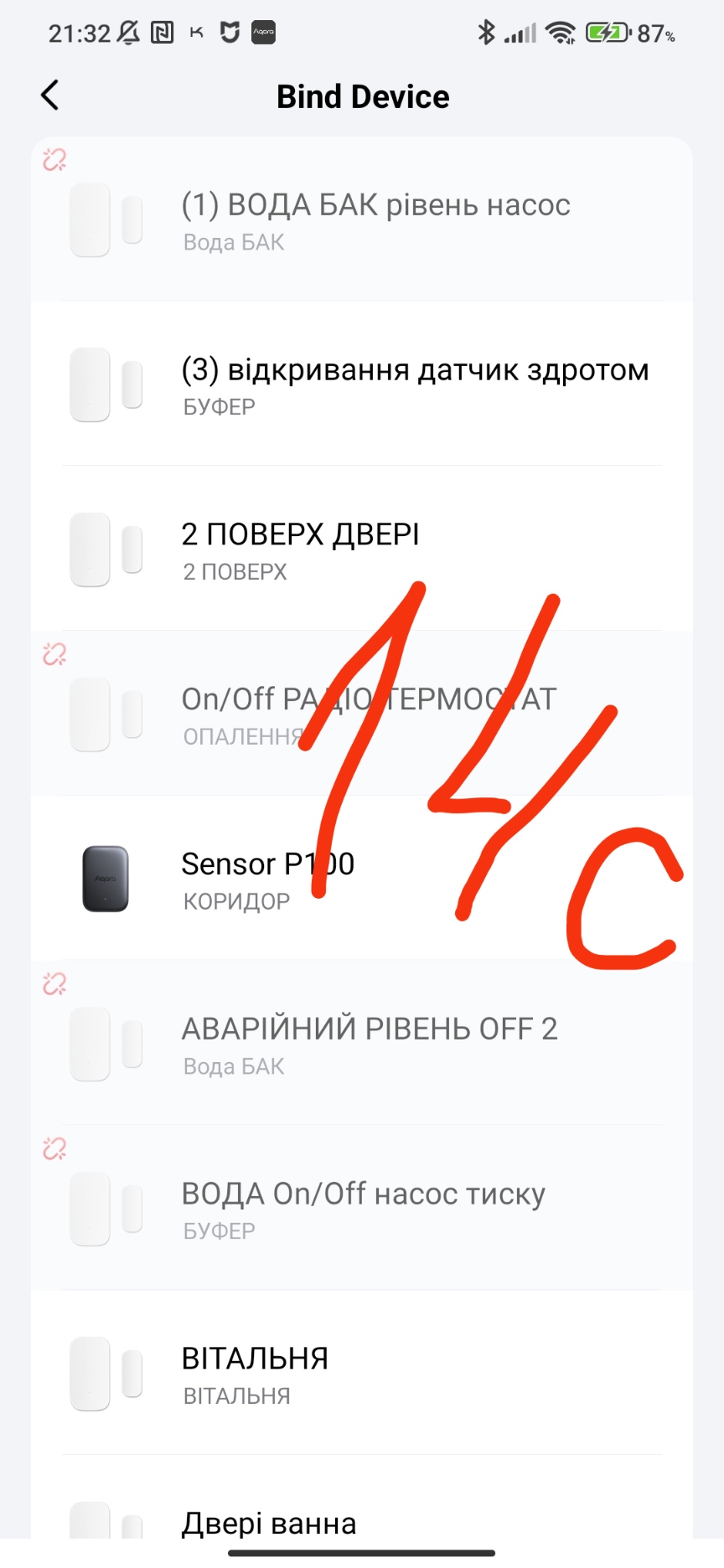
A parameter that allows you to control the open door (window). There are two options.
The first is logical, the system sees that the temperature has dropped sharply and turns off the heating for 30 minutes.
The second is physical, the system sees a broken contact (gyroscope change) of the sensor and also turns off the heating for 30 minutes.
Fig. 14.
And two parameters complete the W600 parameters.
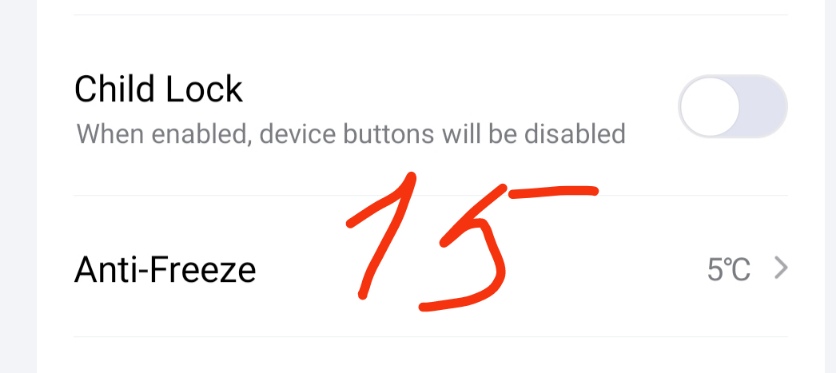
The first is blocking the W600 (the so-called child protection).
The second is setting the minimum temperature control mode (antifreeze), this parameter works when the thermostat is turned off and will turn on the heating if the temperature has dropped below the set one.
Fig.15.
This concludes this review.
Let me remind you that I have lessons related to the automation of heating processes in Aqara.Automation 2.0, lesson 10, room climate control. Creating a smart heating schedule for radiator thermostats (E1, W500, W600)