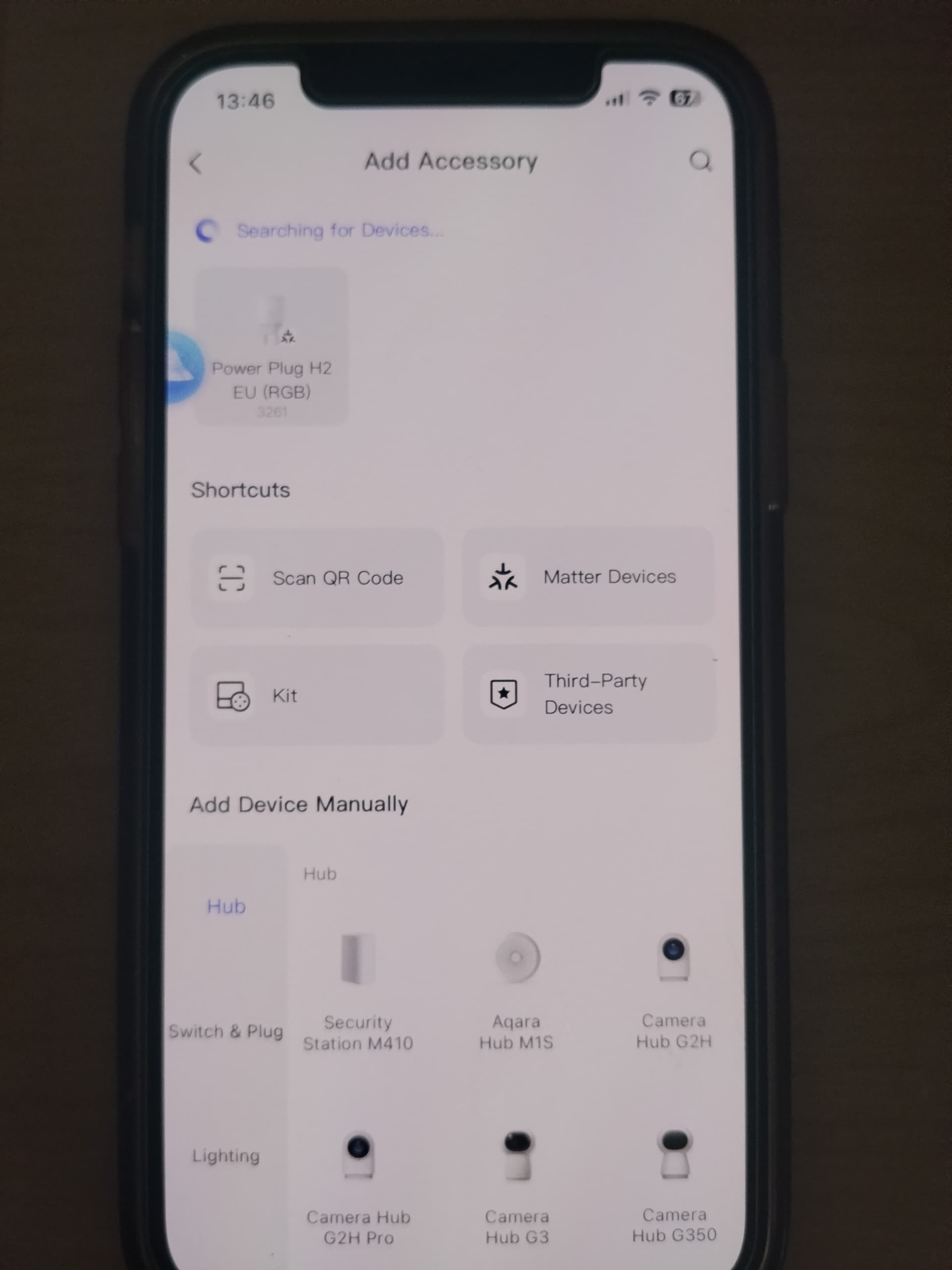
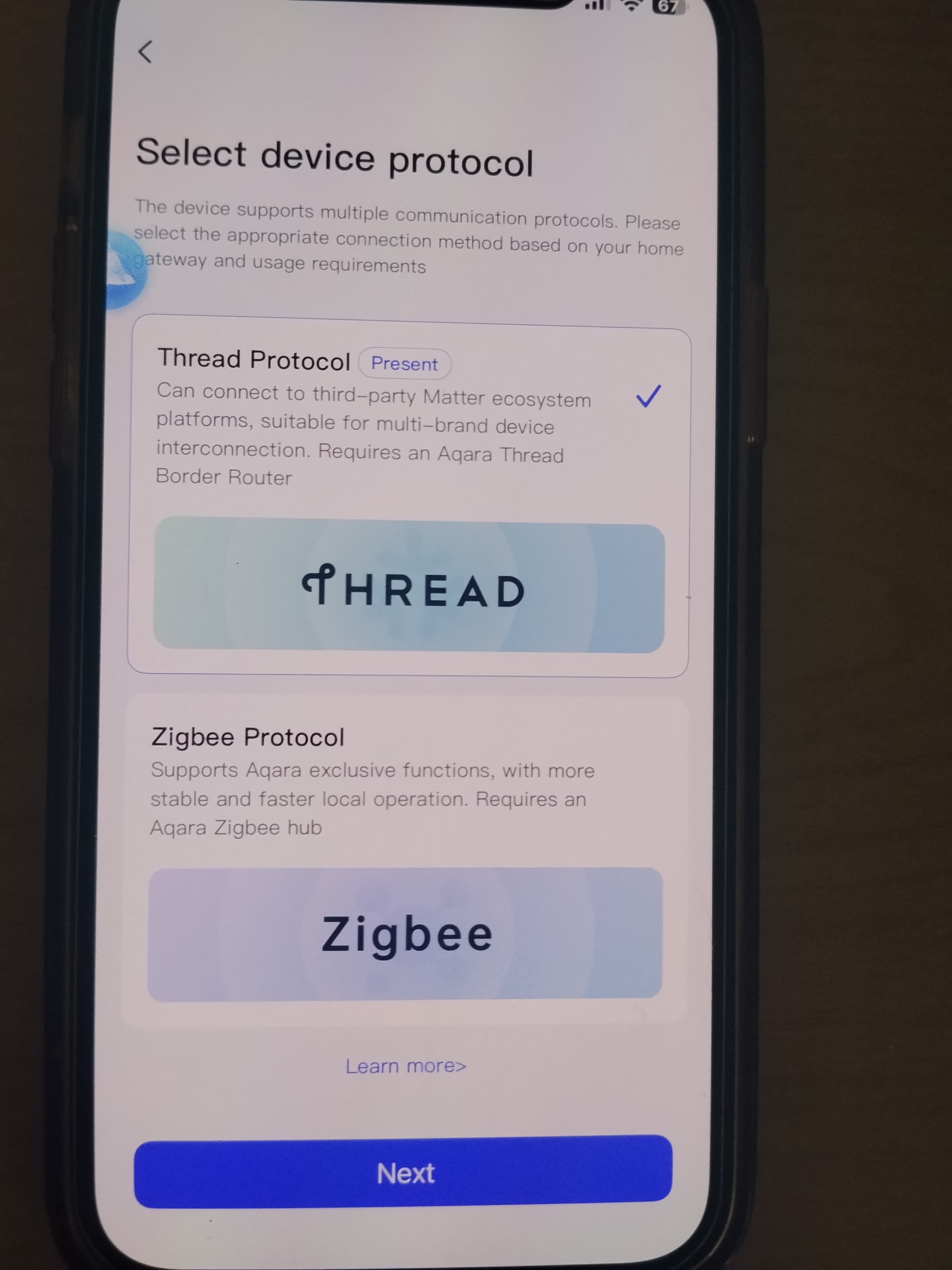
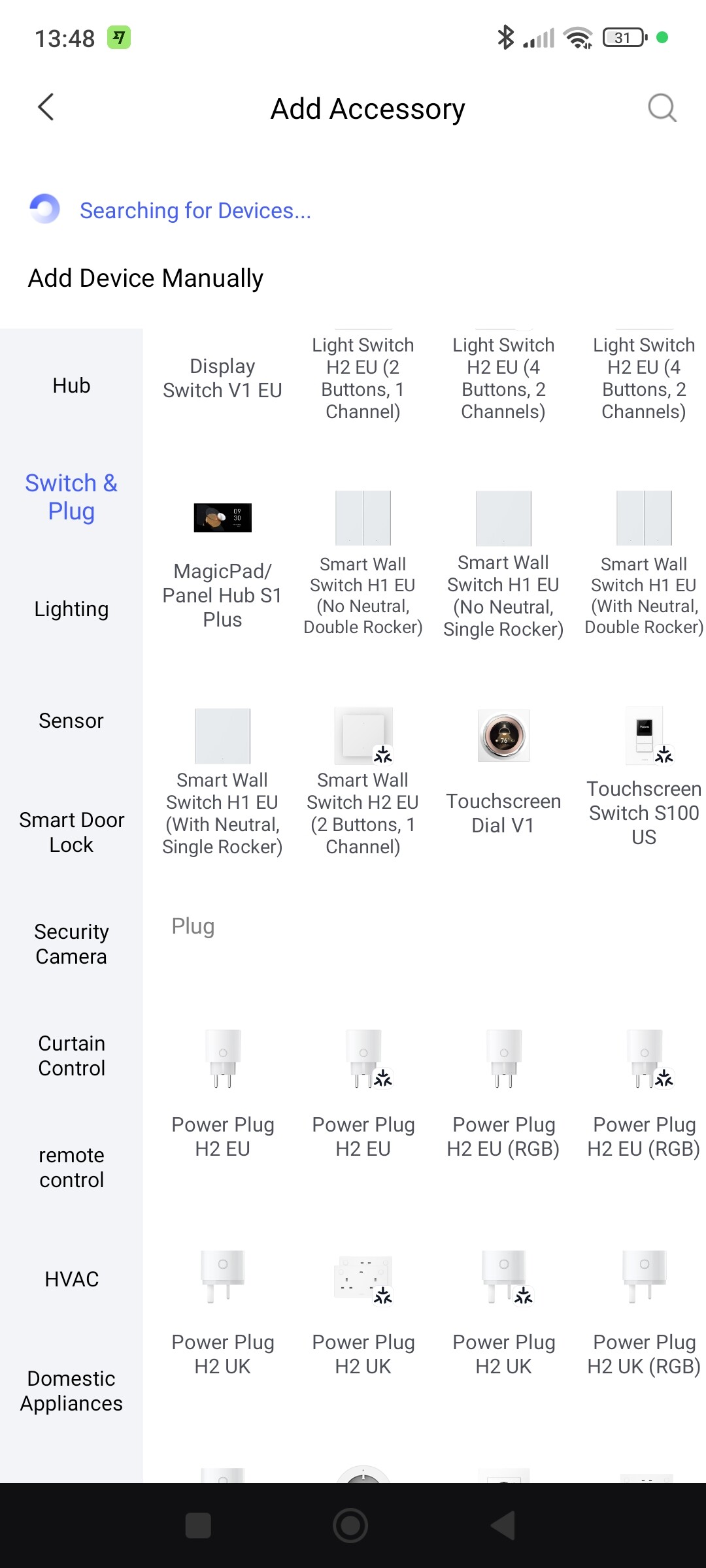
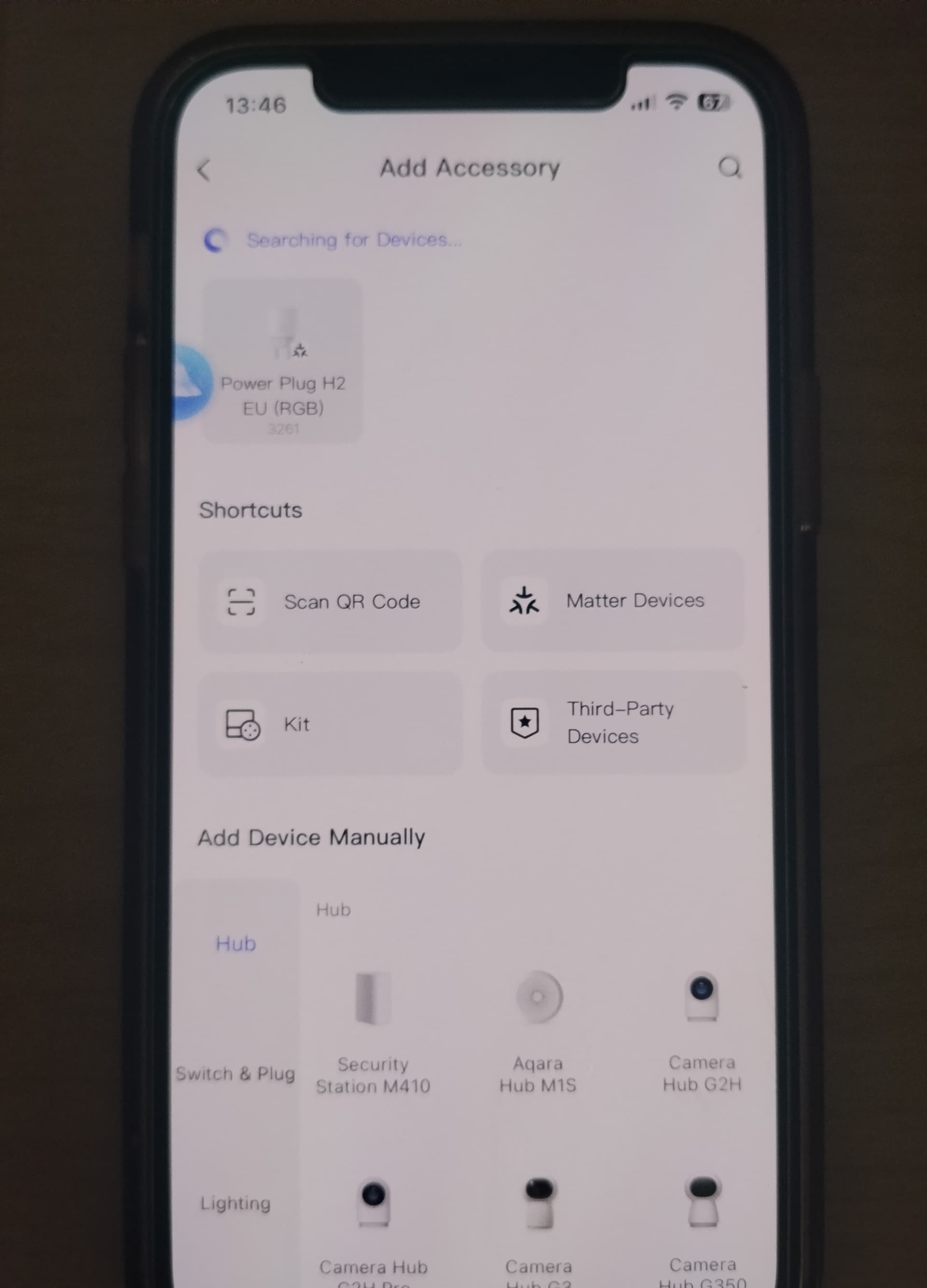
In the Aqara app, Add Devices window, there are two identical icons for the Power Plug H2 EU, but the icon on the right has a Matter/Thread logo/symbol. (Unfortunately I am.unable to add a screenshot)
AFAIK it is not possible to purchase two different versions.
Therefore, maybe — just maybe — the trick is to add the device using the icon that does not have the Thread/Matter logo.
I’ll try it and see what happens.
2 Likes
That didn’t work.
I see that when the product was issued to testers there was a note, as follows:
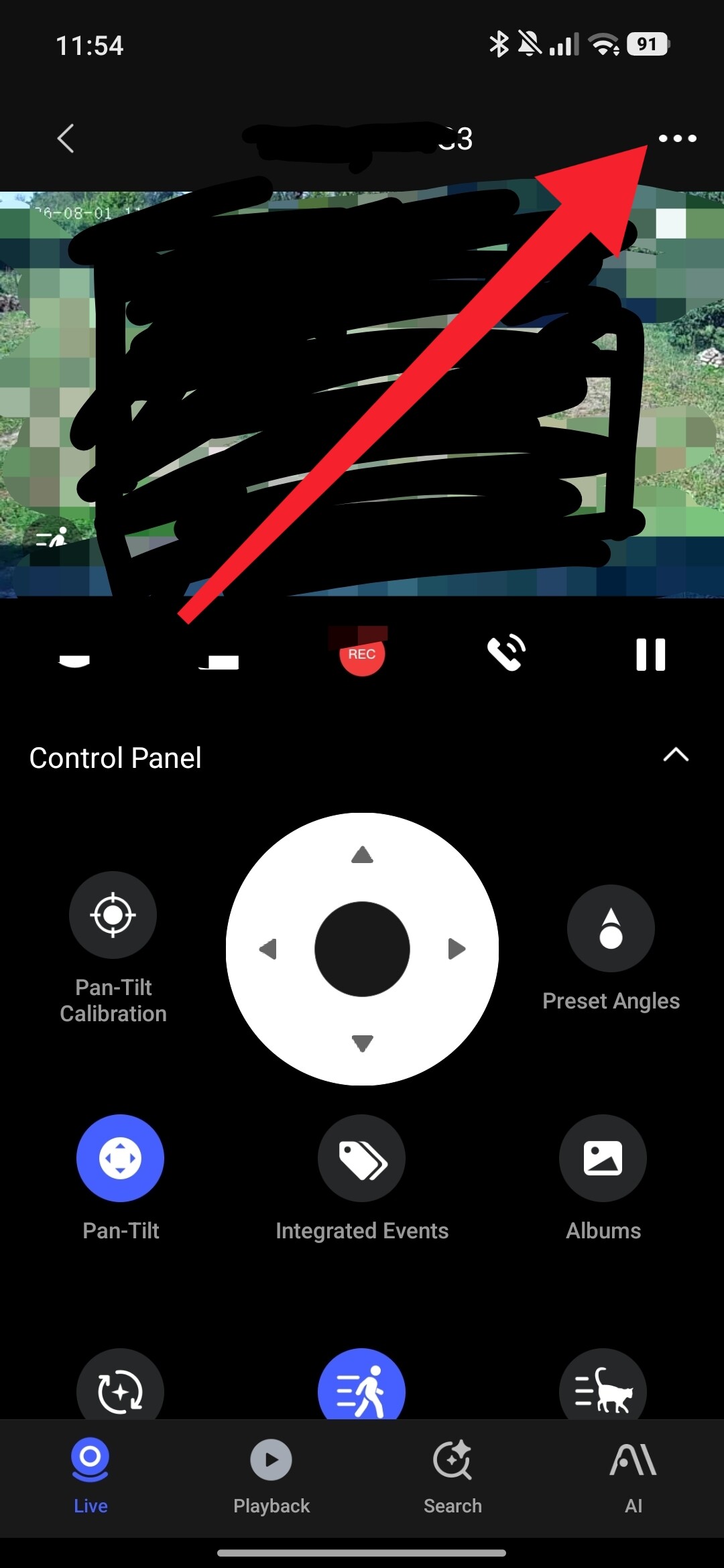
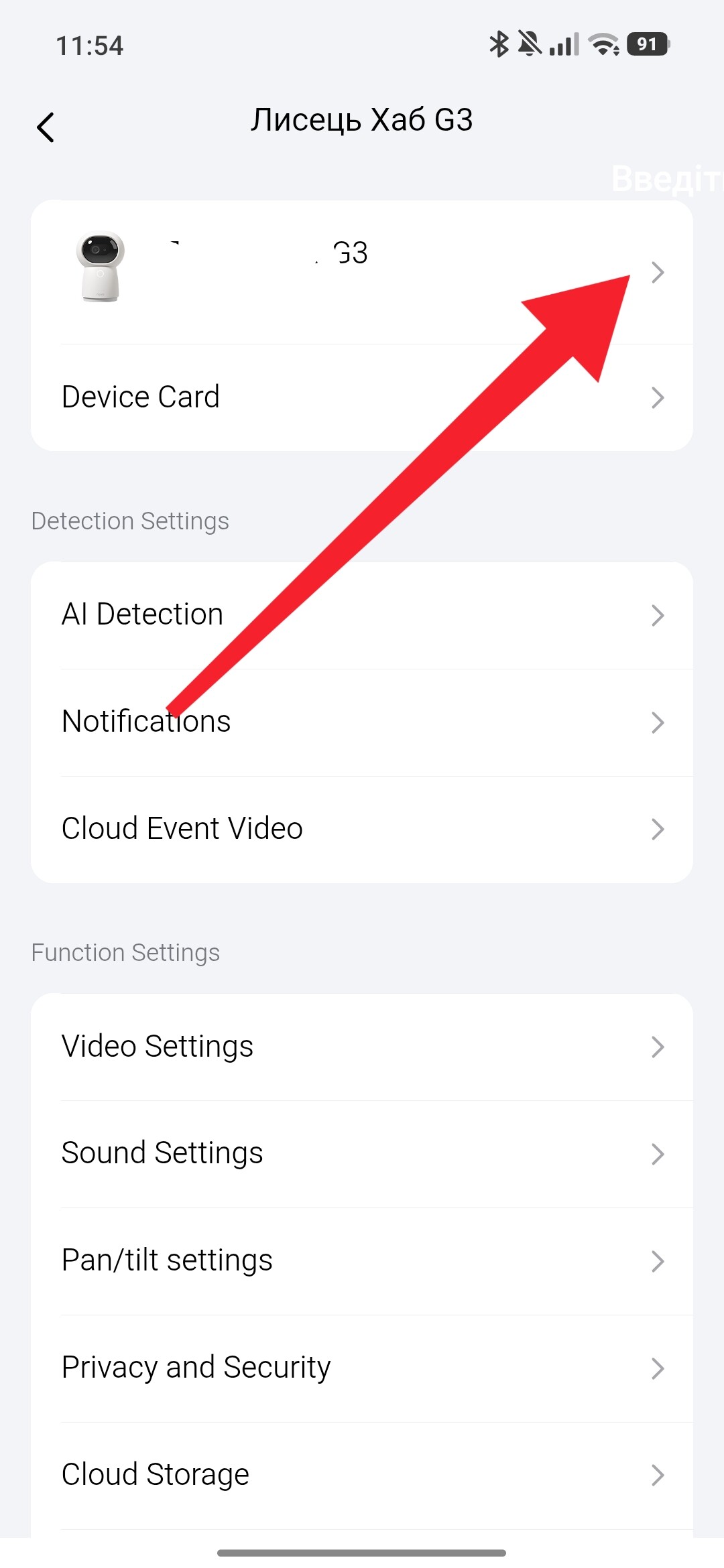
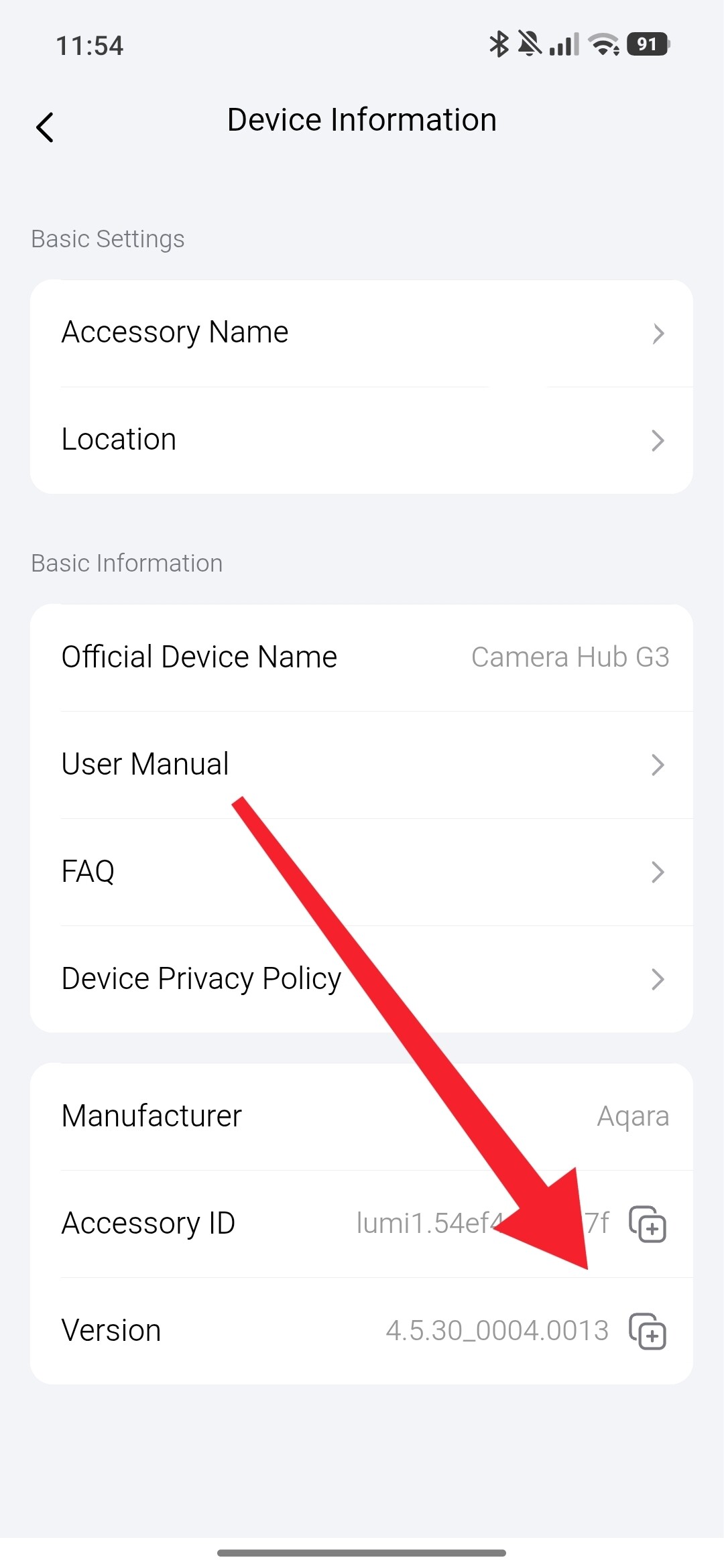
To experience the Zigbee features of the Power Plug H2, you’ll need a hub that supports Zigbee 4.5.30 . Please note that some specific features (detailed in the table below) require Zigbee 4.5.40 , which is currently exclusive to Hub M3 .
So, it looks like the plug supports Zigbee, but only a specific version (I’ve no idea what version is installed.in my G3 Camera), and I’m going to need a Thread hub!
2 Likes
Thanks.
That is identical to mine…
I’ve given up. I’ve tried everything I can think of (more than once).
I cannot justify the expense of a hub at the moment.
I’ve arranged the return of the plug, and will purchase, in due course, the zigbee-only version.
2 Likes
I’ll try to bind my socket to the M2 gateway now. I’ll post the result. By the way, you have a G410 (it’s also a gateway), maybe it takes the initiative when adding a socket to you? This is my assumption.
2 Likes
Possibly, if I understood what you’re saying.
During the installation process, if I scan the Thread Barcode, the G410 is (as far as I can tell) the only option offered (but it’s presented as ‘Top Pick’, which seems to suggest there might be other choices)
Whether there is some special click/slide/double-click/hold-and-click means of revealing other options, I have tried everything I can think of, but each time, the H2 tries to pair with the G410.
Which it does successfully when located near the G410.
But I think the signal from G410 is not strong enough when I move the H2 to its final, more remote position.
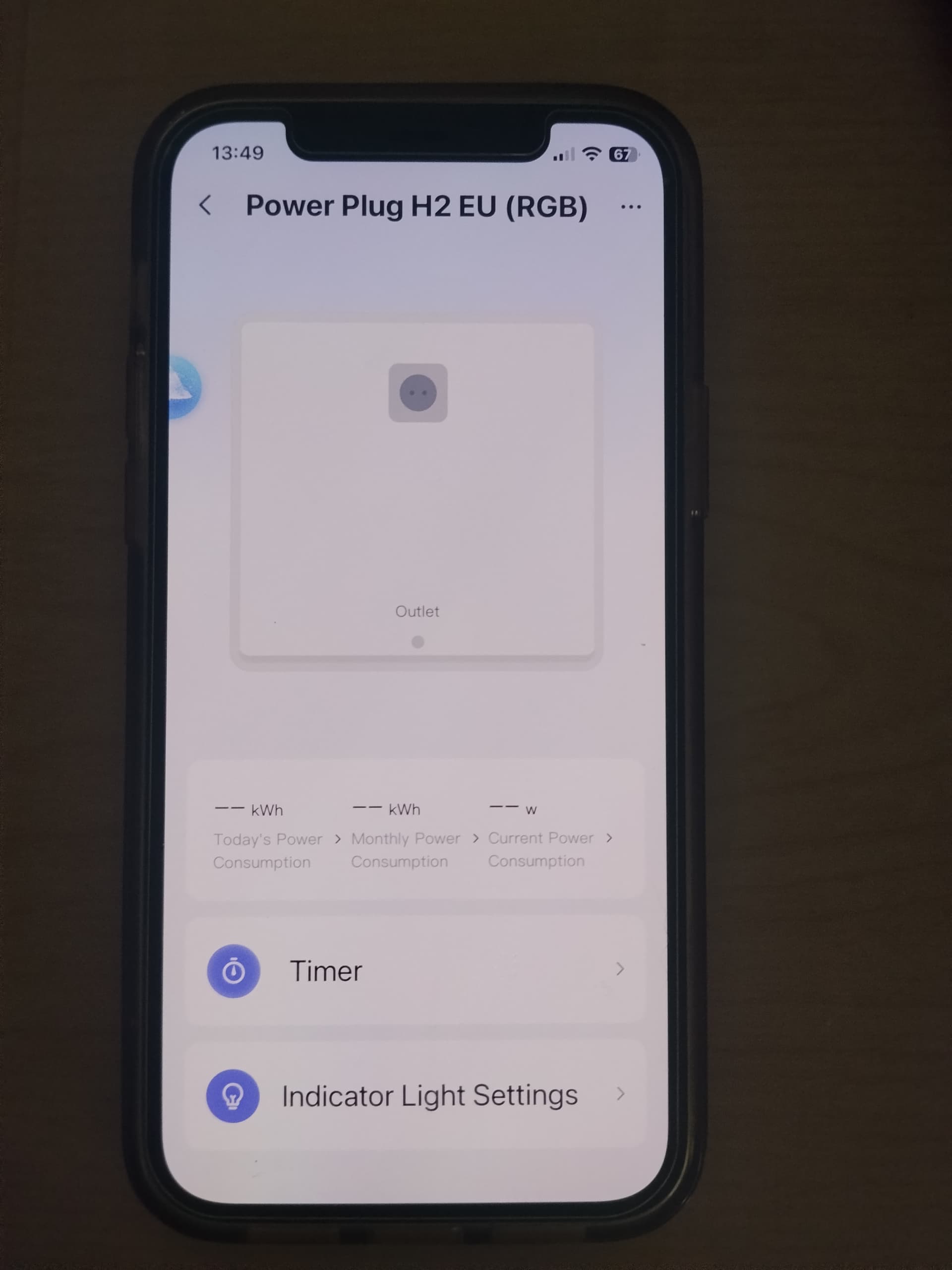
But, when connected to the apoliance the H2 does indicate the current/consumption. So, maybe it is working, but my automations are at fault.
I want a simple, easy to access, automation to switch the appliance on, and another - you’re ahead of me here - to switch it off.
I tried scenes, and they failed.
I tried automations (although this seemed v. clunky).
So how would I automate on/off, please?
2 Likes
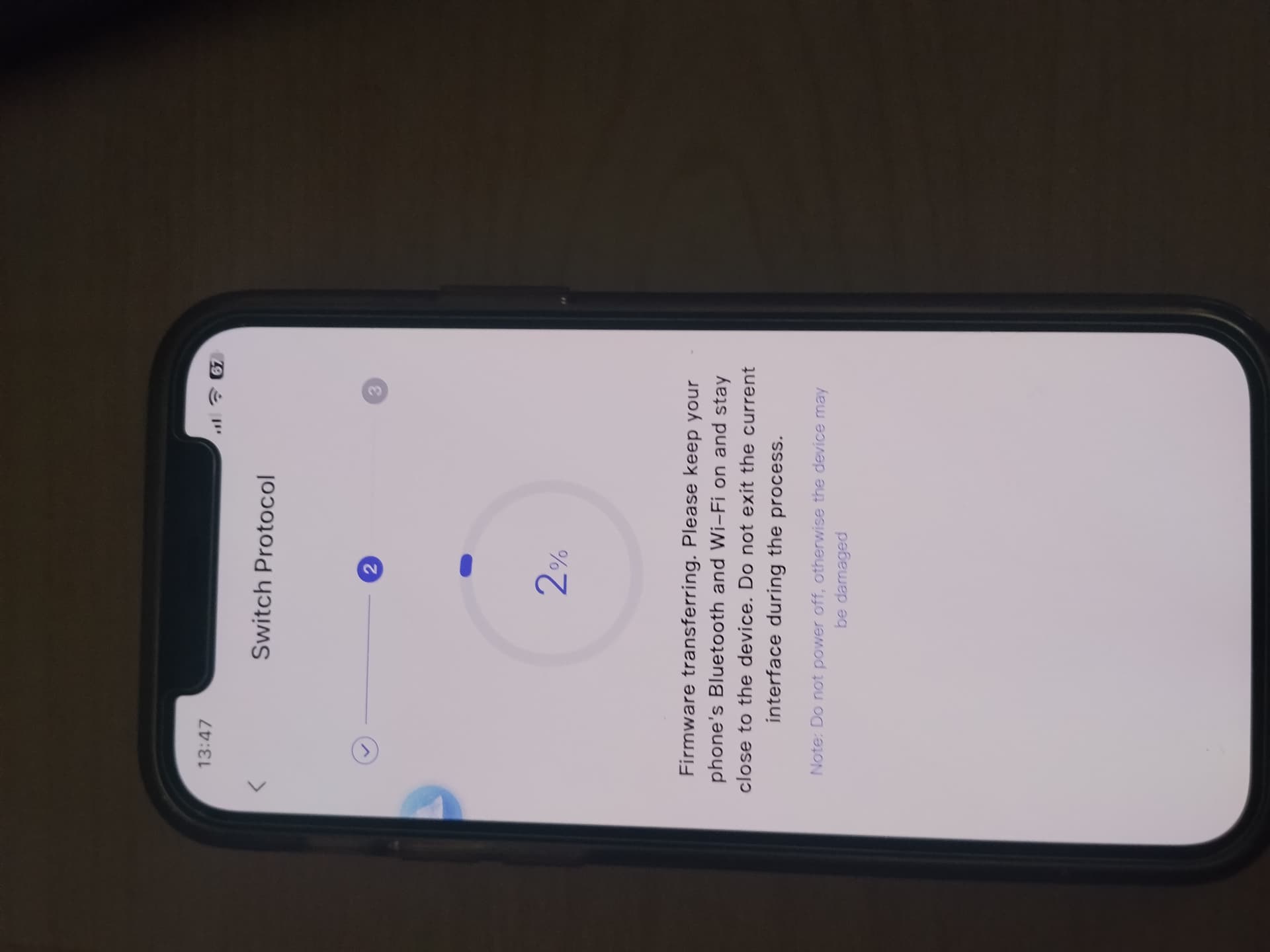
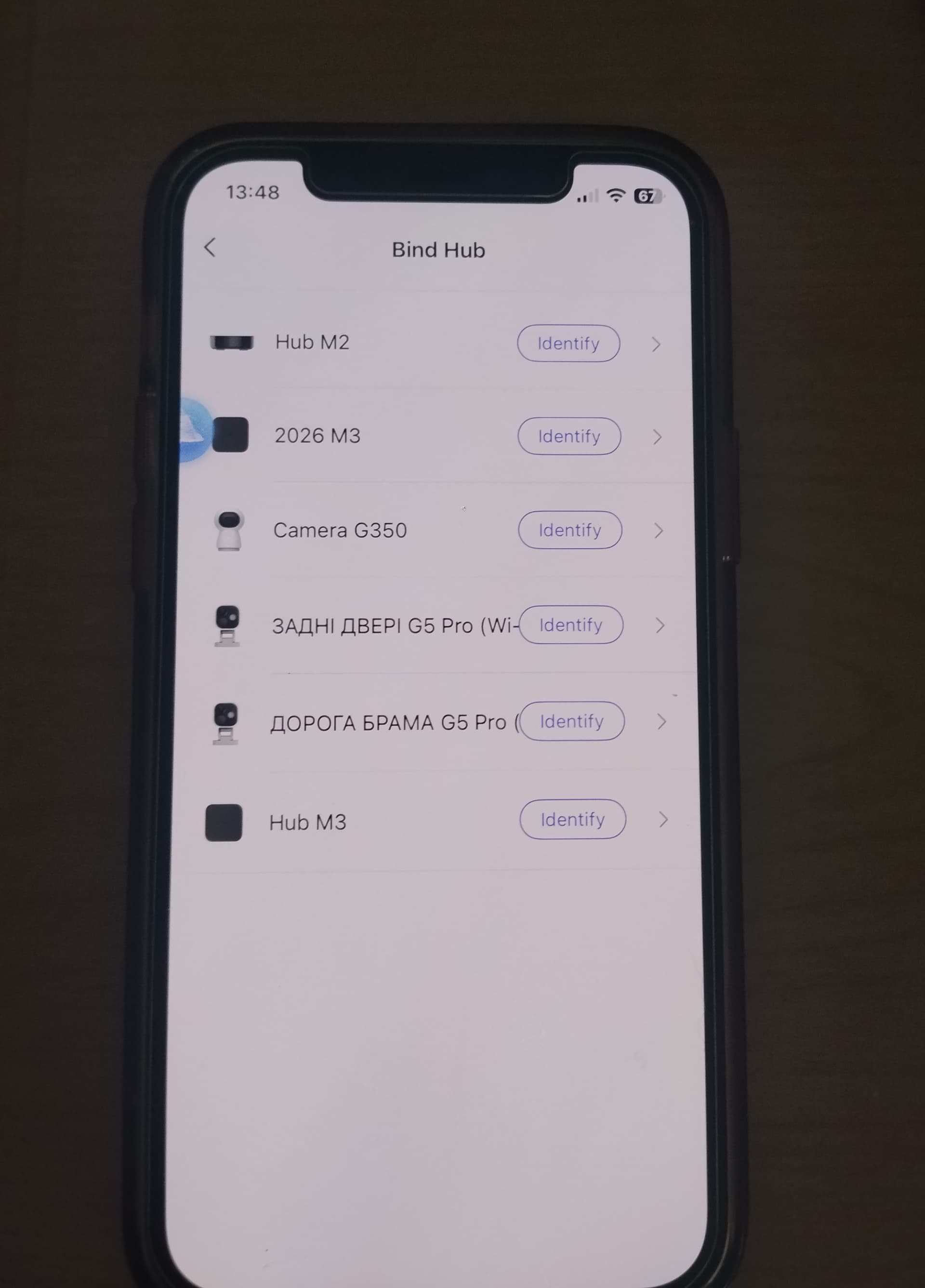
Laboratory.
Preparation. I specifically switched from Zigbee to Materia for the experiment.
- Quick press (10 times), H2 will light up quickly.
- Through APP (+) added H2.
- ATTENTION!!! I refused to add Materia (scanning the QR code).
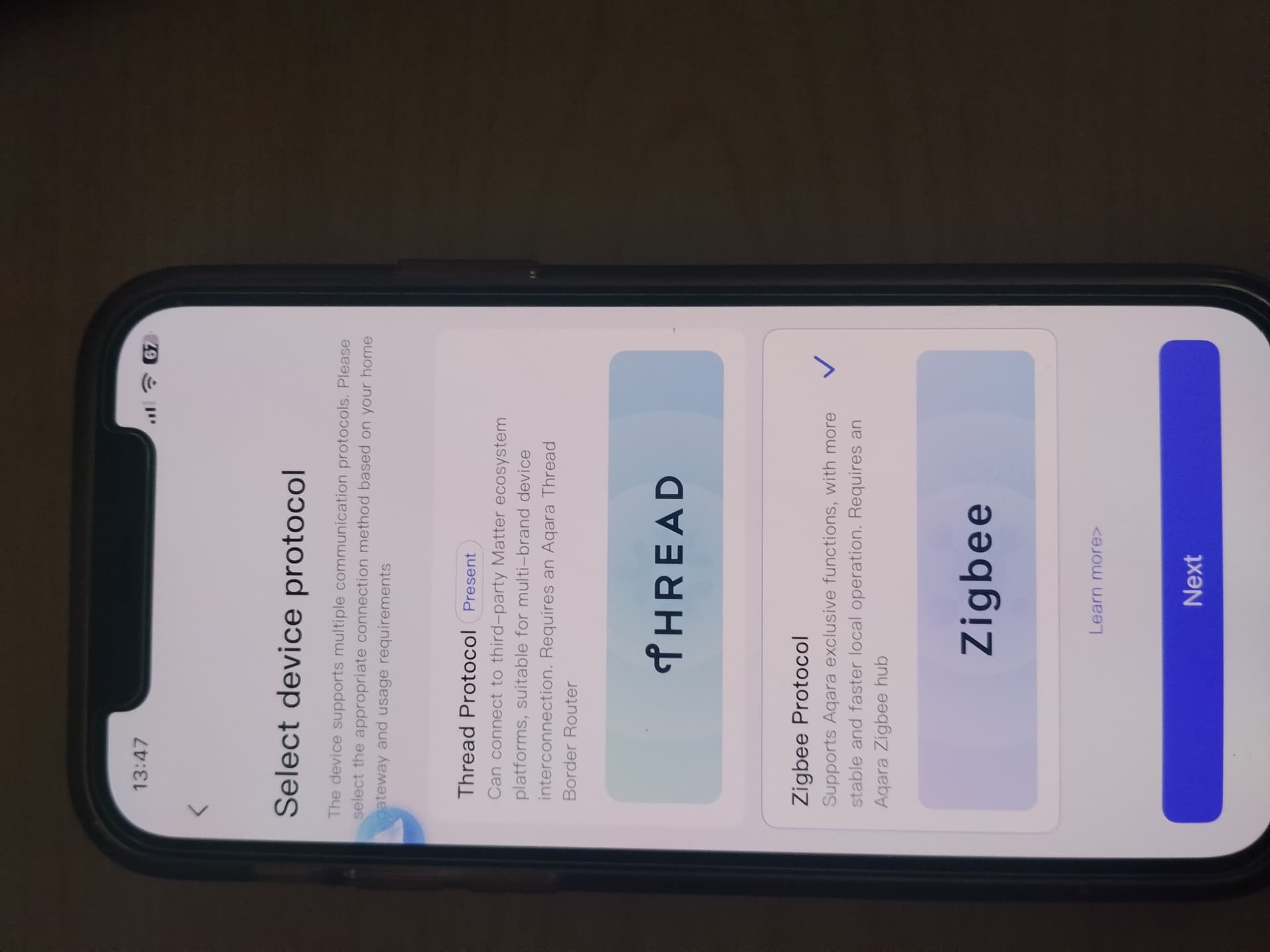
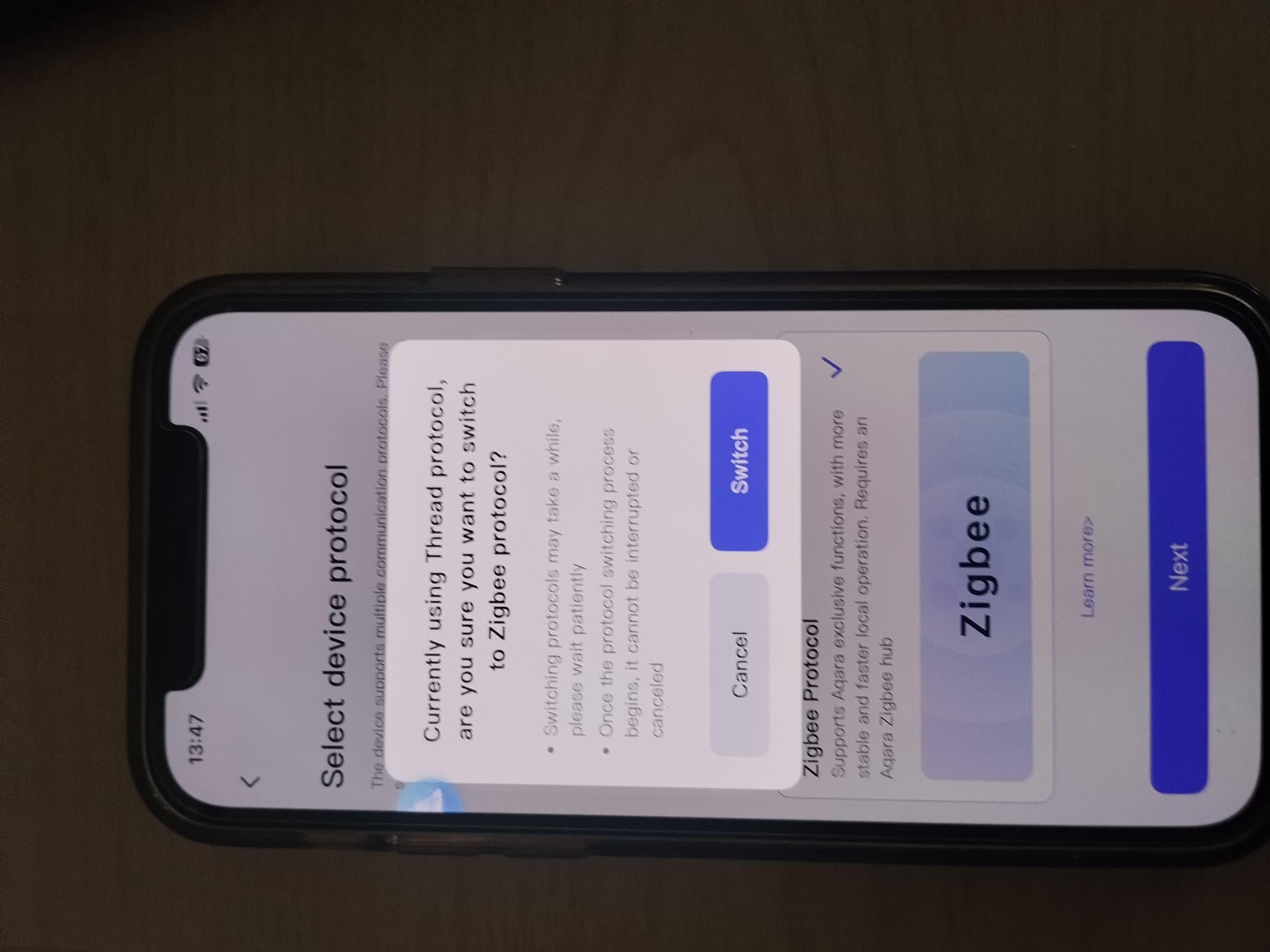
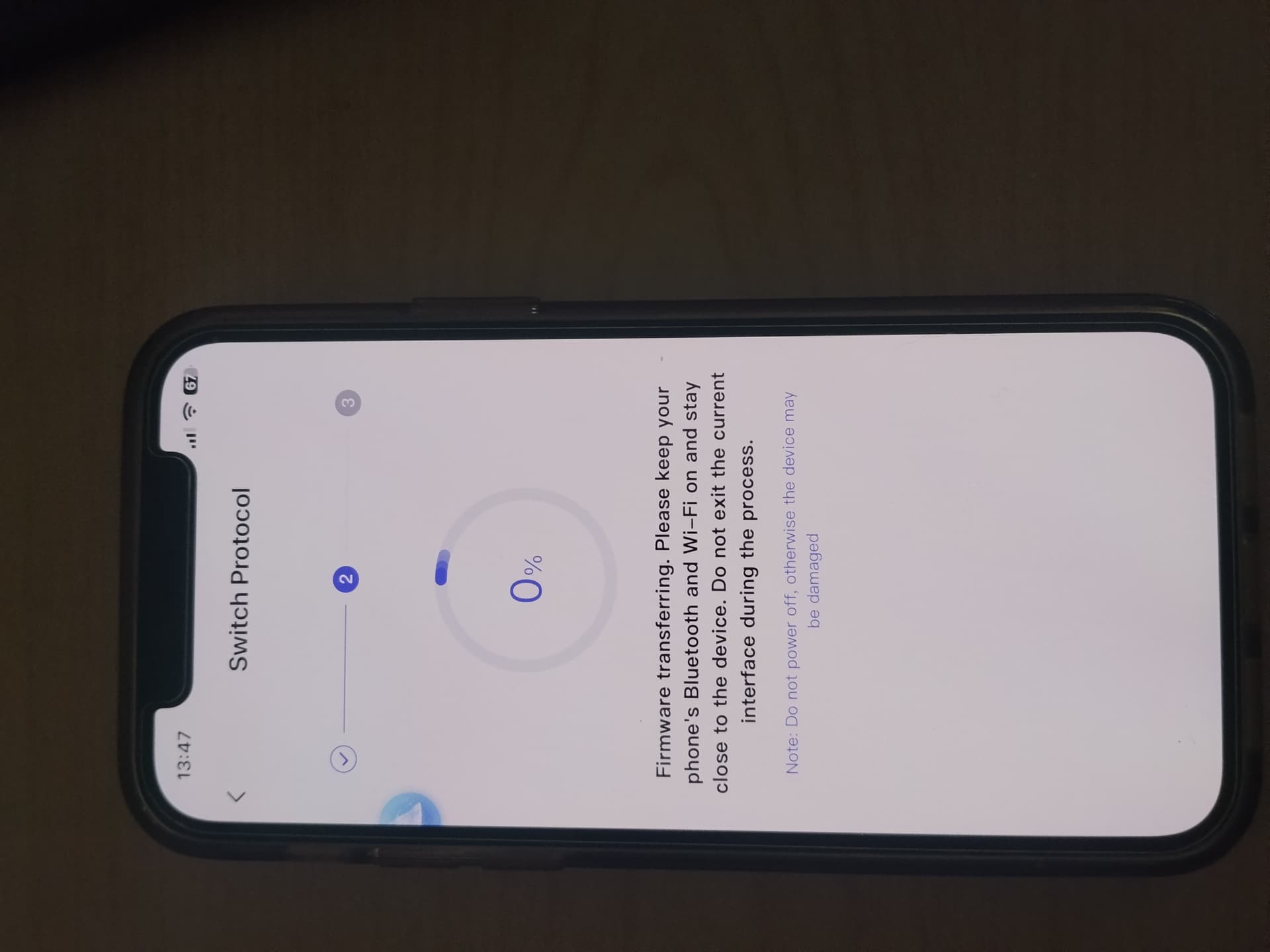
- Started switching to the Zigbee protocol.
NOTE. My android does not want to switch from Materia to Zigbee, I repeated the addition from my wife’s iPhone.
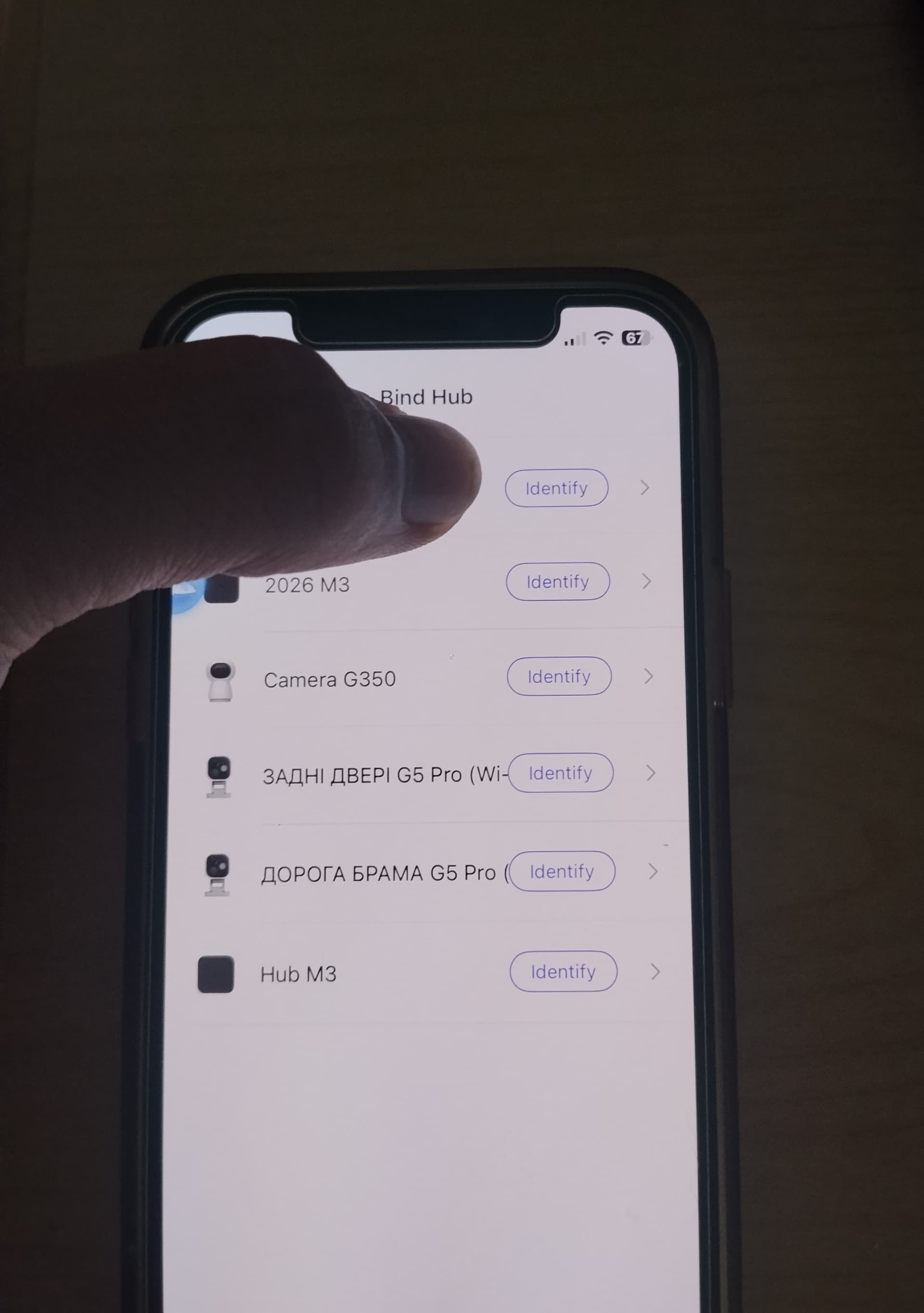
- I chose M2.
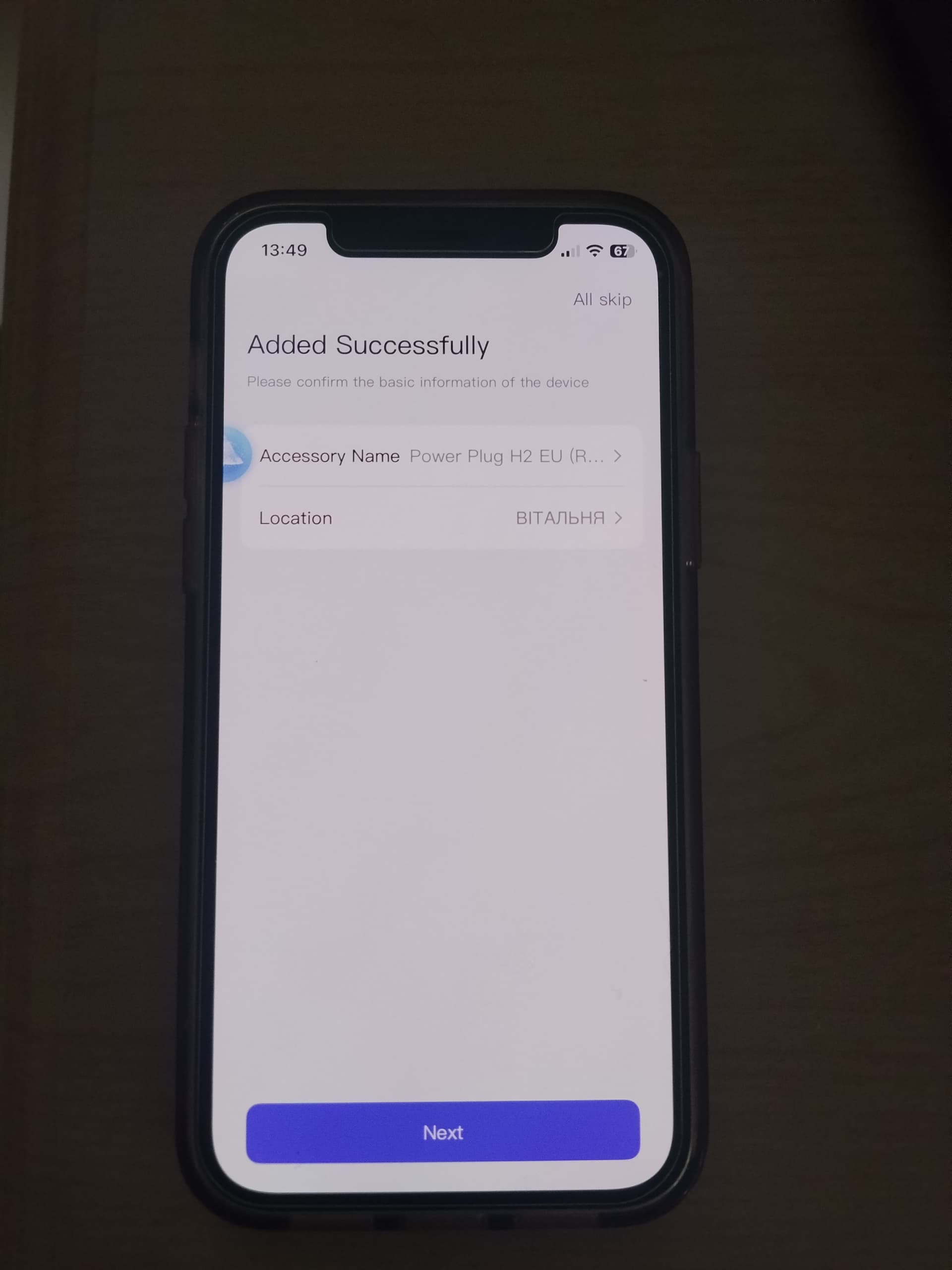
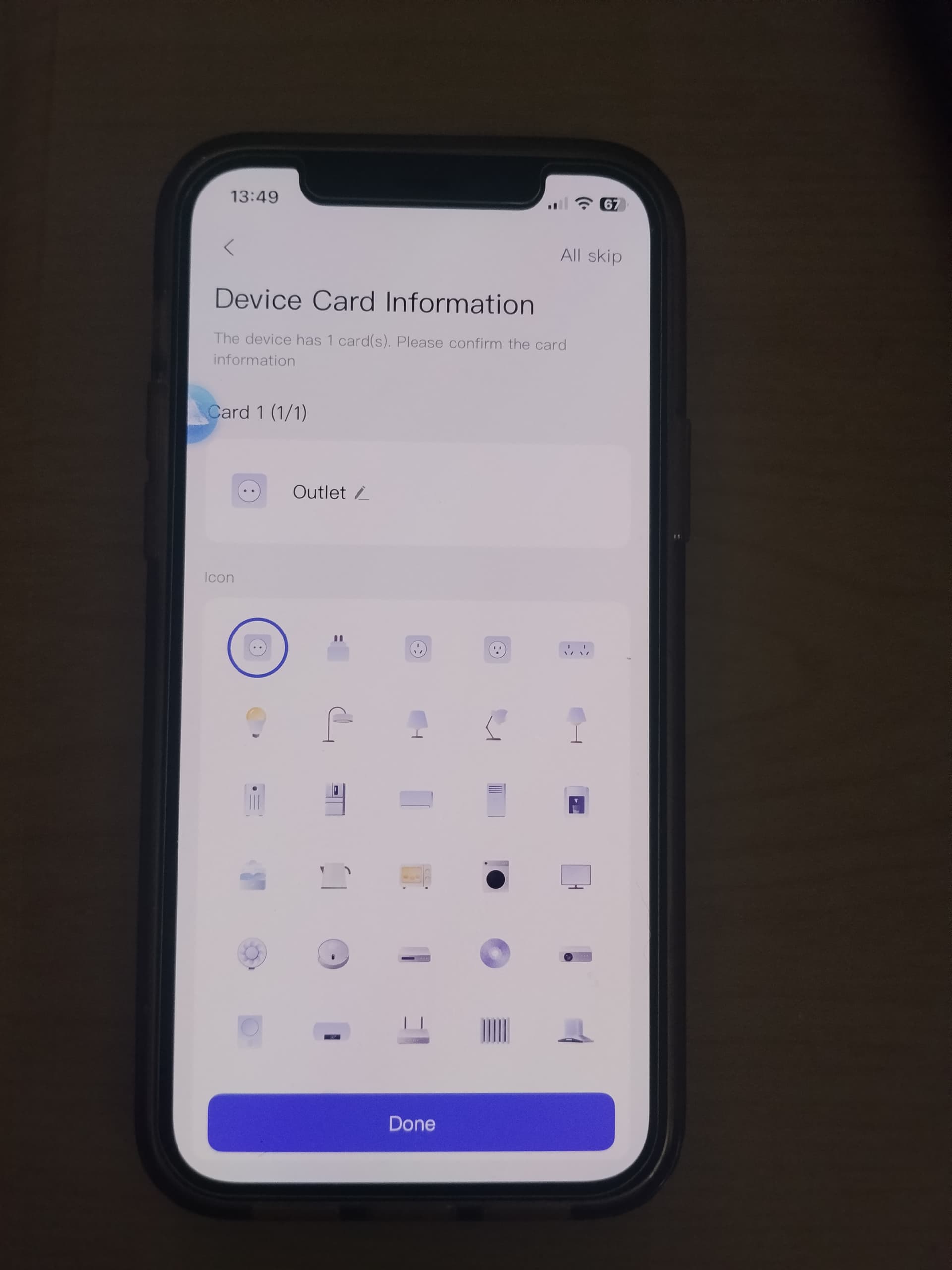
Then everything is in the photo.
I STRESS AGAIN. DO NOT ADD Materia.
[grid]
2 Likes
Thanks, I have tried exactly this (plug with matter logo), but the scan window appears as soon as I try to add device.
I cannot dismiss the scan window.
When I tried using the installation
for the plug without matter logo, the H2 was never found. The 'searching for devicesv stayed on screen for at least 5 minutes after which I gave up.
1 Like
Did you press 10 quick presses (flashing H2)?
Did you see this picture?
1 Like
Finally, finally it has worked!
I have no idea of how, or of the sequence, but I was offered the choice Thread or Zigbee!
And Zigbee it is.
And working it is.
Honestly, I am astonished. I had given up all hope.
I am confident that the support you gave me in this forum made me persevere, and finally succeed.
Many, many thanks!
4 Likes
I’m glad we did it! The main mistake is scanning the code, you are automatically redirected to another protocol. To get to the Materia or Zigbee setup page, you need to ignore additional offers. Always follow this and you will not have problems in the future. Only standard Aqara APP windows (I showed you the screenshots). Once again, I congratulate you on not having to return the outlet to the store and apologize for the inconvenience. Enjoy your Aqara smart home. I, for my part, will send our correspondence to the developers to optimize the addition of new Thread/Zigbee products.
2 Likes
Follow-up question, if I may.
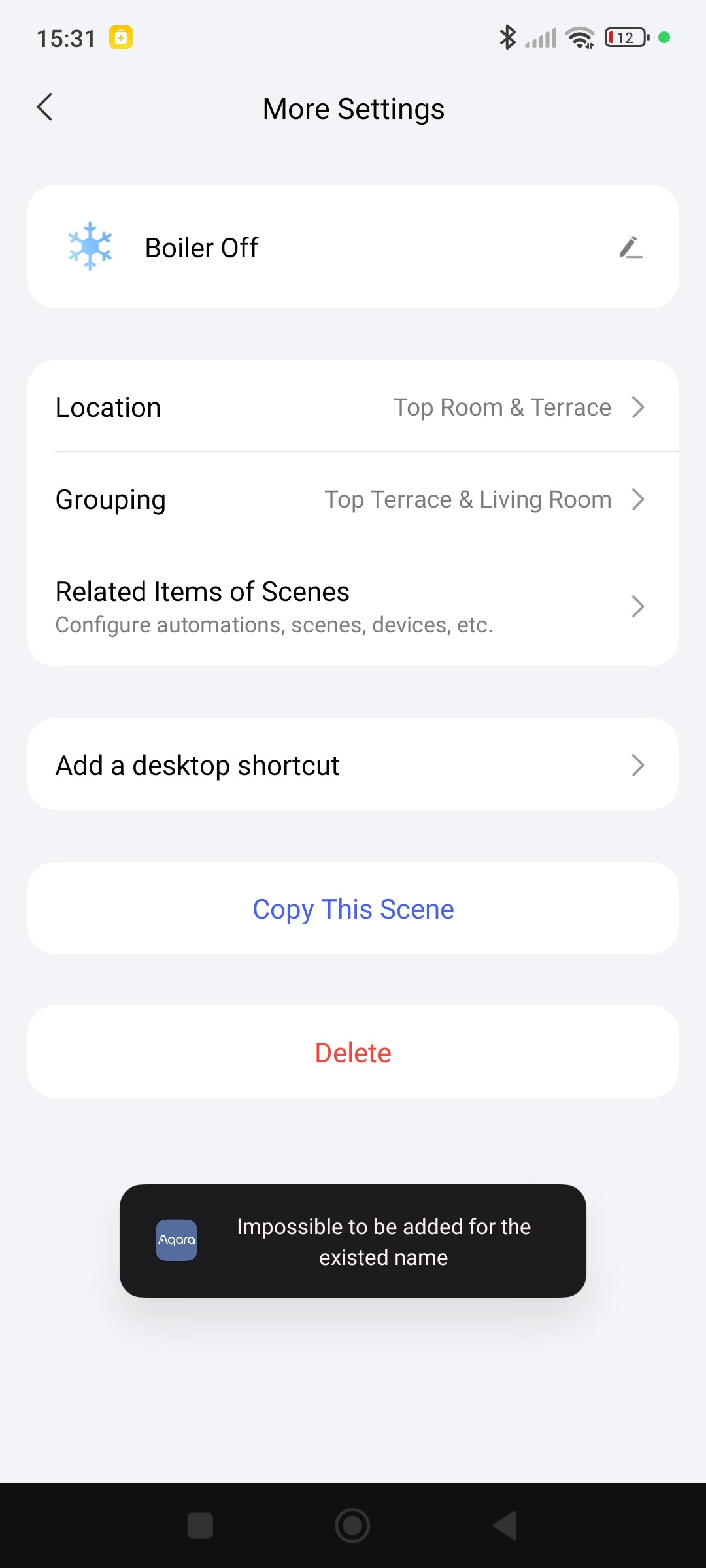
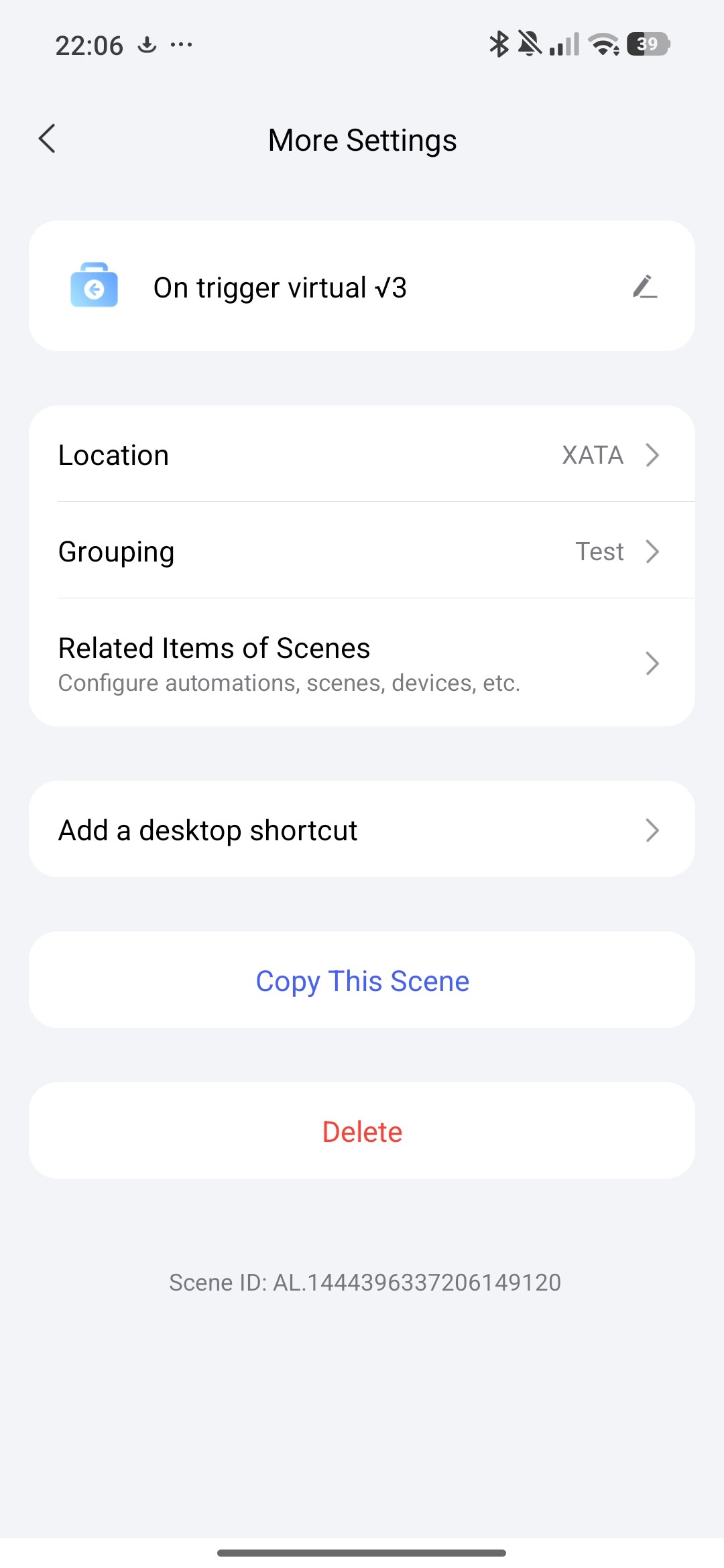
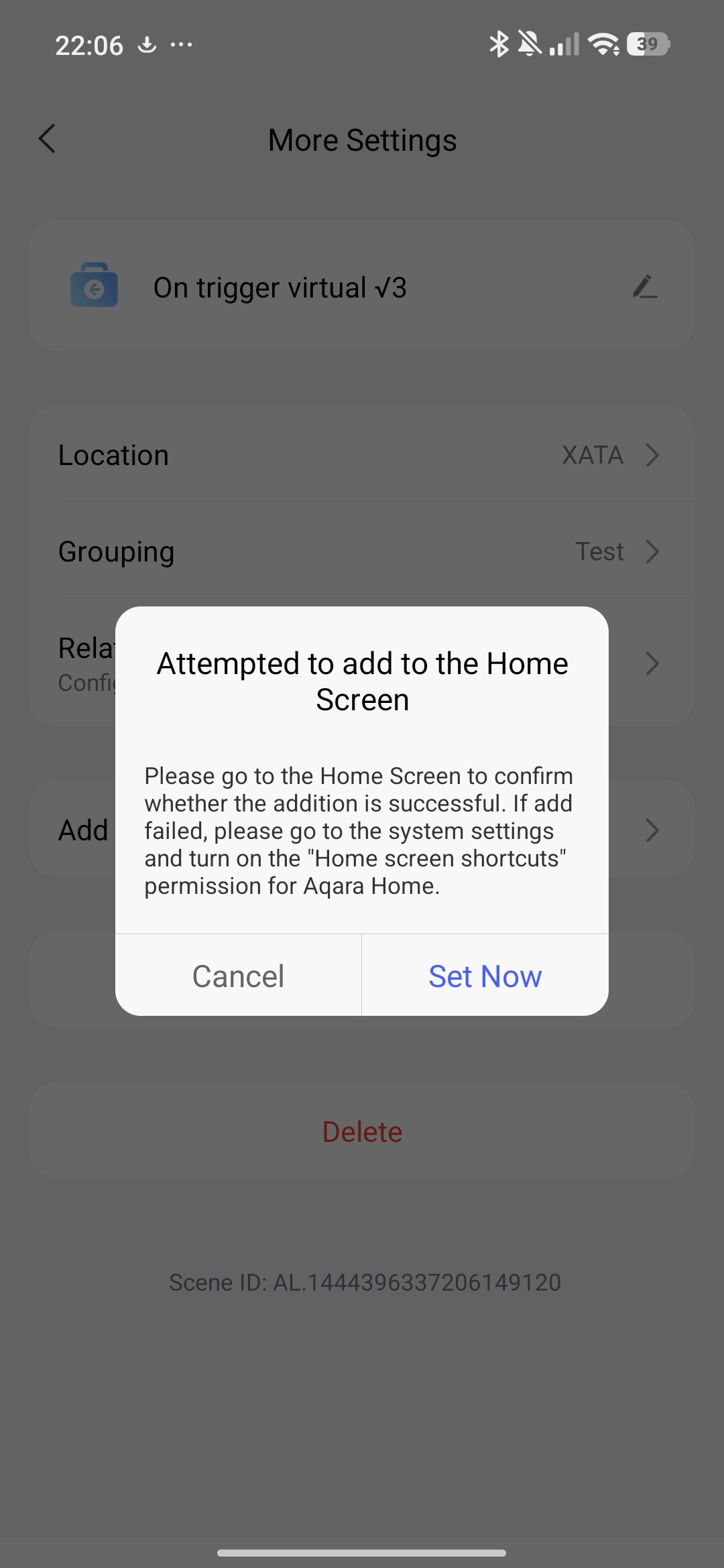
I have created two scenes: one for ON; the other for OFF. I have successfully added a desktop shortcut for ‘ON’, but when I try to add the other I get the error message in the screenshot.
Any idea as to overcome this, please?
Have you tried changing the scene name? Or create a new one and try again.
1 Like
Sorry for delay…
I changed it to ‘Cheese’, just for the sake of being different. When I pressed the ‘Add a desktop shortcut’, nothing whatsoever happened.
Then I changed it to ‘Boiler Off’: the error message popped up!
Then ‘Off Boiler’. Nothing happened.
Change to ‘Off’. Error message.
‘Offboiler’ as one word. Nothing happened.The
This seems very strange.
So deleted the Scene, and created new one called ‘Boiler Off’. Error mrssage.
Then called it ‘Cheese’. Error message.
Then changed Icon and called it ‘Error’: Nothing happened
Even weirder.
I’m stumped!
1 Like
And which shortcut is the first, show me a screenshot. That’s strange. Do you have an Android or an iPhone?
By the way, did you reboot your phone, maybe something is stuck?
1 Like
The only shortcut that displays is (Scene) ‘Boiler On’
The second shortcut never appears on my home screen either bevause nothing happens when I try to add the Scene or because of an errornmessage (which seems to be semsitive to what it is called)
Not sure what screenshot you require…
As per your suggestion I’ll try a complete reboot of my phone…
Android phone running a proprietary version of 13.
I am able to clear the Aqara app cache etc.
1 Like
Rebooted phone, cleared app cache (but not data). Same error message 
I’ll try to make a shortcut now, maybe it’s a problem with the new version of the APP.
1 Like
Thanks, again. Although your screenshots use Russian(?) characters, I get the general idea.
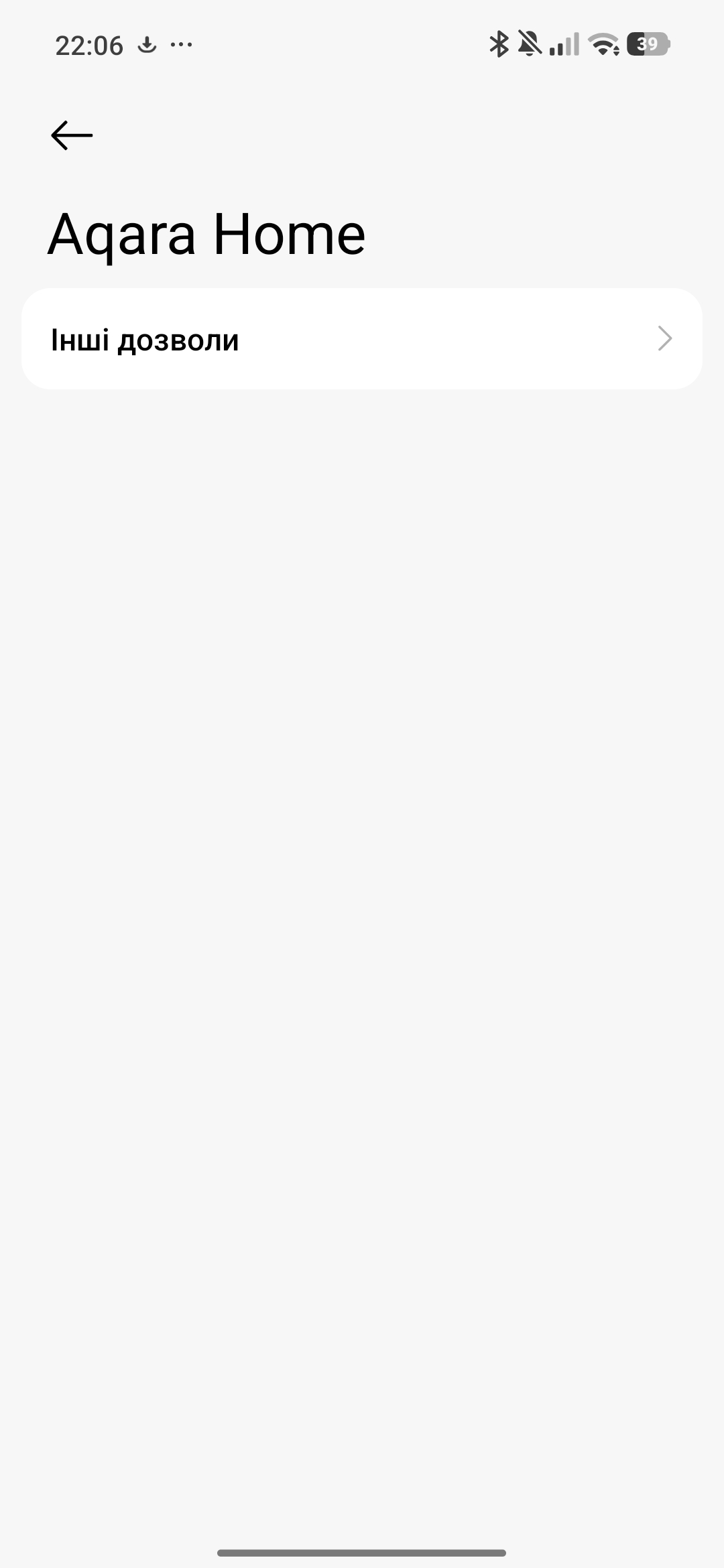
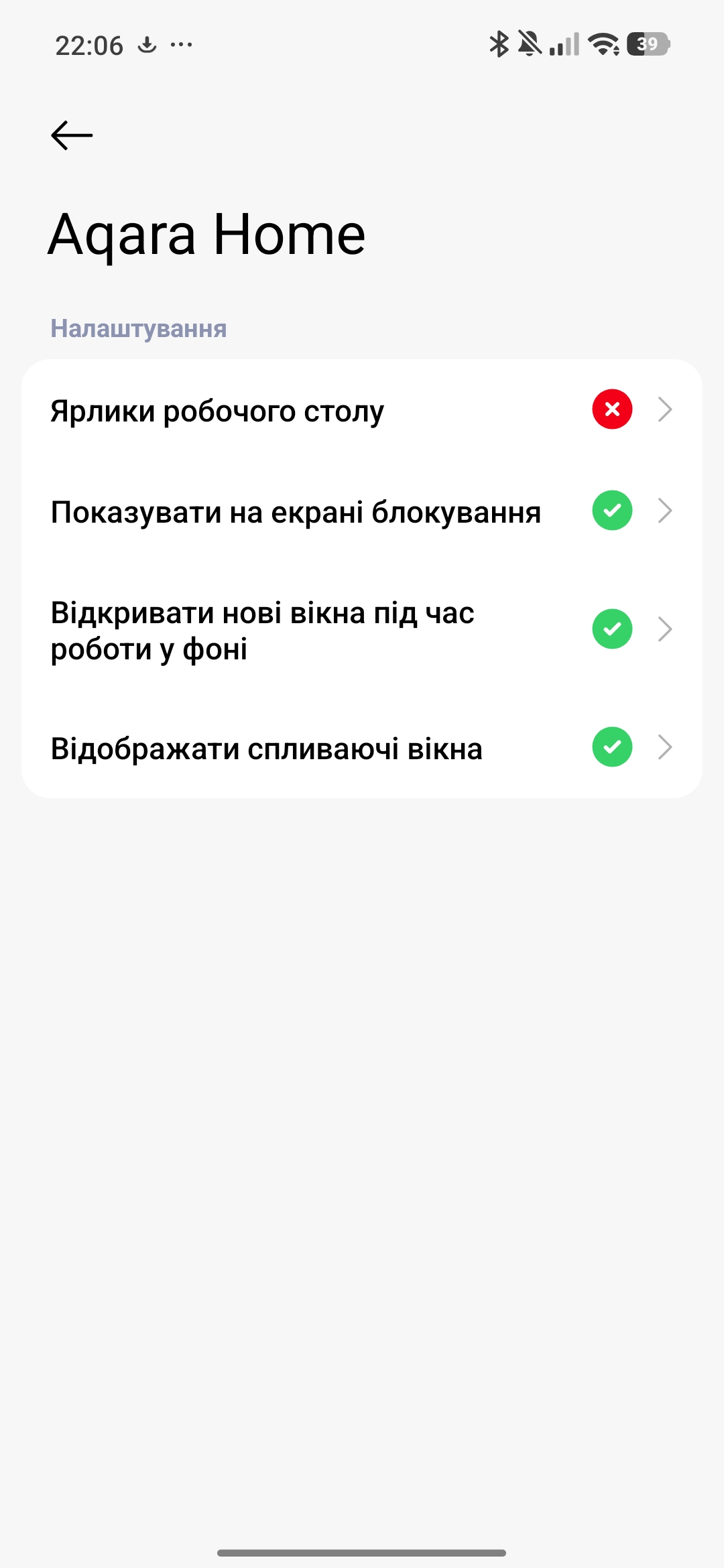
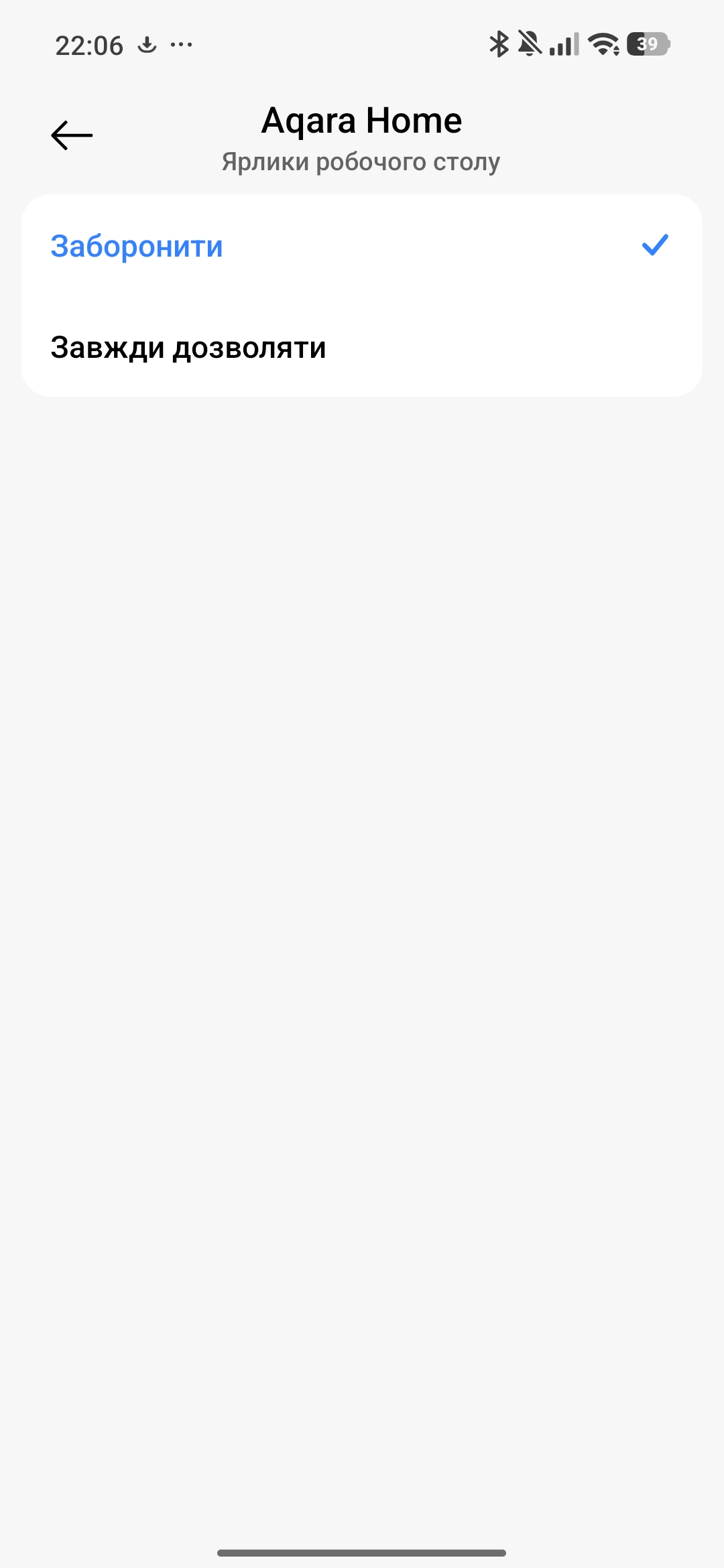
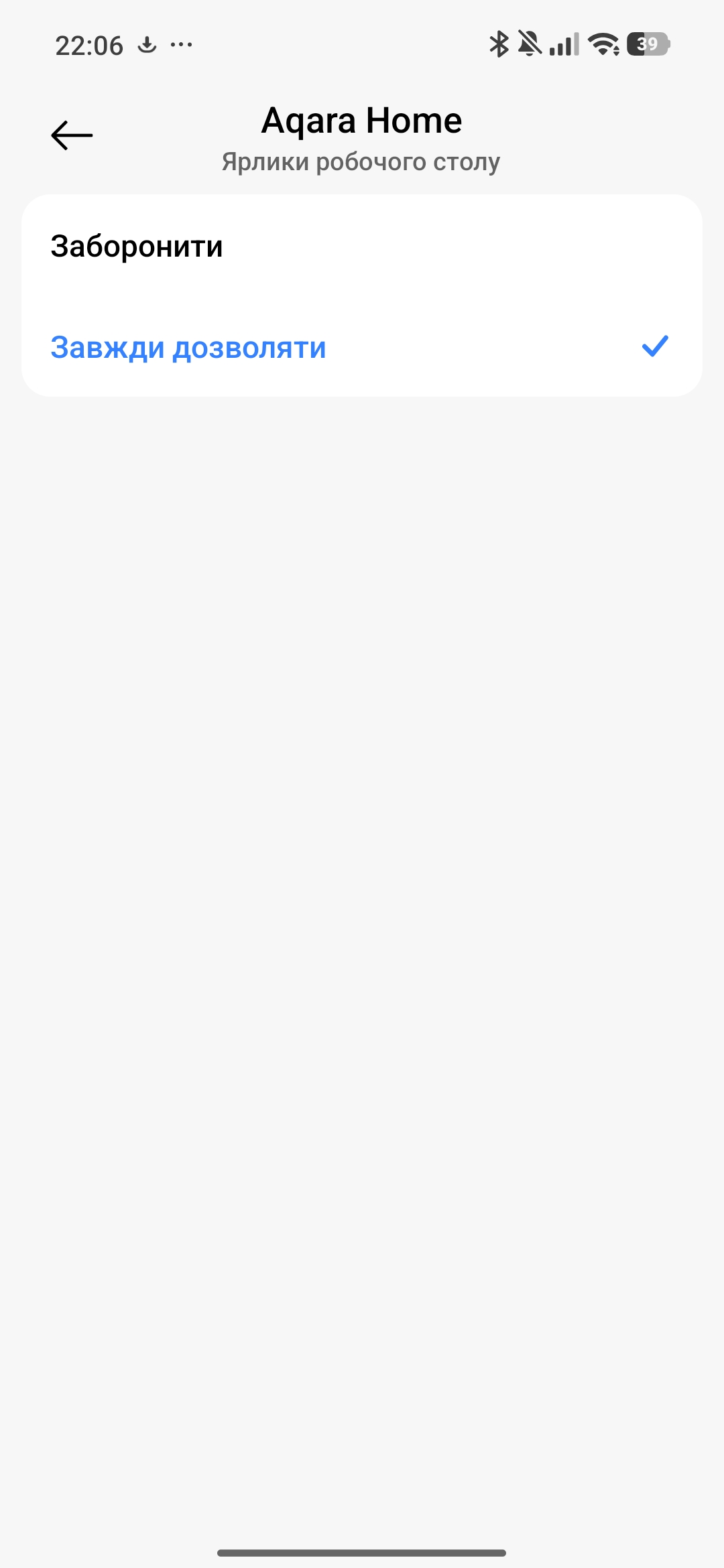
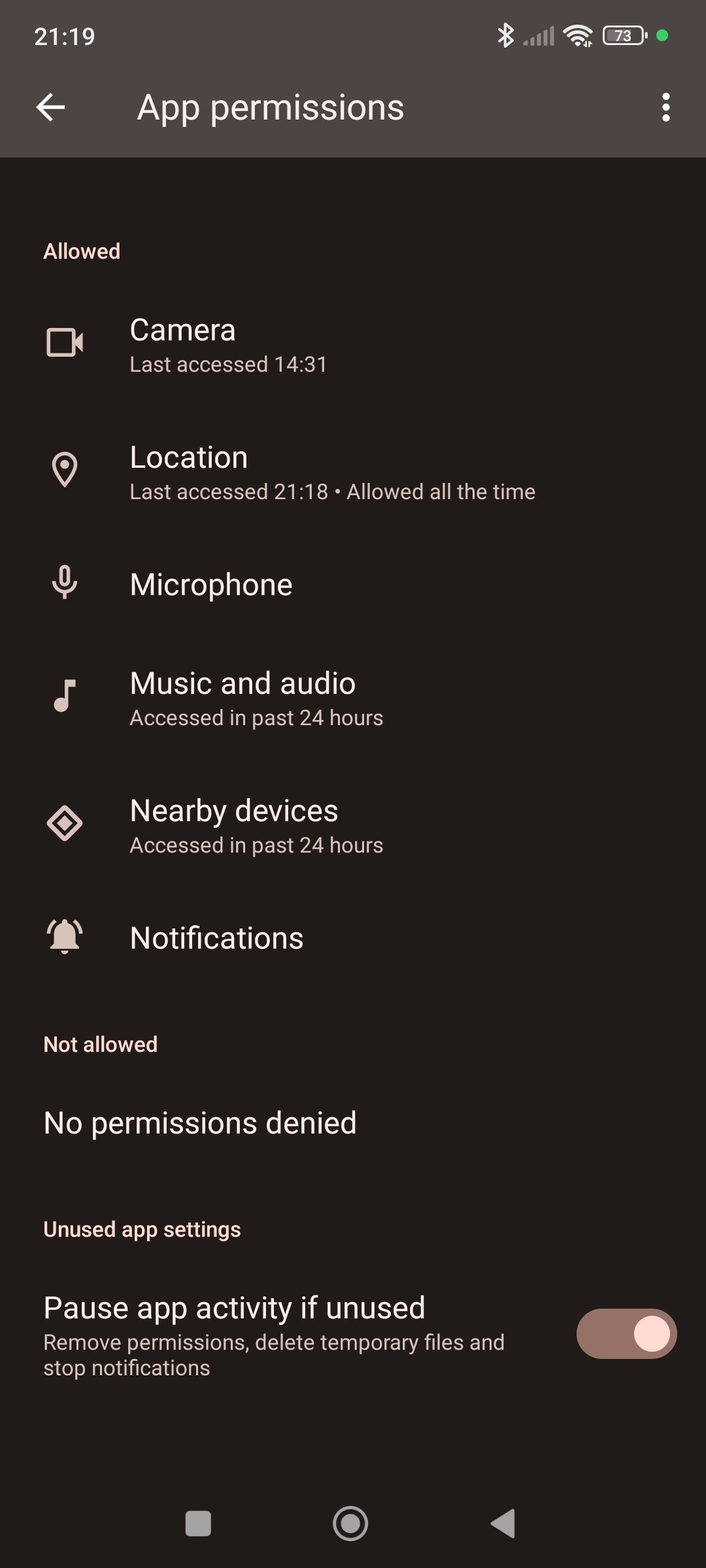
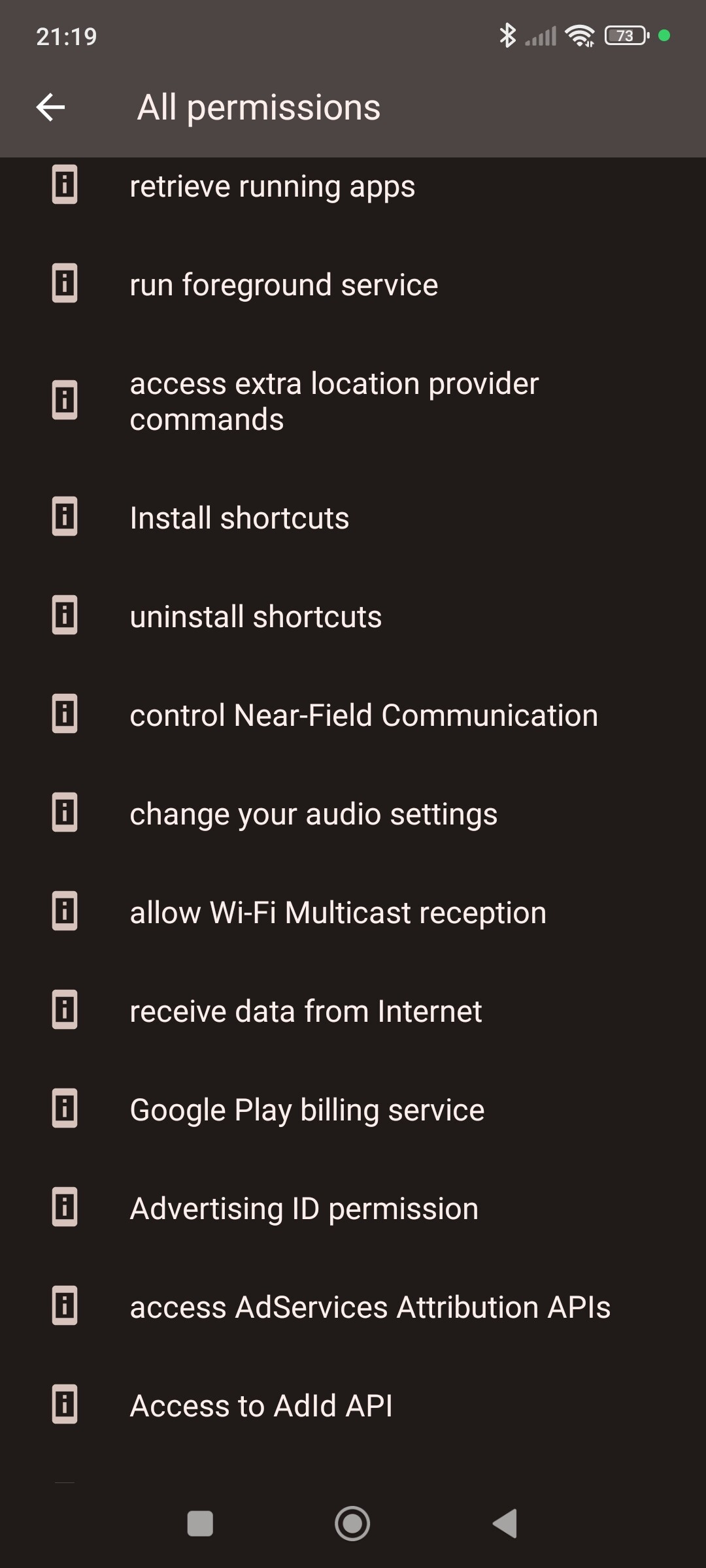
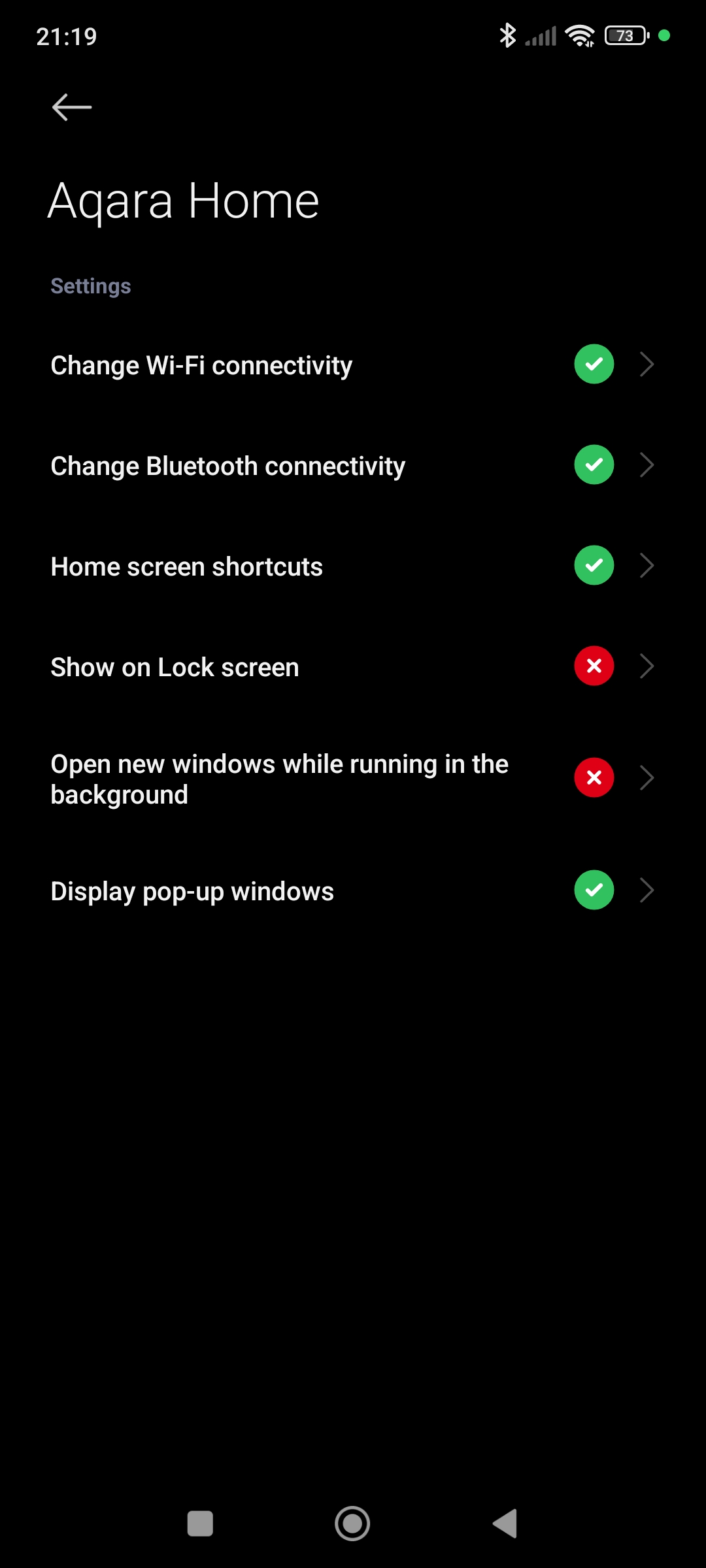
Here are my settings. You will see that shortcuts are permitted…
Not sure how this helps, though.
1 Like