I bought a U200 and want to use it with my Apple TV/Apple Home.
Unfortunately, I’m having problems doing so.
I use an Apple TV 4K 2nd generation (A2169). I’ve searched the internet several times and found that this model supports Matter and Thread.
All devices are running the latest firmware.
I can connect the U200 to Apple Home. Here’s the first problem: after a certain amount of time, the connection to the U200 is lost. In addition, I can’t set up the Apple TV as a Matter hub in the Aqara app.
Can anyone help me? Do I have to use an Aqara hub?
I don’t think you can set up the Apple TV or HomePods as Matter hub in the Aqara app, I think you can only pair the lock with Matter-enabled Aqara hubs in this app.
And you can only use the Aqara app for direct bluetooth connection with the lock. If you want to control it remotely, you have to use Apple Home app.
Now I think of it, some people on this forum mentioned disconnections when using Apple TV as a hub.
I personally use HomePod Minis and the lock stays connected, I can remotely lock/unlock from the Apple Home app, even when I’m away from home.
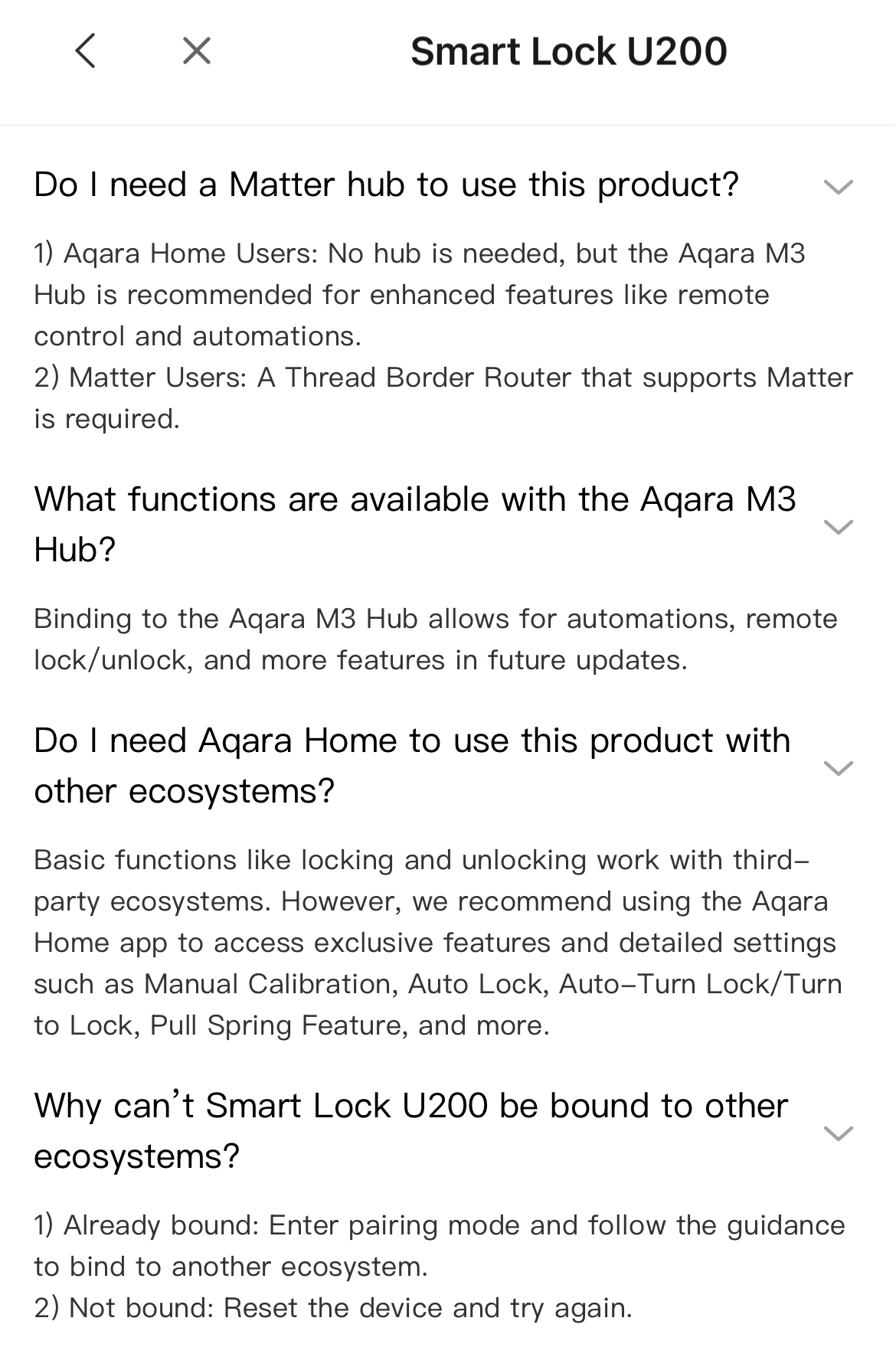
If you want to control the lock remotely by using the Aqara app, you have to pair it with an Aqara hub like the M3 hub. But even when you pair it, you will still need the Bluetooth connection to change most settings (it will still ask to press the pinpad)
Thank you for your responses. However, I do not understand why Aqara states that it can be used with an Apple TV. Furthermore, the Aqara app includes the option to connect to a third-party Matter Ecosystem, but this does not function. Would it work with the HomePod Mini?
Connect to third party Matter ecosystem is used to connect the lock through the Aqara hub to another Matter ecosystem (like HomeAssistant or HomeKit).
You cannot pair any third party (non-Aqara) hubs in the Aqara app.
If you have paired the lock in the Apple Home app, then your Matter pairing code in the Apple Home app. Hold the lock icon in the app > settings > scroll to the bottom.
I suggested HomePod Mini, because when you add the HomePod to your home in the Apple Home app, then it will be automatically chosen as a hub by Apple Home. You can manage your Apple hubs in the Apple Home > three dots > settings > Hubs and bridges.
No need to do anything in the Aqara app when you pair the HomePod. If you added your lock in the Apple Home, then Apple Home is its “Matter manager”
The Apple TV and HomePod mini function as thread border routers not Matter hubs so they cannot be added as matter hubs in any ecosystem. Take a look at your wireless router to be sure IPv6 and mdns are enabled as these are needed for a better matter network. Possible having the Apple TV on Ethernet may make the situation better for you.
That’s not entirely correct, or at least a bit misleading.
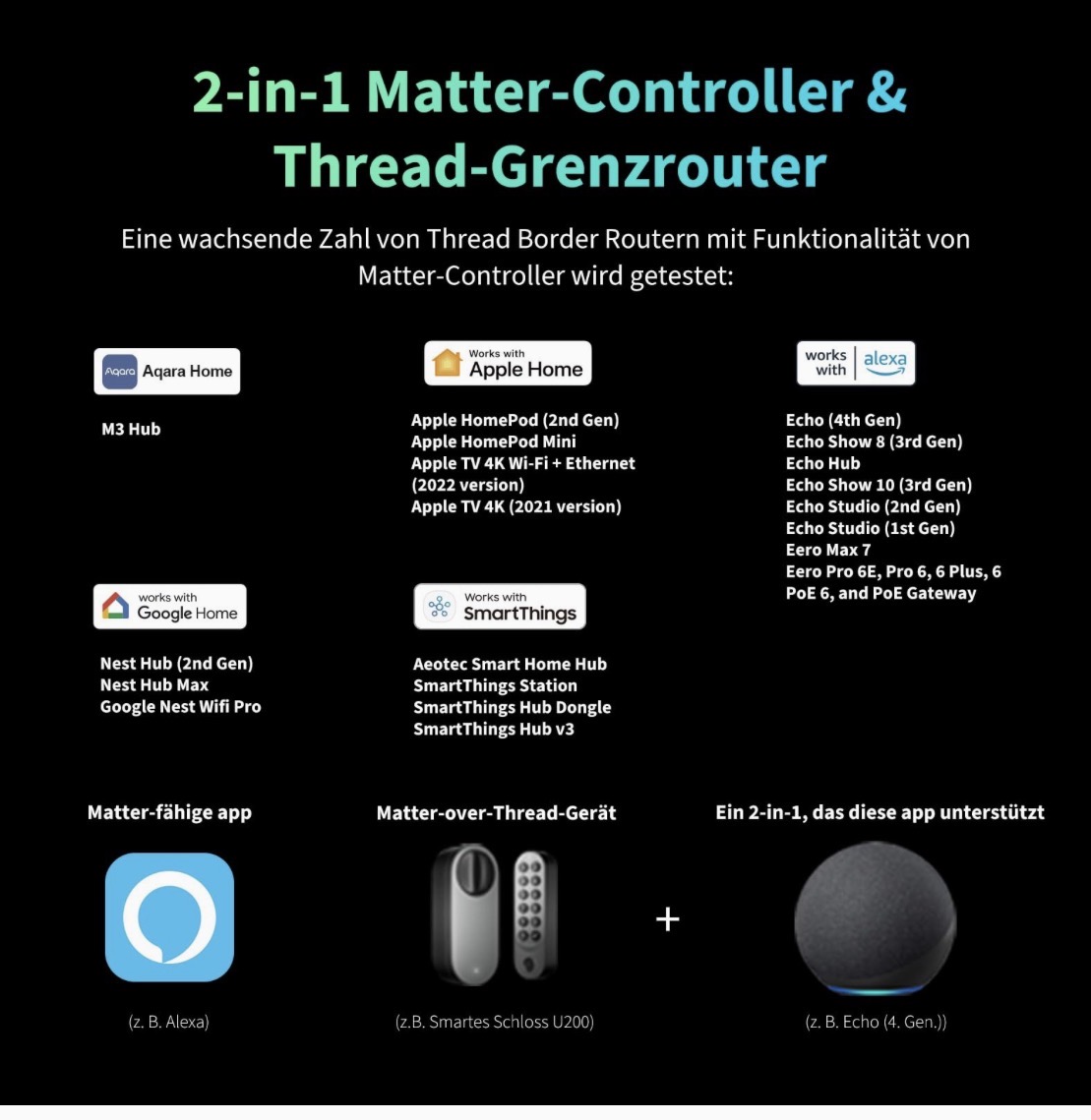
Apple TVs (4K 2nd gen and 4K 3rd gen with Ethernet) and HomePod minis function as both Thread Border Routers and Matter Controllers within the Apple Home ecosystem.
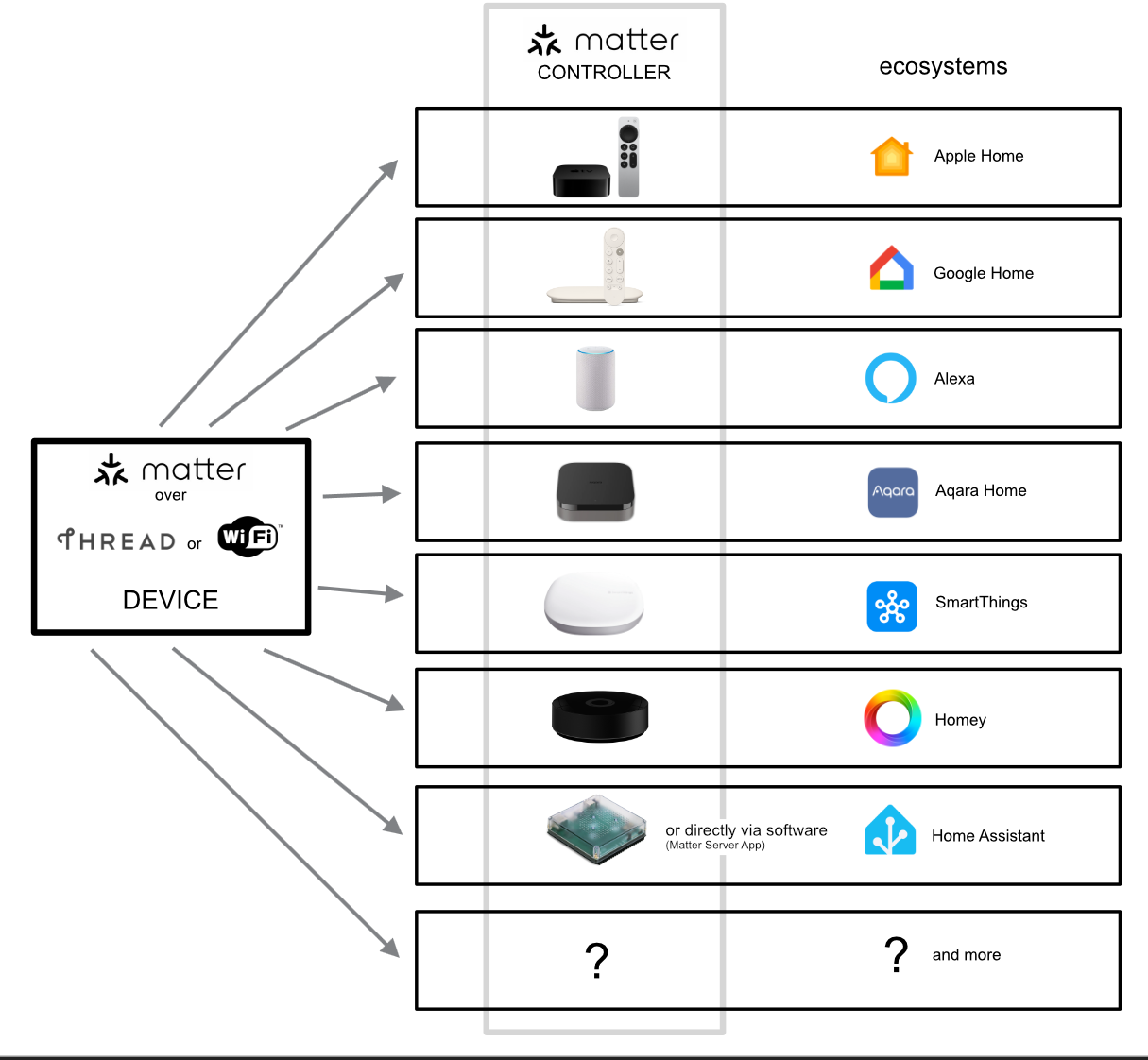
The key point is that Matter still requires a controller per ecosystem. You need an Apple TV or HomePod for Apple Home, a Google Nest Hub for Google Home, or an Aqara M3 (or another Aqara Hub as a Matter controller) for the Aqara ecosystem.
While all of them support Matter, they don’t replace each other as the primary controller (“brain”) of their respective platforms.
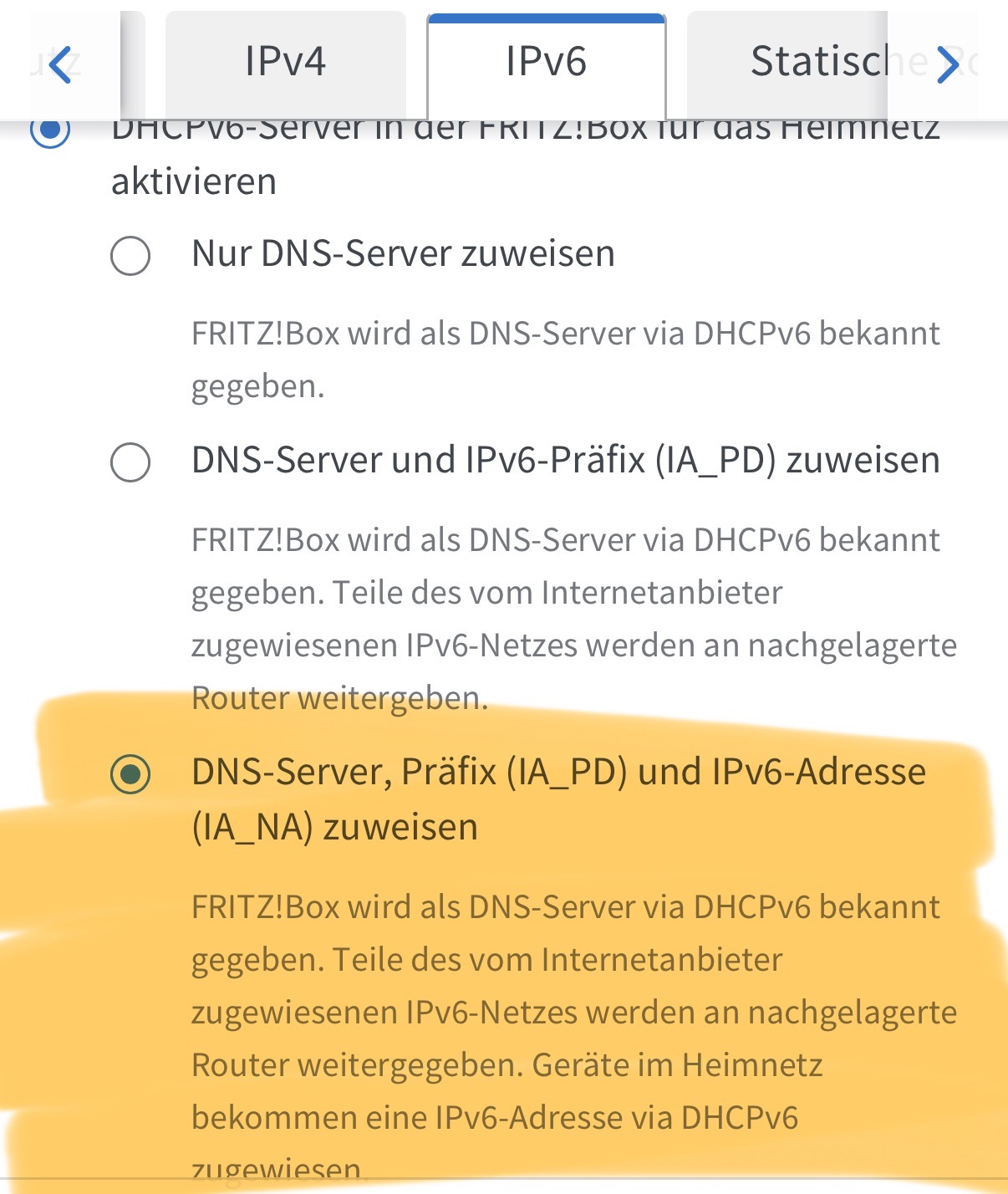
I use a FritzBox 7530AX. IPv6 is enabled, as is mDNS. My Apple TV is connected via Ethernet. However, it doesn’t work via Wi-Fi either. Currently, the u200 can no longer connect to Apple Home.
I will probably buy an M100. That is currently the cheapest option. I’m also waiting to see if Apple will release a new Apple TV or some kind of Apple Home hub this year.
Ultimately, though, I’m a little annoyed because what Aqara is “selling” doesn’t work.
How far is the Apple TV from U200? Because I believe the U200 only uses bluetooth to connect to the Matter controller (like Apple TV).
And given people have problems with Apple TV being their hub, I think it’s kind of Apple’s fault. Maybe it completely turns off and disconnects, maybe it’s something else, but it definitely is not a reliable hub for Apple Home.
But Apple doesn’t explicitly talk about Apple Home hubs and doesn’t sell hubs (just combo devices like speakers) for your smart home, so it’s actually close to spreading misinformation. You get an Apple Home app on your iPhone, but no tools or information to make it actually work.
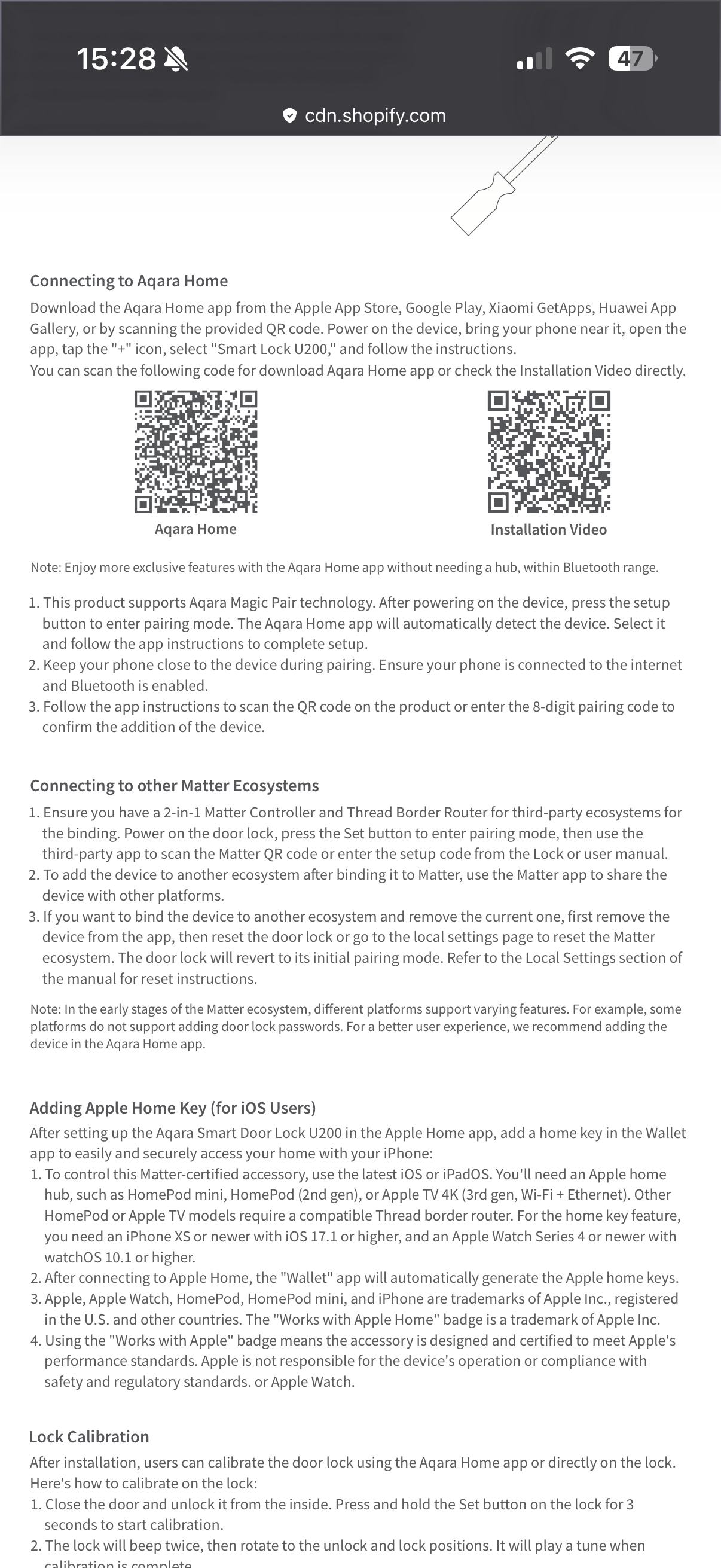
But, on the other hand, Aqara explains in the manual how to connect the U200
Please correct me if I’m wrong, as I only had the U200 for a short time to test it out. Unfortunately, it’s not compatible with my door knob.
As far as I can recall, you could set up the U200 in the Aqara app using Bluetooth only and without a hub or Matter.
Once set up, you can create a Matter pairing code in the Aqara app and connect it to Apple Home via Matter over Thread using a Matter controller and Thread border router, such as an Apple TV 4K. Also, onboarding with Matter always runs via Bluetooth.
What exactly do you mean? At what point does the installation get stuck? Have you reset the U200? Are you getting an error message?
For a modern standard procedure, it’s really complicated for a layman…
@cezary806
The Apple TV box is relatively far away, but when the problem arose that I could no longer control the lock in Apple Home, I deliberately placed the Apple TV next to the lock and connected it, but only connected it to the network via Wi-Fi. Where the Apple TV is actually located, it is connected via Ethernet. Maybe I’ll test it again tomorrow by placing the Apple TV closer to the lock and also connecting it via Ethernet.
@JohnD
You describe it correctly, except for the point that you have to create a code in Apple Home to enter it in the Aqara app in order to integrate the Aqara app into the Matter ecosystem “Apple,” - I don’t think that’s technically correct, but that’s how I understand it.
The Apple Home app simply says “No response.” It “refreshes” several times, but there is no connection between Apple Home and the lock. Even though it worked the first time and I was able to set up Apple Key.
And yes, I reset the lock several times and then reconnected it to Apple Home and the Aqara app each time.
I just reread the setup instructions that cezary806 posted, and the sequence is as follows:
Add the device to the Aqara app and scan the first QR code. The U200 has now been added to Aqara via Bluetooth.
Add it to Apple Home using the second QR code (Matter code). The U200 has now been added to Apple via Matter.
Both QR codes should be located on the device itself or in the manual. Make sure you scan the correct code.
If you then generate a Matter code in Apple Home, you have gone one step too far. The standard functions should already be working. This “third” pairing code is used to connect the U200 to other Matter controllers (this is called multi-admin). However, since you should have already connected it to Apple Home in step 2 using the Matter QR code on the device and you do not have any other Matter controllers (e.g., an Aqara hub), this is unnecessary. Or did I misunderstand you?
You understood correctly. I saved the lock with the matter-Qr code in Apple Home and assumed that I could/should also connect it via the code from Apple Home in the Aqara app.
Ultimately, however, I can no longer access the lock in Apple Home.
The M100 has been ordered. Let’s see if that works better.
But I understand that with an Aqara Hub, it should work better with Apple Home, right?
In step 1, you have already added the lock to the Aqara app, and in step 2, it should also be in the Apple Home app. You do not need to add it to Aqara Home again.
What exactly do you mean, and how can you tell?
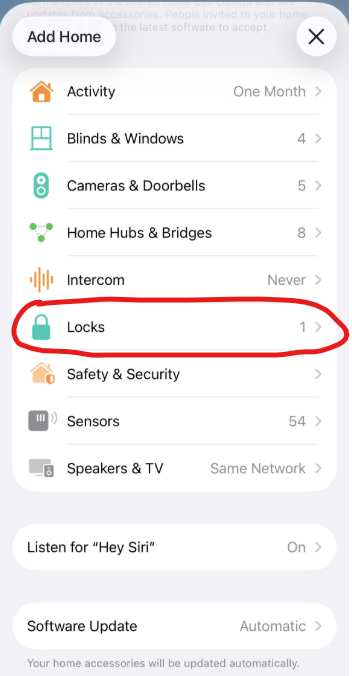
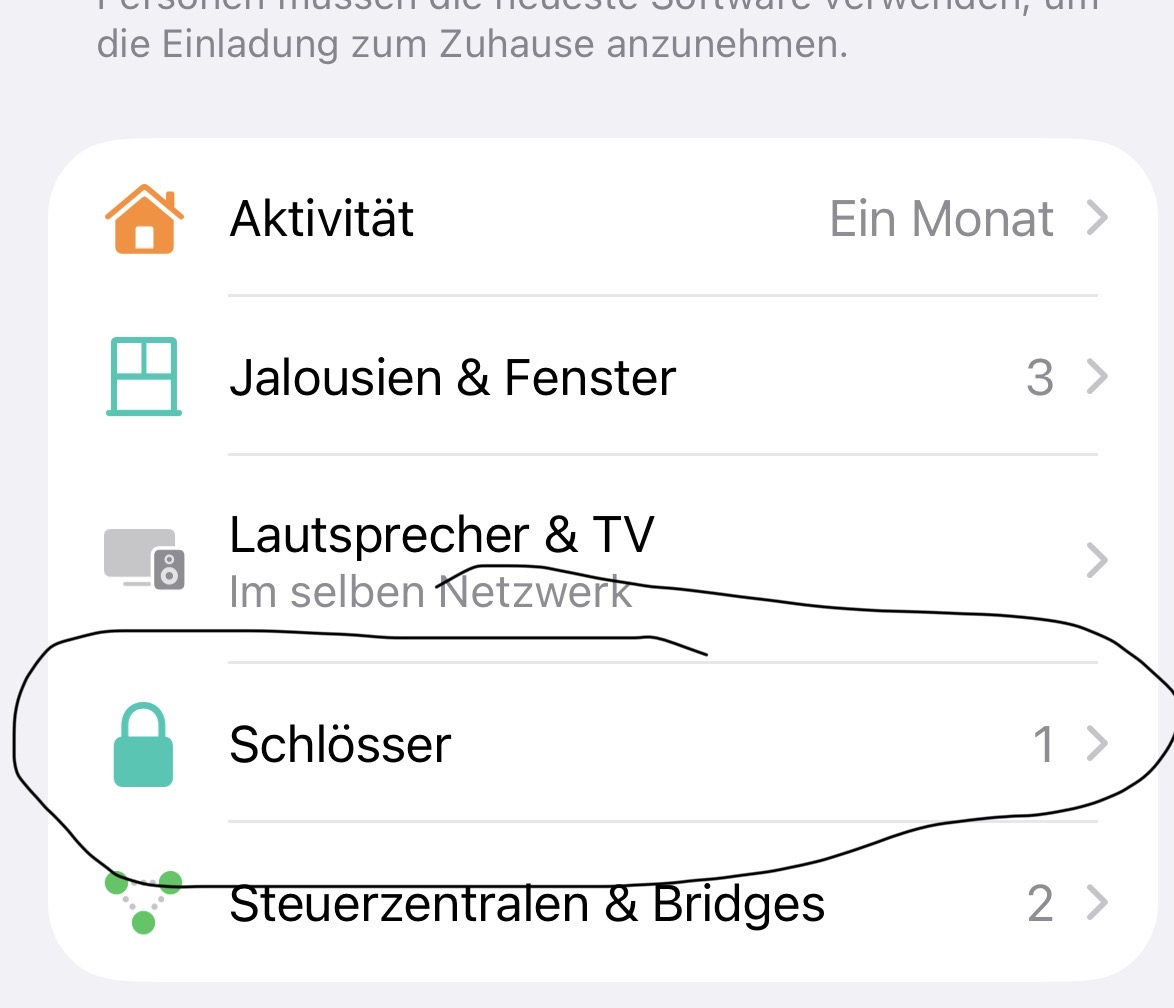
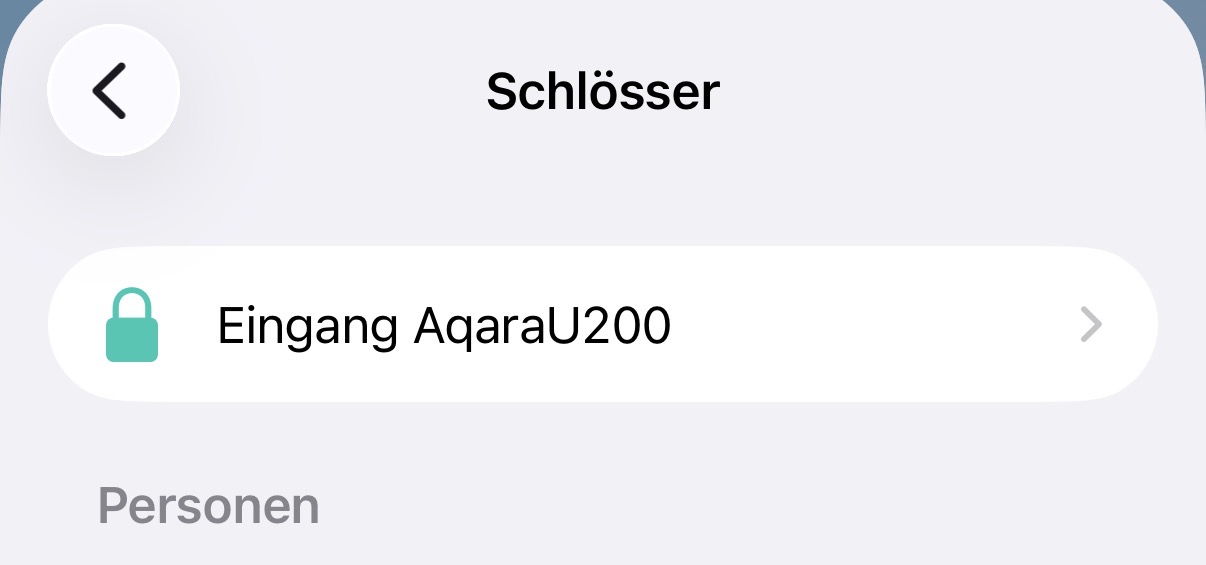
Is the U200 listed under "Home Settings“ → "Locks” in Apple Home?
Via the Aqara Home app: The Aqara hub allows you to access the lock via Thread without using Bluetooth. Since you have to be near the lock with Bluetooth, you cannot remotely access the features offered by the Aqara Home app. With the Aqara hub, you can also access the lock remotely because the connection then runs via the hub to the lock via Thread. If you don’t have an Aqara hub, the connection only runs via Bluetooth directly to your smartphone. And if your smartphone is not near the lock, you have no connection.
Via the Apple Home app: The Aqara Hub won’t change anything for your Apple ecosystem. The lock connects to your Apple Home Hub via Thread. Remote access should already be possible via the Apple Home app. You generally do not have access to the lock’s advanced features via Apple Home, as this is not supported by Apple Home, but only via the Aqara app.
The Aqara hub could improve the Thread network and thus improve the connection to the lock, and this also applies to Apple Home, as the hubs from Apple and Aqara form a common Thread network. However, if there is no problem with the range of the Thread network, then nothing will change for Apple Home.
There may be another reason for this could be the configuration of the IPv6 addresses. But we can deal with that later. First, we should check whether the lock is in Apple Home after you have added it again.
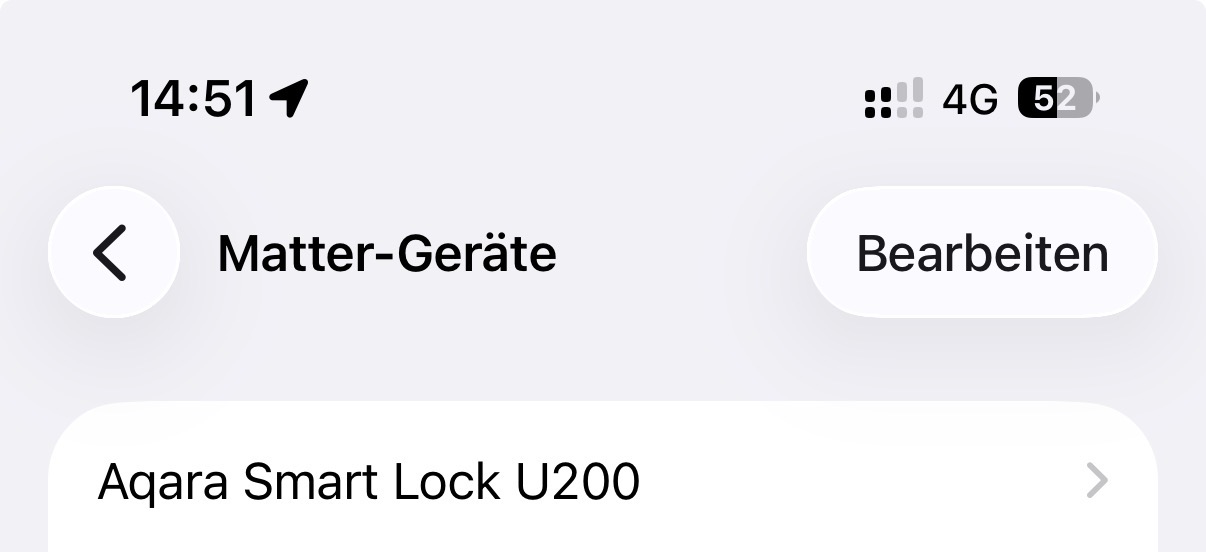
Yes, the lock can be seen in Apple Home, but without a connection. If relevant: it can also be found on the iPhone in the settings under Matter devices.
I added it to Apple Home, was able to create an Apple Key, and could also open/close it via Apple Home, but by the next day at the latest, it was no longer accessible.
I wanted to clarify the intention was not to mislead but to inform that an Apple TV cannot be added as a hub in the way that an M3 can be added to Apple Home (other Matter ecosystems)
While the U200 can be added straight in as a matter device they’d probably get more out of it by purchasing an M100 (best budget option) or the M3. I’ve had issues in the past with matter devices going offline but found that adding powered thread border routers helped my personal setup.
That’s great news and definitely what we like to see. Love seeing how the community works together to resolve things. Shoutout to @JohnD for also working on this in the background!
I have a related problem. My U200 only connects to my Apple TV if it is on WiFi. Once I plug my Apple TV into Ethernet, it disappears (and takes down the other thread devices in my home that I assume are routing through it. Only my matter over WiFi fan stays connected to my Apple TV. Any ideas? I’ve already removed the lock from Apple TV and re-add it. That did not fix it.