Newish to Aqara and have setup a number of products (2x G5 Pro POE, Hub M3, U400, G410, Water Sensors, Temp and Presence sensors etc.).
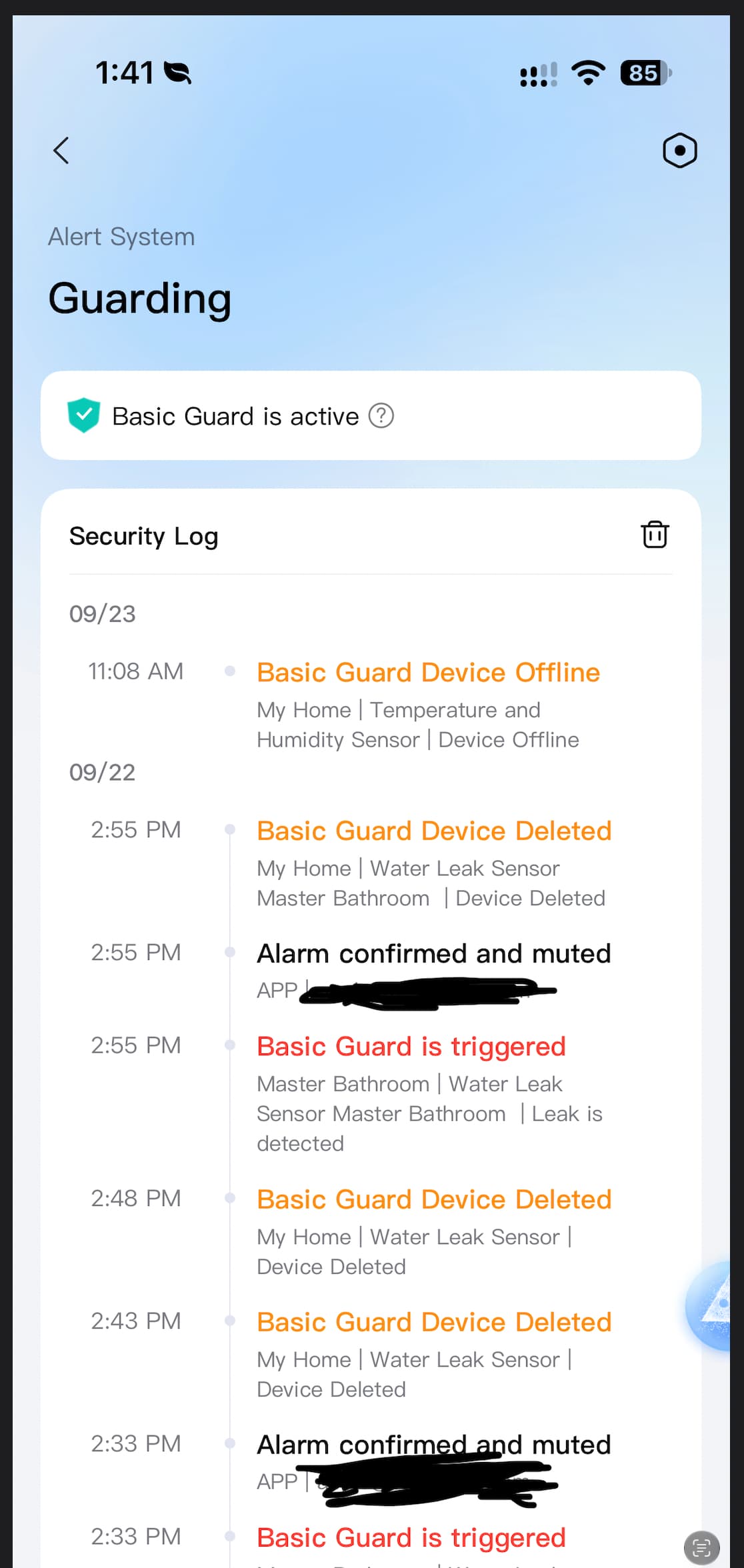
Yesterday, one of the Water Sensors had false alerts, multiple times! That led to Sirens going off on multiple hubs inside and my outside cameras - suffice it to say that was a terrible experience and embarrassing. At first, I would see the notification in Aqara and was able to silence it, but then one of the final times it bugged out in the app and two things became apparent:
As far as I can tell there is no way in the app to know that Sirens are going off, what devices are blaring a siren and no way to stop them.
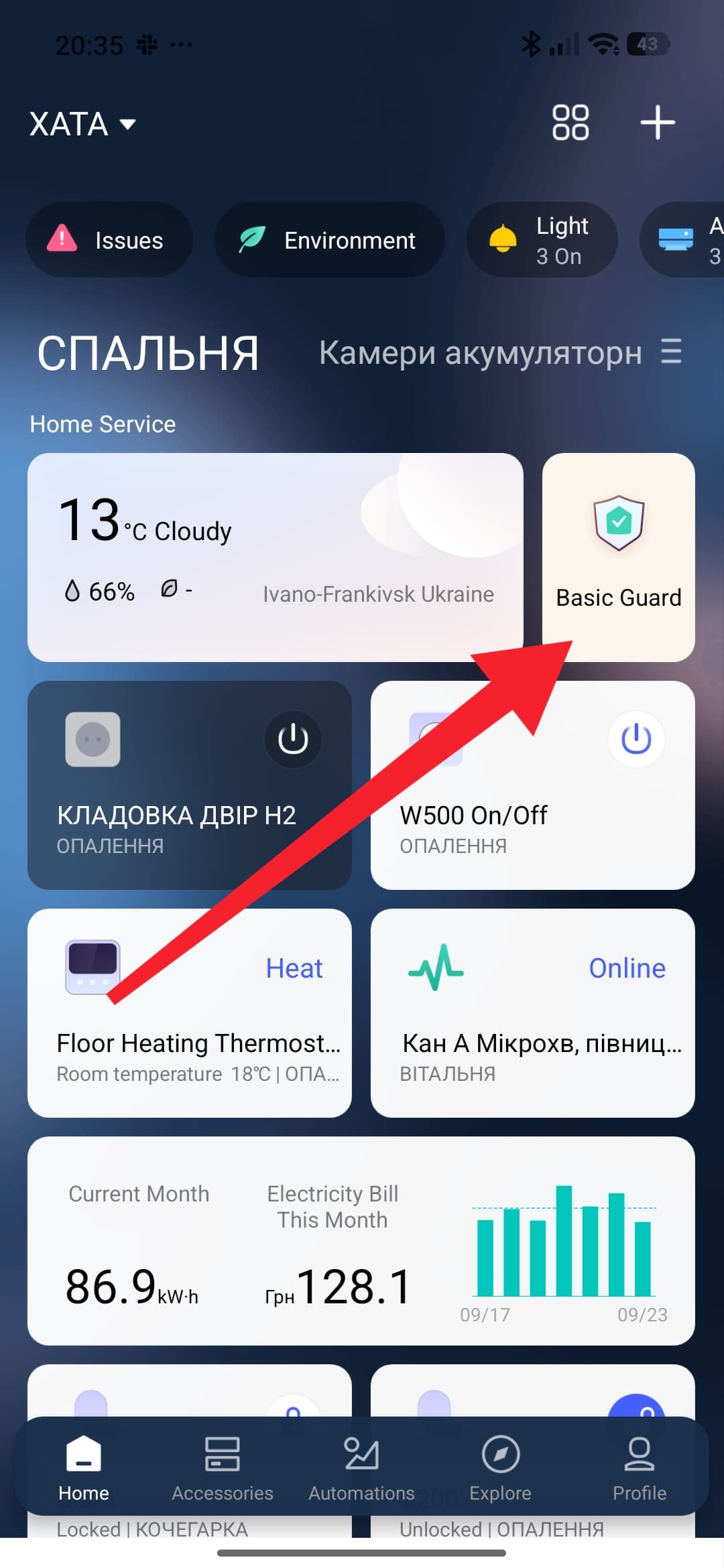
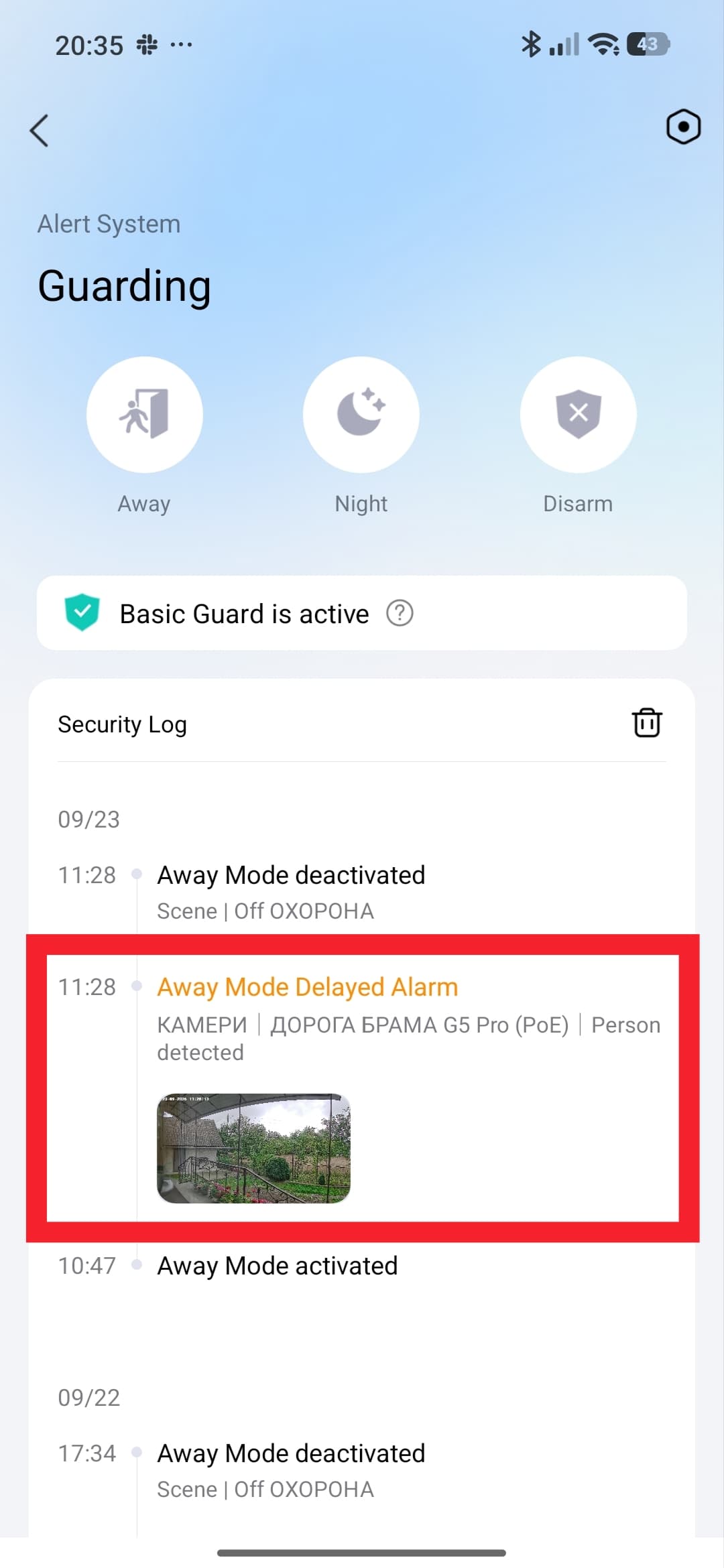
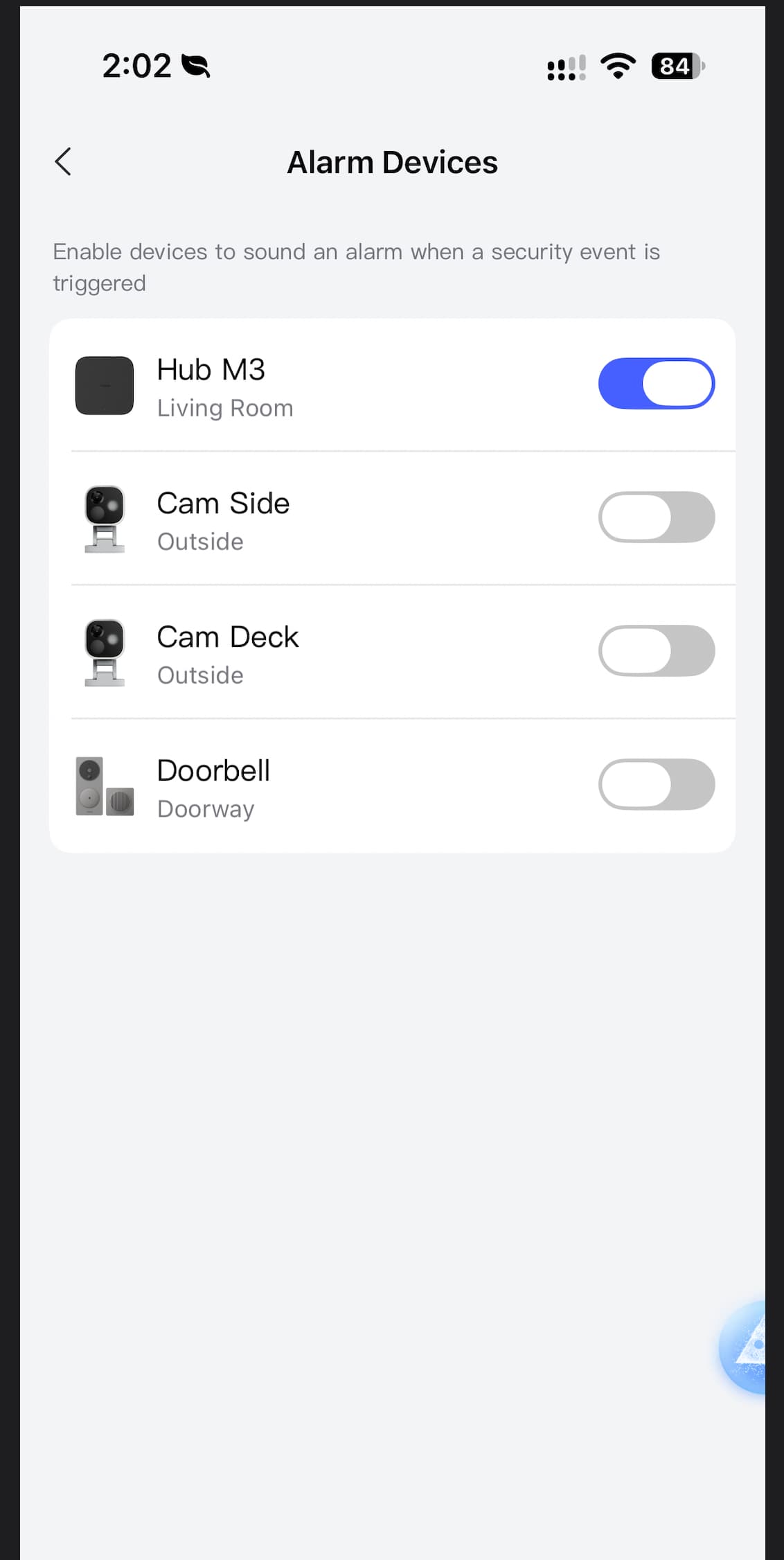
I’m so thankful I was home to literally pull the plugs of all devices until I could at least finally figure out how to find buried in menus Basic Guard settings (already forgot how to get there again, but i’m sure with time could find it but I at least (I think) set things up to only push Sirens to one hub and only for a minute.
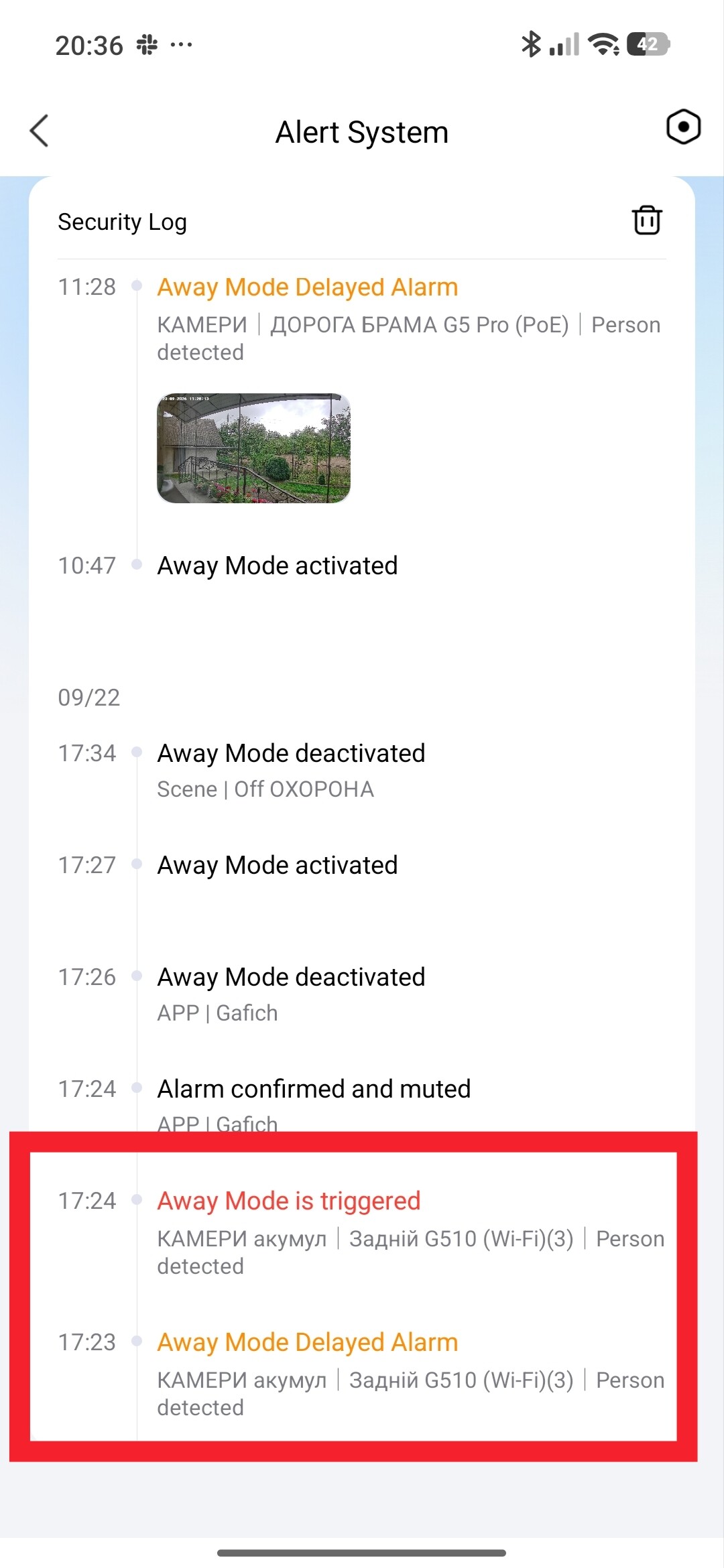
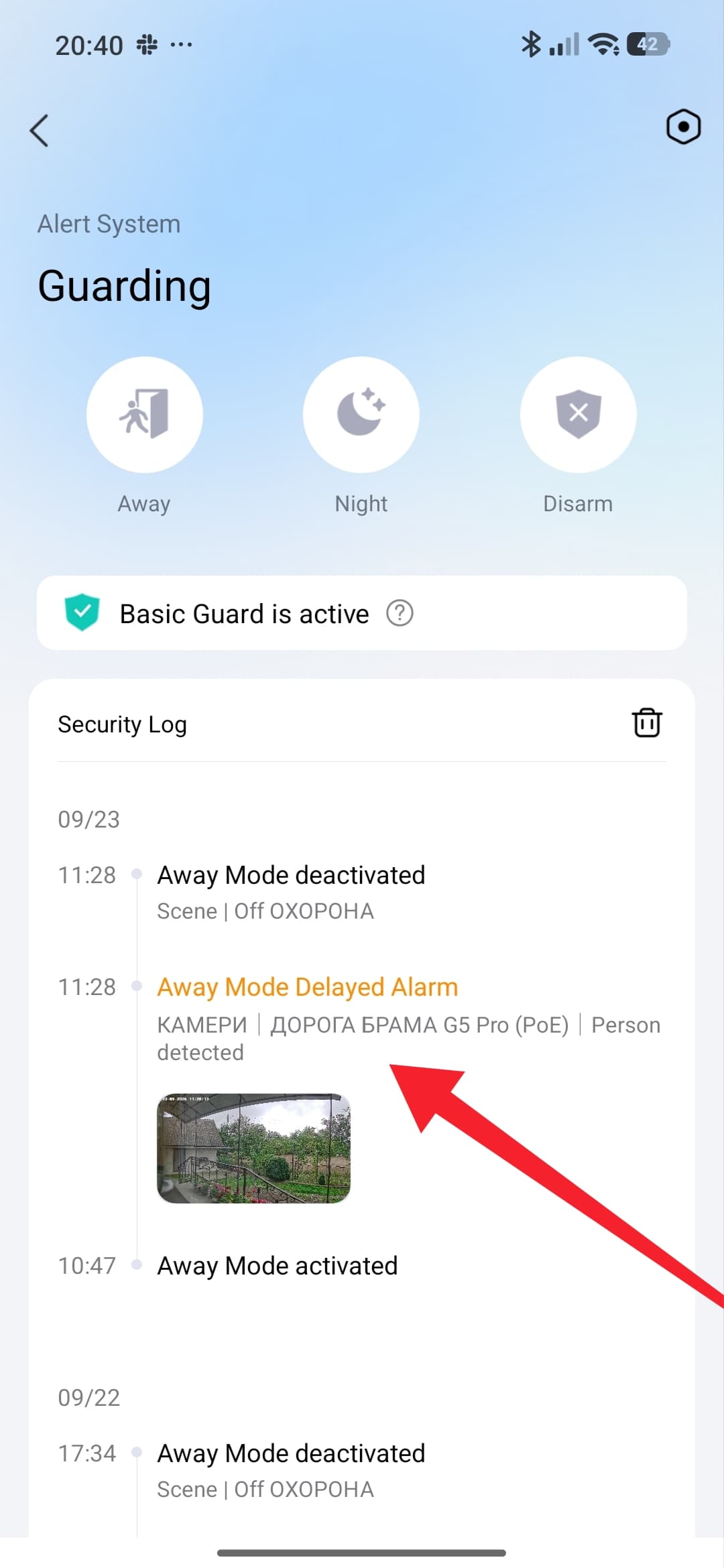
All above was true then until today when I was connecting the doorbell to electric (was previously only on battery) and the Tamper alarm went off… which ignored what I did yesterday and all hubs yet again were blaring sirens and def not for only a minute… I subsequently turned off the tamper alarm.
All above to ask (in case it is buried somewhere, or if anyone can advise on… how can I know that Sirens are blaring (when i’m not home) and how the hell are you supposed to turn them off correctly.
I’m a huge tech person, been so my entire life and consider myself rather knowledgable when it comes to these things, but this has been an extremely frustrating experience - felt nearly powerless to stop it - and again was thankful I was home to cut power to things to stop it (I have learned since that there are supposedly buttons on the hubs too, but that only solves for the indoor hubs not fore the cameras that I’d need to yank out a tall ladder to get to. I’m nervous as I have an upcoming trip and while I should feel secure knowing I have all this setup, instead part of me rather turn it all off since I’d have no clue Sirens were blaring or a confident way to turn them off remotely.
Really appreciate guidance and support from those more familiar.
Also if it helps, I do have this all connected into Apple Home.
Thanks, and yesterday I was able to do that twice and then the third time nothing came up so I was forced to unplug my hubs and then once the two inside were off realized the G5 Pro cameras were going off outside and could find no way to stop them in the app so I had to go to my network switch and unplug them to stop them.
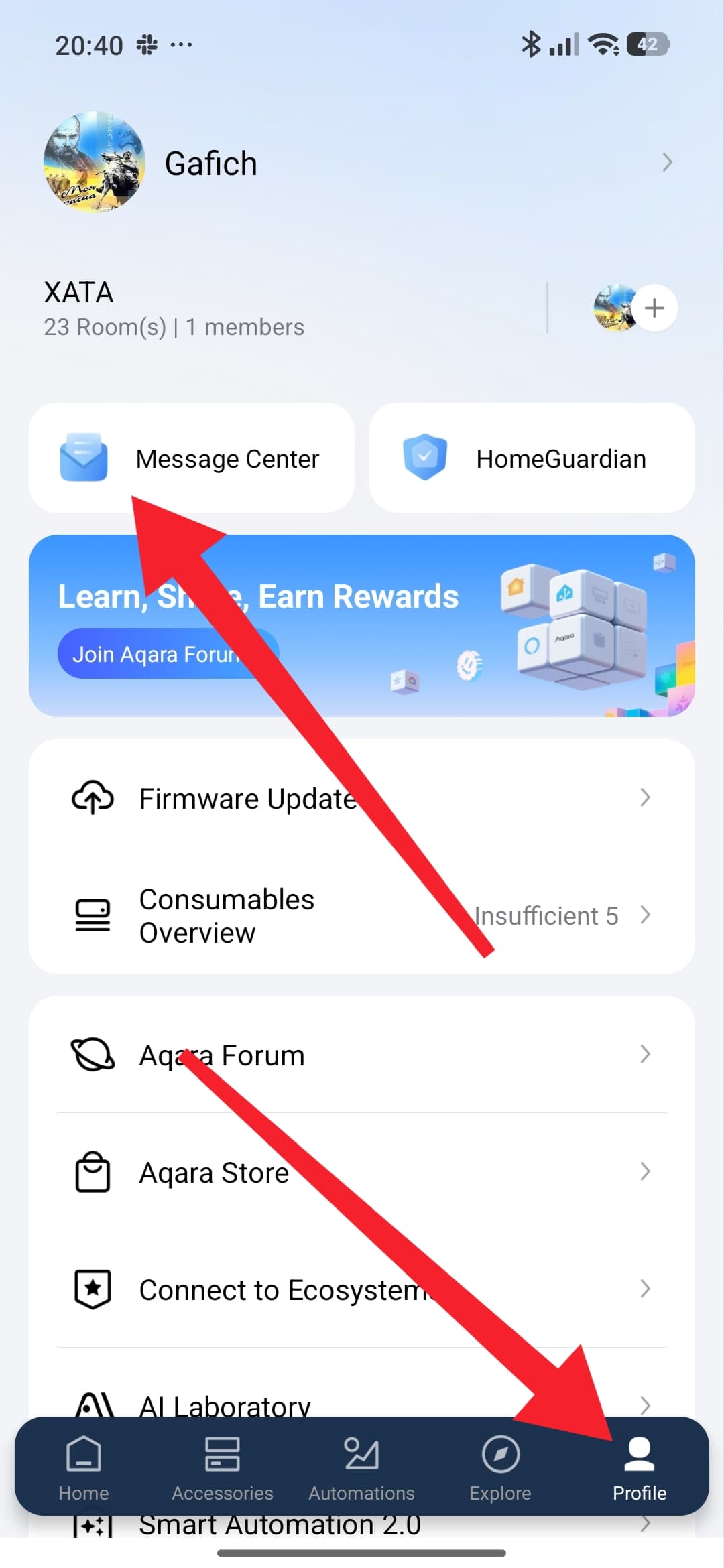
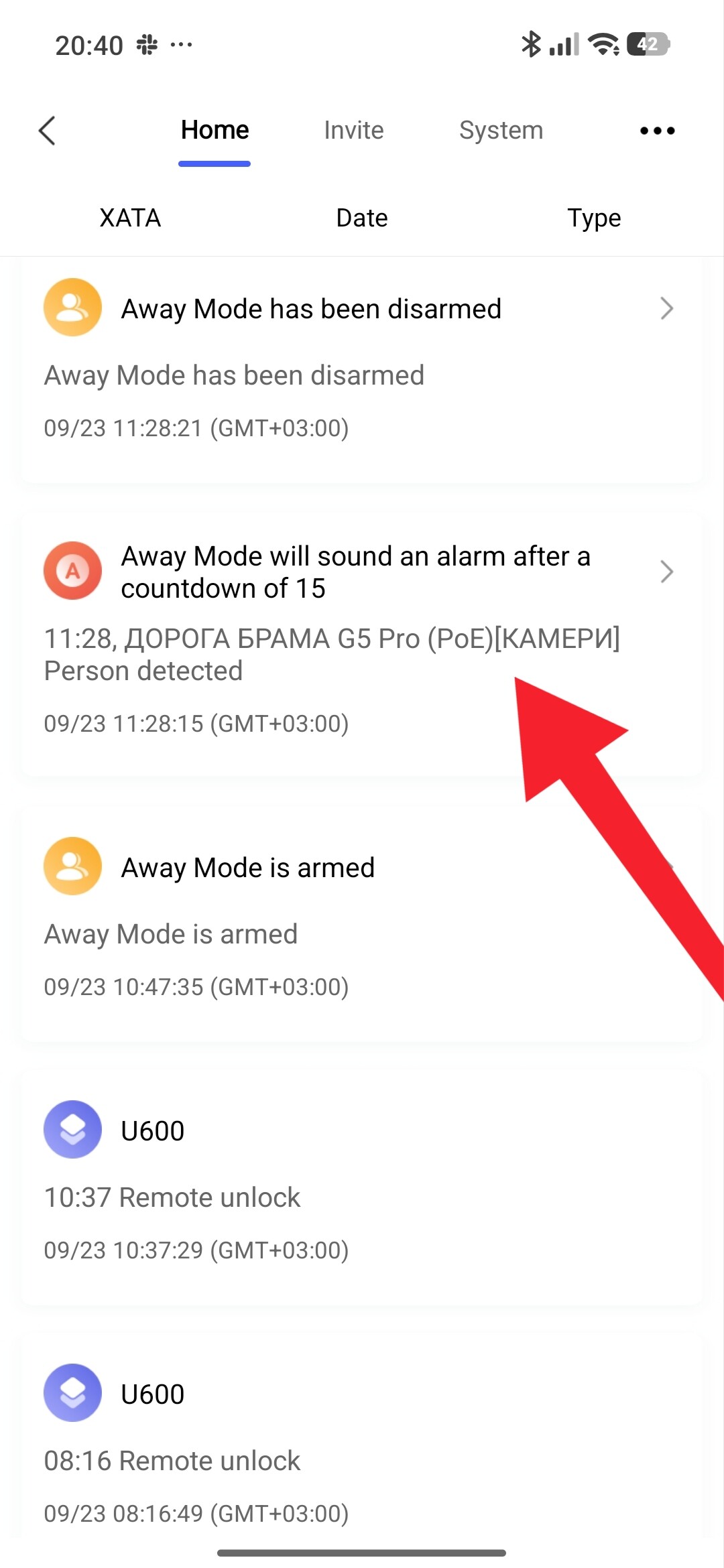
Today, again no notification asking me to mute anything in IOS or from within the app itself in Message Center or otherwise.
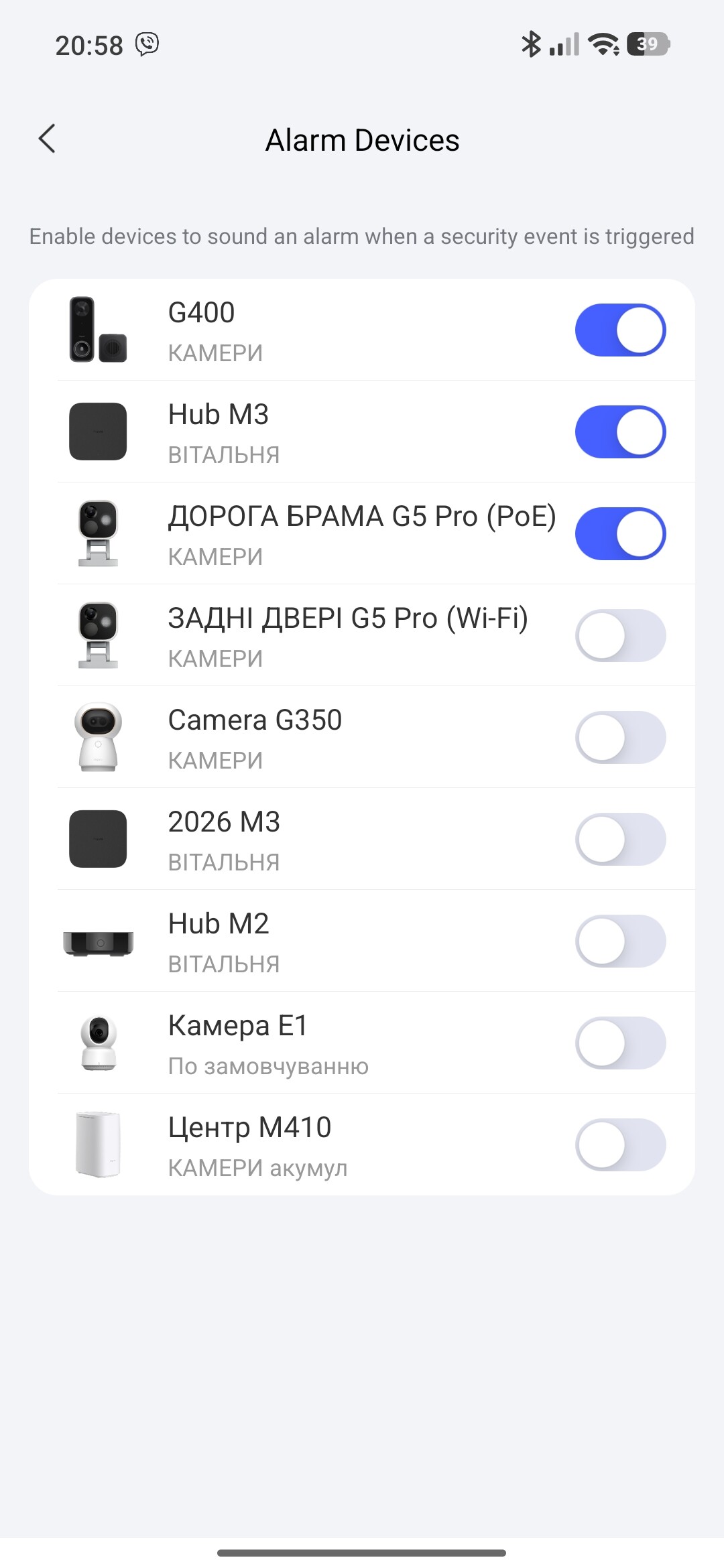
Yes I found that and turned off all except M3 hub yesterday and set it to 1 minute after the whole false water leak incident as I said in the original post, but then today that was all ignored and they all were going off.
Just checked right now and my settings are still setup same as I did yesterday, so can confirm they were ignored.
Yes only had one turned on and rest off, but looking at what you shared above, think maybe I have a solution, I turned off all hubs from being able to sound alarms and then tested it with my presence sensor and I got the alert but got silence.
In no way is this intuitive tho and if I ever wanted to have sirens still see no clean way to know they are going if you Hide that notification.
For added reliability, you can set up an additional automation with a push notification: “Siren active.” WHEN “Alarm” THEN push notification “Siren active.”
Great conversation. Welcome to the forum. It’s the best place for sharing and learning that I have found.
Now that alarms have been discussed, did you figure out why your water sensor was generating false alarms? I have had four of them active for several months and have not had any false alarms.
I have no clue, I have 4 others and they work perfectly fine, but this one keeps going off w/ false alerts and I tried yesterday deleting and re-adding it fresh to no avail. After the whole problem with Sirens going off inside and outside I just deleted it for good and have yet to want to bother going back to trying again. Kinda burned me out.