__Lesson 2 Setting up the APP security system (security system trigger settings options)
__Lesson 3 Setting up the APP security system (alarms)
__Lesson 4. Setting up the APP security system (video surveillance cameras)
__Lesson 5. Setting up the APP security system (arming/disarming the security alarm)
__Lesson 6. Setting up the APP security system (security system notifications)
__Lesson 7. Setting up the APP security system (SOS signal). Final
Good afternoon, I want to review the security system settings in the Aqara application.
Often, users face the problem of finding the security alarm settings control panel.
Explanation - setting up the security alarm occurs without using additional automation. These signals about the status (security) in the room are provided directly to the gateway from security devices (motion sensor, opening, startle, video recording, etc.).
Creating an additional page in the app.
Fig. 1,2,3,4,5
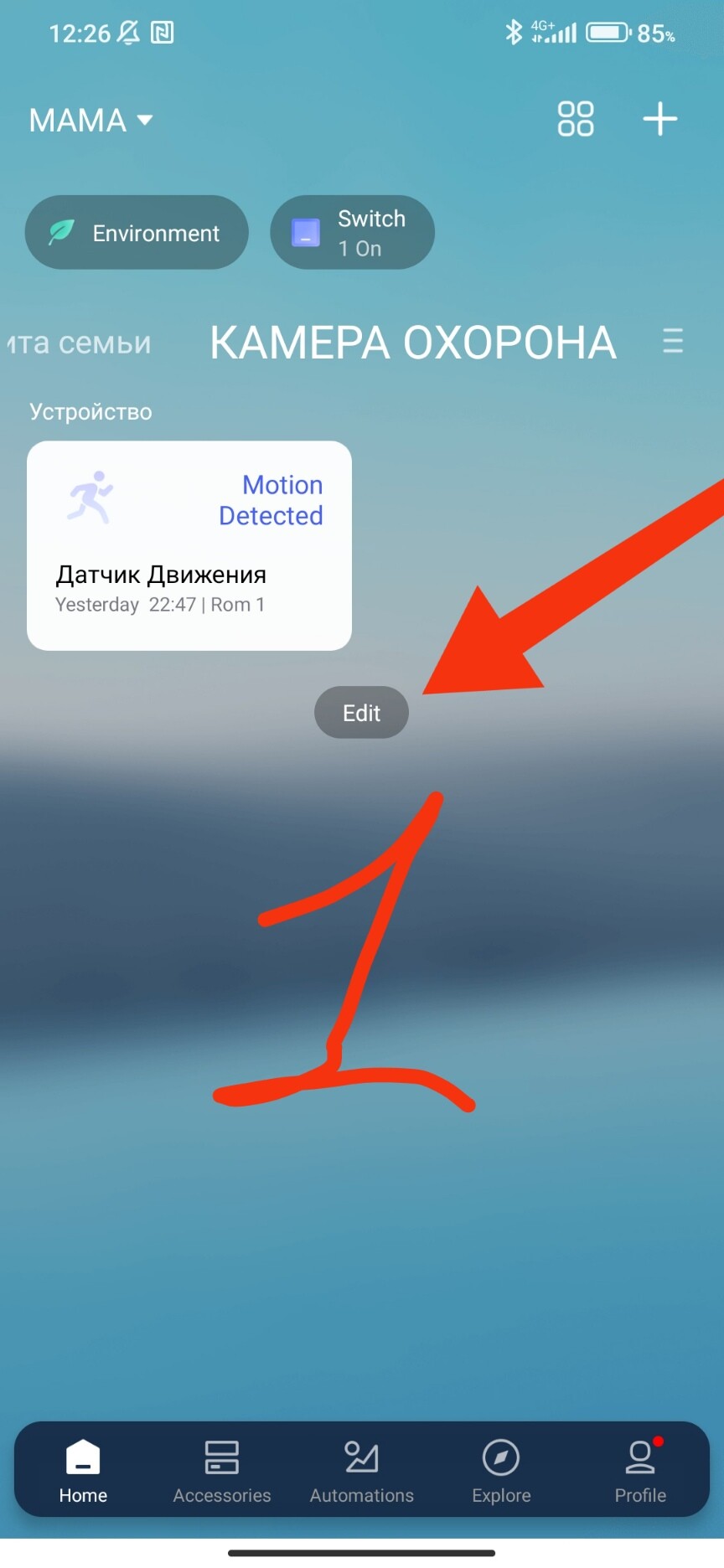
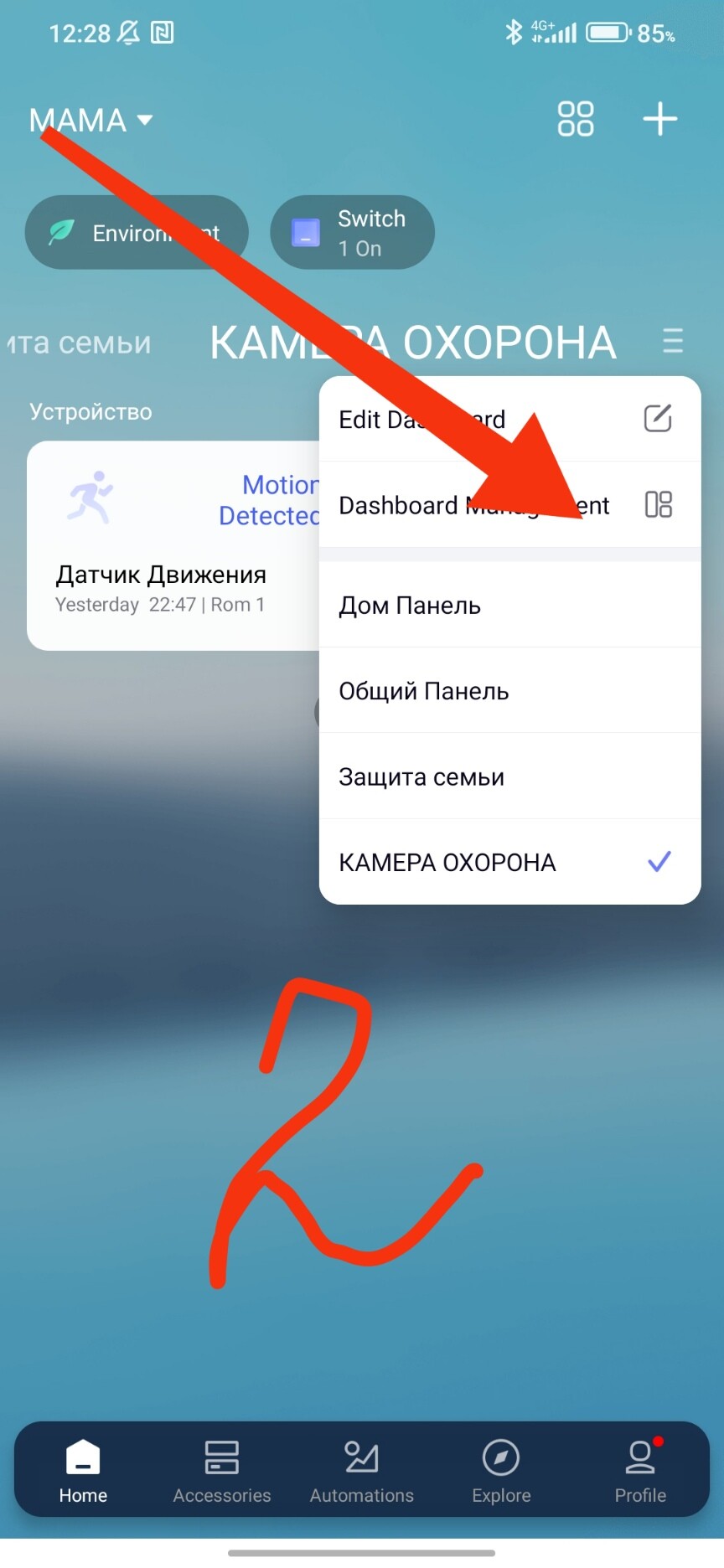
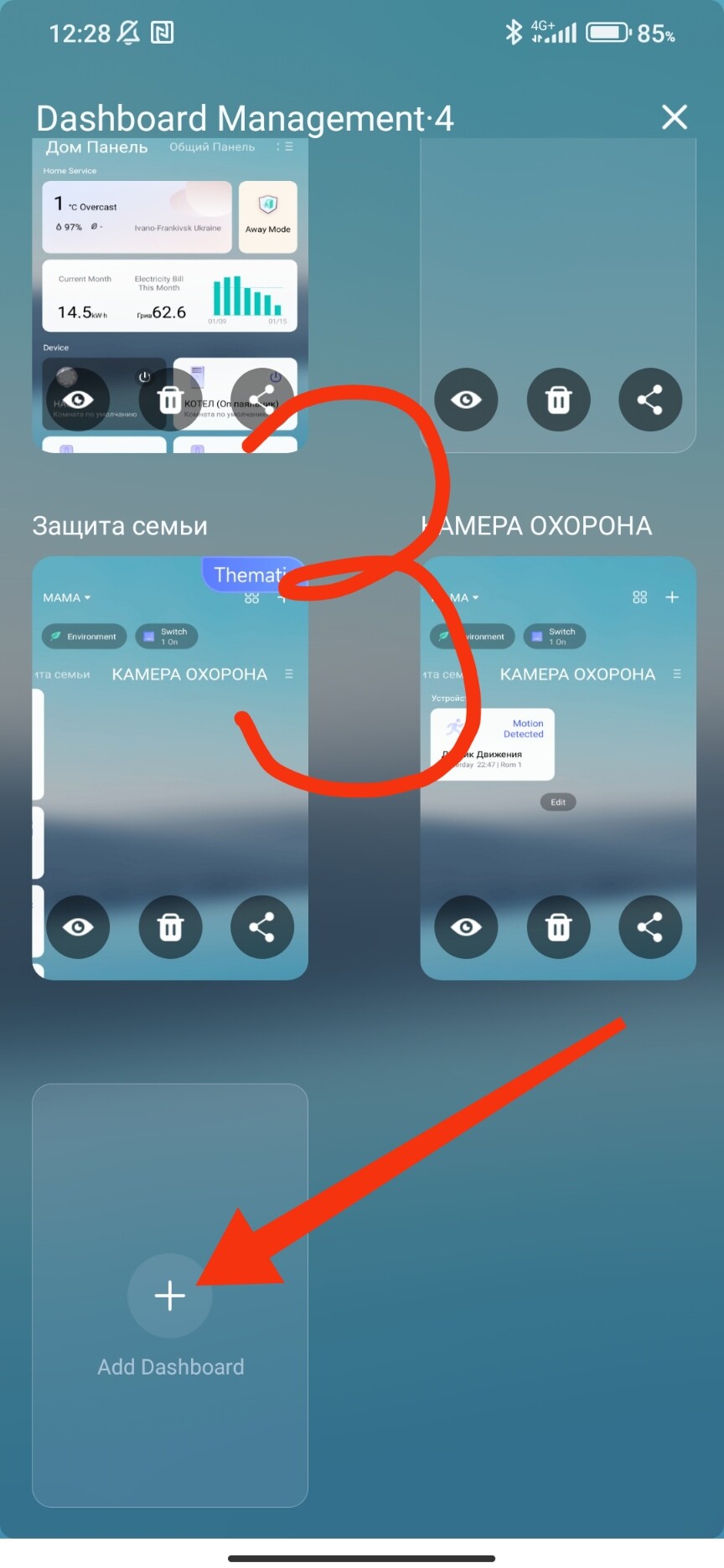
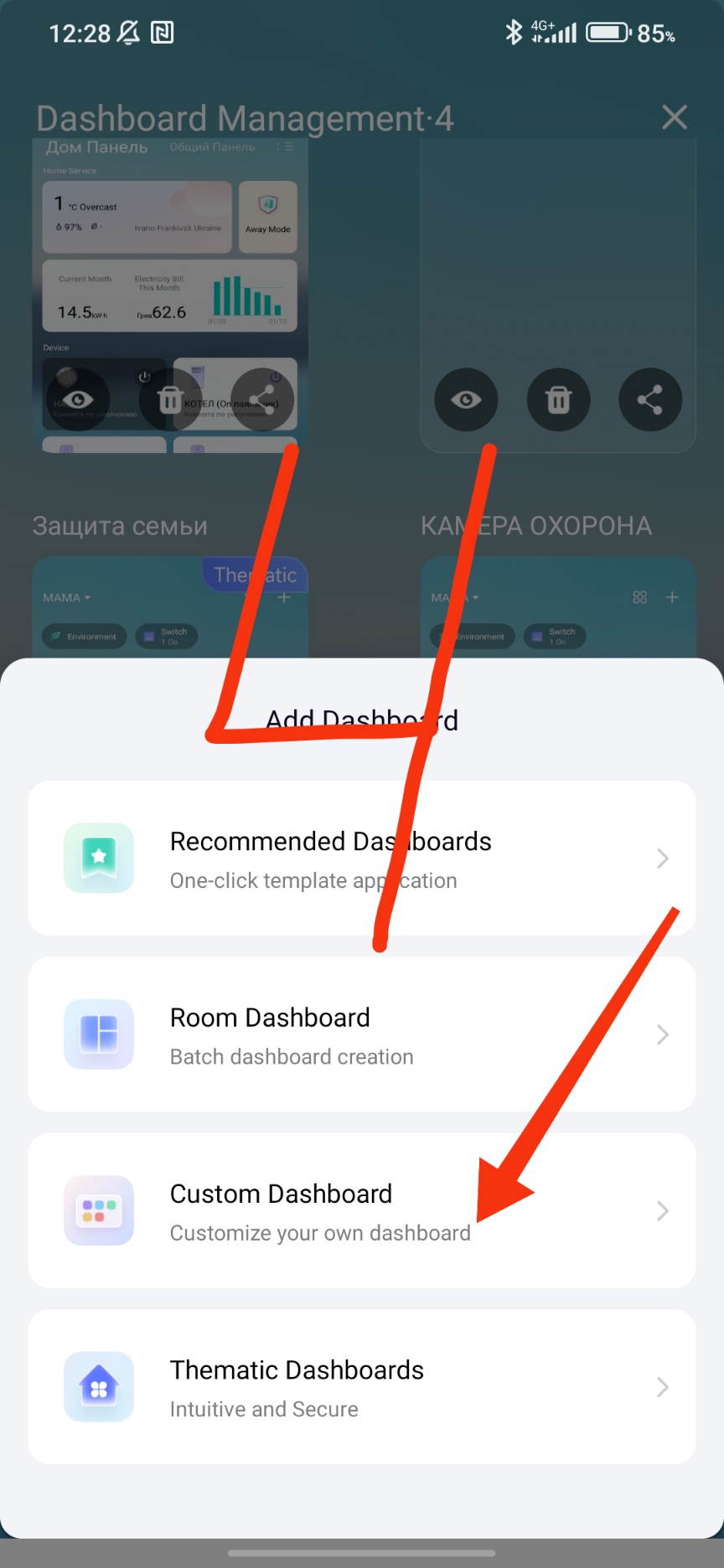
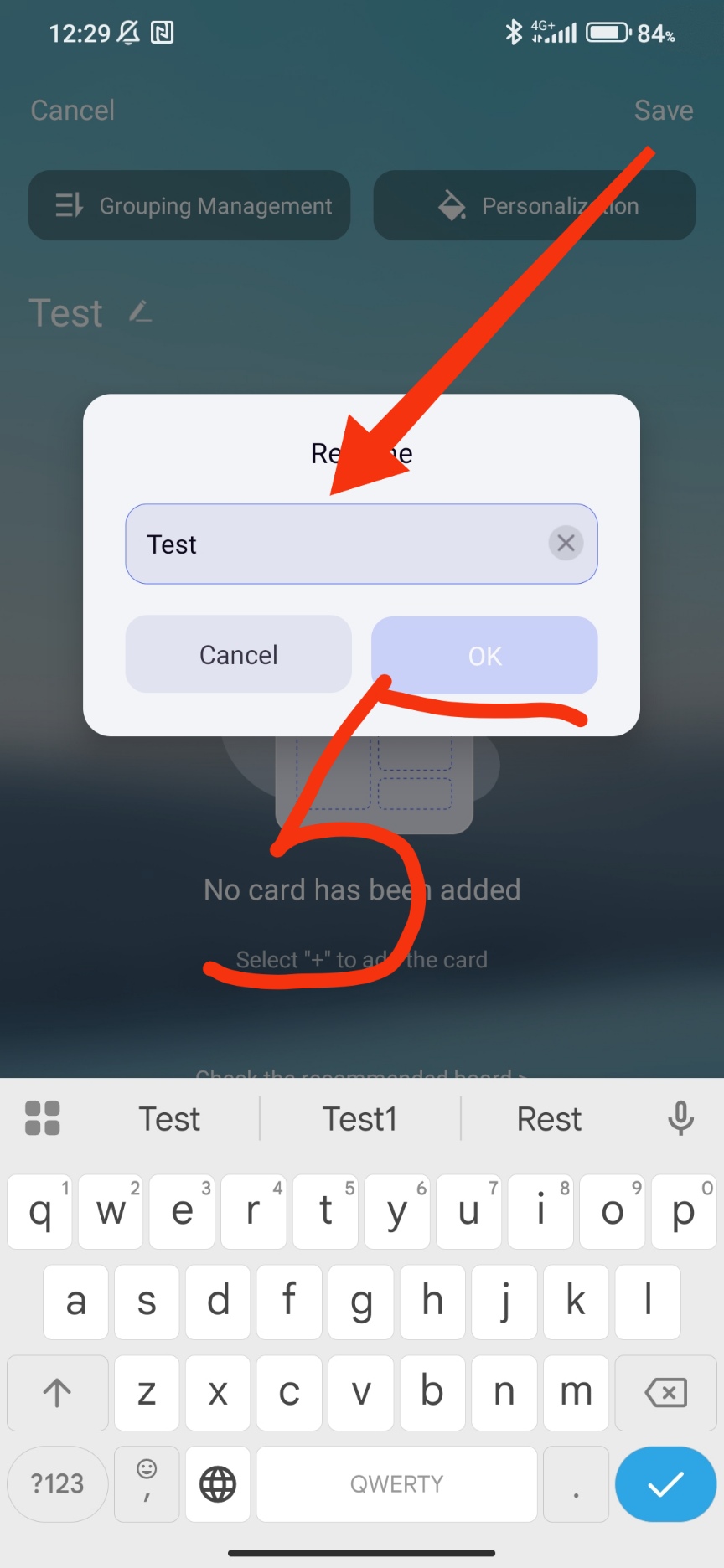
Adding a security system card.
Fig. 6,7,8.
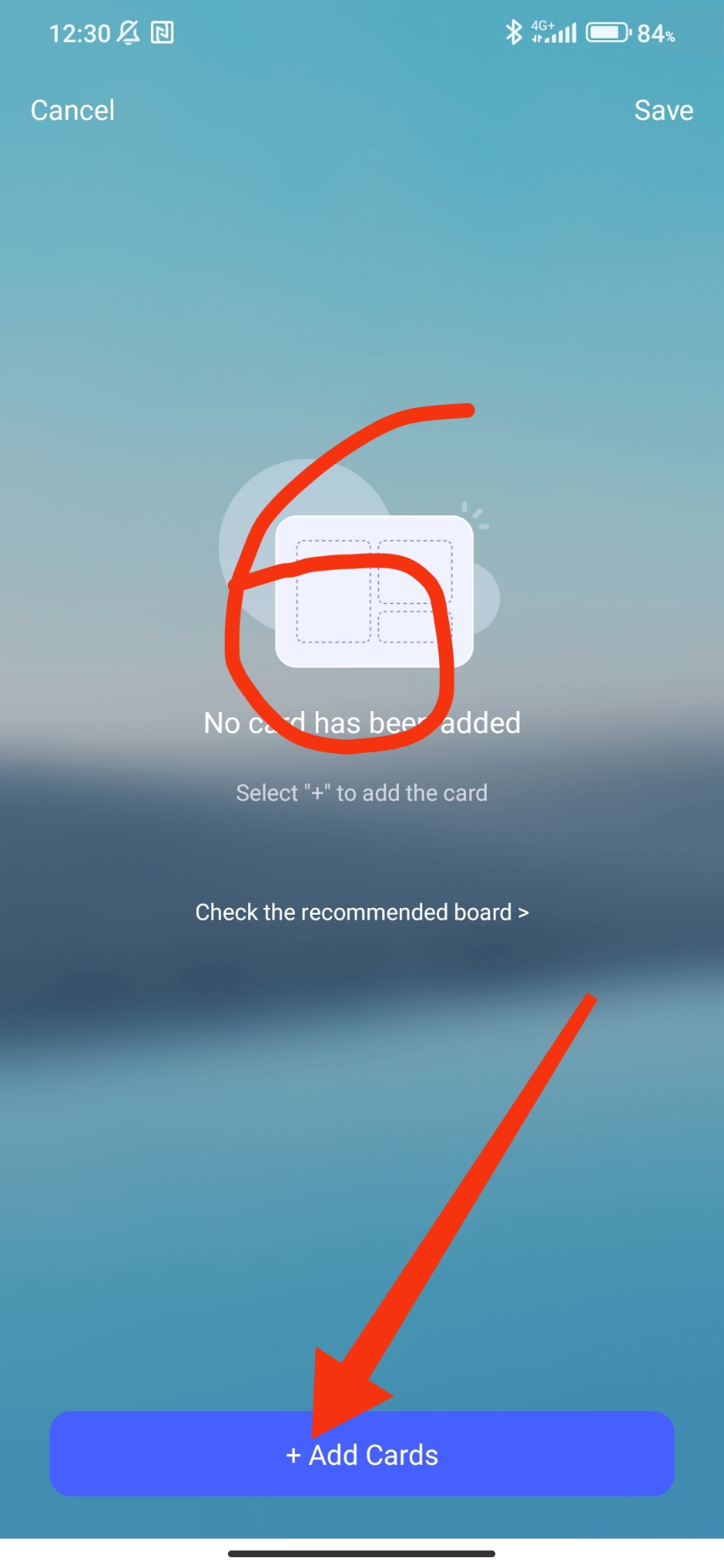
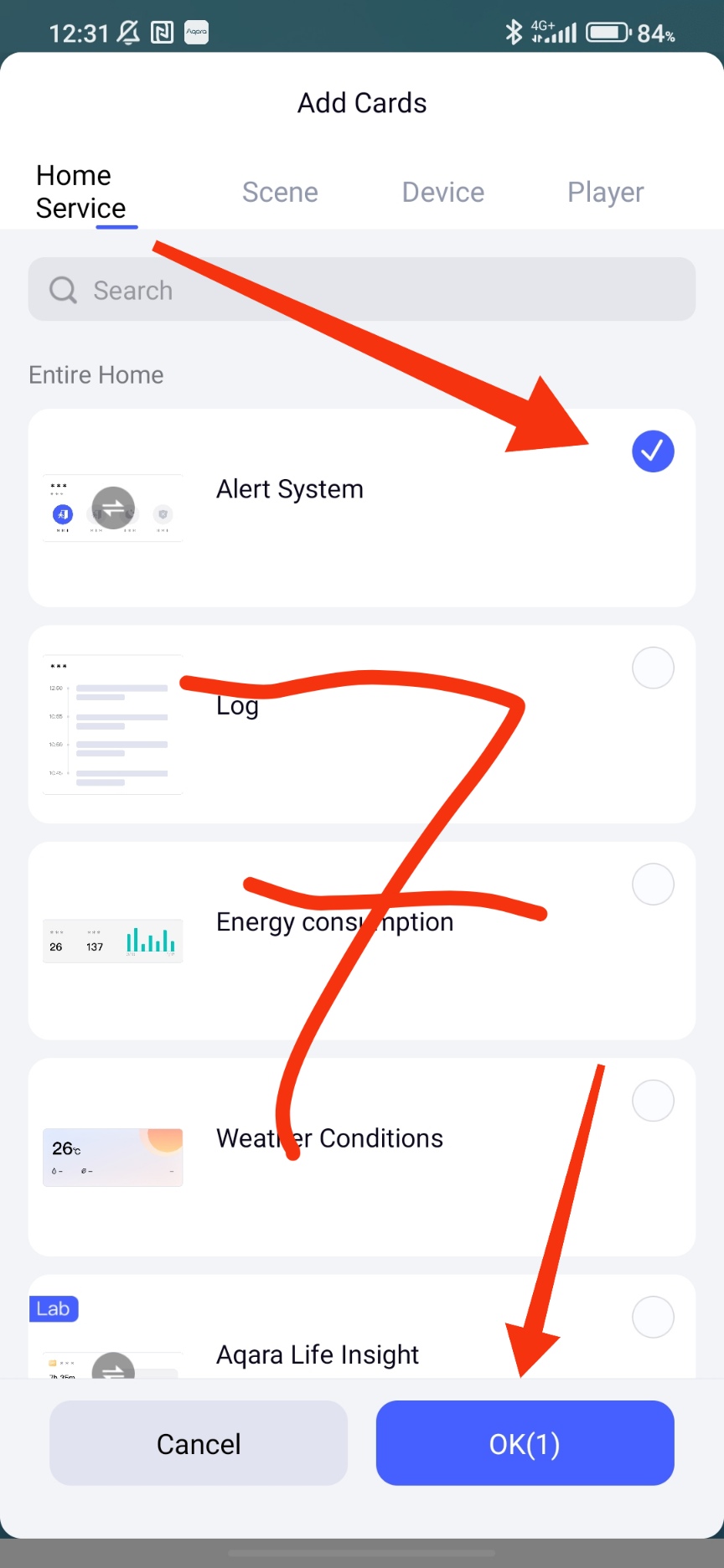
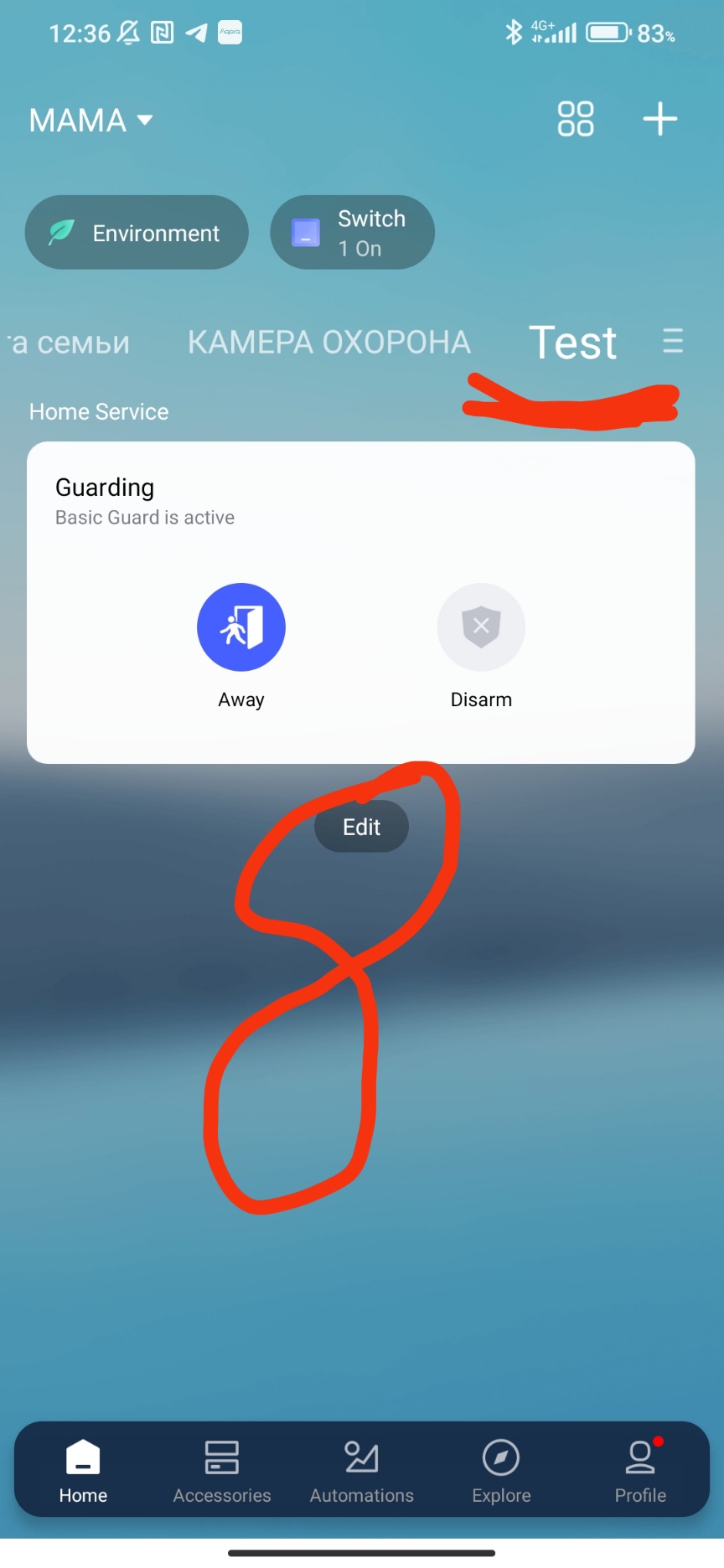
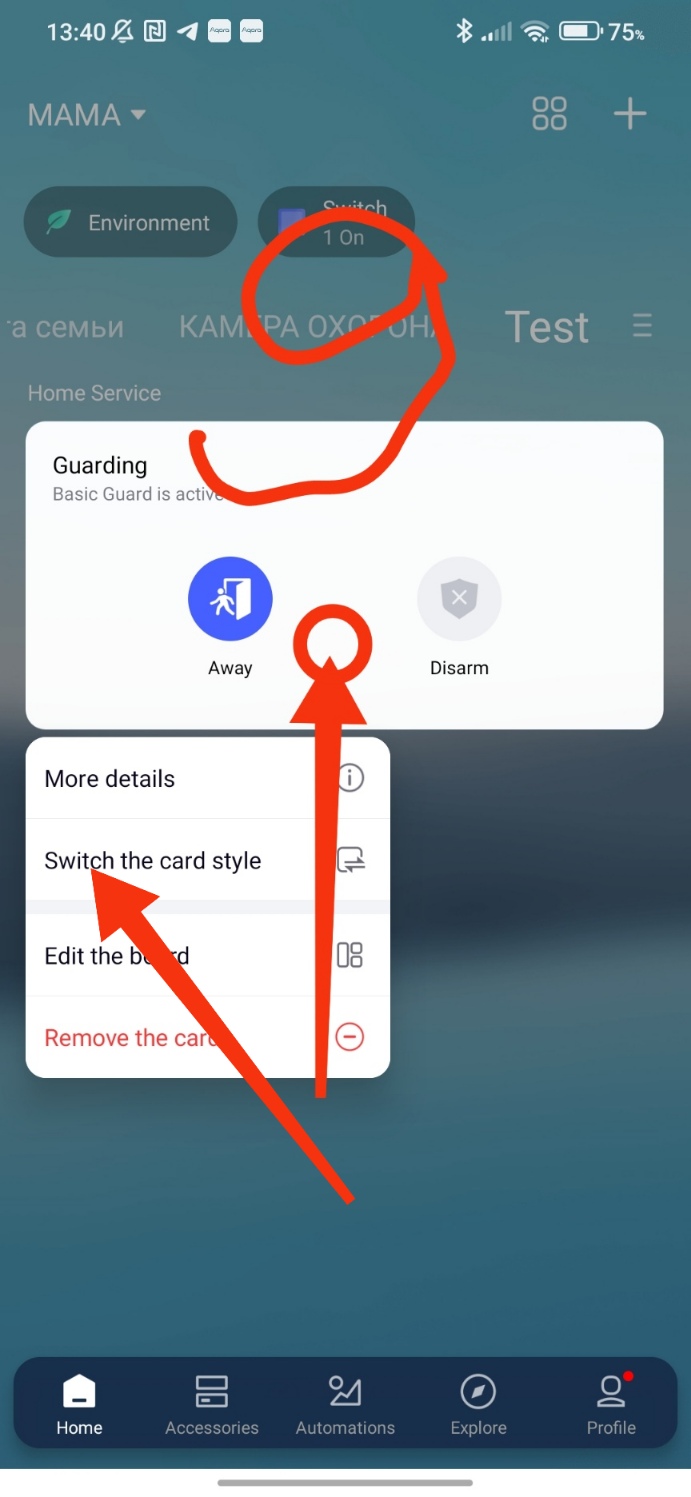
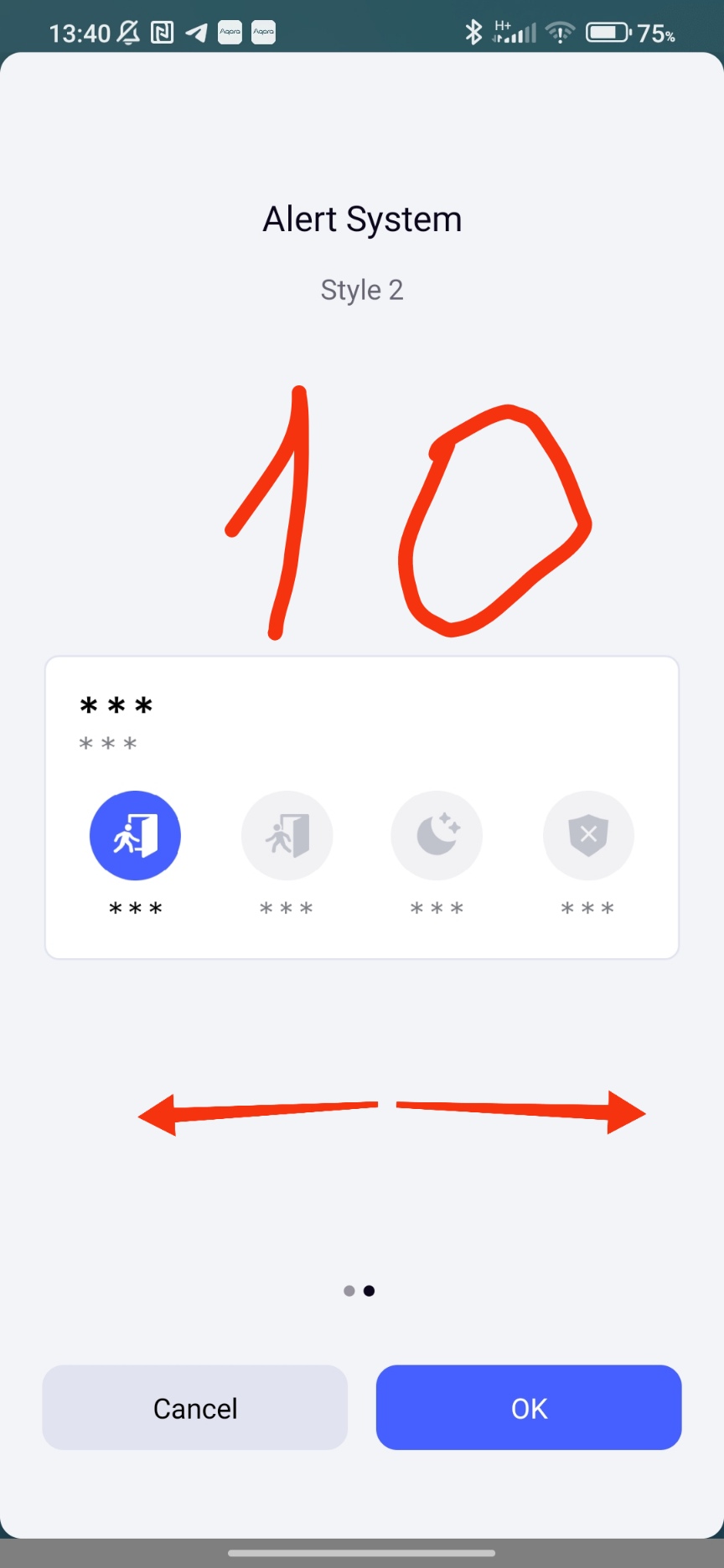
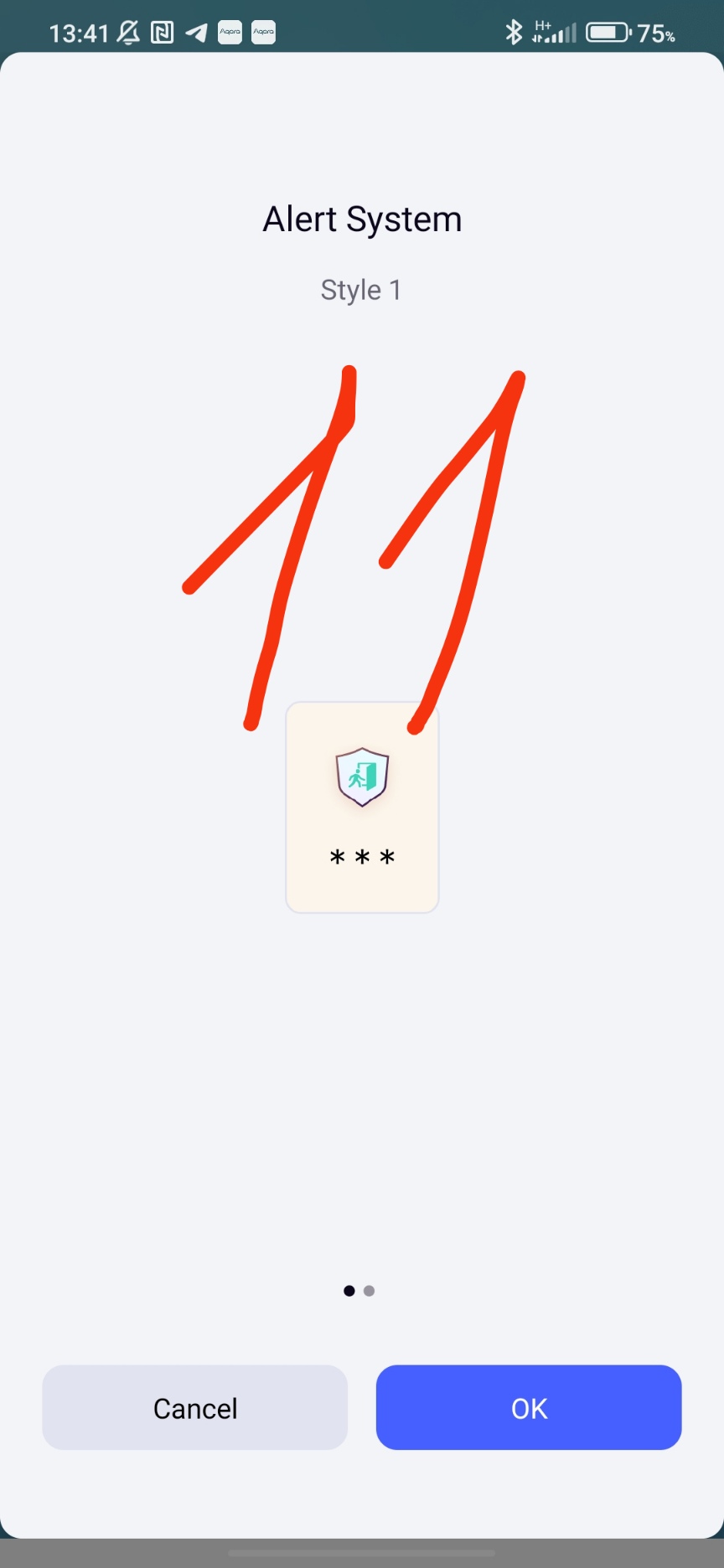
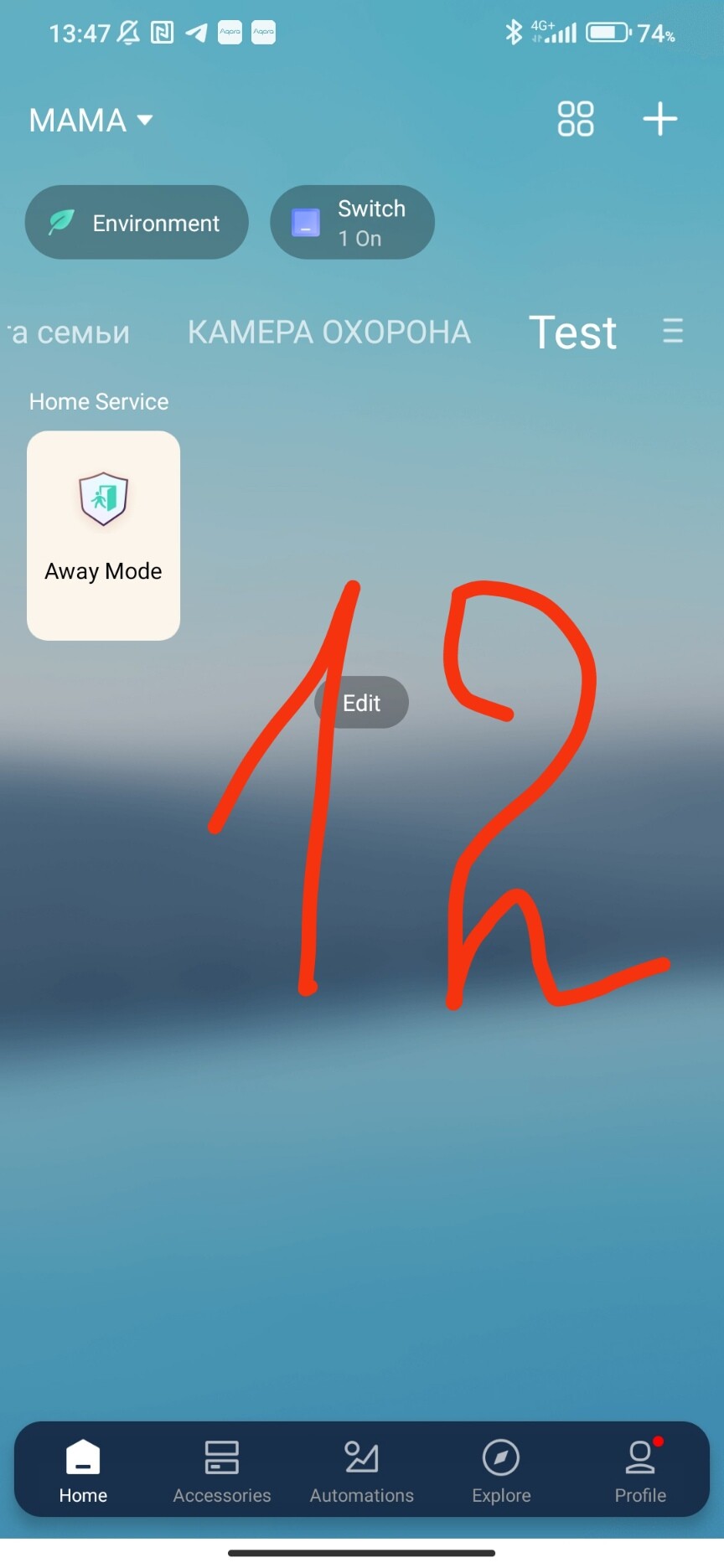
We received an Aqara security system card. This card has two views: expanded and reduced. Hold your finger on the card and select the icon size.
9,10,11,12
An extended description of the settings will be in lesson 2.
Lesson 2 Setting up the APP security system (security system trigger settings options) Lesson 2 Setting up the APP security system (security system trigger settings options)
 Thanks for sharing!