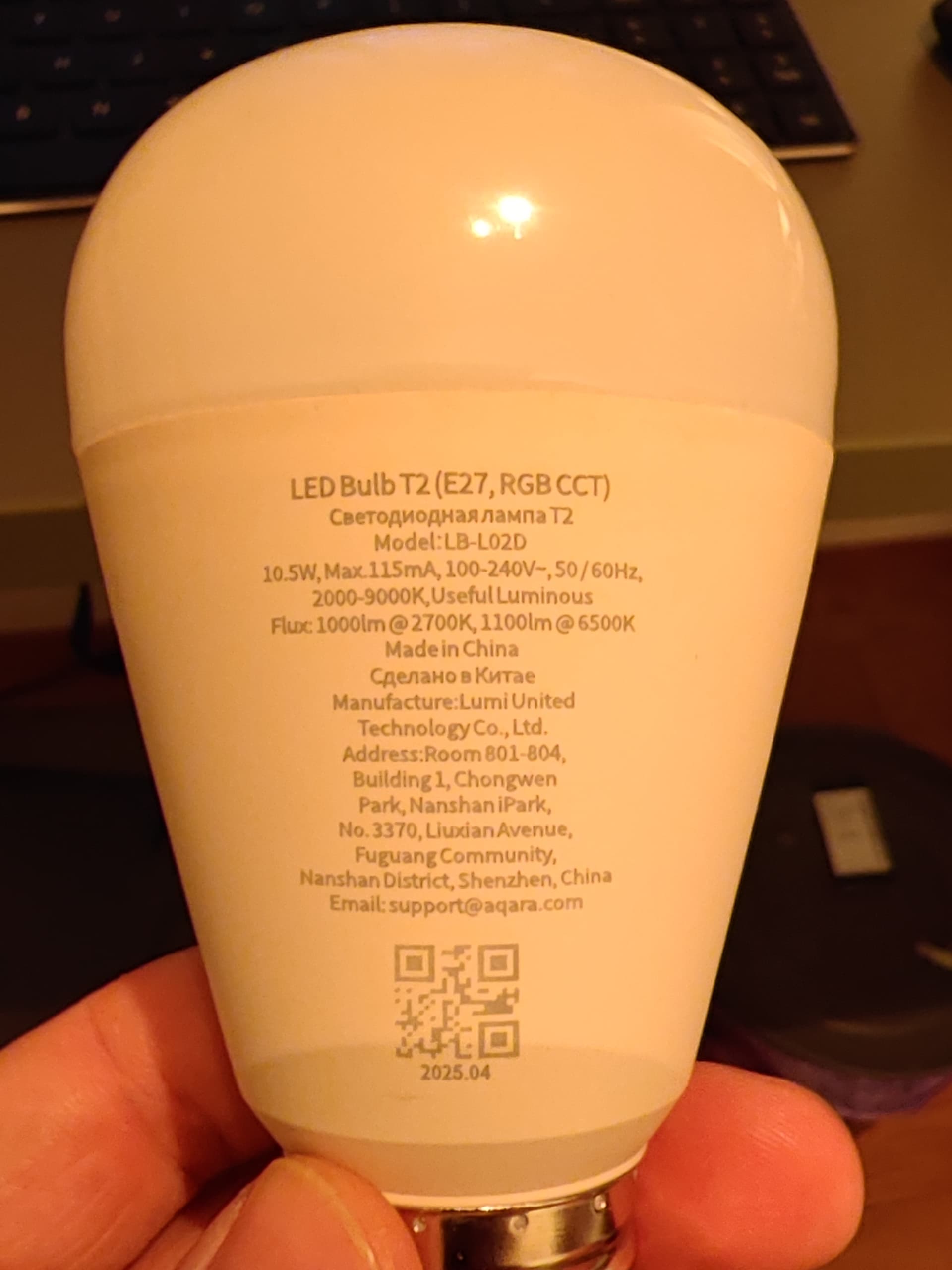
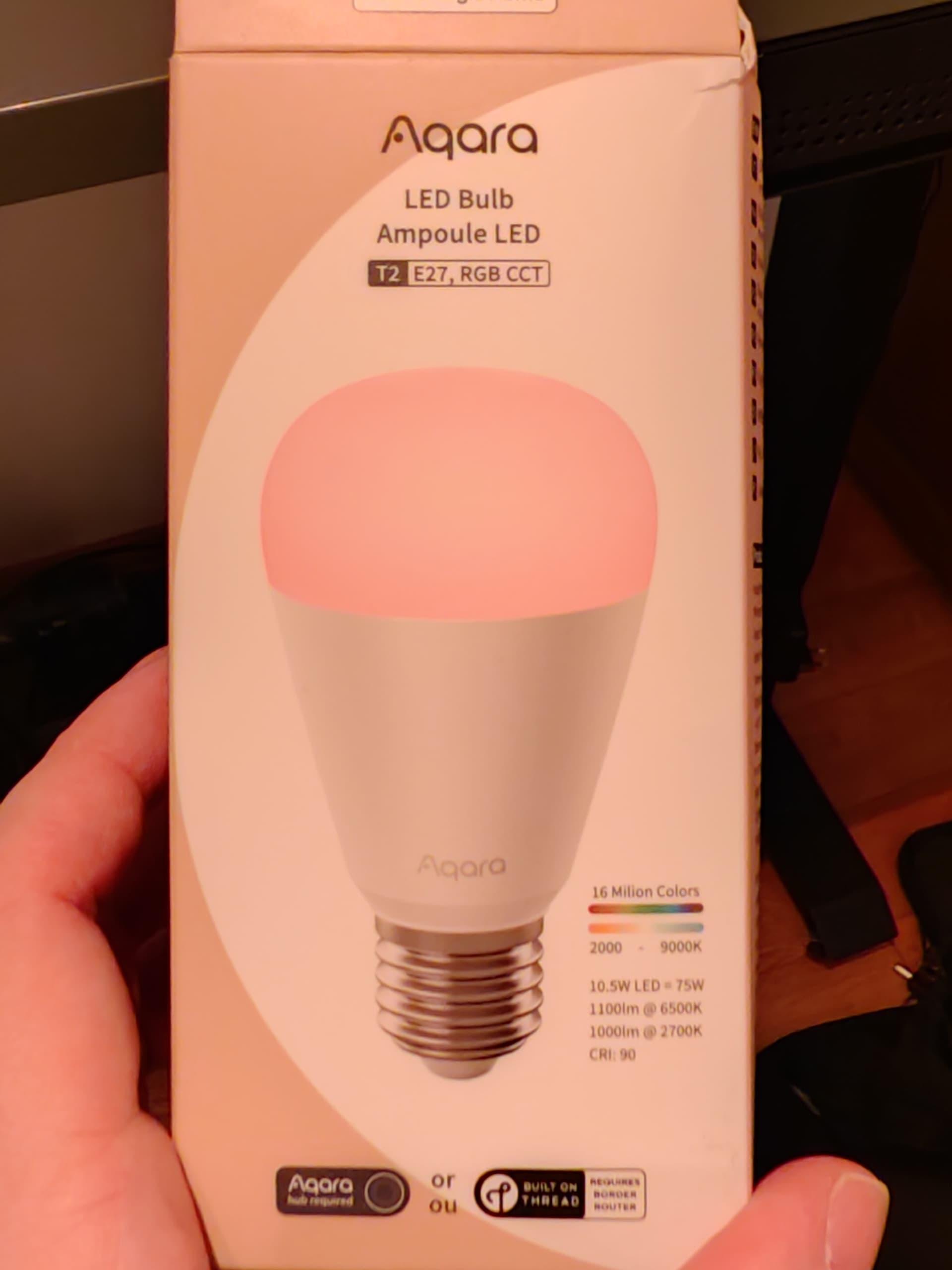
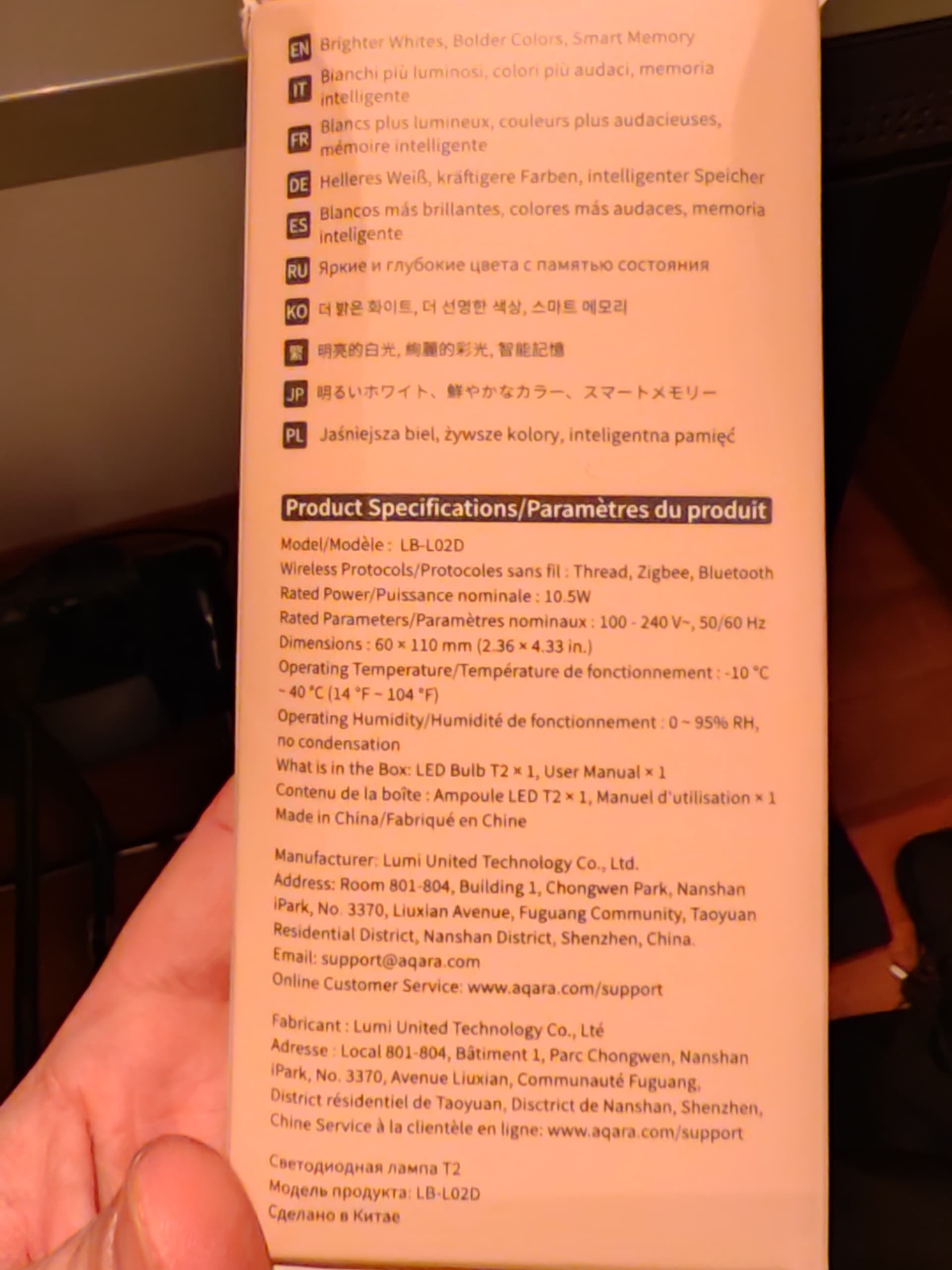
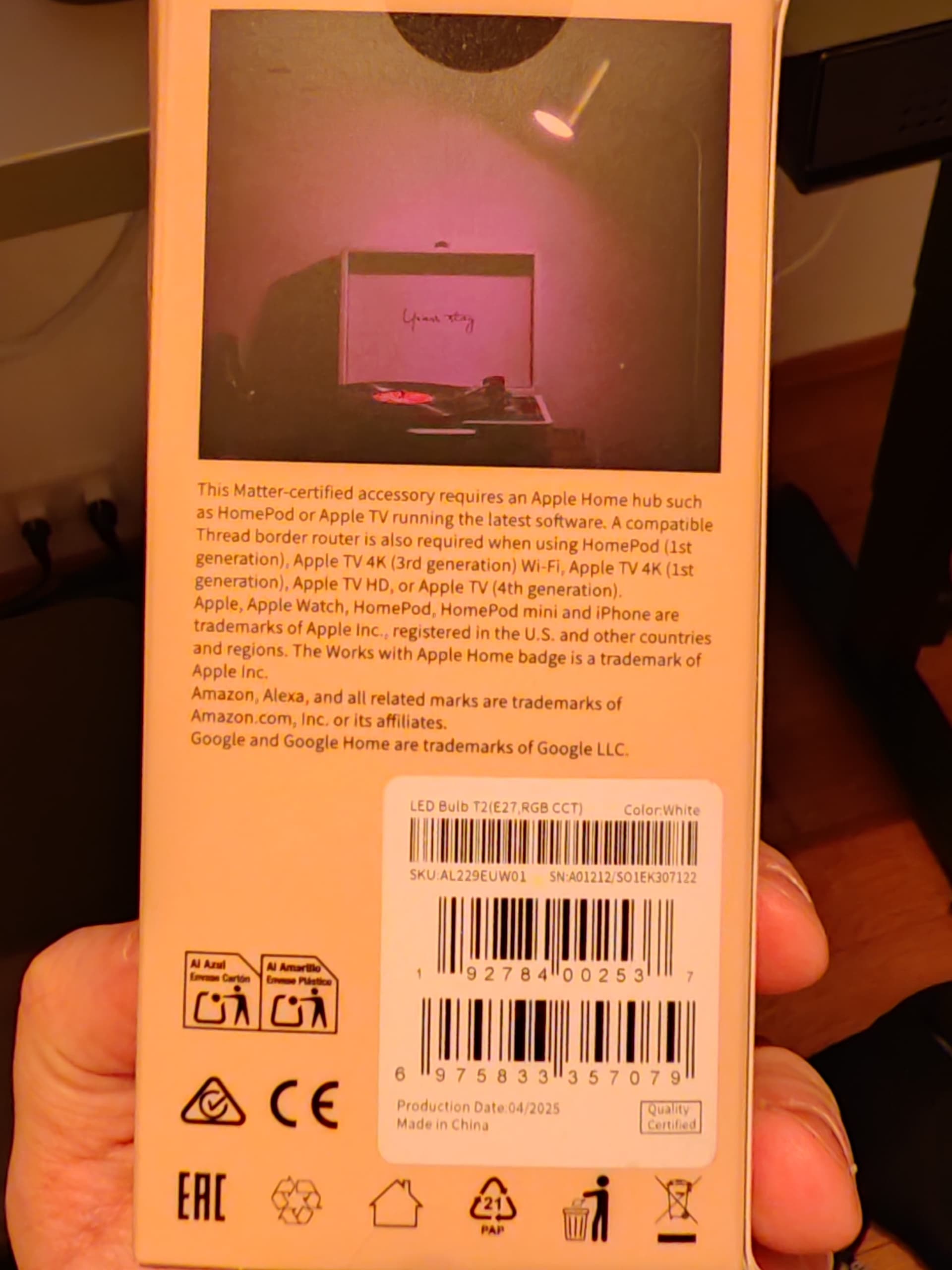
I’m having a serious issue with my Aqara T2 RGB CCT Bulb. I recently acquired it from a previous owner who confirmed it was removed from their app/account, but I cannot get it into pairing mode.
The Problem: The bulb is powered on and emits light, but it is completely unresponsive to pairing attempts. It does not “breathe” (pulsate) to indicate it’s ready to pair, and it’s not visible in the Aqara Home app or Google Home.
What I’ve tried:
The 5-cycle reset: Switching it ON and OFF 5 times (waiting ~2 seconds between actions).
The 10-cycle reset: Attempted a longer sequence to force a factory reset.
Different sockets: Tried different lamps/sockets to rule out voltage or switch issues.
Despite these attempts, the bulb stays on a steady light and never enters the pairing state.
Questions:
Is there a “harder” reset method other than the power cycle?
Does this model support any direct Bluetooth discovery for emergency recovery?
Could the bulb be “locked” to a previous Zigbee network even if deleted from the previous owner’s app?
Any advice on how to force this unit back to life would be greatly appreciated!
Am I correct in understanding that the previous user must reconnect the device at their place and then remove the “protection against accidental deletion”?
Do you know of any other solutions, such as a hard reset? I bought the bulb second-hand and I don’t know if the previous owner will be willing to cooperate
Just ask him (the previous user) to turn off the option for the period when you will reconnect the lamp. In the link I described where this switch is located.
Oh, if you don’t have access to the main hub it was connected first , it won’t be possible for you or the previous owner to delete it!
Maybe the Aqara customer might help there- but they are in holiday right now till 24th
I understand that as long as the bulb can’t physically reach the previous hub (meaning it’s out of wireless range), the “protection against accidental deletion” shouldn’t block the reset. Just to be safe, you could also temporarily turn off that function on your own hub first. Then try the reset again, but this time switch it on and off faster (quicker than 2 seconds). Hope that helps.
Sometimes a manufacturing error can happen, I had a faulty H1 switch and I had to replace it, the seller did not question it.
If you’re in Poland (and I assume so because you bought it from a Polish seller), then the seller is required by law to ensure you get the working device - just as described in the offer (“rękojmia”, przedmiotem umowy kupna jest działający przedmiot, więc jeśli nie działa parowanie, to według prawa sprzedawca nie dotrzymał umowy).
Some shops (like MediaExpert) sell returned goods, even if they’re faulty, so if I were you, I would replace it