Screen rotation works well but with noticable delay. But for sure it works
3 Likes
Are you on ZigBee or Matter?
On ZigBee, I can’t flip it.
ZigBee. It takes time so usually screen goes off but after click it is rotated
2 Likes
Hi everyone.
Today I received the W600. I connected it to the M2 Hub via Zigbee — that part went smoothly, and I believe I installed it correctly.
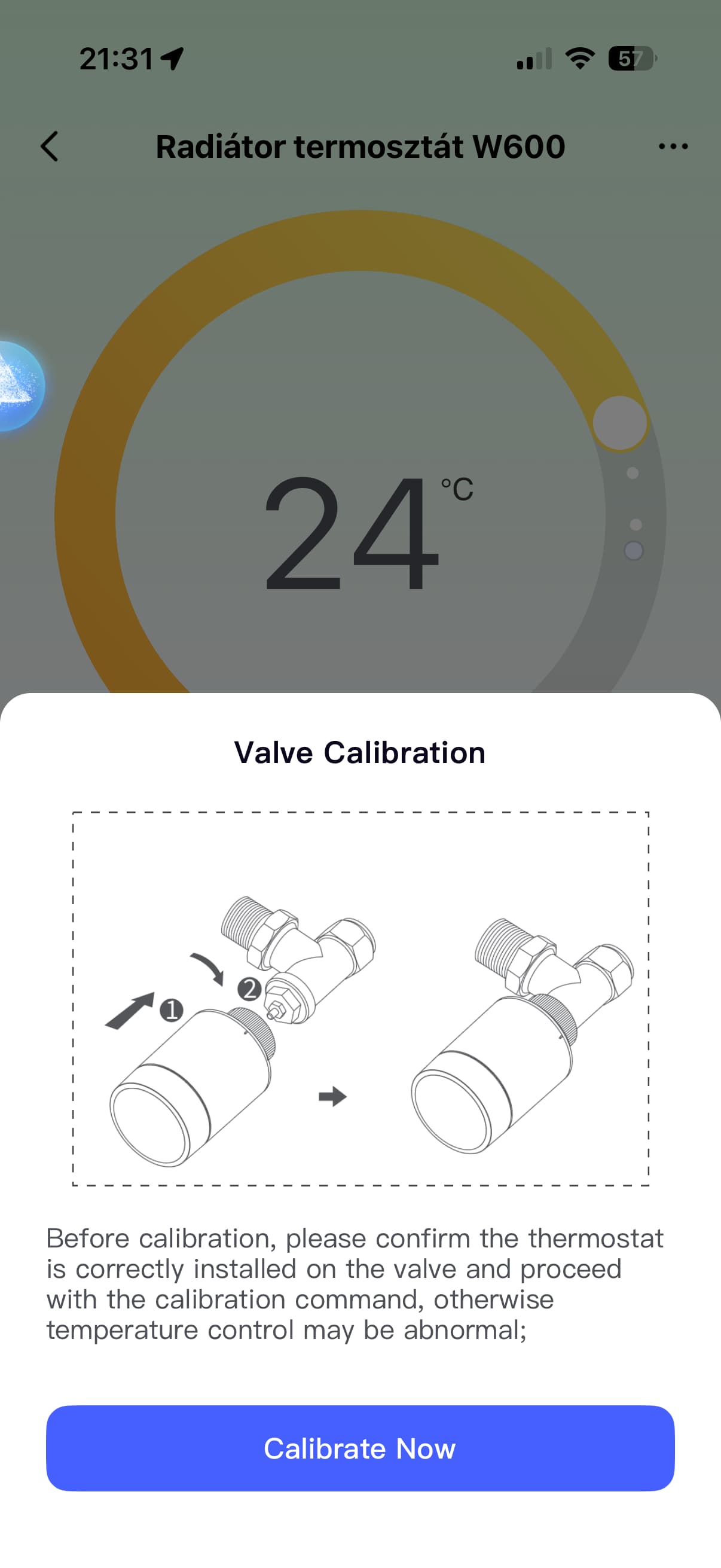
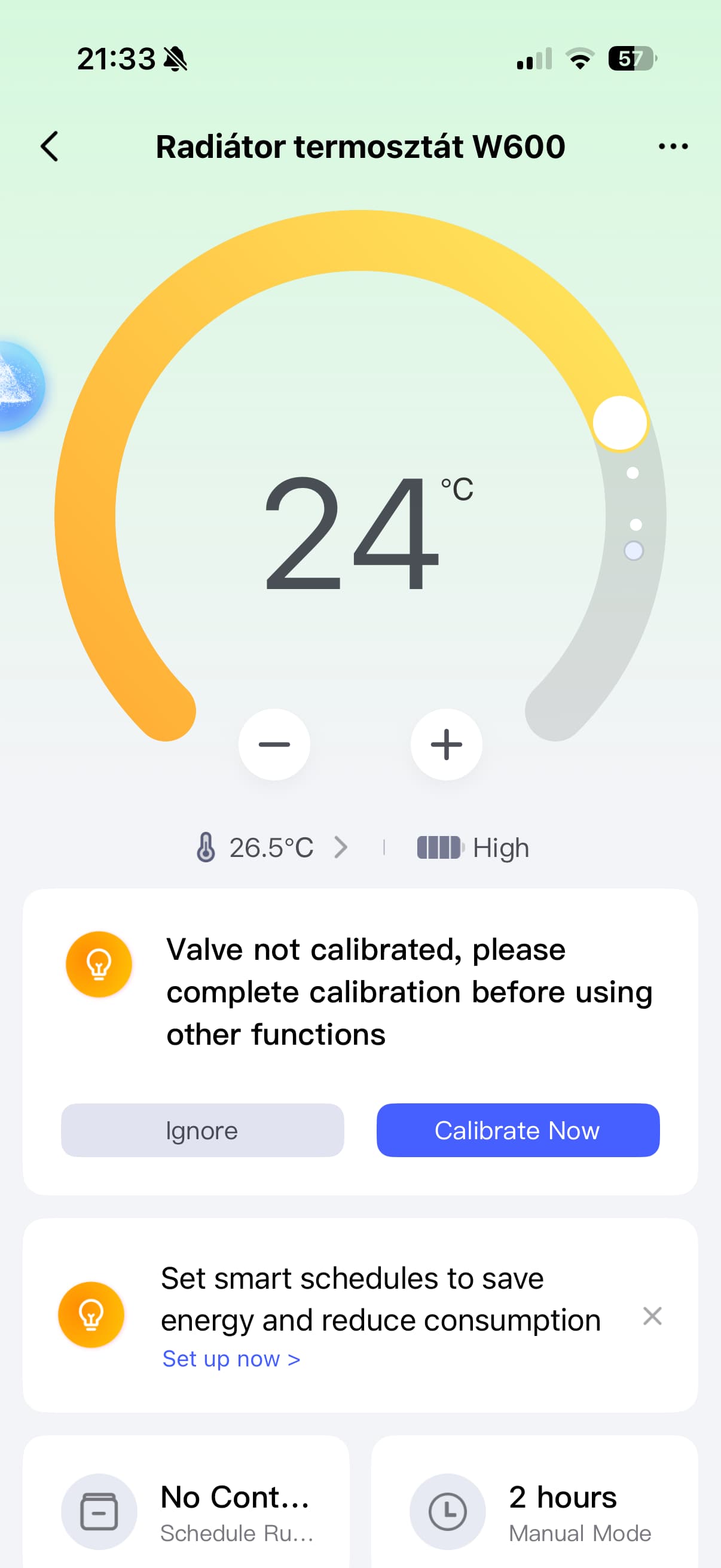
However, the valve calibration doesn’t seem to work.
What could be the problem?
3 Likes
How did you determine that it doesn’t work?
When I open the device in the Aqara app, the calibration process always pops up. It runs for quite a while, but then nothing happens.
2 Likes
Set the temperature to the maximum setting of 30°C and tighten the washer tightly. Then try calibrating.
If that doesn’t help, reset the device. Click twice and hold for 10 seconds.
1 Like
Didn’t work for me as well, but started after reset.
2 Likes
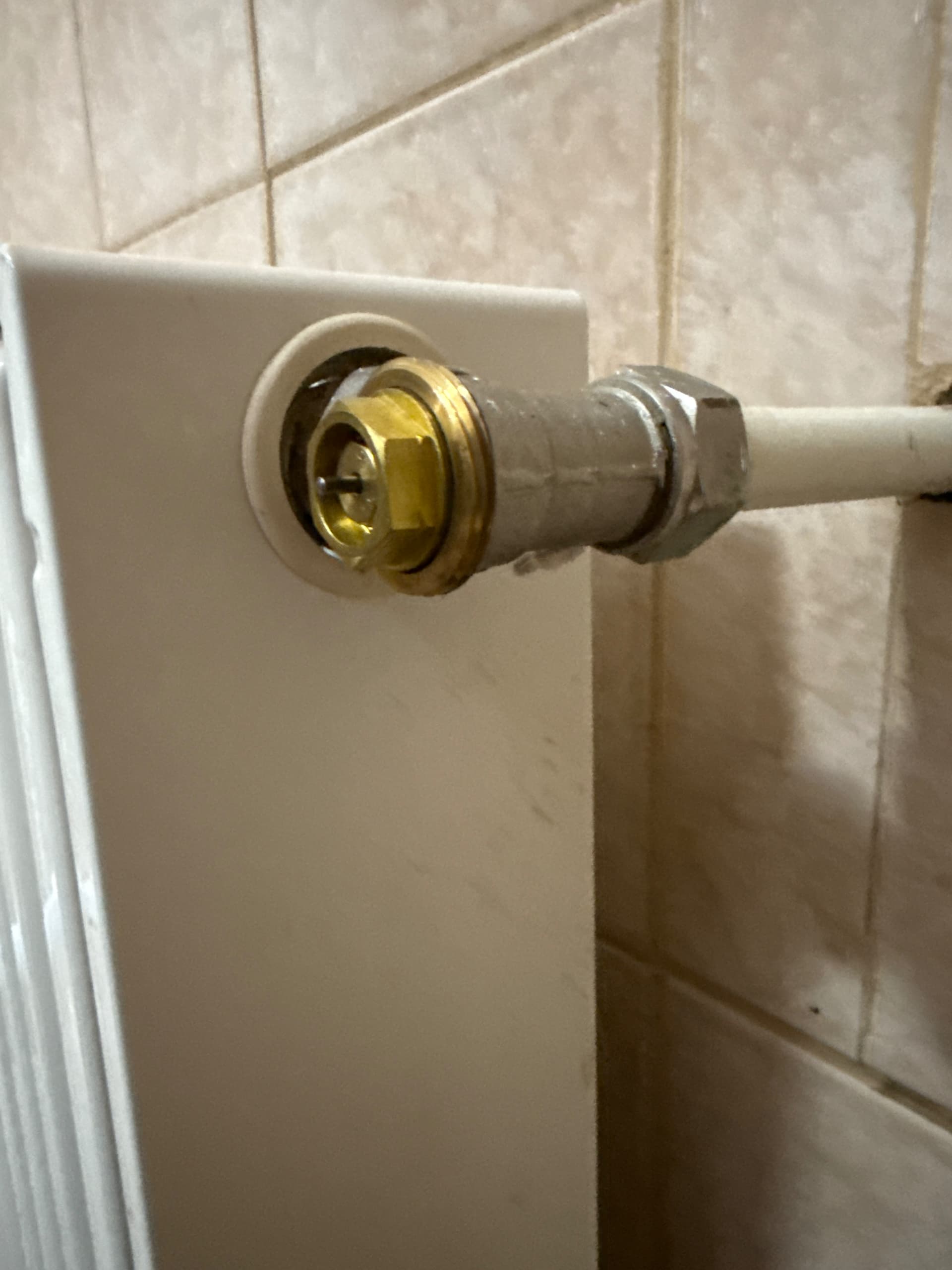
Unfortunately, the reset didn’t help either. I’m attaching a video. I’m also not sure which adapter pin to use and how much it should stick out. This is my first thermostat, so I don’t have any experience with it yet. Thank you in advance for your help.
2 Likes
hmmm @zozi1 I would set the pin inside the adapter and screw it on - not pressing it in from outside
1 Like
What, you can’t install it without an adapter? And look, there’s a paper instruction manual in the box. Pic 2 in the instructions.
And as DEChrisE noted, the pin is inserted from the inside.
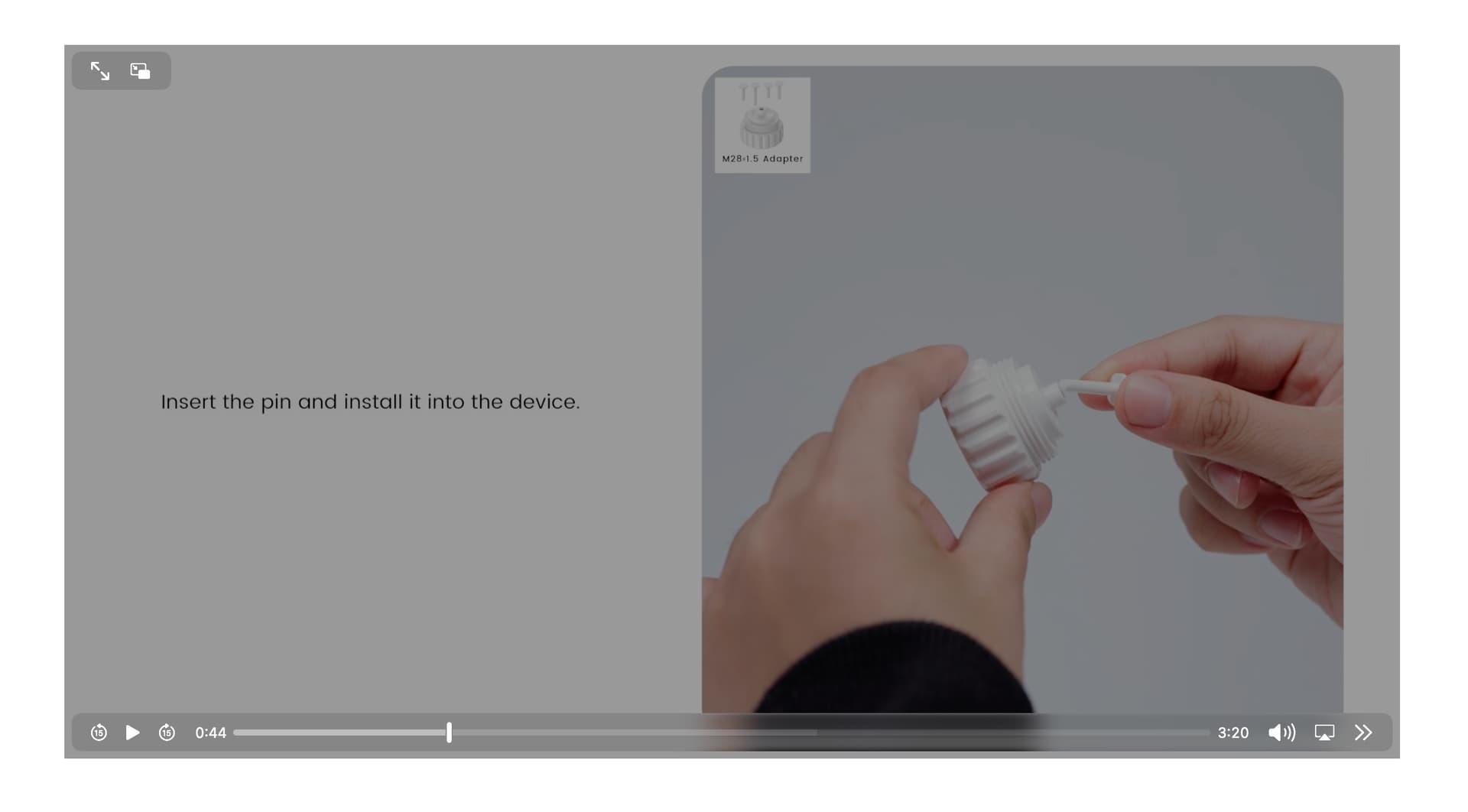
Okay, I followed the video — you can see in the attached picture how it’s inserted, and I did it the same way. But the calibration doesn’t complete. When I get close to the thermostat, I can hear the motor working, but there’s no result.
1 Like
So you’re doing everything right. Can’t you do it without adapters? There’s also a cap included.
Yes, this video shows everything perfectly.
1 Like
Also, try calibrating the device without installing it on the radiator. Check to see if the valve extends and retracts.
Then the device is fine.
I removed the thermostat and then reset it. After that, I added it again to the Aqara app without installing it, and tried to calibrate it without mounting. The calibration process still didn’t complete. In the app, it always shows that the valve is not calibrated. During calibration, I can see the pin inside the adapter moving.
1 Like
Without installation, it shouldn’t be able to calibrate because there’s no resistance to the movement.
The fact that the valve moves means the motor is working — and that’s a very good sign.
The pin should not touch the plastic housing when fully closed — otherwise, it will act as a stopper.
There should be a small gap when it’s completely closed.
If that doesn’t help, you’ll probably have to wait for a new firmware update.
Since you’ve already tried both a hard reset and a regular reset without success, you could also try switching the protocol — from Zigbee to Matter, or vice versa.
And also, what firmware version does your hub have, and which hub are you using?
And also, the firmware version of the device itself.
1 Like
I have an M2 Hub. I added it via Zigbee, but it didn’t work. I was able to add it through Matter, but only to Apple Home — and of course, there’s no calibration or firmware update available there. So I’m waiting for a firmware update for Zigbee.
1 Like
The M2 firmware should be 4.3.8, what version do you have?
2 Likes
4.3.8
3 Likes