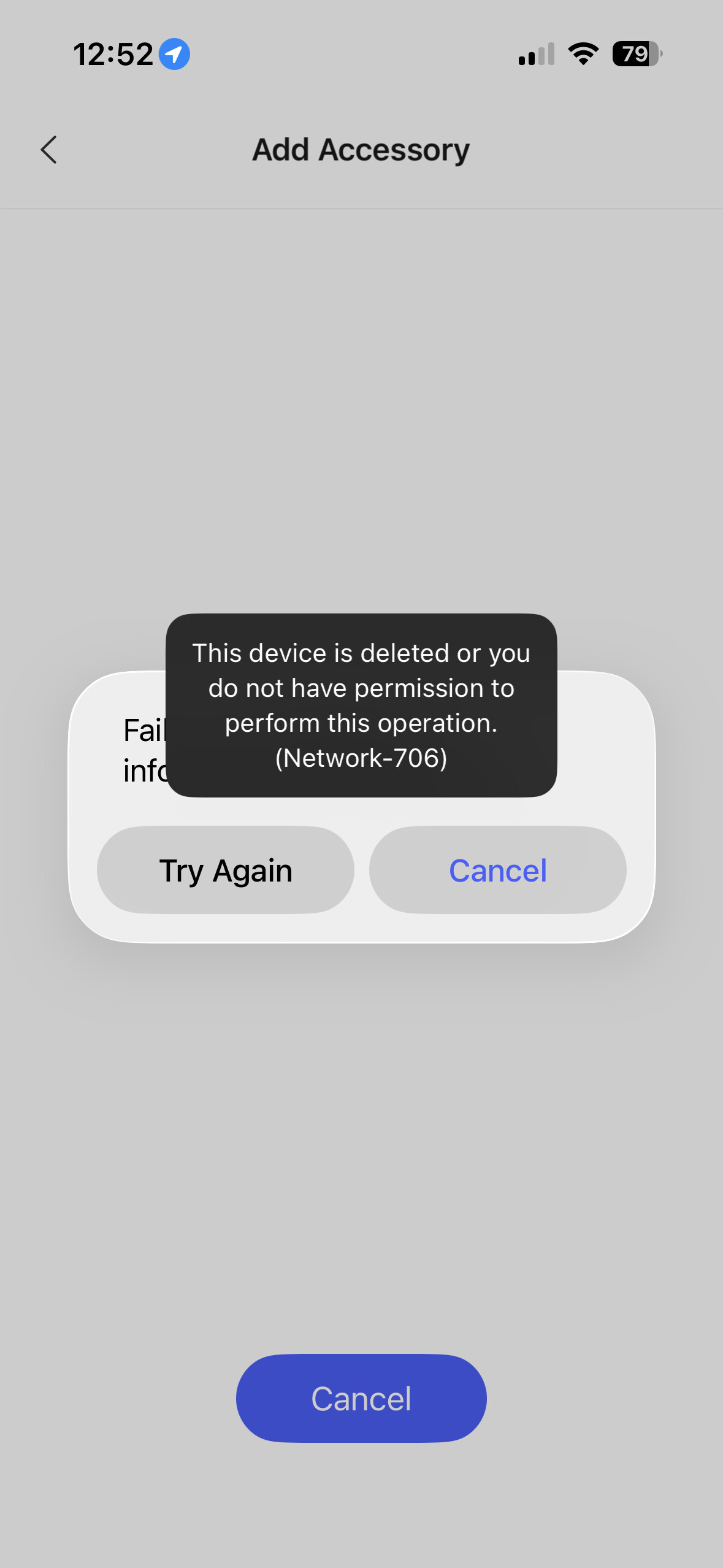
Hi all,
I’m having trouble with an Aqara LED Bulb T2 that is currently bound to my Aqara G410 doorbell hub and exposed to Apple Home, and I can’t figure out how to unbind it from the hub so I can reinstall it cleanly.
Setup:
- Aqara LED Bulb T2
- Aqara G410 video doorbell (acting as the hub/bridge to Apple Home)forum.aqara+1
- Apple Home as the main ecosystem
What I’m seeing:
- In the Aqara app, I don’t see the T2 bulb as a normal accessory under the usual device list.
- I can only see the bulb under:
Profile → Connect to Ecosystems → Apple Home → HomeKit Devices
but there is no visible option here to manually unbind or remove just the bulb from the G410 bridge.forum.aqara+1 - In the Apple Home app, when I open the bulb’s settings, I see “Bridge & Status”.
- Tapping “Bridge” takes me to the G410 doorbell camera hub.
- On the G410 accessory page there is a Remove Accessory option, but that would remove the entire G410 from Apple Home, not just the bulb routed through it.forum.aqara+1
What I’ve already tried:
- Power-cycling the bulb to trigger pairing/reset, including the recommended off/on sequences (5 times and 10 times for factory reset) from Aqara’s T2 documentation and community posts.forum.aqara+2
- Attempting to re-add the bulb in the Aqara app after reset so it appears as a direct accessory, hoping it would break the old binding.
- Checking all Aqara app menus I can find on the G410 and on ecosystem bindings to look for a per-accessory “unbind” or “remove” option.forum.aqara+1
The problem:
Even after reset attempts, the bulb still behaves as if it is bound to the G410 bridge.
- I cannot see a way in the Aqara app to remove/unbind only that bulb from the G410.
- In Apple Home, I only have the option to remove the whole bridge/hub (which I don’t want to do because that takes the doorbell camera out as well).forum.aqara+1
What I’m trying to achieve:
- Fully unbind the T2 bulb from the G410 hub / Apple Home bridge path.
- Then re-add the bulb correctly so it:
- Appears as a normal accessory in the Aqara app
- Can be exposed again to Apple Home in a clean state
- Crucially, I want to do this without deleting the entire G410 hub from Apple Home just to get rid of one bulb.
Questions:
- Is there a specific place or menu in the Aqara app (on the G410 or elsewhere) where I can unbind/remove an individual child device like the T2 bulb from the hub, without removing the whole hub?youtubeforum.aqara
- After doing a full factory reset on the T2 bulb (e.g., 10x off/on), should the rebinding process allow me to attach it directly to Aqara Home without the G410 automatically re-claiming it as a bridged device? If so, what exact steps or timing are required to make sure the hub doesn’t re-bind it in the old way?forum.aqara+1
- Has anyone successfully unbound a T1/T2 bulb from a G-series hub/doorbell in a similar situation, and can you share the precise path you used (screens, options, and sequence)?
Any detailed guidance or screenshots would be hugely appreciated. I’m trying to avoid nuking the whole G410 setup just to detach one light bulb.
Thanks in advance,
Terry