Hello Aqara Friends! 
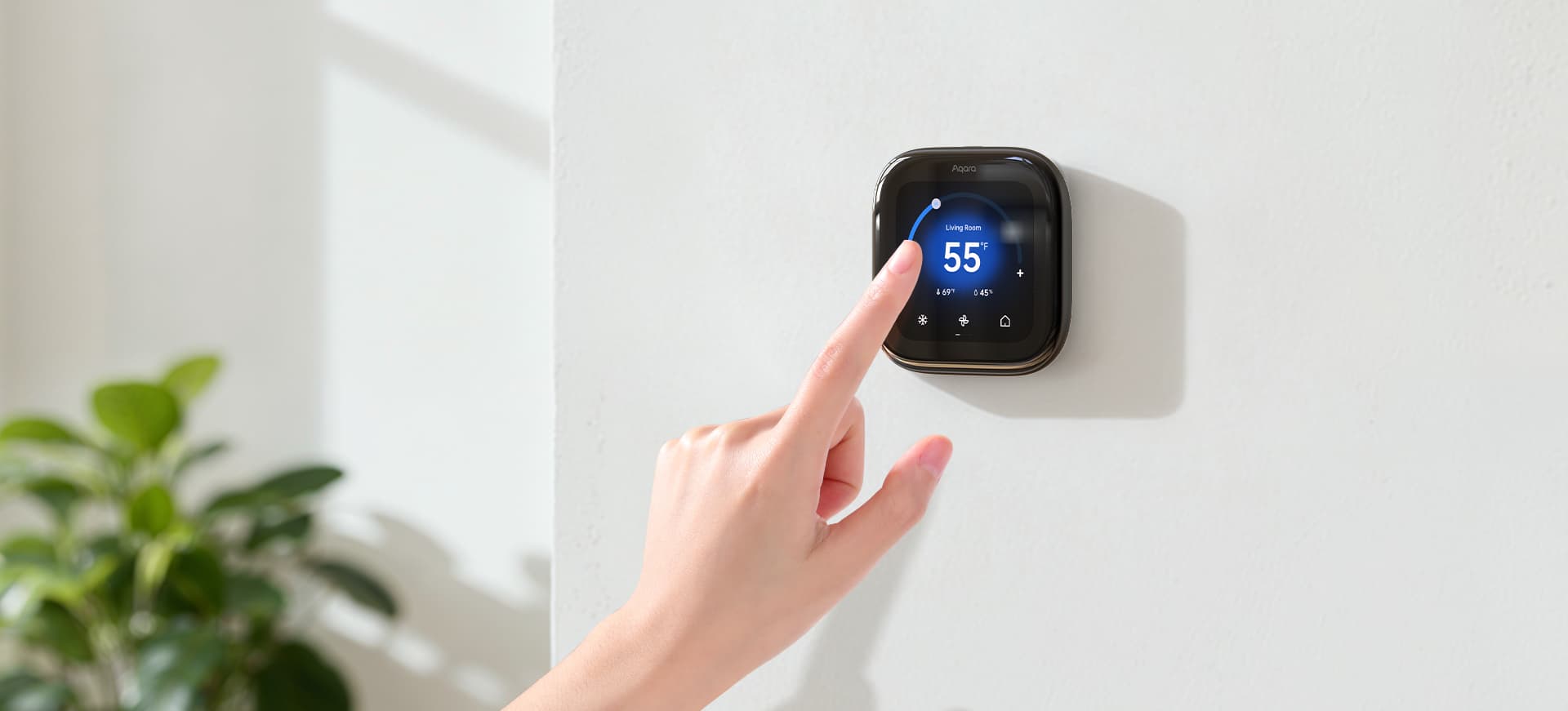
We are excited to announce three major feature updates for the Aqara Thermostat Hub W200, designed to make your smart climate control more precise, personalized, and intelligent than ever before.
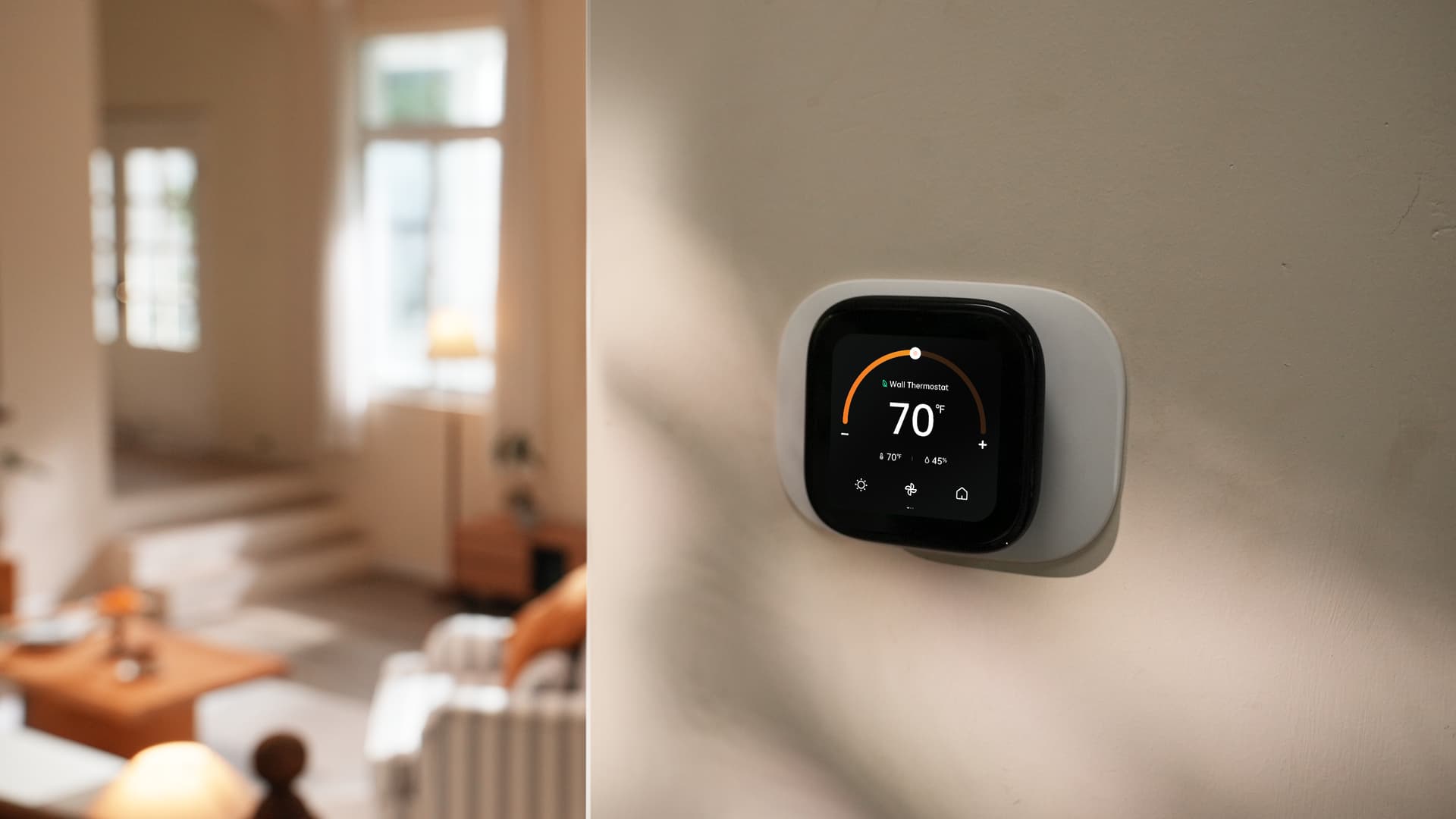
The W200 is already more than just a thermostat—it’s a powerful Zigbee and Thread smart home hub that supports Apple Adaptive Temperature and Clean Energy Guidance. These new updates take that intelligence to the next level by putting your comfort exactly where you need it.
Check out the details and the walkthrough videos below! 
Create Soft Sensors: Balance Your Entire Home’s Comfort
Say goodbye to “thermostat blind spots.” If you have multiple floors or rooms with different climates, your hallway thermostat might not tell the whole story.
- What’s New: You can now create “Soft Sensors” that pool together readings from multiple Aqara sensors across your house.
- The Benefit: The W200 averages these readings to balance the temperature throughout your entire home, ensuring everyone stays comfortable regardless of which room they are in.
Set Preferred Data Source: Optimize the Room You’re In
The most important room in the house is the one you are currently using.
- What’s New: You can now manually set a Priority Room directly in the app.
- The Benefit: If your home office gets too hot during a meeting, simply set that room as the priority. The W200 will respond instantly, focusing its cooling or heating power exactly where you are for immediate comfort.
Assign Sources to Preset Modes: Align Comfort with Your Routine
Your climate should move with you throughout the day.
- What’s New: You can now link specific sensor sources to your Smart Schedule Preset Modes.
- The Benefit: When it’s time for bed, the W200 automatically hands over control from the hallway thermostat to the sensor in your bedroom. It ensures you sleep at the perfect temperature without you having to lift a finger.
Getting Started with the New Features
-
Firmware Requirement: Please ensure your device is updated to firmware version 4.5.48 or later to access these new features.
-
Deep Dive: For detailed instructions and common questions, check out the FAQ recently published by our Product Manager:
Thermostat Hub W200 User Guide & FAQ (Does it Support Taking the Average of Multiple Linked Sensors?) -
Product Introduction: To learn more about the W200 and its capabilities, visit the official product page.