Good afternoon.
Today I want to talk about the virtual air conditioner remote control created using the M3 gateway.
This story will consist of two parts. The first is a manual air conditioner remote control (imitation of a physical remote control).
The second is a virtual remote control (simplified) for use in automation.
Let’s get started.
Part one. Manual air conditioner remote control (imitation of a physical remote control).
I admit I was surprised that there is such an option in the M3 settings. And I could not think that these remote controls are different, I realized this while writing the topic of automation 2.0 for the air conditioner.
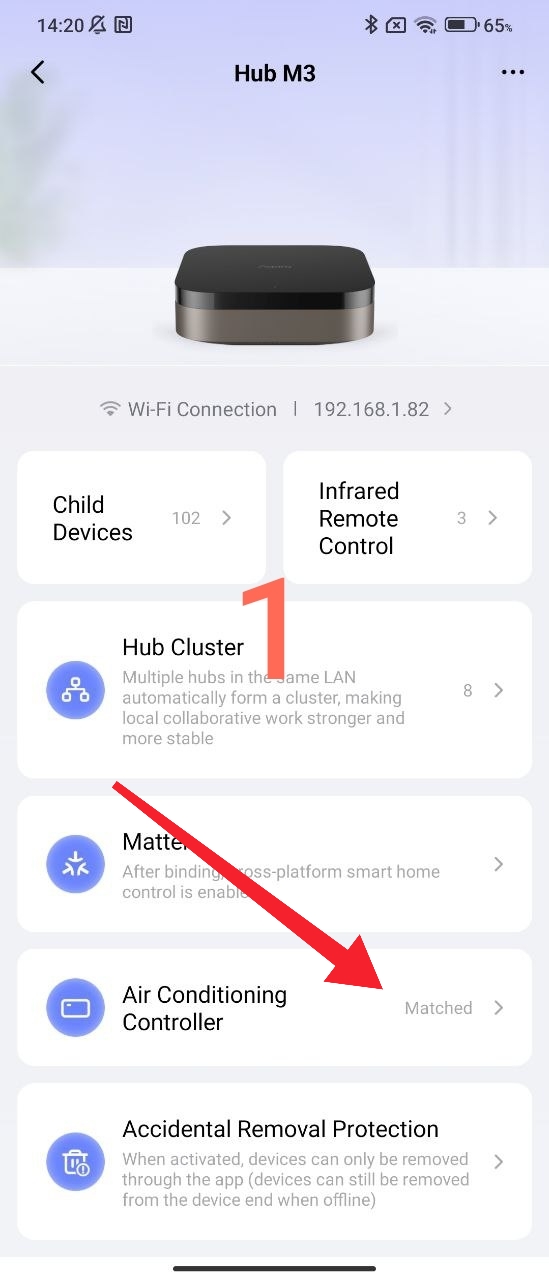
If we open the M3 gateway settings, we see the “air conditioning mode” section on the first page.
Fig.1
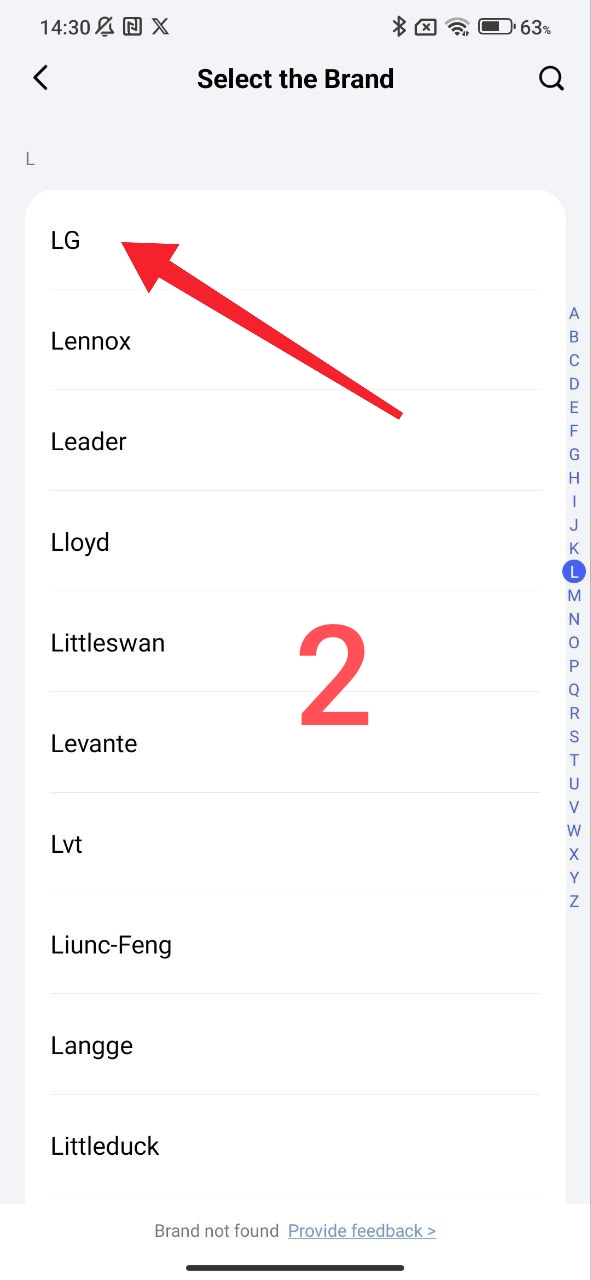
By entering this setting, we will see a selection of available air conditioners alphabetically.
Fig.2
Using the IR air conditioner remote control (the original remote control, I have LG), we add the start signals for setting up M3 by pressing the remote control.
Fig.3
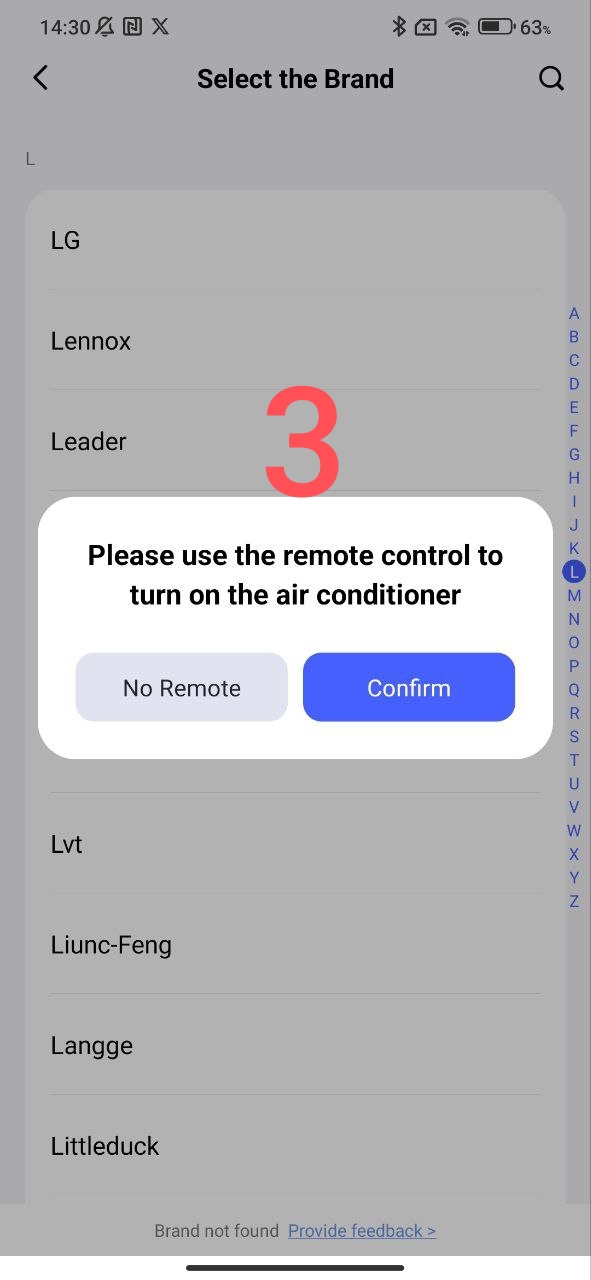
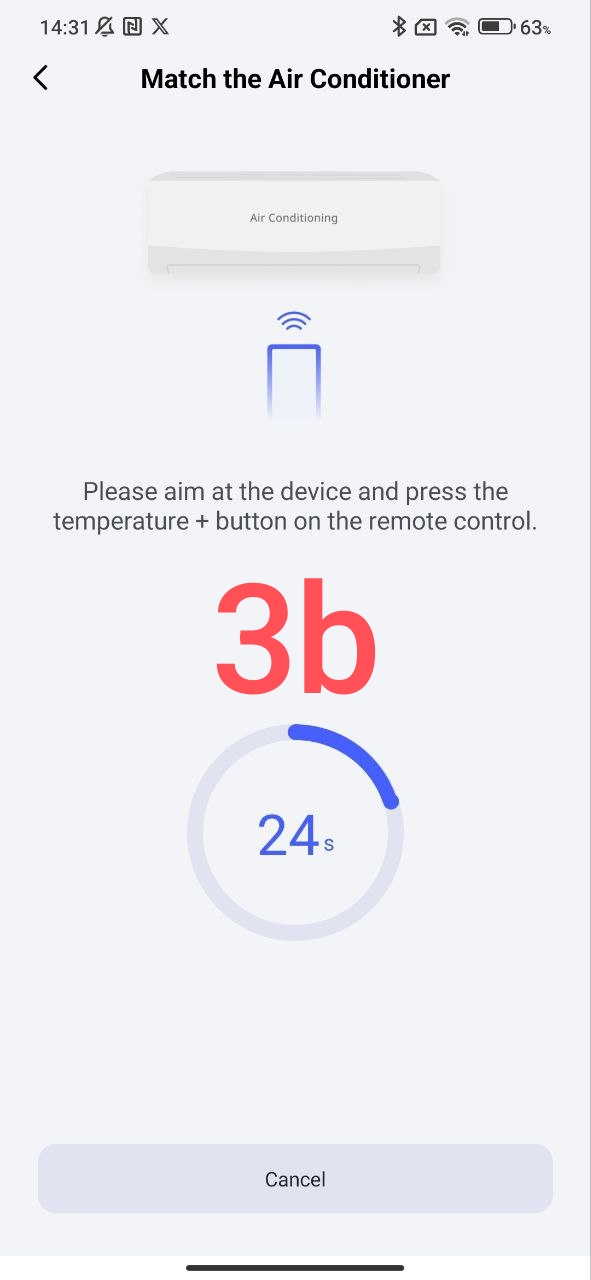
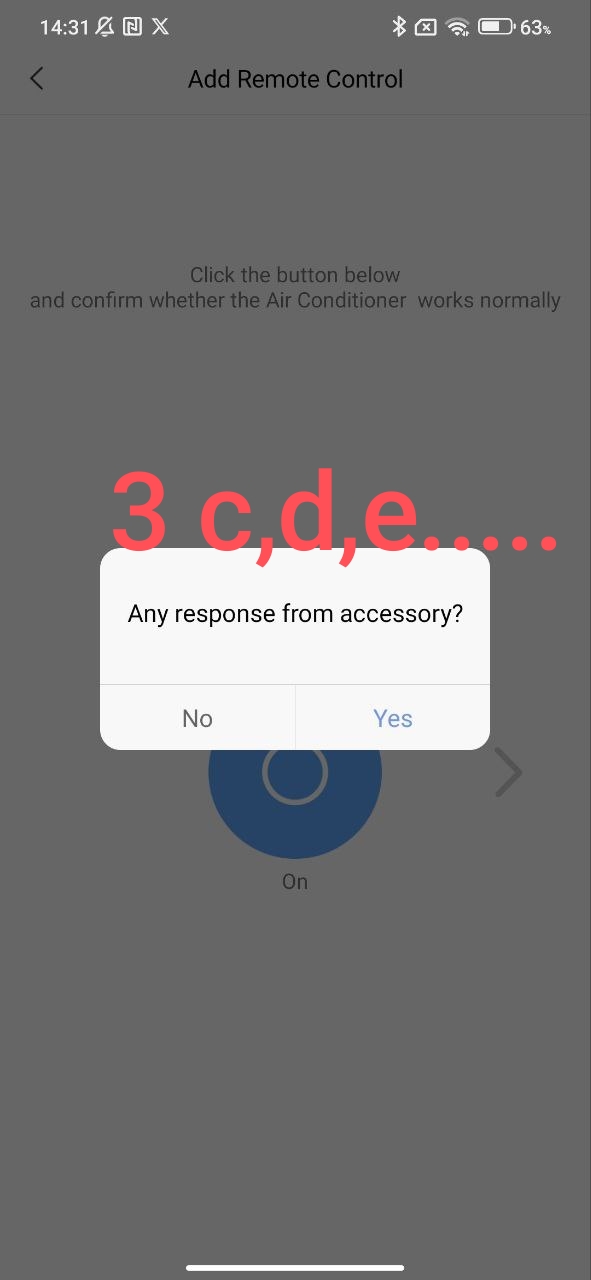
After completing the settings, we get a virtual LG air conditioner control remote control.
Fig.4
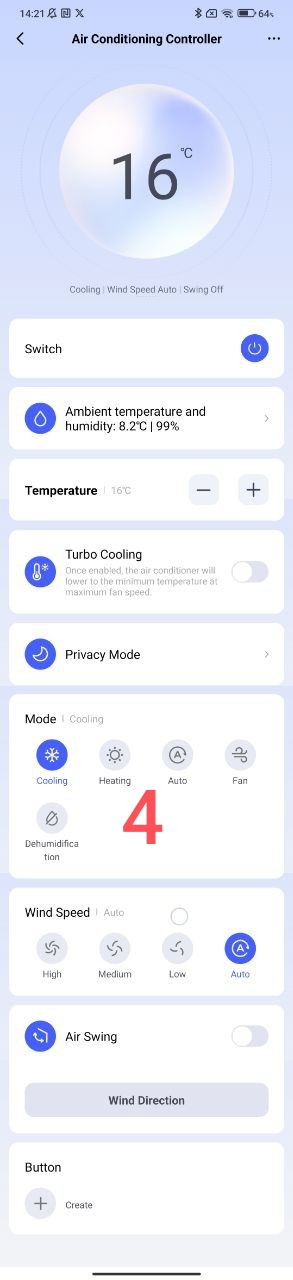
The following settings are possible in this remote control.
Fig.5
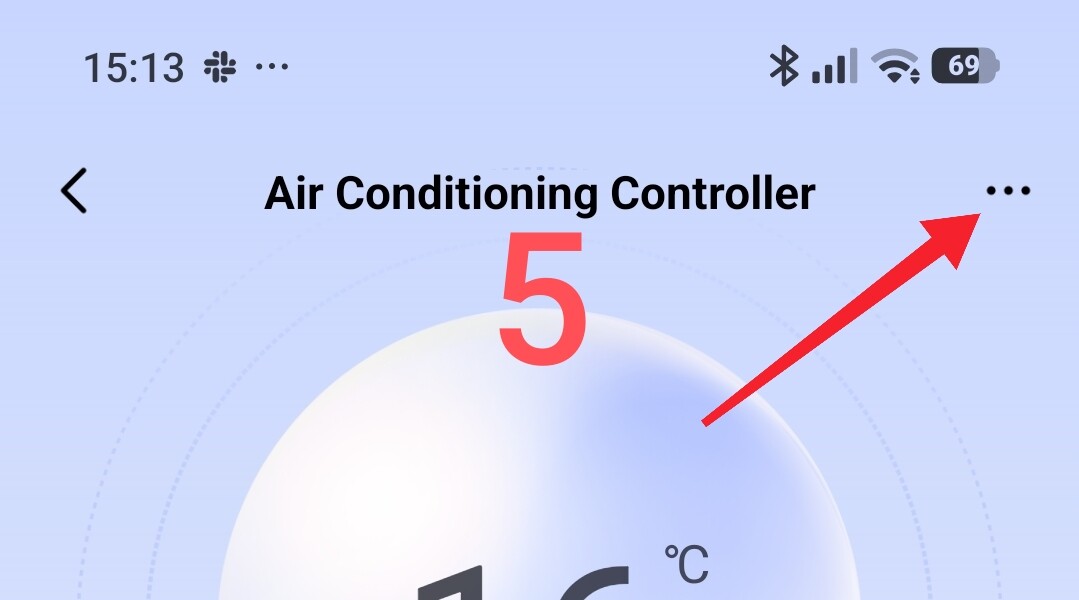
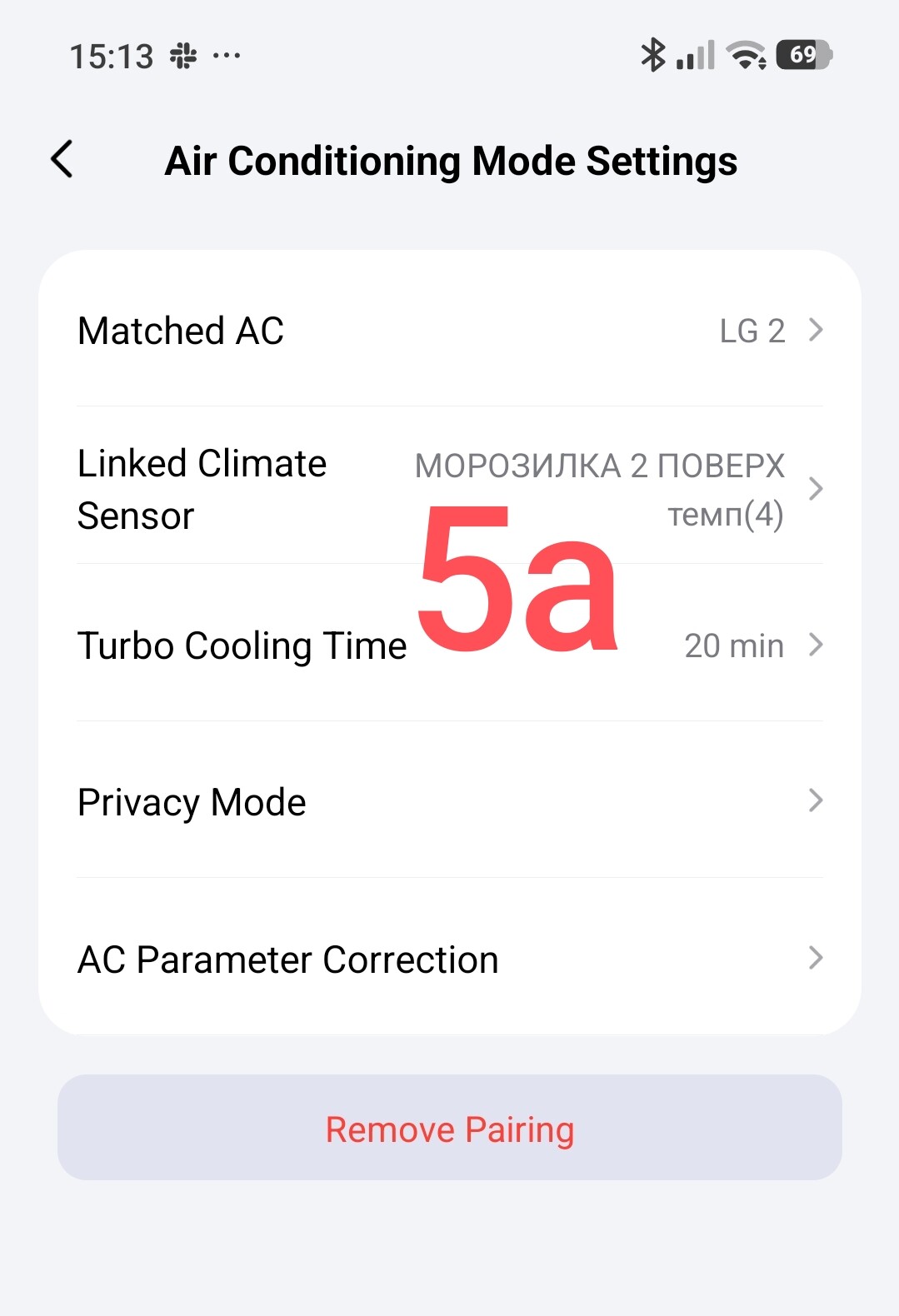
A temperature sensor is attached, similar to the W500, W600 binding…
Note. Hello, @AqaraOfficial, I was unpleasantly surprised, there is no way to add a W100, F300 thermometer. Scrolling to select thermometers does not work, there are thermometers that fit on one screen. Please take this issue under control.
Fig.6
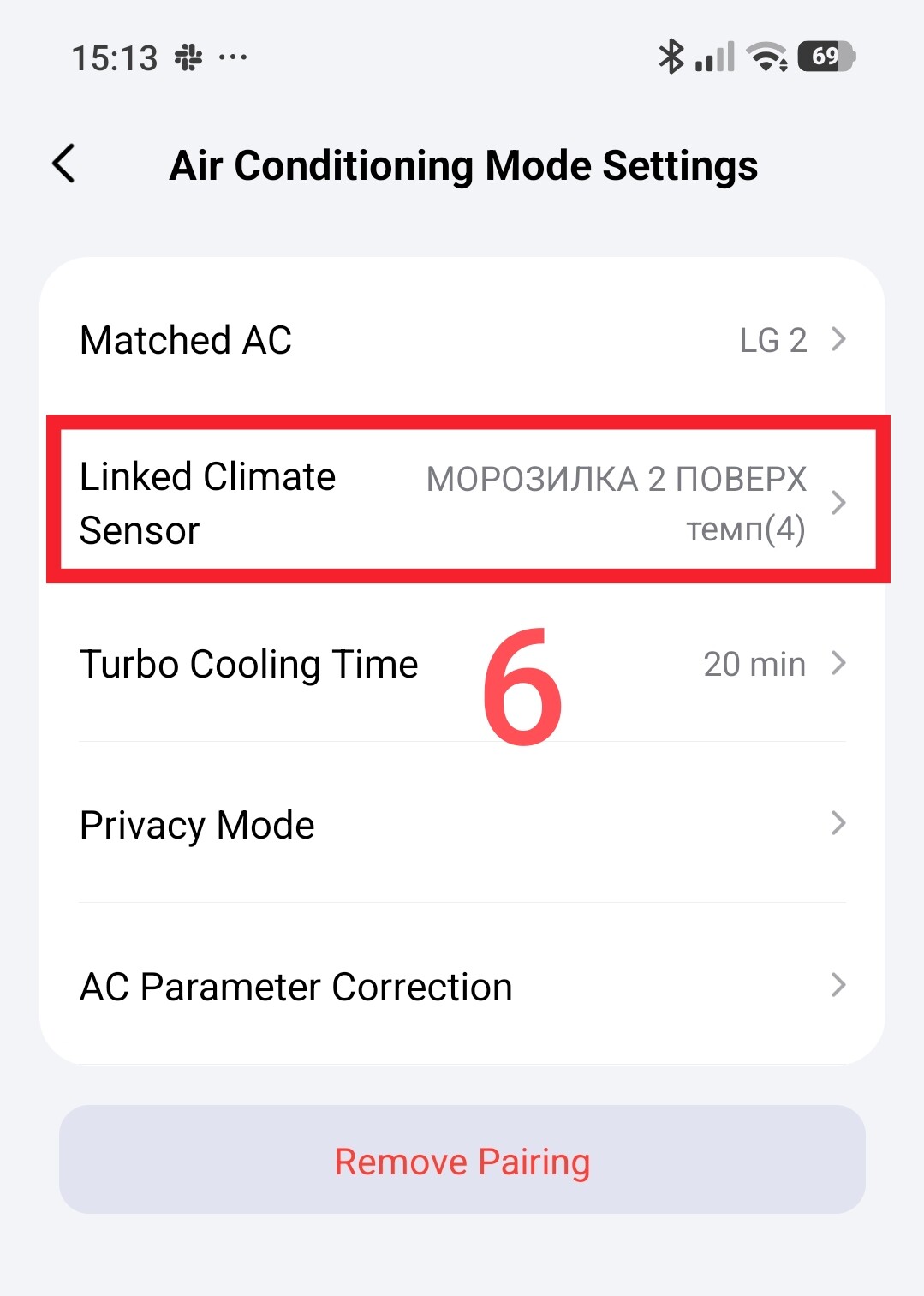
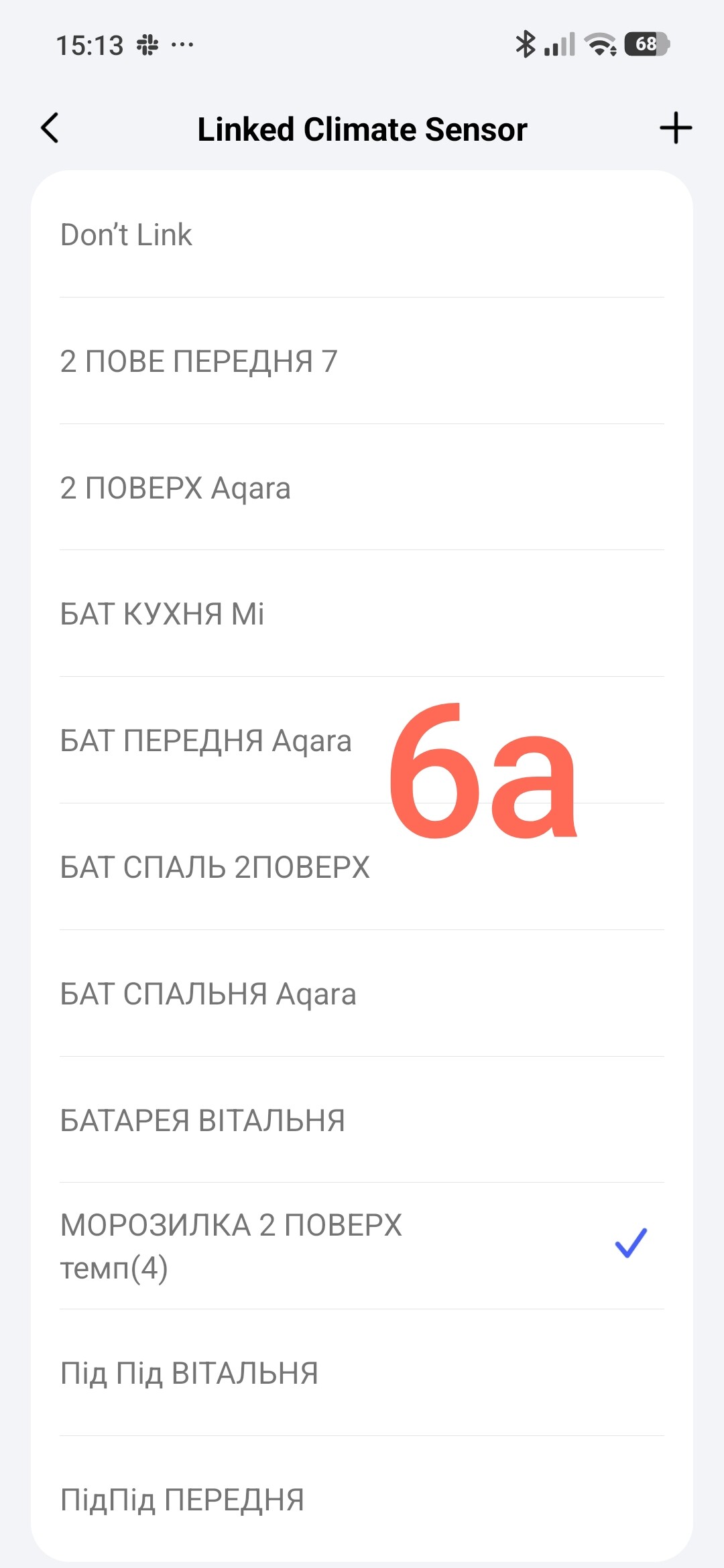
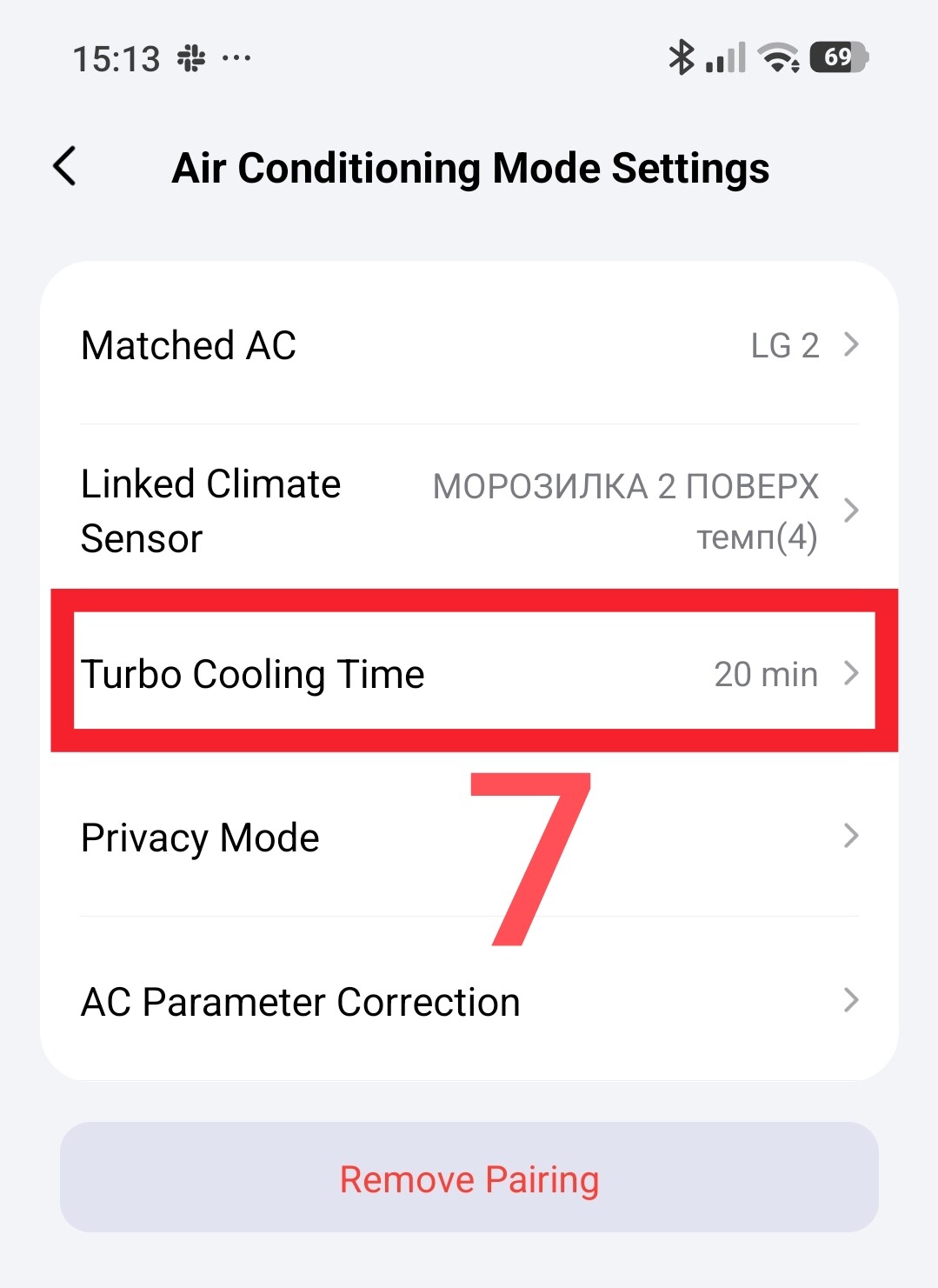
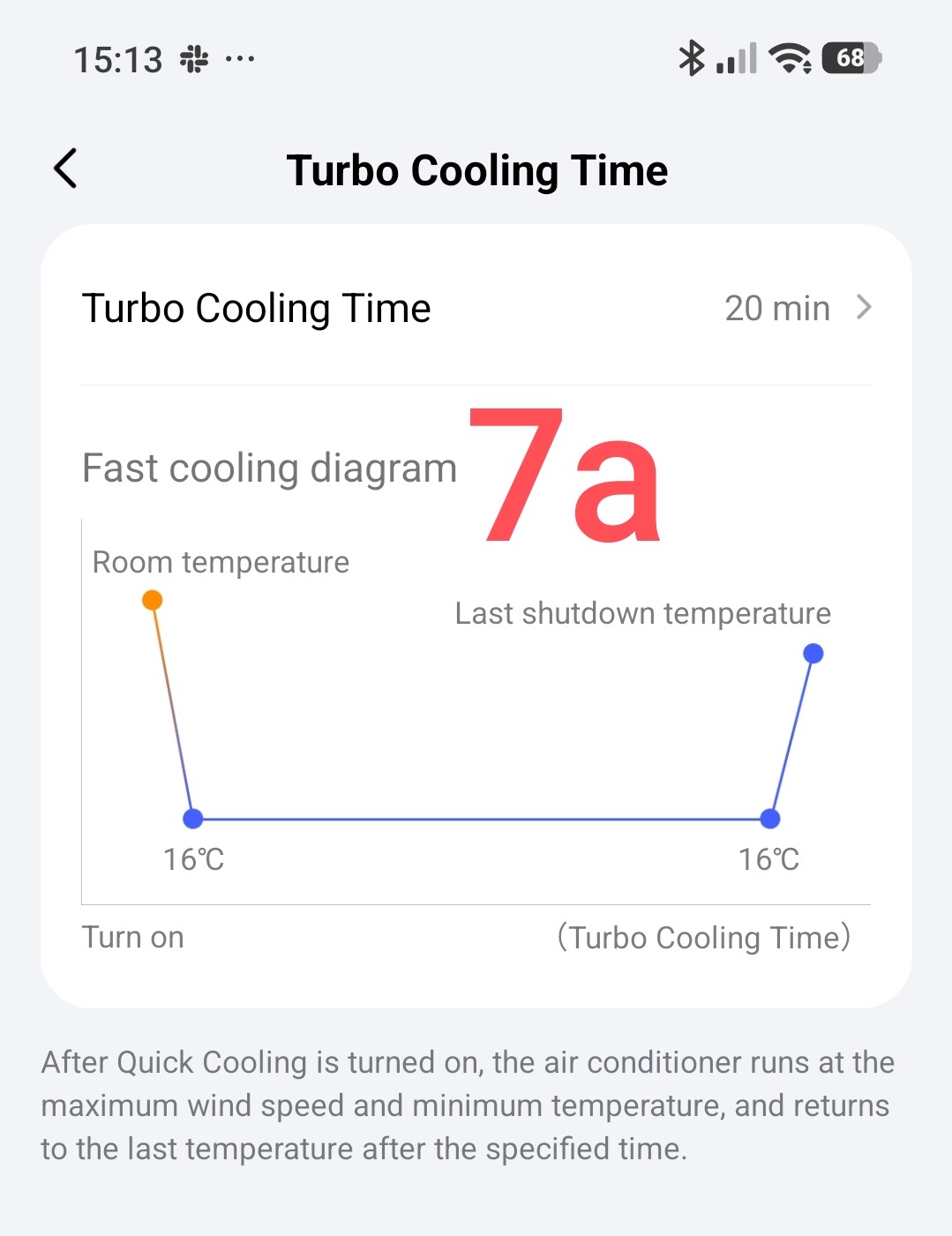
Turbo mode timer, intensive cooling for a specified time.
Fig.7
Sleep mode settings.
Fig.8
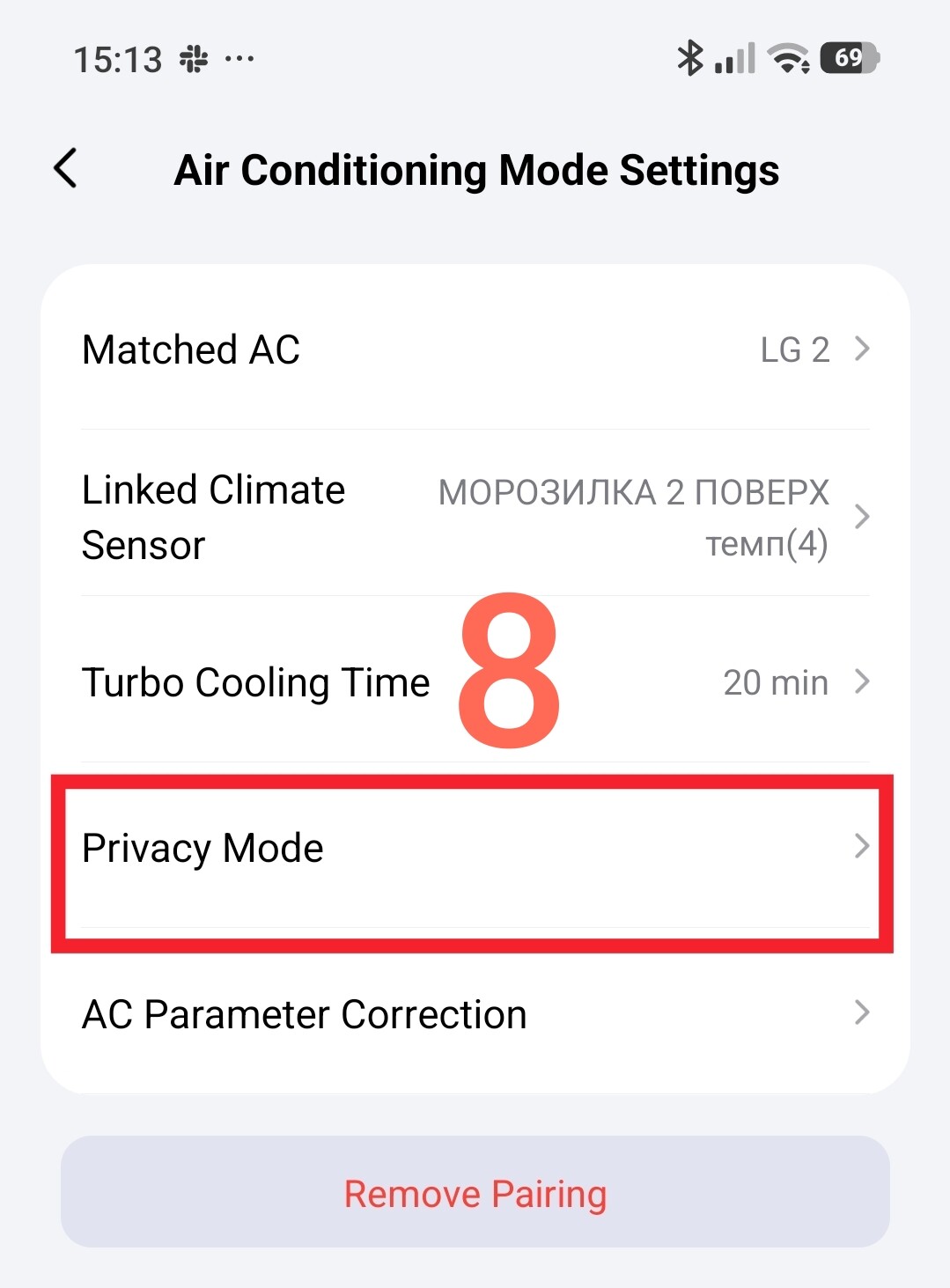
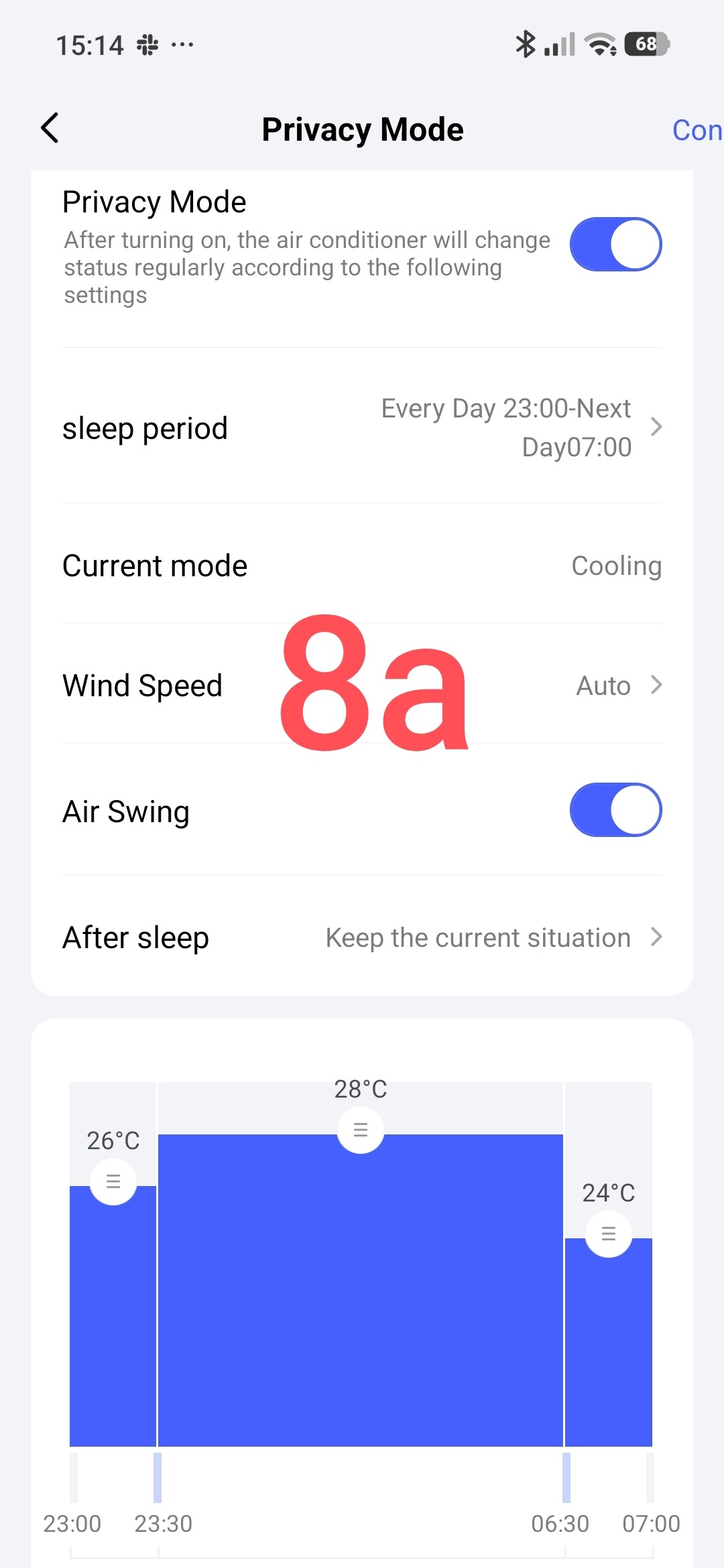
Selecting the mode functions that will be displayed in the virtual remote control.
Fig.9
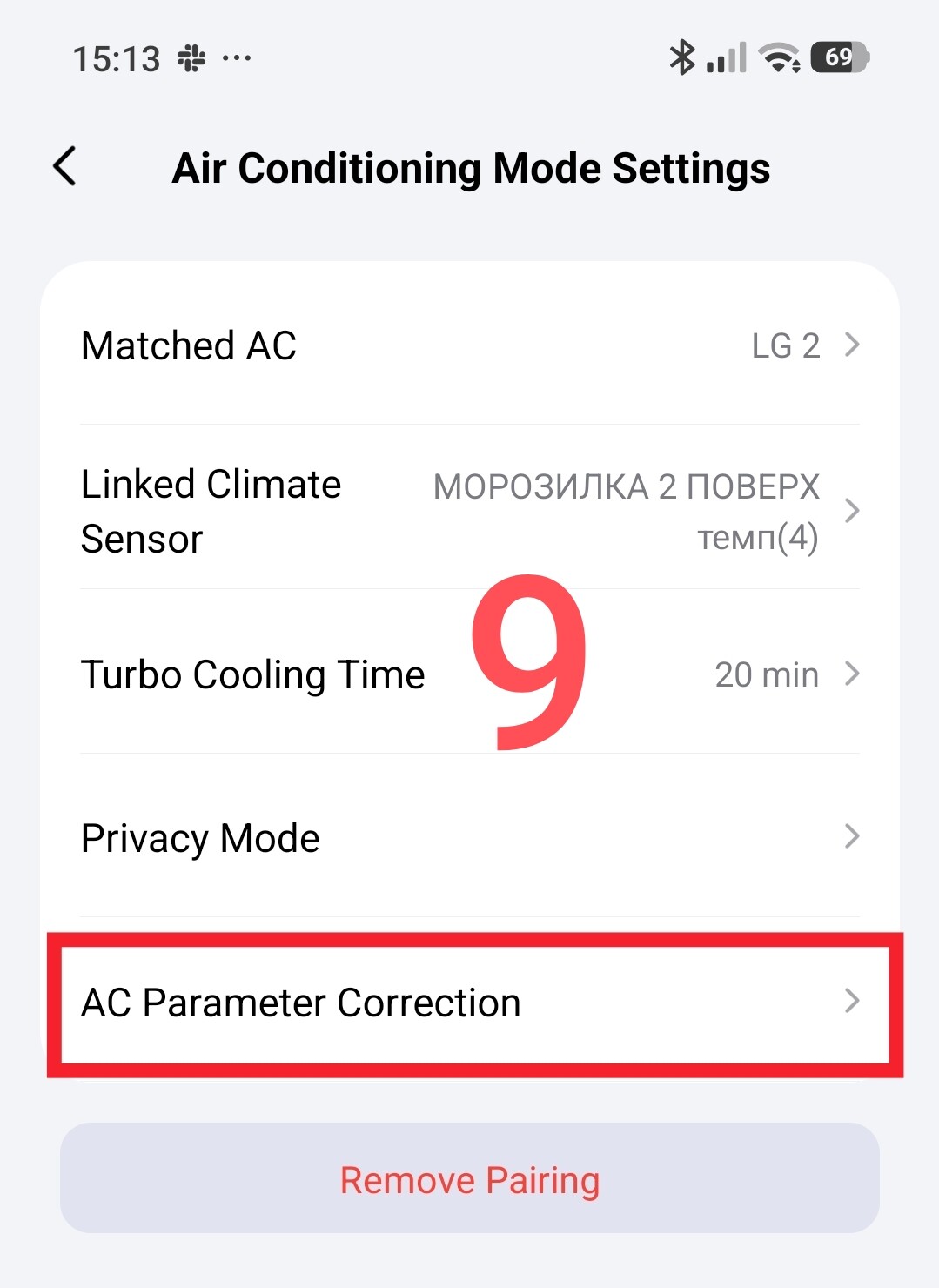
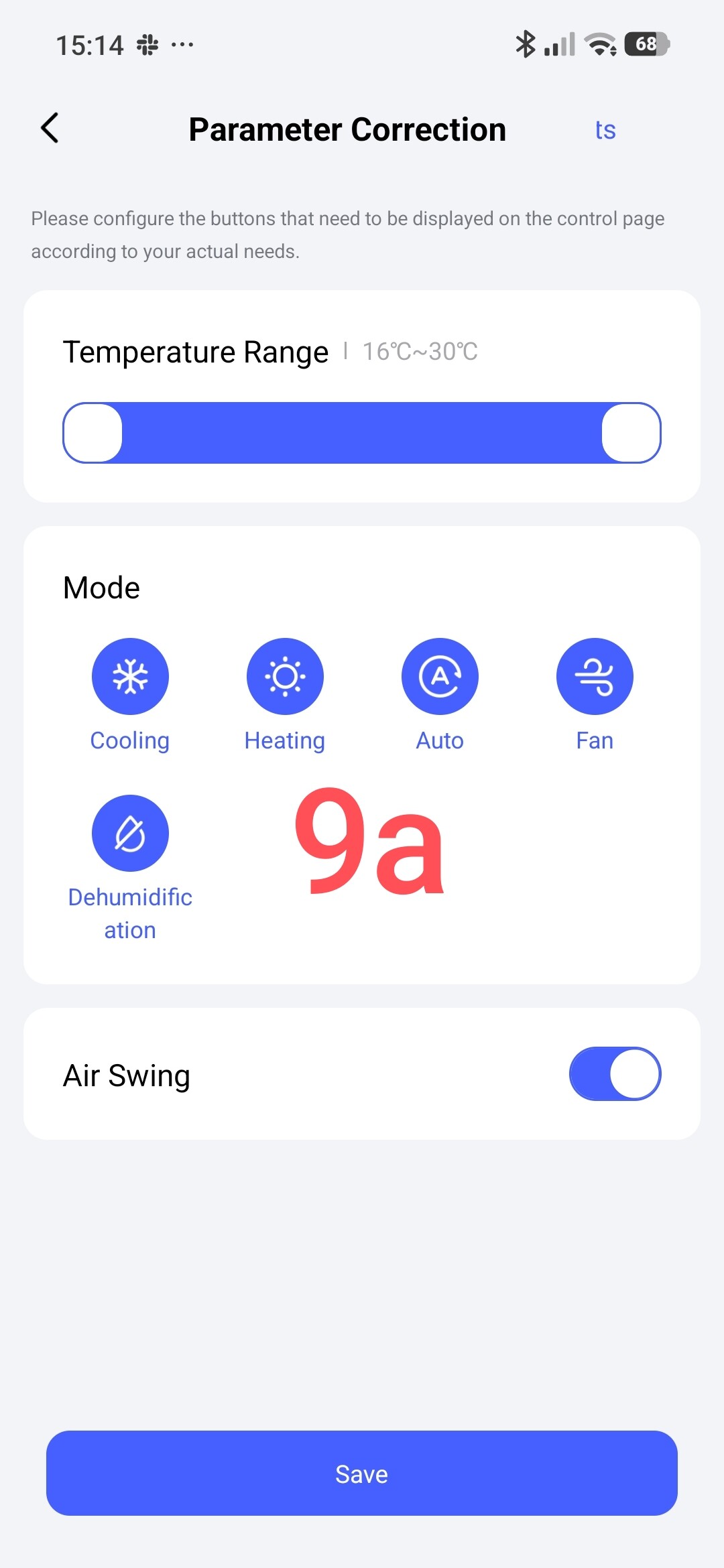
ATTENTION!
The peculiarity of this remote control is that it cannot be used as a remote control (IR signals) for automation. This is an imitation of a manual IR remote control.
The second part. A virtual remote control with the ability to be used in automation.
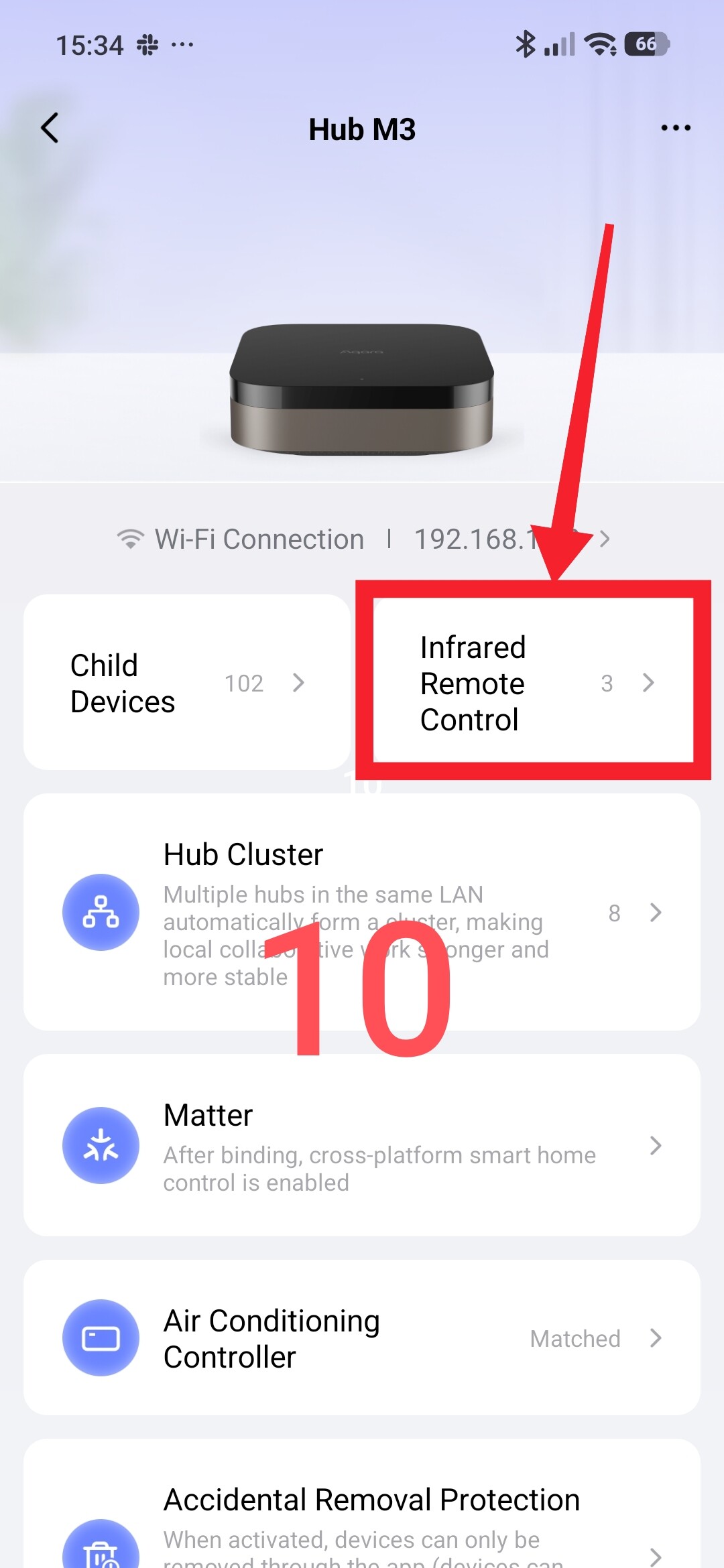
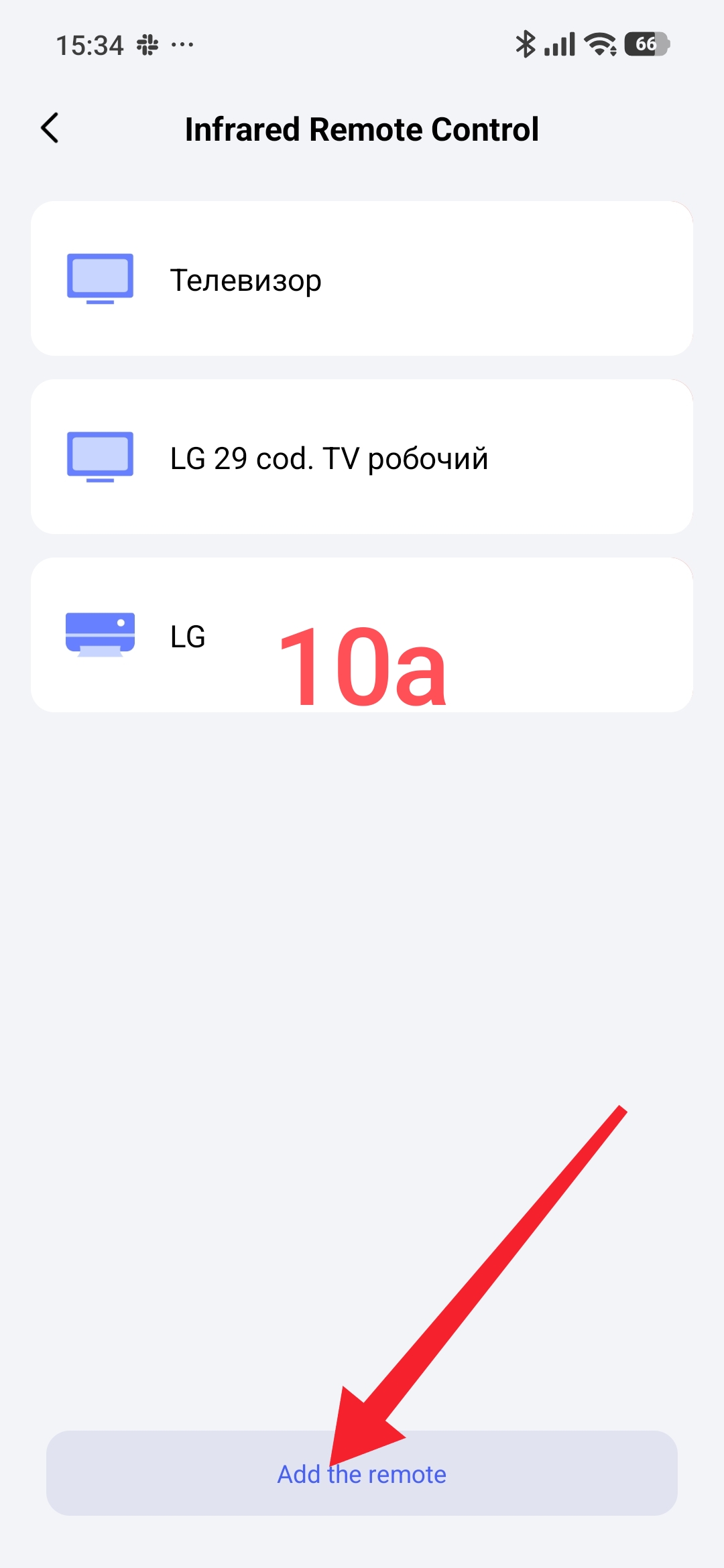
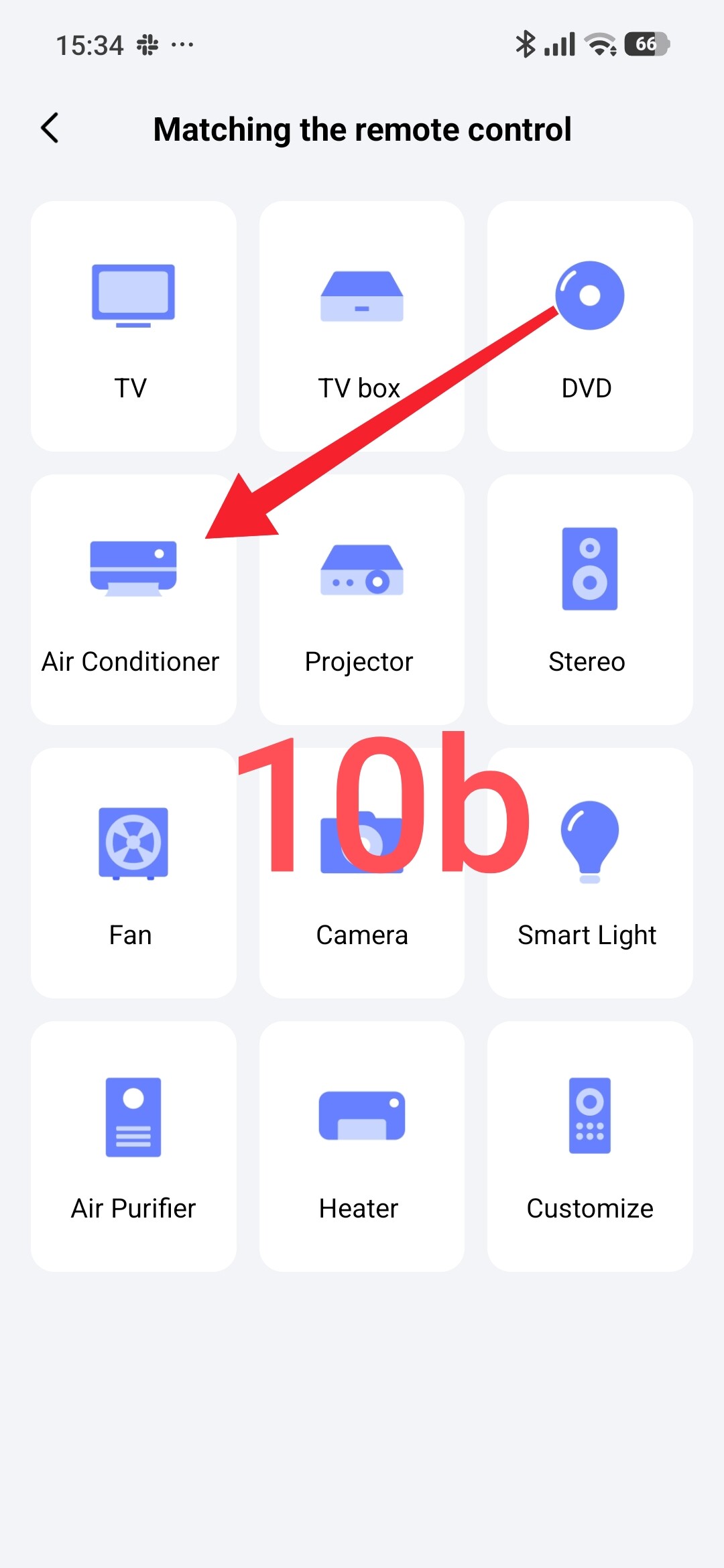
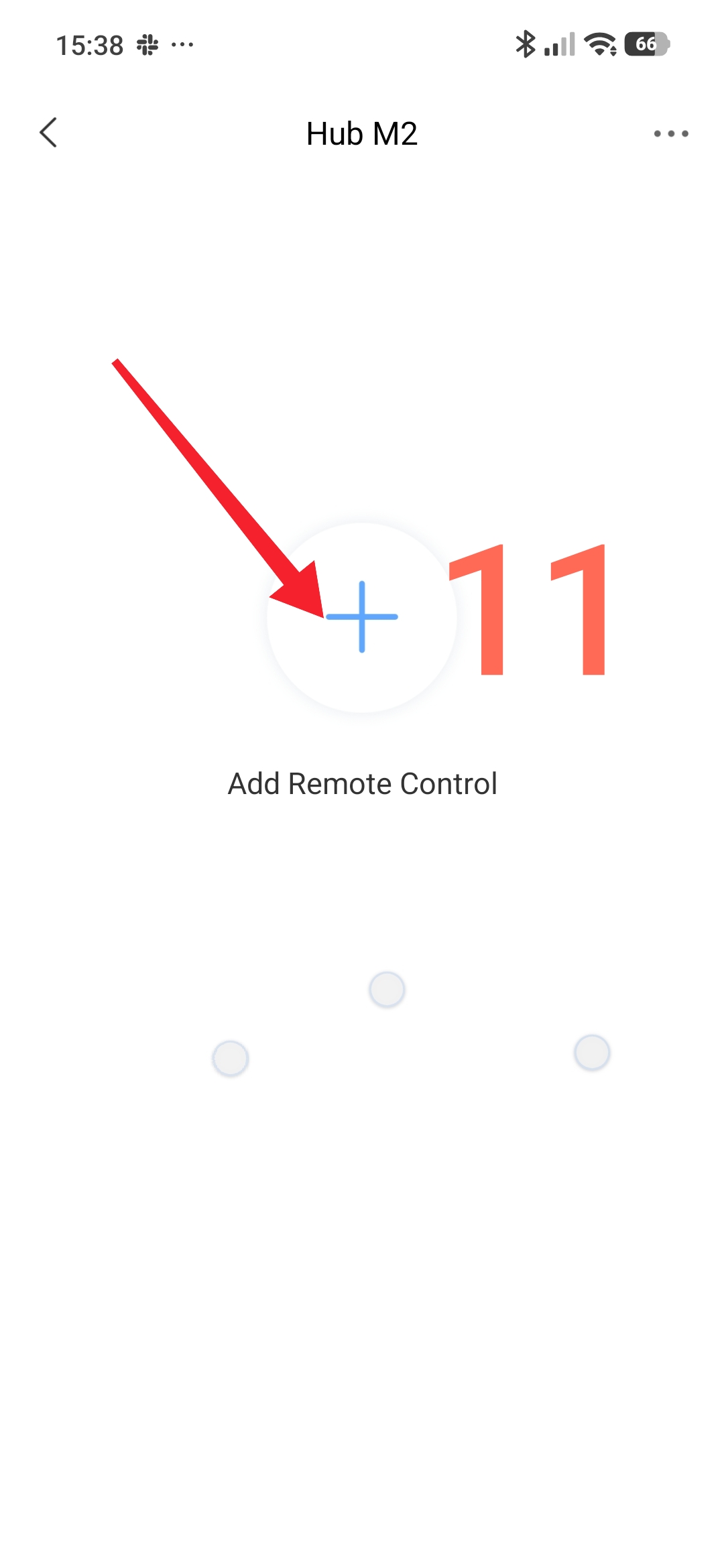
Please note that these remote controls can be added to the following gateways M3, M2, G3 camera.
The road to M3
Fig.10
The road to M2
Fig.11
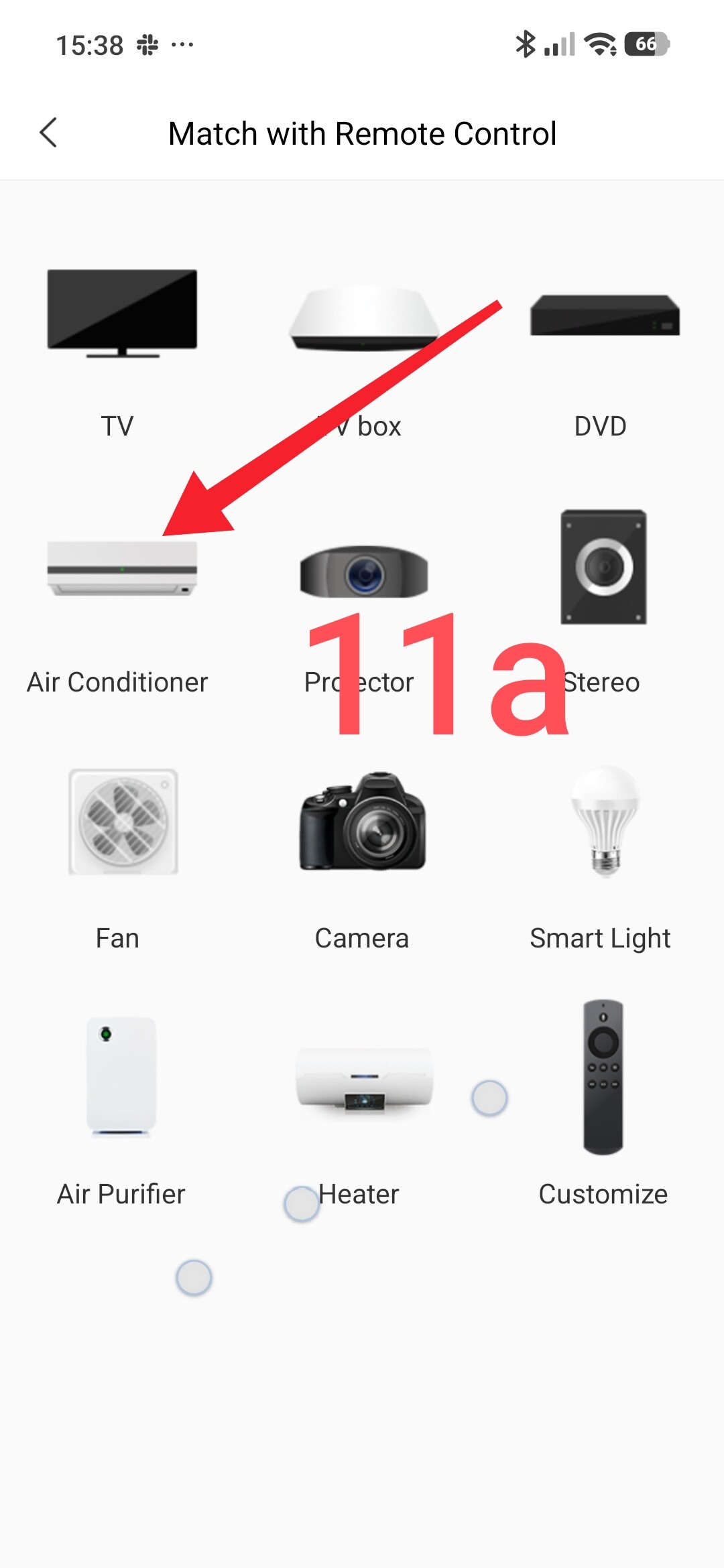
The road to G3
Fig.12
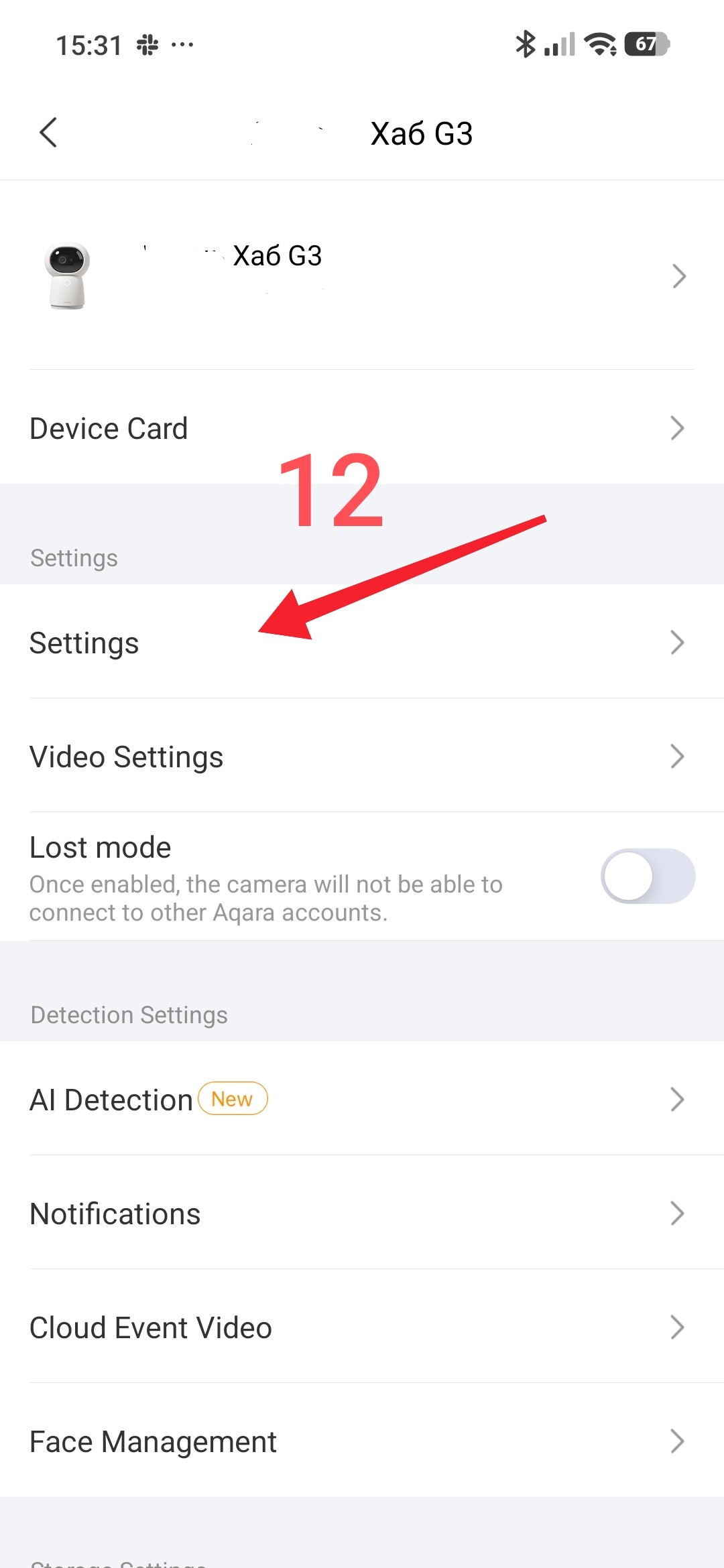
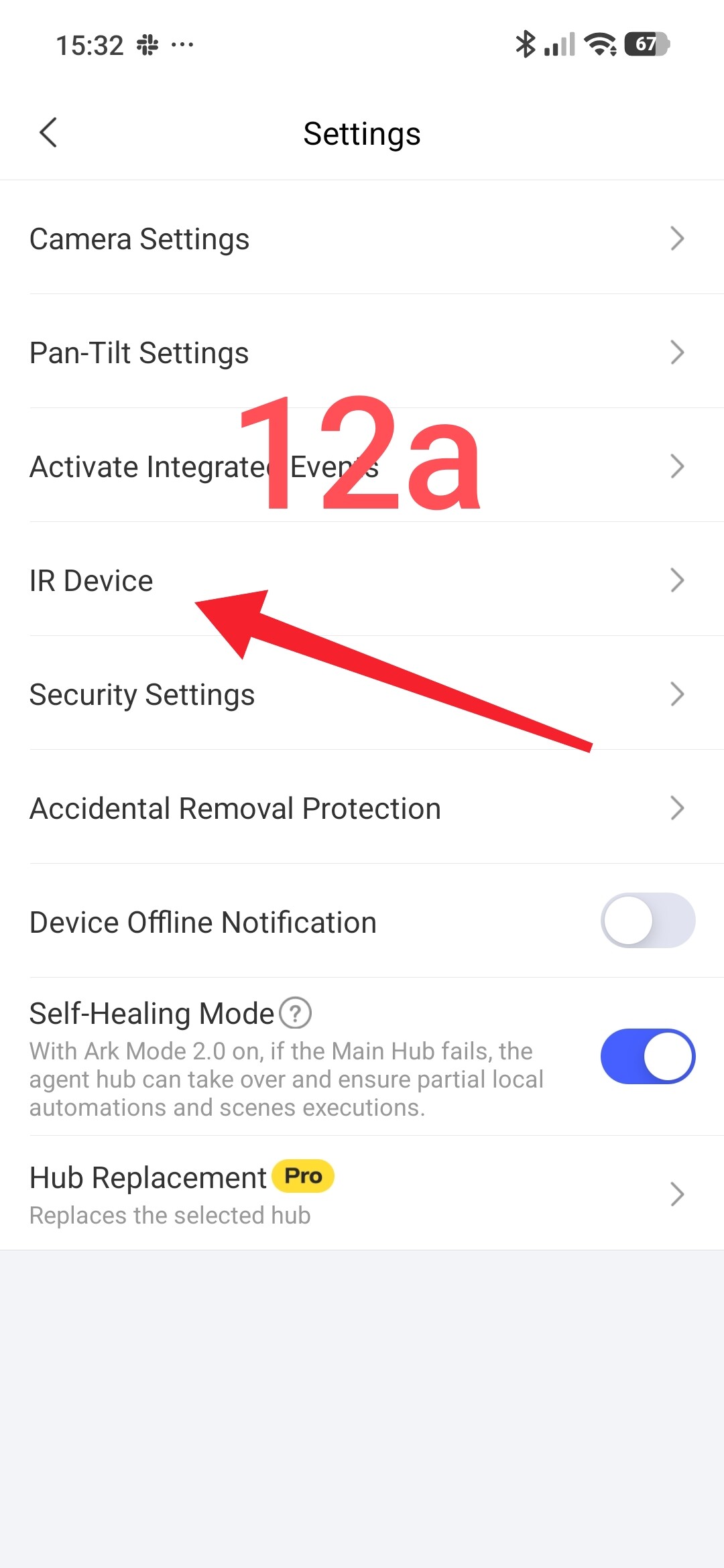
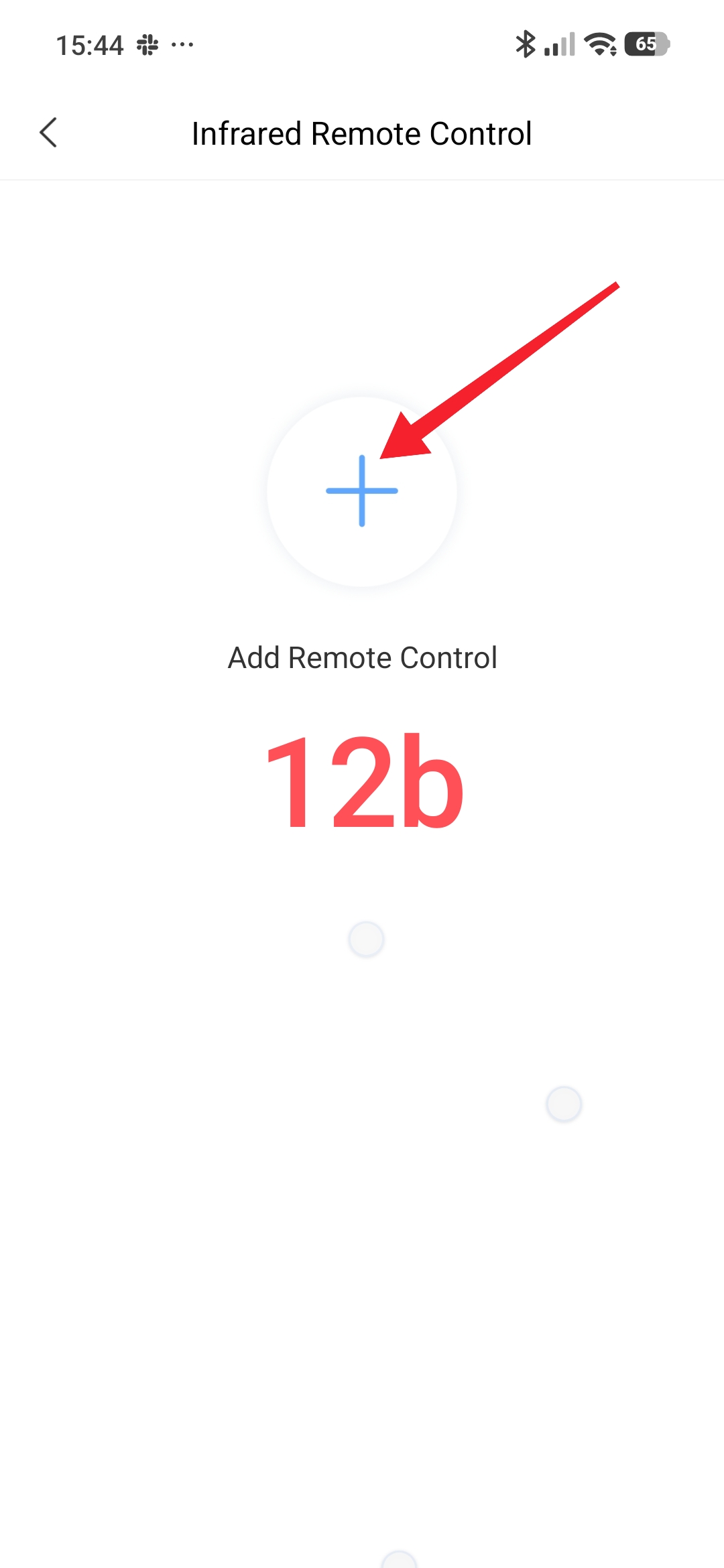
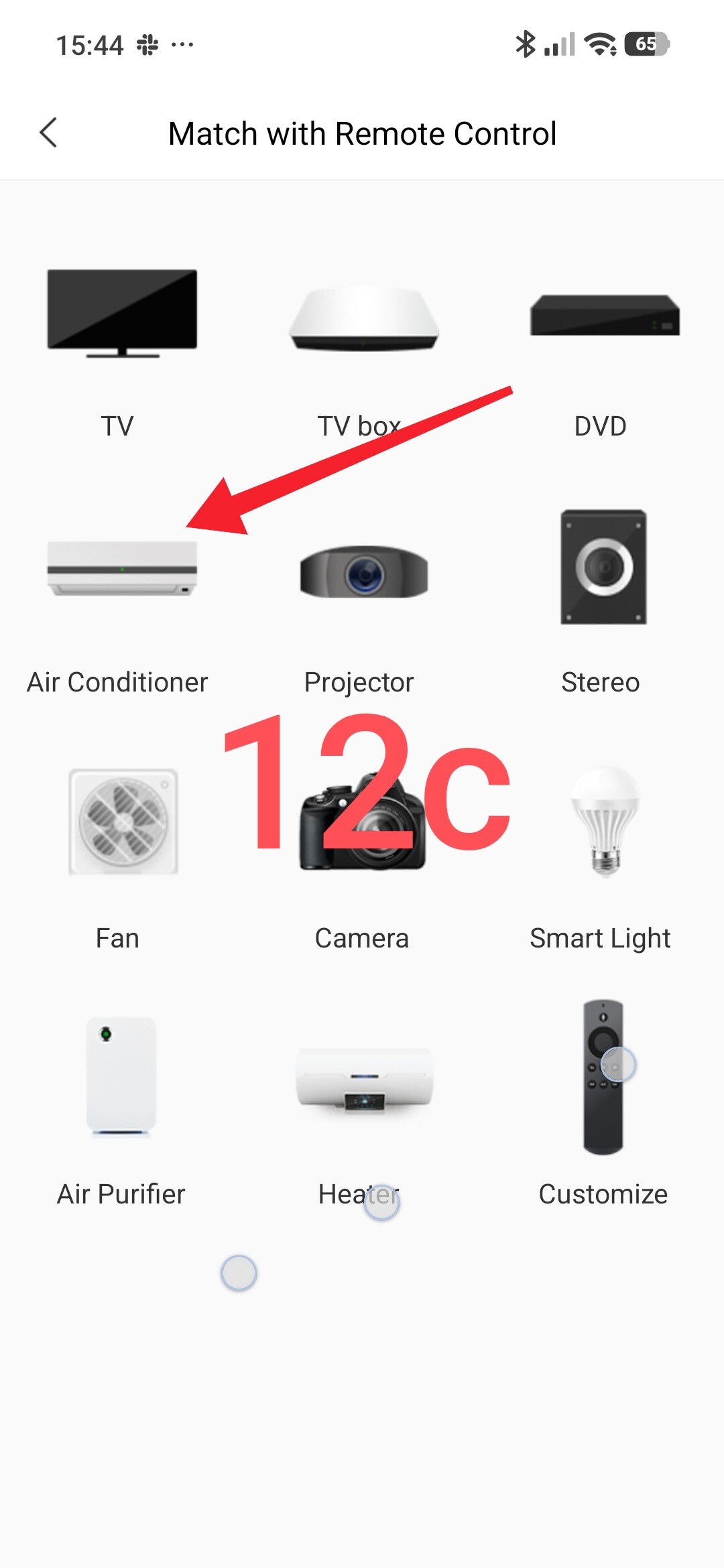
After connecting the IR remote control similarly to the first section, we will get such a remote control.
Fig.13.
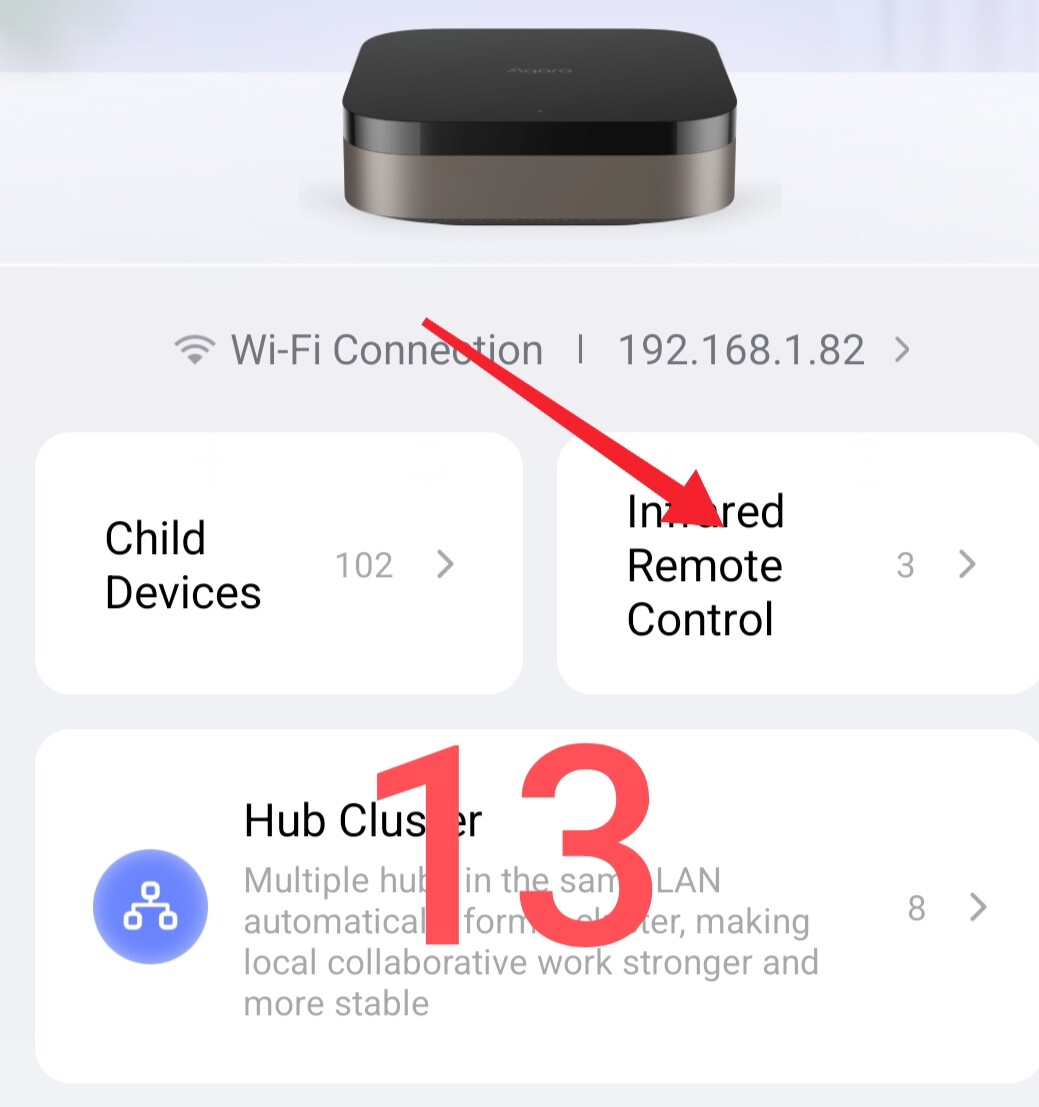
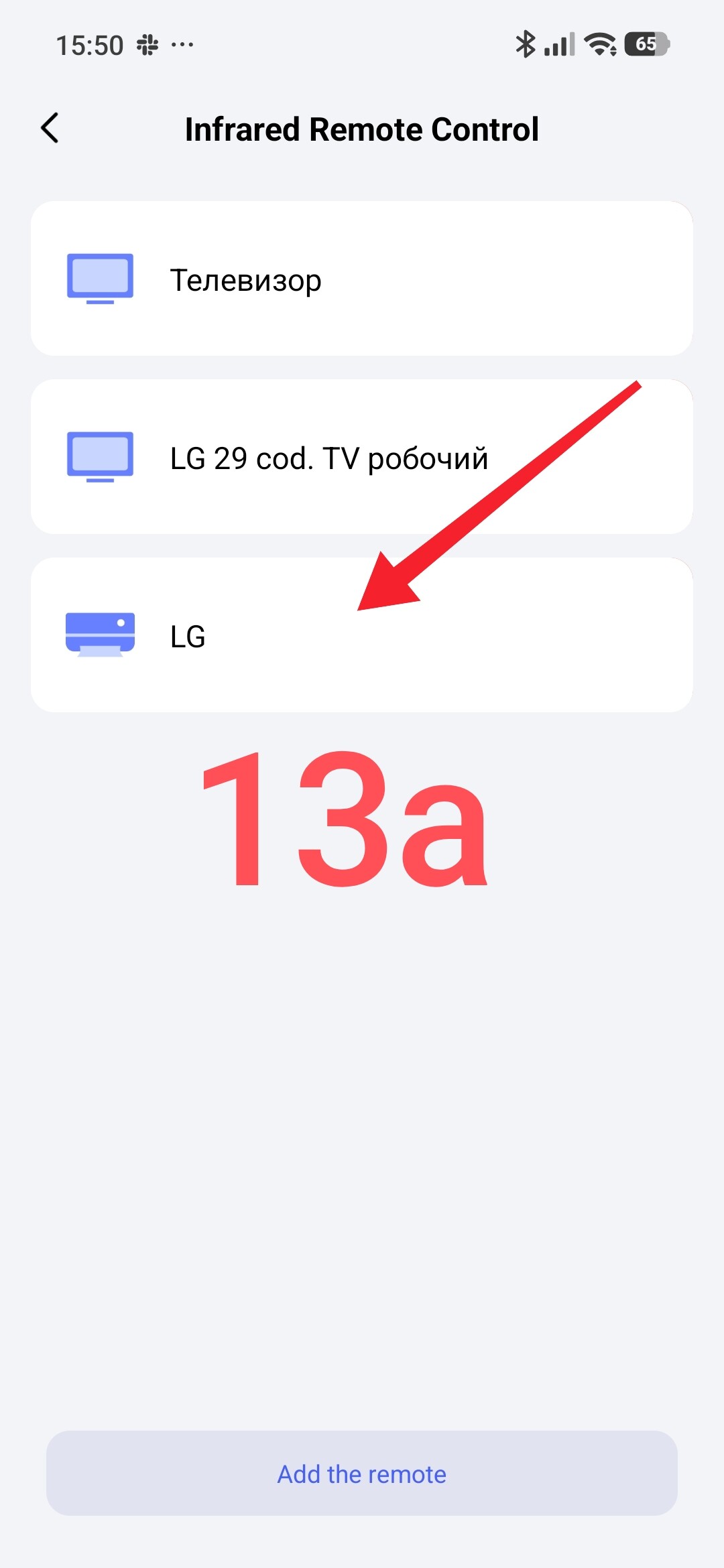
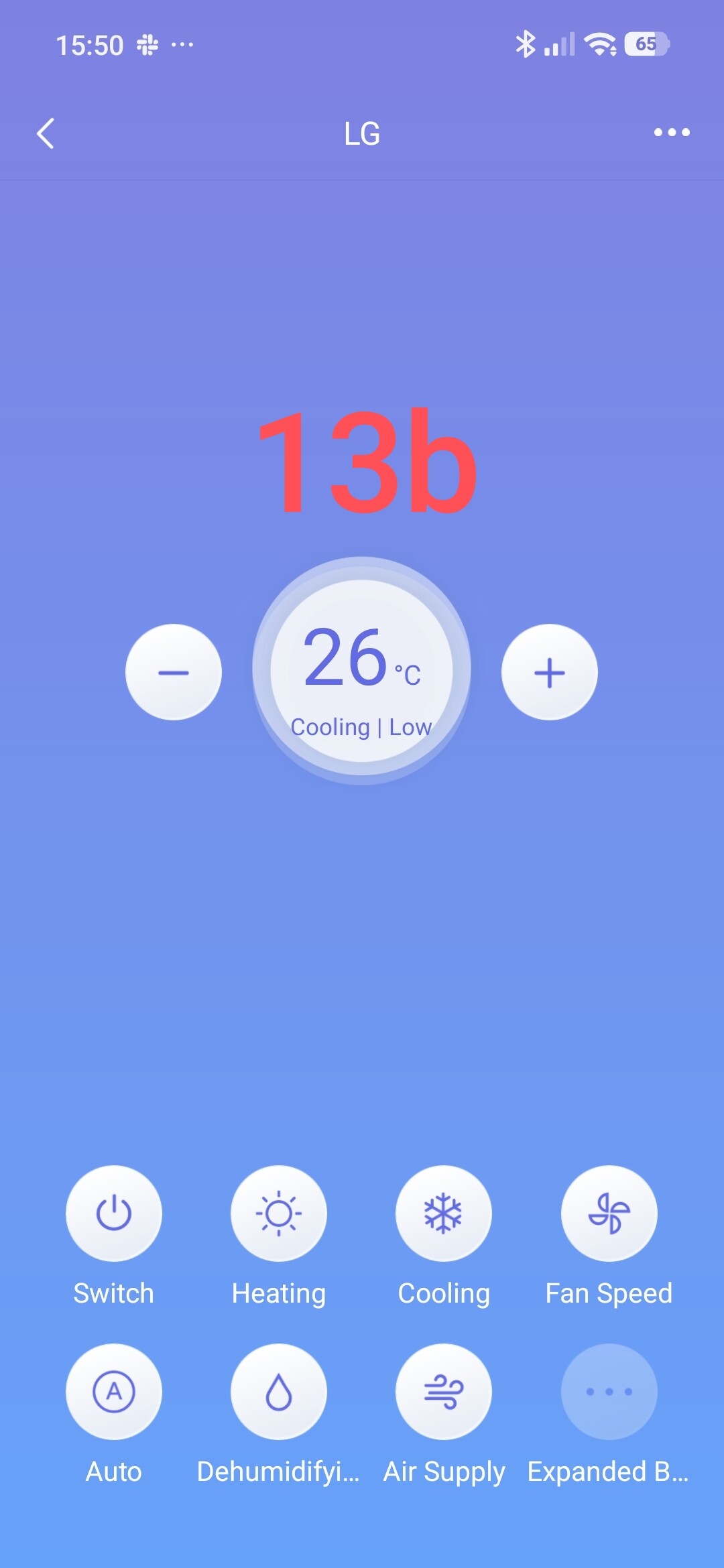
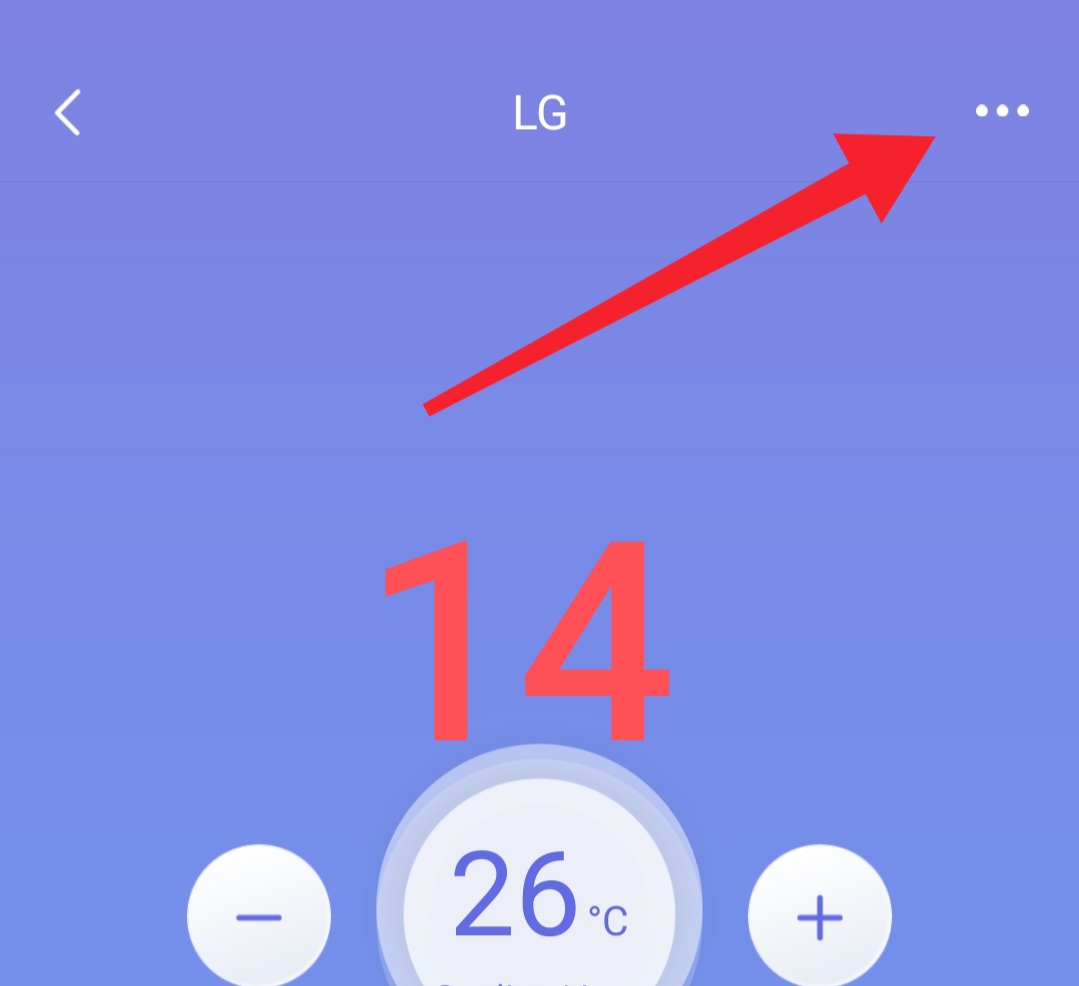
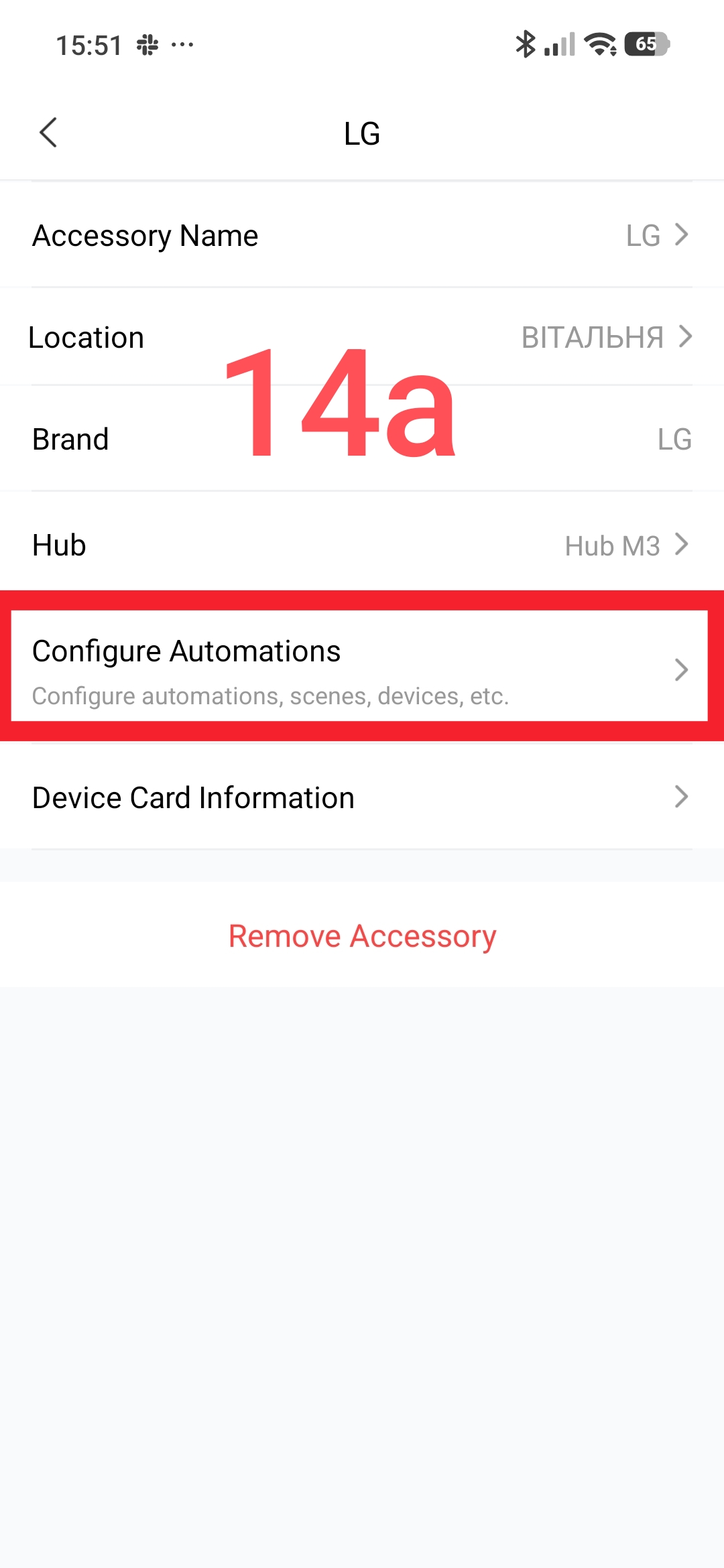
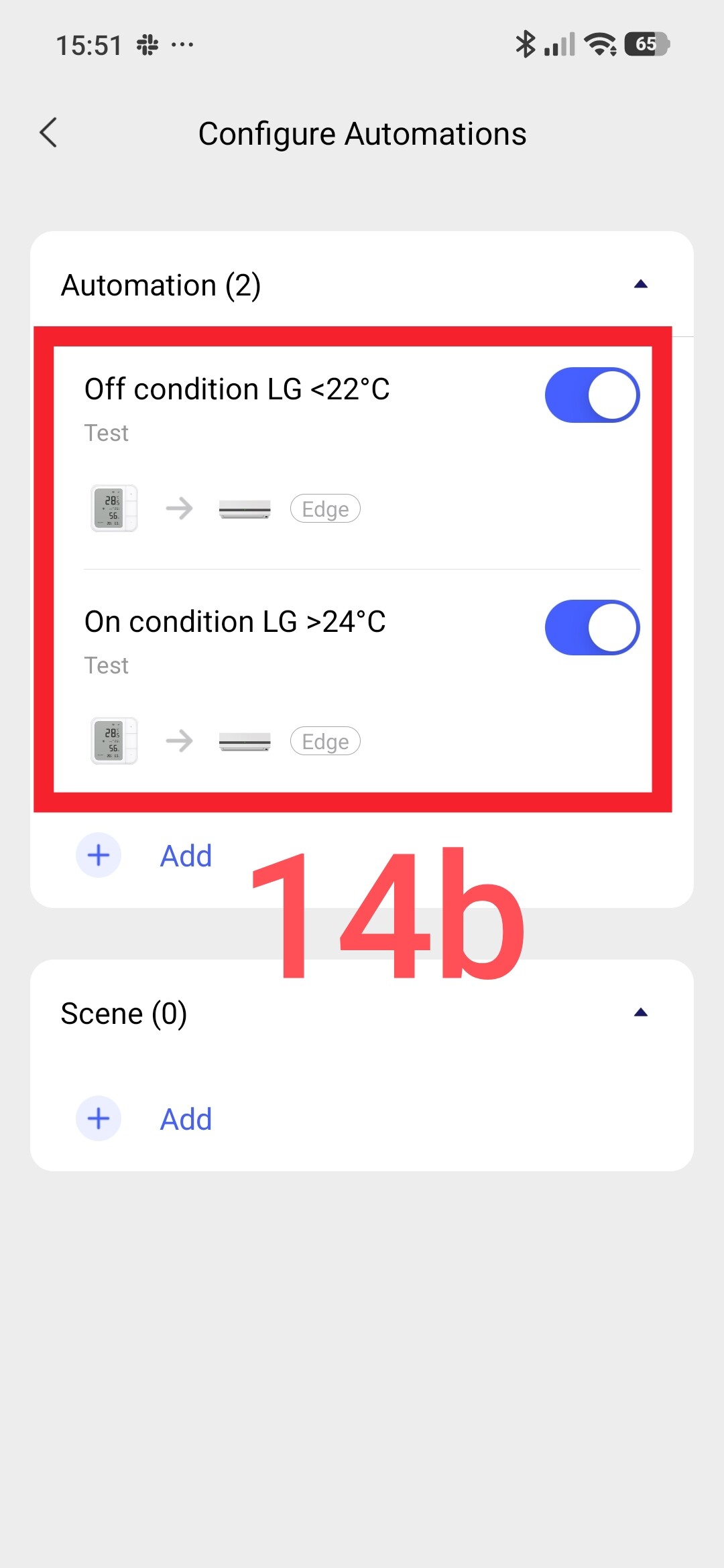
This virtual remote control can already be used for Aqara automations as a full-fledged accessory.
Fig.14
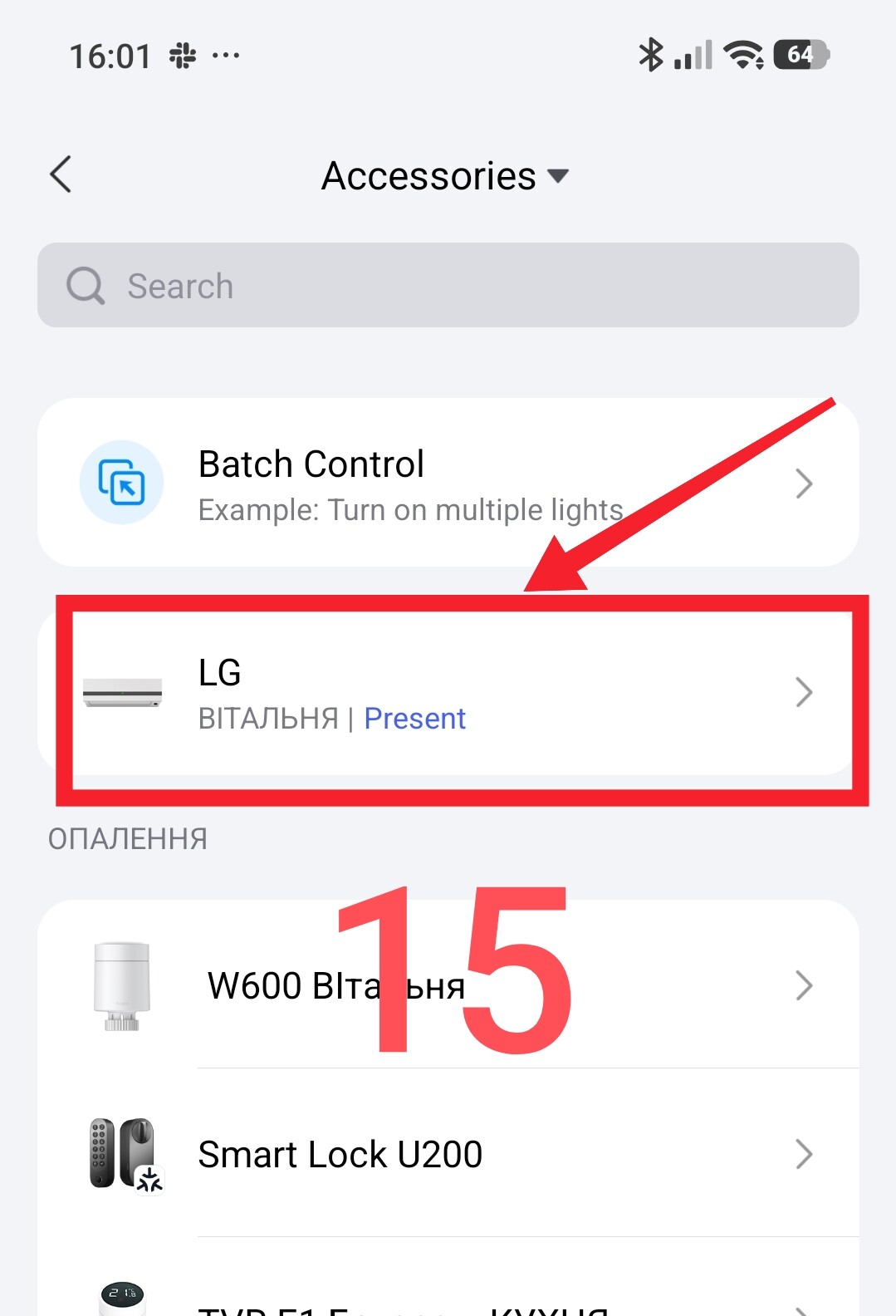
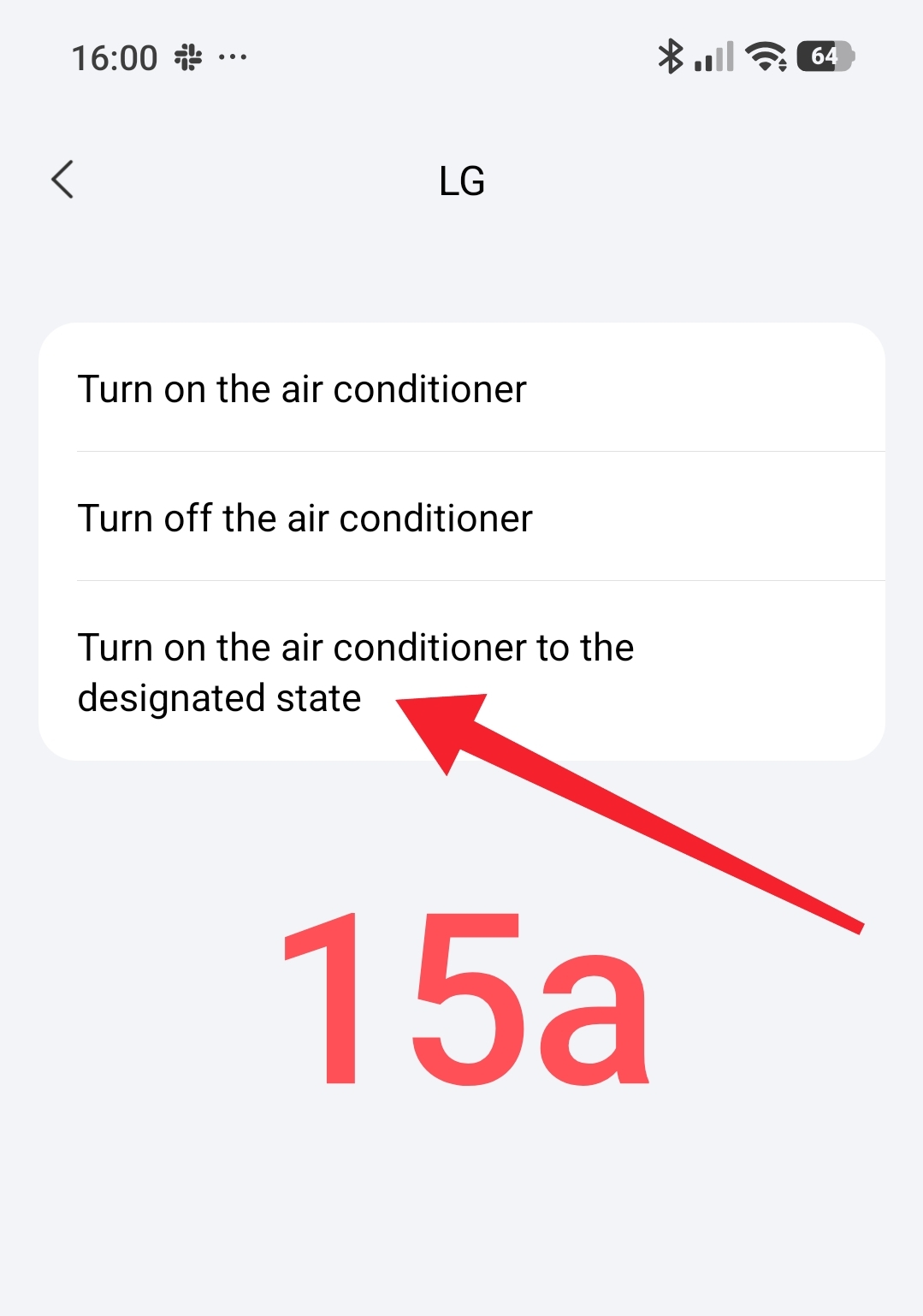
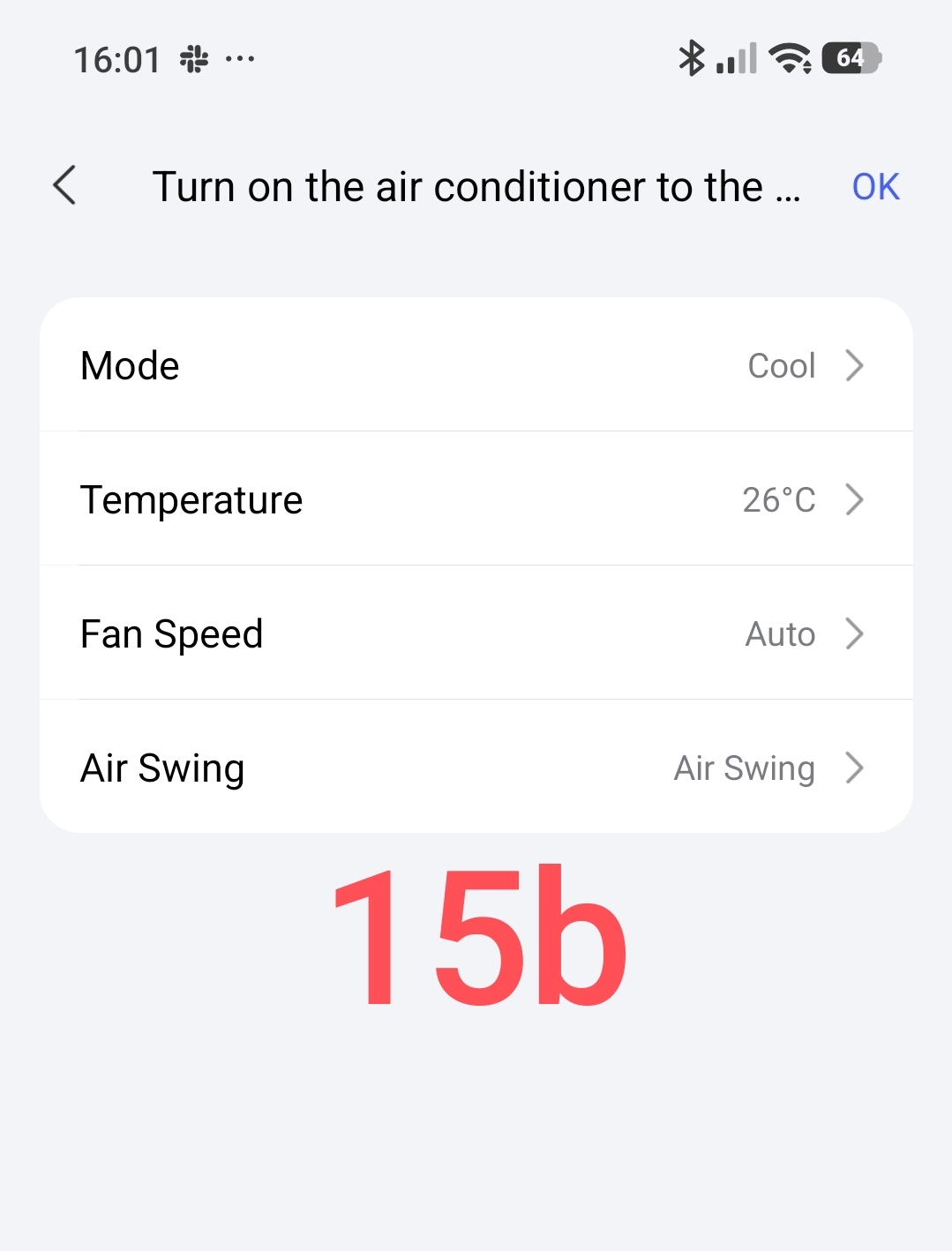
The following functions are available for the TNEH section
Fig.15
This concludes my review of the virtual remote control for the air conditioner.
Related topics that prompted me to make this description here.
___Automation 2.0, lesson 18, creating temperature control automation using air conditioning
___Unexpected use of P100 for air conditioner (On/Off control)
Thank you for your attention and reading this description.
I would be grateful if you could share the topic (you can also on other platforms with a link to our forum).