I’m looking for some advice regarding my Aqara safety setup across a 3-story house.
My Setup:
Structure: 3 floors.
Devices: Exclusively Aqara smoke detectors and water leak sensors.
Hubs: One Aqara Hub M2 on each floor (3 hubs in total).
The Behavior:
When online (Internet connected): Everything works perfectly. If one smoke detector triggers, the sirens on allgrouped smoke detectors across all floors go off.
When offline (Internet down): If an alarm is triggered, only the detectors paired to that specific hub will sound their sirens. The smoke detectors connected to the other two hubs remain completely silent. Interestingly, the built-in sirens of the other hubs do go off, but not the actual smoke detectors attached to them.
My Questions:
Is there any way to make the other smoke detectors sound their sirens when the internet is down? Can this be achieved through local automations, Matter, or specific Zigbee bindings across the hubs?
Would upgrading to the Aqara Hub M3 offer any benefits for my specific use case? I actually tested the M3, and it showed the exact same offline behavior. Since I don’t use complex smart home automations—just the standard smoke and water alarm grouping—are there any other advantages to the M3 besides higher device capacity and offline automation execution? Alternatively, is there any information on whether a future firmware update might allow the M3 to trigger smoke detectors on other hubs while offline?
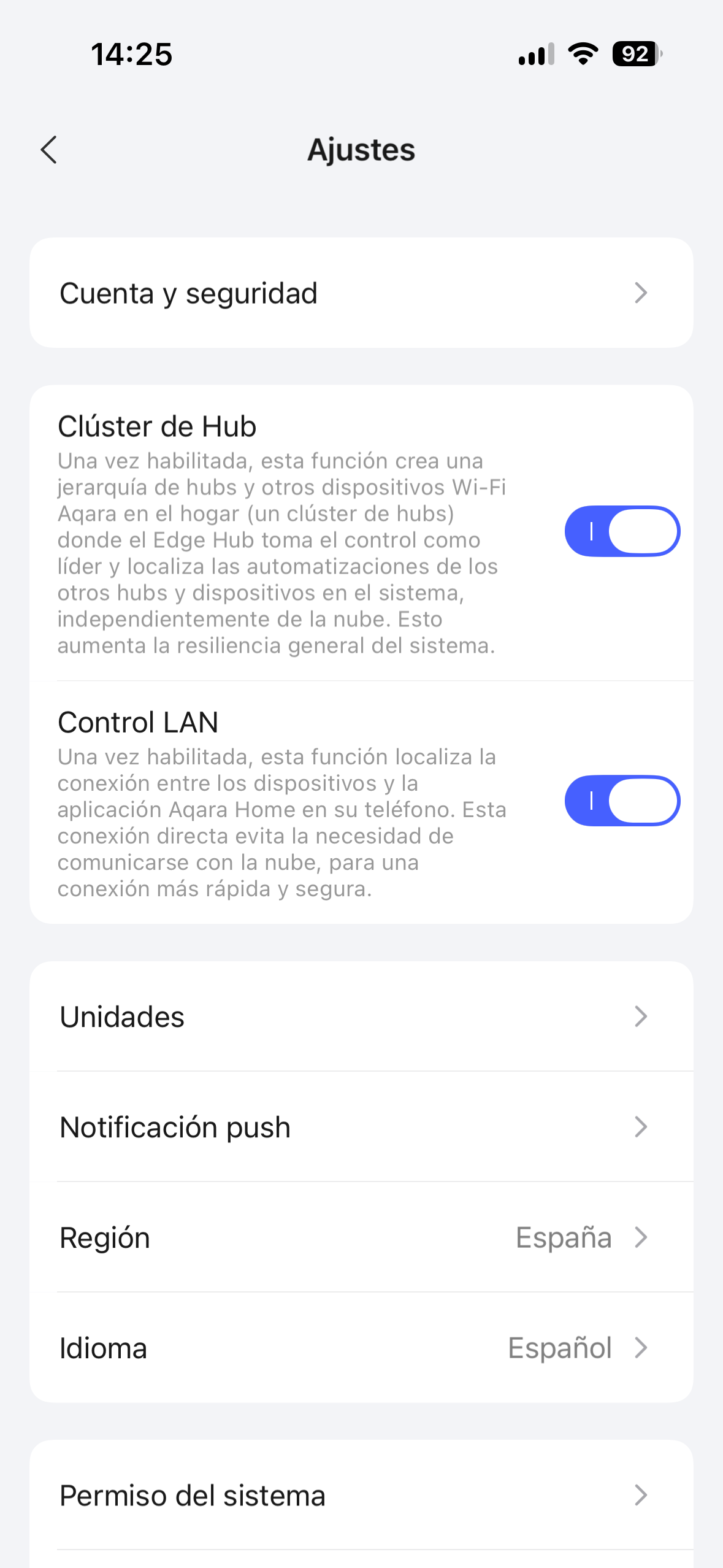
Well M3 hub have local connection my be you can try adding 2 smoke detectors to the M3 hub and set the option “LAN control” on from aqara home app on settings then take down your internet and check it if will sound both sensors this way as I check and my smoke detectors have that LAN on each this could mean that they will run locally and not using aqara cloud via M3 hub.just an idea
Hi.I think he is not asking how to set all that.he is asking if one smoke detector detect smoke and the siren sound if all others smoke detectors will do the same when there is no internet connection
Sow you can make an automation base on THEN so if one smoke detector detects smoke others from other parts of the house can sound the siren too?and this will work without internet connection?as he is what is asking to know if all his smoke detectores will sound the siren build in if for some reason he doesn’t have internet that day
Thank you so much for the suggestion! That sounds like a really interesting approach.
I will definitely try pairing two of the smoke detectors to the M3 hub, enabling the “LAN control” option in the Aqara Home app settings, and then pulling the internet plug to see what happens. If the M3 can bridge them locally via LAN control, that would be the perfect solution.
Thank you for the warm welcome and for sharing that link!
However, I think there might be a slight misunderstanding. My issue isn’t about triggering the built-in sirens of the various hubs themselves—that part actually works perfectly fine even when offline.
My main goal is to get the sirens inside the other smoke detectors (which are paired to the other hubs) to go off. Right now, this cross-hub smoke detector linkage works flawlessly while the internet is active, but as soon as the internet goes down, the smoke detectors on the other hubs remain completely silent.
Exactly, that is the core of my question. But unfortunately, it’s not that simple with automations.
To clarify: in the Aqara app, you cannot use an automation to trigger the built-in siren of a smoke detector. I’m not sure if this limitation applies globally or just in the EU, but it is due to the strict DIN EN 14604 regulations that these smoke detectors must comply with. Because of these safety standards, Aqara does not allow any user-created automations to activate the smoke detector sirens (which also means, unfortunately, you can’t use the smoke detectors as additional sirens for a burglar alarm system).
The only way the sirens link together across the house is via Aqara’s built-in “Safety Alert” feature (the native alarm grouping), which currently seems to rely on the cloud to bridge the separate hubs.
Great let me know also make sure to have the smoke detector grouped as I show on here.this option you can find it on each smoke detectors and enable each but once you enable one press his button and then the second one press also the button once on each so they can detect each other .
Yeah I know but I do not think that someone has try them without WiFi connection.i purchased this 2 recently the only thing I did is to try them and see if the alarm goes ON and sure I have M3 also M1S and both sounded and because they were to load I have no idea if the smoke detectors siren did sound too and since then I didn’t try them as my cat was very scarred about the hole sound
@mb1113, @cocolino_26, if you have gateways (1,2,3) connected to one router, then within the house all notifications should go locally. The main condition is that all gateways are connected to the router. This is marked as “Edge” in the automation settings. The route is /sensor->gateway->router<-gateway<-sensor/. Everything that unites the router is “Edge”
Well not remember well as I had one paired with M3 and another with M1S and I think I had same option to group them now both are paired with M3 and works perfectly the only thing I didn’t try and what @mb1113 is asking if they can work together if one detect smoke the build in siren will also sound on the second one if there is no internet connection using M3 hub since is the only hub that can run locally without aqara cloud.
Thanks for the clarification! I actually just tested this setup using the “LAN control” option, and here is what happened:
When everything is online, the native alarm grouping works across hubs. If I trigger the smoke detector on the M3, the siren on the smoke detector connected to the M2 also goes off (and both hub sirens sound as well).
However, as soon as I pull the internet plug, it gets strange:
The Siren Issue: In offline mode, the M2 hub’s built-in siren still goes off, but the actual smoke detector connected to it stays completely silent. It feels like the command to trigger the hub siren goes through locally, but the command to trigger the attached smoke detector gets lost without the cloud.
The Connection Issue: With the internet down, the Aqara app correctly shows “Local Connection Only” for a moment. But then, I start getting “Server Timeout” errors, and the M2 hub goes completely offline along with all its paired devices. At that point, I can only access the devices directly paired to the M3.
Since the M3 is supposed to act as a local edge controller and bridge the M2 hubs over the local network (LAN), shouldn’t the M2 and its devices remain accessible and linked even without an internet connection? It’s really confusing why the M2 drops off entirely.
Yes is all kind of weird having the M3 is the hub that takes over all the others hubs when others like M2 is offline or any other hub you have as M3 is like the boss that get control of the rest of child devices when others hubs are offline to explain better.now if the smoke detectors build in siren is not sound my be because the hubs having also the siren build in take control over the siren not really sure how this works my be if I have a bit of time I will dig into more and see what I can find.in the mean time you could contact aqara support to clarify all this my be the build in siren from smoke detectors is working when this are not added on aqara home app via an hub but this won’t group the detectors to sound all at once only will sound the one who detect the smoke
Normally if the M2 goes offline M3 takes the lead at least that it should my be there is also an issue on this side that M3 doesn’t take the lead over the M2 when this goes offline.you need to explain all this to aqara support exactly what you did and ask them why M3 didn’t toke the lead over the M2 when this goes offline.i know that this is frustrating but this way we learn more and more.
First place the M3 in between those smoke detectors the pair only 2 smoke detectors to M3
Second steep is to open each smoke detector one by one and got to those 3 dots on the configuración and on the alarm group option select first one smoke detector then once that is on, press on that smoke detector button once and then go to the second one and do the same steps till you see them both like this
check again by closing the Aqara app and go back and verify that both are still ON there.Now there is no need to turn On LAN option anymore just let it off.for this try you only need to see if now both siren from the smoke detectors will turn on when you turn off your internet.i will my be try it tomorrow to as now I am curious to see if they really sound their build in sirens.very important make sure that both detectors have excellent zigbee signal as if one is on poor signal my not work
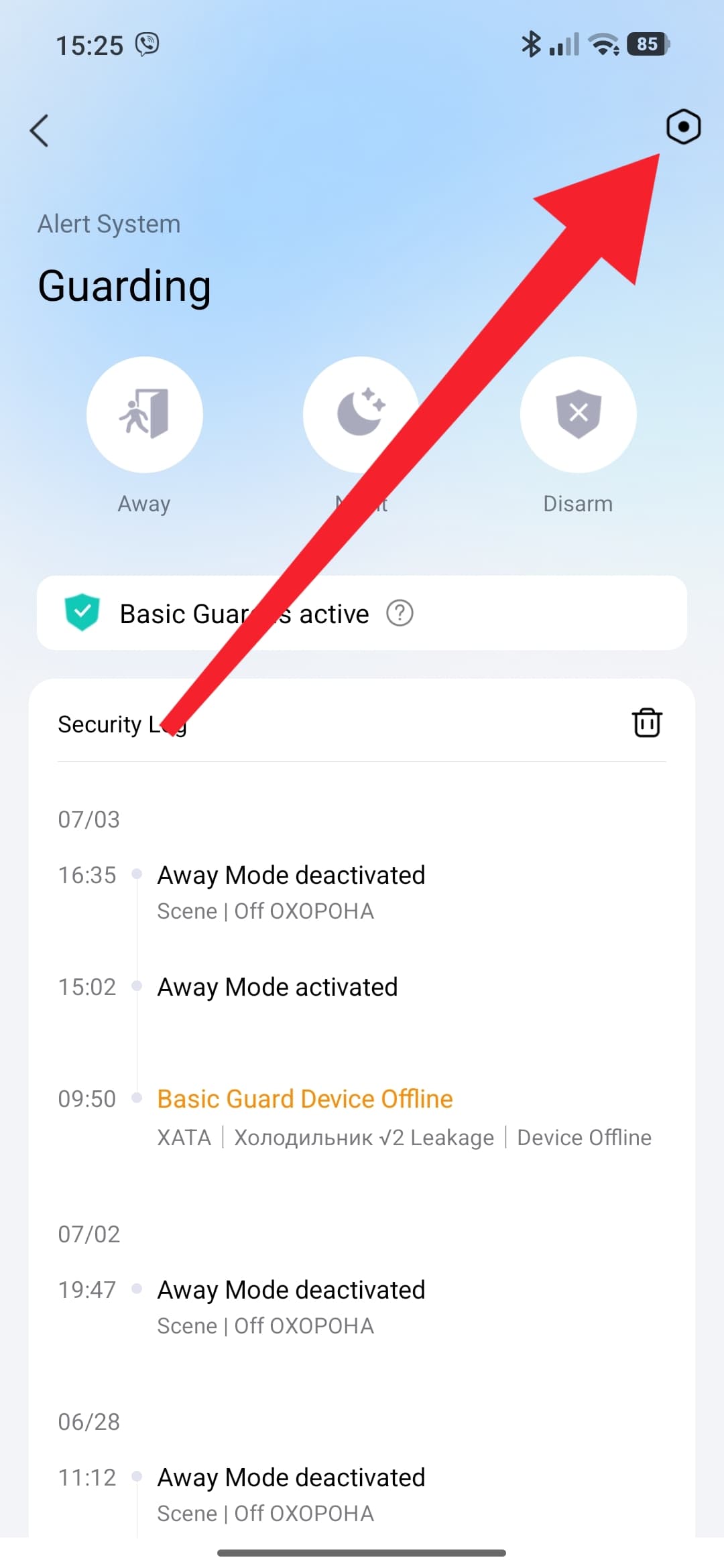
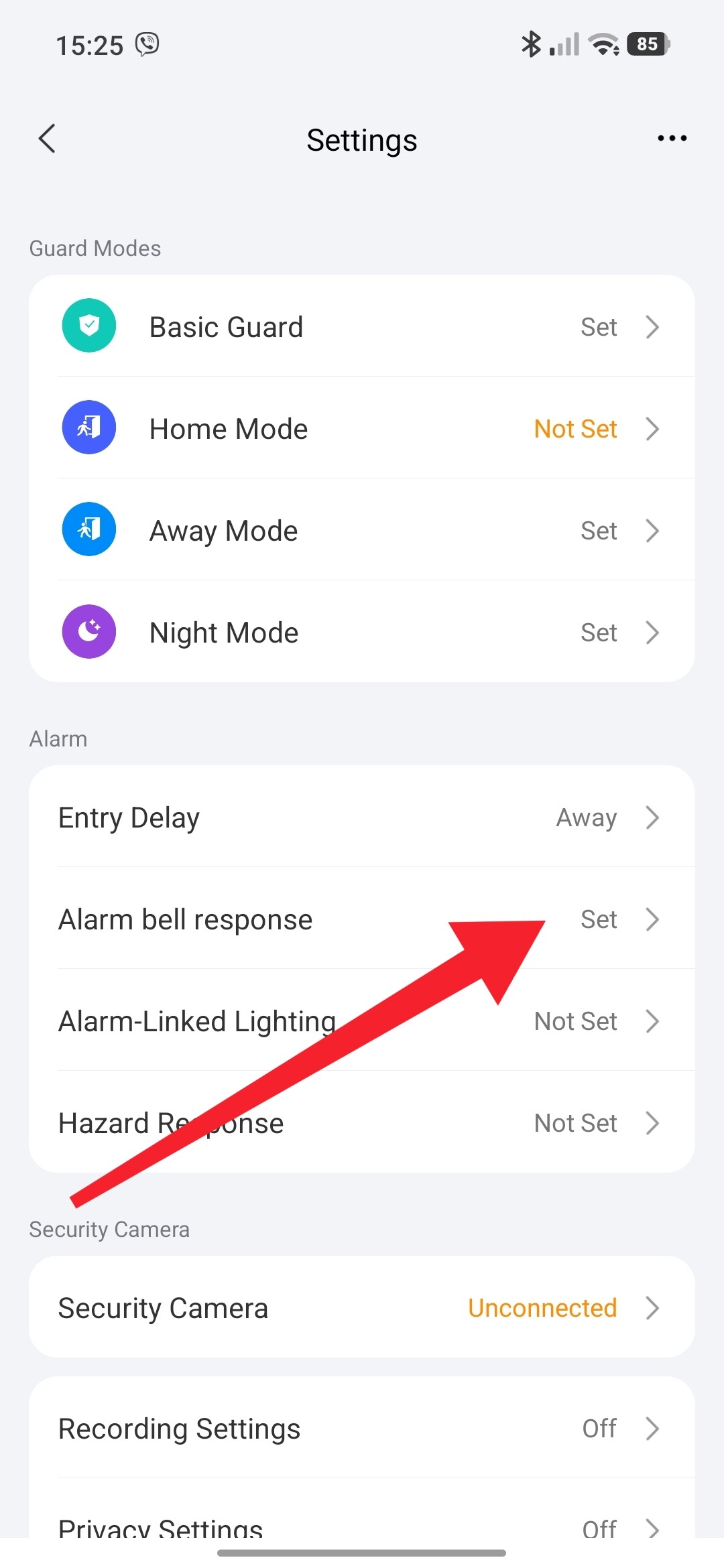
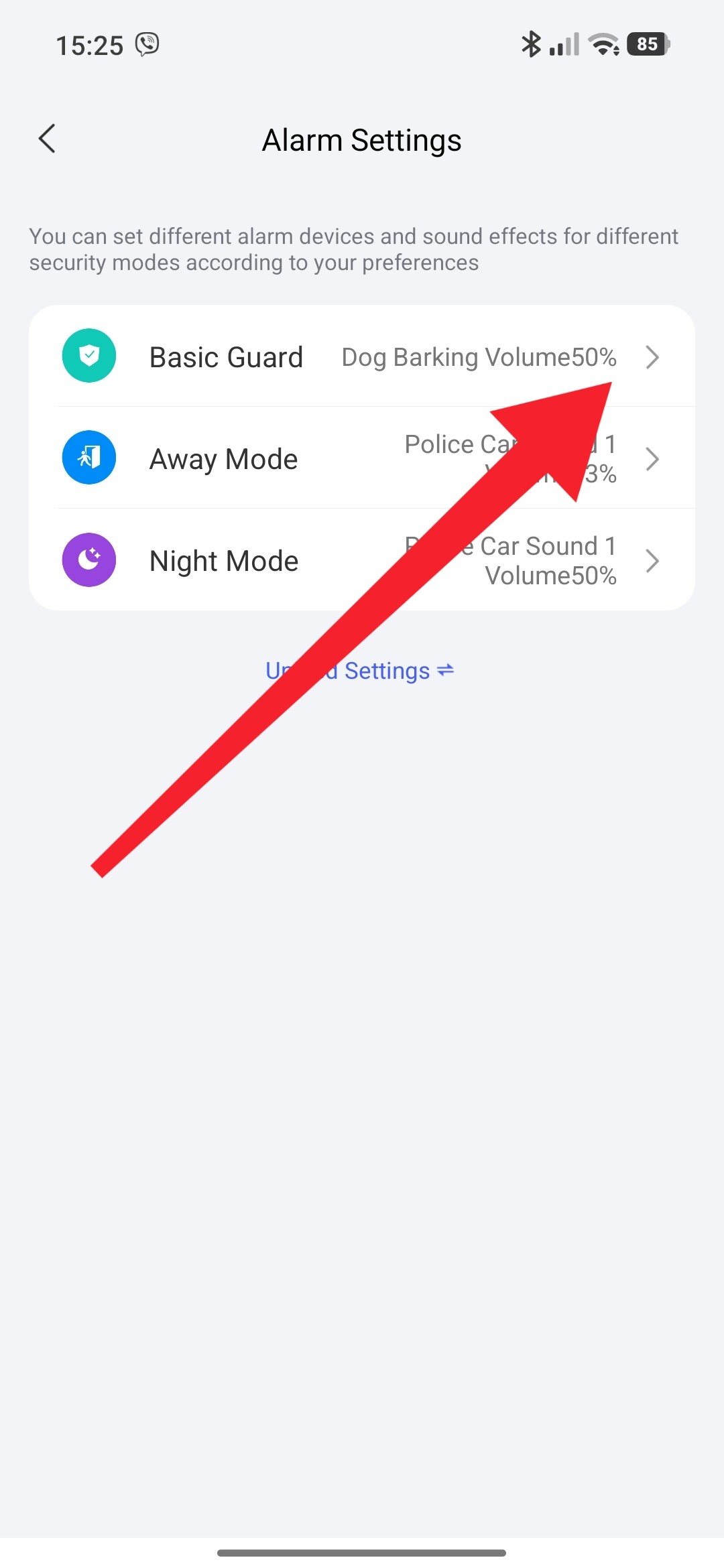
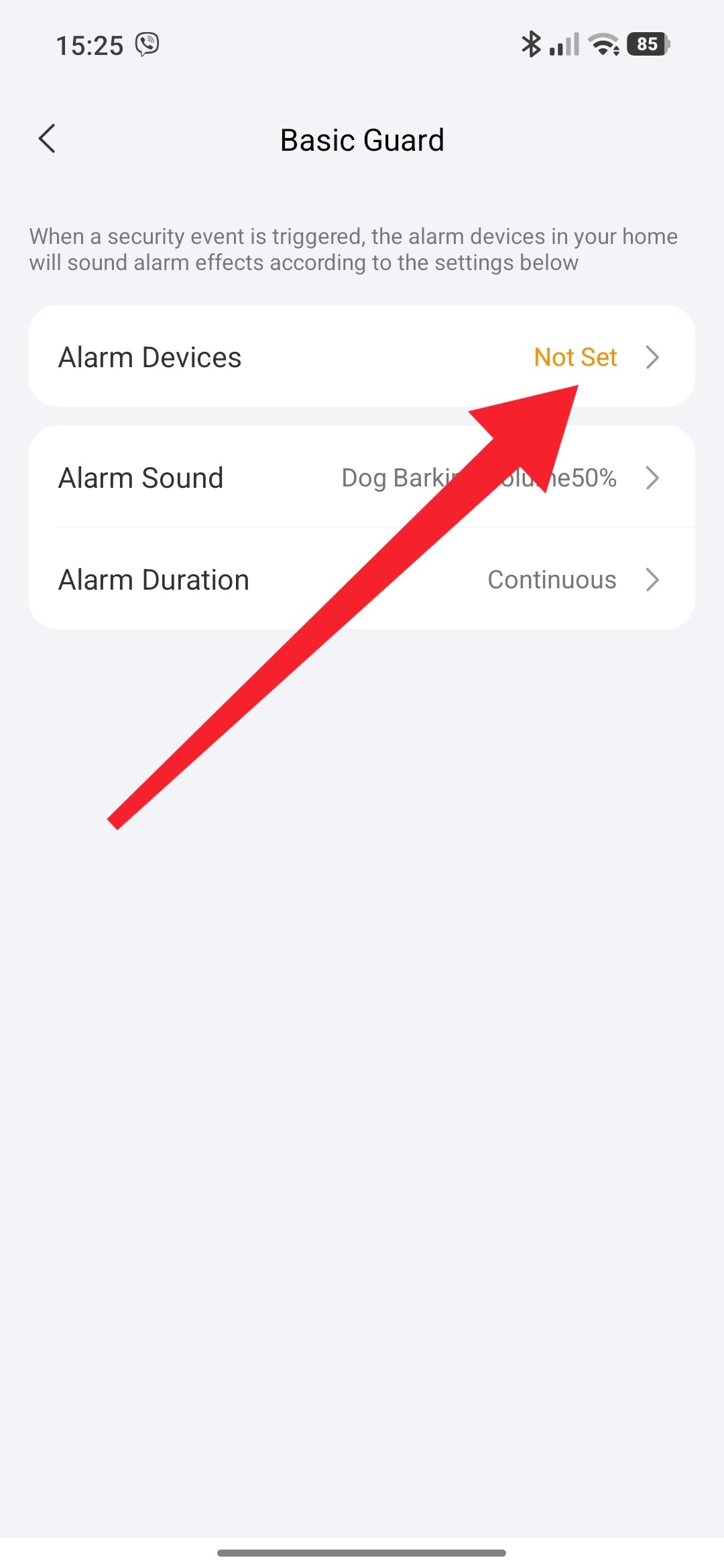
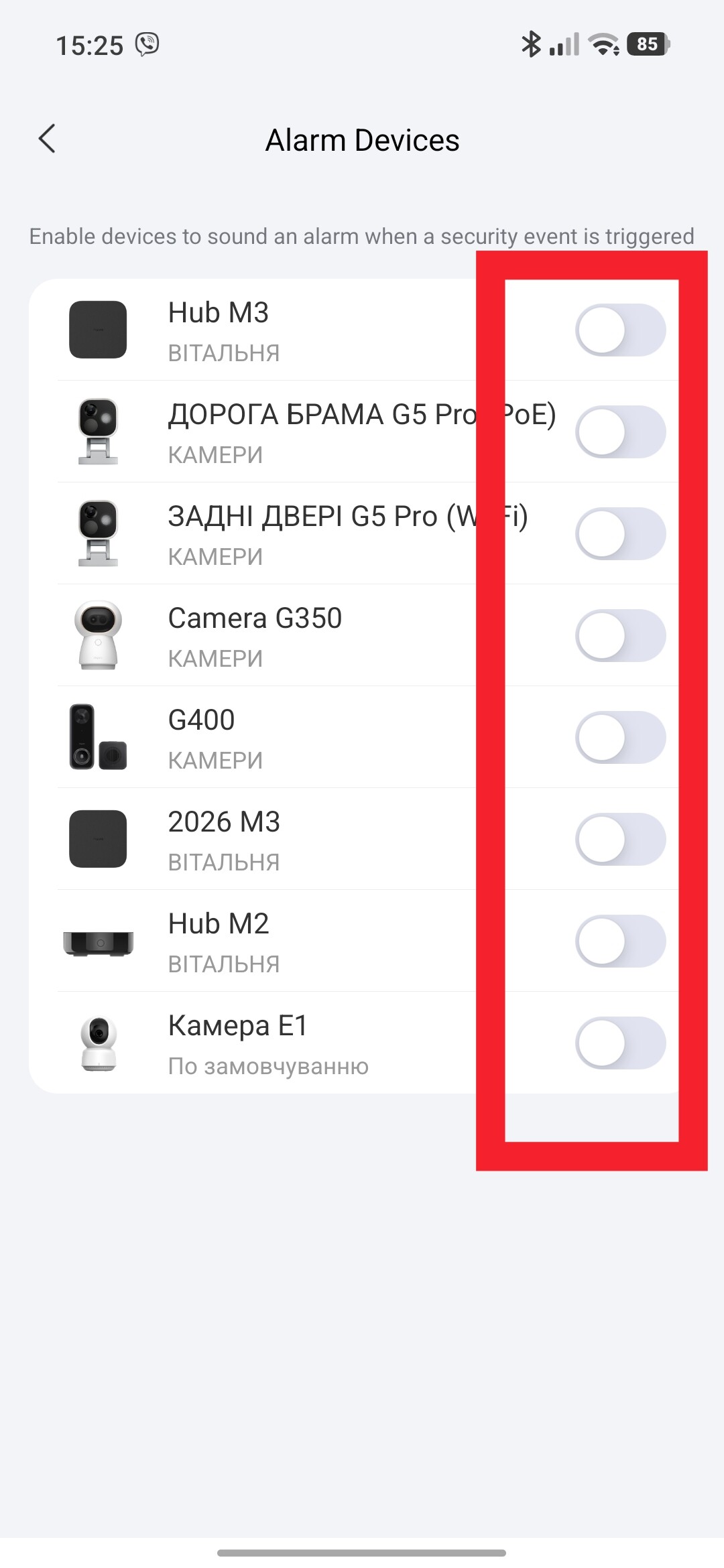
I also discover this 3 options on the basic guard
Open basic guard and when you see all your devices listed like water leaks and smoke detectors as basically only this are added there go on each smoke detector and select the 3th option since they are already grouped select that option there too.
I just made the test without internet and the alarm only sound on my living room the one from bedroom nothing so I will keep thinking and my be asking aqara support about this and see how exactly they need to be in order that the sound alarm sound on all of one detects smoke without internet connection.but as of now my test failed