Good afternoon.
Today I want to talk about my working automation for monitoring the lock status (closed/open).
Preface.
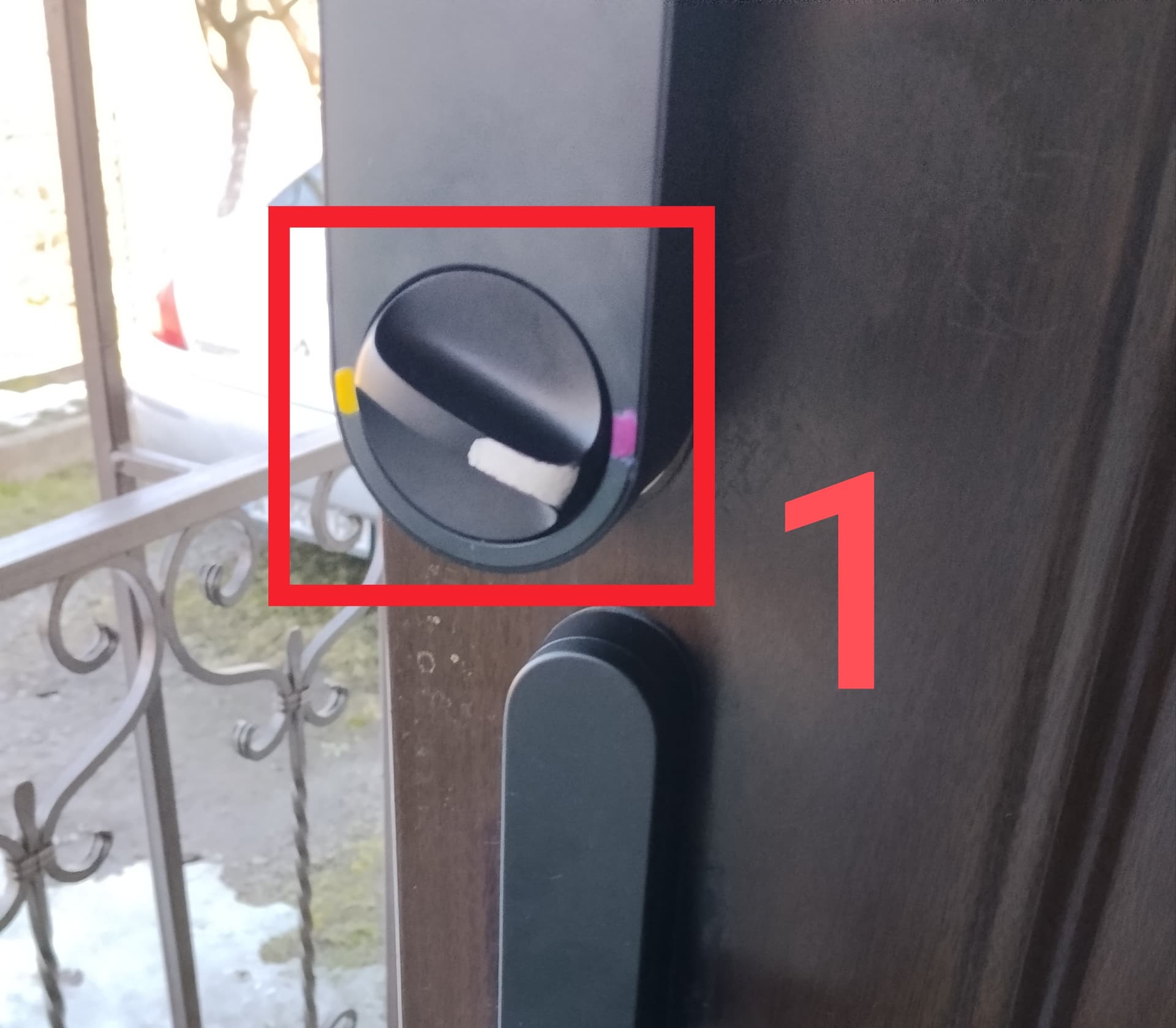
With the U200 lock, I solved this problem using regular paint. I mark the closed side with yellow and the open side with red. I also marked the lock handle itself with white paint. I calibrate it so that the lock is yellow in the closed state and red in the open state.
Fig.1
When I started testing a lock that only has closing handles, a serious problem arose.
The features of these locks are that the lock is blocked from the outside (the handle is not attached to the lock shank) and from the inside the lock opens like a regular handle. This feature leads to a “corkscrew” of the user, personally it always seemed to me that the door was open in the house (I will not talk about the impression of my wife  ). You open the door from the inside and it always seems that the door is open, which leads to an additional pressing of the lock button from the inside (respectively, the battery is “eaten up”).
The first section.
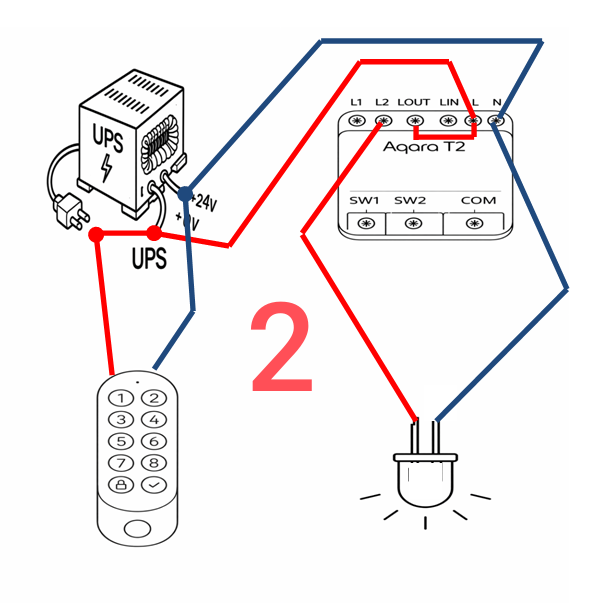
To provide the U200 lock keypad and G400 video calls, I use a mini UPS from which I supply power to these devices. I had the idea to use a T2 relay to create an alarm about the status of the door lock.
I use the following materials.
- mini UPS 24 volts;
- Aqara T2 relay;
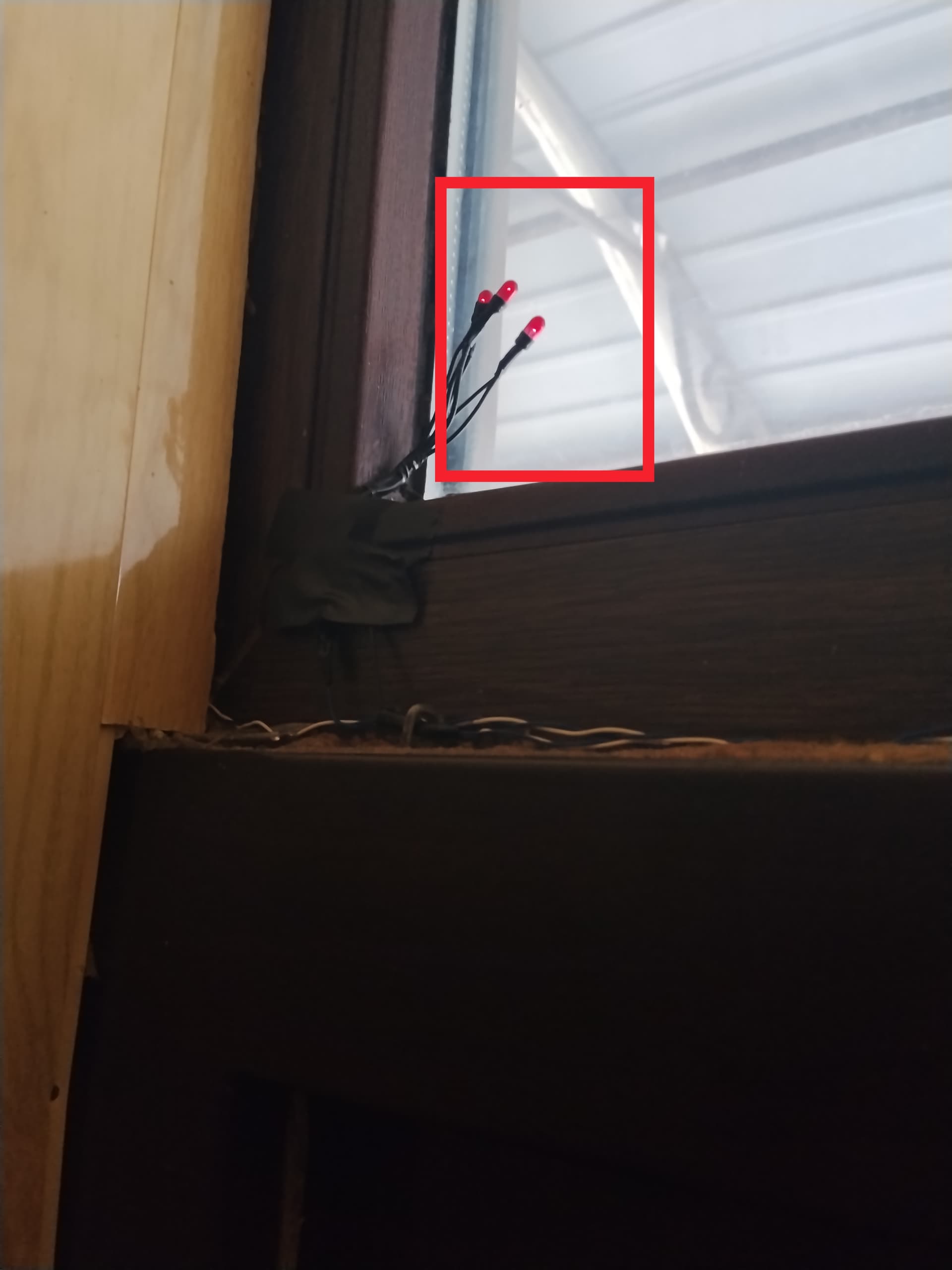
- an incandescent bulb from an old broken Christmas garland, I cut off the necessary amount for a light glow. (you can take a low-current indicator LED for 24 volts).
We are assembling the power supply circuit. I apologize for the quality of my artistic creativity 
Fig.2.
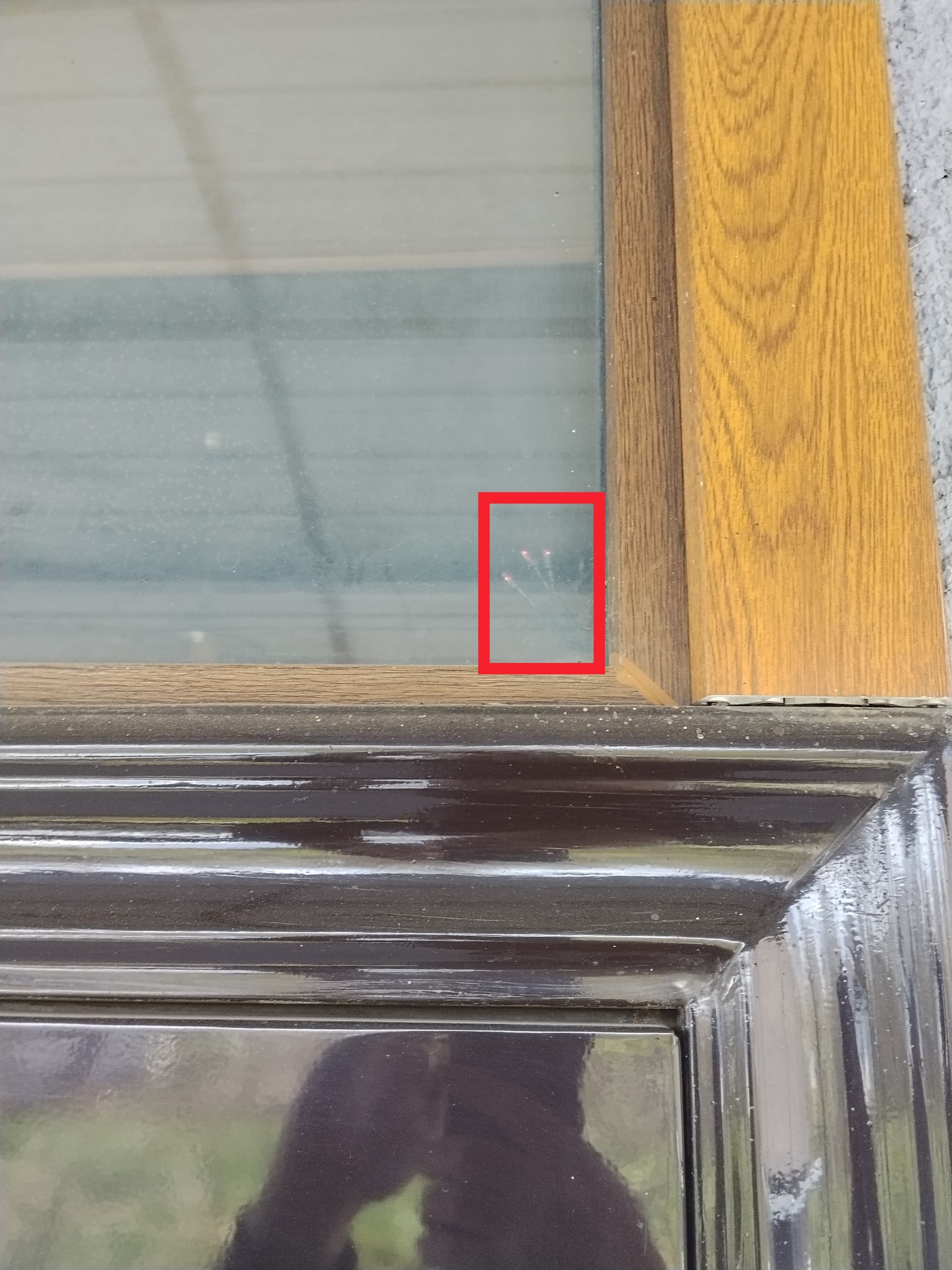
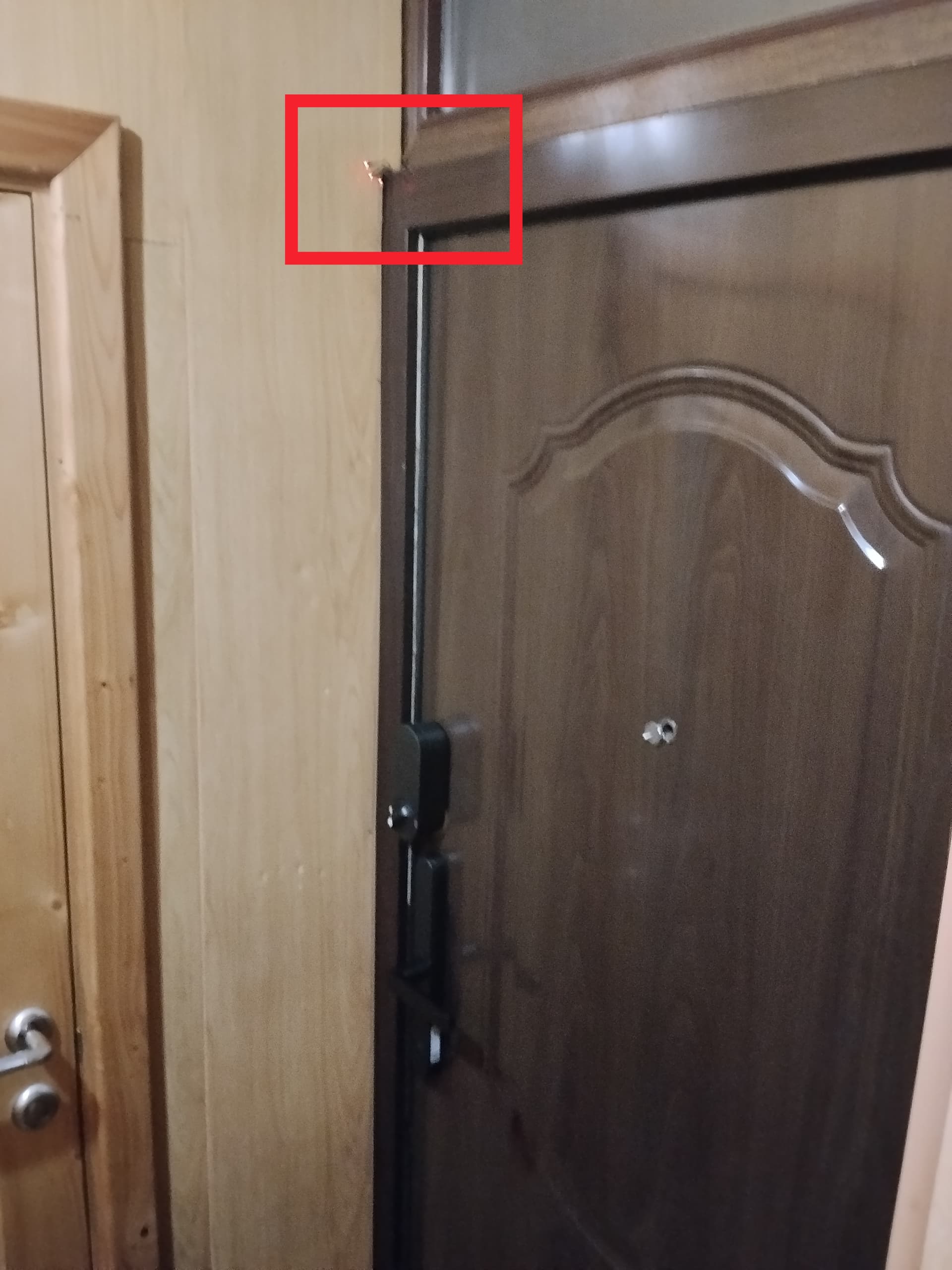
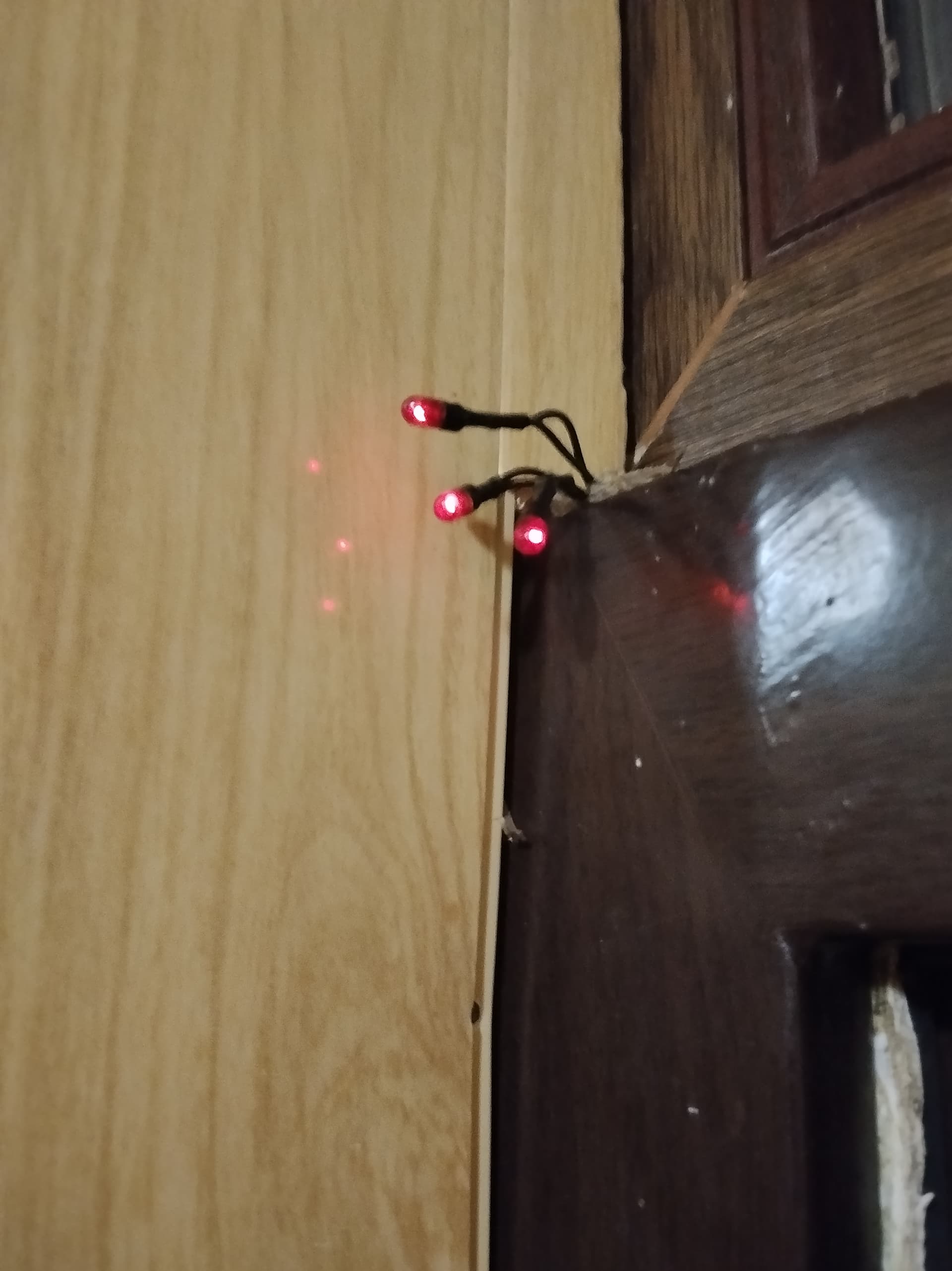
I placed the indicator lights above the door using thin wires so that they do not “press” on home users.
Fig.3.
Part Two.
We create automation for light indication of the door lock status.
Automations are similar to lesson 19 only instead of virtual switches we use a physical T2 relay.
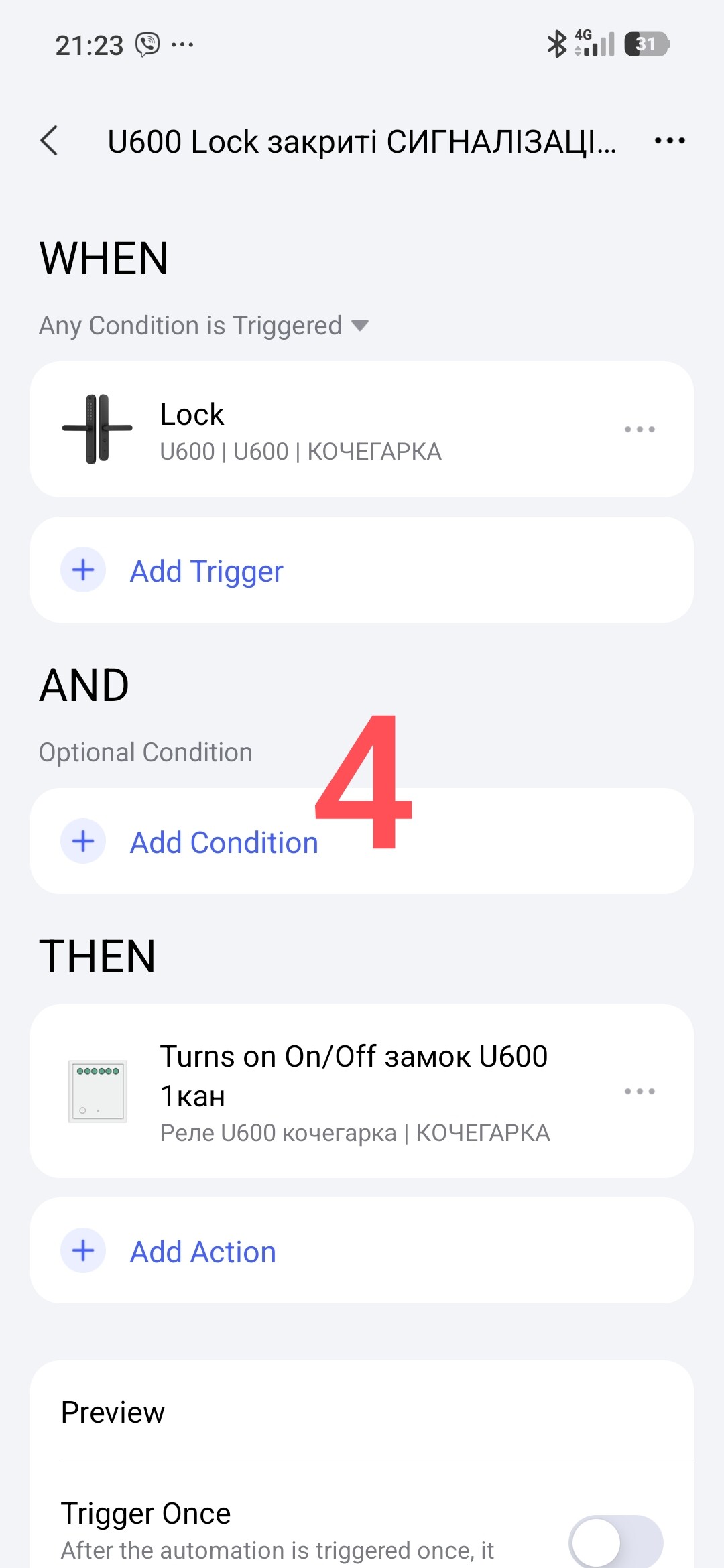
First automation “U600 Lock” (closed ALARM). Automation is very simple.
Fig.4
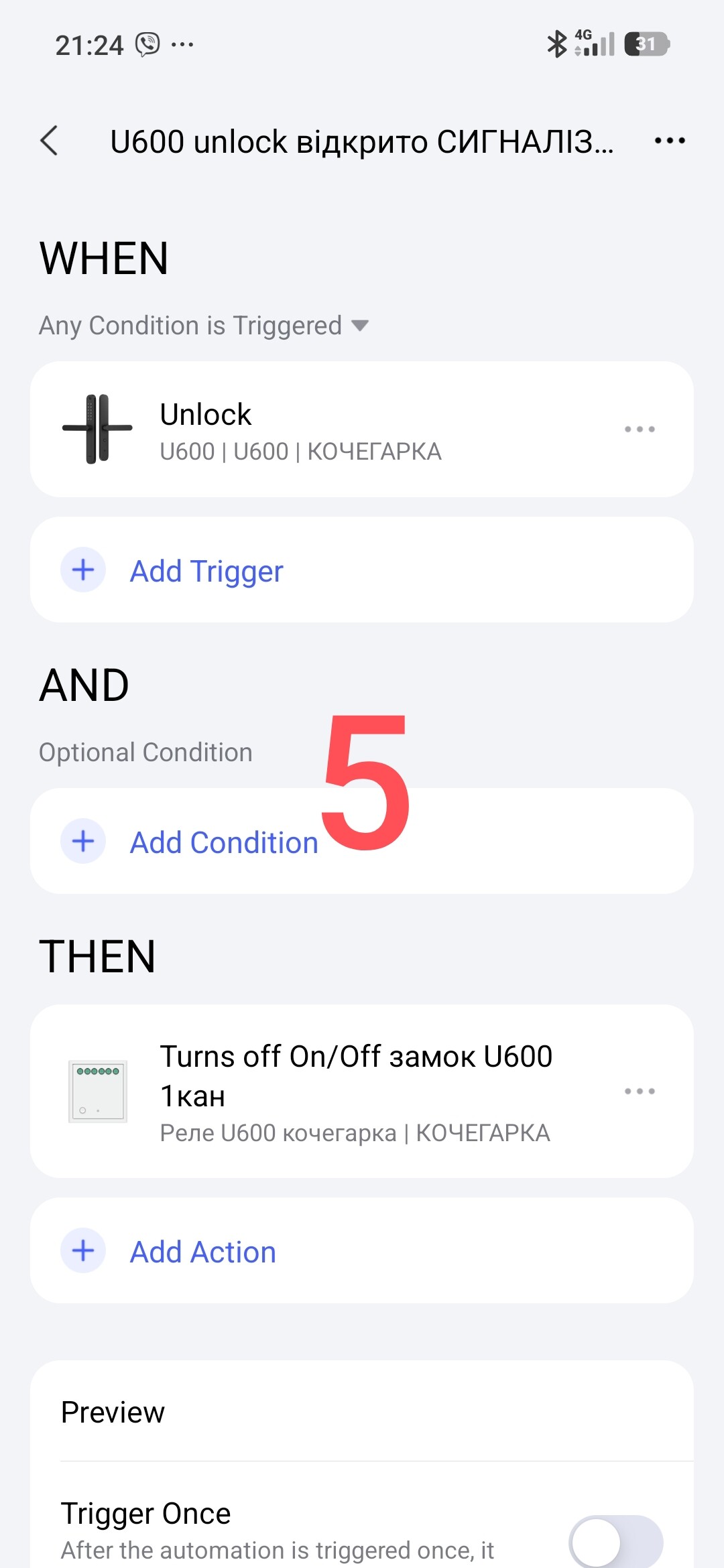
Second automation “U600 UnLock” (open ALARM). Automation is very simple.
Fig.5.
This is a video of my result for this lesson. Not only I am happy with it, but also my wife and the whole family.
Video.
Epilogue
Now as an added bonus, we can use the opening/closing of the door lock using lesson 19. Just instead of a virtual trigger we use the state of the T2 relay:
- relay on (closed lock);
- relay off (open lock).
Everything else is described in lesson 19, I won’t repeat it. ( Automation 2.0, lesson 19, creating On/Off automations for the U200 lock (and similar ones) using a wireless button )
I think your imagination will develop new automations, now you have a lock state condition in the IF section (relay T2 state).
This will end this lesson.
Thank you for reading and sharing the topic (you can also on other platforms with a link to our forum).
More to come.
Lesson 20__Automation 2.0 lesson 20. Plugin for the Aqara leak sensor, water control in the pool (tank)