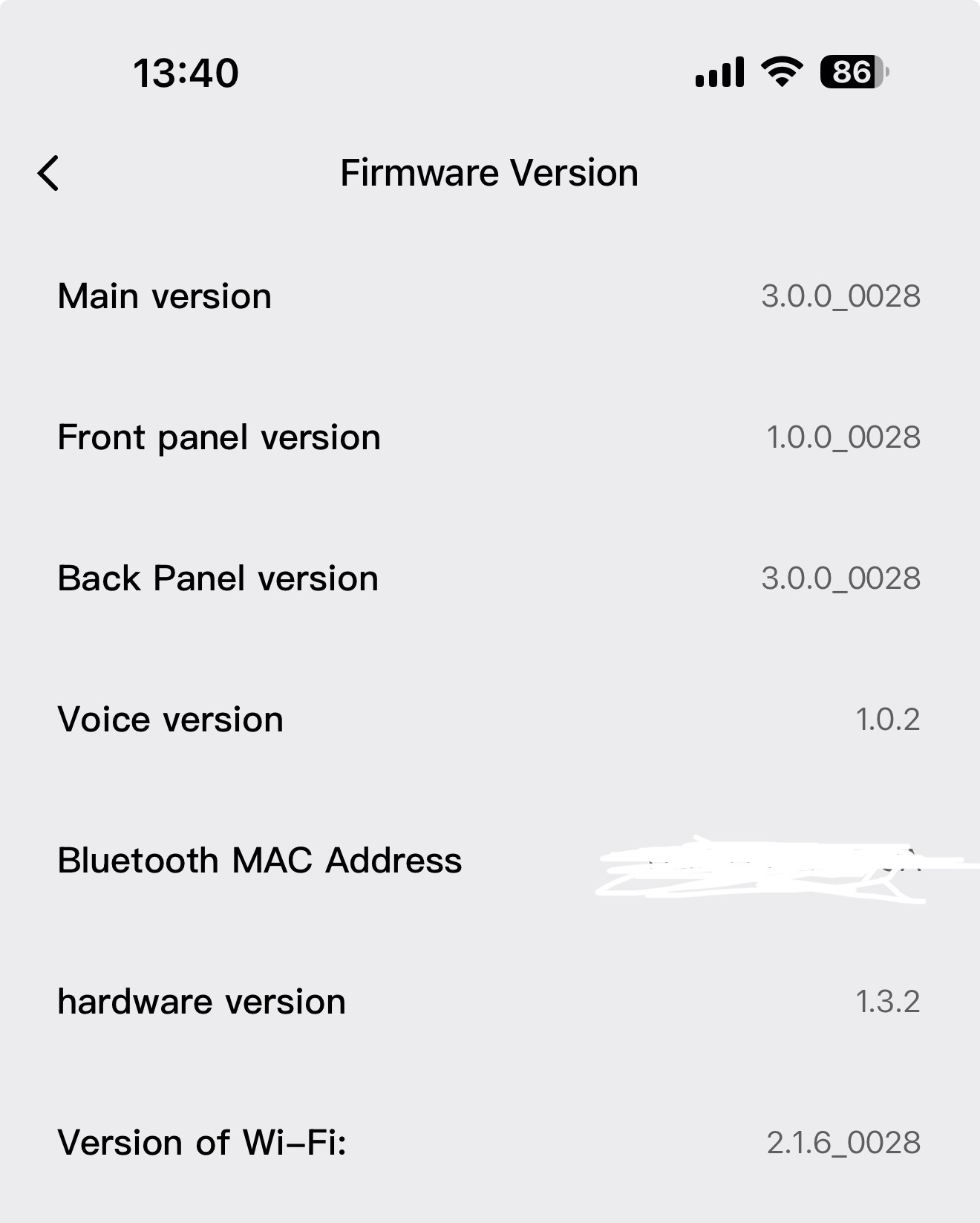
Hello, I am having a problem with my D200i lock draining its battery unreasonably quickly. It is fully updated to firmware version 3.0.0_0028 and linked to a G3 Camera Hub.
When newly installed, the battery lasted over 6 months with very slow drain. When it started giving me the ‘low-battery warning’, I took it out, charged it with a standard USB-C charging cable until the red light turned blue, and reinserted it. After a few days the battery died while I was away. I used a usb-c power bank to open the door, only to find that the battery had expanded so much that it dislodged plastic battery covers on the inside of the door. Scary…
I have now replaced the battery with a previously unused backup battery that I fully charged. When I installed it on Monday evening, the aqara app said 100% battery. Now on Thursday evening it is down to 40%! What is the problem?!
I had a similar problem last year after a battery change, and I had the whole lock replaced under manufacturer warranty. This is now the second lock which seems to malfunction after the battery requires charging.
Hi there, it looks like you’re experiencing a support-related issue. We’ve automatically created a support ticket for you and will reach out via the forum email within the next two business days.
If other members have any suggestions or insights on this topic, feel free to share!
Привет @lucas14
This is very similar to a firmware issue or defective batteries. Contact support support@aqara.com if you haven’t received a response within the specified time.
Hi, I am experiencing same issue as you and I am currently on a replacement unit changed 1 year ago and now the issue happen again on the replacement unit. Local distributor told me it is a sensor failure issue and how can the sensor fail again on the replacement issue 1 year later? This point to me it is a inherent component failure issue which i am left helpless since my replacement unit is also just 1 month out of warranty. I am utterly disappointed in the reliability of this lock from Aqara and i am left helpless without any resolution.
Seems like several of us having this same issue. I wonder what Aqara will do to make it right. I have been contacted by customer service and given a few troubleshooting ideas, but so far nothing has helped. No helpful follow-up after my initial reply. I fear I might be getting slow-walked until my warranty period runs out…
What did they ask you to do? Yes, they did not supported me well on this issue. It definitely do not seem to be isolated case as a few of us are having same issue. Wonder what the local seller do to help?
They are still in communication with me, so I’ll update as I have more details. These were the troubleshooting steps initially suggested -
If facial recognition is set to automatic, please try switching it to manual recognition. Then please monitor whether the high power consumption issue still occurs.
Check whether the indoor lock knob has returned to its original position. The vertical orientation is correct.
Check whether there is any metal in front of the door lock.
Am facing the same issue on both my batteries that came with the purchase and also on the same firmware as OP. It was fine beforehand. Have contacted support and advise given does not help at all. At the end was told to contact seller for help.
I’m having the same issue and local support team said it’s auto unlock sensor issue, and only option is to unplug the sensor wire which they also not confirm if the method will confirm fix the issue.
But the door lock it’s set with manual, if the auto face detection is on by default the lock should be able to detect my face when near, I still need to activate by touching the keypad, seems more like the firmware issue to me which drain the battery.
Anyone has similar issue and it get fix by unplug the face sensor wire?
My problem is same like you, after firmware update the auto face unlock no longer working, and it drained around 20% battery per day.
When I set to manual face unlock setting, it still drained around 10% per day, it is huge different compared to before the firmware update, where only drain around 50% in 6 months time with auto face unlock working well.
I faced the same issue, after updating the lock fw, auto face detection stop working. I have to tap the number pad to trigger the face recognition (while auto face detection is set to on). Battery now goes from 100% to 20% in a week (both pieces). The lock had been working perfectly well for 23 months. Batteries lasted around 6 months then. How should I get this solved? Many thanks to your reading and advice.
I have the same issue. I’m a early adopter and bought it in Apr 2024.
Singapore Support is great, replaced the electronics and batteries in Feb 2025 quickly. Even so, I had to turn off the proximity sensor to get reasonable usage time.
Guess what, the problem came back again in end July 2026 even with the proximity sensor off. The battery now last 3 days and still reducing rapidly.
Now I’m being told I need to replace the electronics and batteries and my own cost since the warranty had expired. Not unreasonable but I still felt burnt.
Don’t think this is a reasonable lifespan of a flagship product, to need a complete overhaul every year and the need to disable an advertised feature to even function?
I see that the new users are still getting the same problem, hence this model definitely has a problem that was never addressed.