Ok thanks I will try tomorrow, out at the moment, although I’m not sure where you are searching for on/off g5 lamp ?
3 Likes
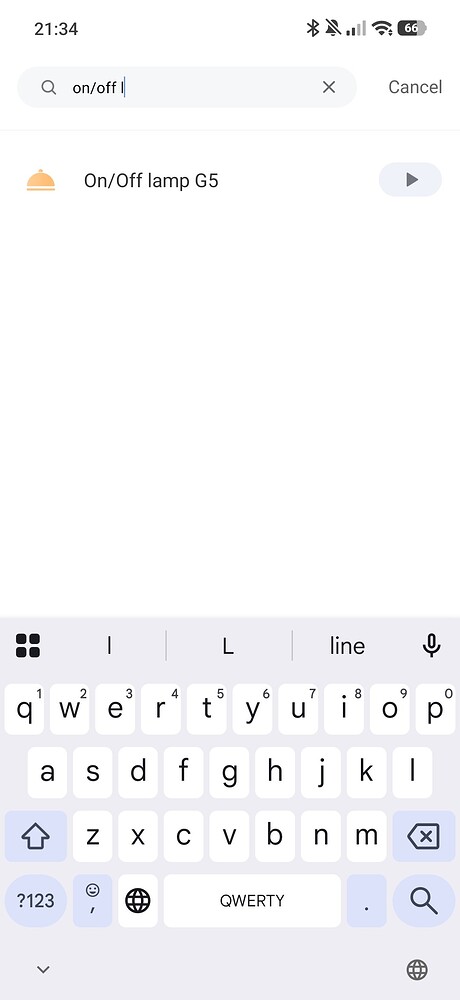
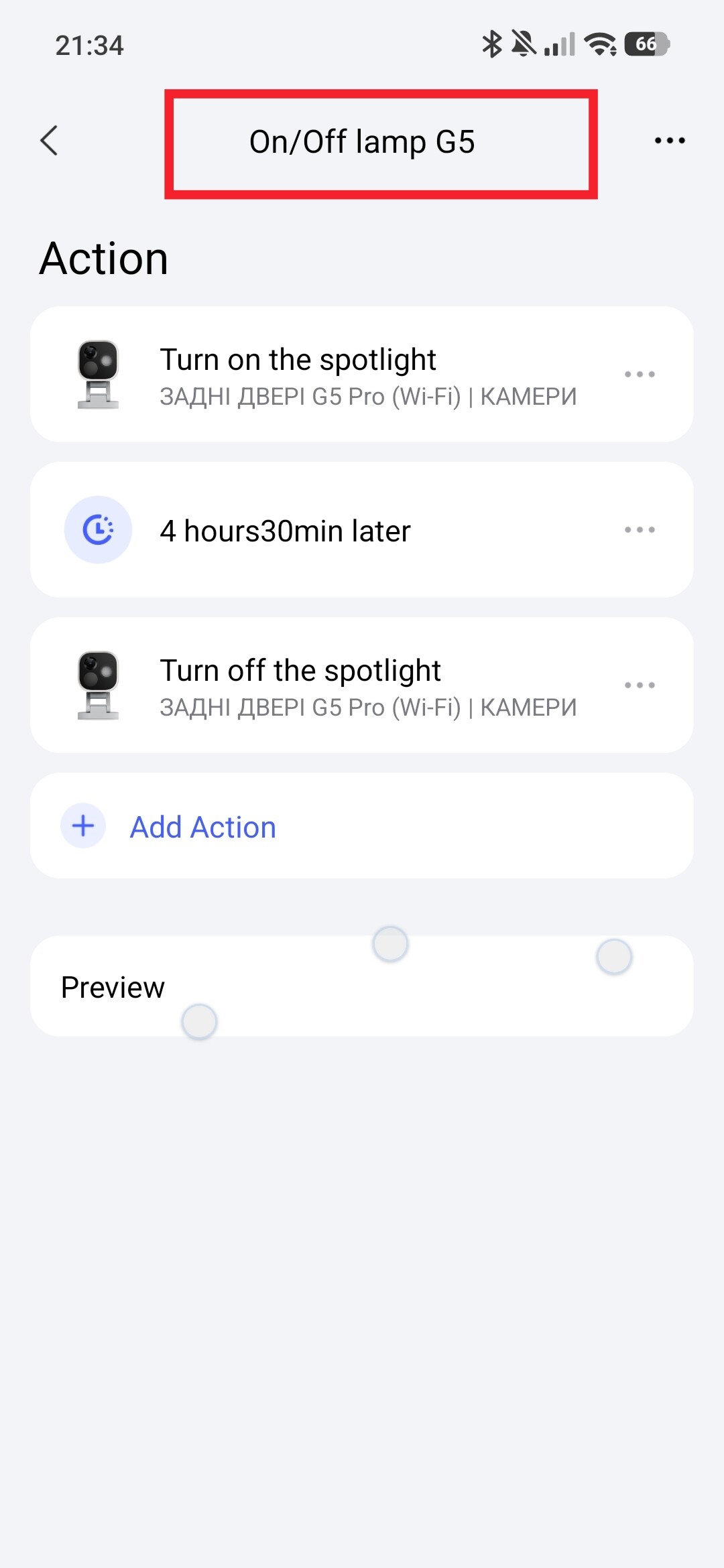
Oh ok thanks for clarifying.
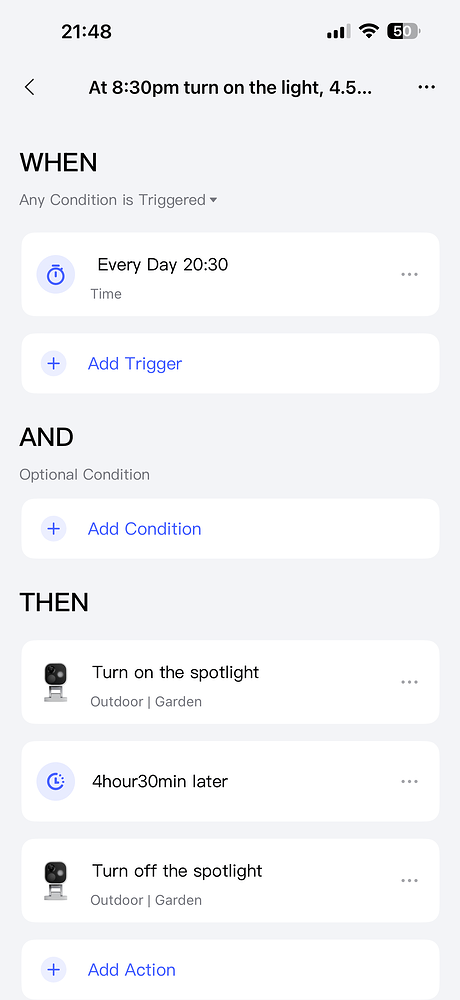
Not sure why but for reason this automation I did the other day is now working ?
1 Like
Now you can replace the time 22:30 with this setting and the lighting will turn on at the will of the sun.
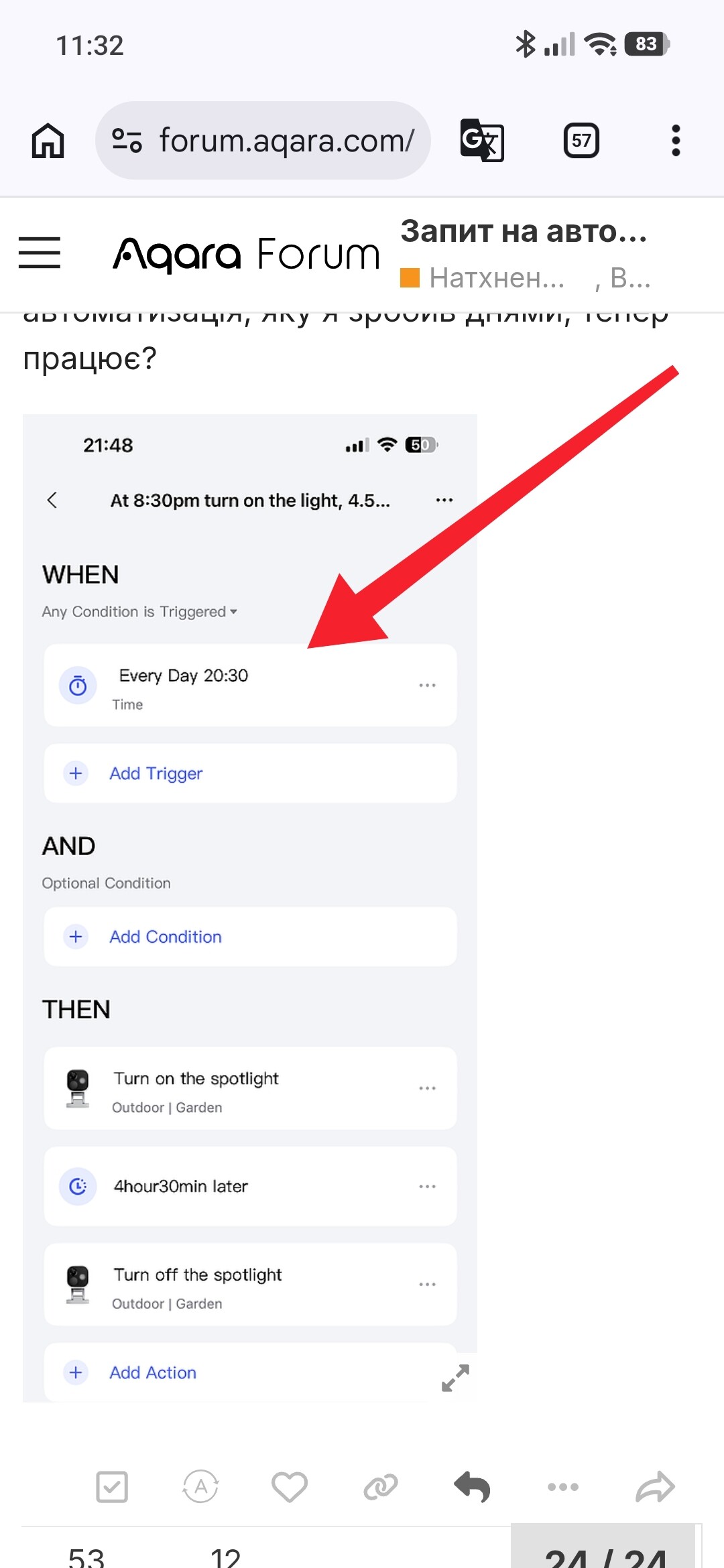
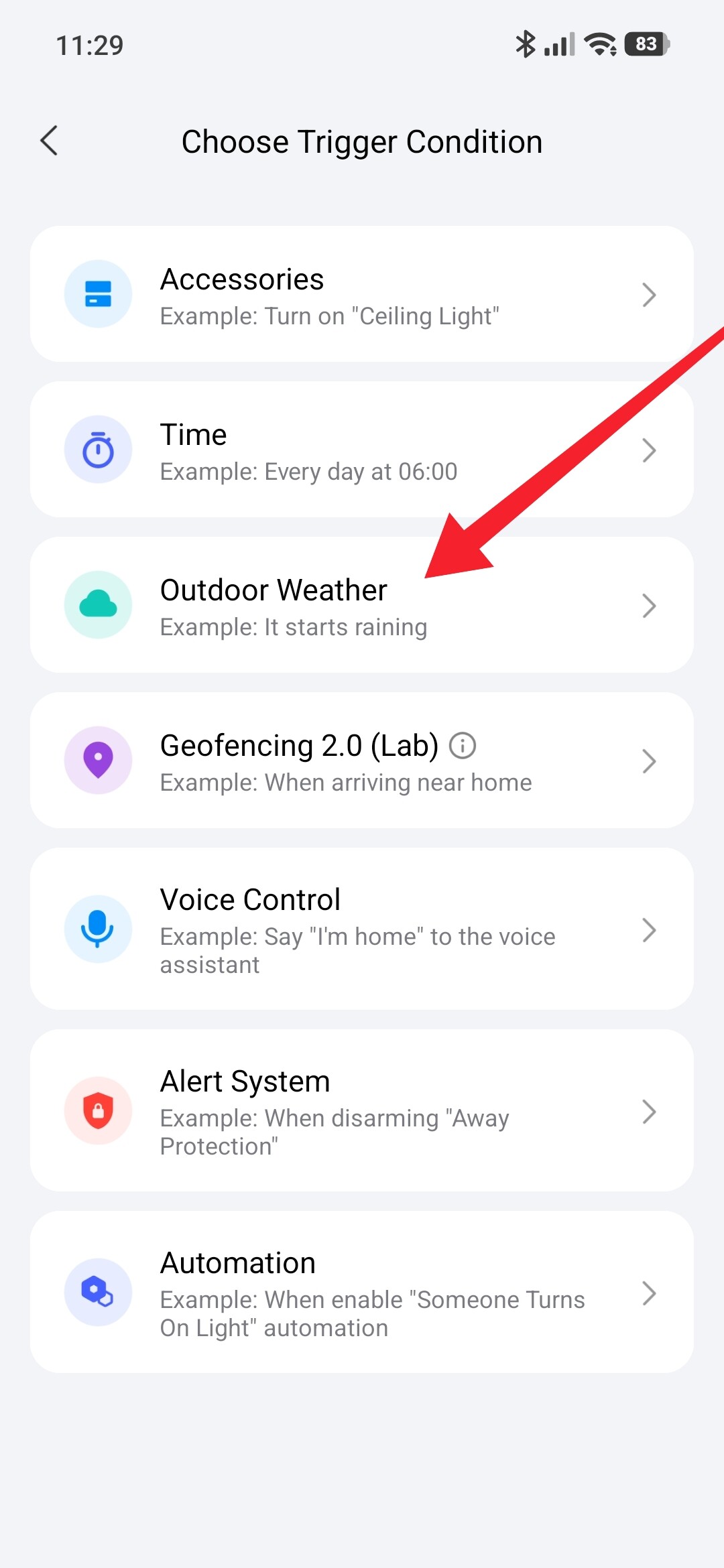
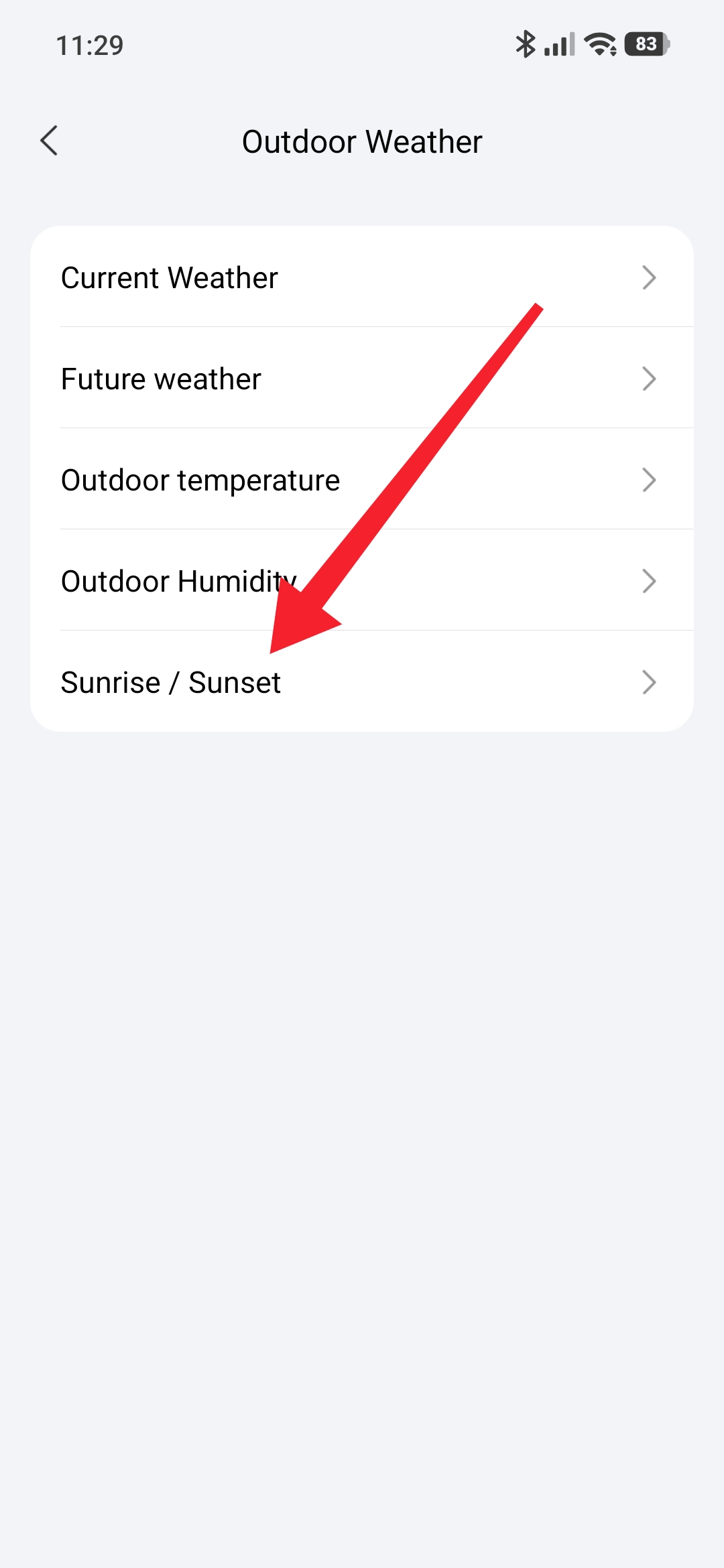
Ok nice, I have now changed the 20:30 light on time to the outdoor weather sunset option.
Let’s see if it works tonight.
Thank you.
I just realised this won’t work very well, as it will turn the light on at sunset which is fine, but turning the light off 4.5 hours later won’t work in the winter when it can get dark at say 5:00pm, that means the light would go off at 9:30pm.
I guess I need to use the sunrise option as well.
But initially I only wanted it going off around 1:00am, and not stay on all night.
1 Like
I will now write a lesson on your question and provide a link to it. Sunset condition On, 01.00 Off. Is that what you need?
Yes please.
Done, lesson 21 here. Automation 2.0, lesson 21, creating On/Off automations for the G5, G100 camera spotlight
Attention, write the name of the automation and scenes yourself!!!
1 Like
Thanks very much I will have a look at this soon.
1 Like
I’d recommend using two automations, so it’s a smooth experience, especially if the daylight-night balance changes during summer/winter:
- One automation to turn the light ON at sunset or a 10-15 mins before
- Another automation to turn the light OFF at sunrise, or 10-15 mins after
This way, when the seasons change, the automations will adapt to it.
2 Likes
Hello, this is exactly the principle (sunset) I use in my lesson 21.
3 Likes
Ok thanks, yes I was thinking of doing this instead of the light going off at 1am, just to simplify things.
So like this screenshot.
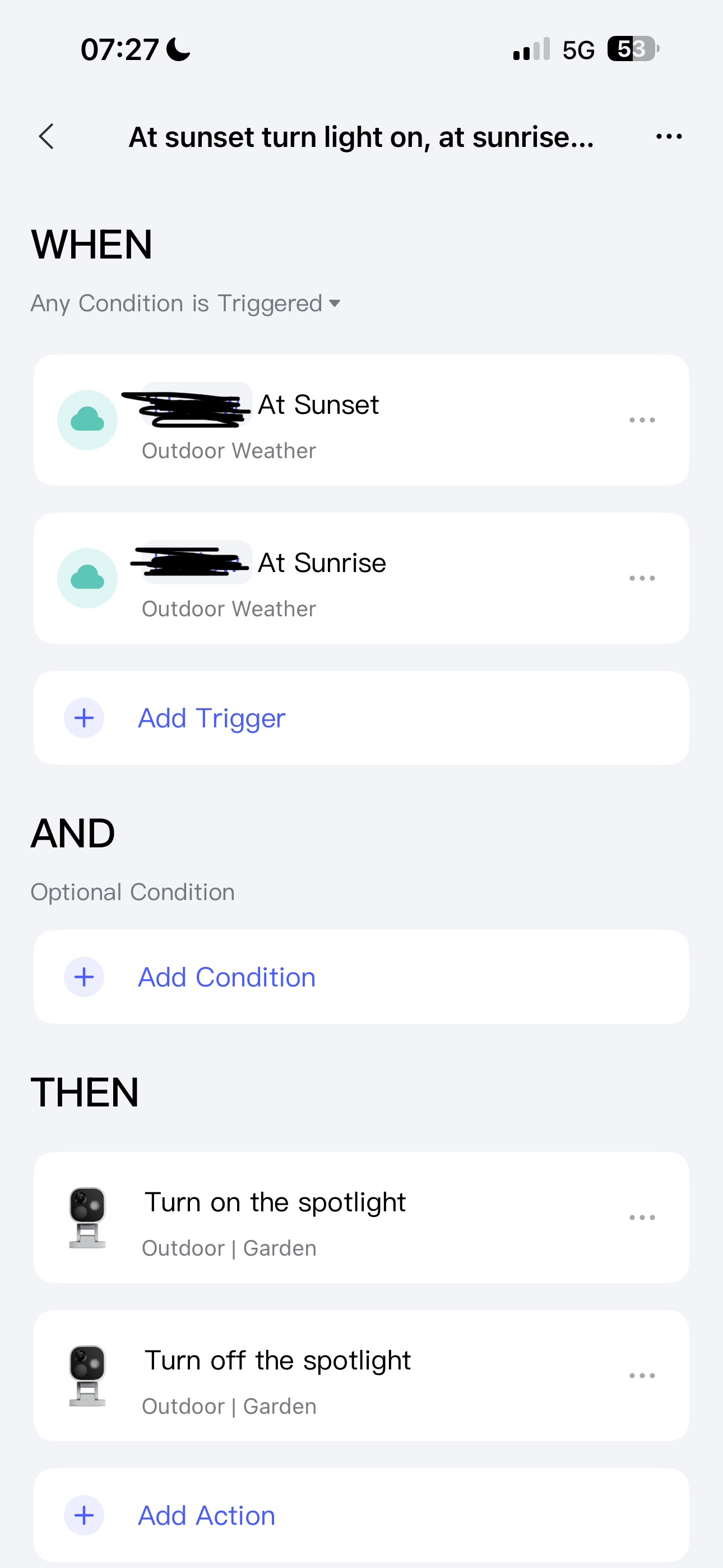
Yes you did thanks again.
1 Like
My new automation above does not work ?
Hello, everything works for me. I’m specifically testing. Show me a screenshot of the automations.
Lesson 21.
To make this work, set the time limit G5 for On 16.00-01.00 for Off 04.00-13.00. Section THEN.
Explanation: Sunset will trigger On G5, the activation period of which will not fall on sunrise. Similarly with sunrises for Off.
I was only referring to my previous screenshot not working which Thorioum suggested to try.
I have set it like this now as per your timings, let see if this works, thanks again.
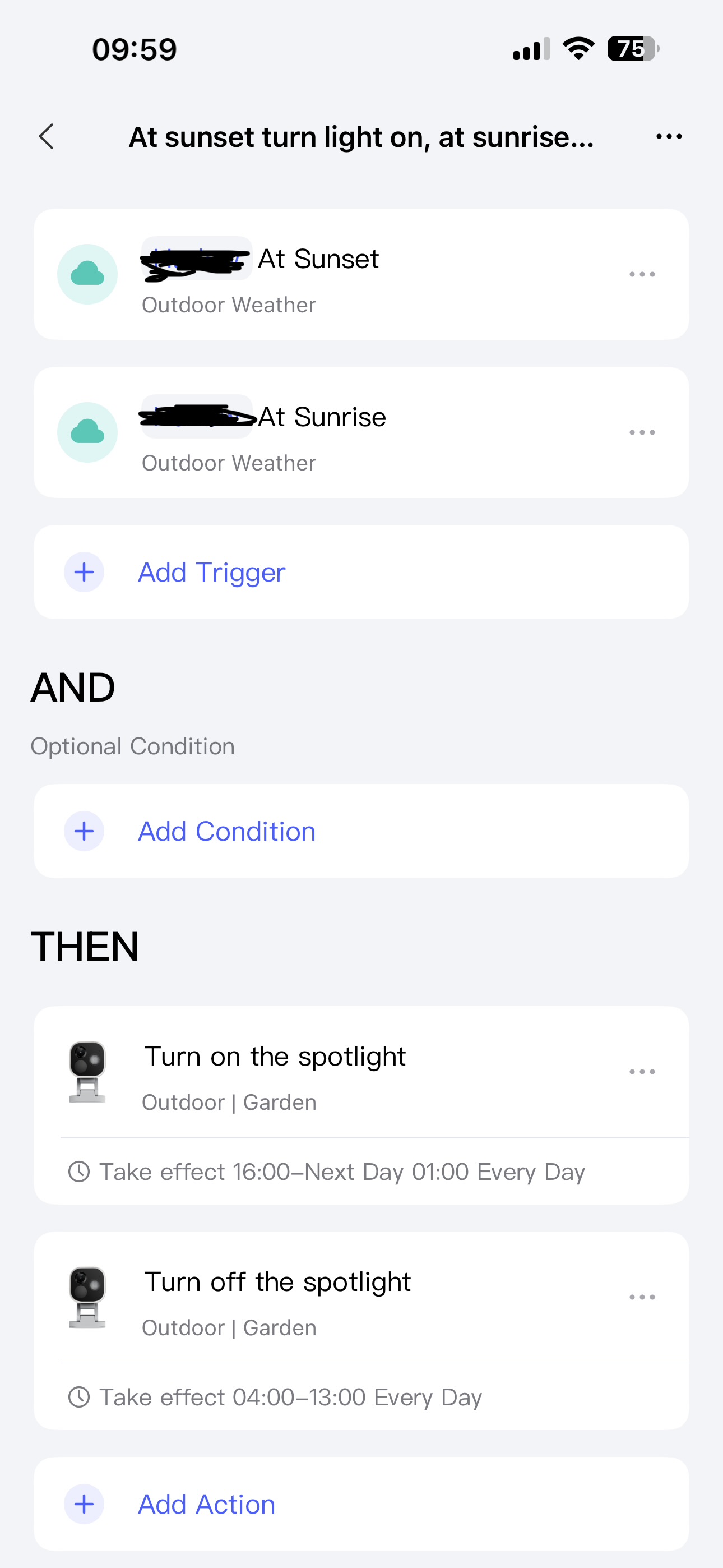
1 Like
This automation above does not work either, so I’ve gone back to the previous one, light on at sunset and after a delay of 4.5 hours turn the light off.
This is the only one that seems to work.
1 Like