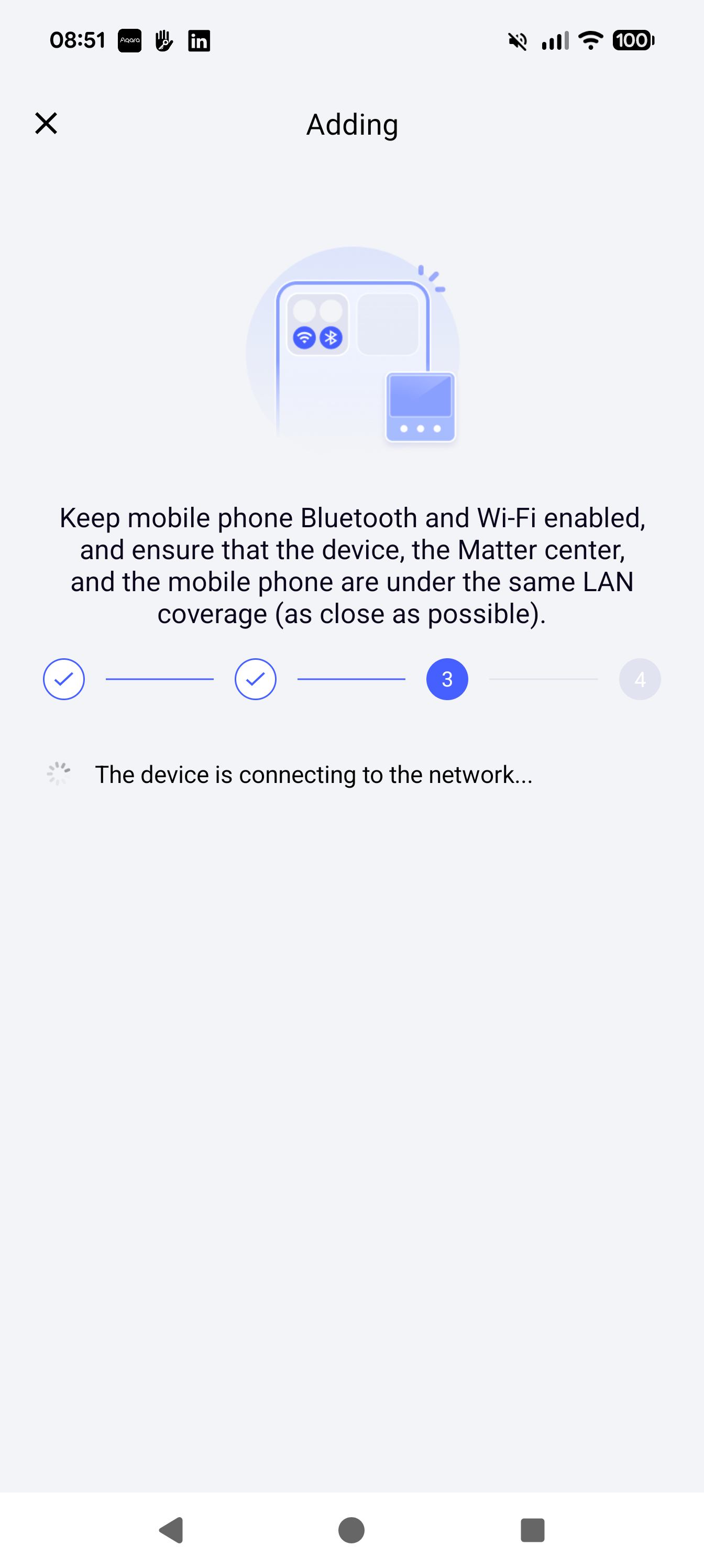
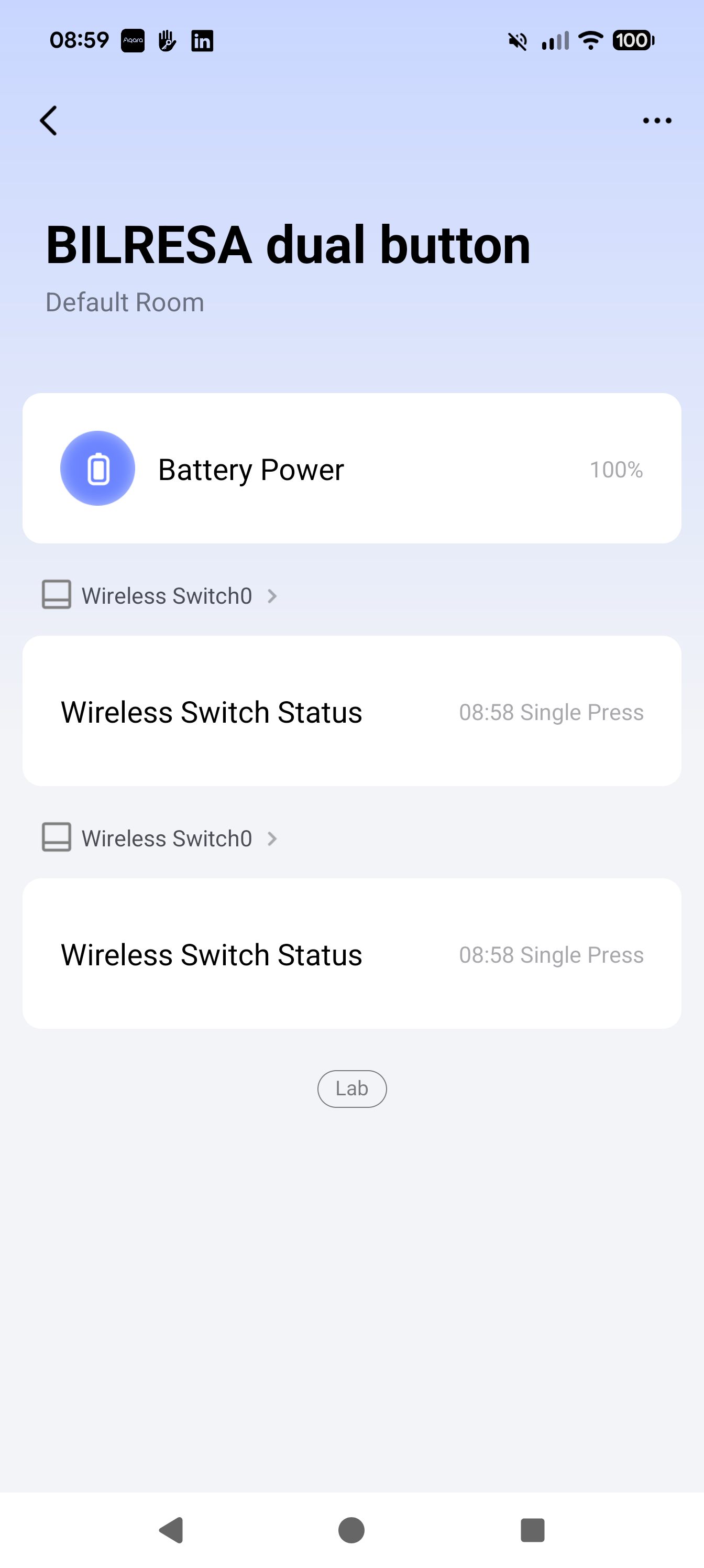
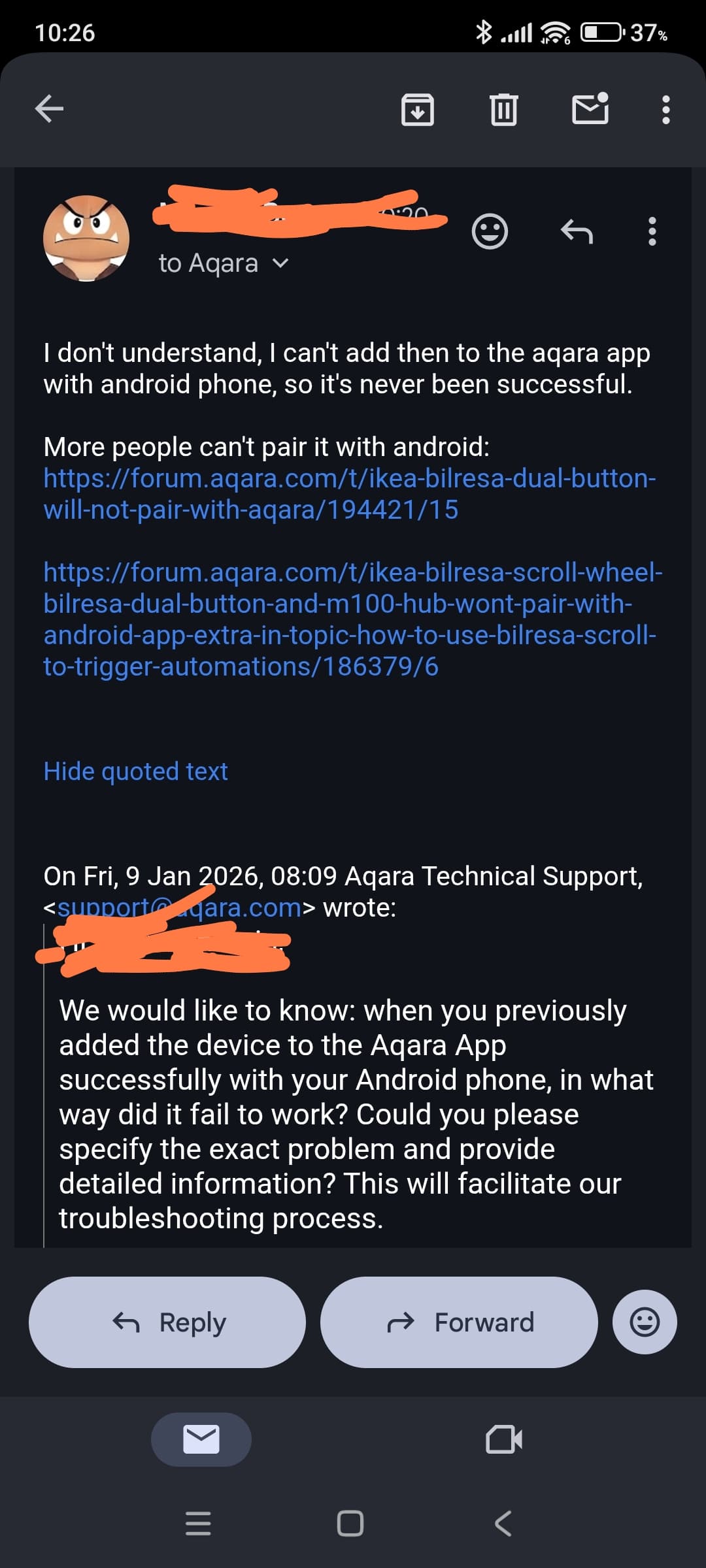
I’ve purchased 10 of these devices and I can pair with Home Assistant & Google Home but these will not pair with Aqara.
I’m using Android to try to pair the device.
I’ve added to Home Assistant and tried to share from there and it still will not connect to Aqara Home.
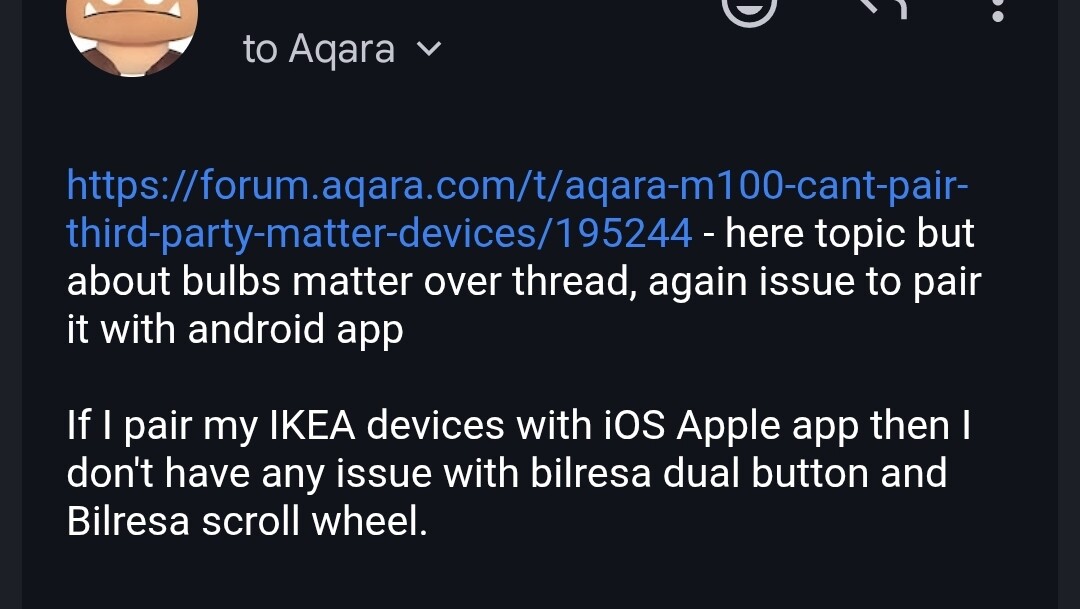
I am at a loss as to what else I could try, other threads mention that this is an android issue and that iPhone hoes not have this issue. I do not have an iPhone to test.
Have you already tried removing the button from HA, factory resetting it, and pairing it directly to Aqara first? Android commissioning can sometimes be picky about the direction. If it works in Aqara, you can then share it to HA.
Alternative: If the buttons are stable in HA, you can actually expose them to Aqara using the “Matter Bridge” add-on for Home Assistant (instead of standard multi-admin sharing). Here is a guide: From Zigbee to Matter (part 2)(Don’t let the “Zigbee” title fool you; as the guide explains, you can use the HASS connector to bridge any entity, even scripts or virtual switches, to Aqara).
Ah, I misunderstood! I initially thought the failure only happened when using the Multi-Admin code from HA, not during a direct attempt.
Your observation makes it pretty clear (more than just a gut feeling): If Google Home and HA can use the Aqara Hub as a Border Router without issues, the network itself is fine.
I would recommend opening a ticket with support to flag this.
In the meantime, as a temporary solution, you can use the Matter Bridge approach to expose the buttons from HA to Aqara.
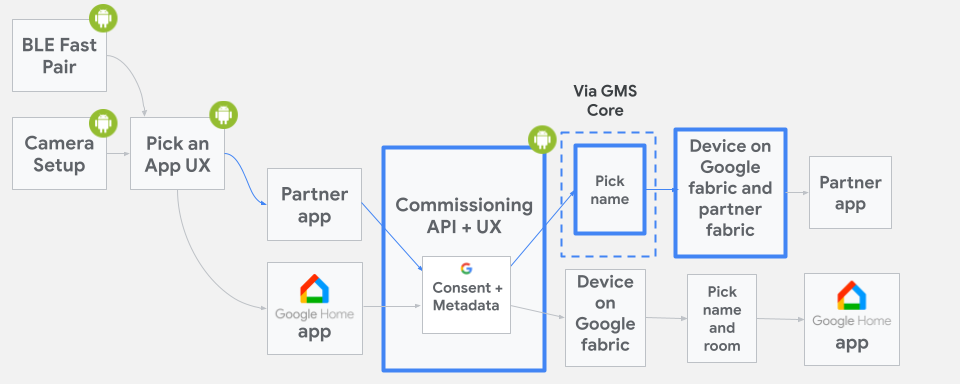
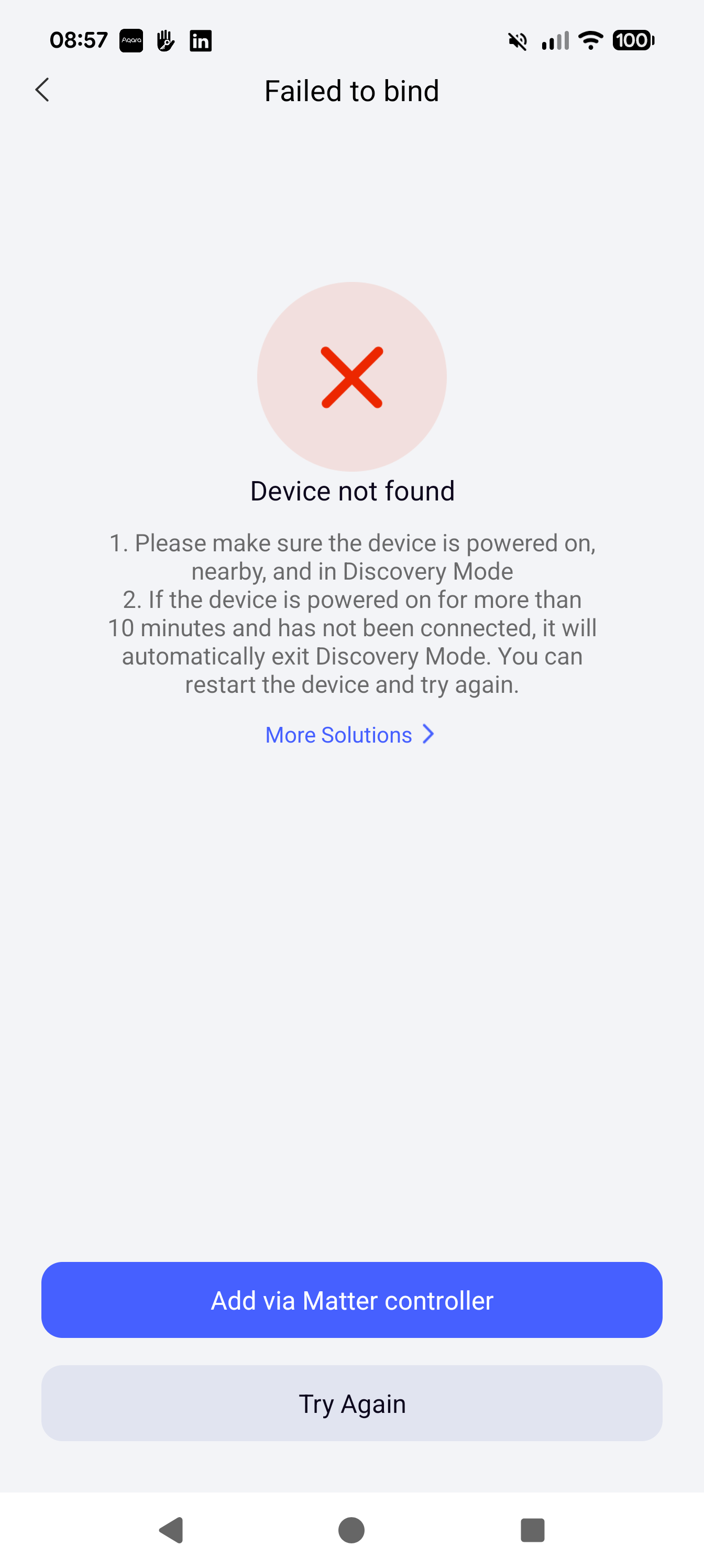
Well I’ve managed to commission my first button, I had to wait for the system to time out it then offered me another option to try to bind with the matter controller ( or words to that effect ) , this was successful.
I’m going to try another to see if this does the same.
That’s just a guess. But it sounds as if the commissioning process in your app isn’t working, so you’re using the operating system’s own commissioning process instead.
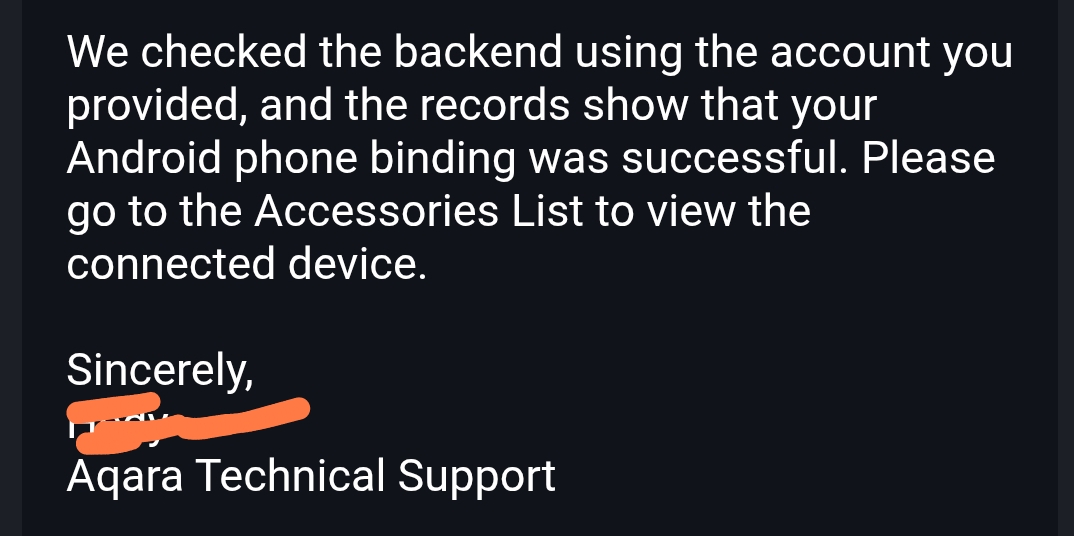
I did, they agreed today that it’s not pairing with android, but I had to unpair buttons, then try to pair them again to create new logs, their log system is really bad for troubleshooting. They always can’t recreate a problem because they ask for authorisation after opening a ticket and they have only access to newer logs, eh.
Hello David,
Compatibility with the Matter setup process may vary across different Android versions and manufacturer-customized systems (such as MIUI, One UI, etc.). In addition, network optimization and battery optimization policies may interrupt or affect the pairing process.
To help us better identify the issue, could you please share a screenshot of the pairing failure screen in the Aqara Home app (including any error messages or the step where the process gets stuck)? If convenient, please also provide your phone model and Android system version. This information will help us further analyze the cause.
I have a sneaking suspicion that this might actually be down to app permissions. It is possible that an Android update has reset the Aqara app’s permissions.
The fact that it works via the “Matter Controller” (which runs via Google Play Services with system-level privileges) but fails directly in the app is very suspicious. It strongly suggests that the Aqara app is effectively hitting a wall because it lacks a specific permission like Bluetooth, Nearby Devices or Local Network access that the system process has by default. Whereby local network access should work.
Alternatively it could be as xu_zhang-a1163 suggested where network optimization and battery optimization policies may interrupt or affect the pairing process.