Good afternoon.
Today I will offer you a dimmer option built on the Aqara contactless switch.
We will use these automations in the WHEN sequence. Devices
-Two-button wireless button.
-Group of lamps in the house. Automation condition.
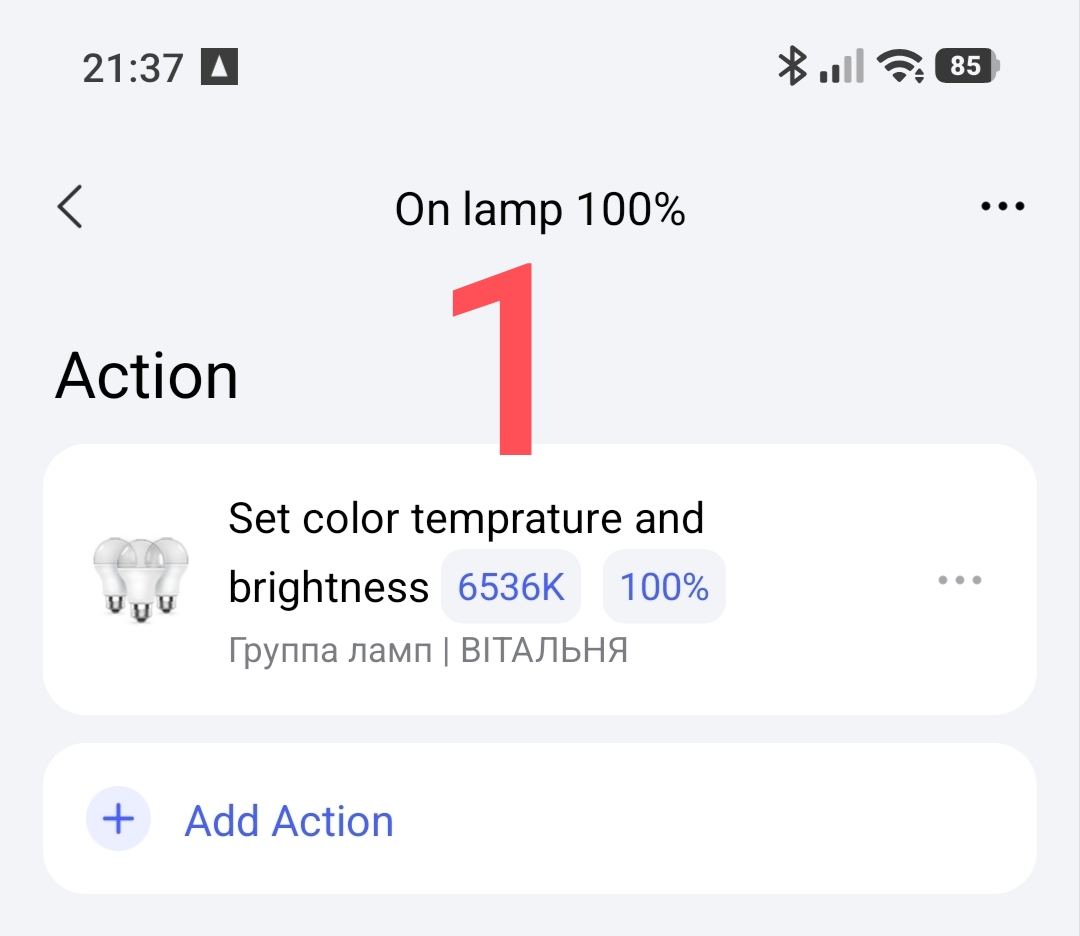
Turning on the group of lamps 100%.
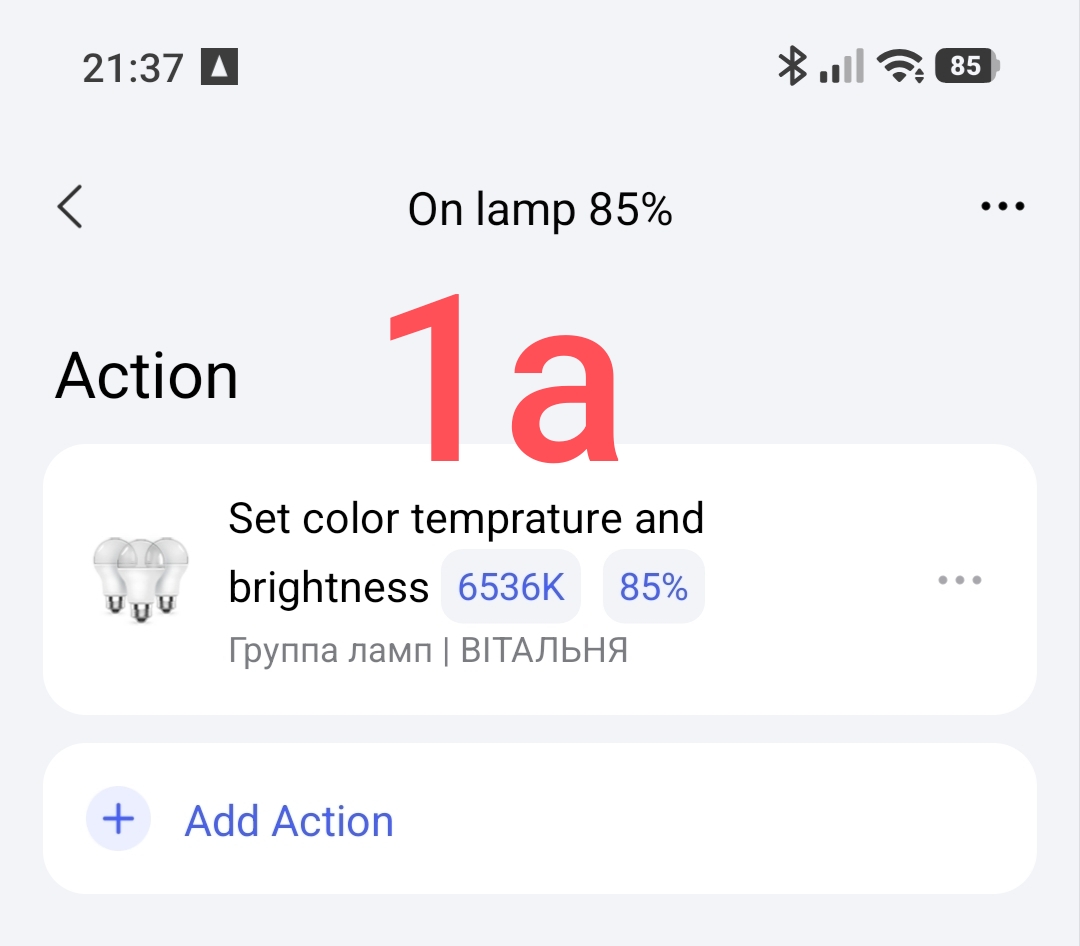
Turning on the group of lamps 80%.
…
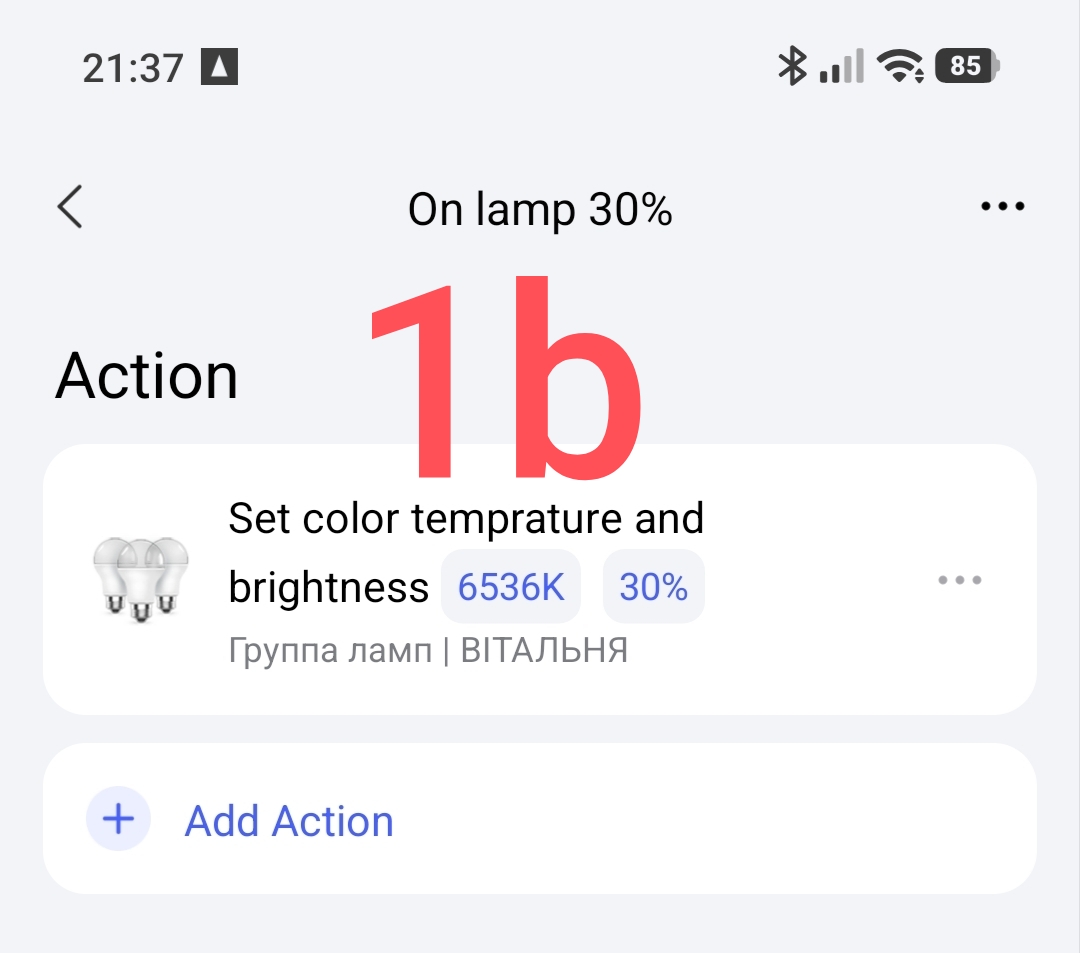
Turning on the group of lamps 30%
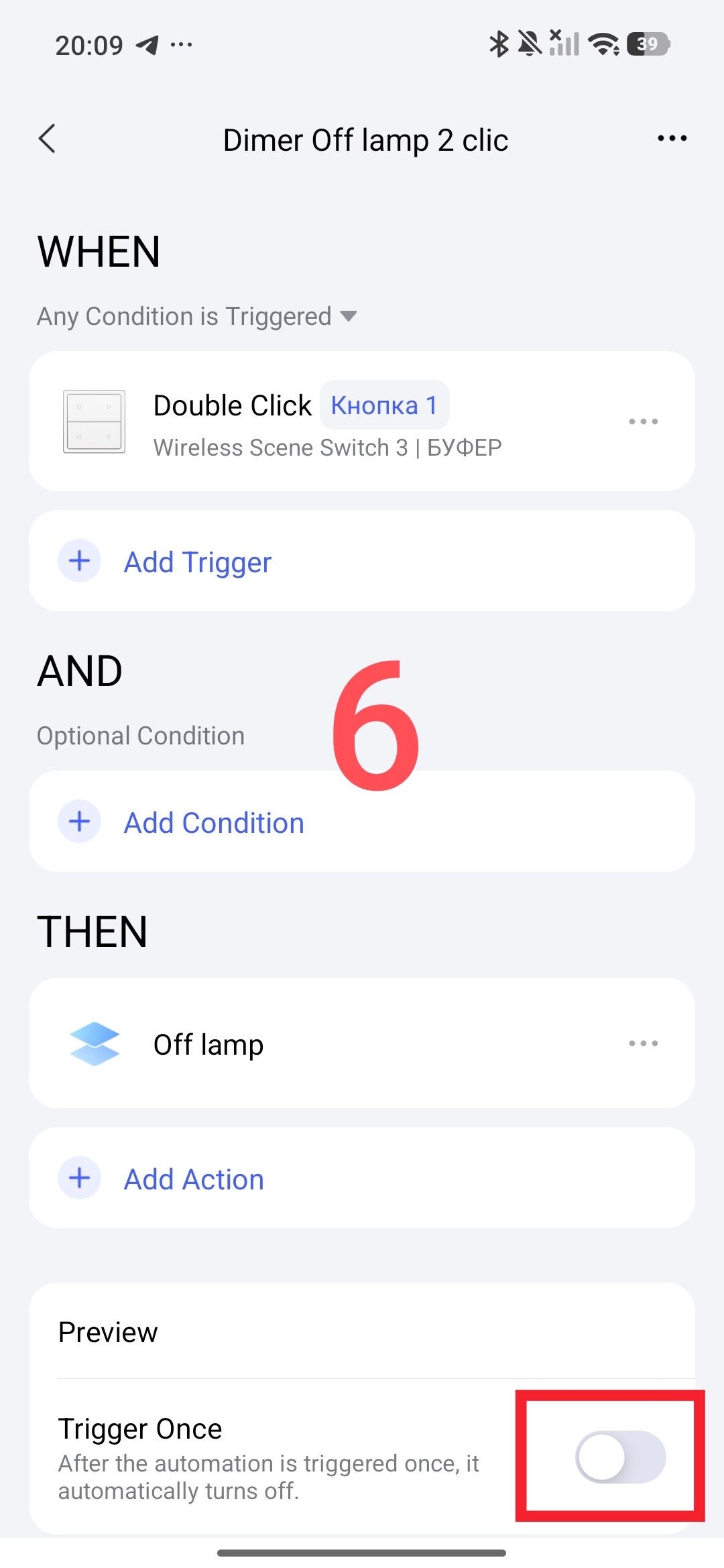
Turning off the group of lamps.
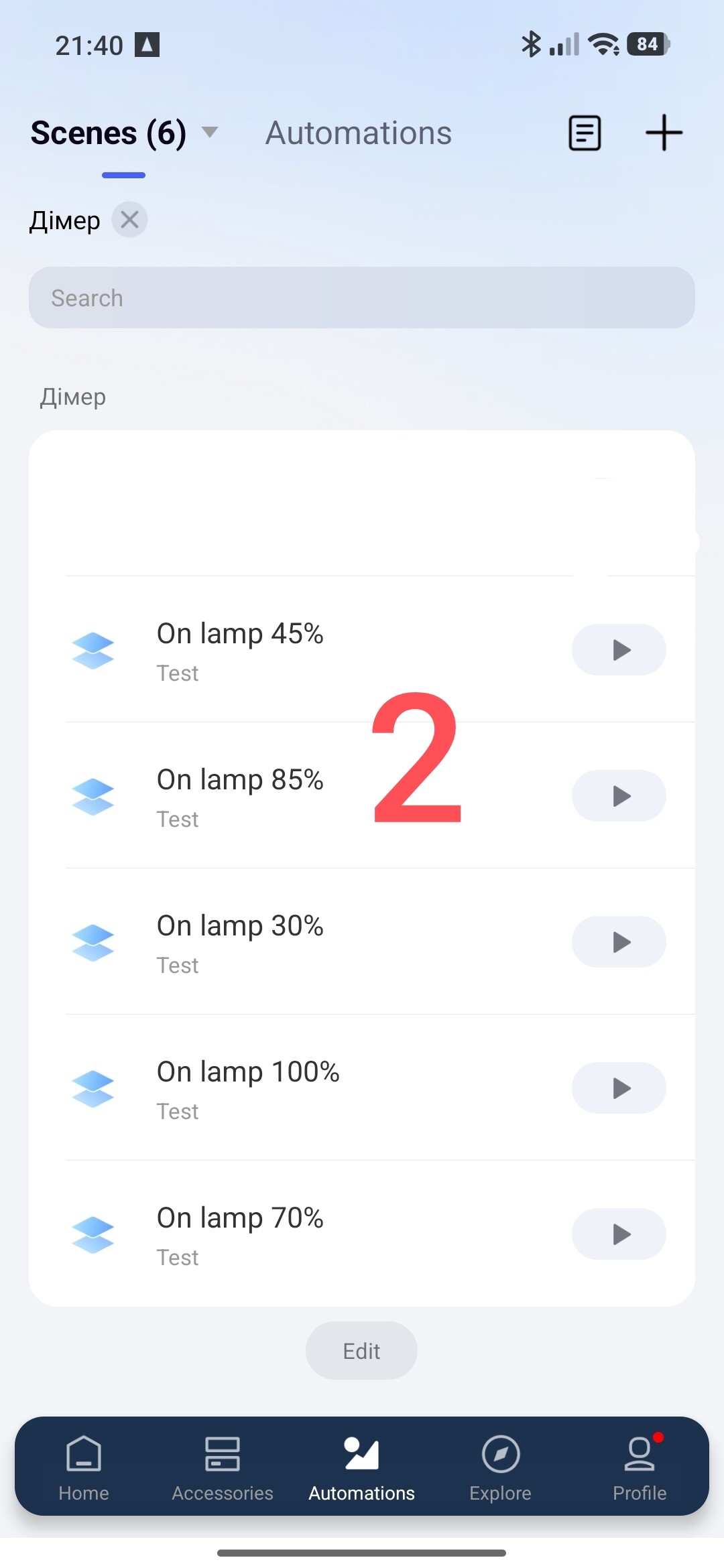
You can choose your own dimming step, I chose a step of 15%. Creating automation Section one.
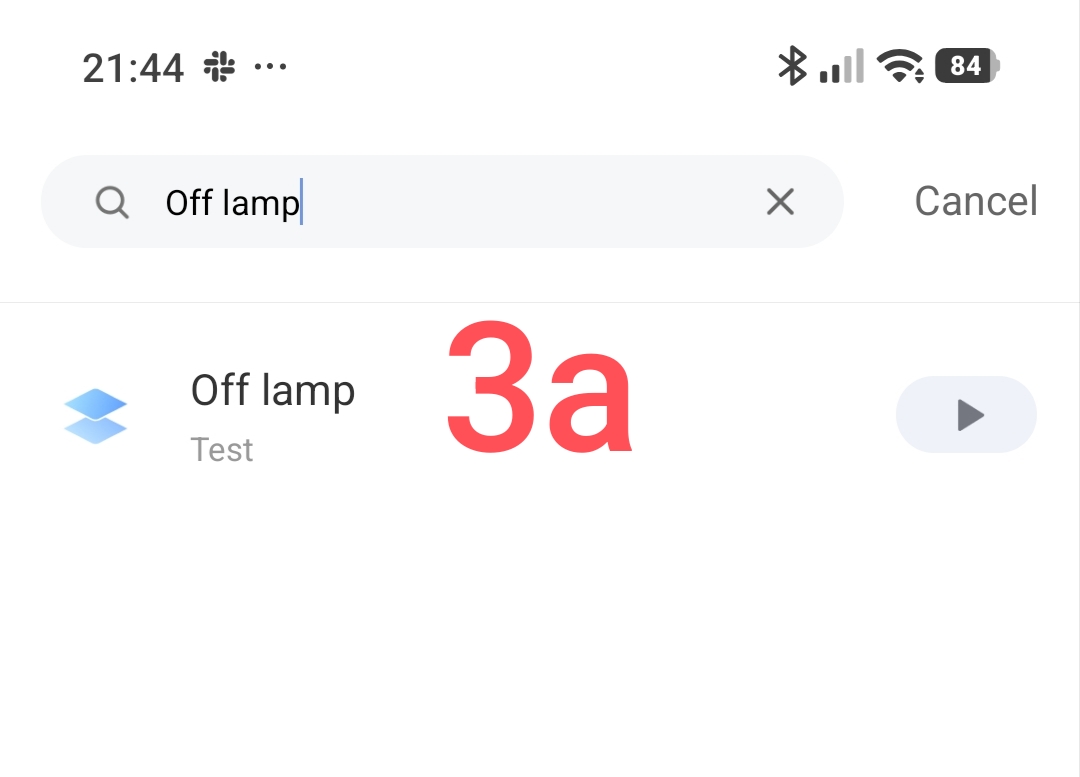
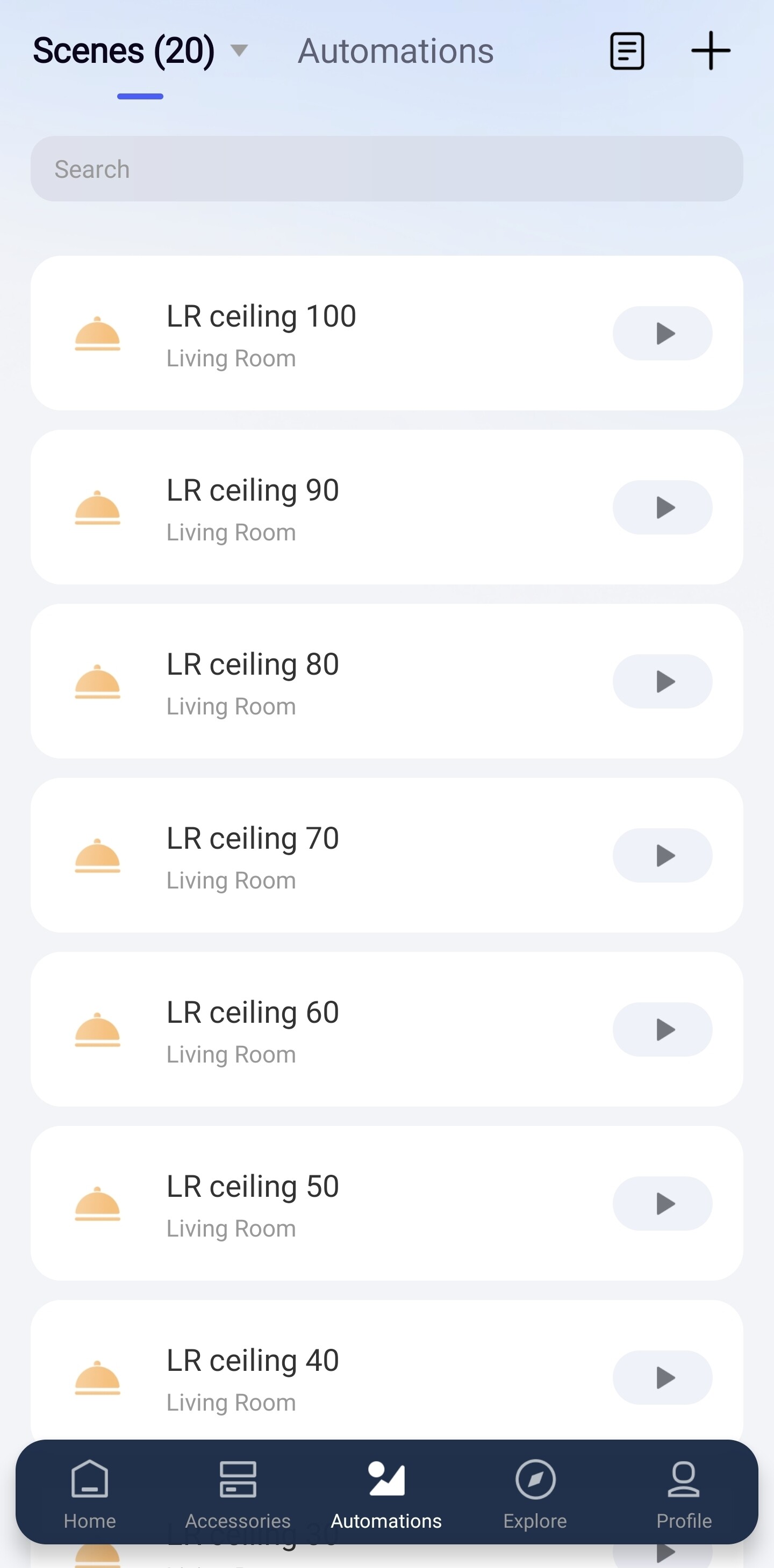
We create a group of scenes with the appropriate lighting in percentages.
Fig. 1.
Section two
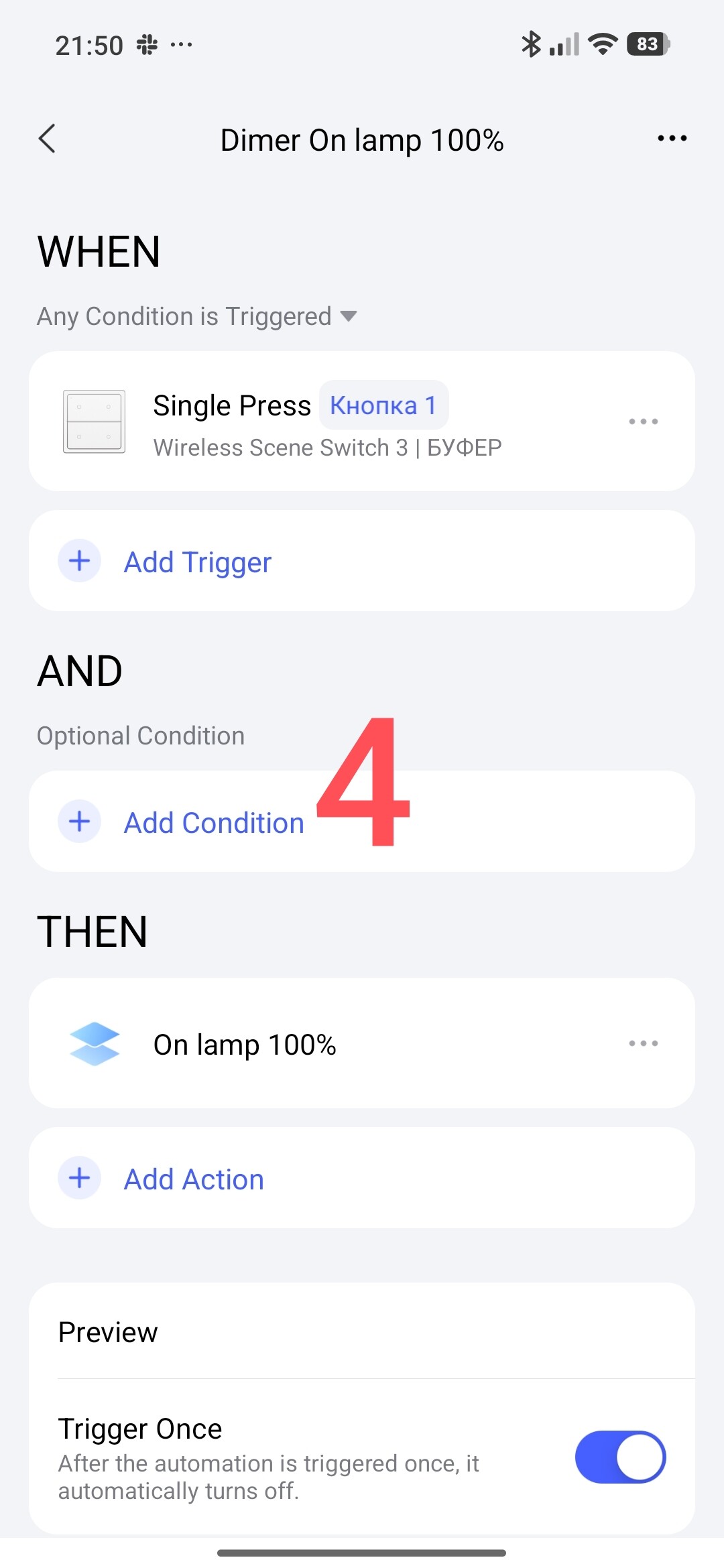
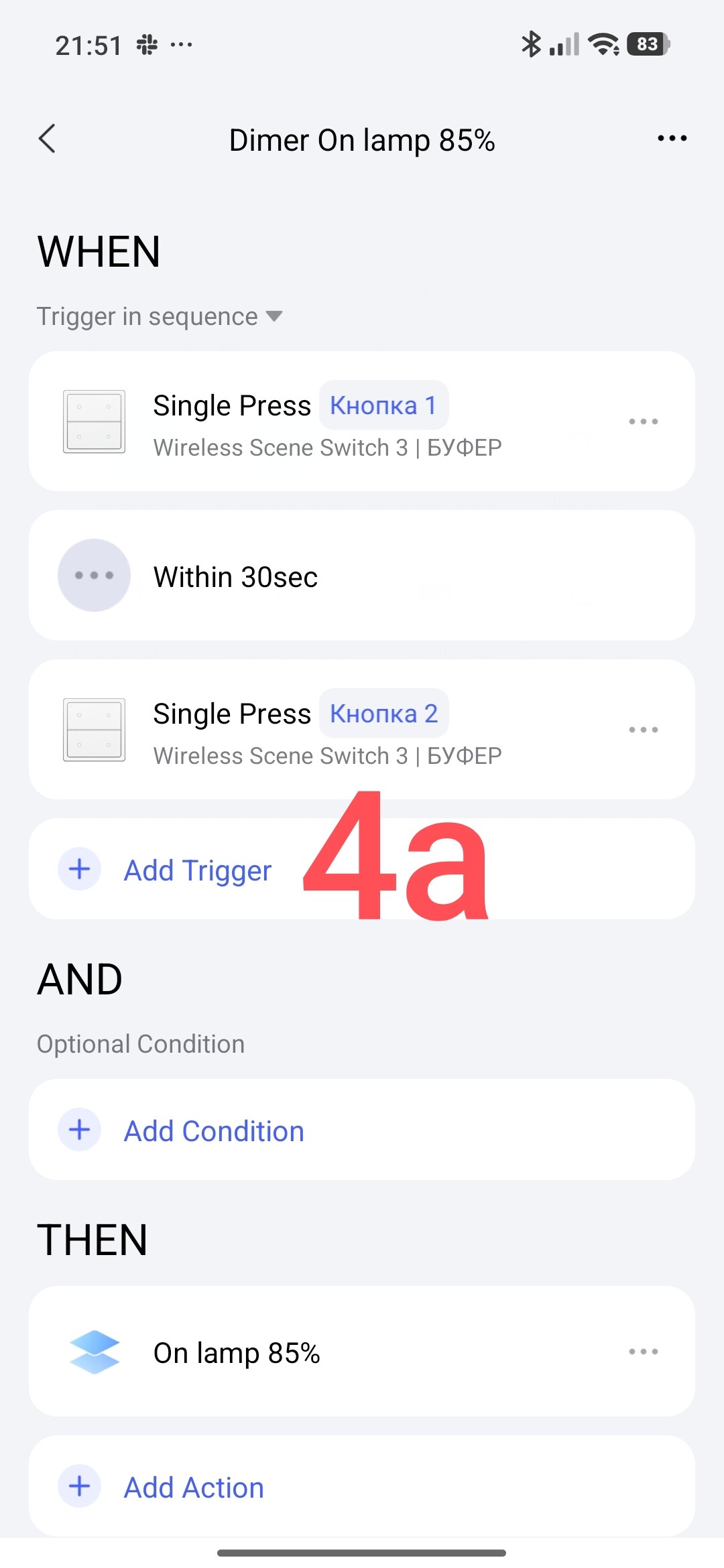
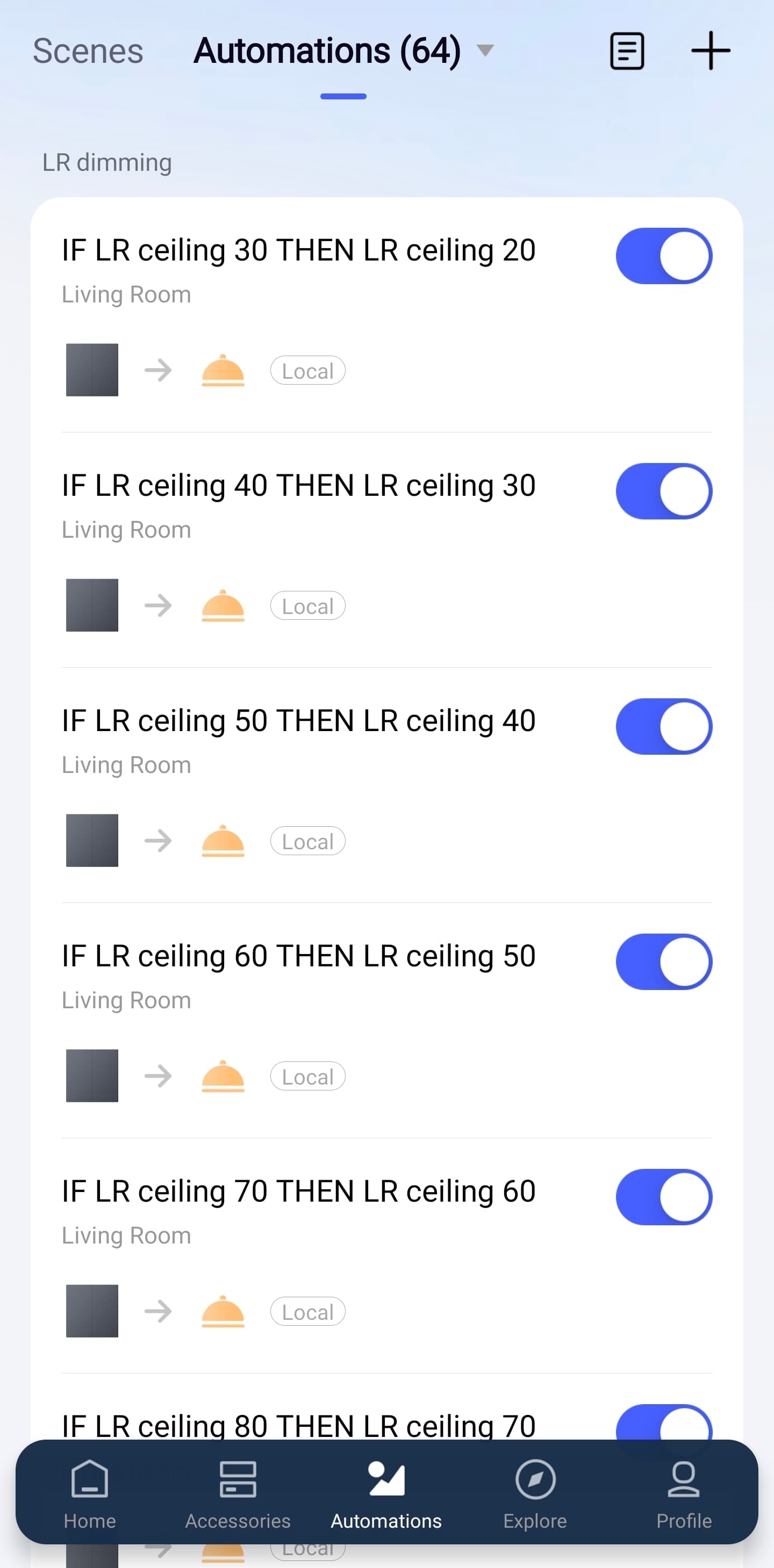
We create dimming automation using the first and second keys of the contactless switch.
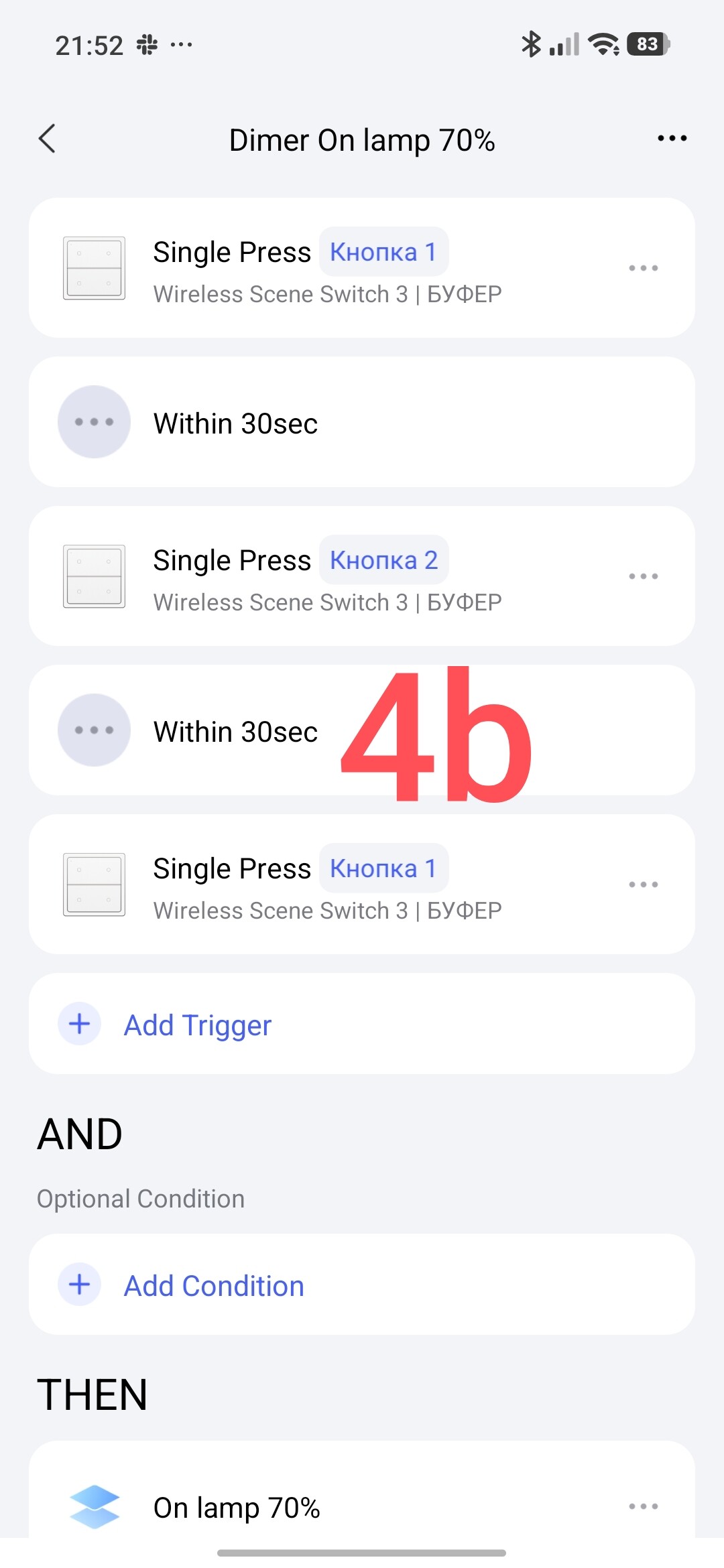
The basis of automation is the logic of the sequence of turning on the first and second keys.
The first key - 100%.
The first and second keys - 80%.
The first, second, first - 75%.
…
The first second…the first second - 30%.
We get the following automations.
ATTENTION!!! ATTENTION!! Automations are one-time.
Fig.4.
Chapter Three
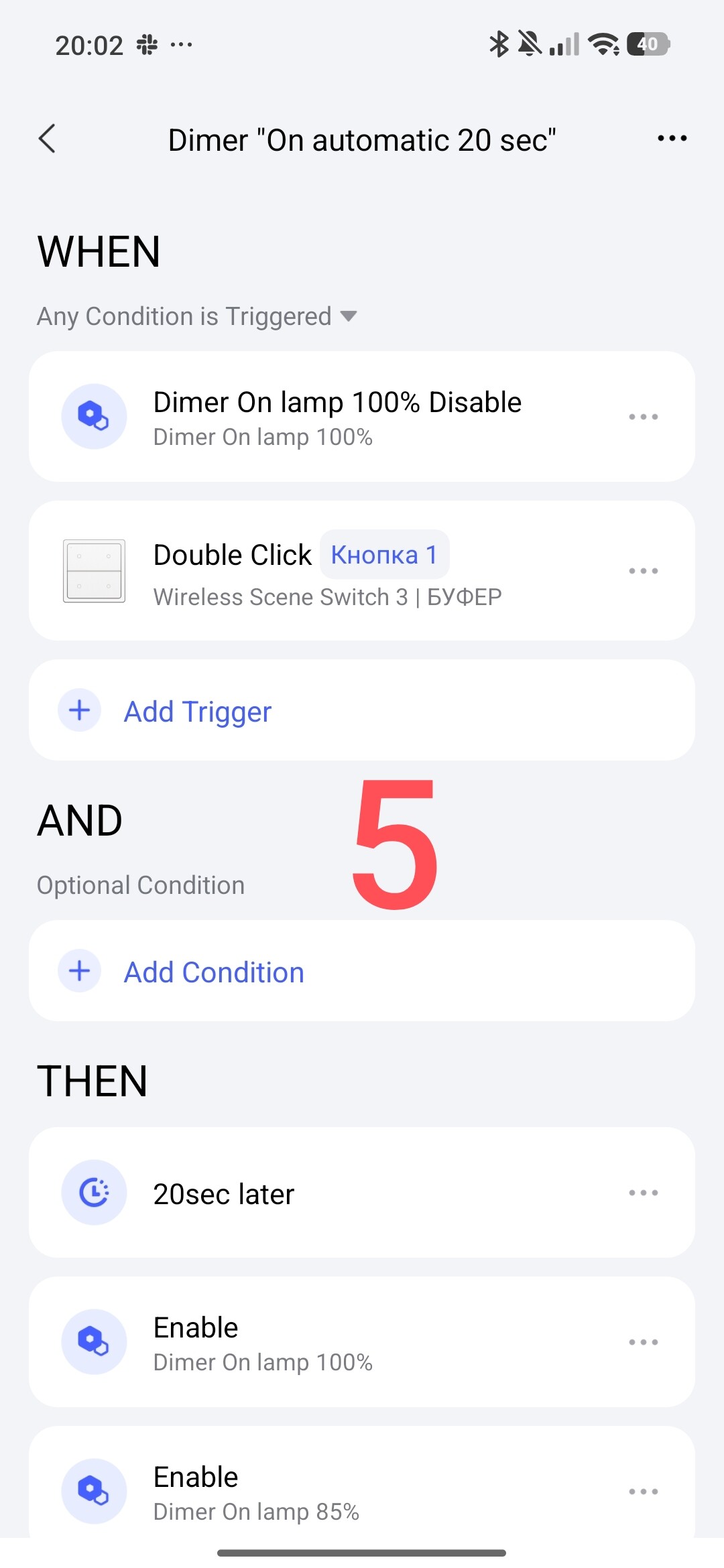
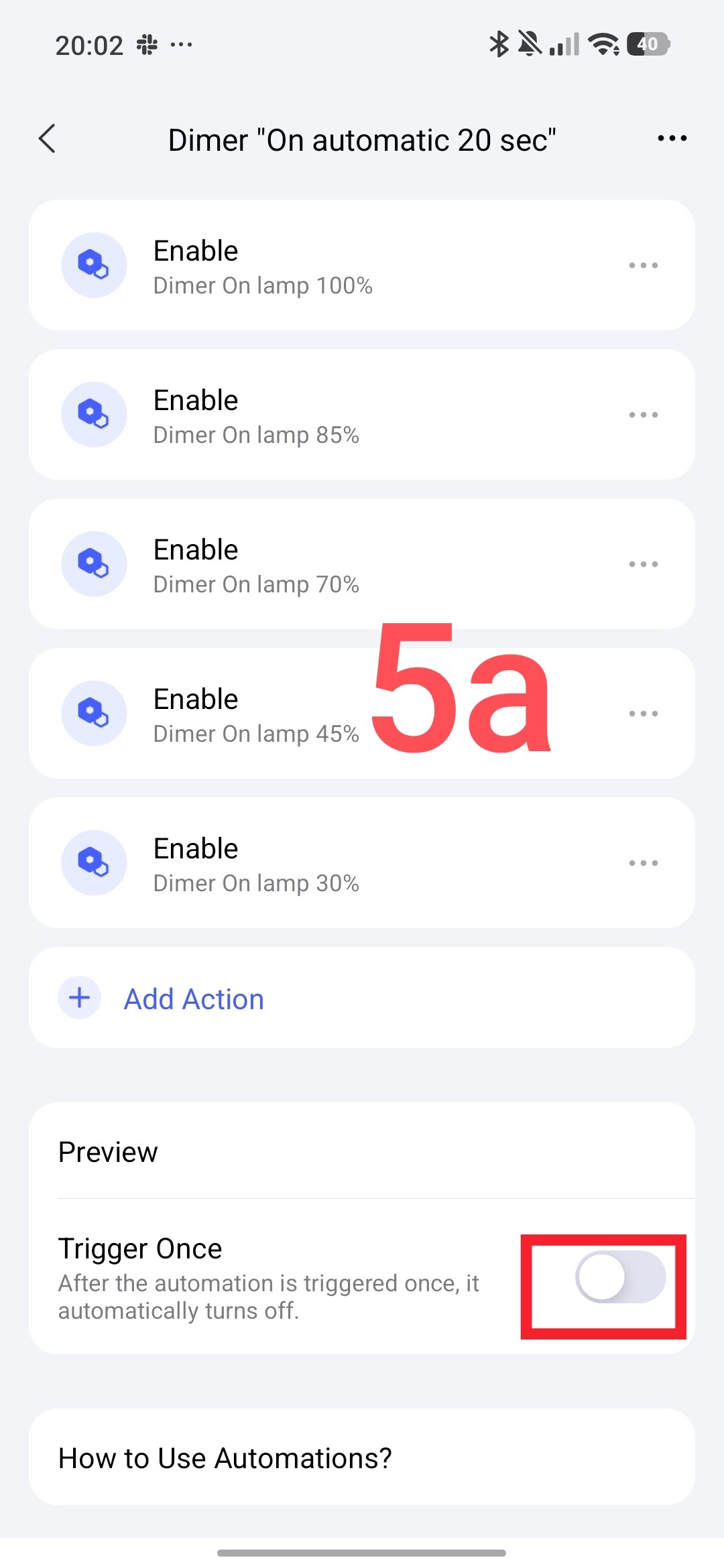
We create an automation that will turn on automations depending on your selection. I chose a timeout of 20 seconds, after which the dimming automation will turn on again. The logic of the work is to restart the automation 10 seconds after you have selected a certain lighting level. The second condition (additional) is to turn off the lamps (double click).
Fig.5.
At the end of the lesson, I want to say that instead of key 1.2, you can use a single-key wireless switch. In the condition, you must use single and double pressing. The entire sequential algorithm remains the same.
This concludes my lesson. More to come.
Thank you for reading and sharing the topic, you can also share it on other platforms with a link to our forum.
Hello, one-time execution of automation in order to count the first and second button activations for the sequence in the WHEH section. All automations are re-enabled to be ready for another activation. By the way, if the first automation is IF - press button 1, THEN - turn on the lamp, we will get the activation at the last brightness that was left from the previous control after the lamps were turned off. Next, we do all the sequences according to the lesson only with a shift to one step.
I completely agree with you. If Aqara took a 10% step, automation could be done much easier.
Or if Aqara don’t want to break customers existing automations which depend on the 25% value, perhaps they could add a new action to change brightness by a user defined amount.
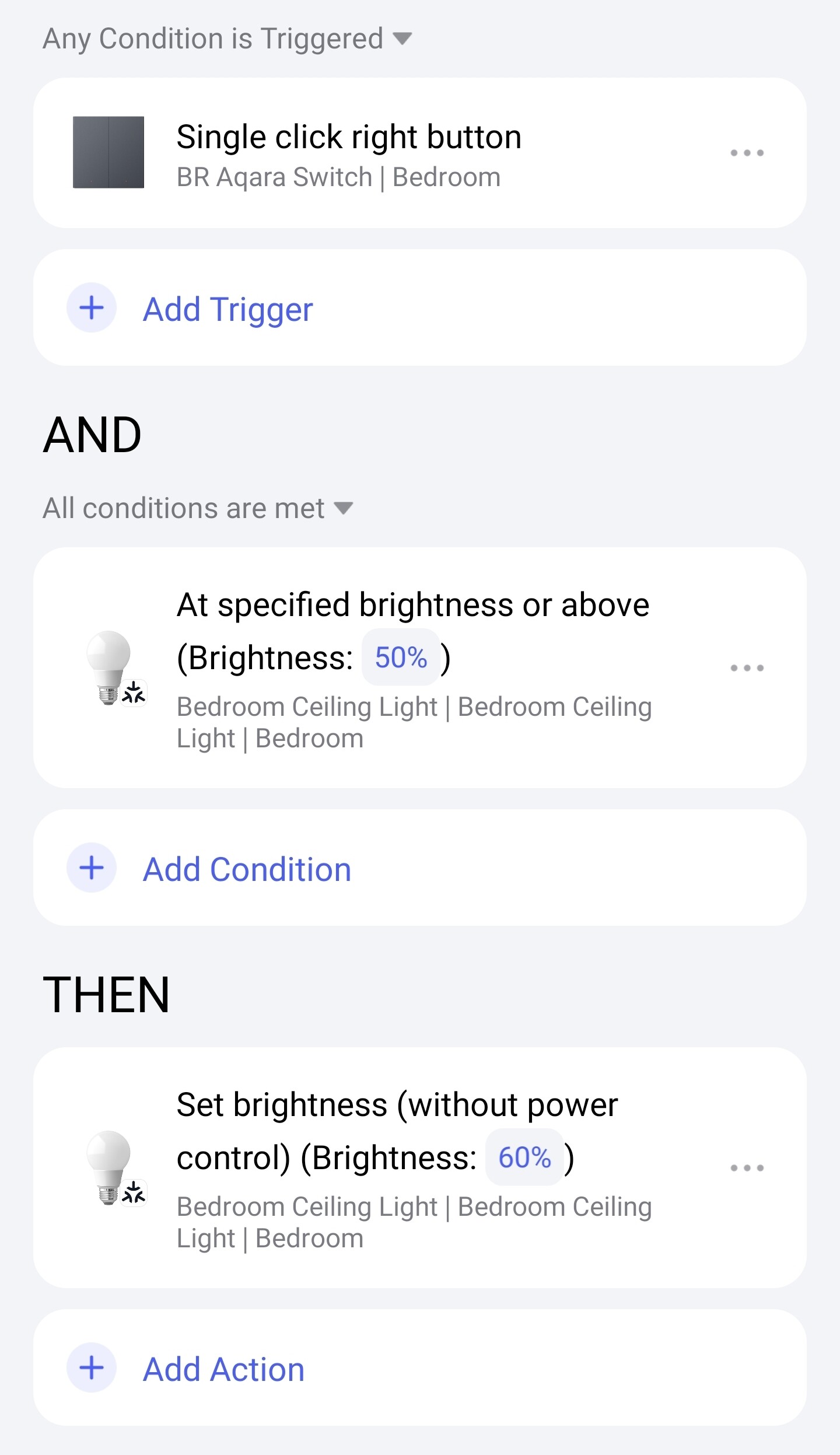
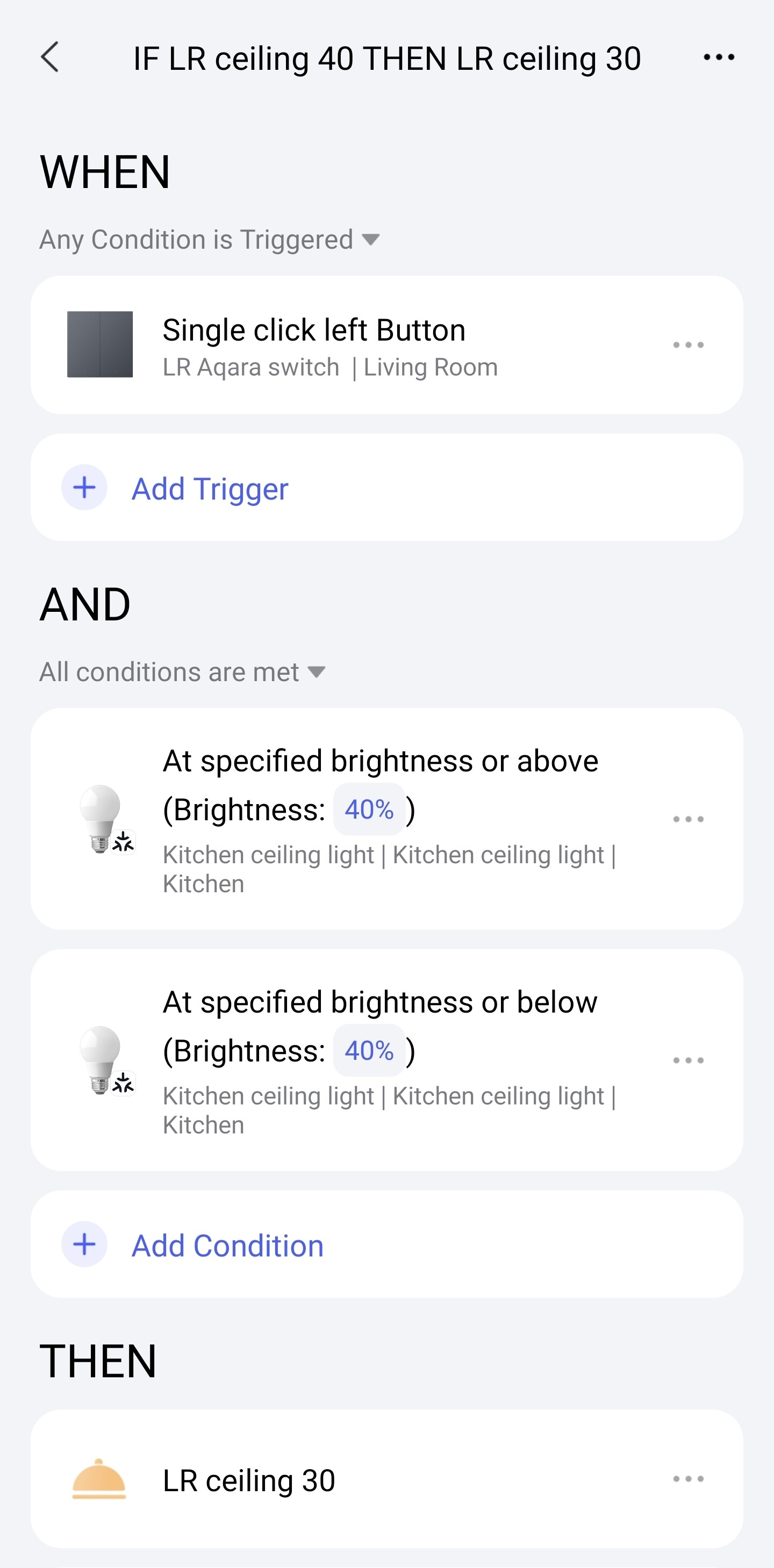
I also see that my method posted earlier isn’t going to work. The automations will be fighting against each other. Unless it’s possible to have two conditions that must be met.
E.g 50% & over, AND 50% & below
Something to test when the family are gone to bed.
Hi, thanks for sharing. Logically, you did IF X%<>X%, that is, a fixed value of X. Good solution. I couldn’t offer it to you because I have old-style lamps. They don’t have such conditions☺️.
And now you can do the opposite for your lamps.
Can I ask you this as a puzzle for a smart home.
Hint: 1. single click; 2. one-time automation. 3. On or Off automation.
Theoretically, I see a solution☺️
A precise algorithm, pressing lowers it to 10% and then raises it to 100%.
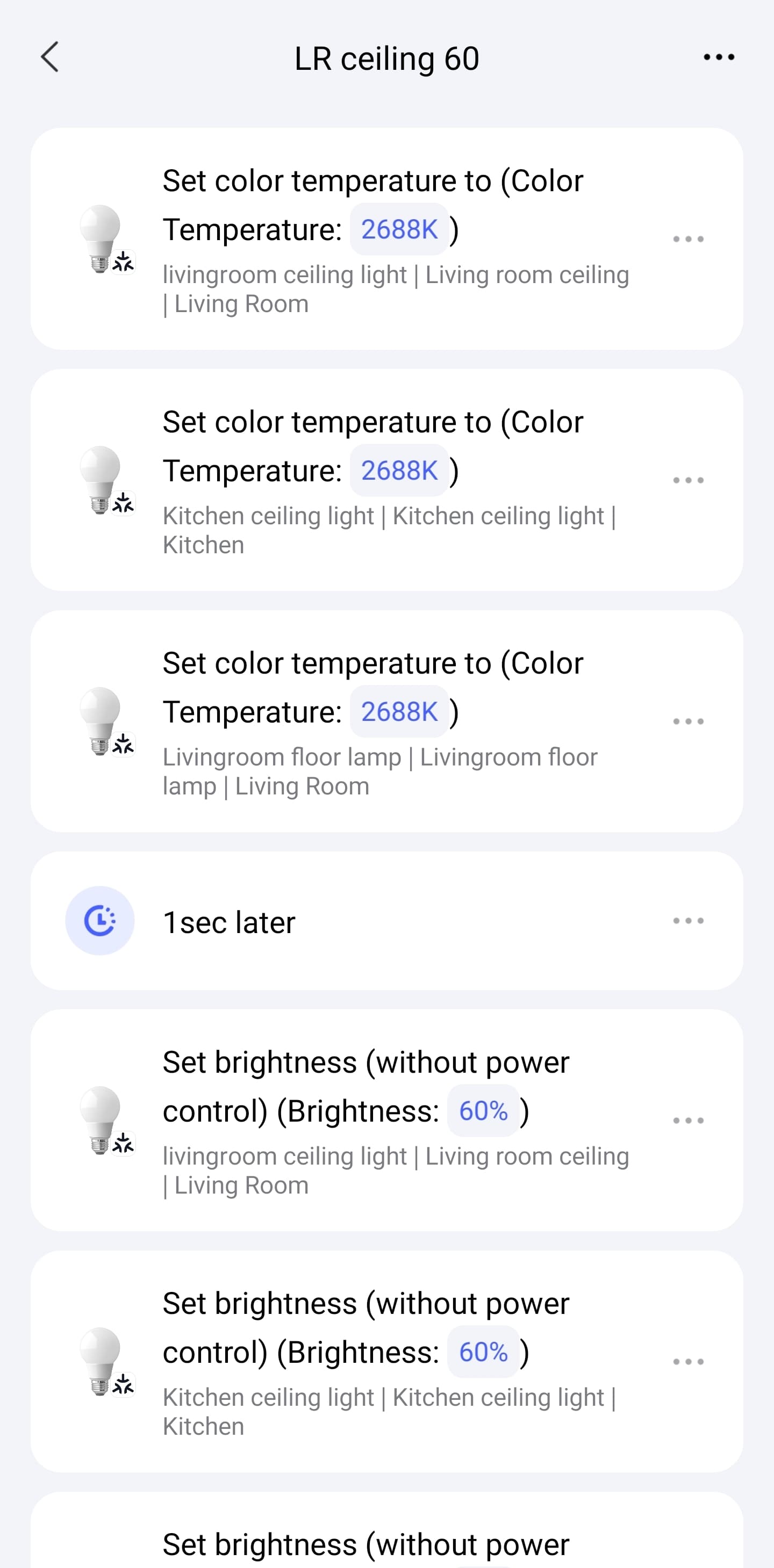
I have all the lighting in my main living space (open plan kitchen & living room) controlled by these dimming scenes. Ceiling lights and the lamp. Each percentage of brightness also sets the appropriate temperature. The lighting becomes warmer as the light dims.
The lamp tracks the ceiling brightness, but around 30% brighter.
I also now use these 10% steps to automate dimming the lighting from 100% to 60% around sunset hours. The lighting resets to 100% at sunrise, ready for the next day.
The lights turn on/off automatically based on sunset hours and nighttime schedule. They can also be turned on/off at the wireless switch.
In the evening, I can use a press/double press to dim or brighten the lights. Pressing both buttons resets the lighting to the appropriate scene based on sunset hour.