Lesson8 (part2)_ Automation 2.0, lesson 8 (part 2), creating a dimmer for a group of lamps using a two-button wireless switch
In lesson 4, I described a way to control a lamp in one automation for different periods of time (evening, night, morning).
Let’s make one scene that, when launched, will turn on the light according to sunrise, evening, morning, sunrise. In the conditions of “…” 2.0, there is only time, day, night, we will combine these conditions into one scene.
Let’s start the lesson.
- Creating a scene in which we will set the brightness of the lamps by periods.
Select the creation of a scene → lamp “Next bath” (the name in my house).
Fig. 1,2,3
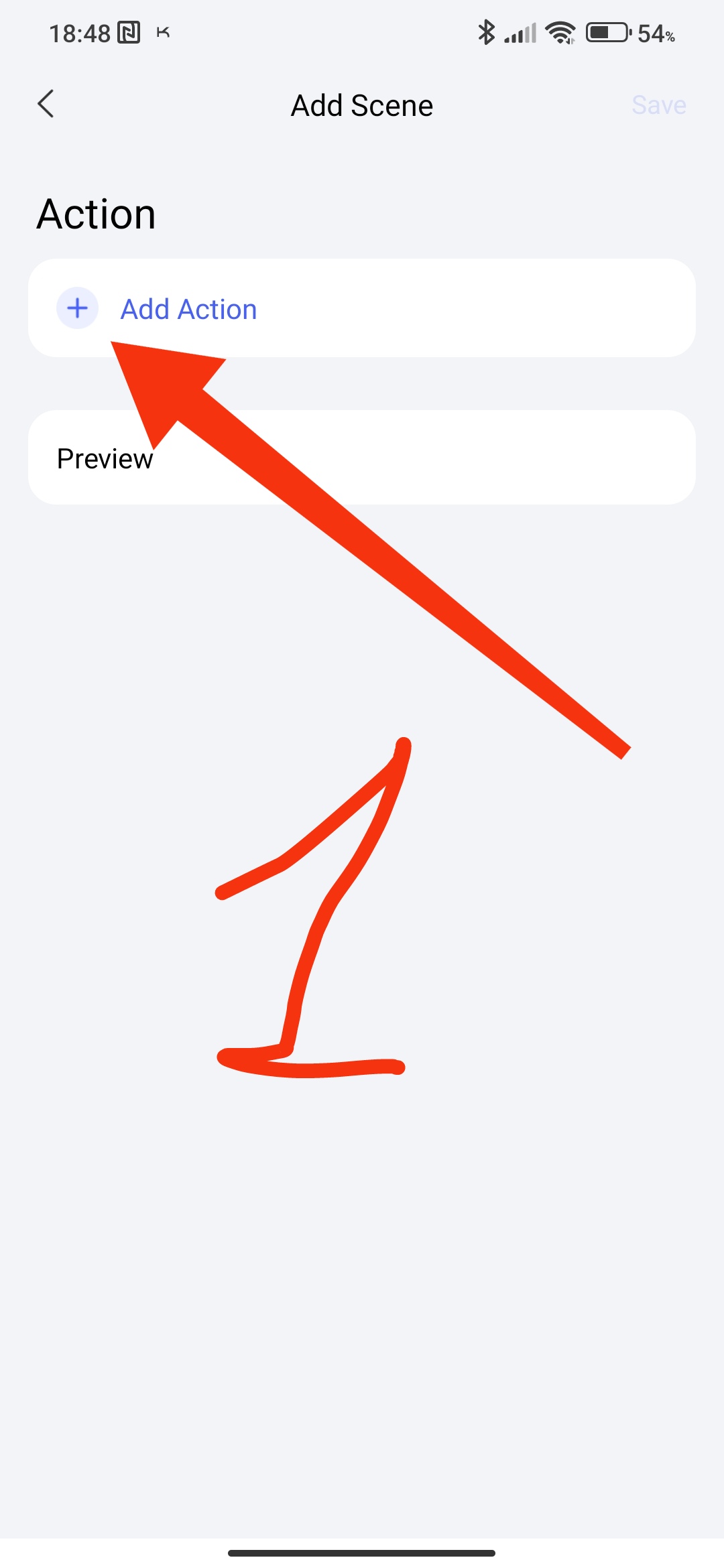
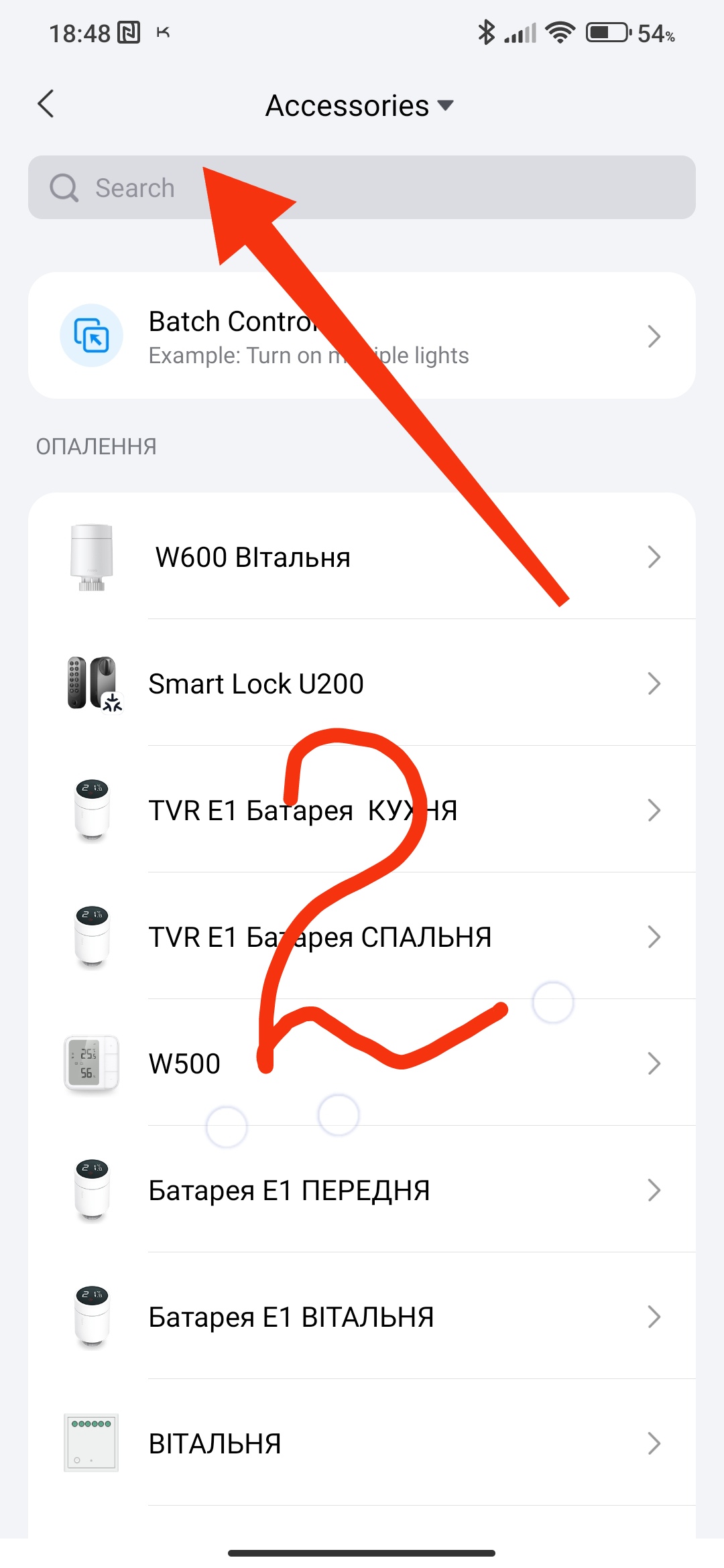
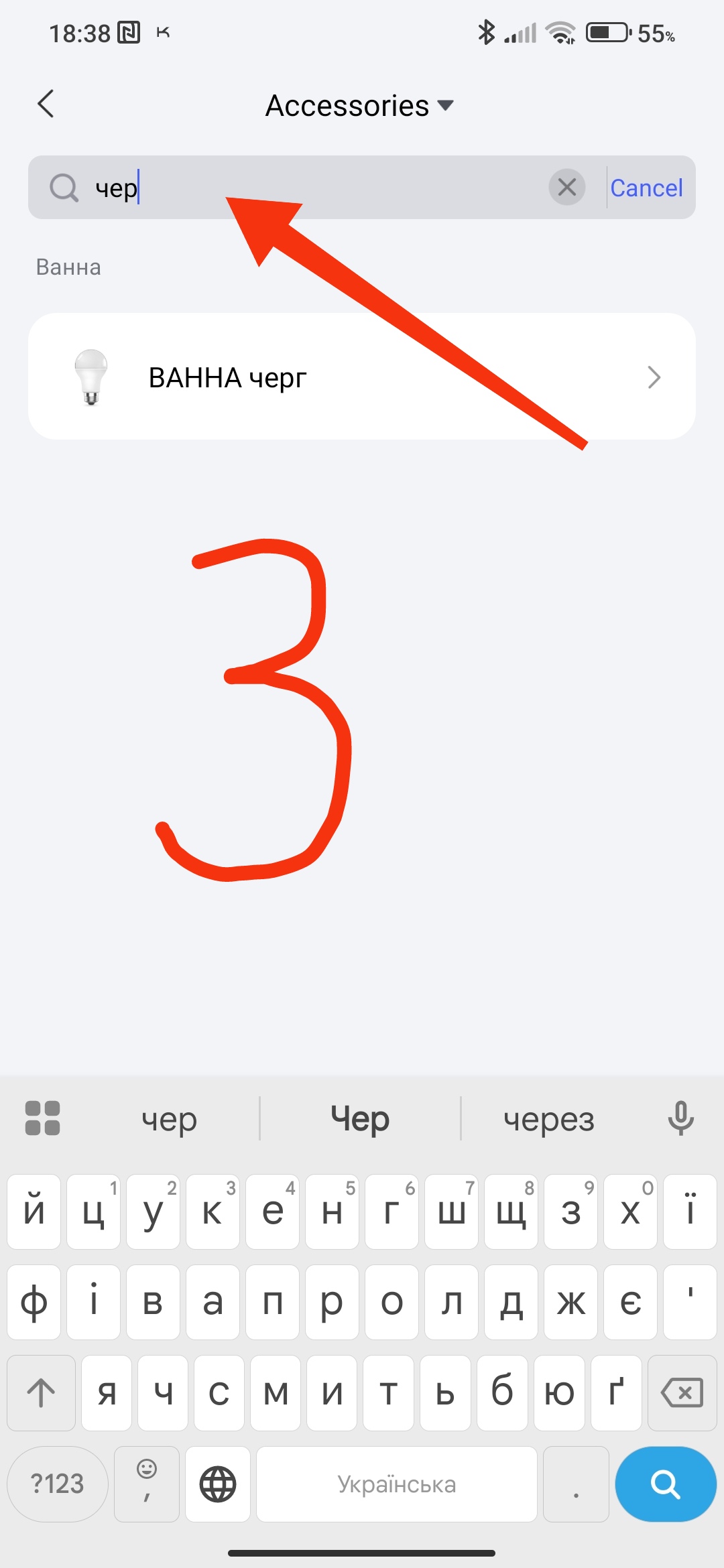
Select the brightness for three periods for one lamp.
Evening-75%
Night-20%
Morning-90%
Fig. 4,5,6
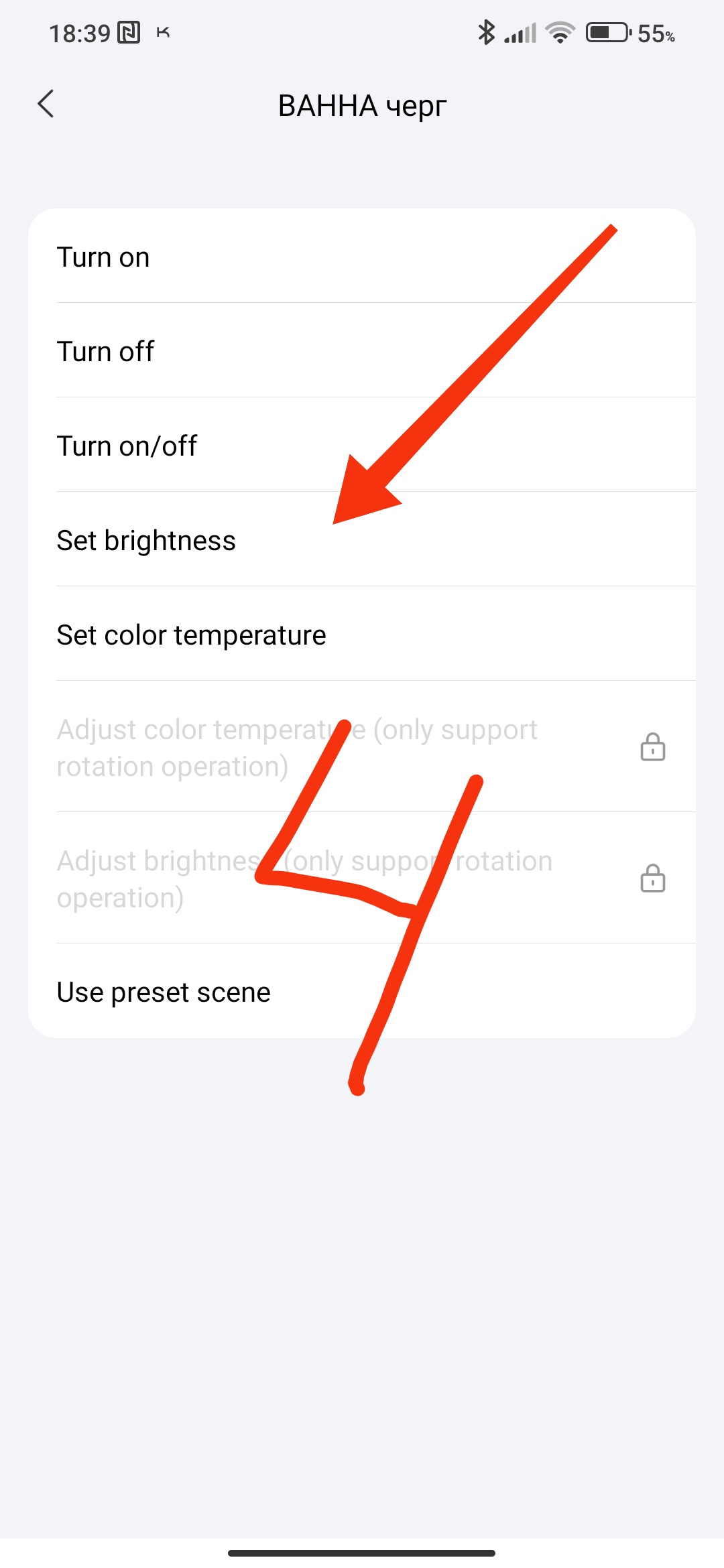
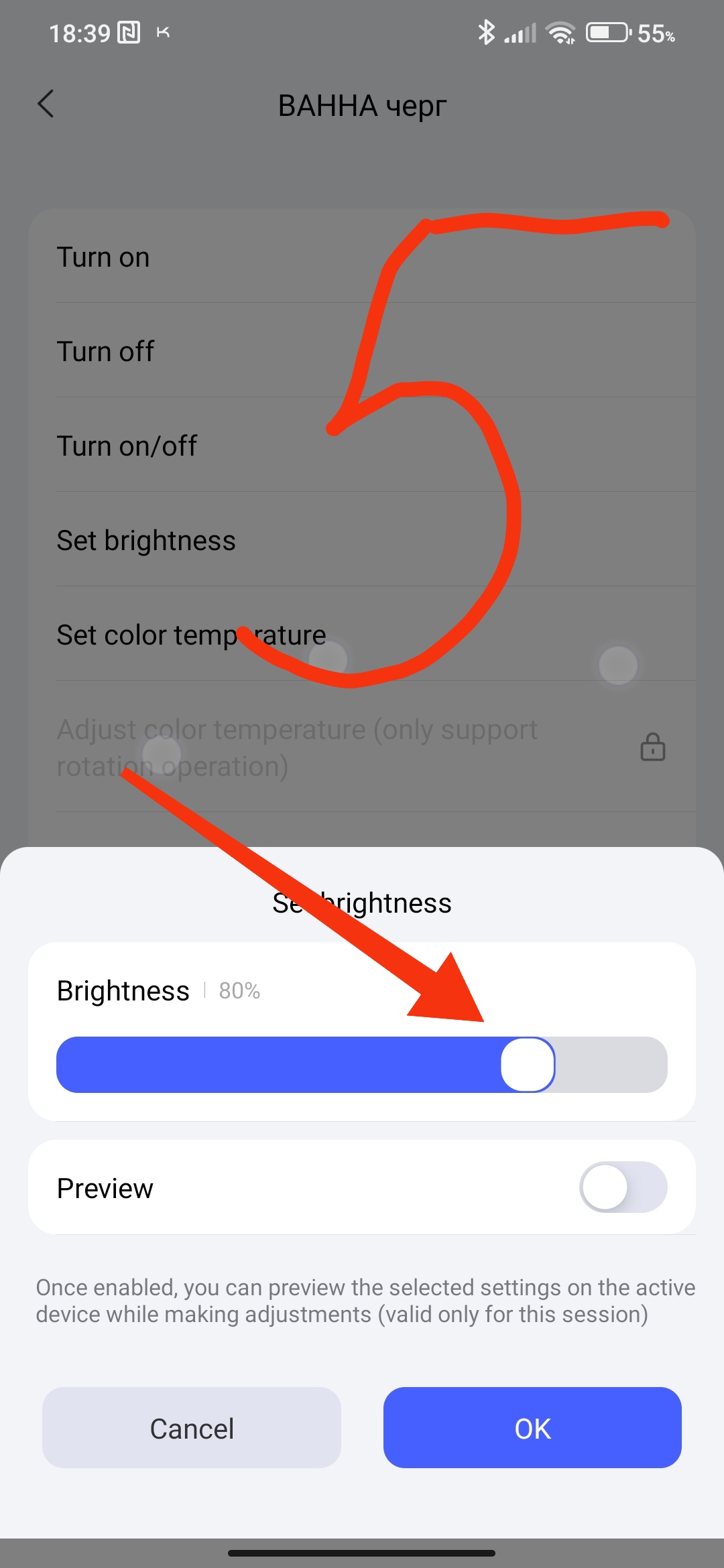
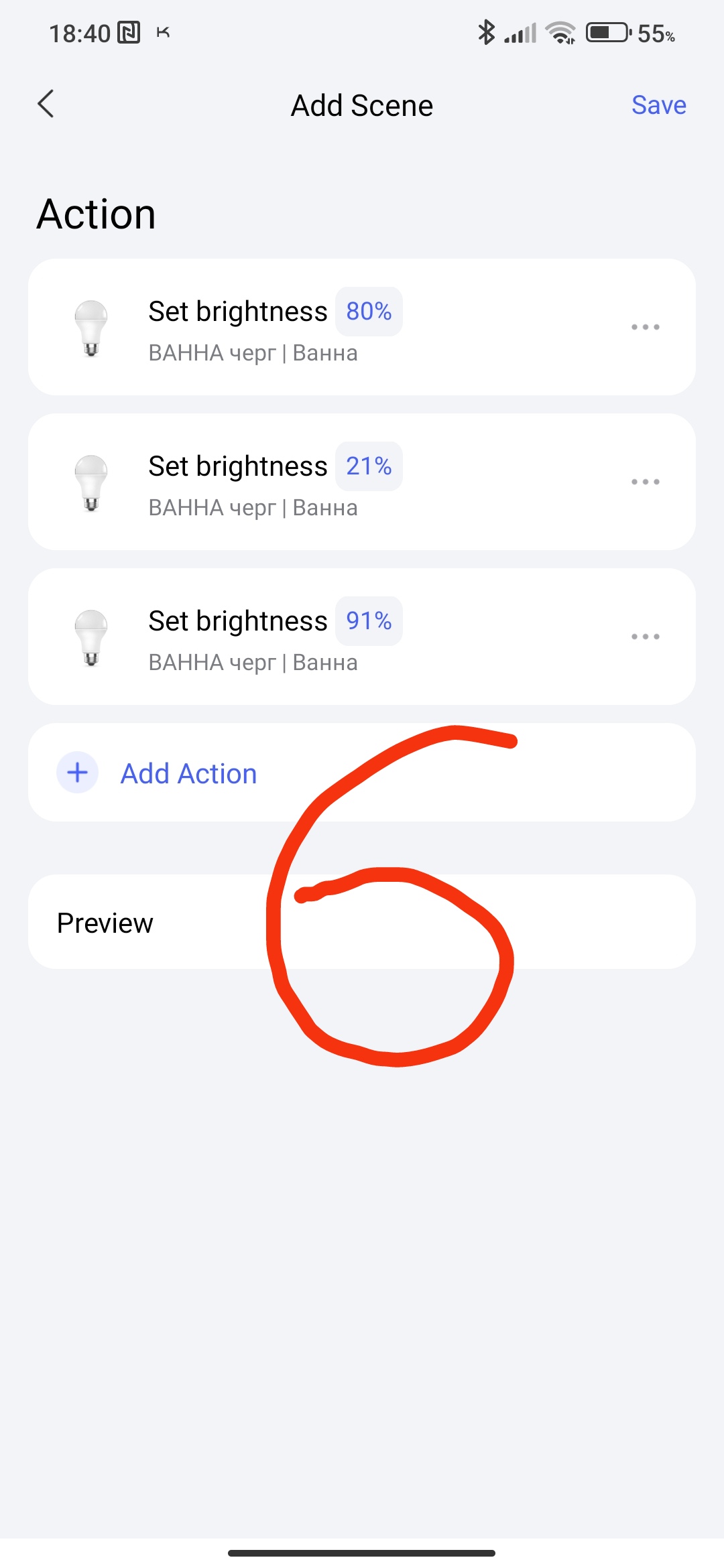
Set the periods of operation of each lamp.
Attention!!! The set time should not overlap each other.
Set time ranges
Evening-80% (15.00-23.00 hours)
Night-20% (23.01-06.00 hours)
Morning-90% (06.01-13.00 hours)
Fig7
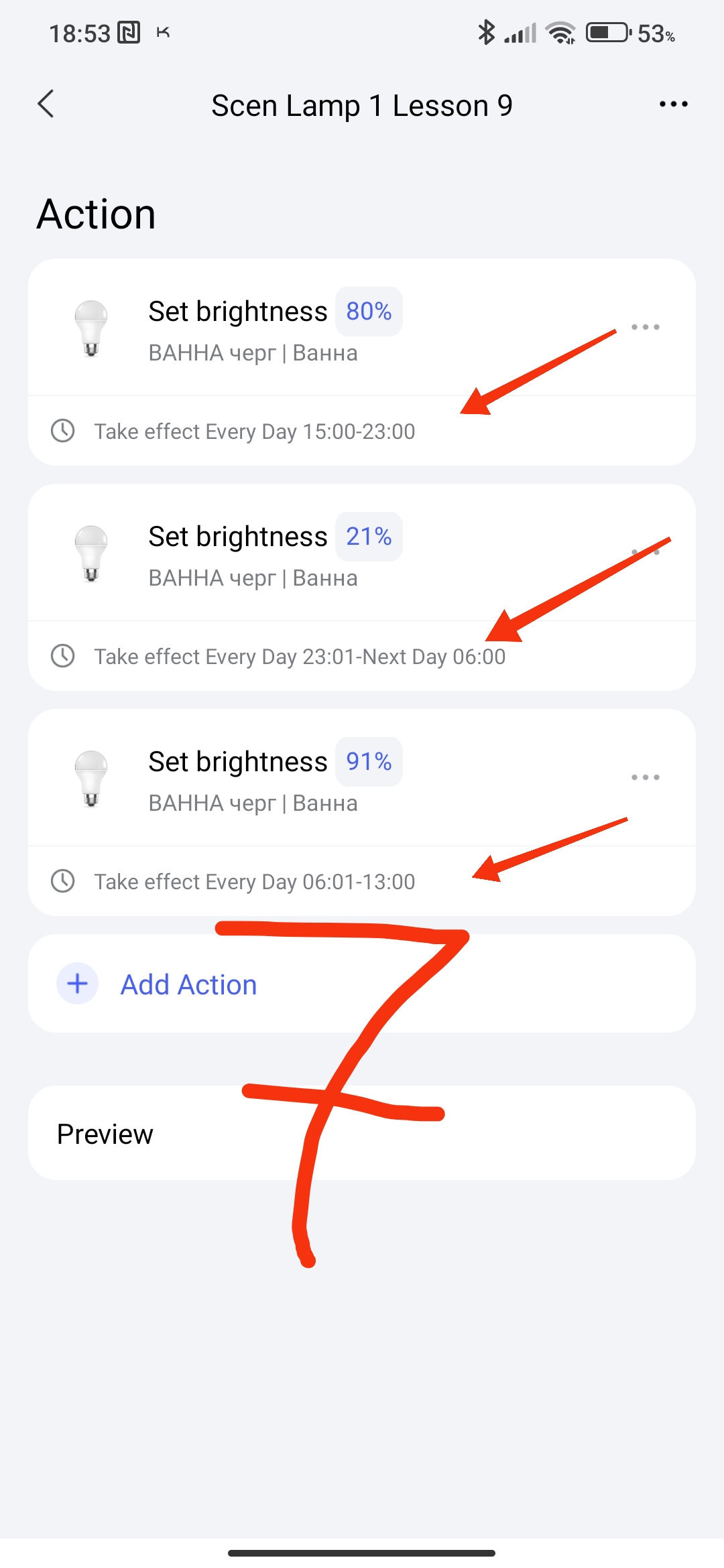
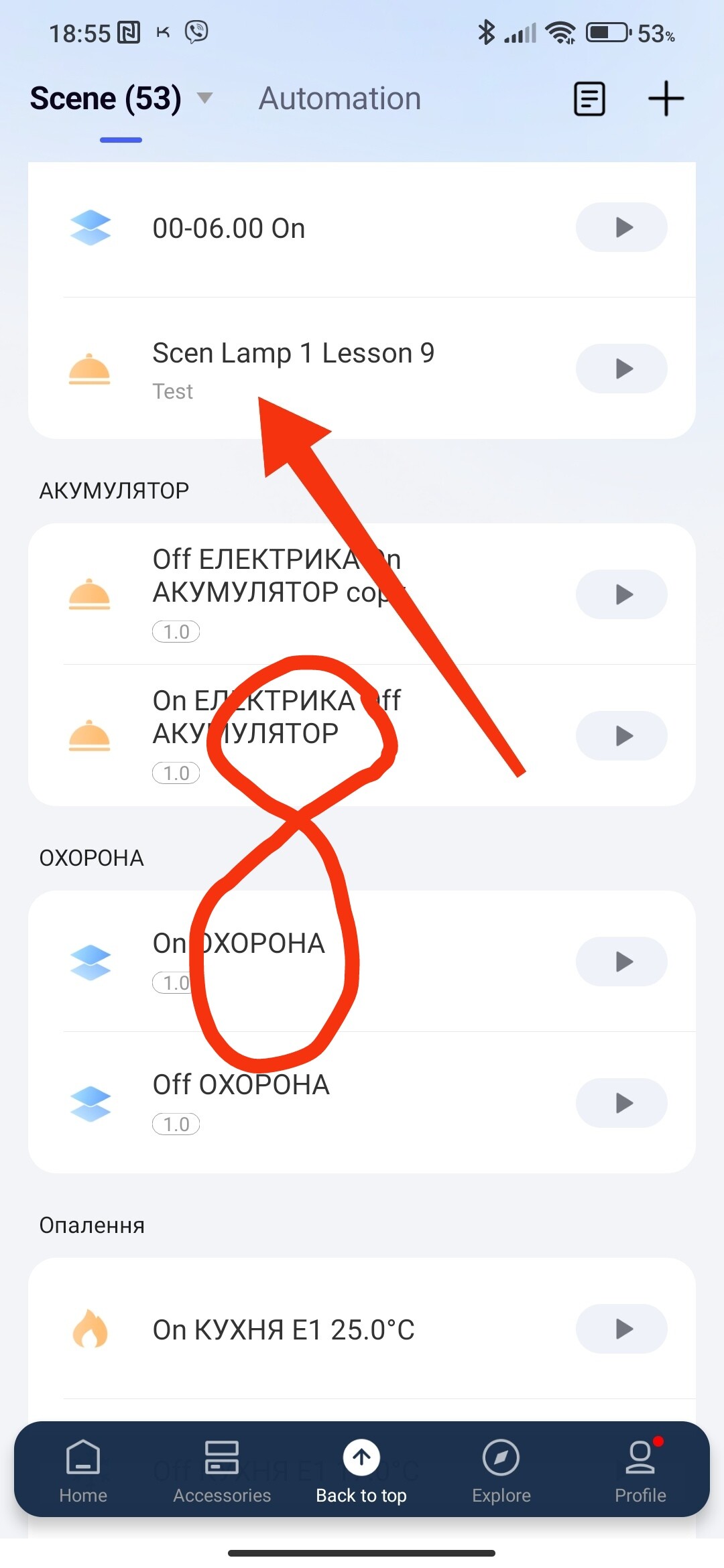
We get the saved scene “Scen Lesson 9 Lamp 1”.
Fig8.
- Creating a scene that works according to the sunset-sunrise period.
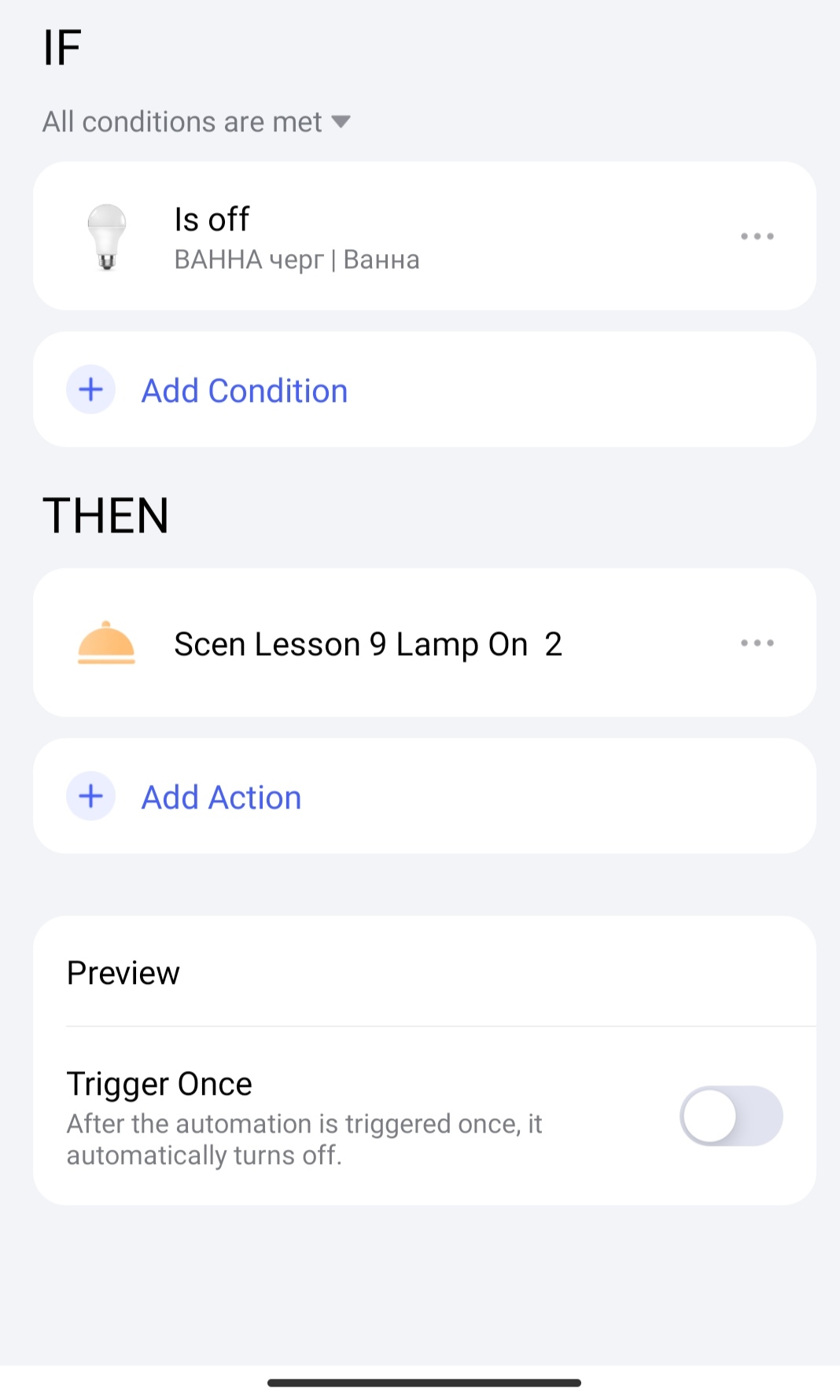
We select the creation of a new scene in which we select the launch of the scene “Scen Lesson 9 Lamp 1”, we get a new scene “Scen Lesson 9 Lamp On 2”
Fig9,10,11,12
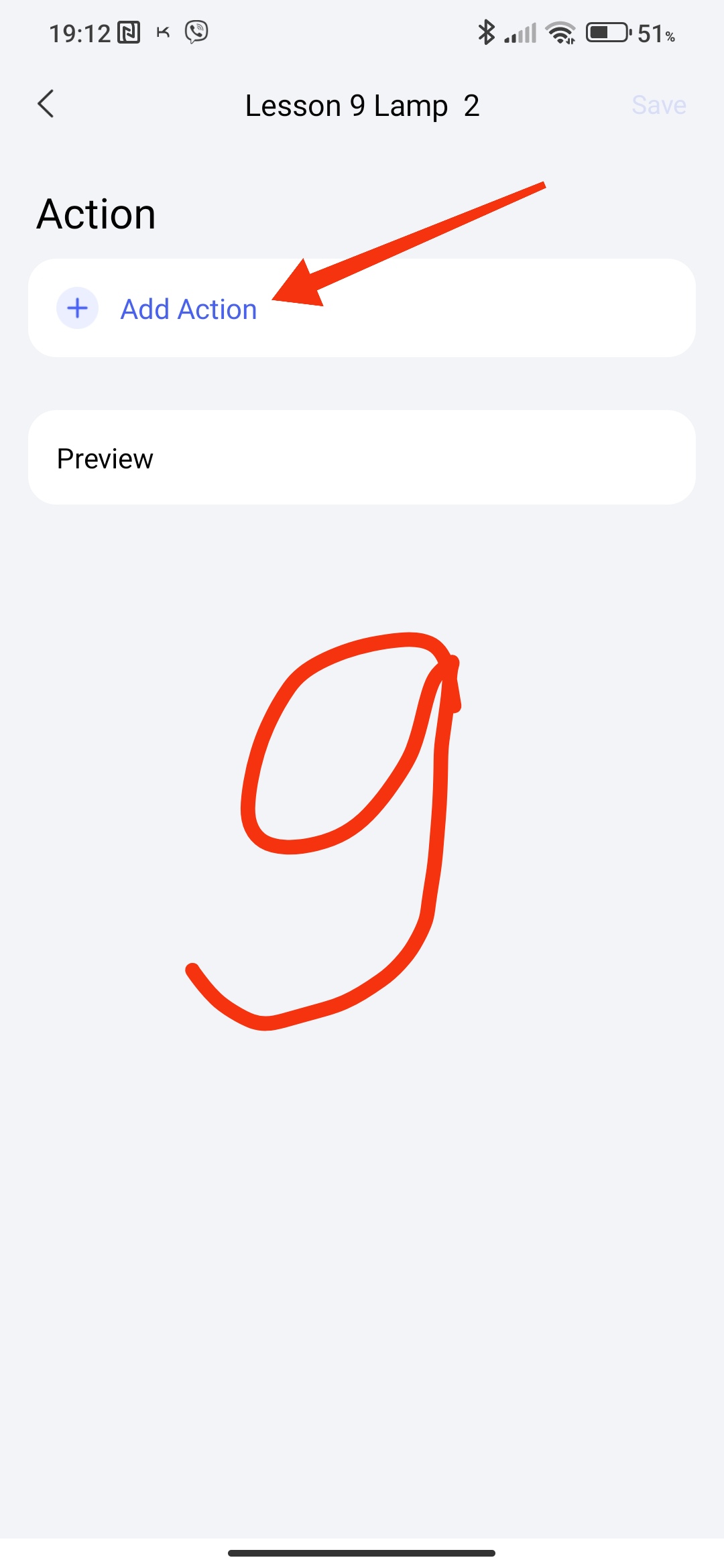
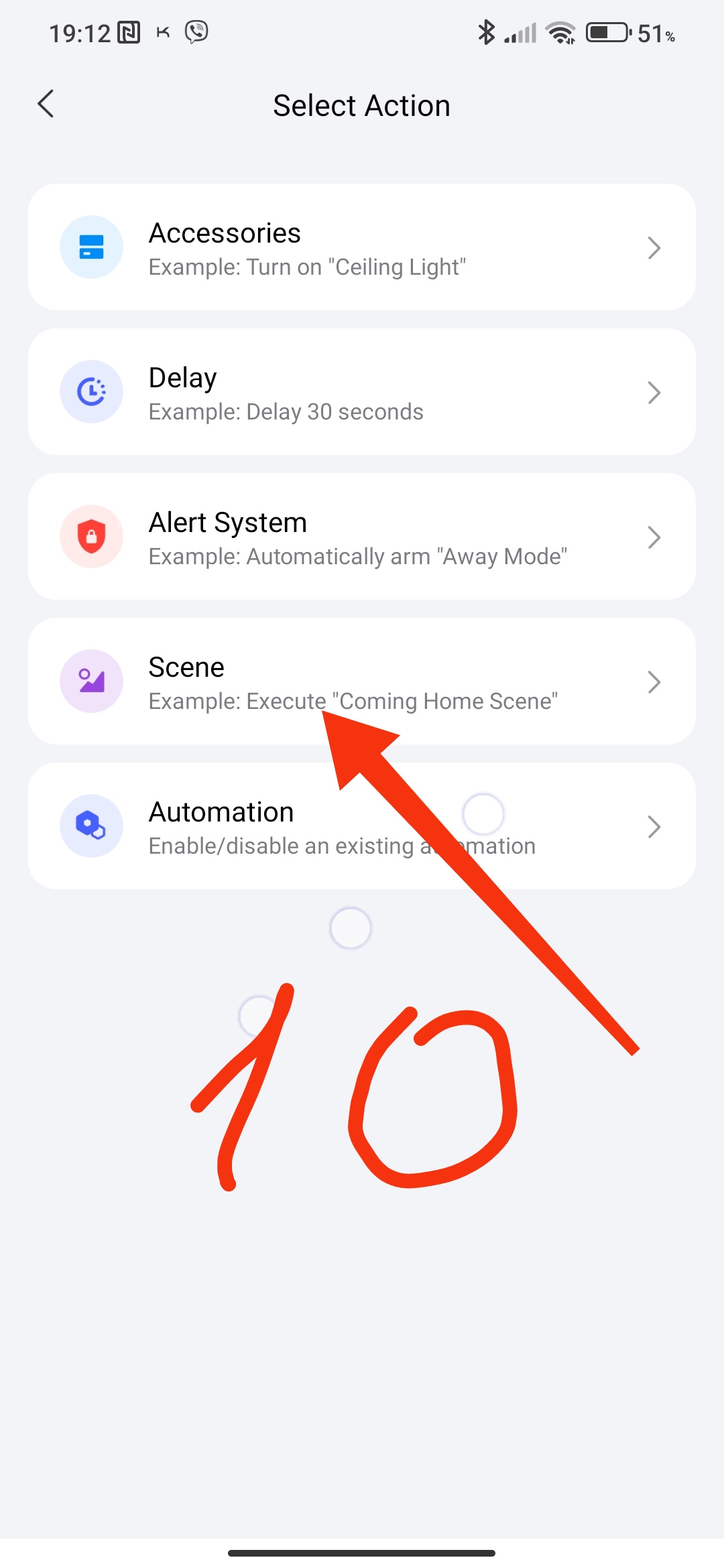
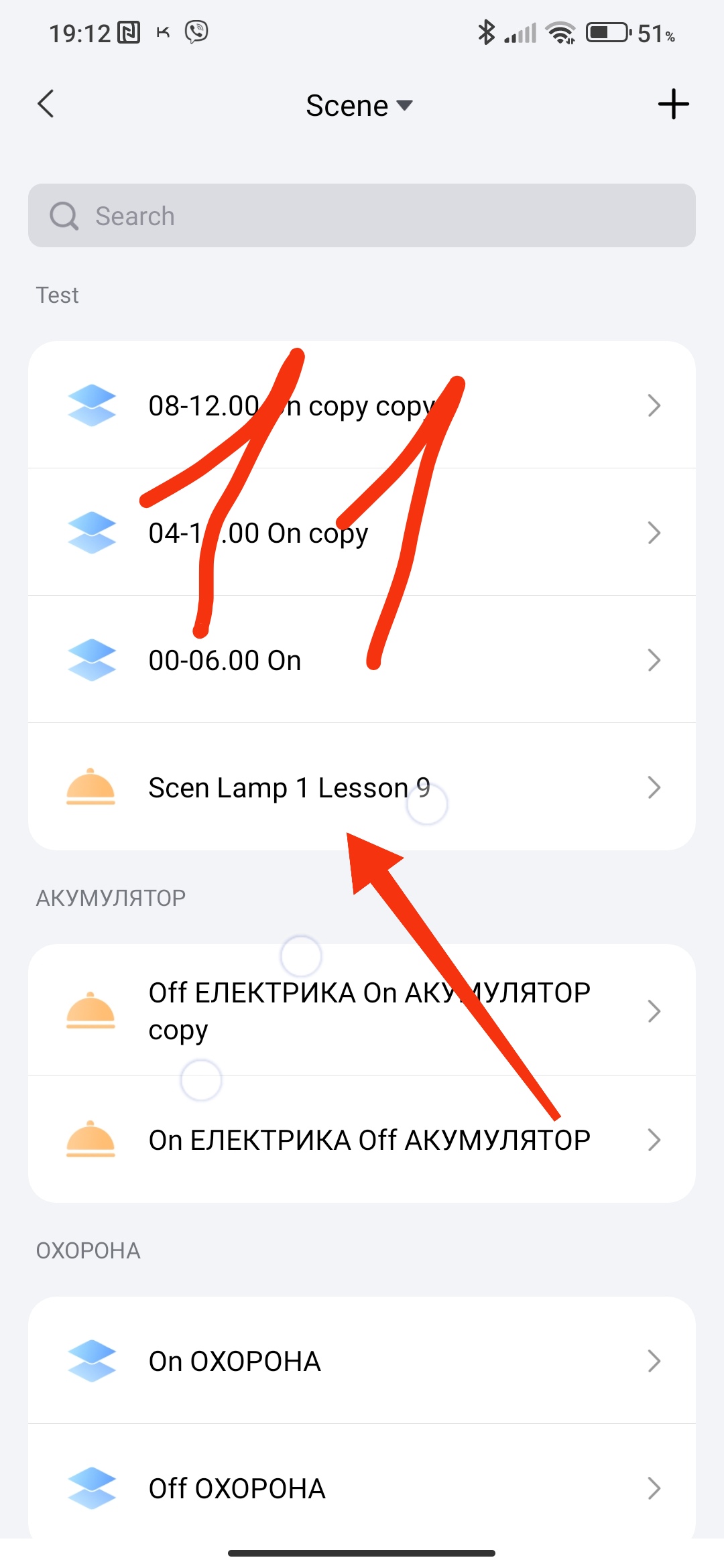
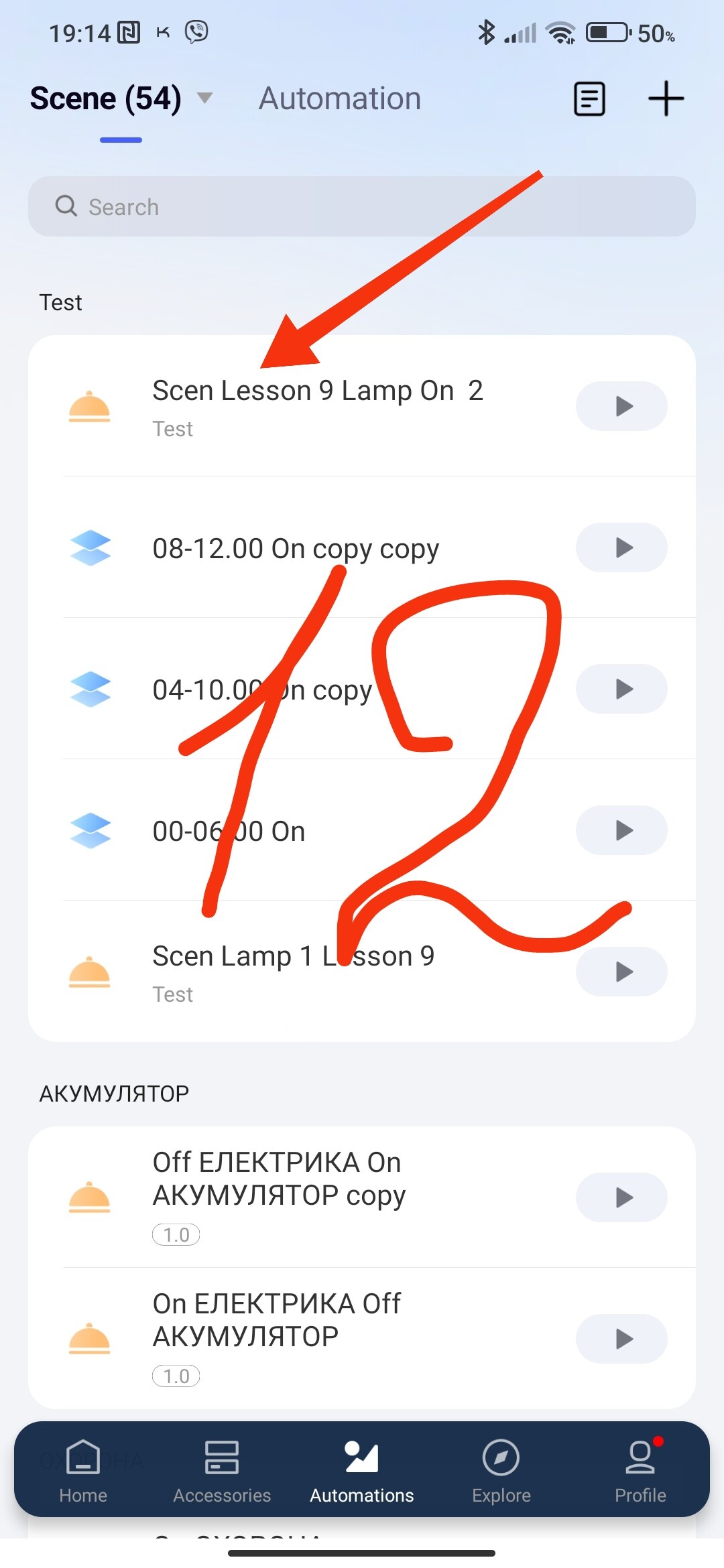
The next action with “…”, select the night activation period (sunset-sunrise), selected for example, you can adjust before or after sunset/sunrise.
We get a new scene “Lesson 9 On Lamp”, which works with an interval in the interval. In the moving range of sunset/sunrise there is a constant triggering range. In our example [15.00[sunset[23.00-06.00]sunrise]13.00], sunset/sunrise is dynamic and limits the extreme periods 15.00 and 13.00.
Fig13,14,15
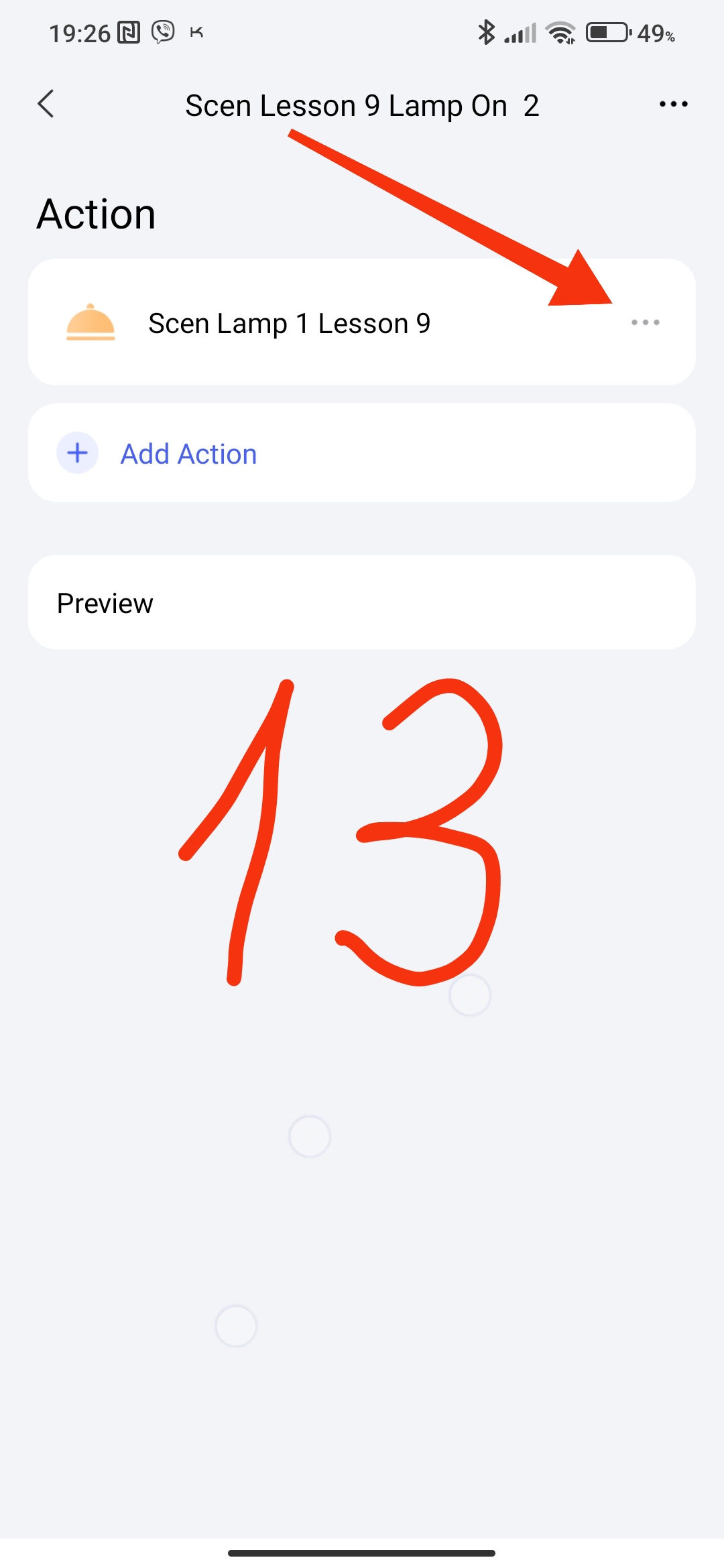
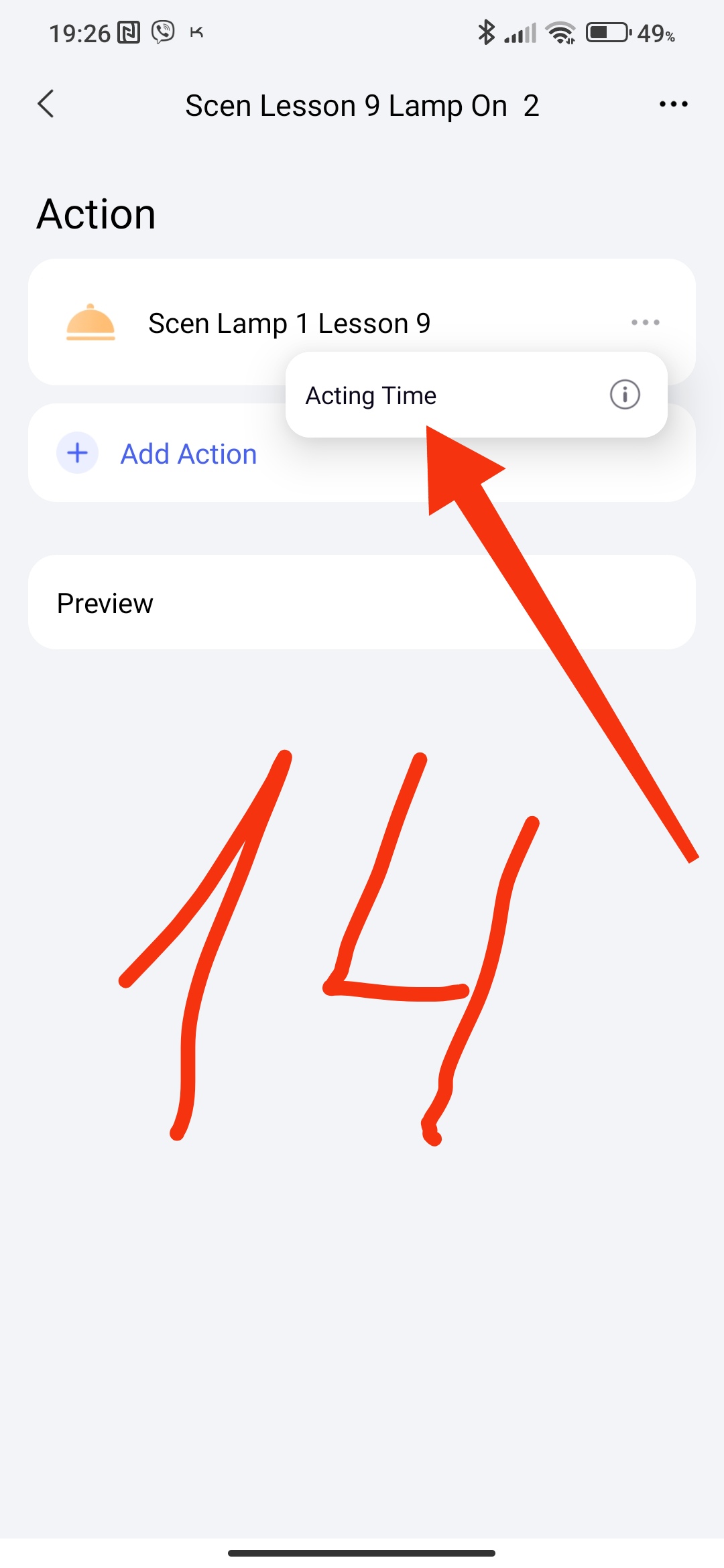
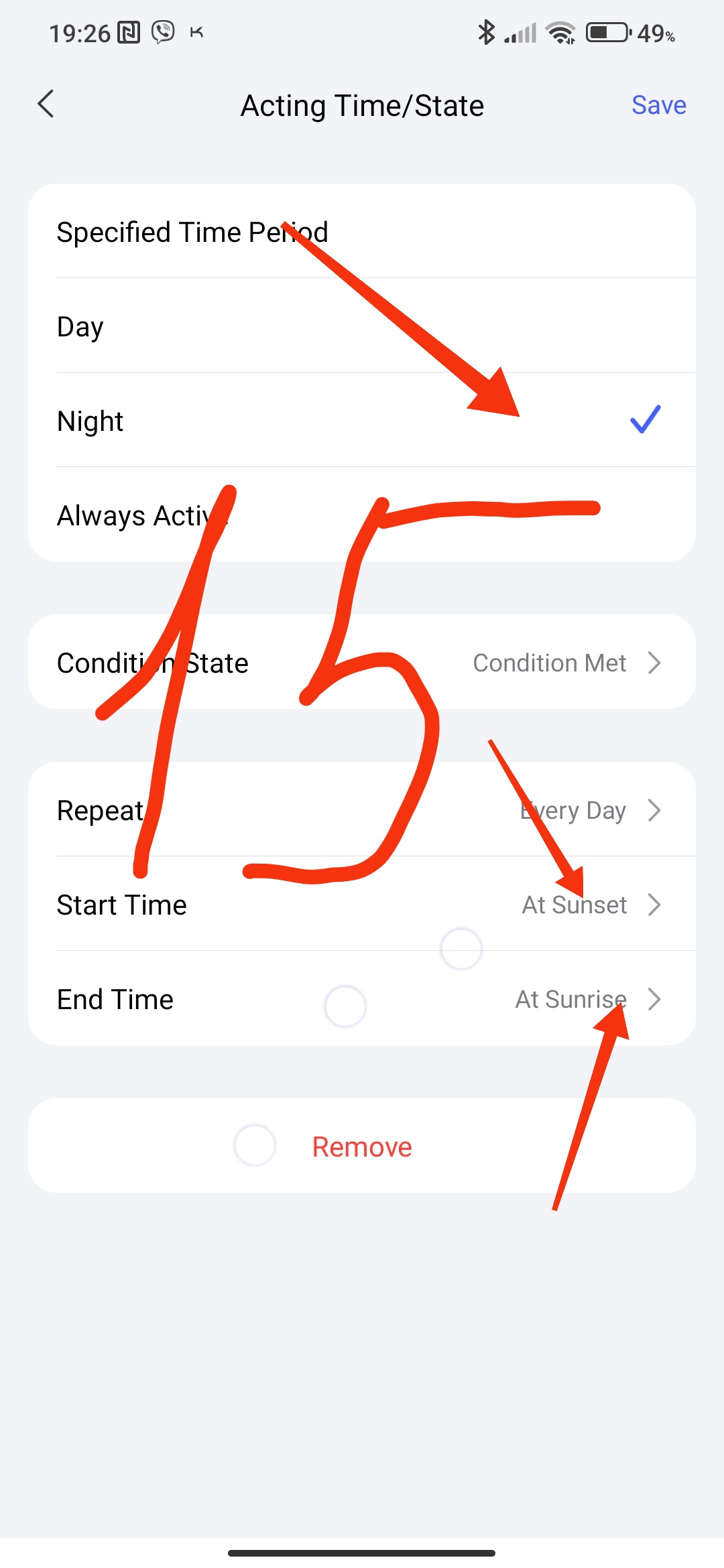
We created a scenario for further use of turning on the lamp by time periods “Scen Lesson 9 Lamp On 2”.
Fig16.
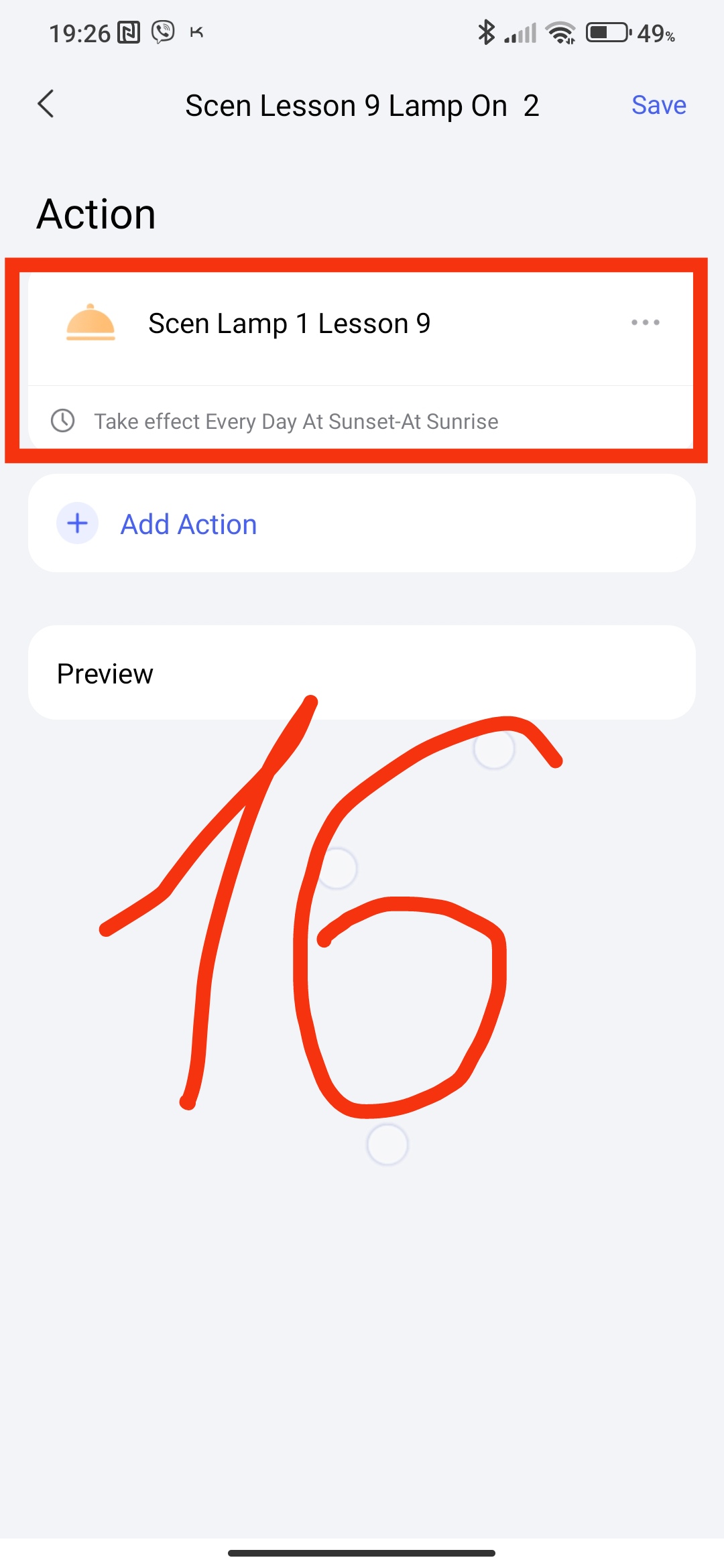
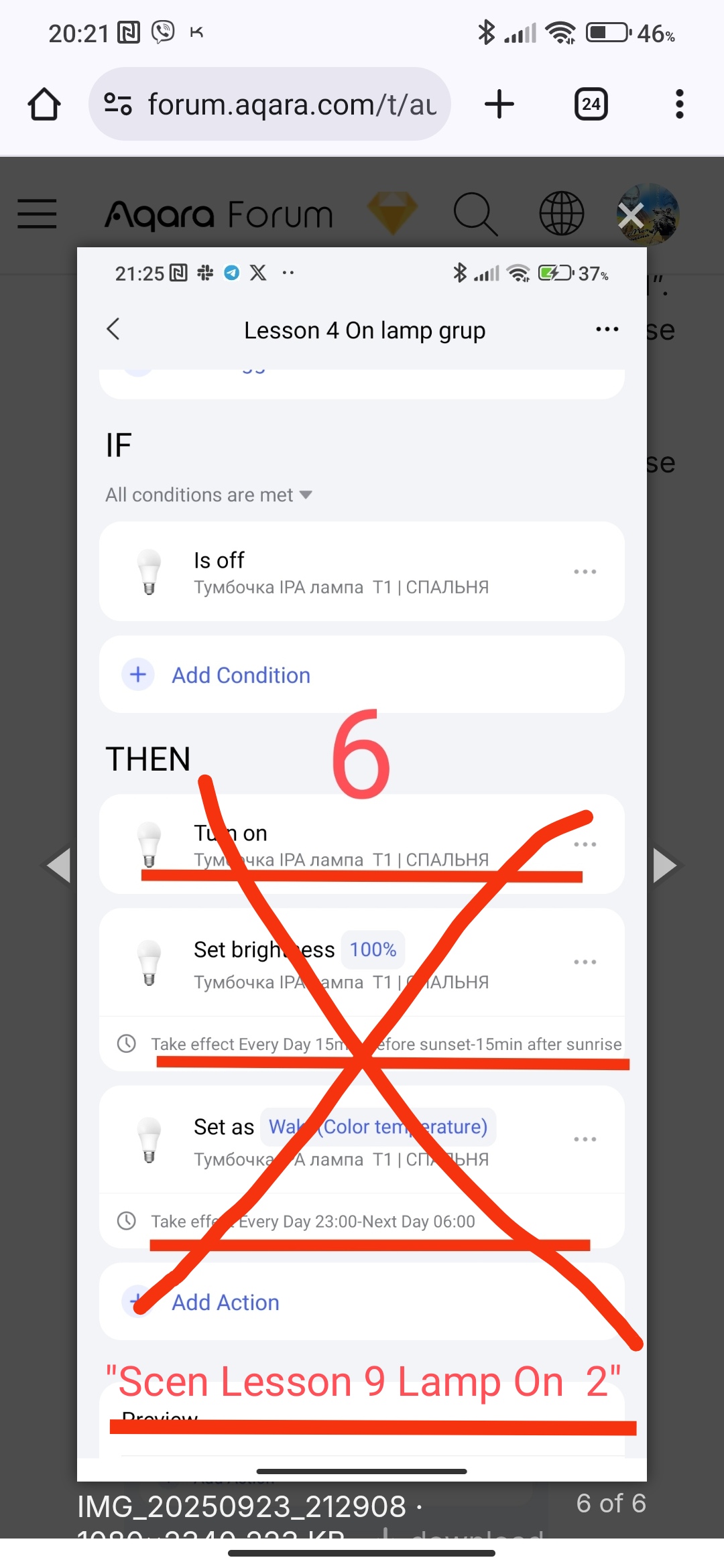
Now replace in lesson 4 (Fig 6 ) Automation 2.0. Lesson 4. Lighting control by time periods turning on the lamps by one scene “Scen Lesson 9 Lamp On 2”. You get an updated timed switching of the lamps.
Fig. 6
Note, this scene has a very mobile brightness adjustment option, I liked it myself. I replaced all the dynamic automations in the house.
This concludes the current mini-topic.
Thank you for reading and sharing the topic (you can also on other platforms with a link to our forum).
More to come.
Lesson 10 Automation 2.0, lesson 10, room climate control. Creating a smart heating schedule for radiator thermostats (E1, W500, W600)