I’ve been using my fp300 for around a week now and it reacts more like a motion sensor at best, I can sit right infront of it and it doesn’t know I’m there. My old fp2 was brilliant and I assumed this would be an upgrade, they should if just named it the fp2 lite
Hi @nconlay
How do you have it configured? Dual mode, mmwave only or PIR only?
Have you seen this article?
1 Like
Hi @nconlay I‘m sure , if you configured the FP300 right, you will change your mind!
Give us more infos - also where you installed it. Zigbee mode or Matter, AI Spatial learning activated?
1 Like
Hello, I believe that most of the problems of inaccurate detection can be solved by adjusting the installation position. According to your statement, you can’t detect people when you install them in front of you. If possible, it is suggested that you can adjust the angle so that people don’t enter the equipment directly, and then adjust the sensitivity to high. Welcome more feedback, and we and the community will enthusiastically answer your questions.
2 Likes
I invite you to take a look at this post. I hope it can be of help to you
1 Like
Mine is sitting in a drawer waiting for my Home Assistant stuff to show up.
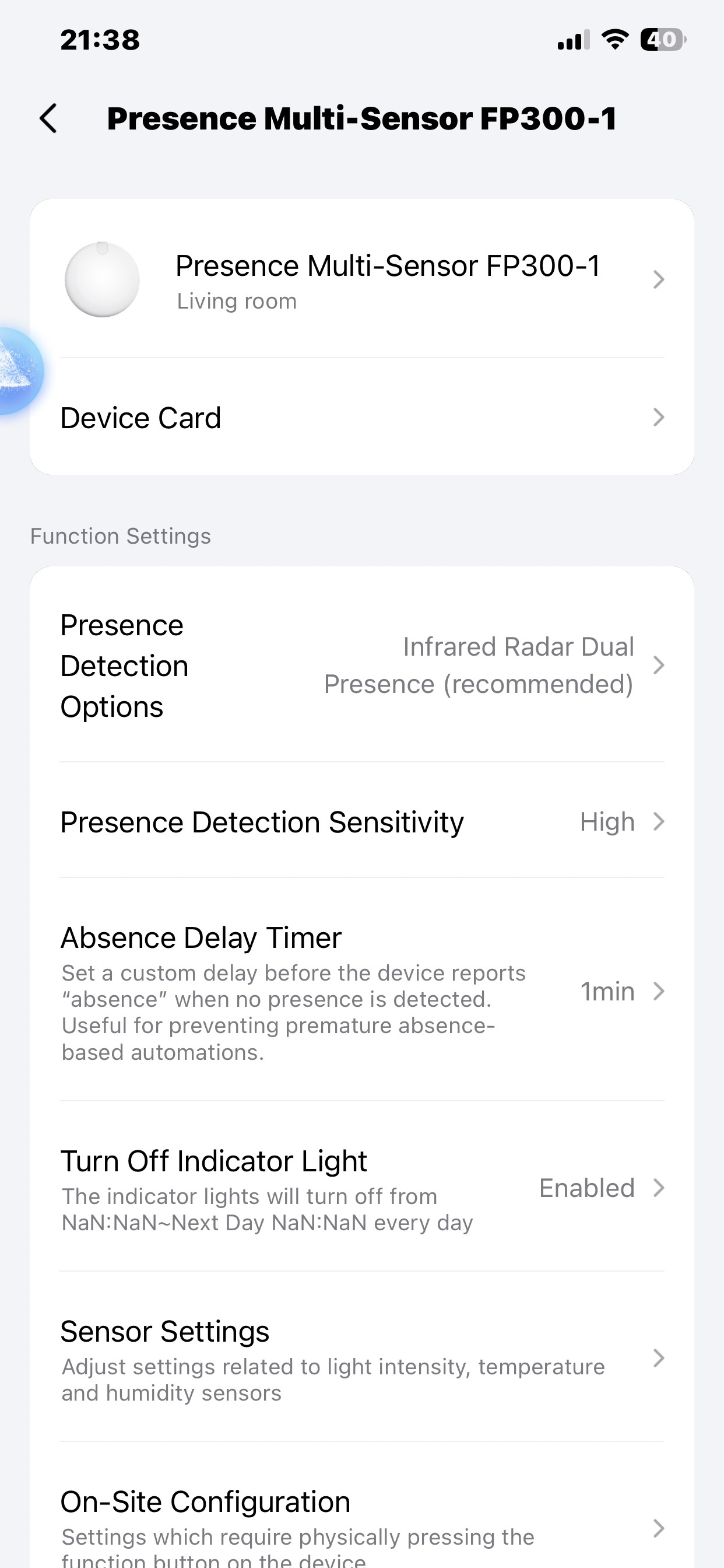
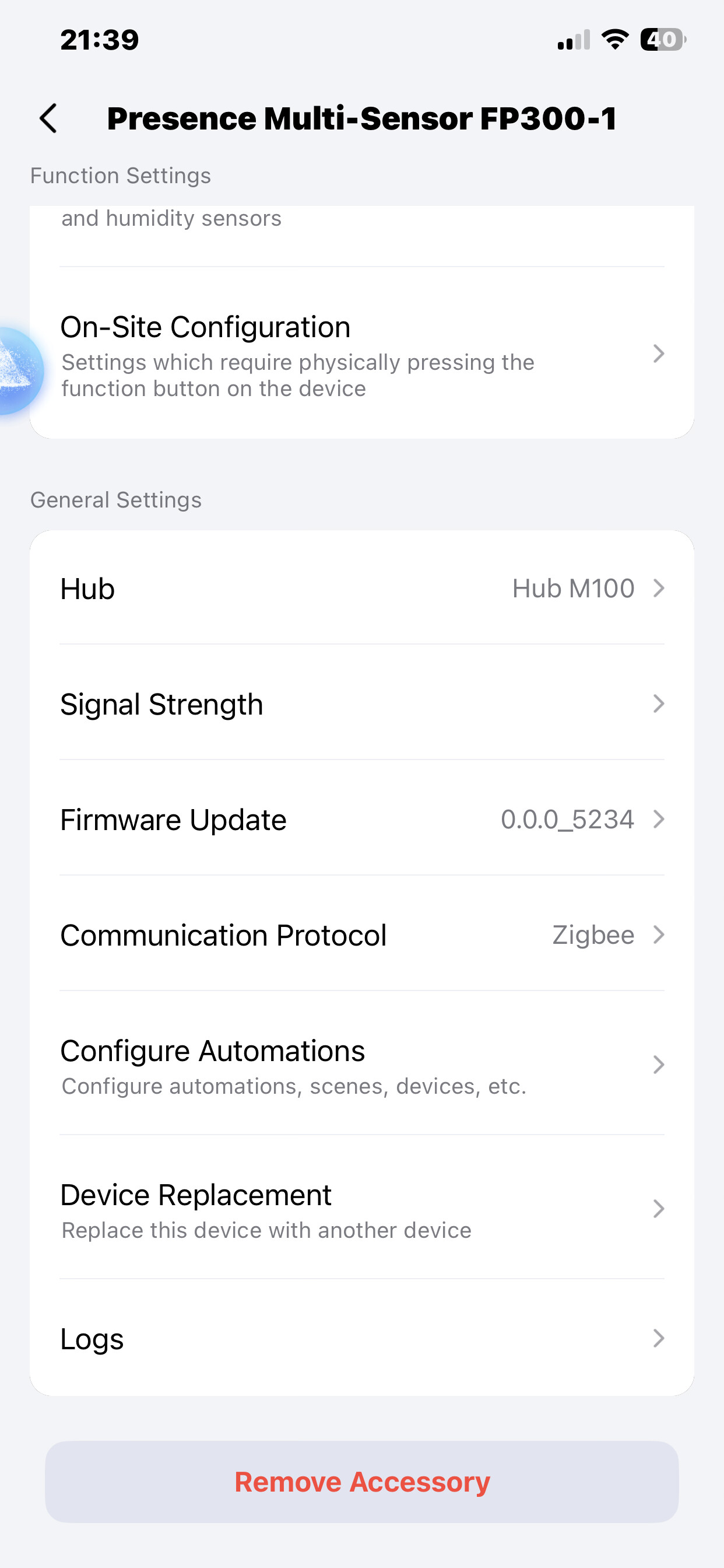
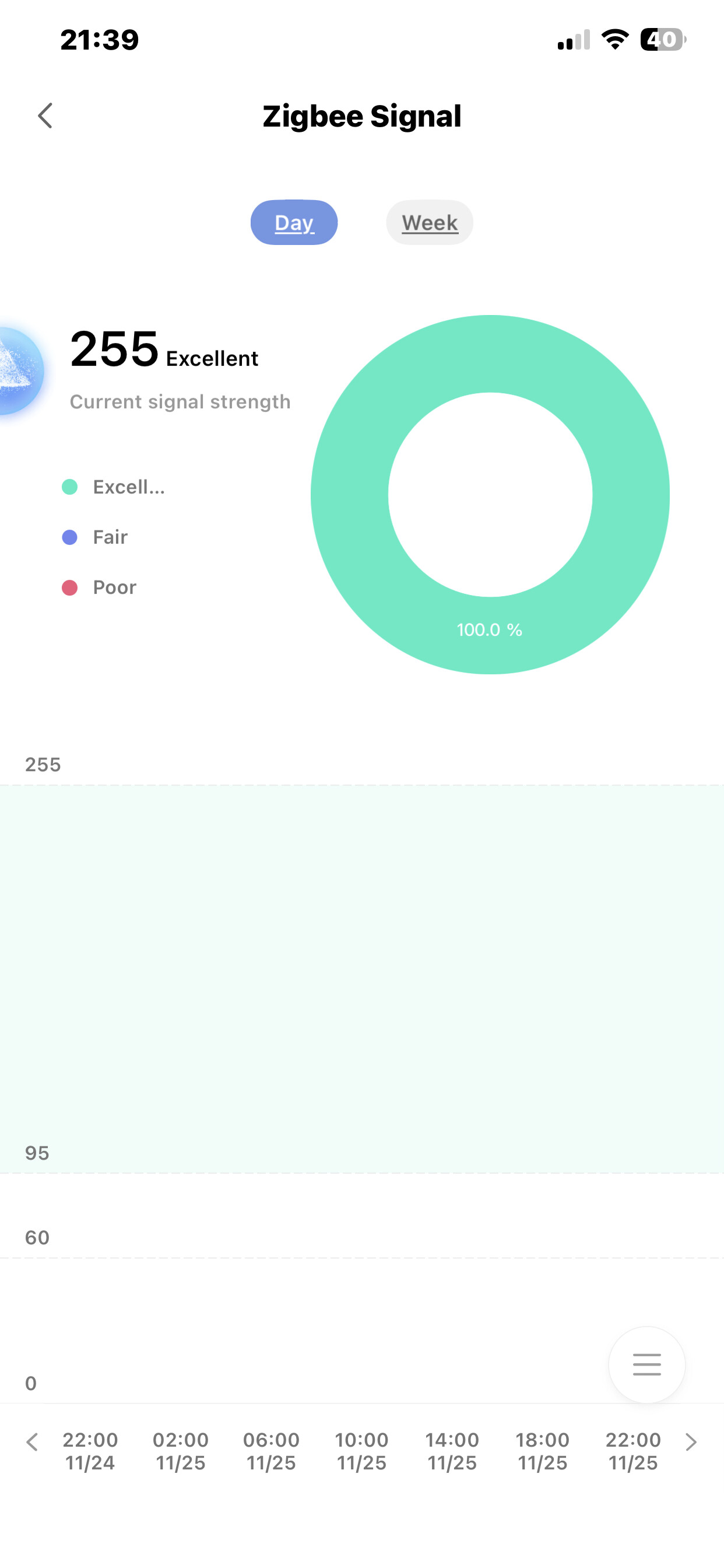
It would be great if that was true. FP300 thread mode and M100 don’t work.
My main issue is that I run an automation in apple home to have a light on when presence detected and it comes on but goes off within 30 seconds although I’m still in the room, if I move slightly the light comes back on but it doesn’t stay on, my automation is correct as I have it to turn on when detected and never turn off but another automation running to turn off when no occupancy is detected
Totally get how frustrating this can be. I had to play around with mine a lot to get it working well. It’s a different experience than how you use something like a motion sensor. To me, this does sound like a placement issue. Please hear me out - in dual mode the sensor uses PIR to start the occupancy, but then retains it based on mmwave. So it’s catching your movement based on the sensitivity of the PIR, but not your presence.
You can check in the logs to see what it is doing. It will show you Infrared movement vs Presence. Can you do a test with your normal walking into a room and let us know if and when it detects Presence?
Where in the room is the sensor relative to where you are when it stops detecting? You have the sensitivity set to high, is it a small room?
1 Like
Thank you for your help in explaining that the operating mechanism is indeed like this.
If frequent false alarms lead to false light-off, please ensure that the condition of automatic use is the “absence” of radar. If necessary, you can provide screenshots of automation settings, and I will be happy to provide help and further explanation.
Hope this will help
Please have a look at my review and use case.
I’ve found this little device to work flawlessly.
Unfortunately my theory was incorrect. The sensor doesn’t work well on thread with HA either. No ZHA support yet, not sure why the “Works with Home Assistant” is on the box.
It doesn’t work with home assistant.
Edit: There is a custom quirk here for ZHA from the community. Aqara FP300 Presence Sensor · GitHub
I’m struggling too. Having four FP300 sensors, two working just fine, the third I’ve sent back for replacement cause the PIR alarm triggered 20 times in an hour while the room was empty. The replacement worked fine, so I thought it was a mechanic failure, but after a week it suddenly began ghosting again and triggers the PIR alarm several times an hour. Making all kinds of adjustments didn’t do the trick. The fourth one (hanging in the toilet) never worked fine from the beginning, more then 30 PIR triggers per hour, battery after two weeks already drained to 80%. Have them in Zigbee mode in PIR + mm Wave mode. Installed it with the Aqara app and after installing properly (and working fine) reconnected them in Zigbee mode to Homey. Like a said two of them still working fine so it shouldn’t be the case I’ve connected them to homey instead of aqara. Can’t get the other two to work how the should, even when one of them first worked and after a not anymore. Anyone having the same issues?
That said, I’m also missing the possibility in Zigbee mode connected to a third party ecosystem like Homey to update to newer firmware. Also the presets like Ai learning and other parameter configurations are very unstable and mostly do not process after the first five attempts. I assume the Ai learning is an on-board process on the device itself.
I’m no expert on this but I can think of an error you might have made… Does your light on and light off automation trigger is “detected” or present/occupied? There are subtle differences in the terms. It seems to me that you are triggering only the PIR events. Yes, I’m guessing.
Yess, my trigger to turn the light on is made by the PIR (because occupation is taking much to long to activate) and the trigger for light off is: PIR is off for 5 seconds (plus the regular 10 seconds) and there is no activity (mmwave) then turn light off. But this all doesn’t matter… The PIR shouldn’t even trigger while there is no movement (no heat or other thing that should trigger it), but it’s triggering randomly about twenty times per hour. So this must be a hardware (or software issue). My other sensor is now behaving a little bit better, while my other two sensors are working perfect in the same conditions. I think Aqara made a big mistake with a software update or whatsoever…Read a post of someone who has the same issues with two new sensors fully updated while no issues with two previous sensors with an older update.