__Lesson 5. Setting up the APP security system (arming/disarming the security alarm)
Good afternoon.
As in the previous lesson, I will give many screenshots of the settings.
Today we will look at the “notifications” settings block.
This is a fairly simple settings block related to sending security system notifications.
Fig.1
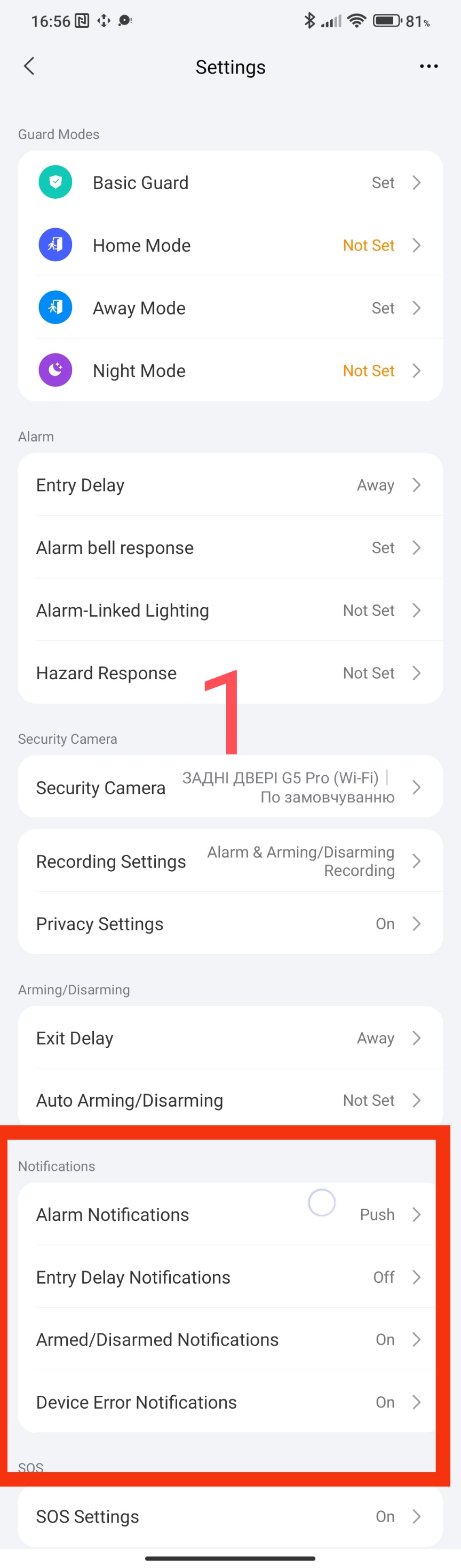
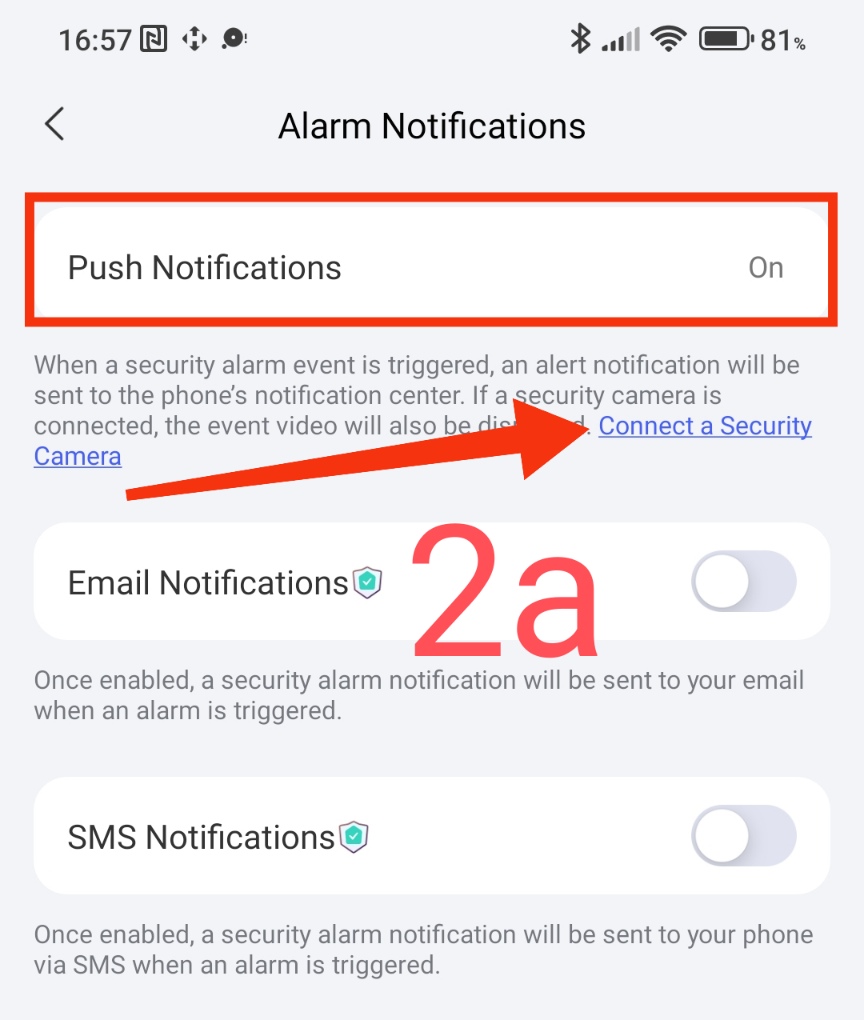
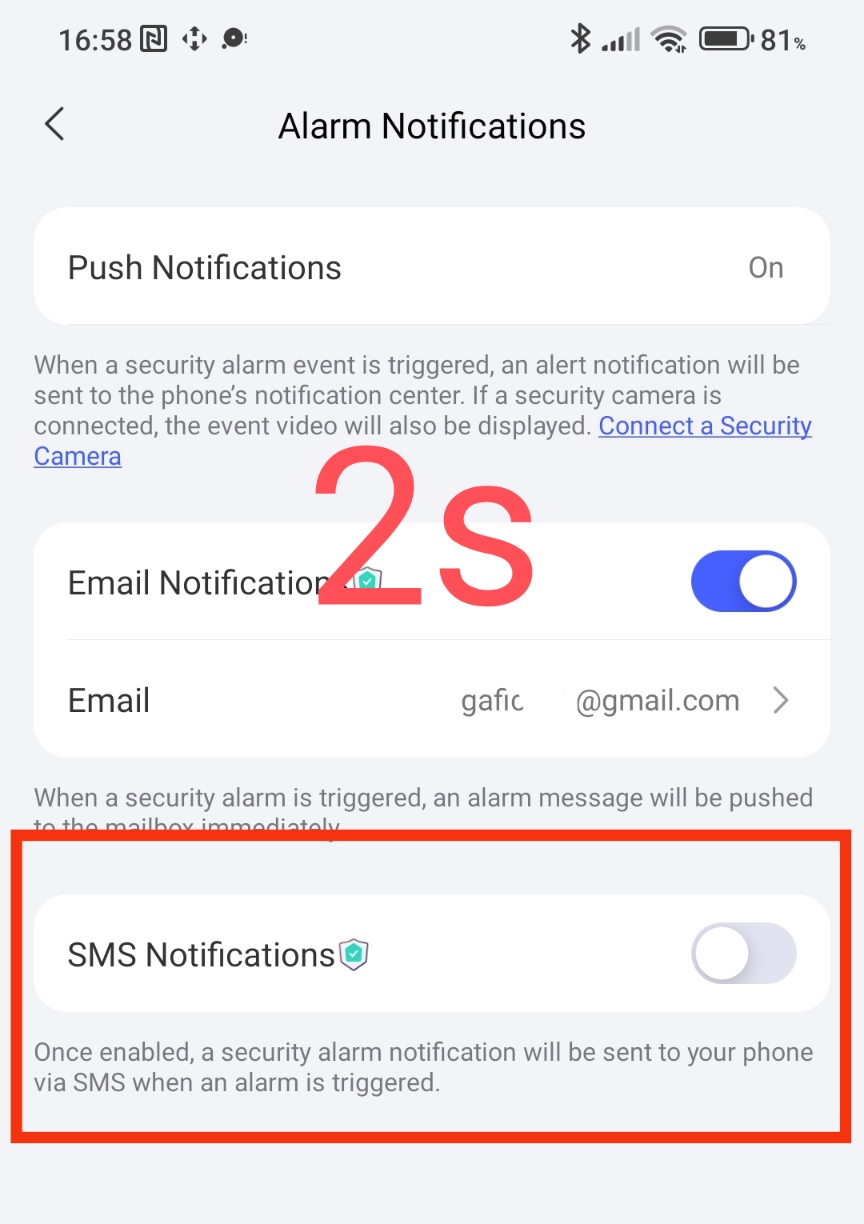
The first setting - “alarm notification” has the following settings.
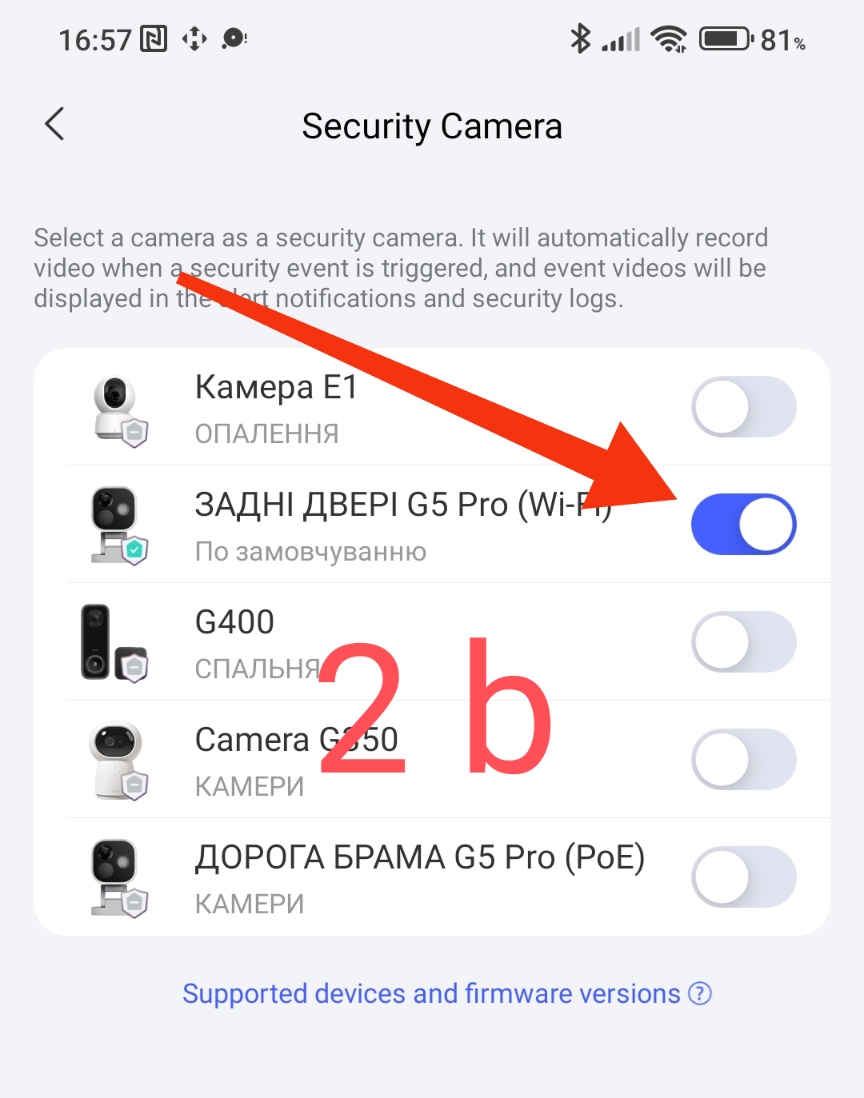
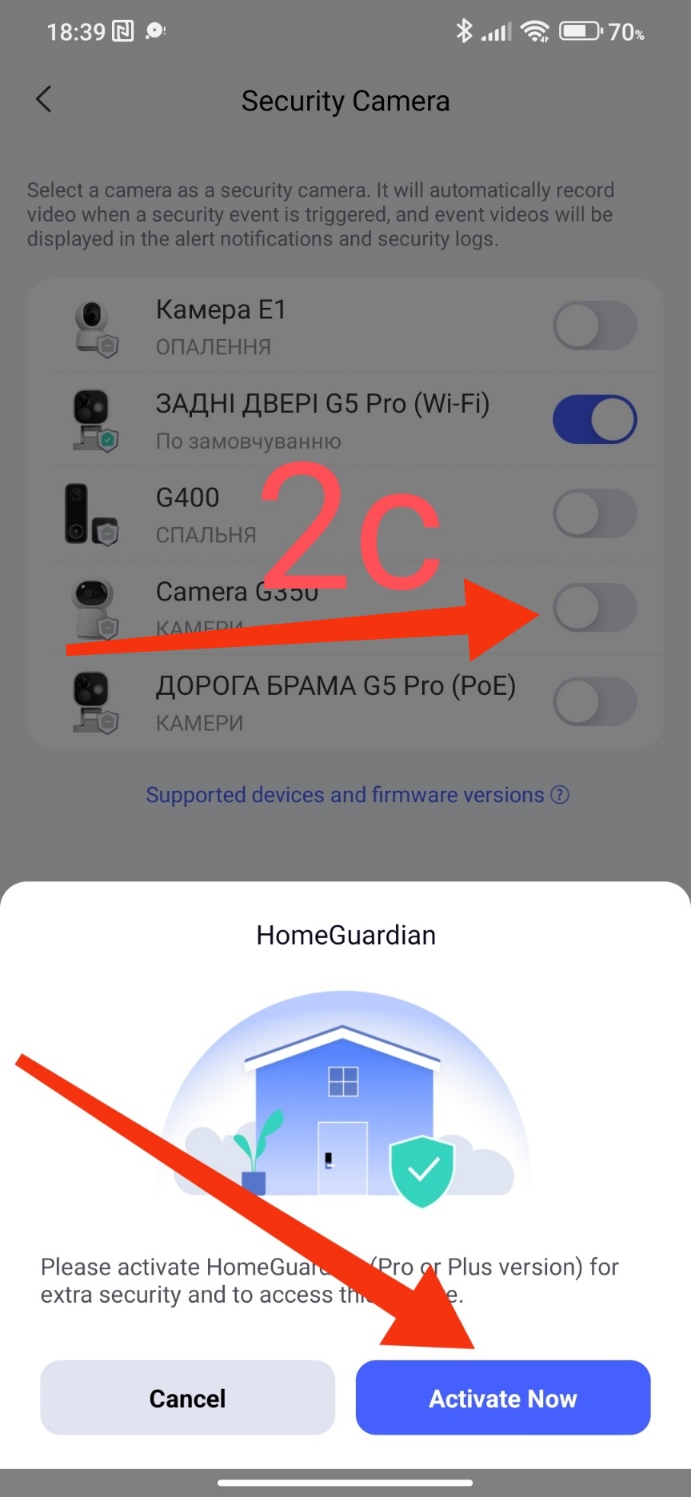
- “Push notification”. This parameter is permanently enabled by default. The paid function is to supplement the video recording that occurs at the moment the alarm is triggered.
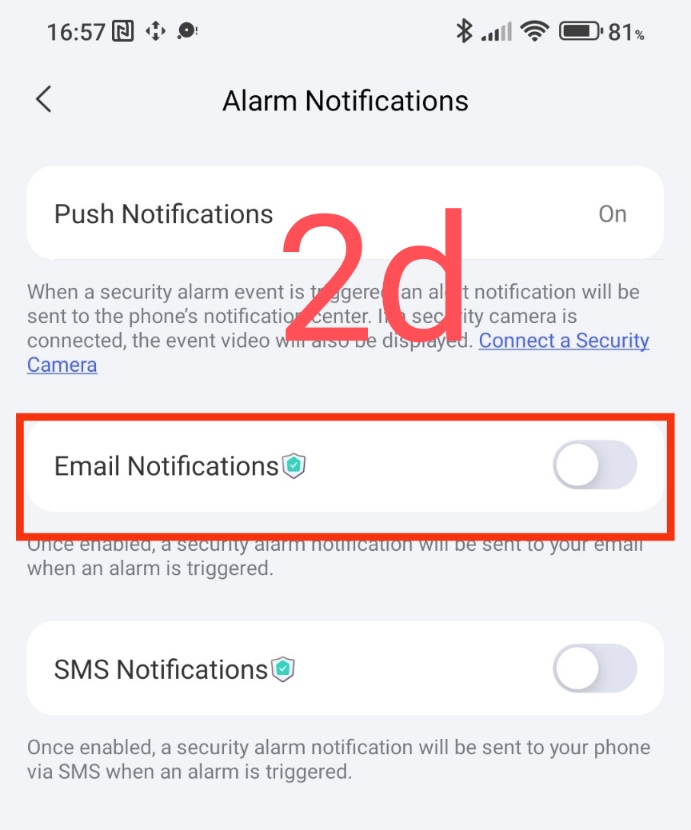
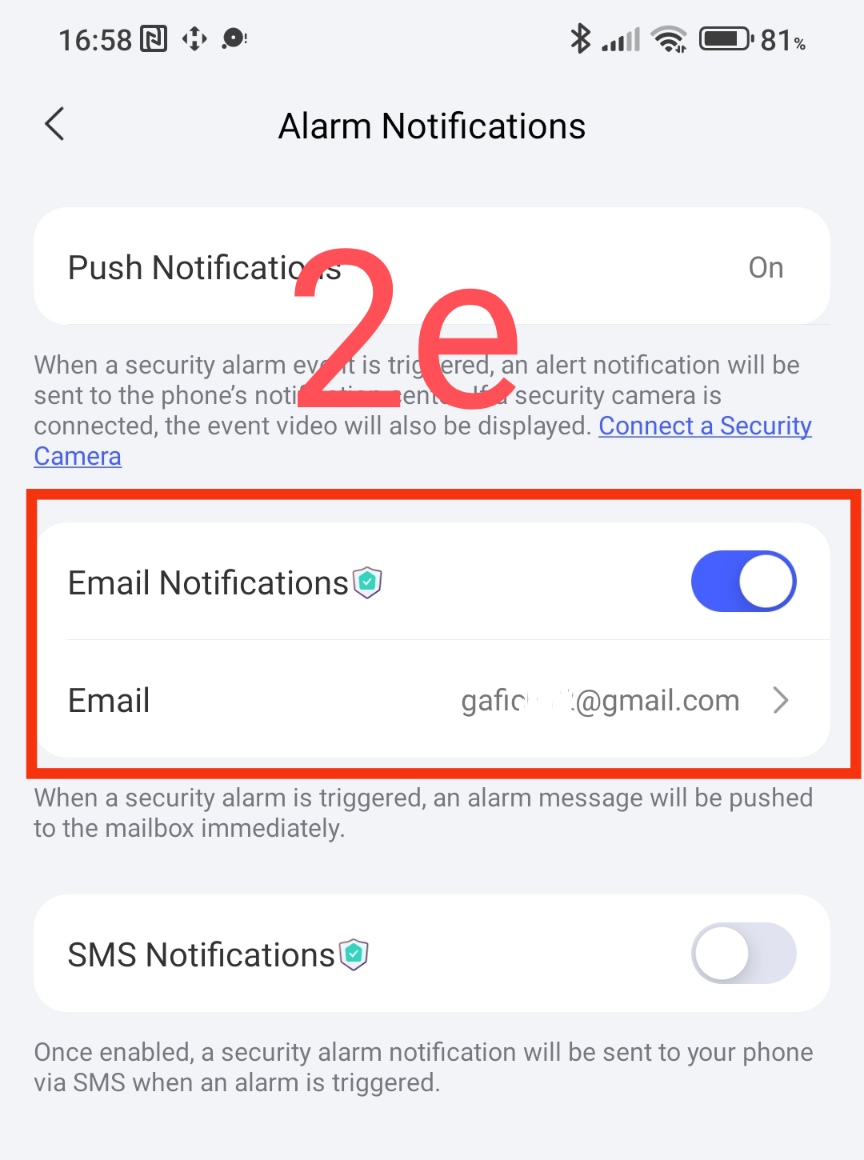
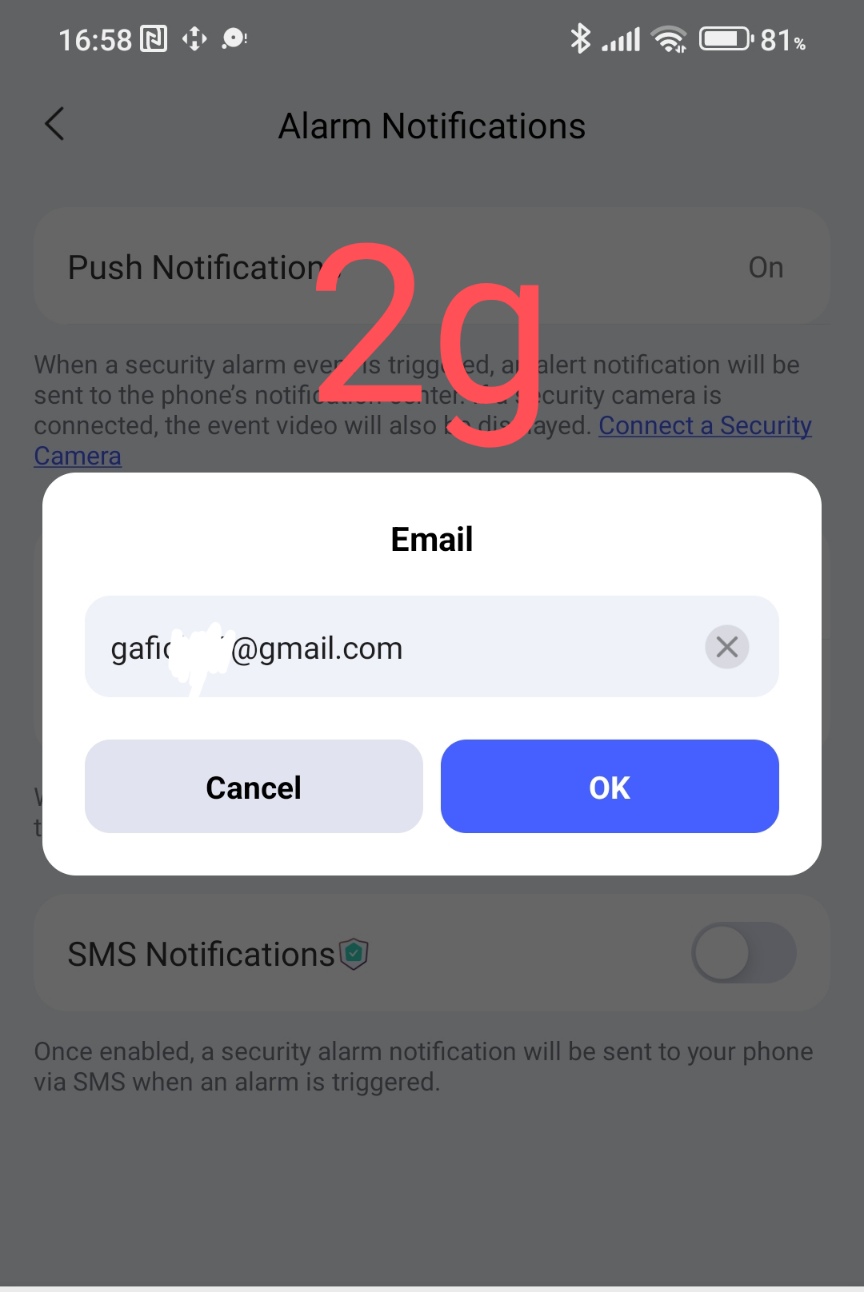
In my example, my G5 camera is activated. If you activate other cameras, the system will direct you to a paid service (lesson 4 Lesson 4. Setting up the APP security system (video surveillance cameras) ) - “email notification” is a paid service. Sending an email to the specified email.
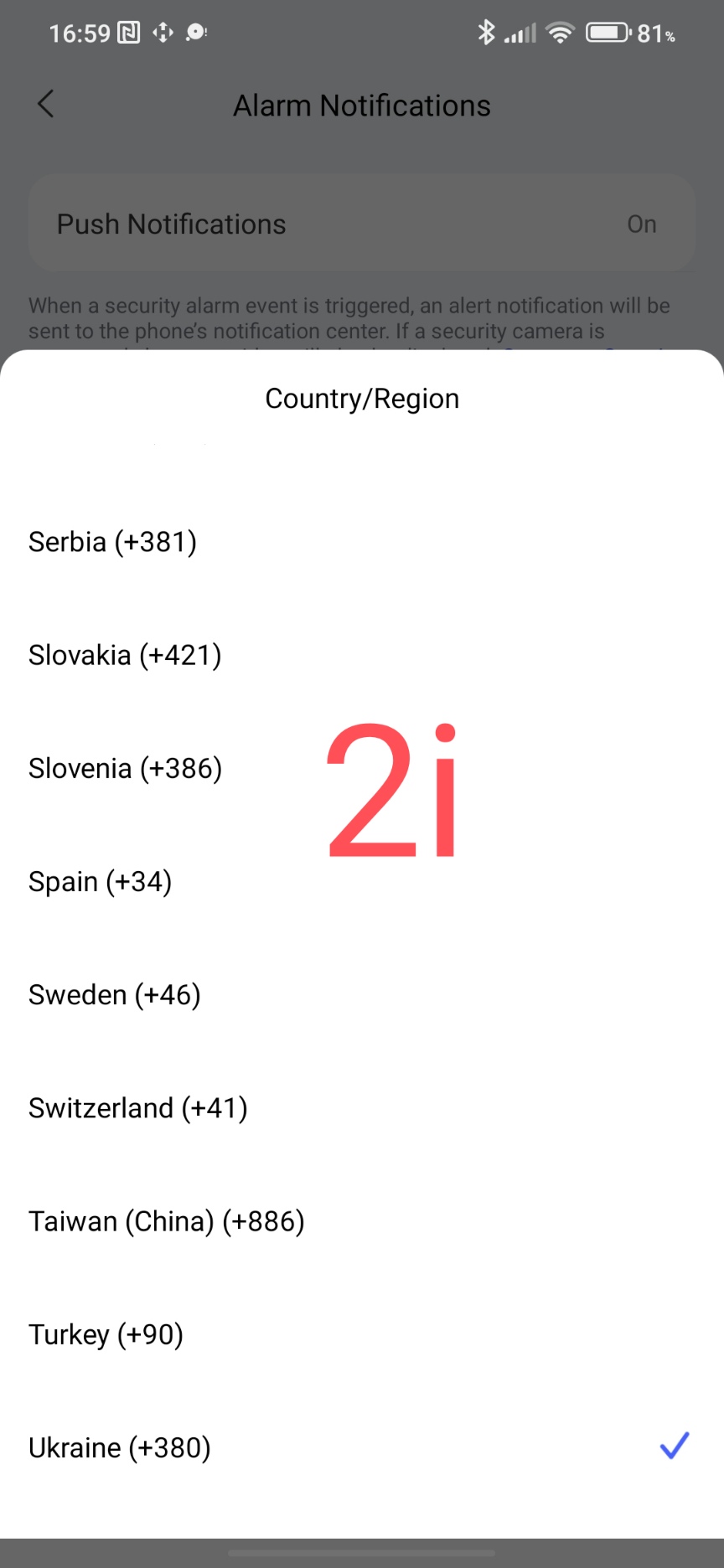
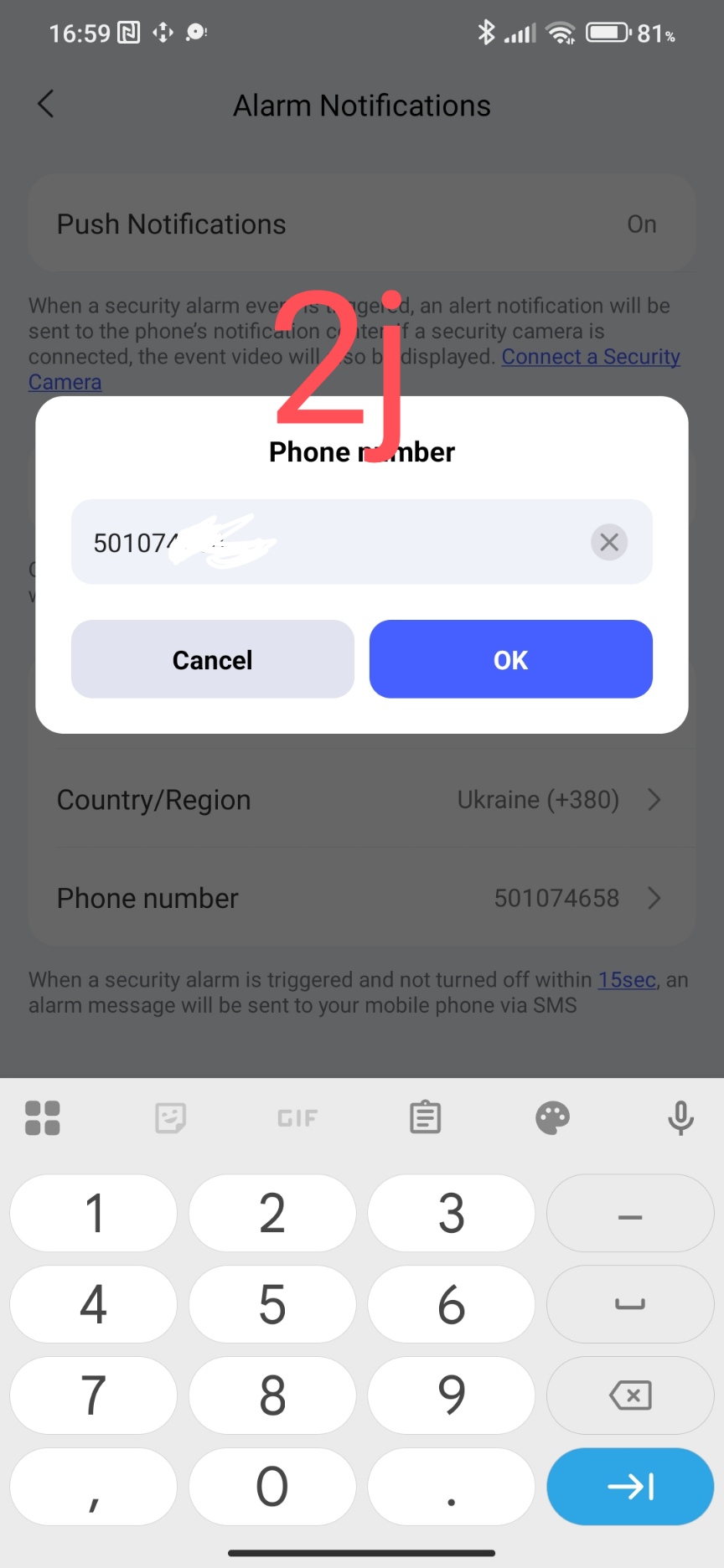
- "SMS notification" paid service. Sends an SMS message to the phone number (select country code).
Fig.2
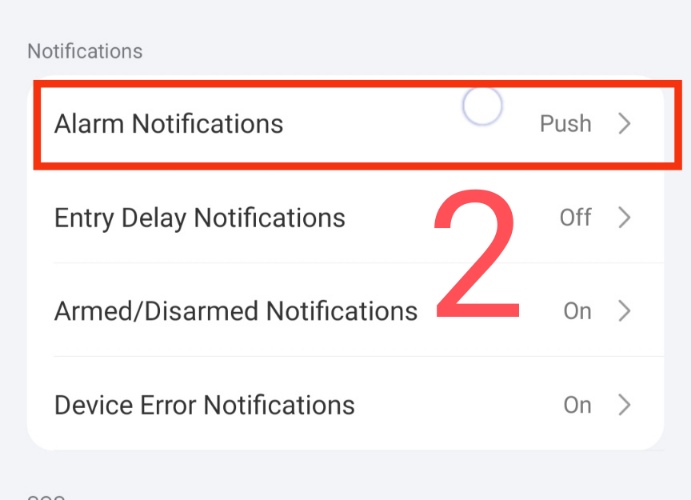
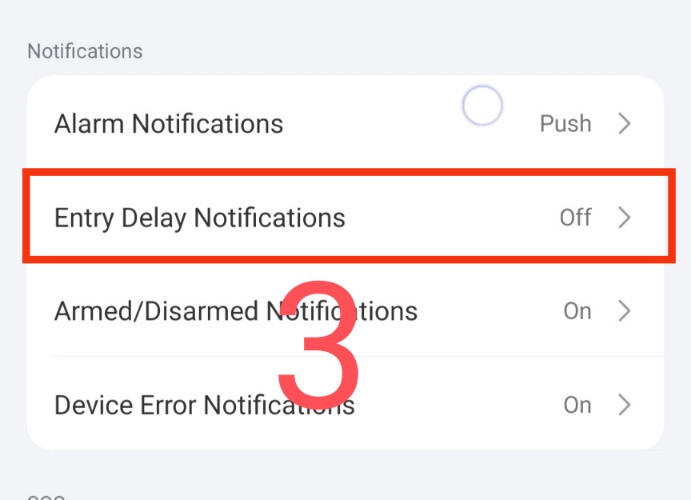
The second setting is “notification of delayed arming of the security system”. This notification will come at the time of the automation start timeout according to the settings in lesson 3, figure 2, 2a ( Lesson 3 Setting up the APP security system (alarms) ).
Fig.3
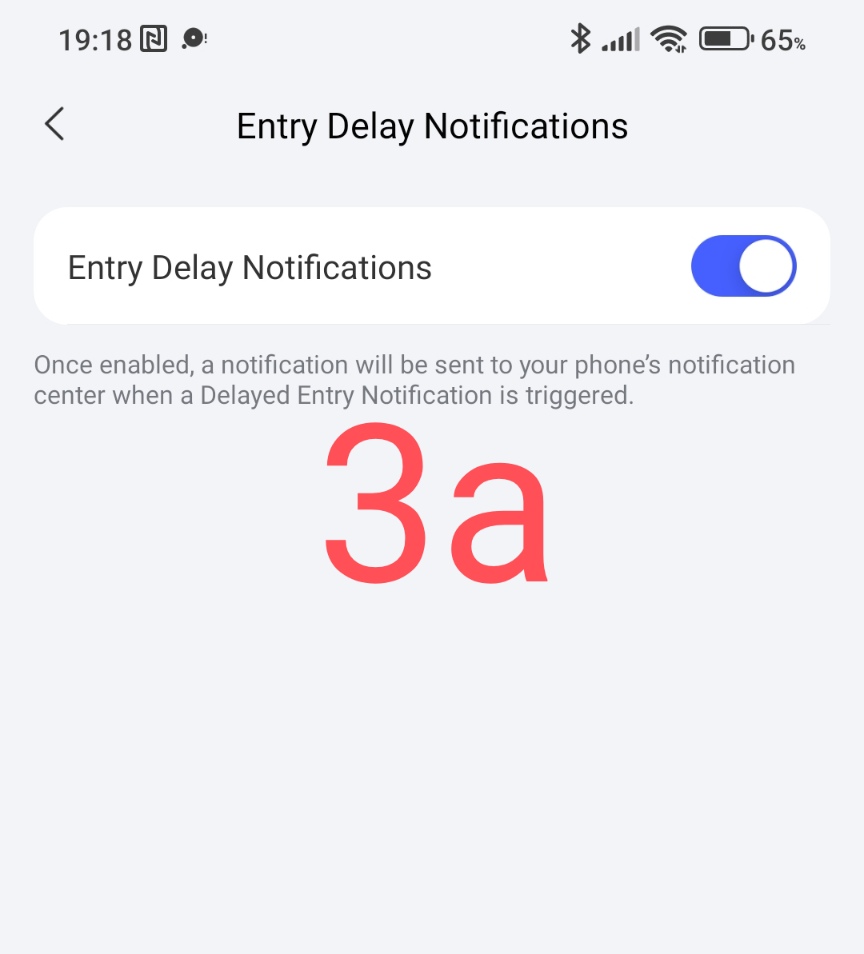
The third setting is “notification of setting/unsetting the security alarm”. Everything is clear here, the notification will come at the moments of starting or stopping the security system.
Fig.4
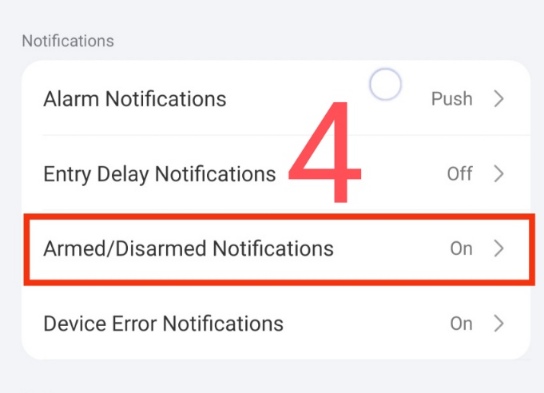
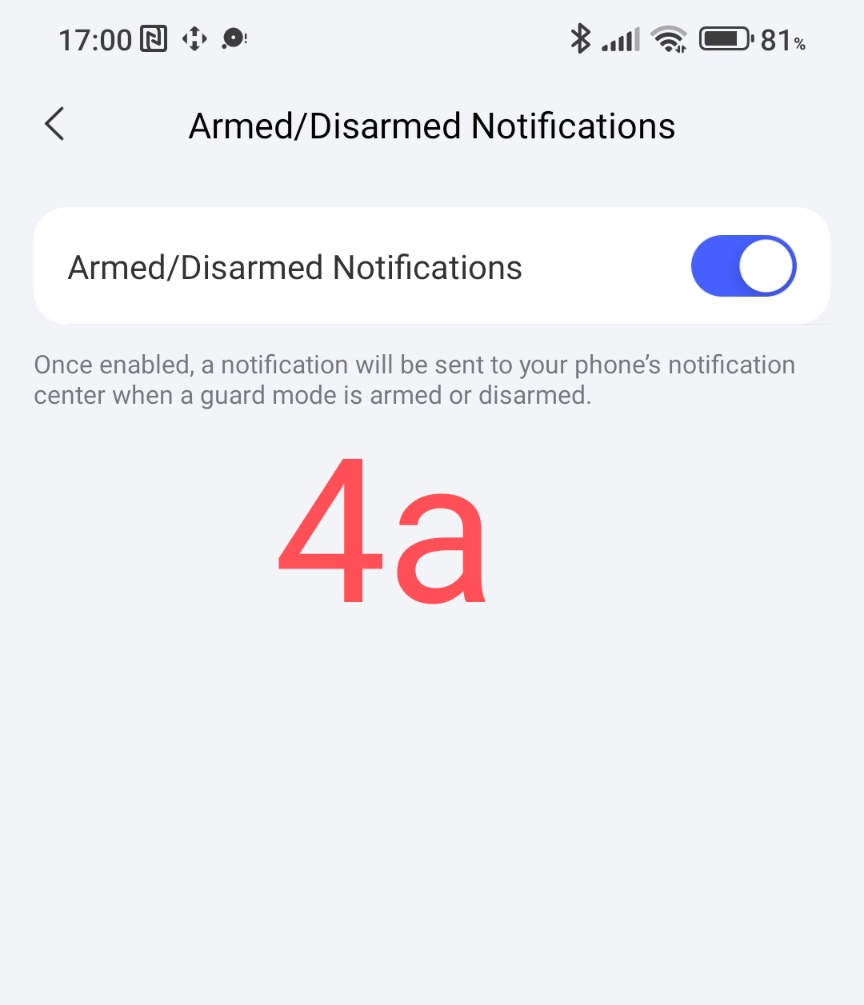
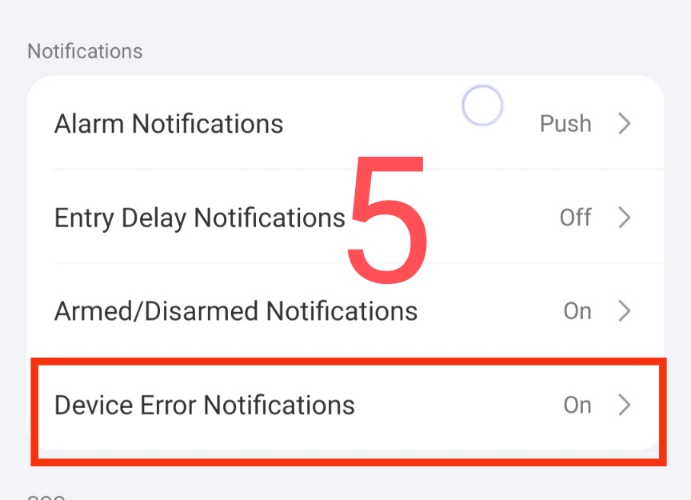
And finally, the fourth setting is “notification of security anomalies”. This setting comes when there are problems with the sensors that are involved in controlling the security system.
EXAMPLE - “offline” leak sensor (used in basic security), “offline” motion sensor (home security system)…
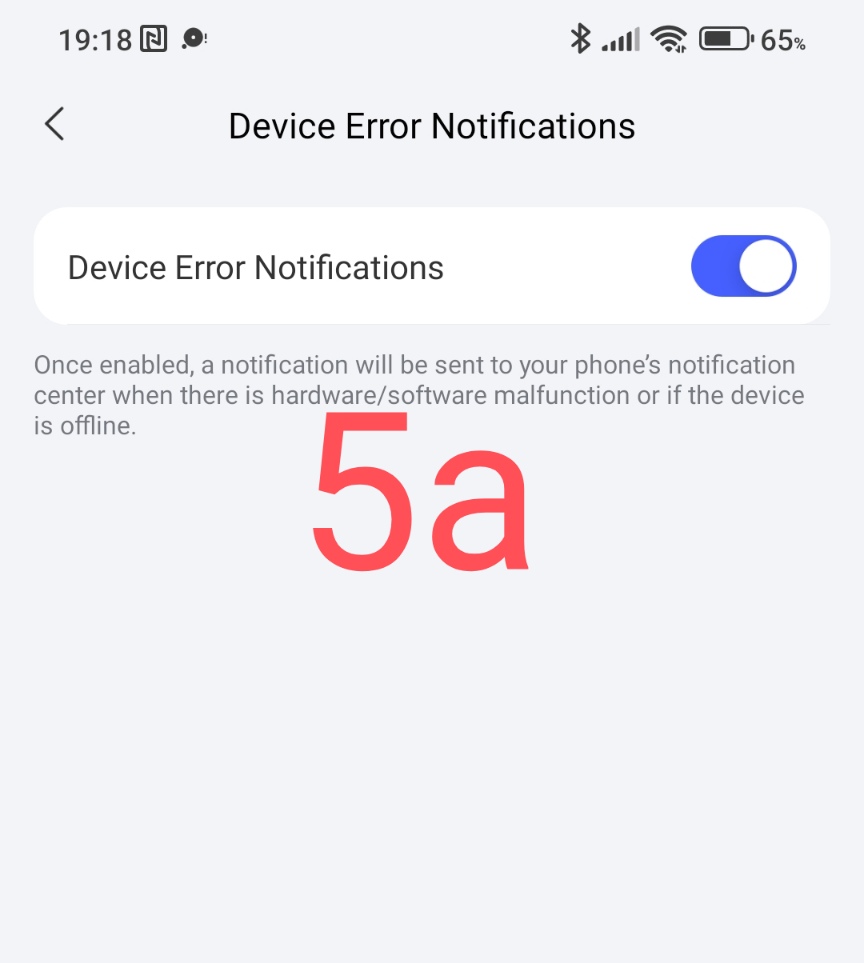
Fig.5.
This concludes the lesson.
More to come.
___Lesson 7. Setting up the APP security system (SOS signal). Final