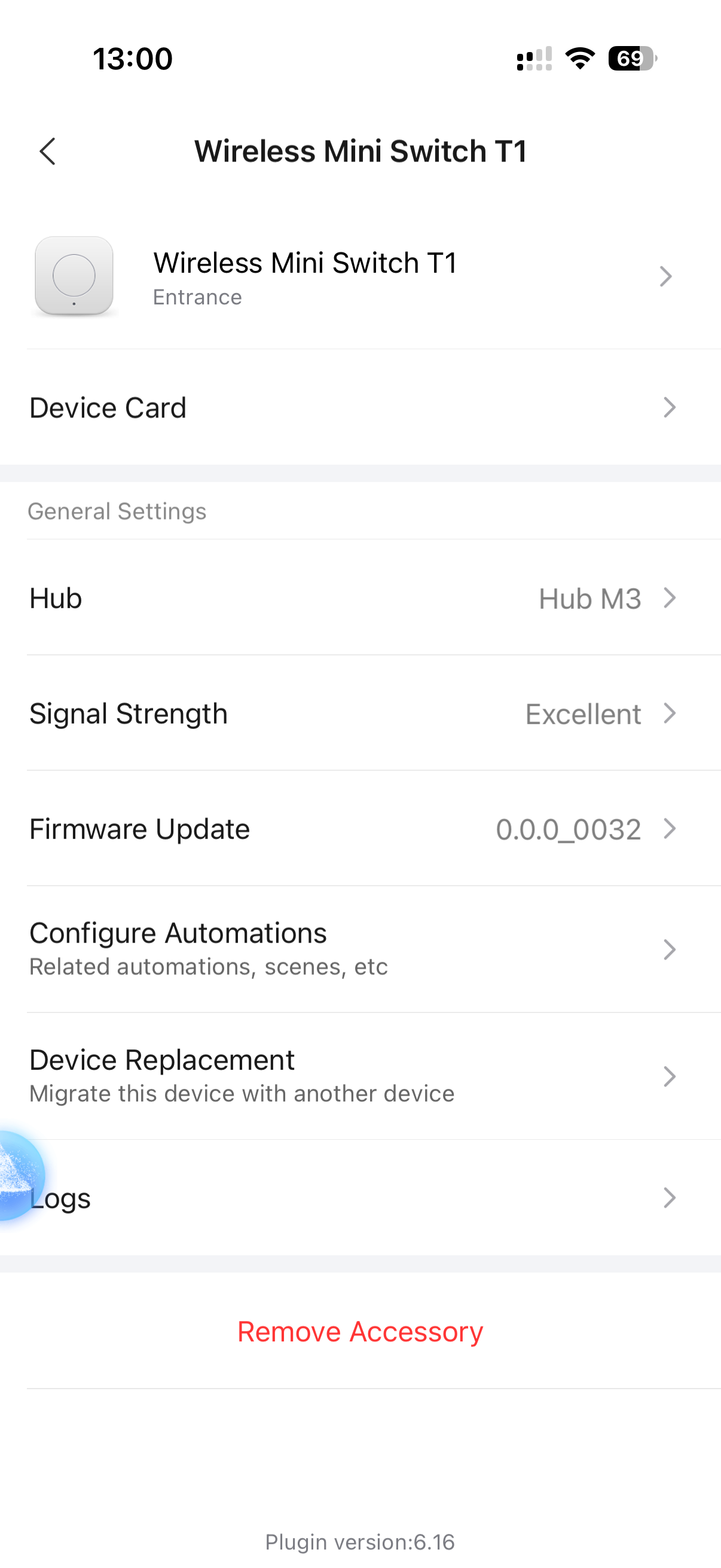
Hello everyone!
I need your help please as this is driving me crazy!
I had an older mini switch button and worked without issue but since replacing it (the other one broke) with the T1 the automation just doesn work even though it’s a very simple one!
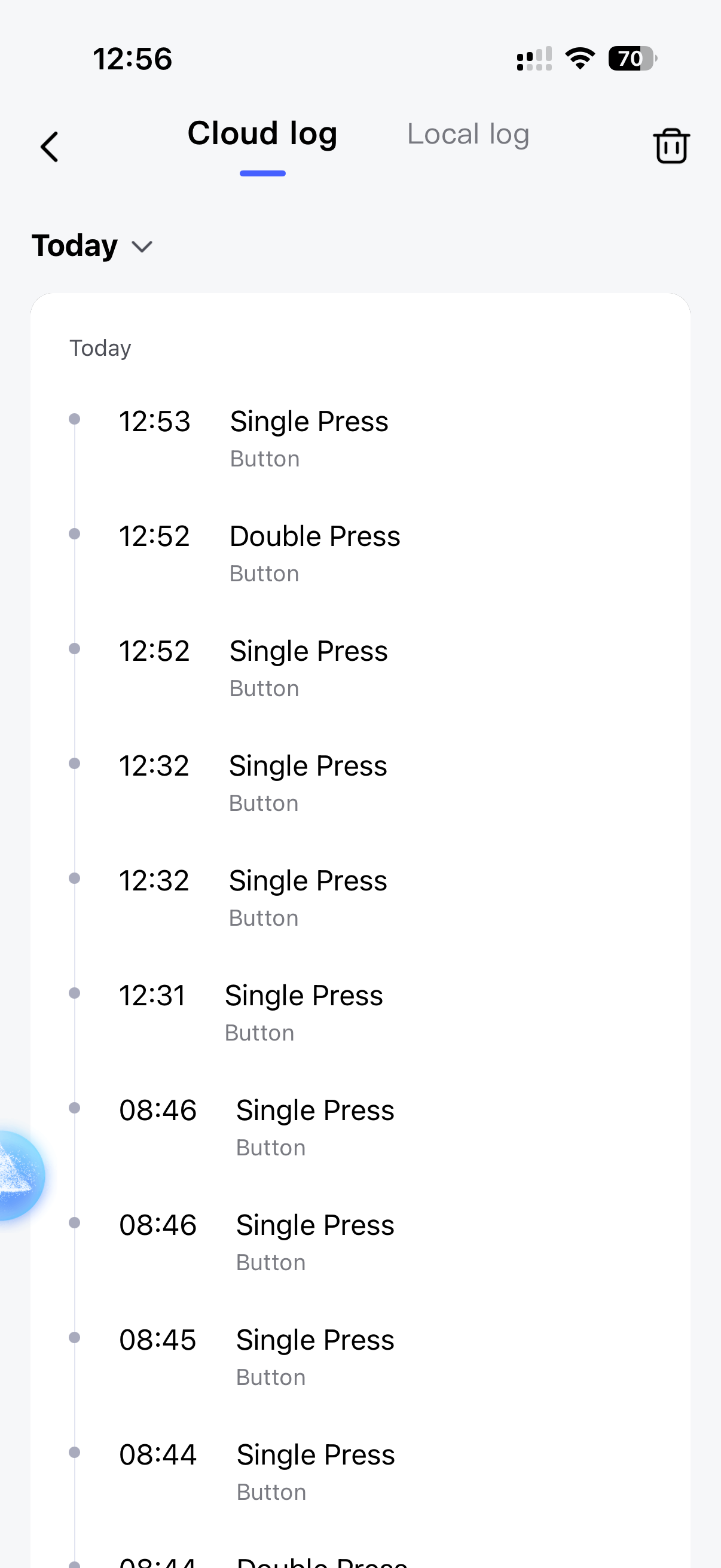
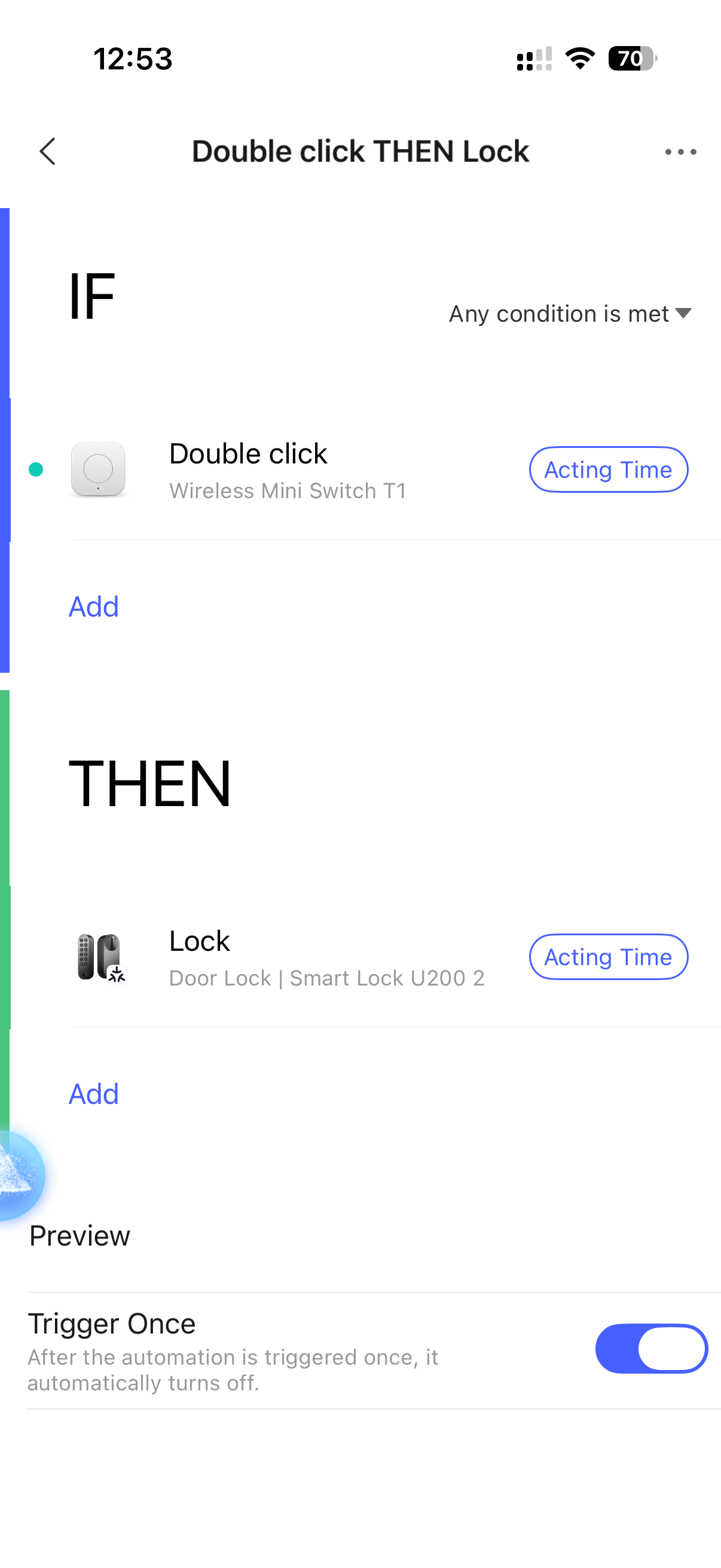
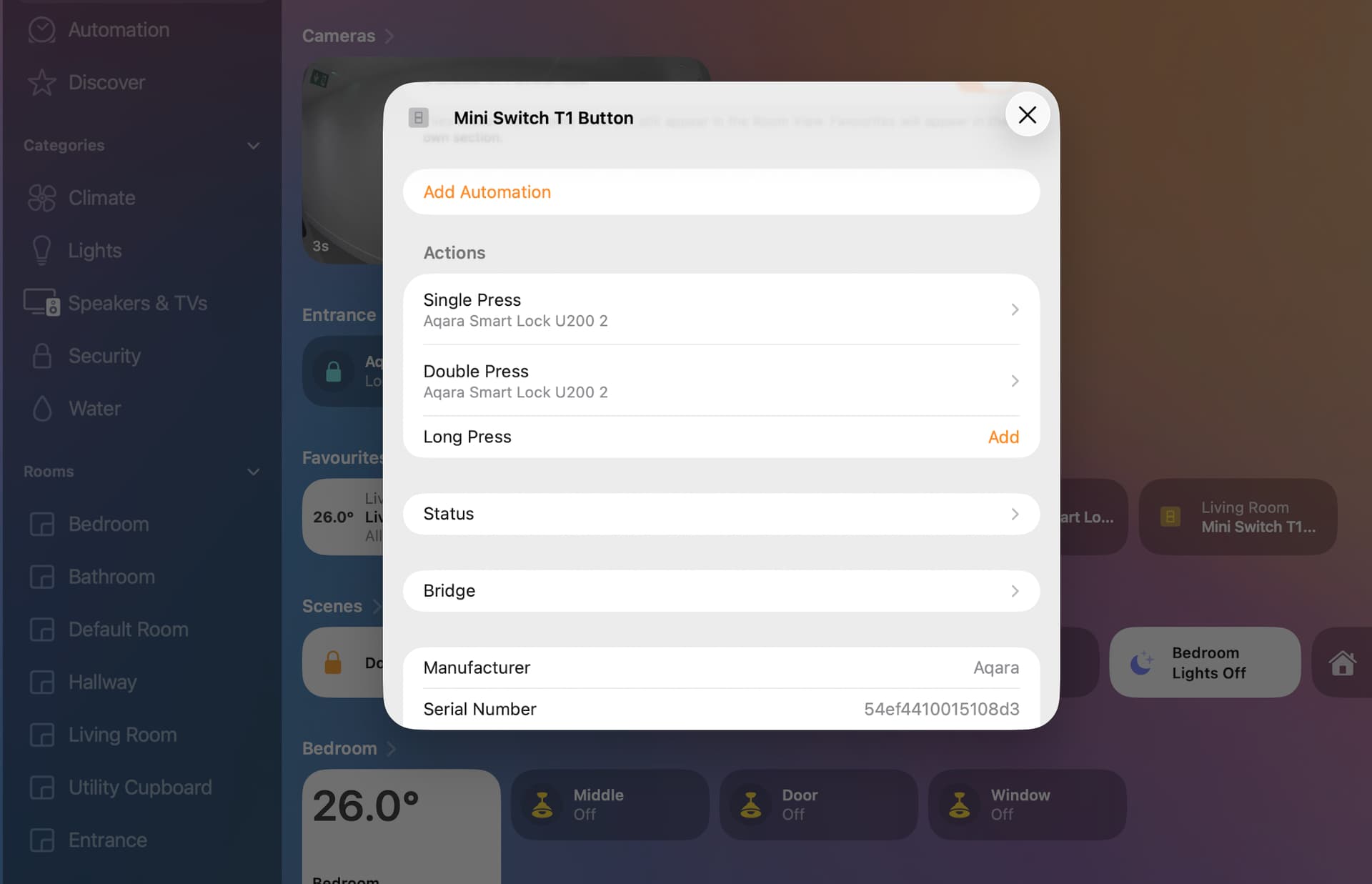
All I need to do is one click to lock the door, double click to unlock the door, see screenshot attached. It records the clicks on the HUB M3 and App but the automation just doesn’t happen. Anyone have any advice will be appreciated.
1 Like
Is the U200 paired with the same hub as the T1?
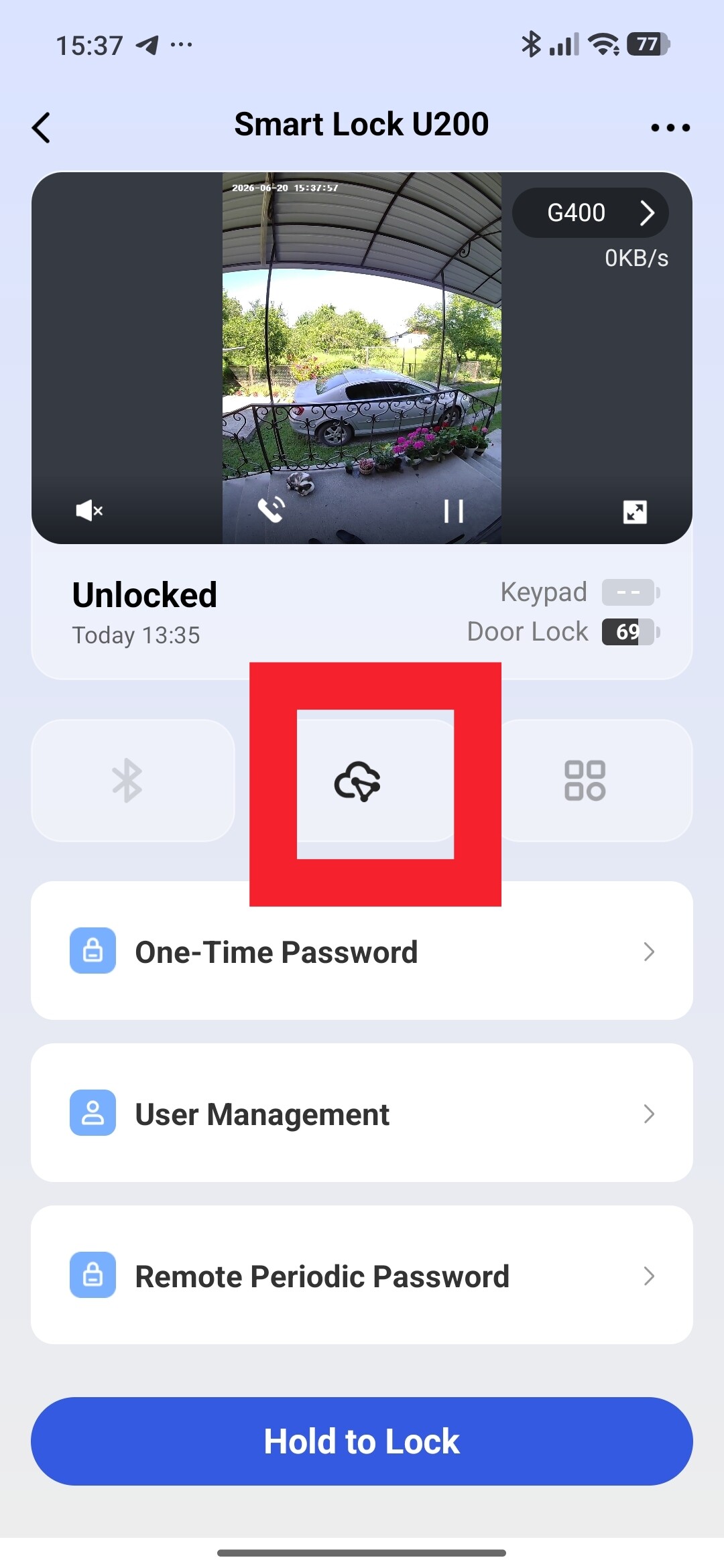
Maybe try pairing the U200 again with the hub (you don’t need to remove it, I’m talking about the Aqara controller connection feature, middle button, when you open the U200 in the app)
1 Like
Hello, welcome to the forum.
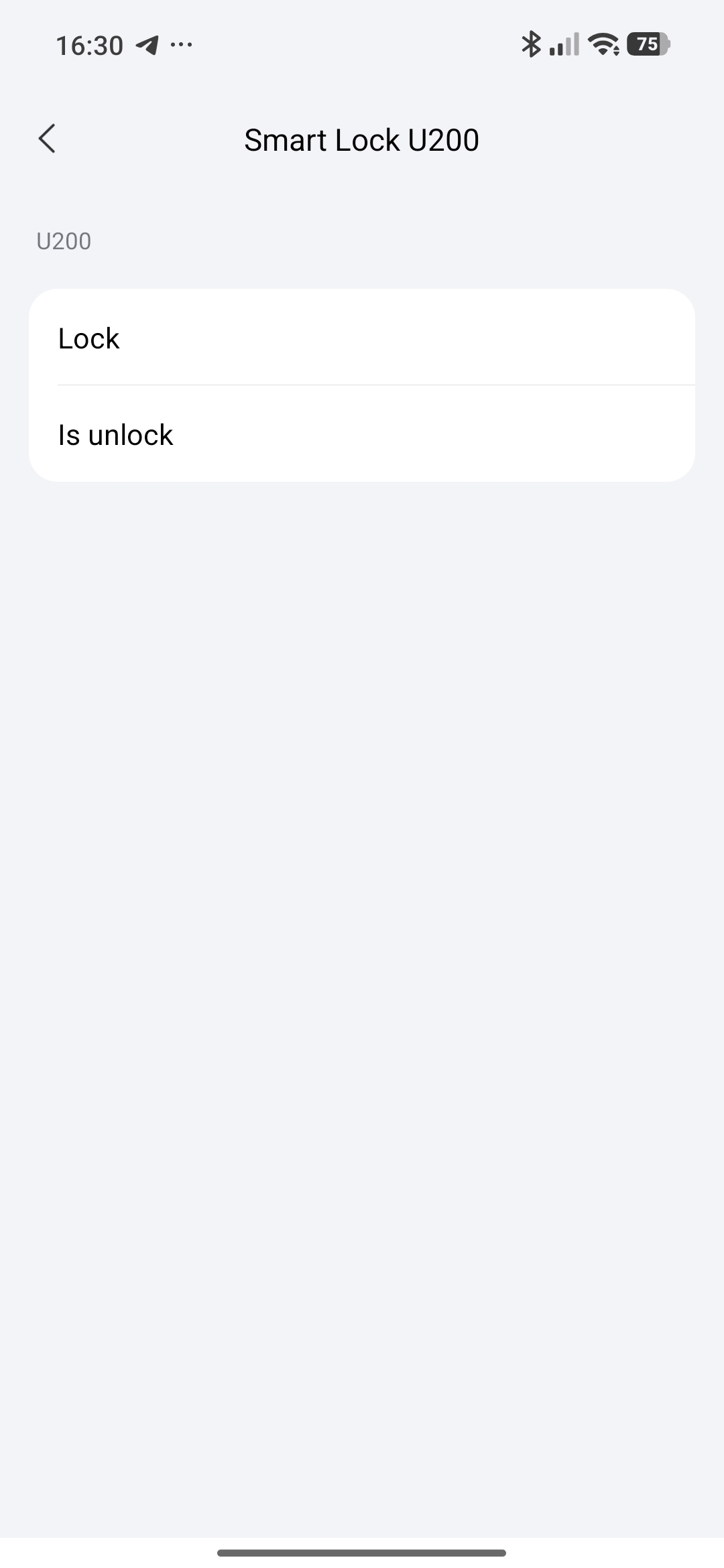
I recommend making automation 2.0. In lesson 19, I looked at creating your automation.
!Automation 2.0, lesson 19 (UPDATED VERSION), Aqara has supplemented the IF section with the conditions of the U200 lock,....U*00! .
Here you can see the transition to automation 2.0.
1 Like
I tried 2.0 and made no difference 
What kind of gateway do you have in your house?
1 Like
Be sure to create a NEW automation, from scratch.
1 Like
I did that, sadly same issue.
I have Apple Home might try with that instead of Aqara app.
Show screenshots of new automations!
Great news!!! I solved it by setting up the automation via Apple Home and worked straight away!
I guess it’s better Apple Home than the Aqara app directly, shame but happy it’s finally working.
2 Likes
I think there may be some bug in the M3 firmware or Aqara Home that just somehow makes the M3 miss the trigger. Personally I sometimes experience a delay when manually locking/unlocking the U200 in Aqara Home (or by using the S1 Plus, the U200 is paired with M3).
U200 is a Matter device and communicates directly with both Aqara Home and Apple Home (as opposed to the T1 and other Zigbee devices, those talk directly with the M3 and then the M3 proxies everything to Apple Home). So in this case using Apple Home was a really clever move (and it proved there is a bug somewhere between M3 and U200, probably in the M3 firmware).
1 Like
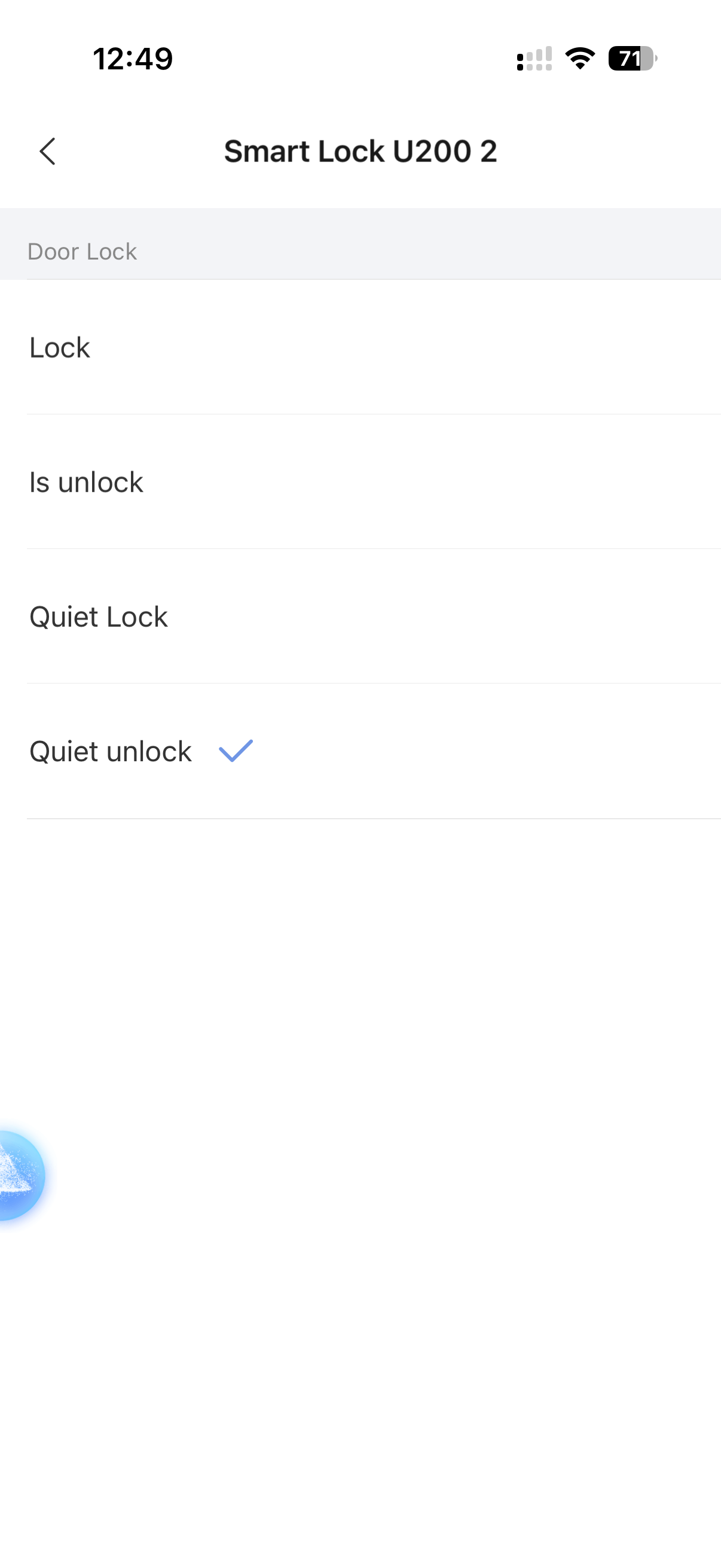
I agree, also the fact the Aqara app see the click but doesn’t do anything is strange, also the app only offer option to quiet unlock (very slow) and not fast unlock but does fast lock, which is strange. Apple Home did show more option from closing.
My home setup is mixed Apple and Aqara and Philips HUE so so happy to keep using Apple Home, as long as it works.
Is this in Aqara? I don’t see any.
You gave your automation a name. For some reason, I had cases where automatic names for automation didn’t work.
I did at first and renamed it to be simpler, than the other try didn’t bother and left the default name
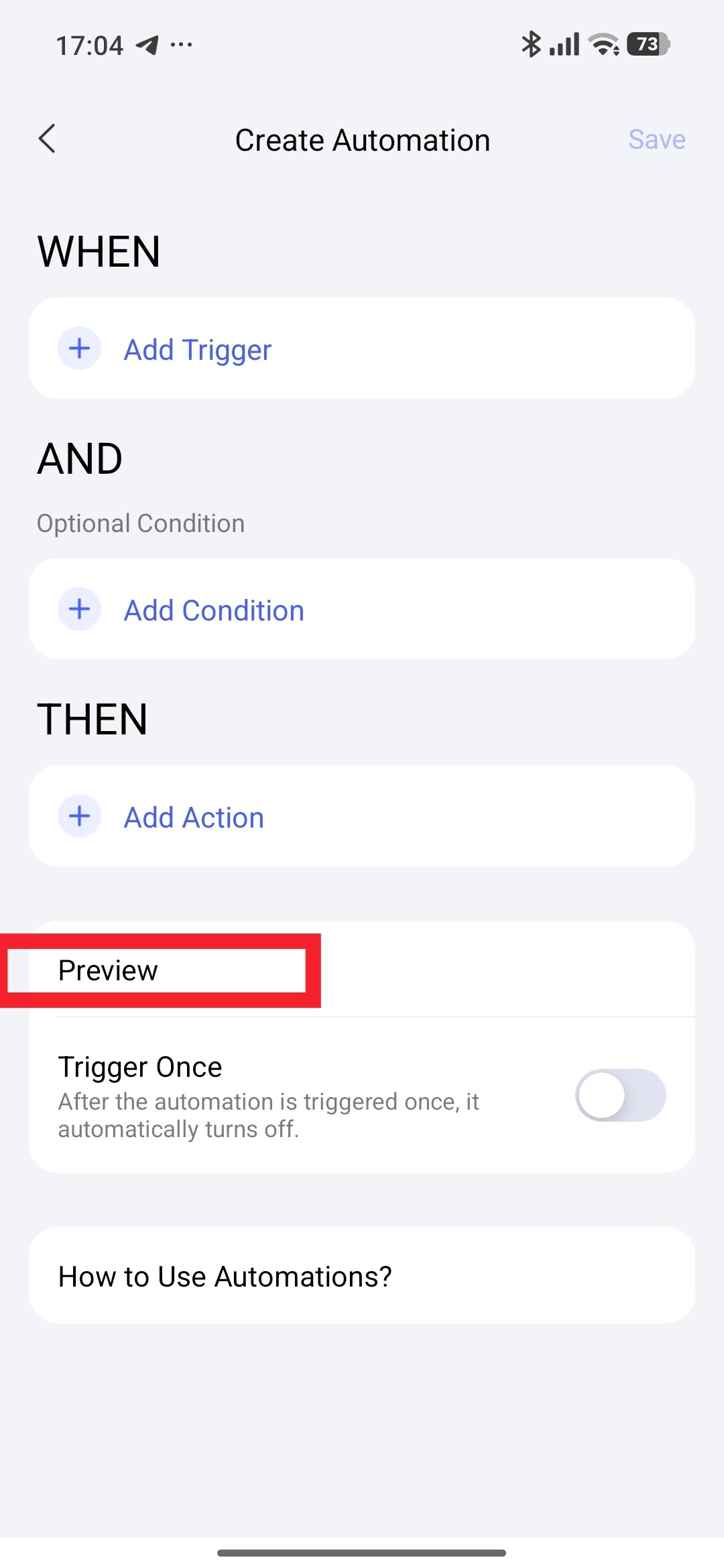
Another recommendation, after creating the automation, click “Preview”, does it work?
didn’t work with preview either
Then another question, if I create a scene On or Off U200, does it work?