I am trying to set up an automation, which is doing the following:
If one or more door sensors are open, then do something.
I am putting a “DOOR SENSOR IS OPEN” condition in the “IF” section, and a simple audio message in the “THEN” section.
If I am trying to save this, I am getting the following error message (see picture). I tried a lot of workarounds, but nothing helped so far.
Is anybody experiencing the same or is able able to help? That would help me a lot! Thanks upfront.
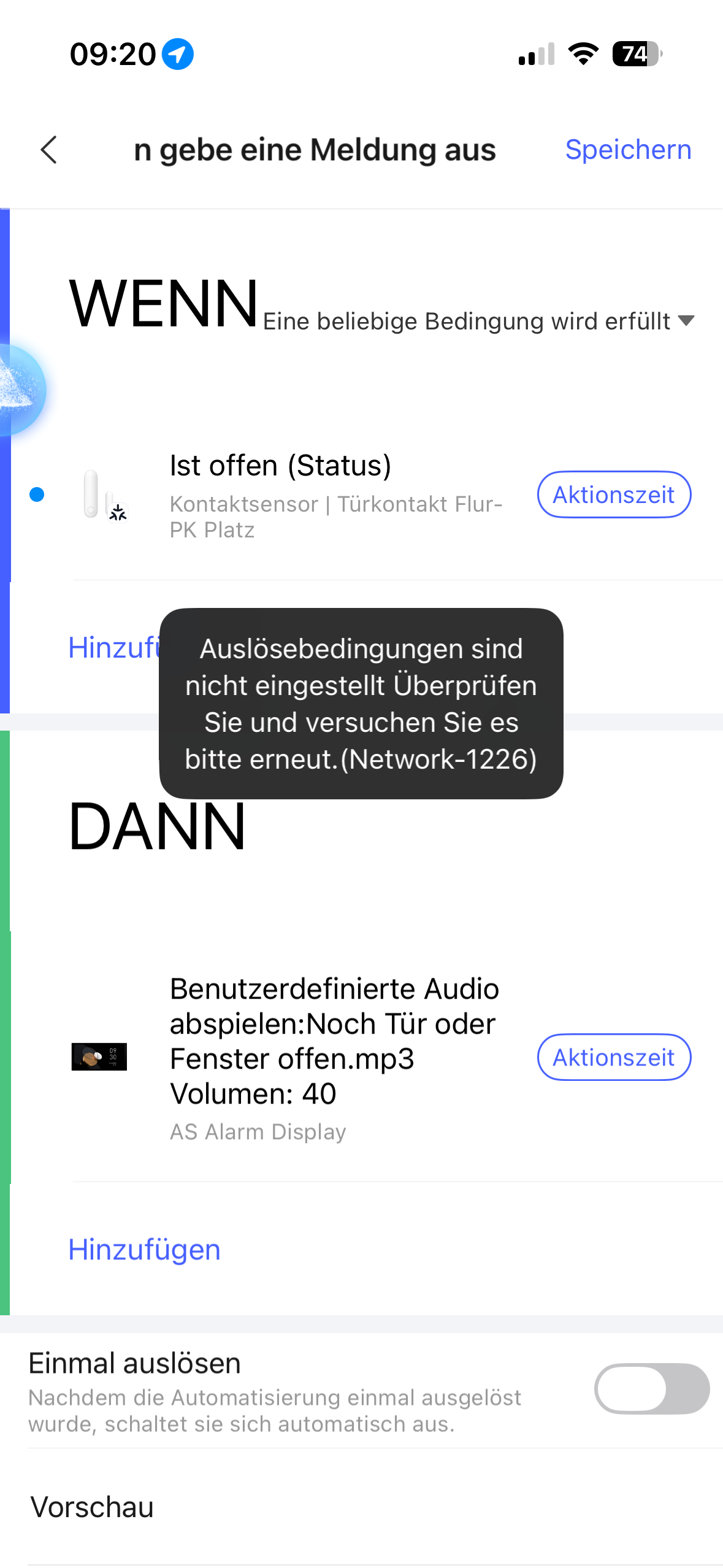
Hmm Hab gerade das selbe mit einem alten Türsensor nachgestellt- bei mir geht es
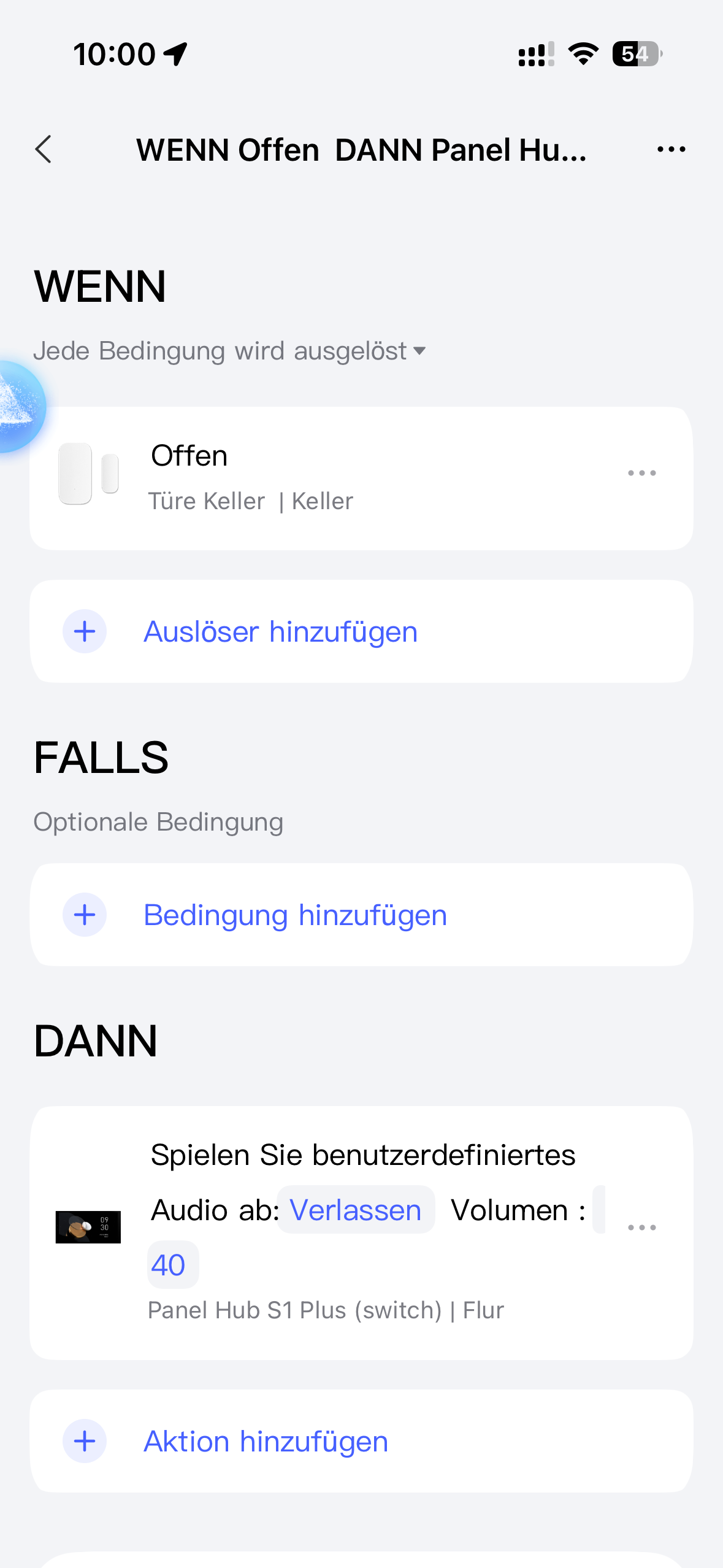
Jetzt liegt es entweder an der alten Automation - habe meins ja mit smart Automation 2.0 erstellt oder am p2 sensor
1 Like
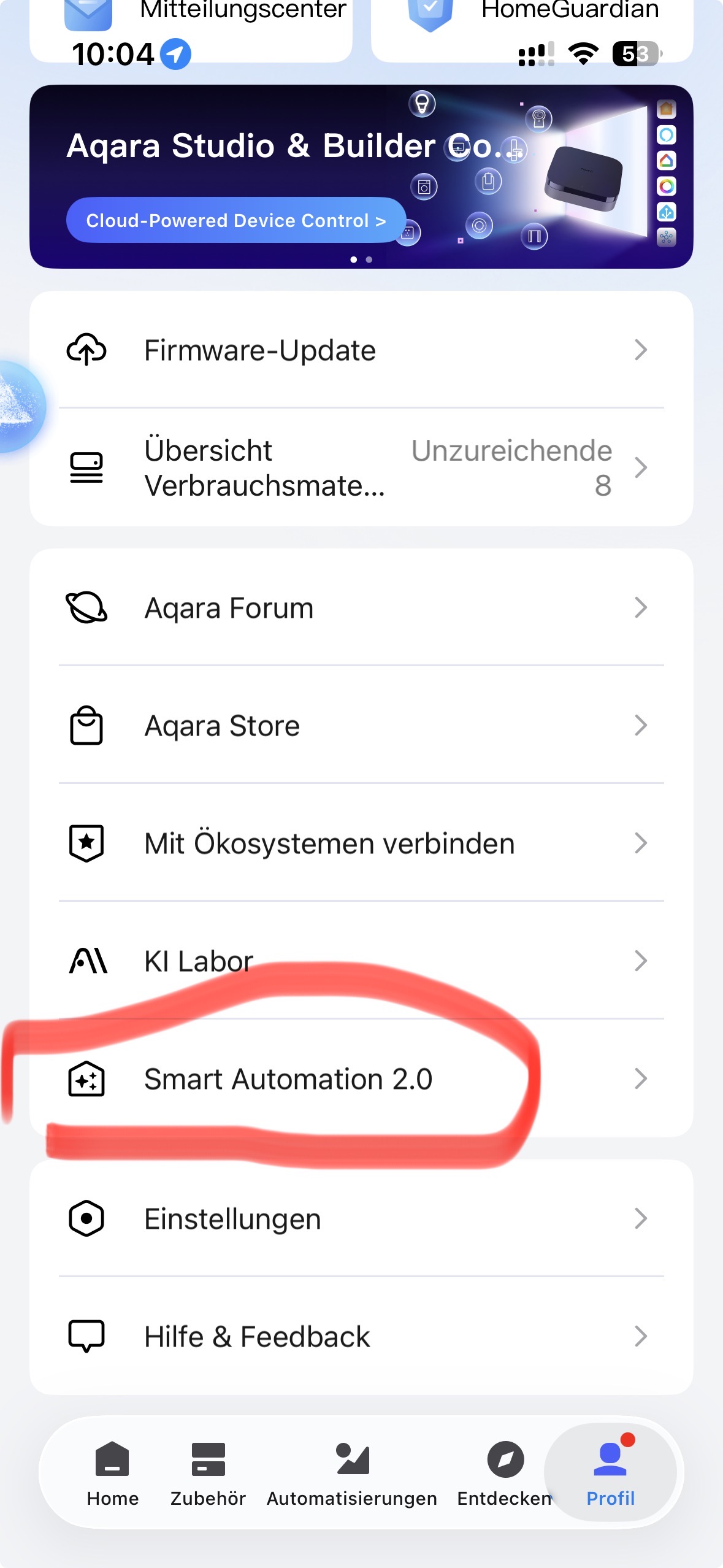
Hello, I am describing the transition to 2.0 in my lessons. I would like to ask you to read the first lesson and its explanation carefully before creating. This is necessary so that you clearly understand the algorithm of 2.0, it differs from 1.0.
2 Likes
Danke! Ich hatte von Anfang an auf Smart Automation gewechselt, habe dann wieder zurück gewechselt, weil ich dachte, dass es daran lag.
Ja, es könnte jetzt noch am Sensor selbst liegen. Ich mache mal ein Reset, und binde die neu ein. Mal sehen…
2 Likes
Alles klar! Bitte dann Feedback geben, würde mich natürlich interessieren
1 Like
Try using another trigger in the WENN section instead of open (e.g. button, on, or something else) for technical verification.
Versuchen Sie zur technischen Überprüfung, im WENN-Bereich anstelle von „Öffnen“ einen anderen Auslöser zu verwenden (z. B. „Schaltfläche“, „Ein“ oder etwas anderes).