We’ve packed this little plug with some major upgrades based on what our community loves. Here is a quick look at what’s new:
Two Protocols, No Compromise: Seamlessly connect to third-party Matter ecosystems via Thread¹ (no hub needed!), or switch to Zigbee mode² to unlock deep, exclusive Aqara automations. You can switch between them anytime!
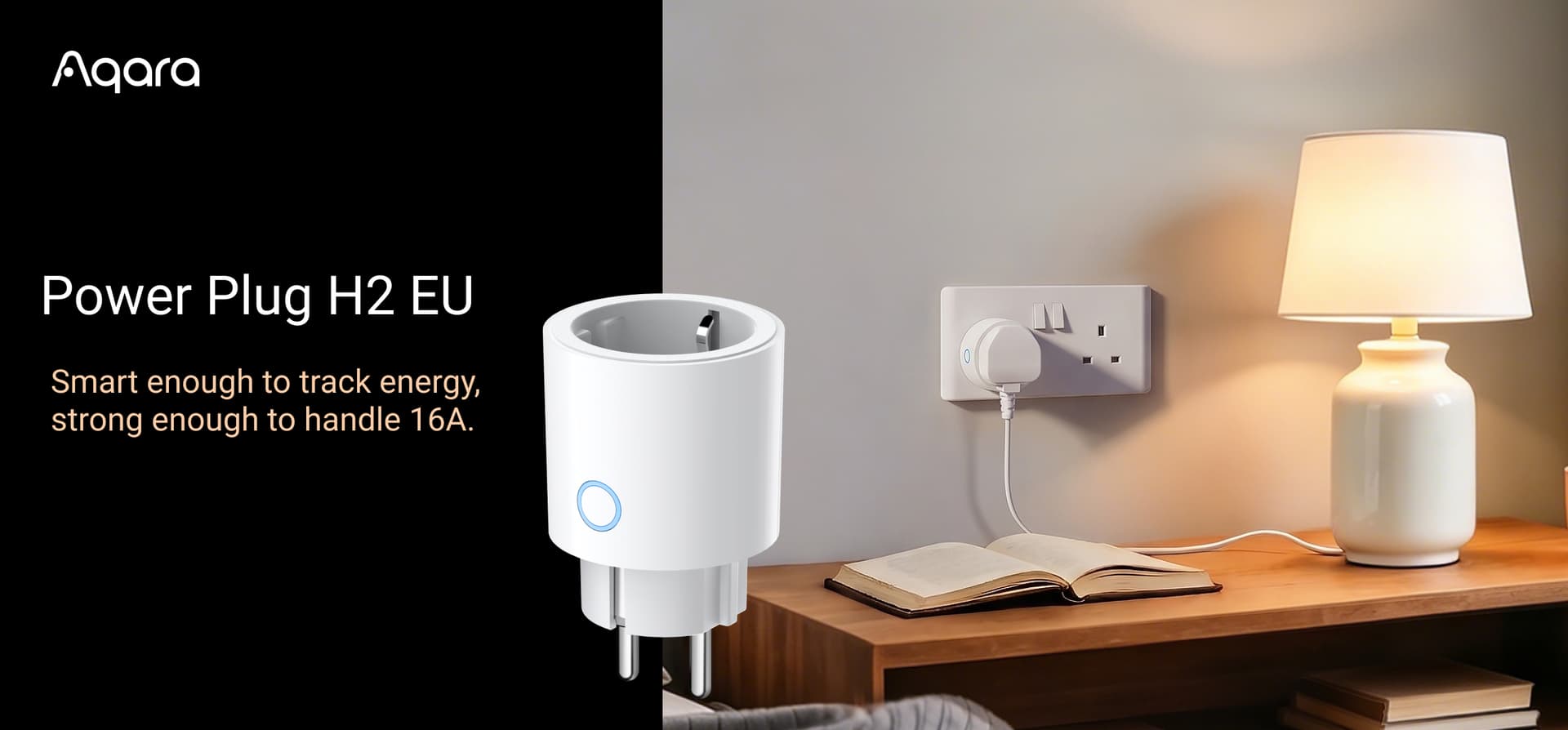
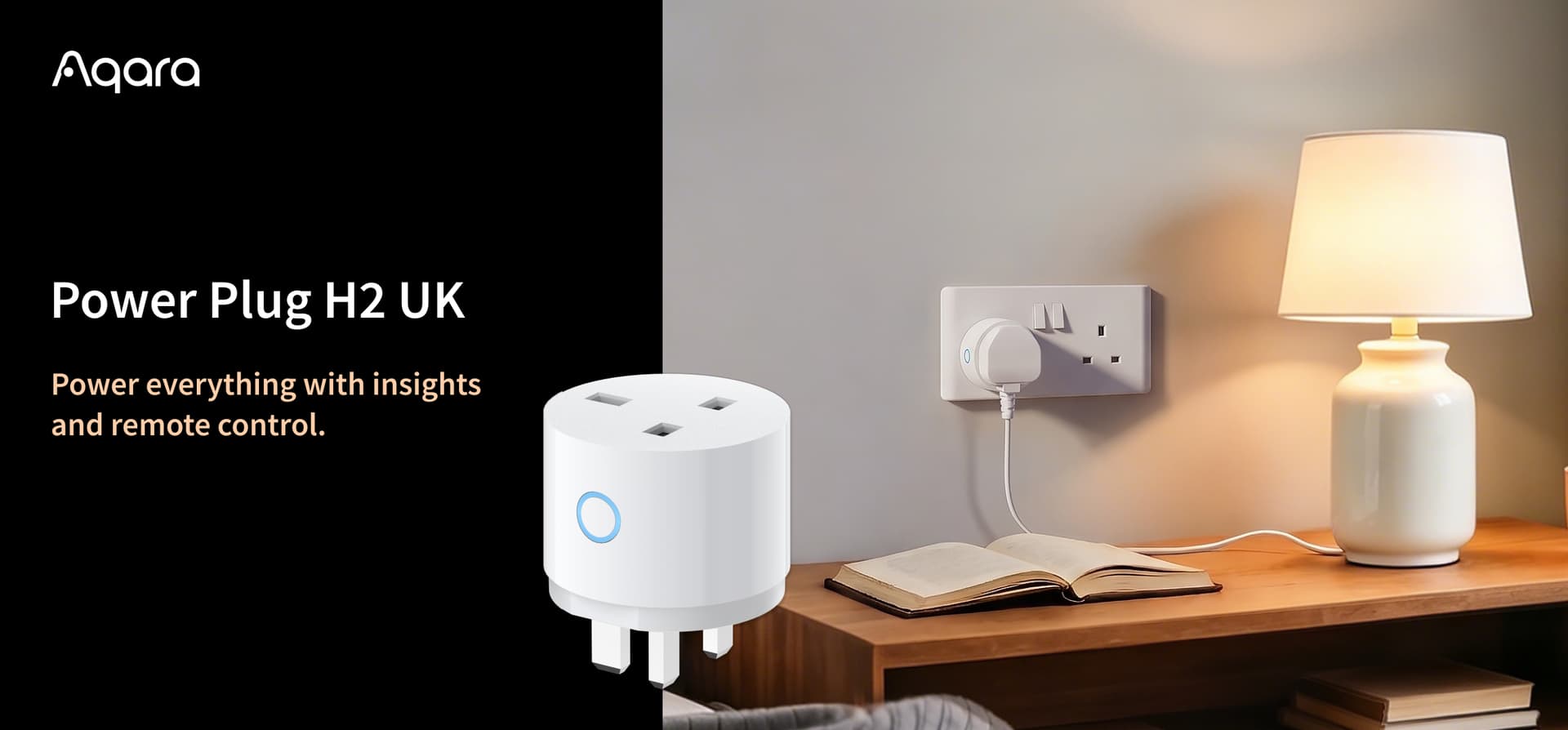
Smart & Slim: Automate your everyday “dumb” appliances (like coffee makers and lamps) without blocking your adjacent wall sockets.
Save Energy & Money: Track real-time and monthly power usage. You can even set automations to kill power when devices are idle, stopping standby mode from nicking €/£5-10 a month!
We can’t wait to see how you use these in your setups. What’s the very first appliance you’re going to make smart with the H2? Let us know in the comments below!
¹ To use the device with a Matter ecosystem via Thread, a Thread-enabled Matter Controller is required. ² Aqara Zigbee hub is required for Zigbee mode.
I was very excited to see these (UK) and jumped straight on them.
I was equally as excited to see they arrived super fast, but I’m now havinb connection issues.
The whole reason I bought these is to use with my existing Zigbee network on Home Assistant.
However, even with my HA network ready for a new device to join, the plug won’t connect to my HA network. If I set it up via the Matter protocol in the HA app, it connects via Thread rather than Zigbee which defeats the whole point of this.
Could someone suggest what I need to do?
Update (Solved):
The plug comes in Thread mode, so you need to first connect it directly to the Aqara mobile app via bluetooth, then switch the mode to thread. When it gets to the point asking you to select an Aqara hub to connect it to, you can exit the app and continue with your HA Zigbee network joining.
[Home Assistant Use Note] - Whilst you can connect to Home Assitant via Zigbee and you can technically control and read the entities, as it’s so new, Zigbee2MQTT registers this as an unsuported device.
Installed 5 of these today, some issues somehow manage to get 1 directly into HomeKit this gave me 2 x devices the plug and a RGB light switch so you can fully control the indicator light on the plug, the other 4 x I set up in Aqara App then noticed no Matter pairing code menu to set up in HomeKit so updated M3 hub connection then they appeared in HomeKit but with no light switch to control the light on the plug, deleted from Aqara App but even resetting them HomeKit failed to install them all now , noticed that now they flash pink and blue in setup rather then just blue initially but they will install back into Aqara OK, Am I doing stuff wrong I have been running Aqara for a long time and have about 60 devices running so fairly Ok with all the setups normally

 Grab yours here: